Vote on Behalf of Customers
Customer feedback does not always arrive through the voting board. When it comes in through a meeting, call, or email, you can add a vote on behalf of that customer so it is still counted and tracked against the right Idea.
Go to Voting → locate the Idea → click + → enter the email address of the customer.
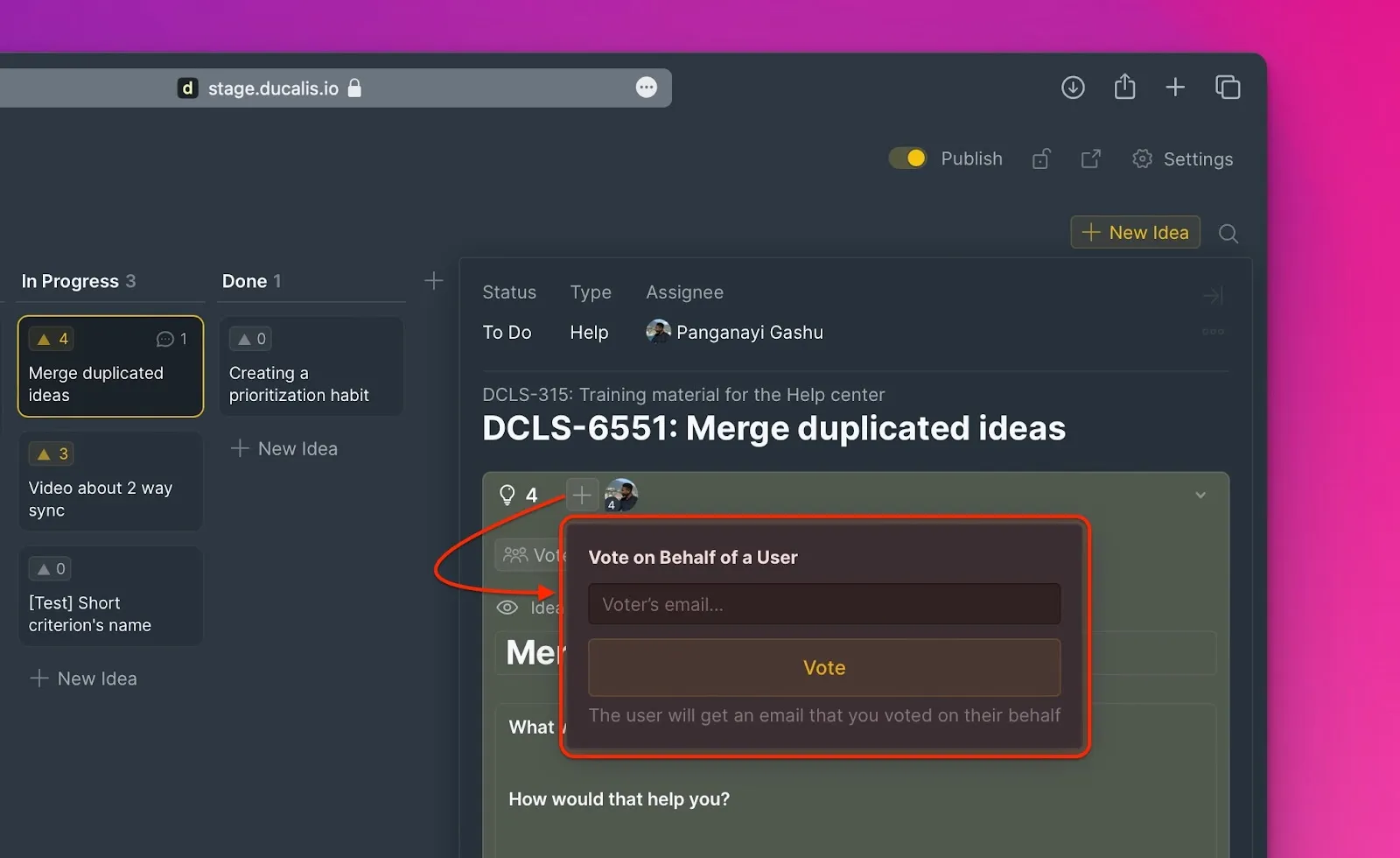
The customer is notified via email about this action.
What's Next?
Learn more about how Voters can vote, comment, and mention teammates on Ideas.