Personal Access Tokens
Personal access tokens (PATs) provide a secure authentication method for connecting Jira Server to Ducalis. PATs are safer than using username and password credentials because you can control their expiration and revoke them independently.
This authentication method is available on Enterprise plans only. Contact us for Enterprise plan inquiries.
Create personal access tokens
-
In your Jira account, select your profile picture at the top right, then choose Profile.
-
Select Personal Access Tokens in the left-hand menu.
-
Click Create token.
-
Enter a name for your token.
-
(Optional) Set an expiration date for security. The token shows an Expires Soon status 5 days before expiration. Expired tokens can't be reactivated—you must create a new token.
-
Click Create.
-
Copy the token and store it securely. You won't be able to view it again.
Connect Jira Server with personal access tokens
-
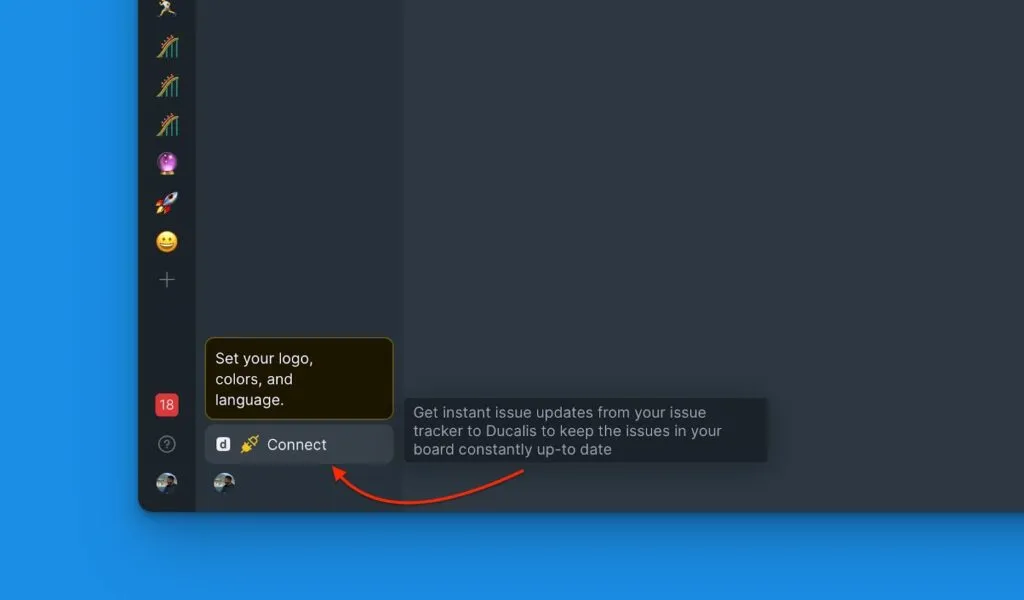
In your board, click Connect in the bottom left corner to access sync settings.
-
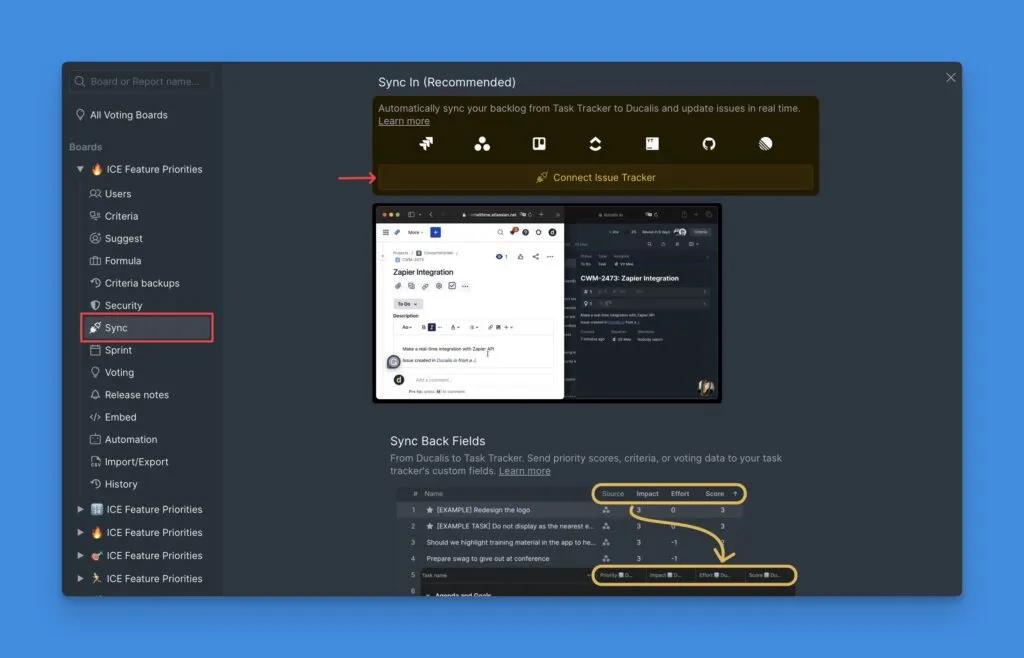
Under Sync settings, click Connect Issue Tracker.
-
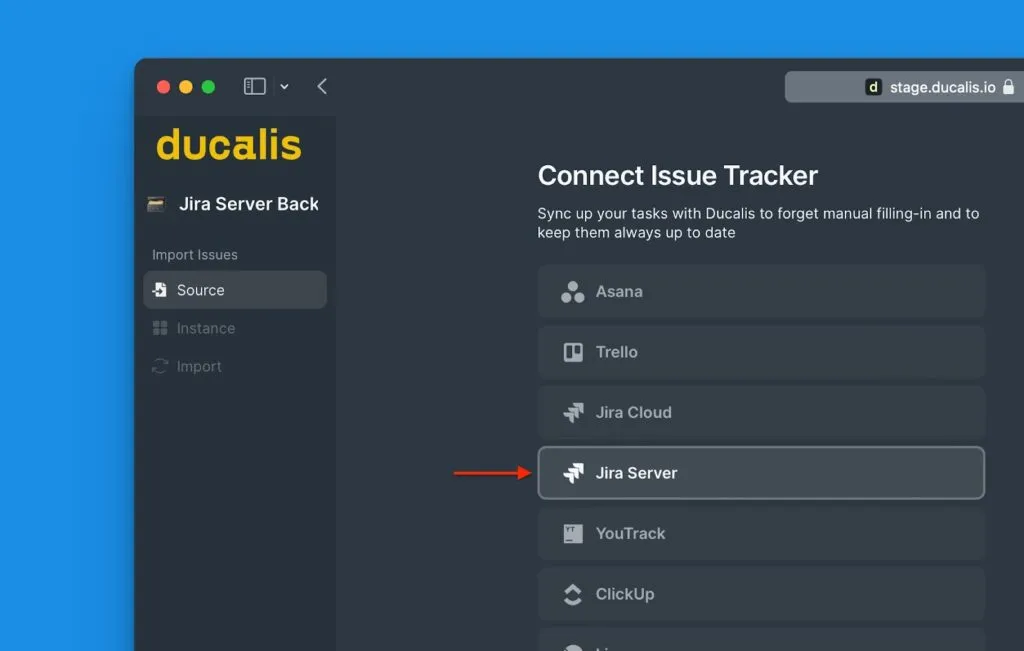
Under Source, select Jira Server.
-
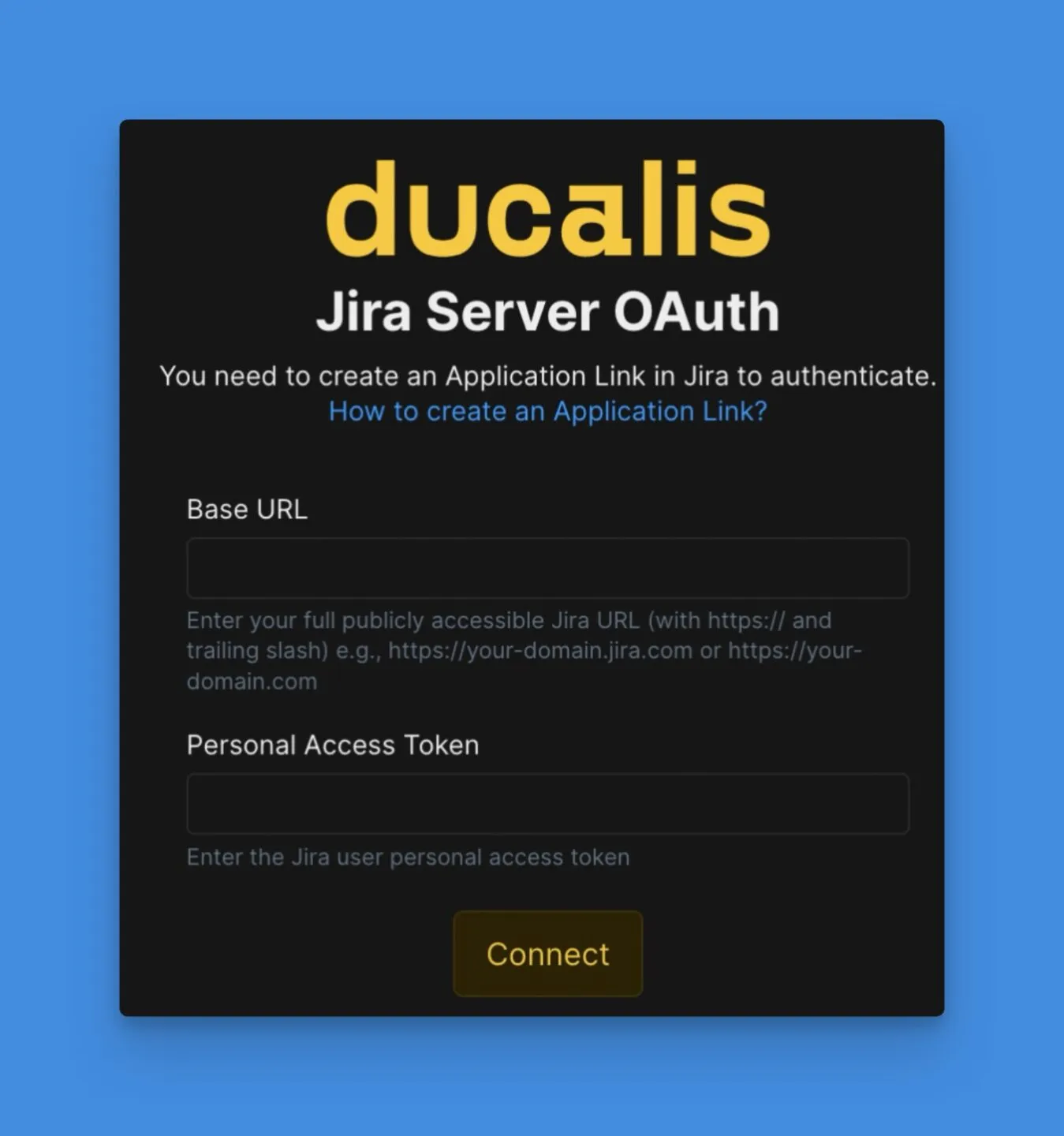
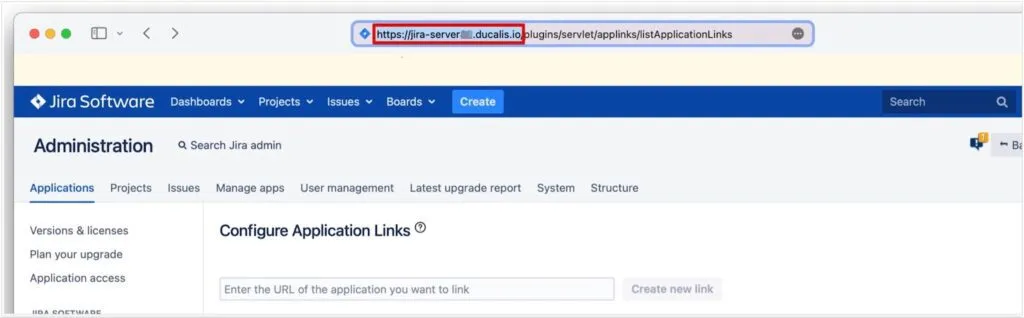
Enter your Jira Server Base URL and personal access token.
-
Copy the Base URL from your Jira account and paste it into the Base URL field in Ducalis.
-
Paste the personal access token you created into the Token field and click Connect.
Your Jira Server is now connected to Ducalis using secure token authentication.