Sync Back
Set up Sync Back to send prioritization scores from Ducalis to Linear by chatting with the AI assistant, instead of configuring fields manually.
Start Sync Back setup
-
Open the AI assistant.
-
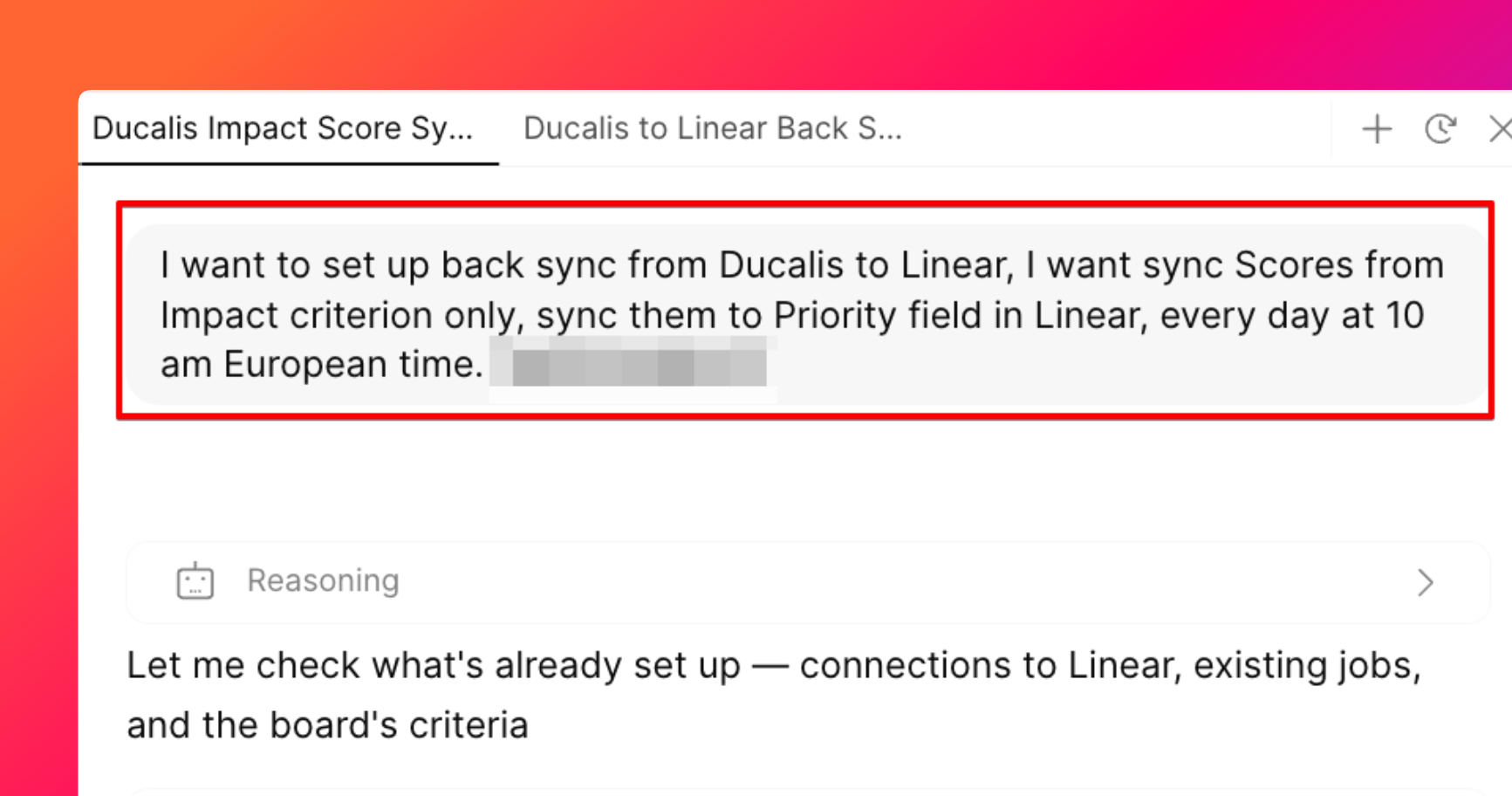
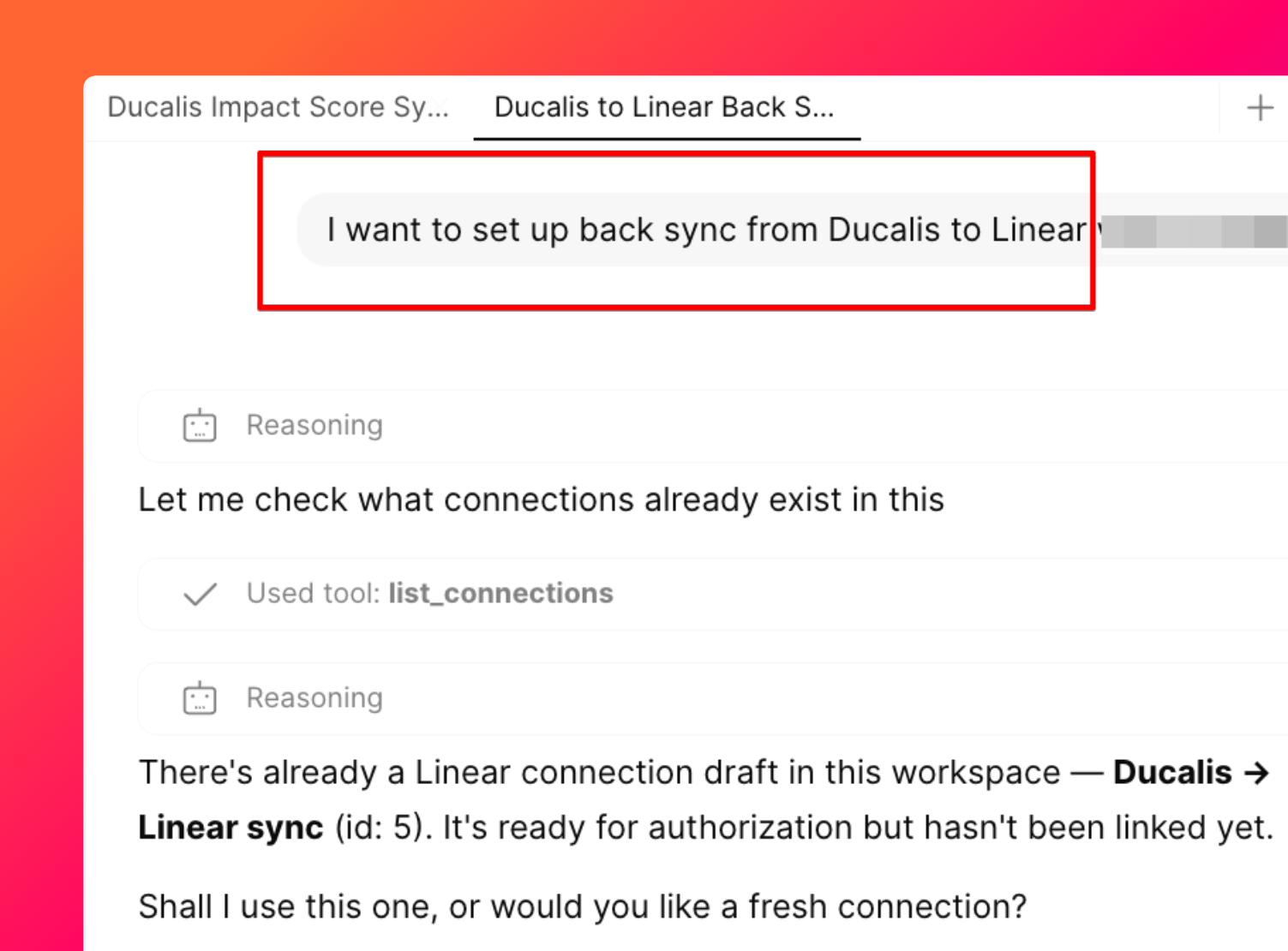
Tell the assistant what you want, for example: "I want to set up back sync from Ducalis to Linear."
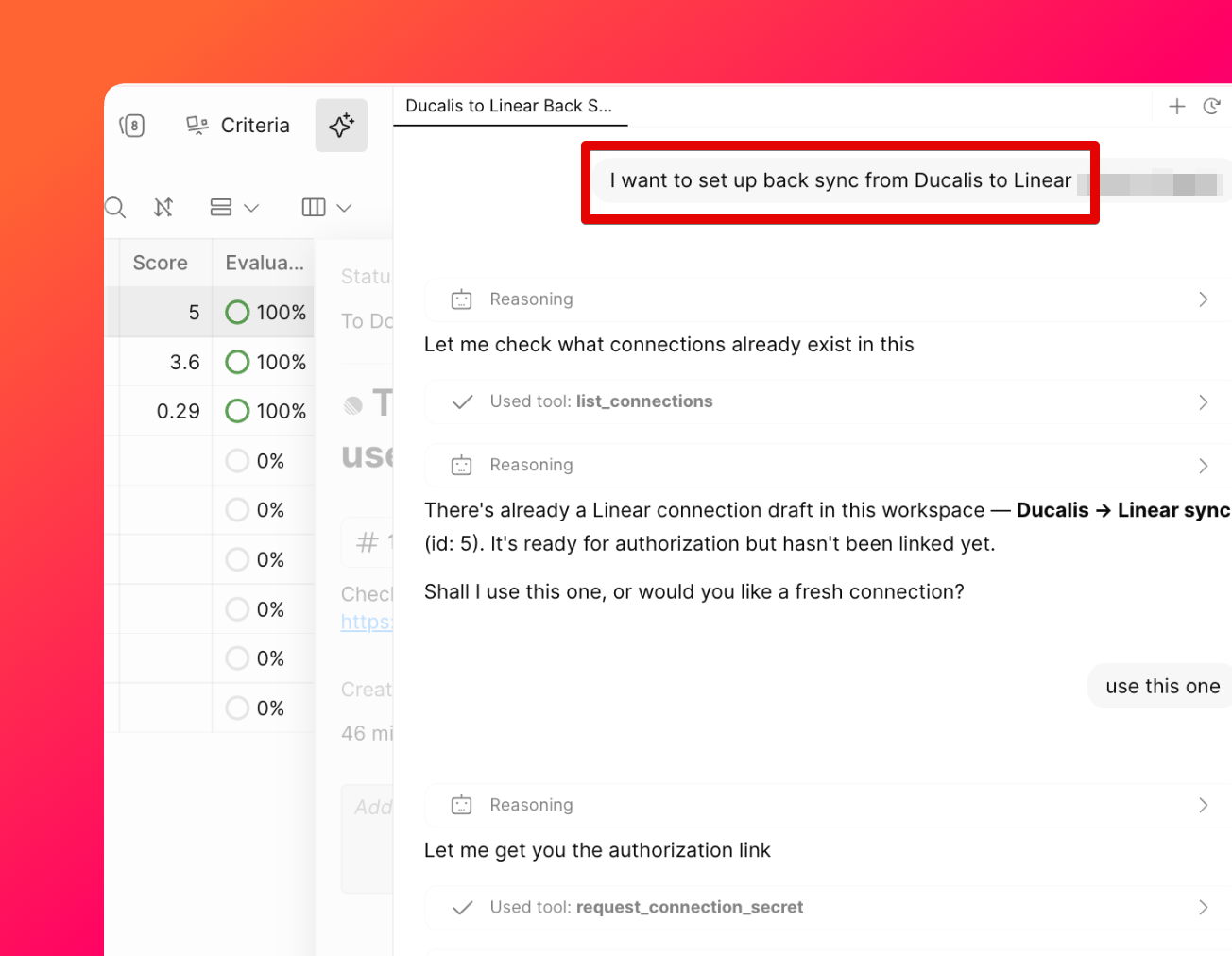
-
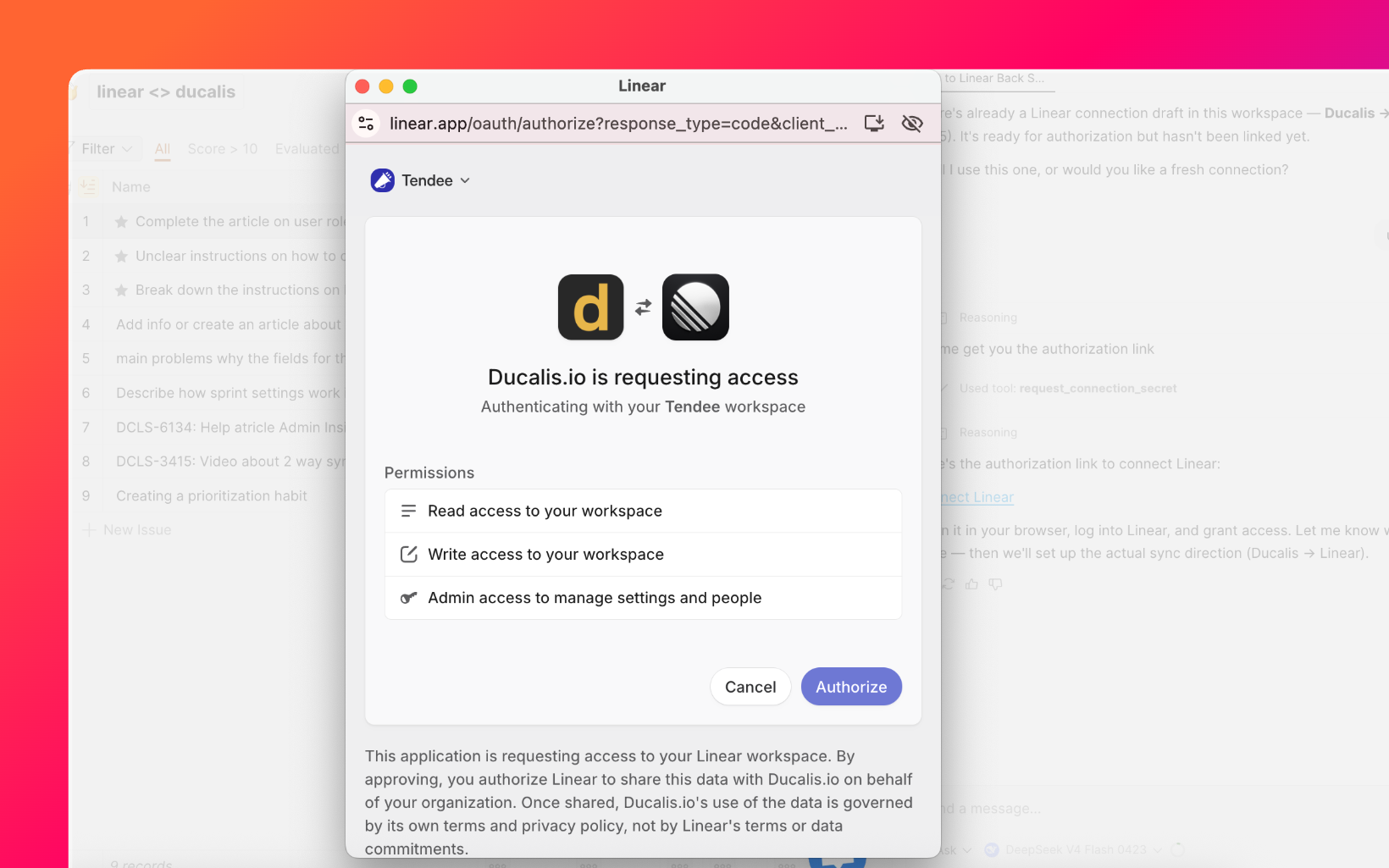
If Ducalis isn't connected to Linear yet, click Connect Linear when the assistant offers to create the connection.
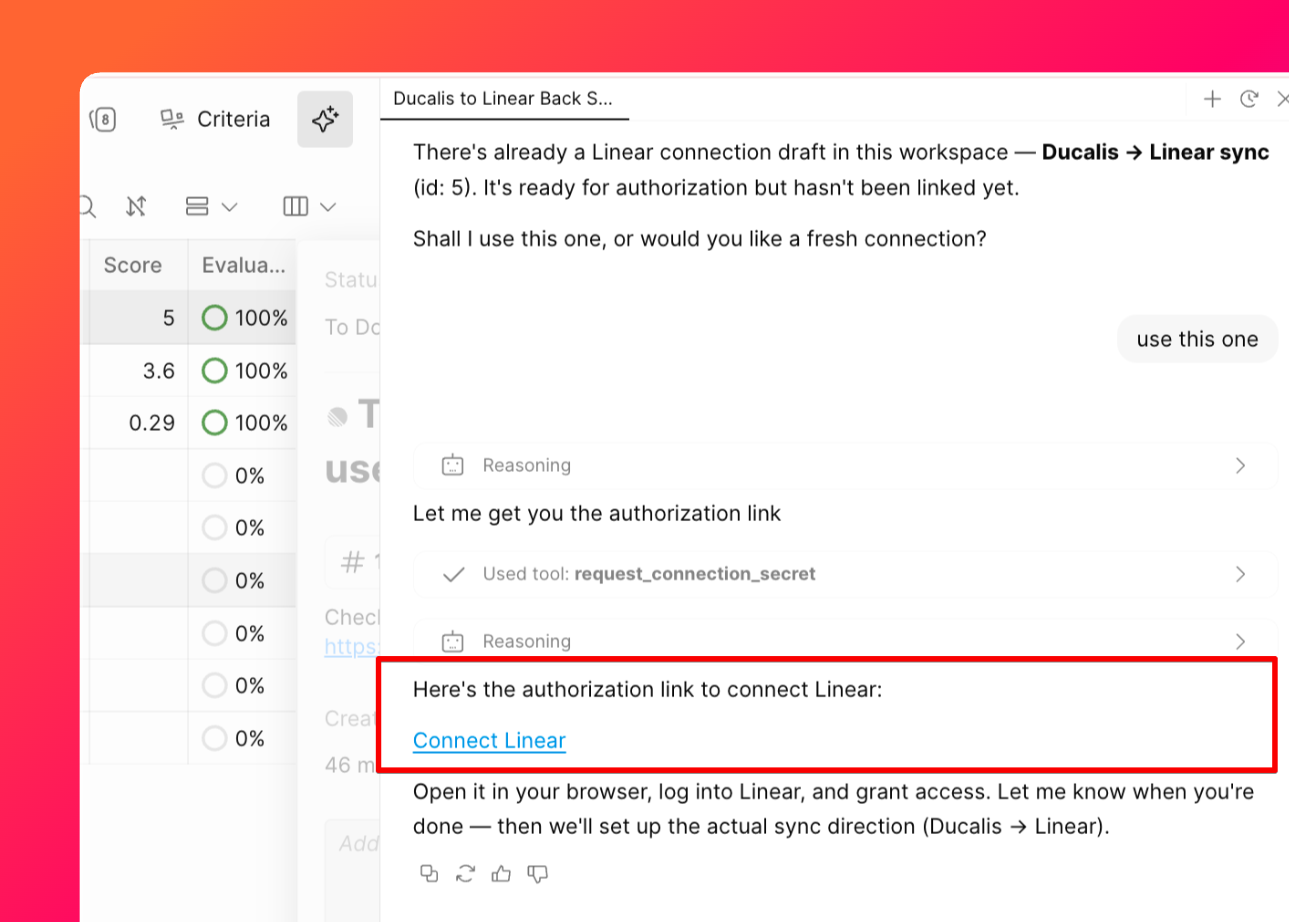
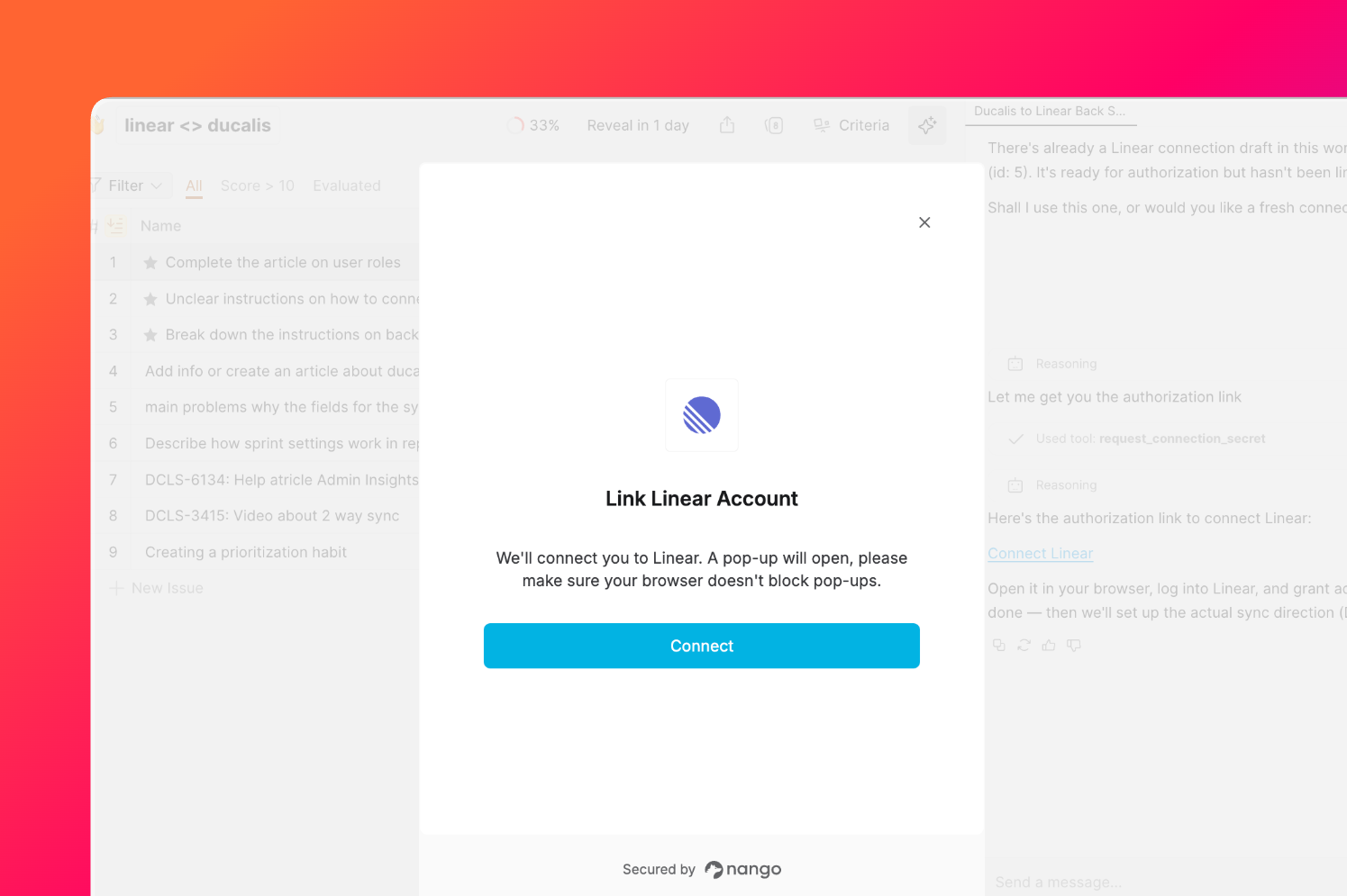
-
Click Authorize to authorize the connection.
-
Continue the conversation with the AI assistant after the connection succeeds.
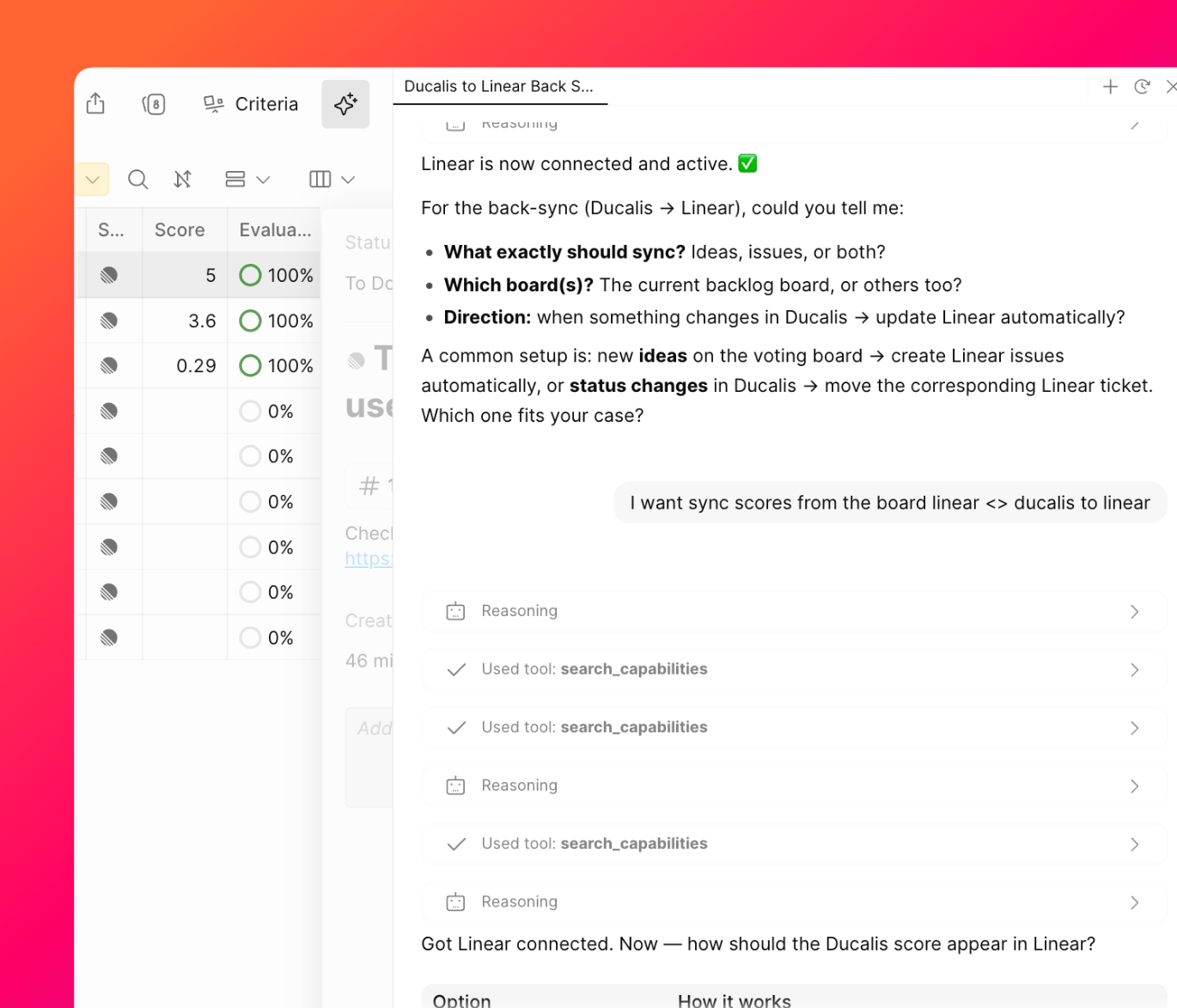
Skip steps 3 and 4 if you've already completed Connect Linear.
Configure Sync Back details
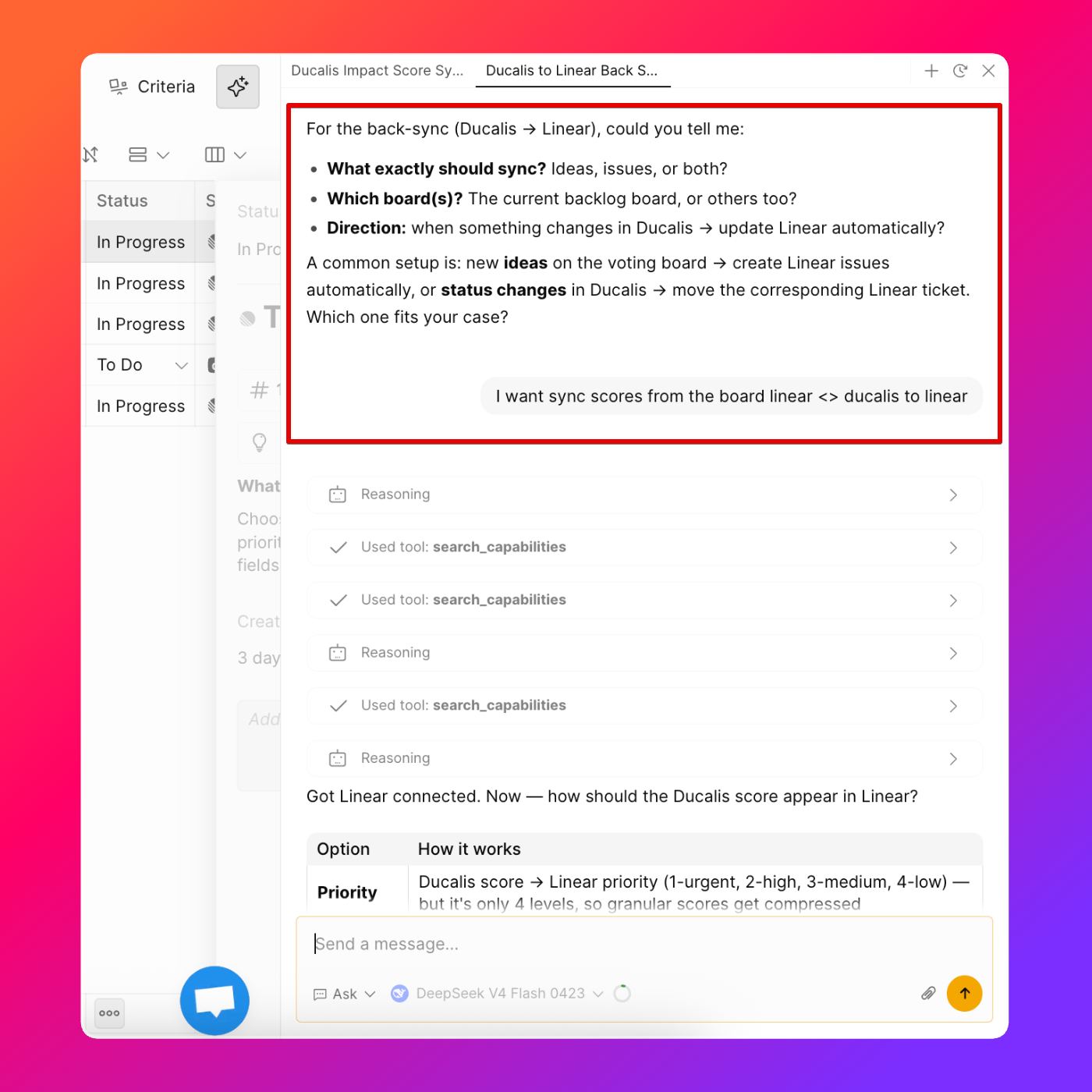
The AI assistant offers solutions or asks for the details it needs, such as:
-
Which Criterion or field to sync back—for example, Scores from the Reach Criterion only
-
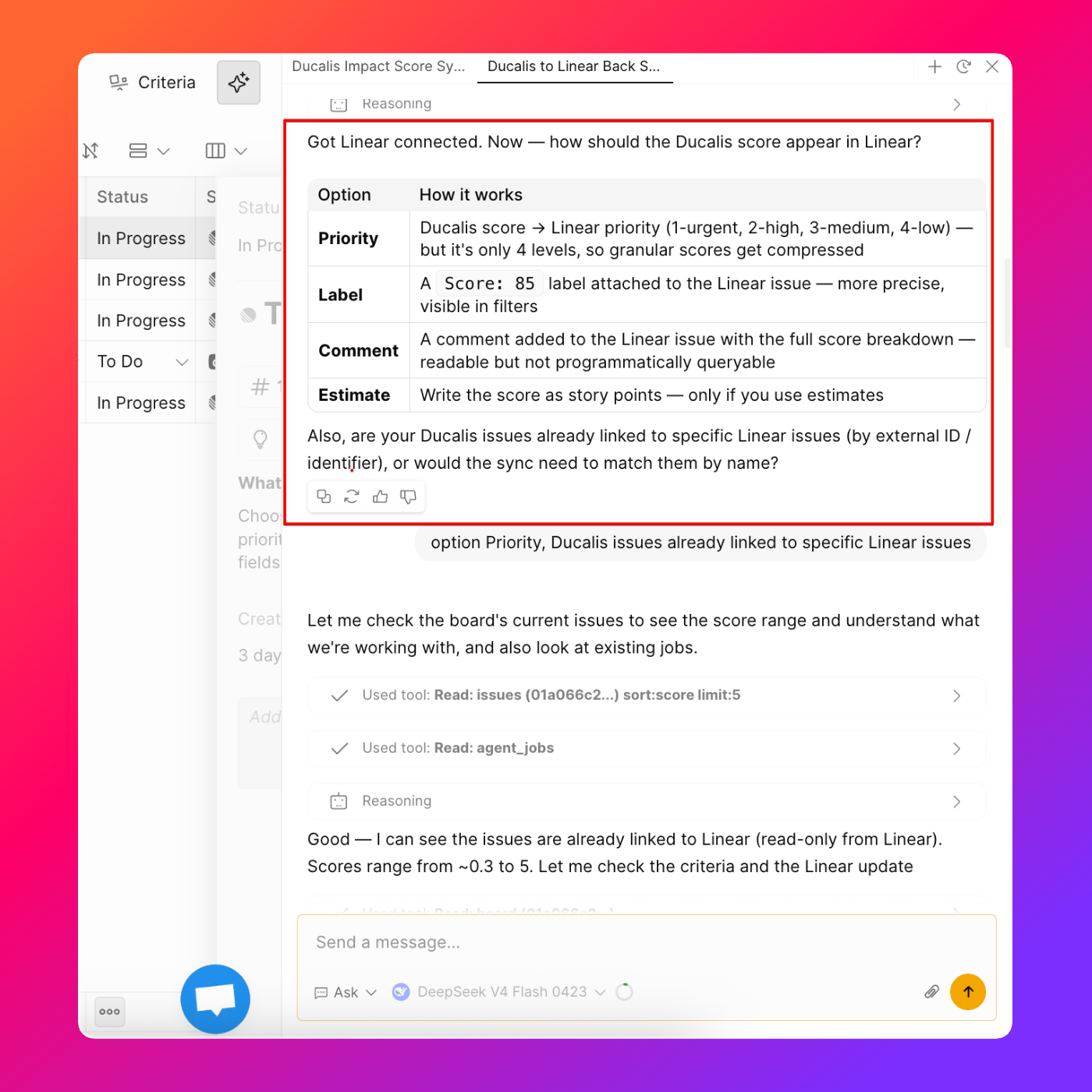
Which Linear field to sync the data to—for example, the Priority field
-
How often to sync data back to Linear—for example, every day at 10 AM European time
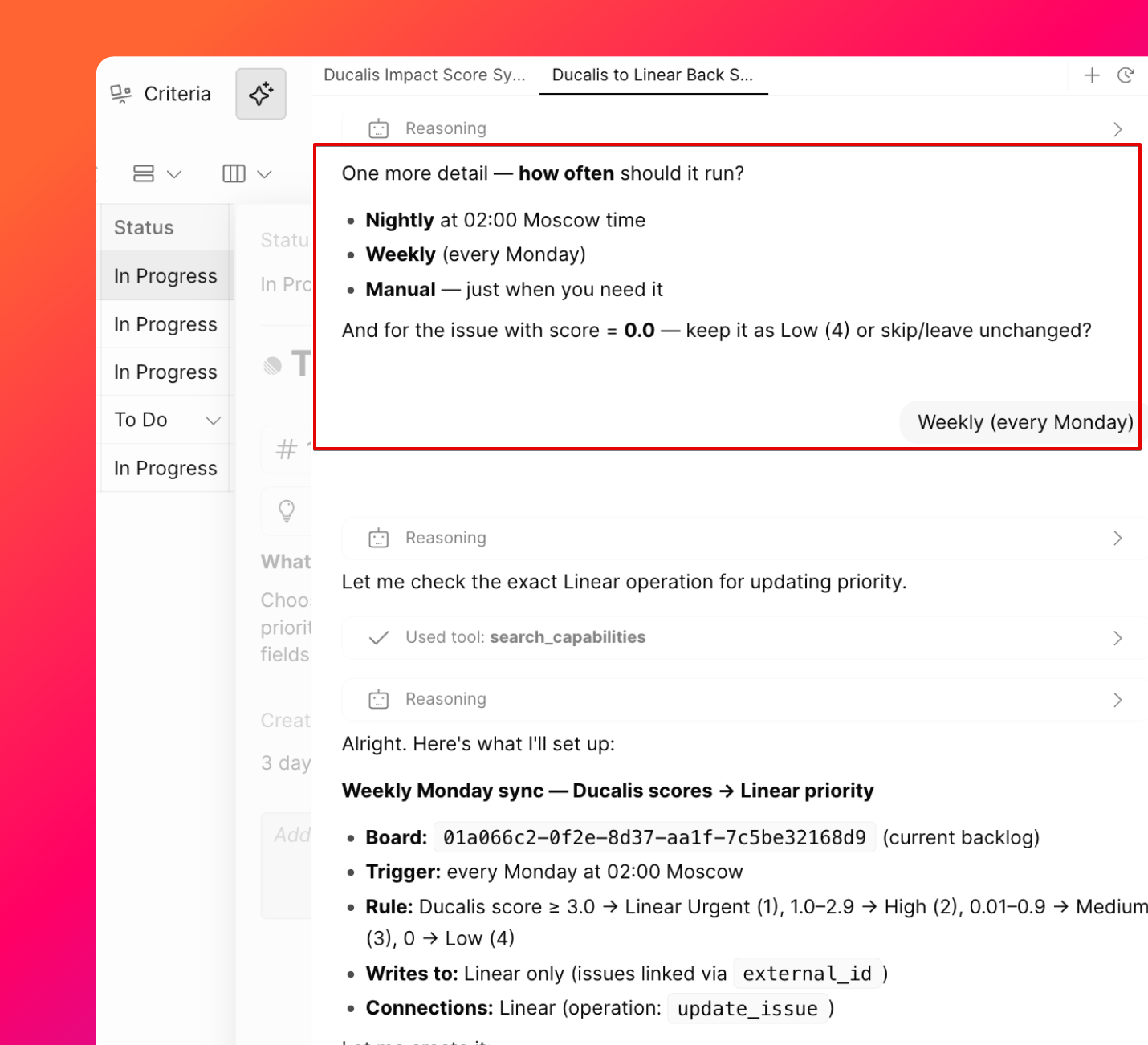
Answer the assistant's follow-up questions until Sync Back is configured correctly.
Preview and test Sync Back
-
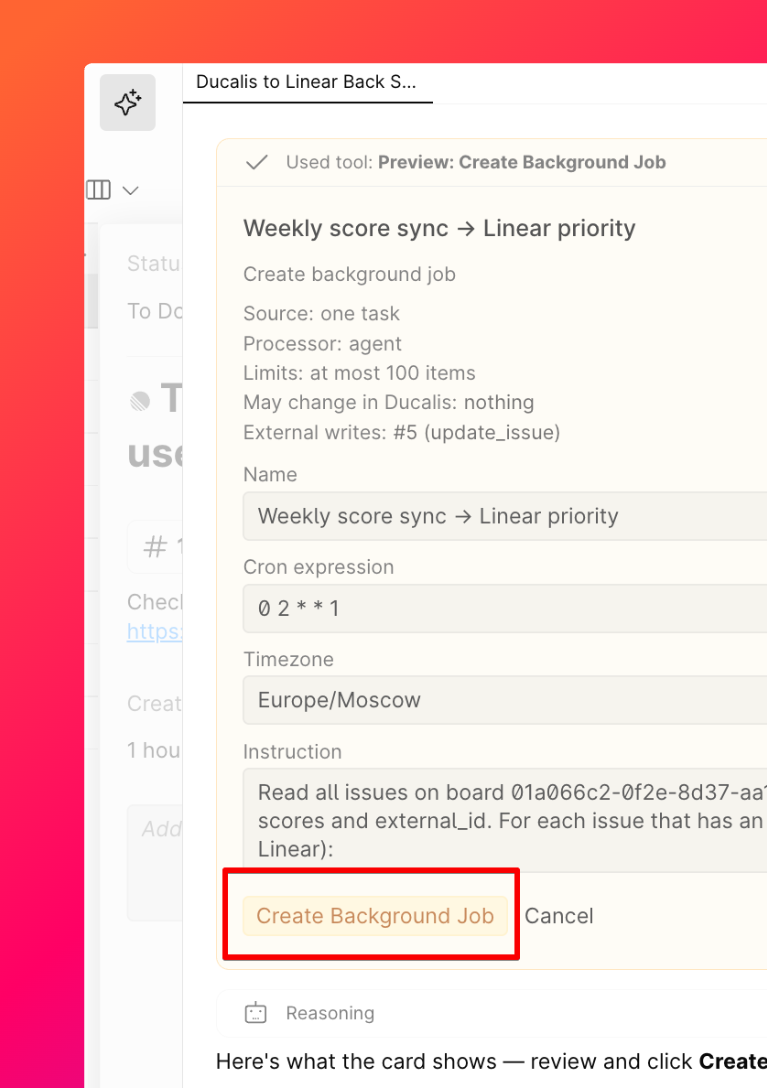
Review the preview the AI assistant offers, then confirm to create the Sync Back.
-
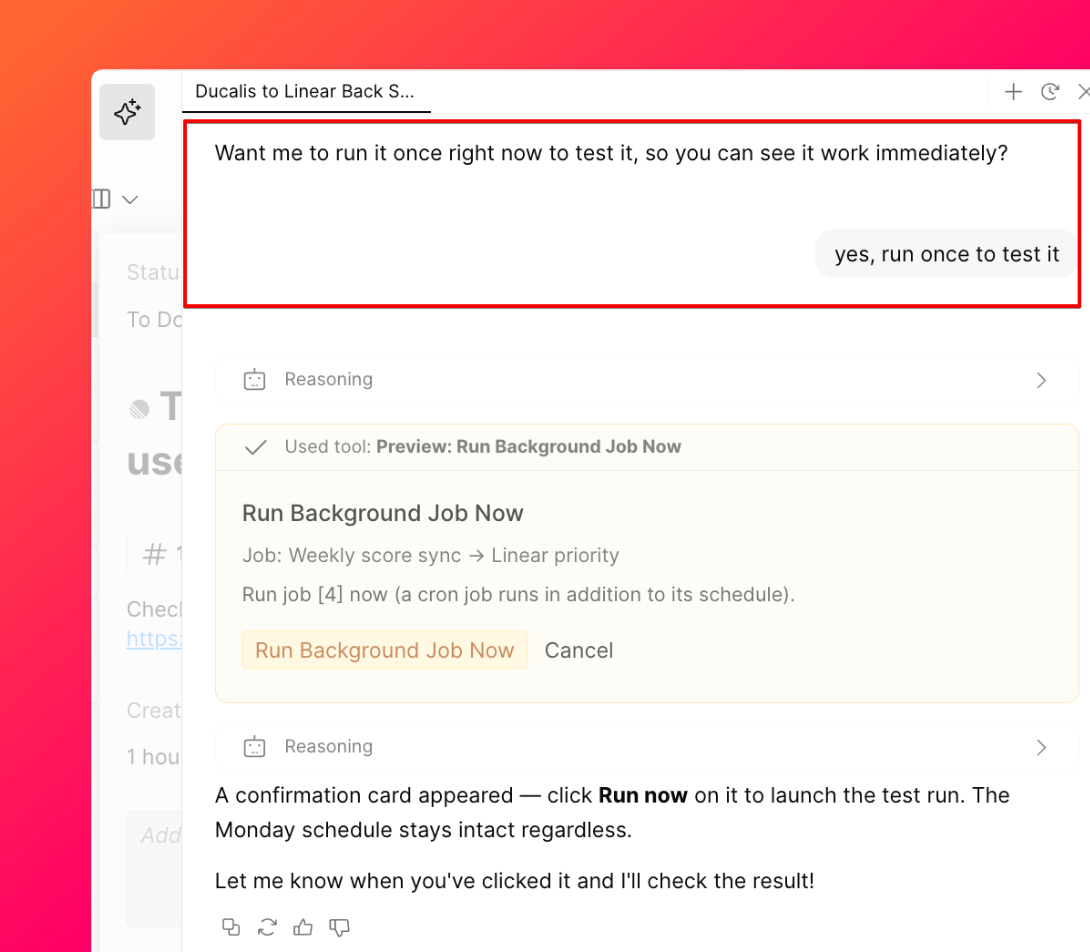
Test Sync Back immediately if you want to confirm it works as expected.
Monitor Sync Back progress
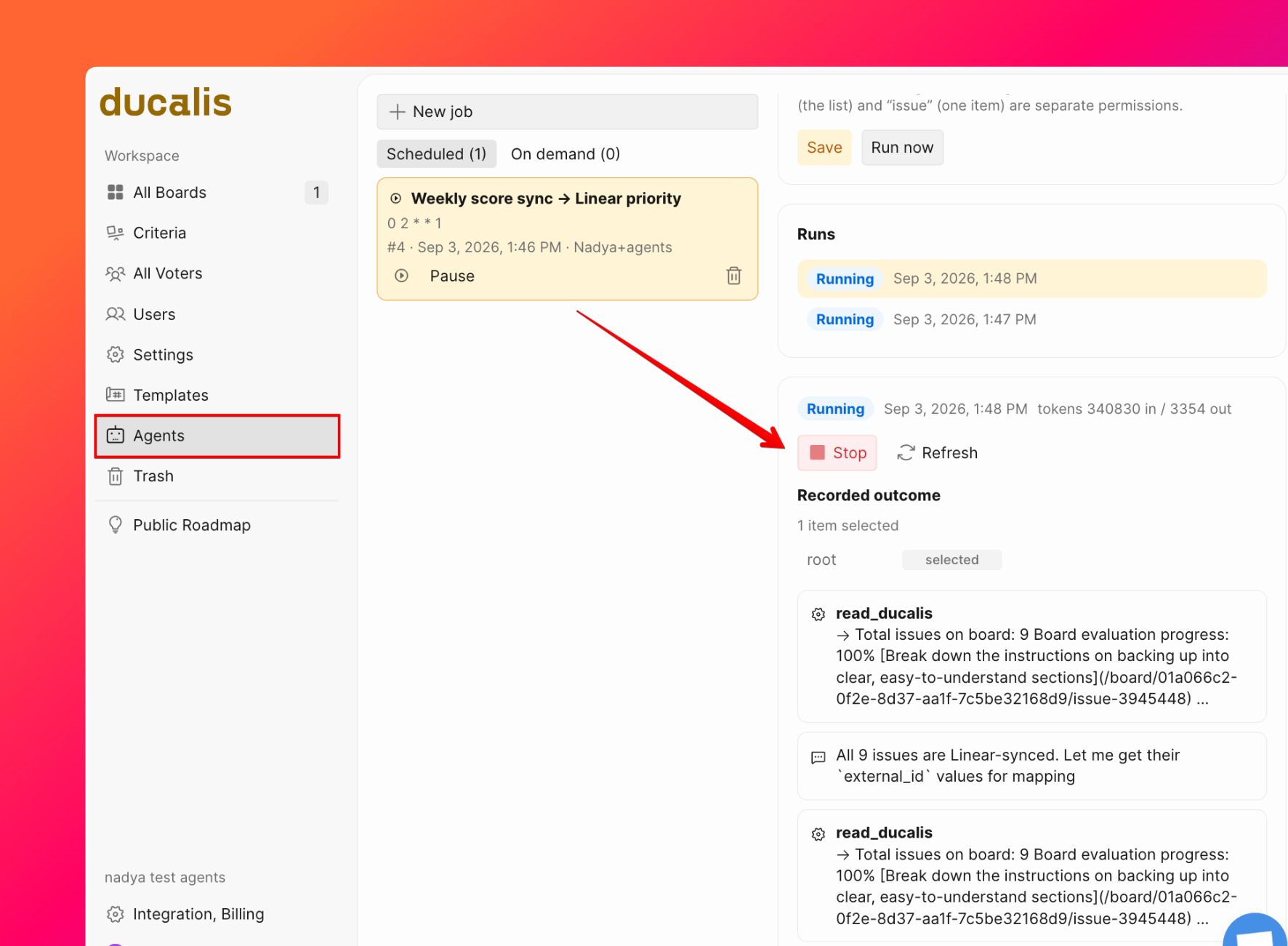
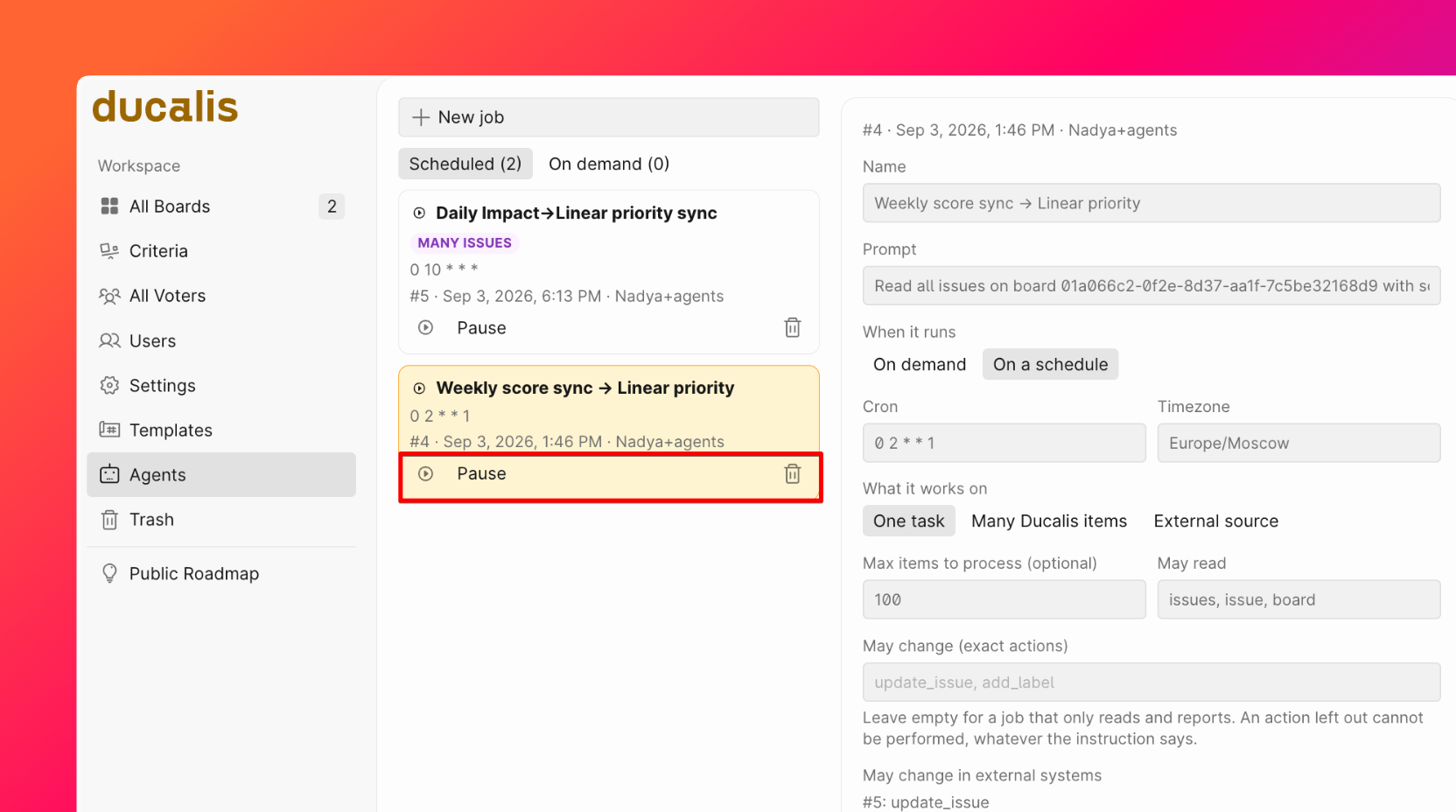
Check the progress of a running Sync Back on the Agents page. Stop the sync from this page if needed.
Manage an existing Sync Back
To change, run, or delete the schedule, ask the AI assistant to do it. Alternatively, go to the Agents section to run, pause, or delete it.
Example prompts
Use these prompts to start a conversation with the AI assistant:
-
General: "I want to set up back sync from Ducalis to Linear." The assistant asks for the details it needs.
-
Detailed: "I want to set up back sync from Ducalis to Linear, I want to sync Scores from the Reach Criterion only, sync them to the Priority field in Linear, every day at 10 AM European time."