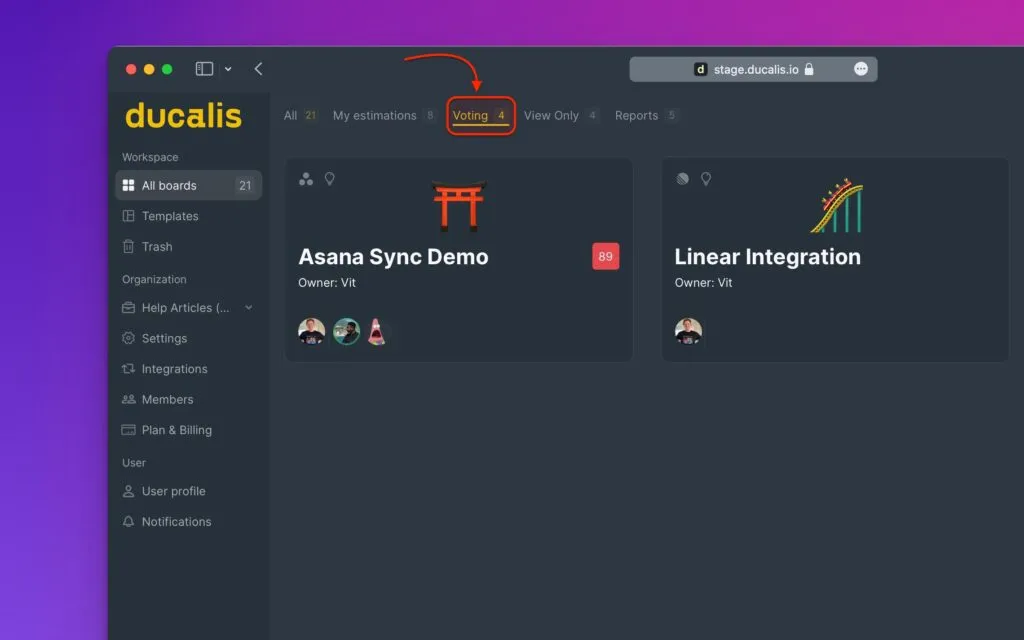
Global Search
Quickly search Boards, Ideas and Issues using keyboard shortcuts or the search feature.
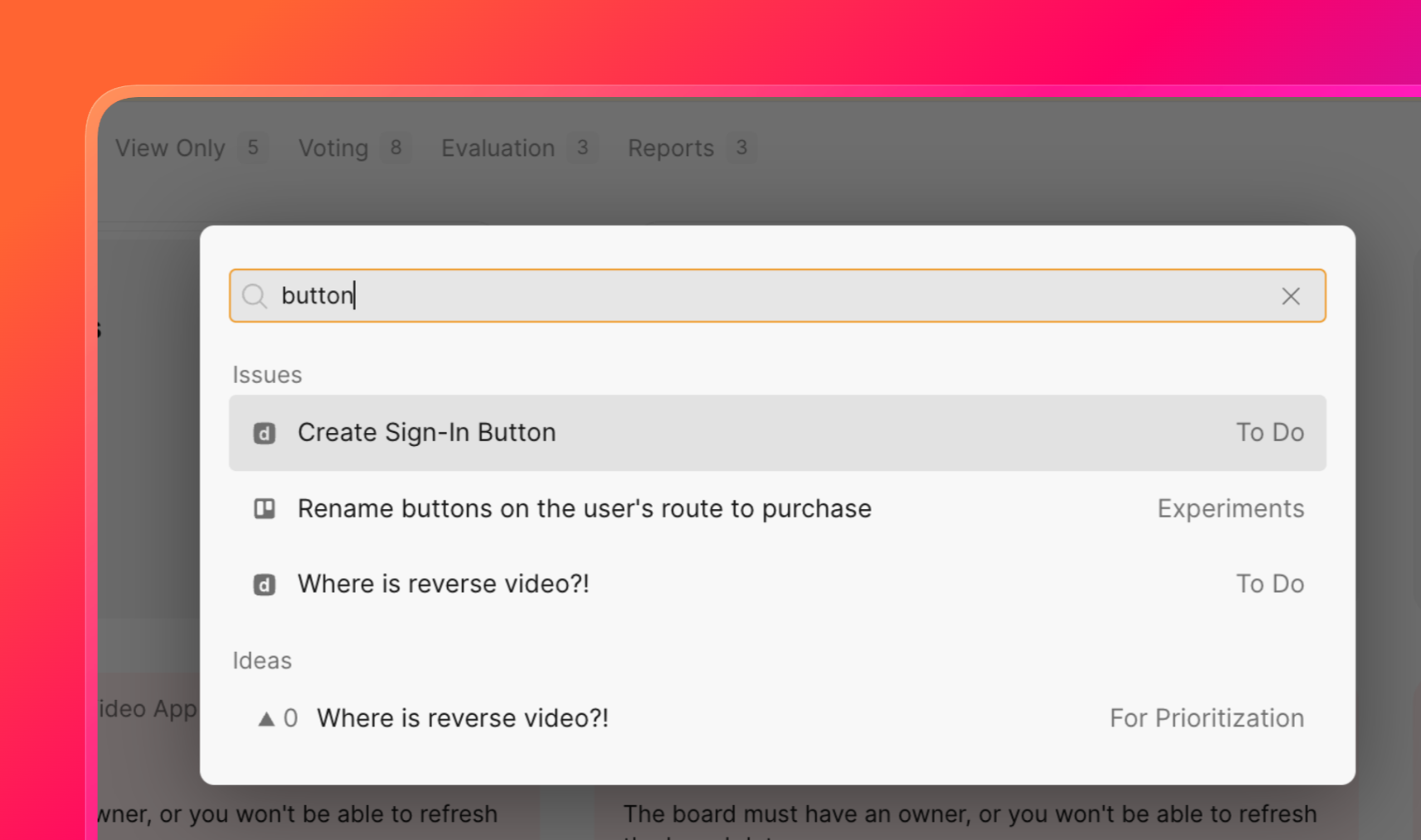
Issues and Ideas Search
Global workspace search using Cmd+K now lets you find tasks and ideas across your entire workspace instead of searching within individual boards, so you can quickly locate any task without remembering which board it's on.
Board search and switching
Use the search icon to open the board searcher. Type to search for any Board you have access to.
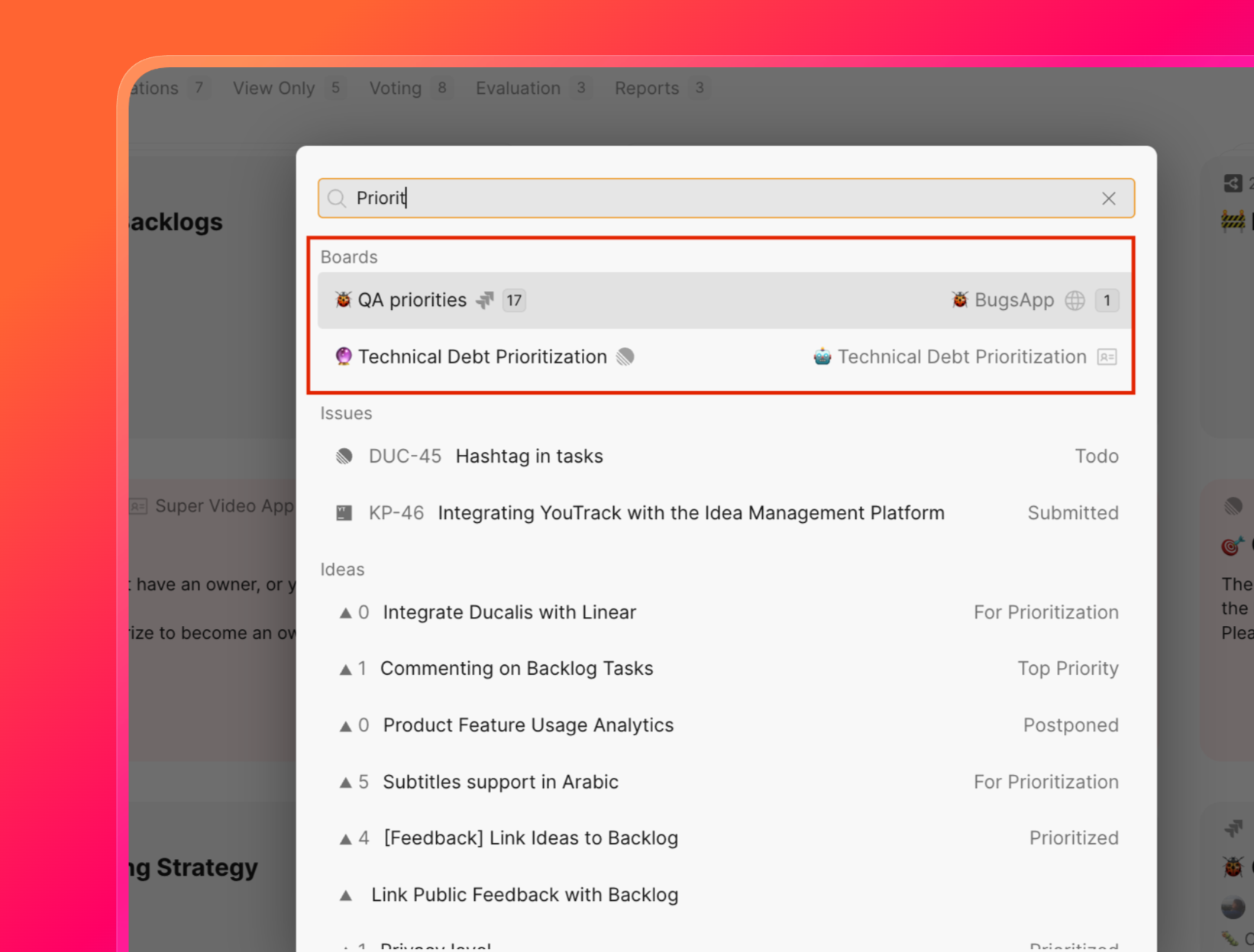
The list shows all Boards you have access to with helpful status indicators.
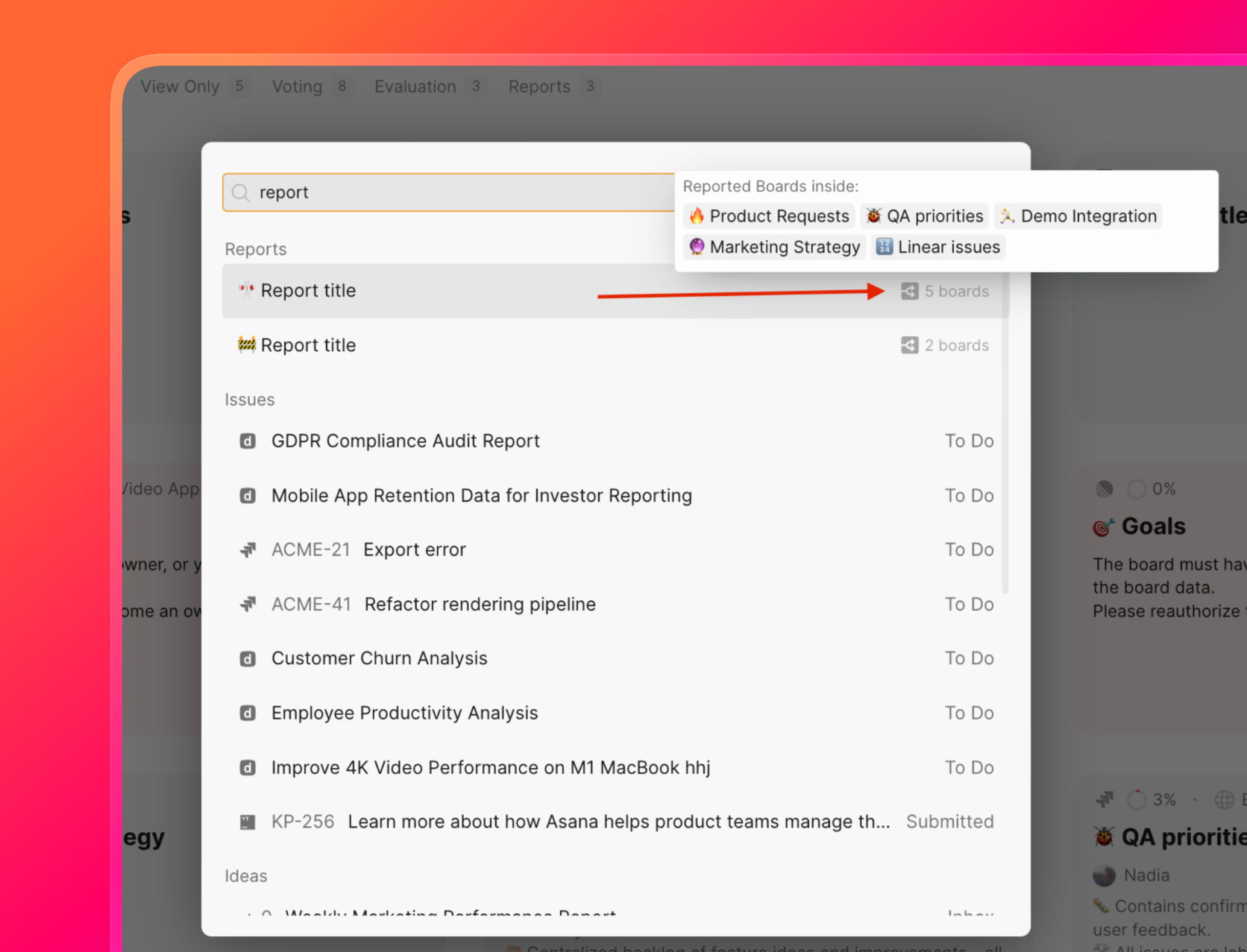
Report board indicators
Report boards show the number of prioritization Boards included in the report.
Prioritization board indicators
Prioritization Boards display several status indicators:
1. Issues to evaluate
If you're an Estimator, you'll see the number of Issues awaiting your evaluation.
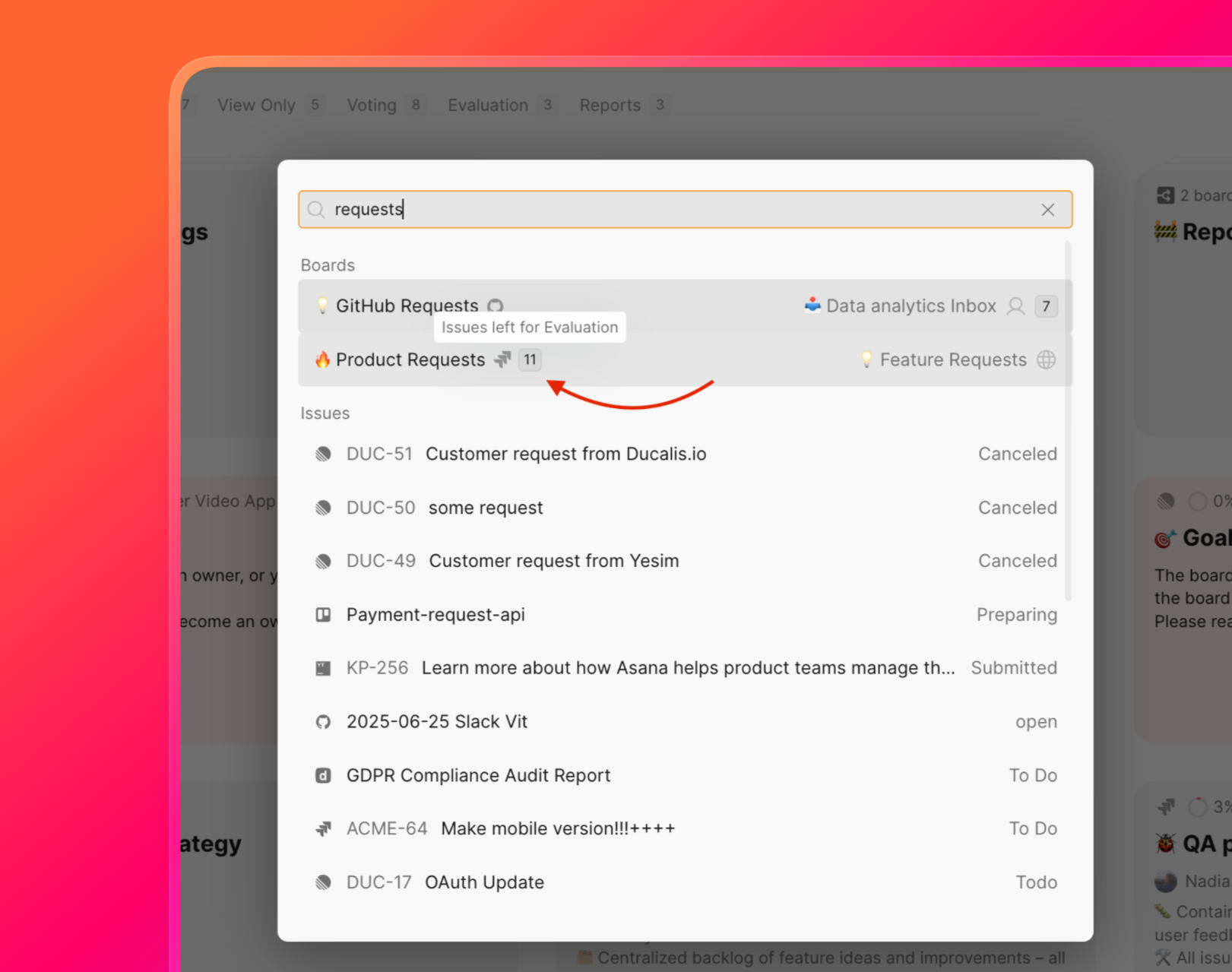
2. Voting Board status
An icon indicates whether the Board has a Voting Board published on the web.
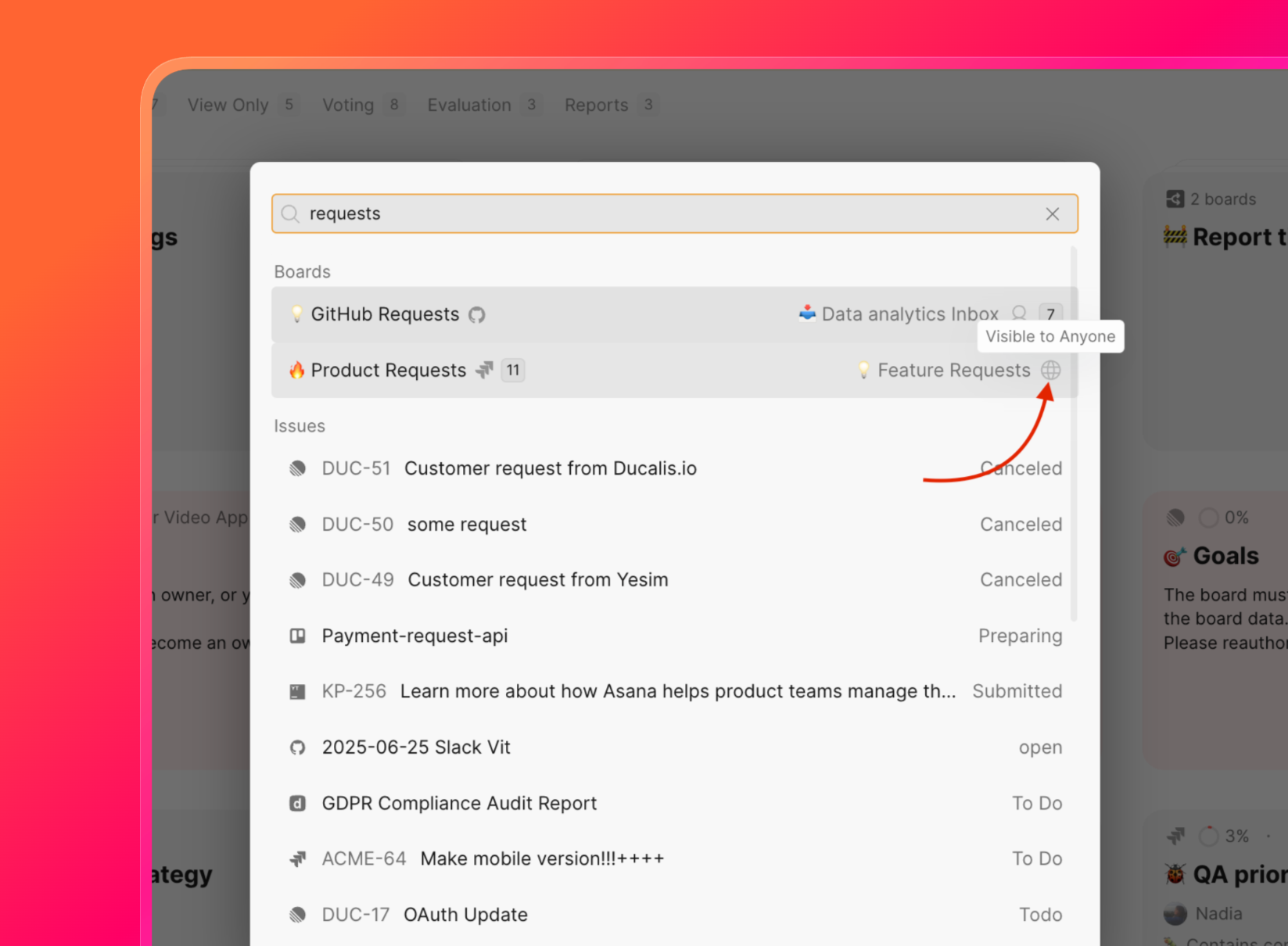
3. Board sharing status
Shows whether the prioritization Board is shared with other users.
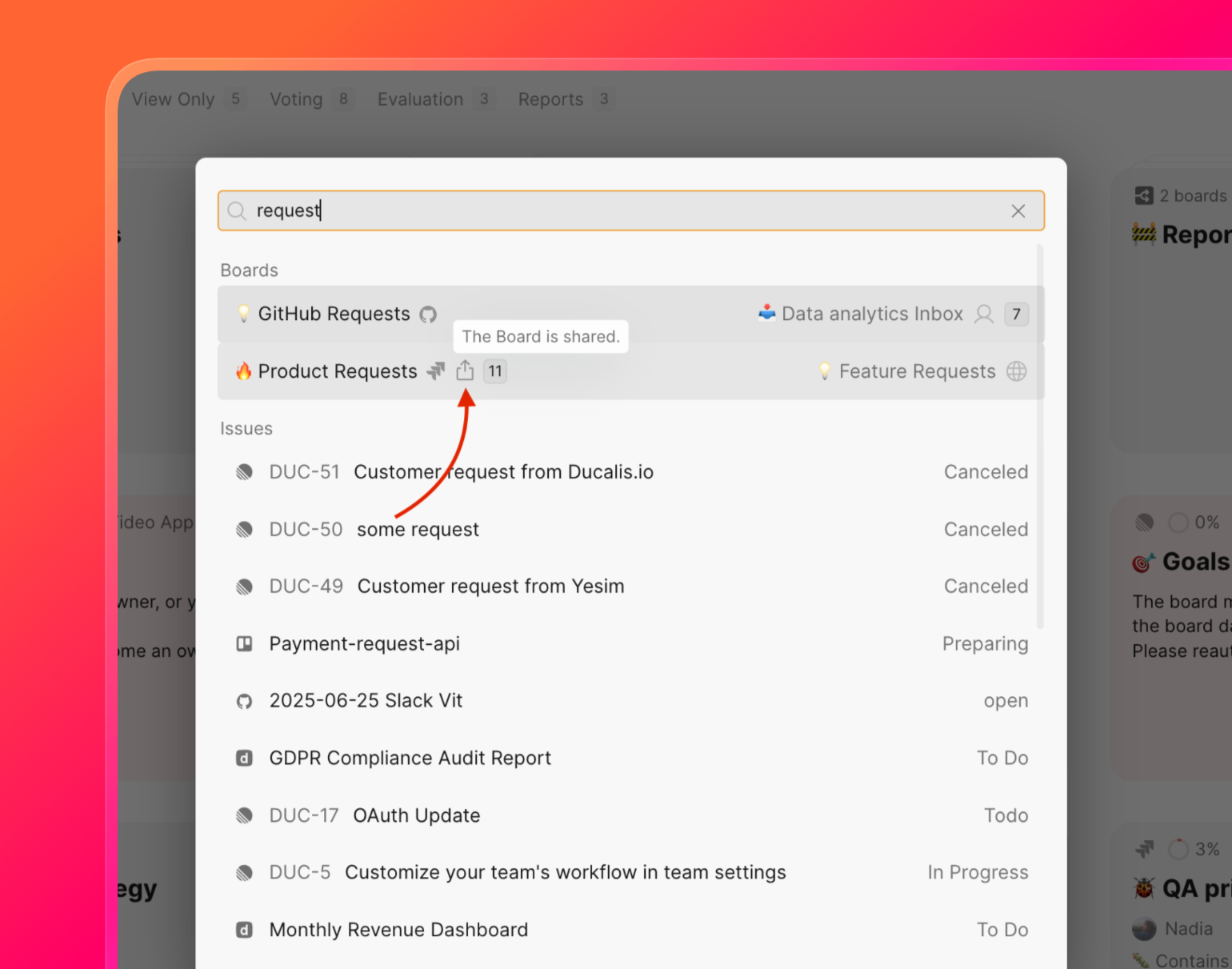
4. Task tracker connection
Displays which task tracker (if any) the Board is connected to.
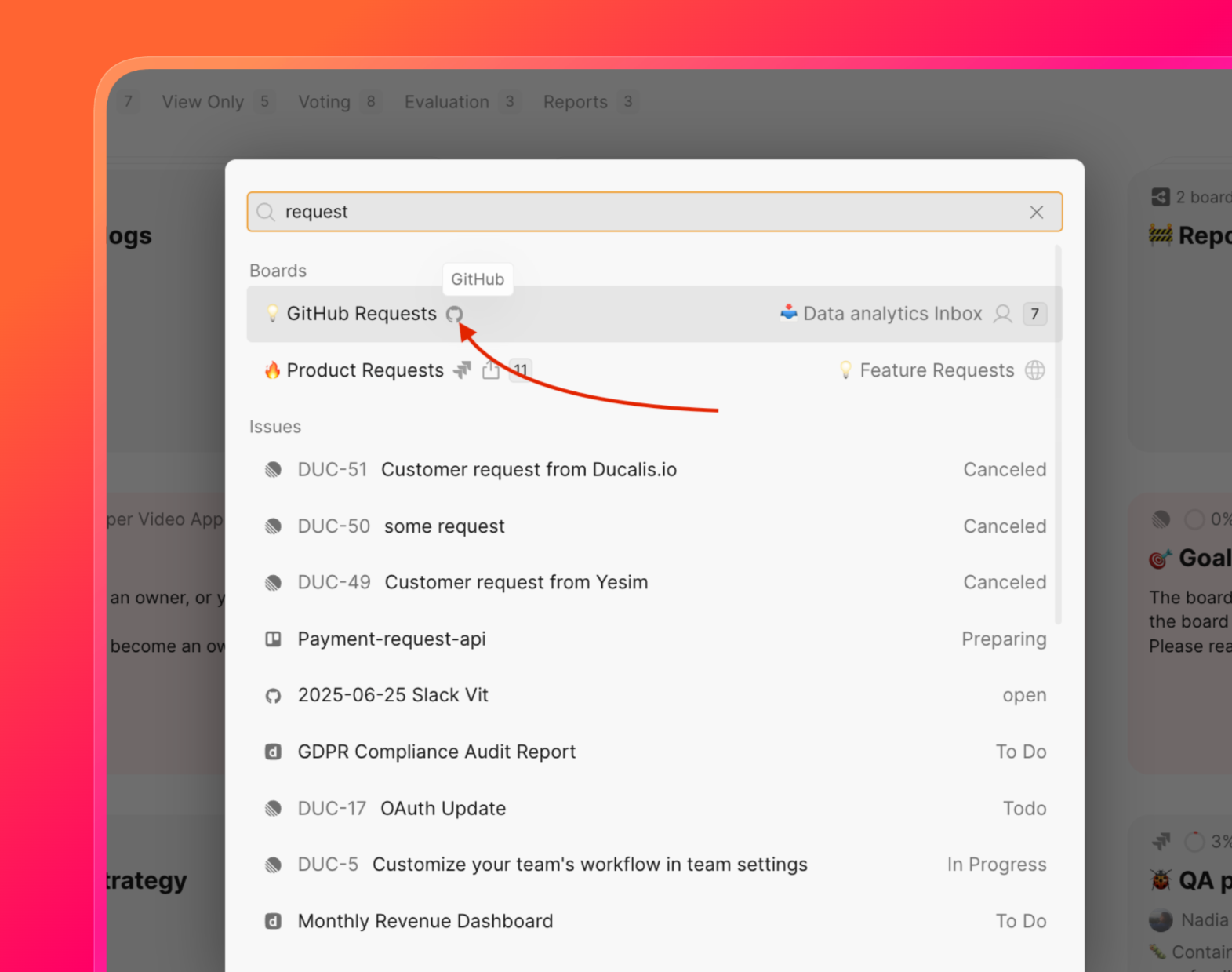
Dashboard filters
Use Dashboard filters to narrow down the Board list by type, permission level, or status.
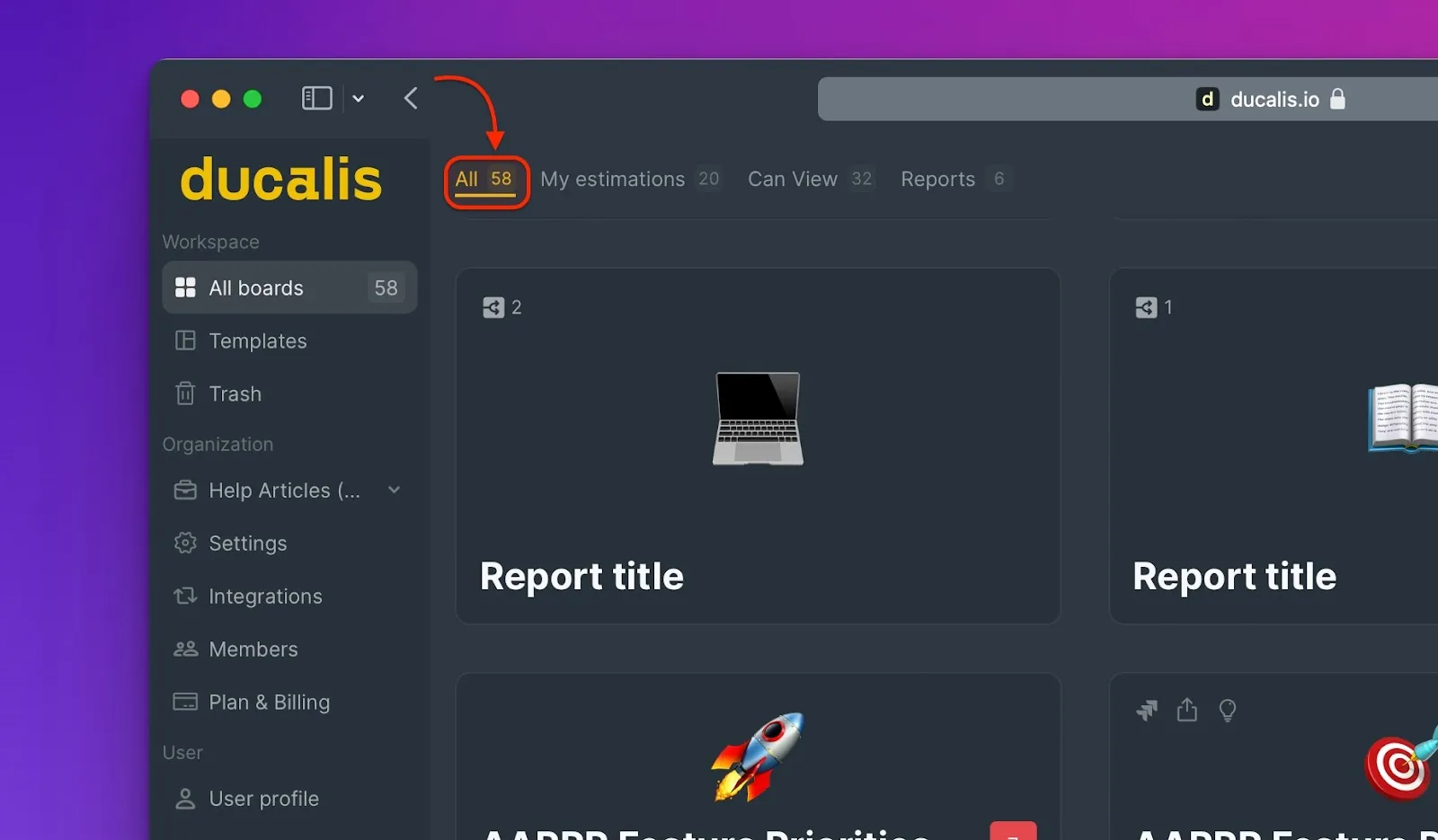
All Boards
View all Boards in your Organization.
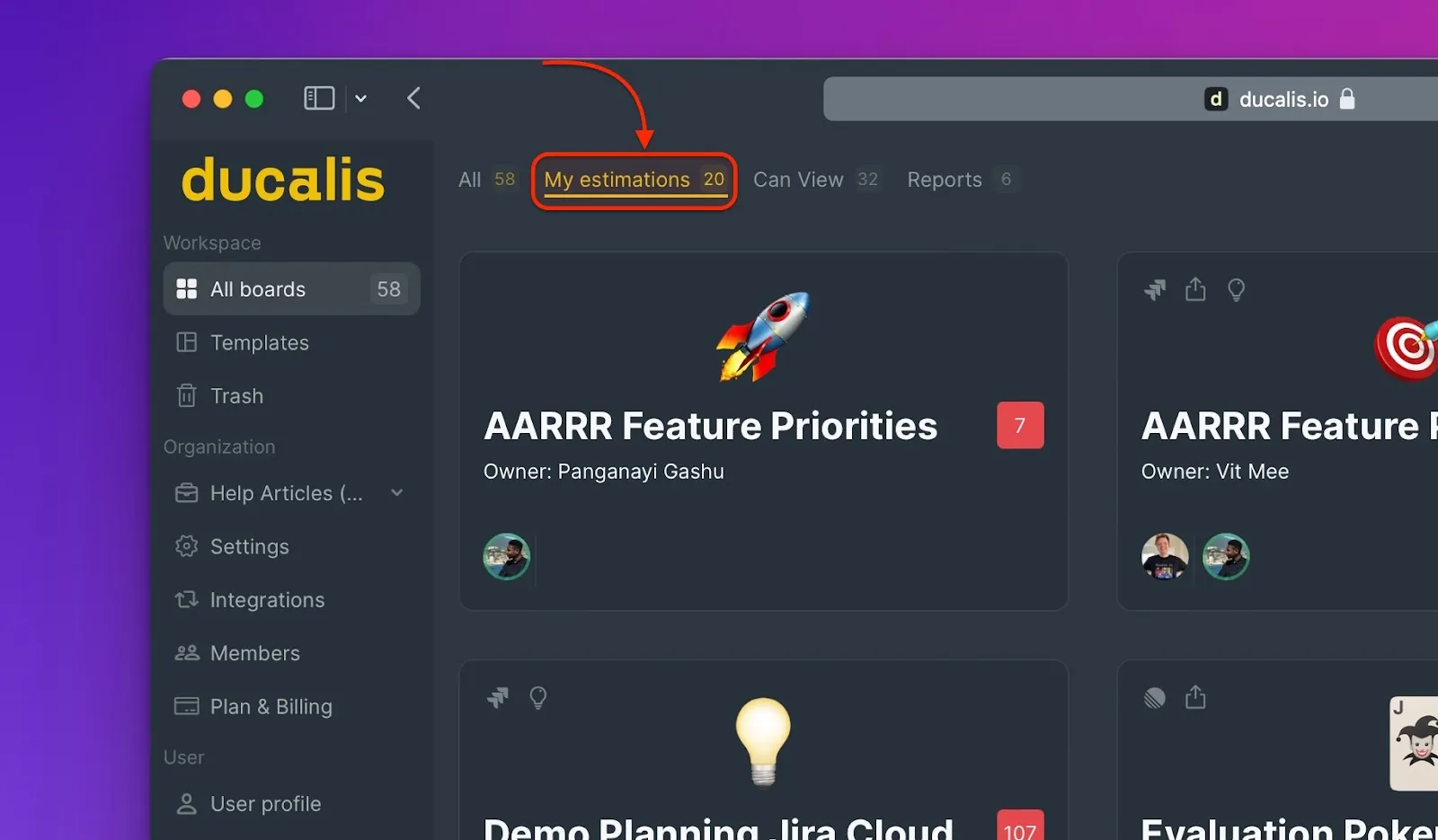
My estimations
Shows prioritization Boards with Issues you need to evaluate.
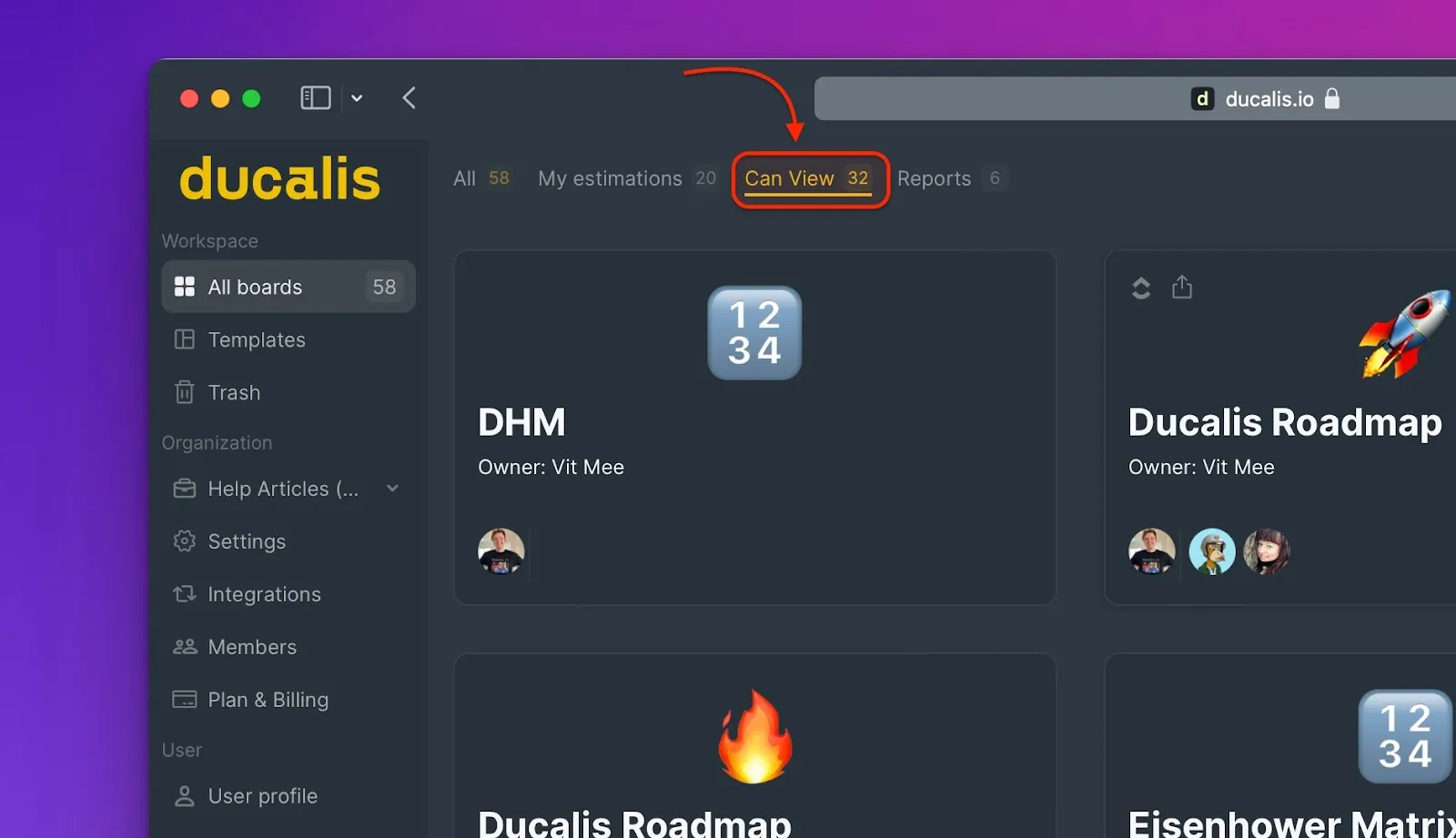
Can view
Lists prioritization Boards you can view but aren't an active participant on.
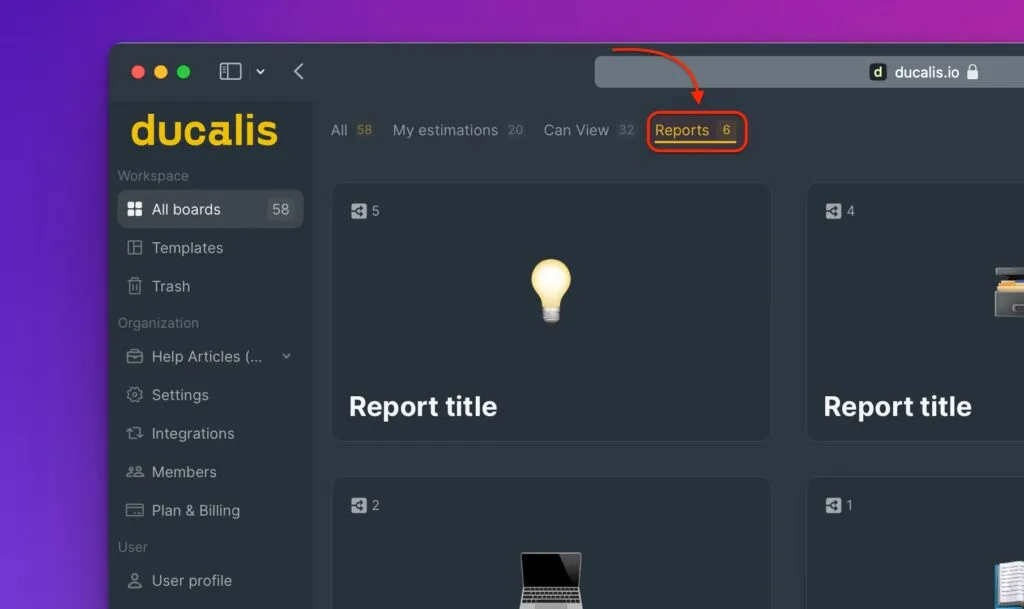
Reports
Shows all Report Boards in your Organization.
Voting
Displays all prioritization Boards with active Voting Boards.