Personal notifications
Where to find personal notifications in Ducalis and how to manage them.
Notifications can be:
- personal (found in My Notifications)
- team-wide (found in Team Notifications).
Notification are categorized into their functionality: Prioritization Notifications, Voting Board Notifications, Account Updates.
You can receive personal notifications via email (by default) and Mattermost.
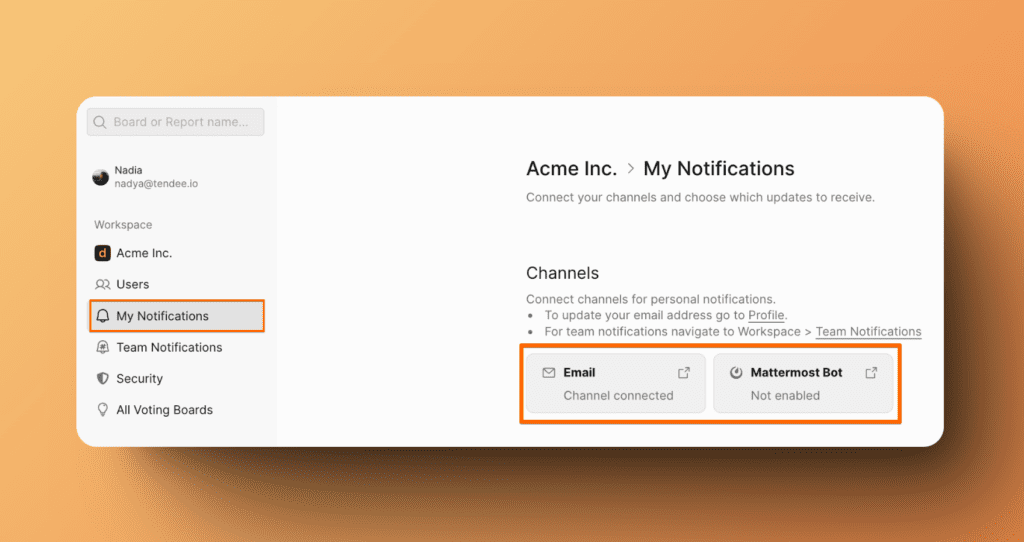
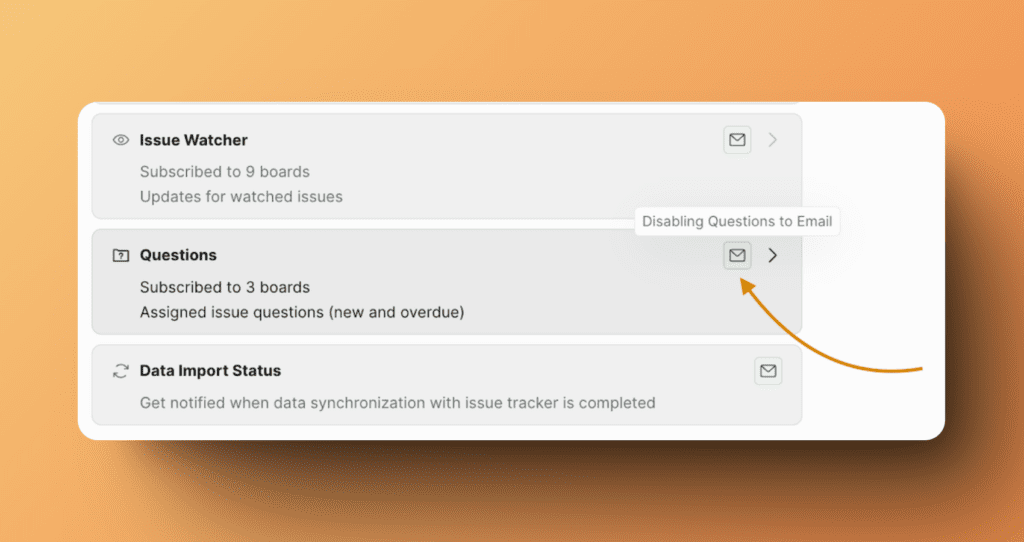
A green icon next to a notification will signify this method is enabled an a gray icon color will signify it is disabled.
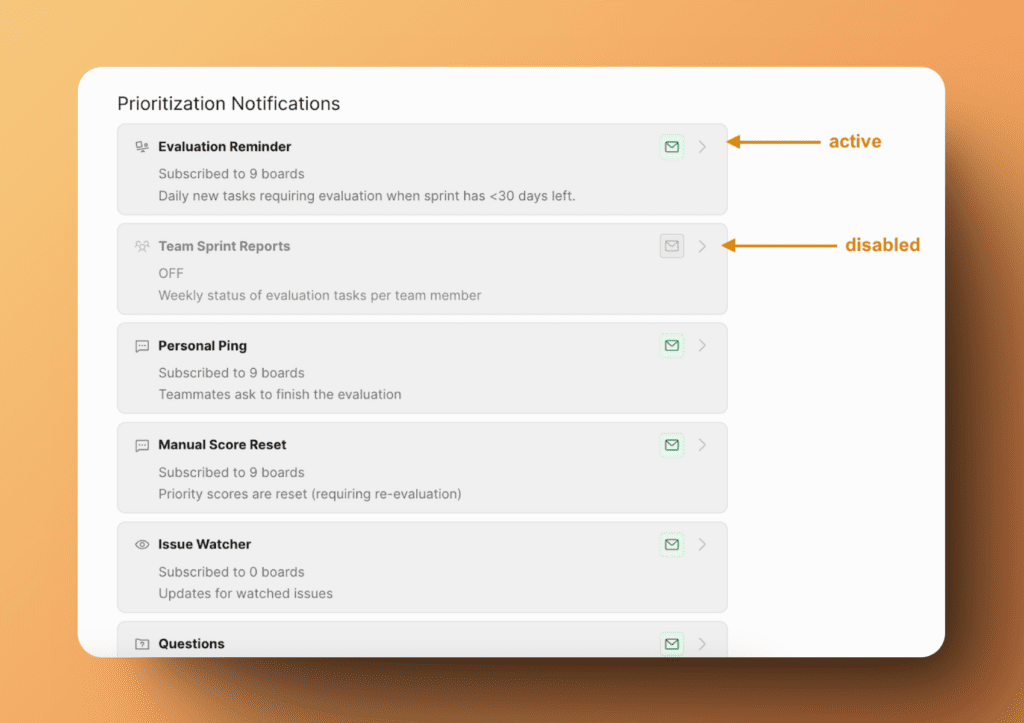
Accessing to My Notifications
Go to Settings → My Notifications to manage your personal notifications.
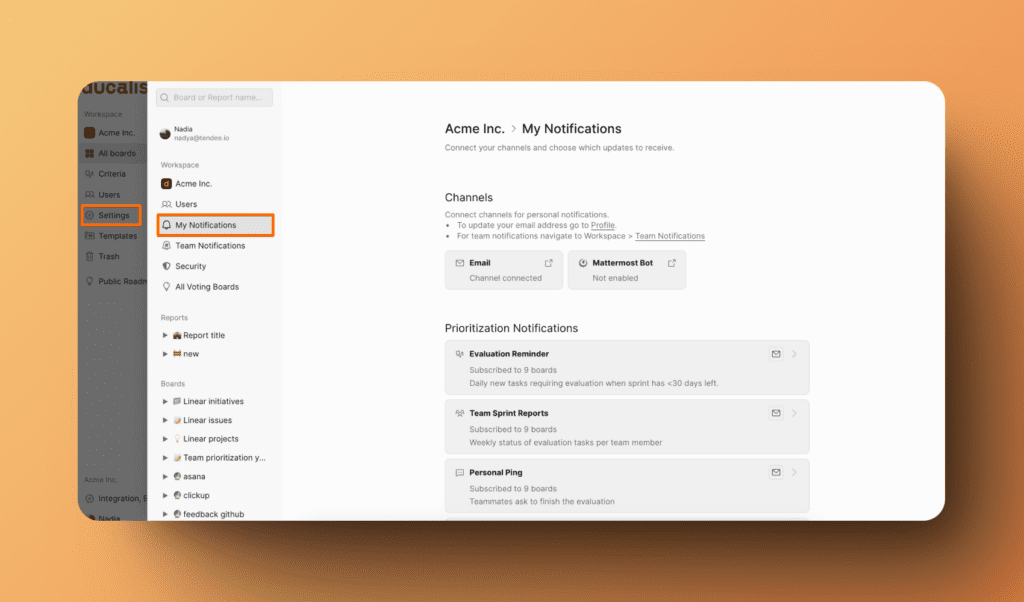
Prioritization Notifications
They are alerts that inform users personally about updates, changes, or actions related to the prioritization of tasks.
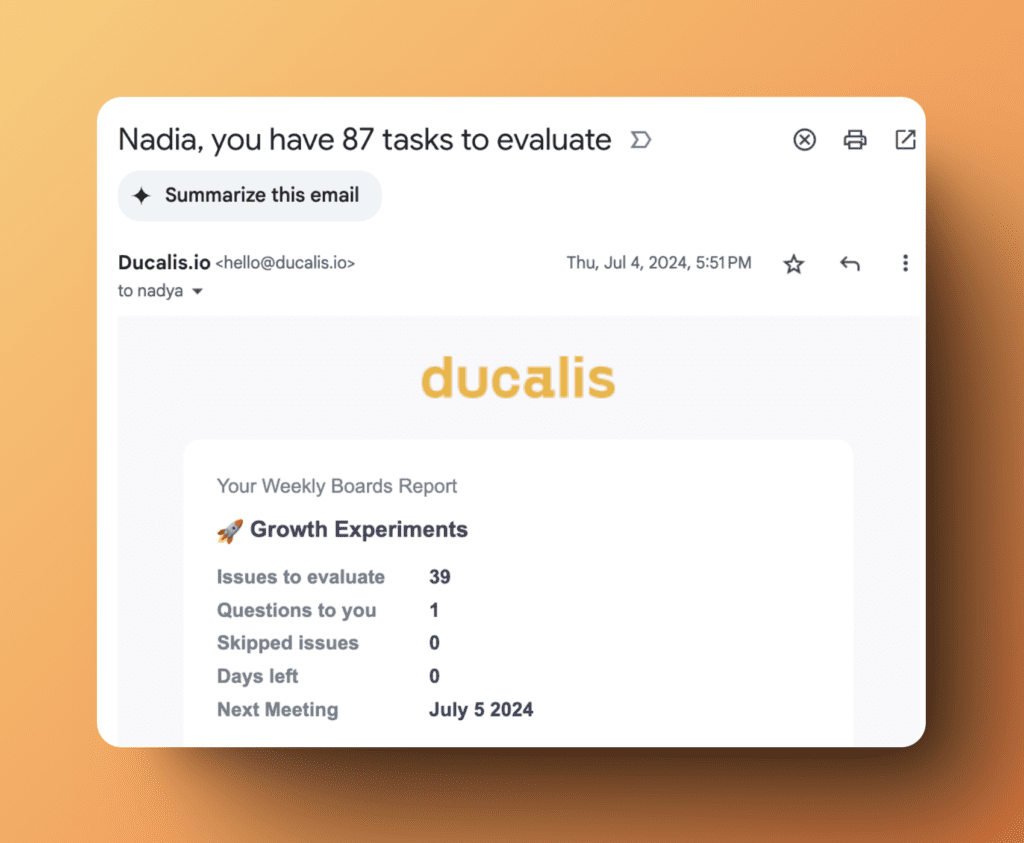
Evaluation Reminder
Daily new tasks require evaluation when a sprint has fewer than 30 days left. You will receive a reminder about how many issues each you should evaluate before the sprint ends.
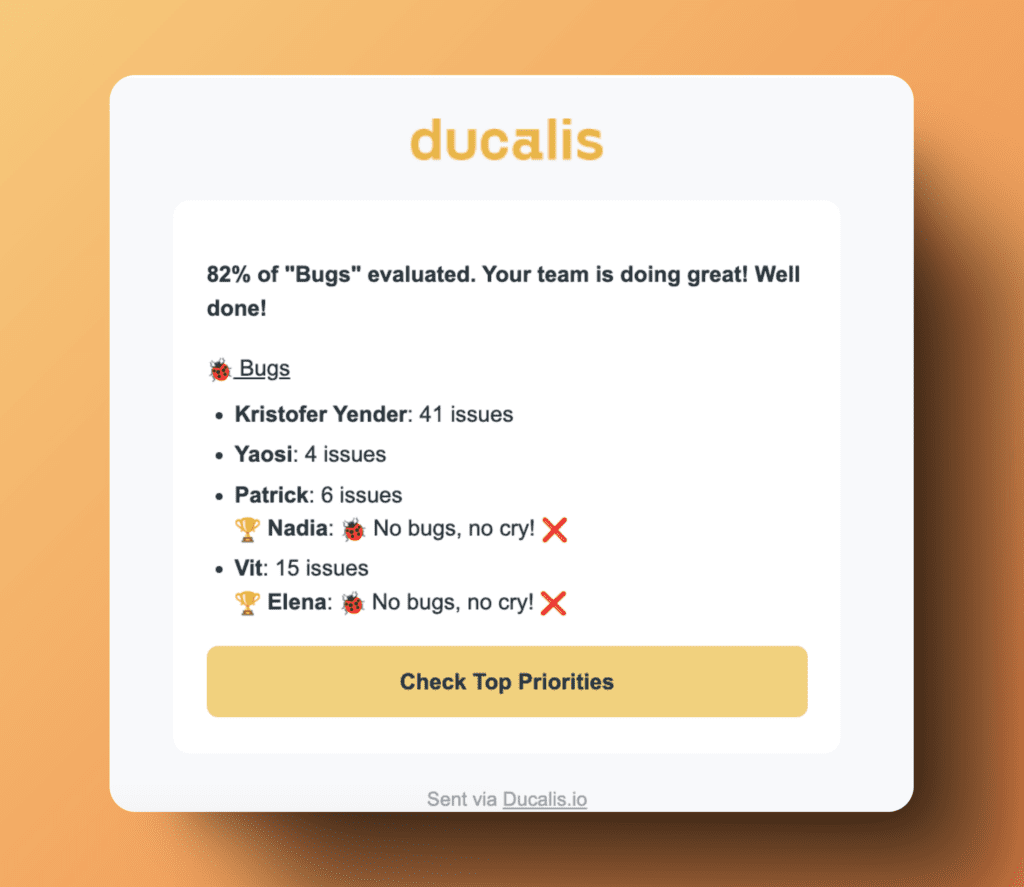
Team Sprint Reports
Weekly status of evaluation tasks per team member.
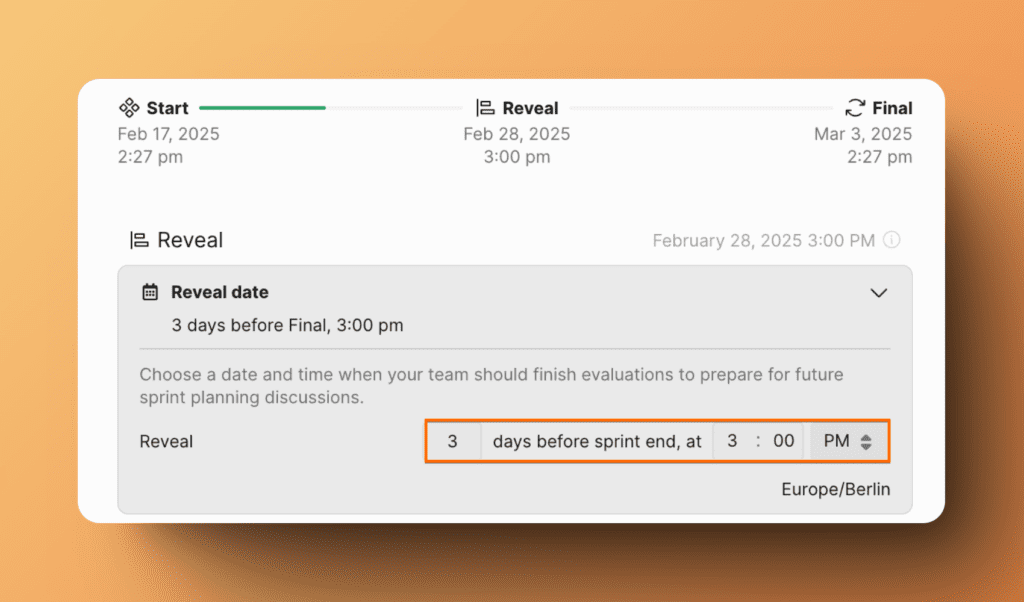
You can set the sending day in Board Sprint Settings.
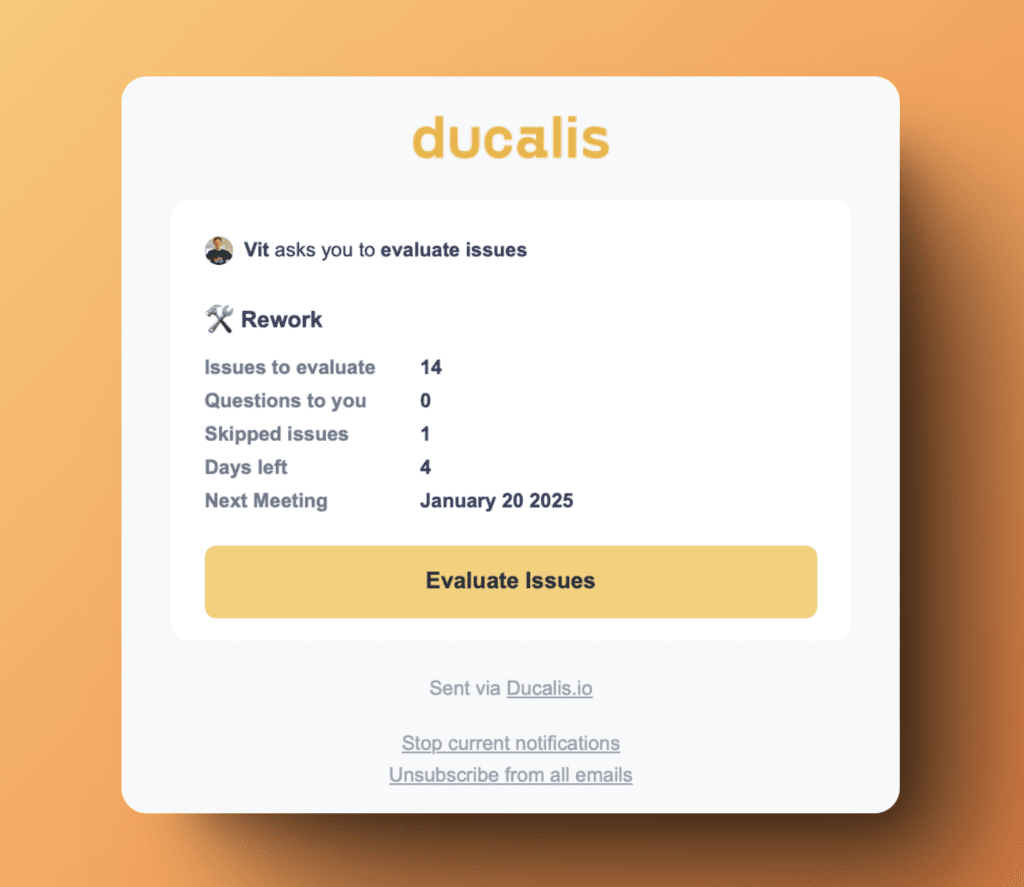
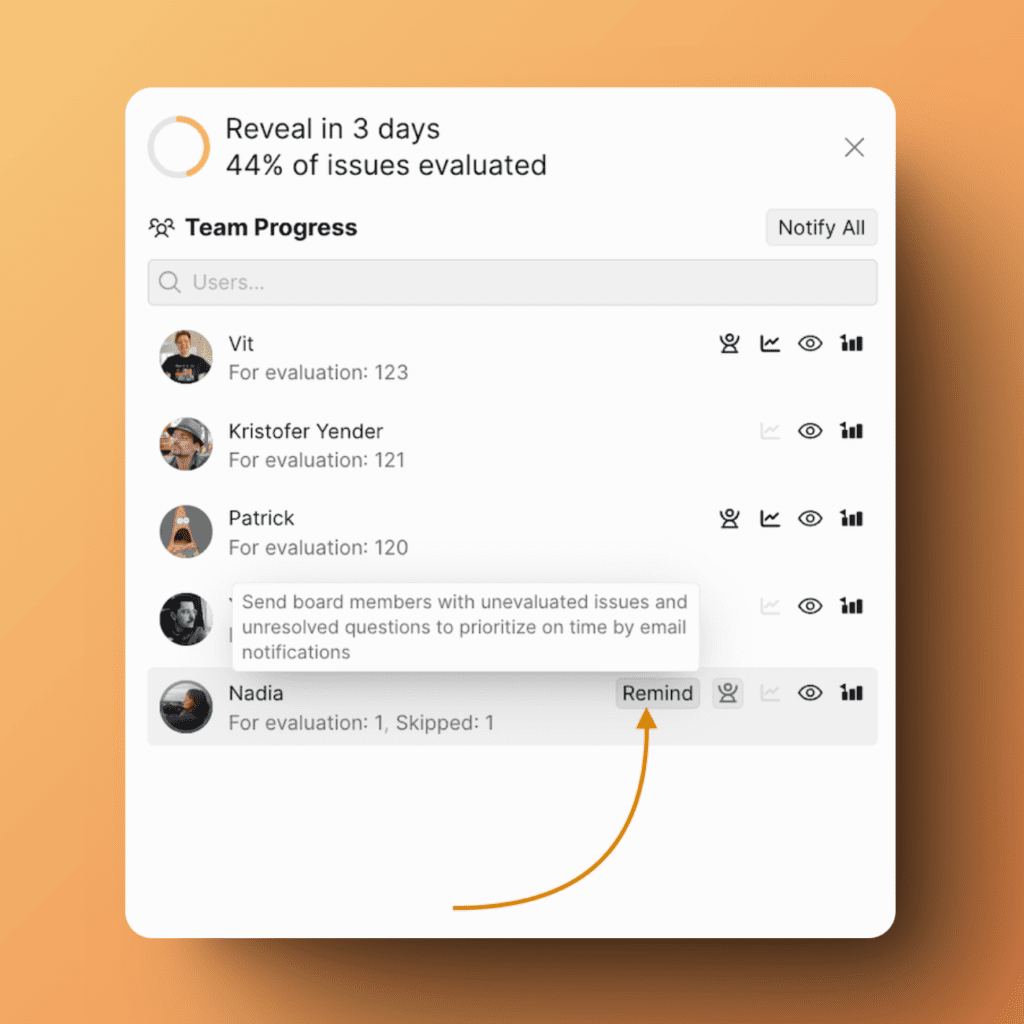
Personal Ping
You can get notifications when a user nudges you to evaluate tasks.
You also can ping your teammates to evaluate backlog in Evaluation Progress:
Manual Score Reset
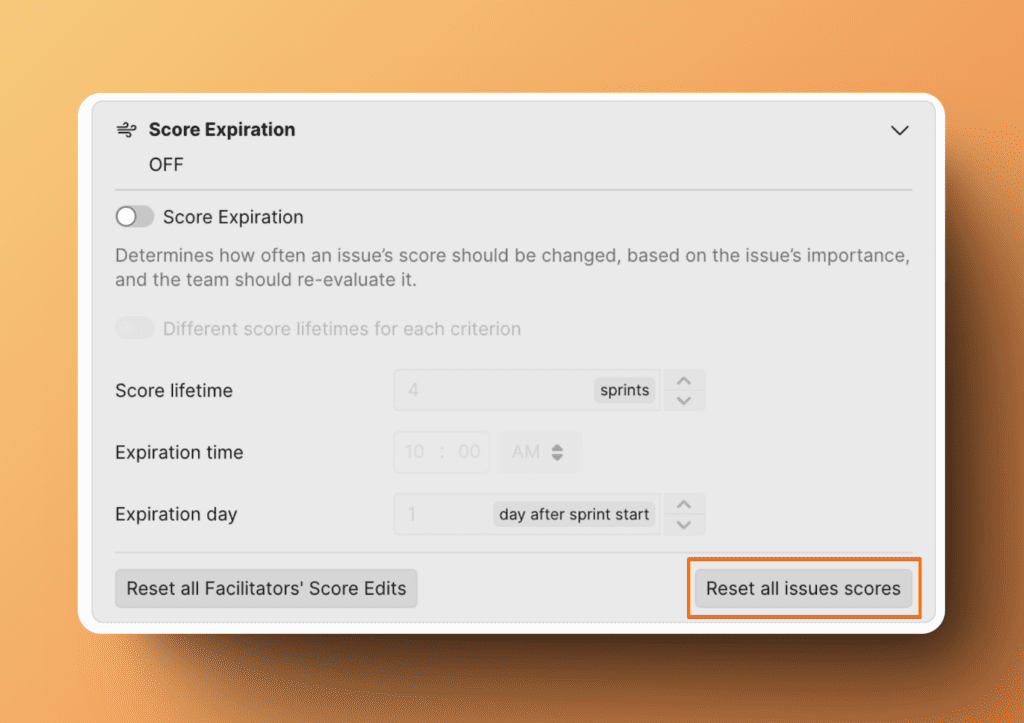
Receive notifications when teammates reset scores and you need to re-evaluate.
You can reset all scores in Sprint Planning → Score Expiration:
Issue Watcher
For issues that you are watching, you can get email notifications on any updates for those issues.
Questions
Questions and comments on the issues a user is discussing with their teammates.
Data Import Status
If the manual sync between Ducalis and your task tracker takes more than one minute, you'll receive this notification if you have this sync enabled.
Voting Boards Notifications
They are alerts that inform users personally about updates, changes, or actions related to the voting ideas from Voting boards.
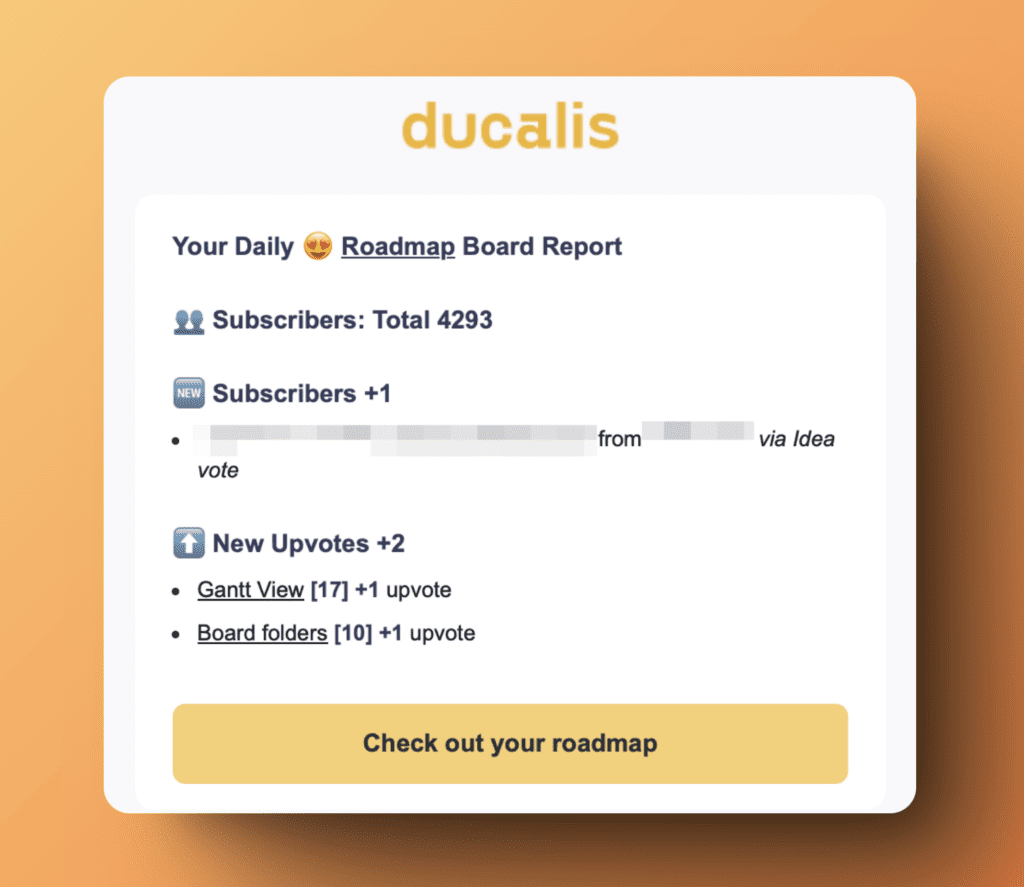
Daily Digest
Get a daily email, sent to you and your team, with a summarized report of voting board activities. The summary will be the latest information as of the previous day. Information in the email included new ideas, subscribers, comments, and upvotes.
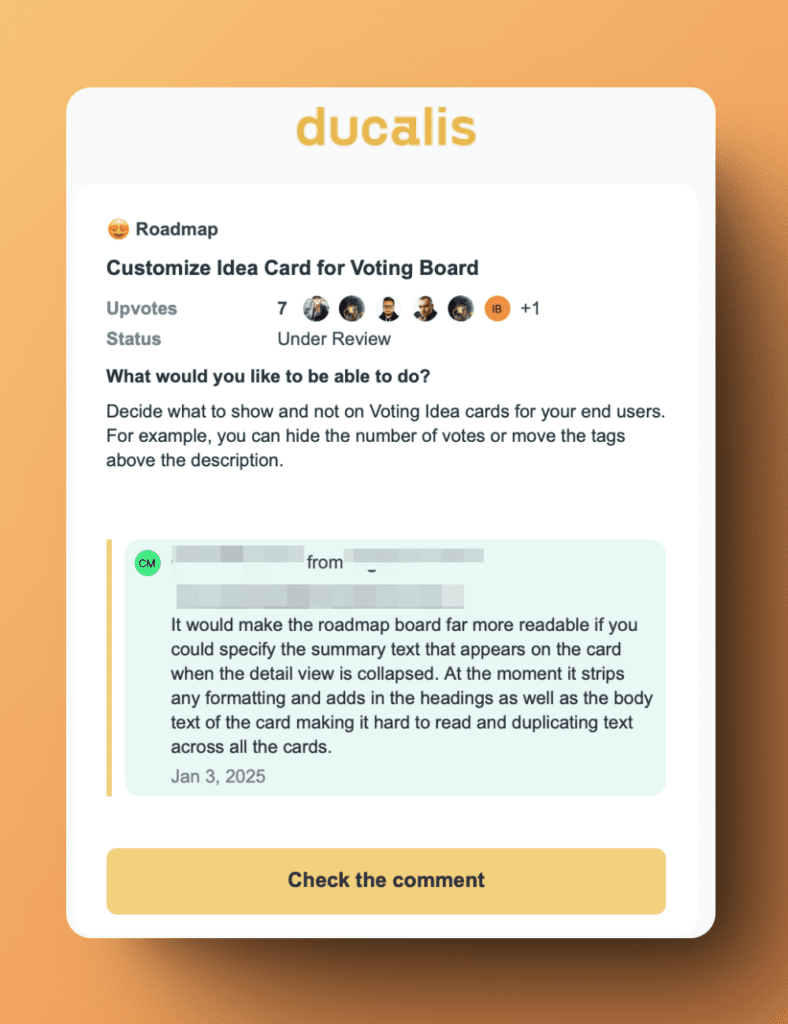
Comments
Get notifications about new comments for any idea.
Voting Ideas
Receive notifications about new ideas created in the voting board.
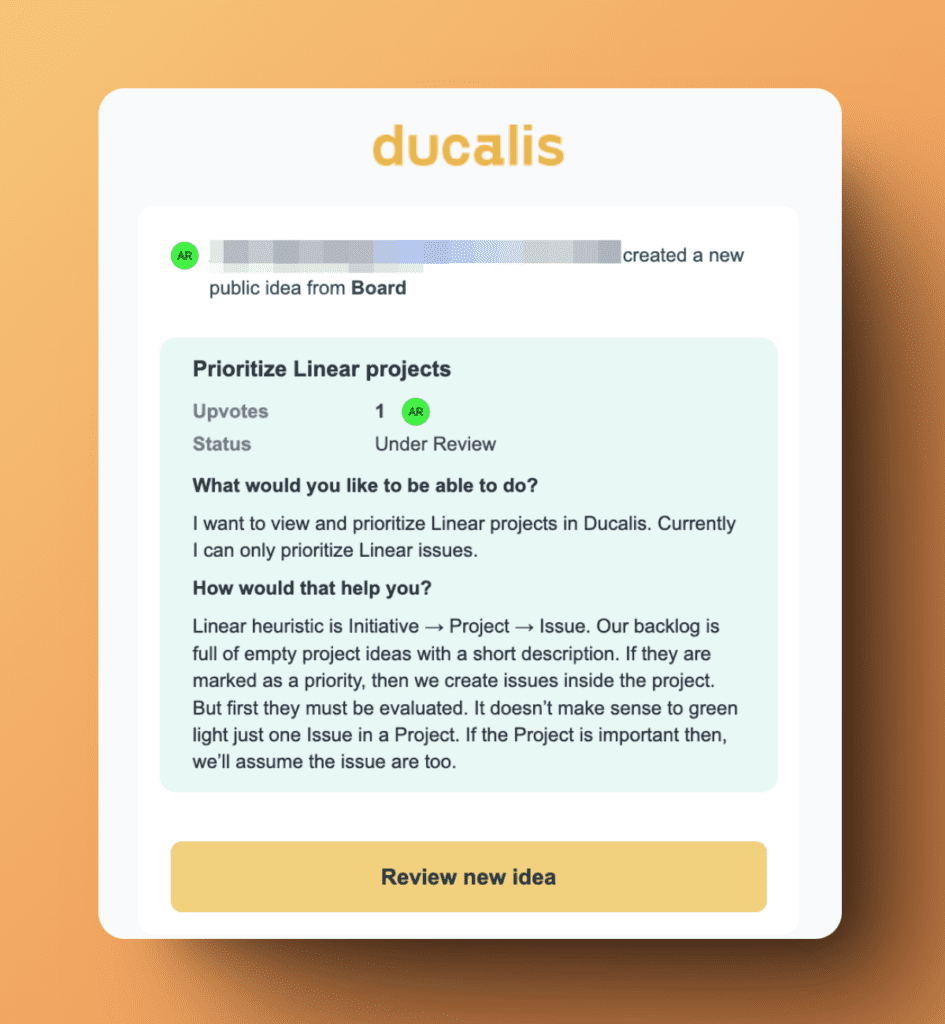
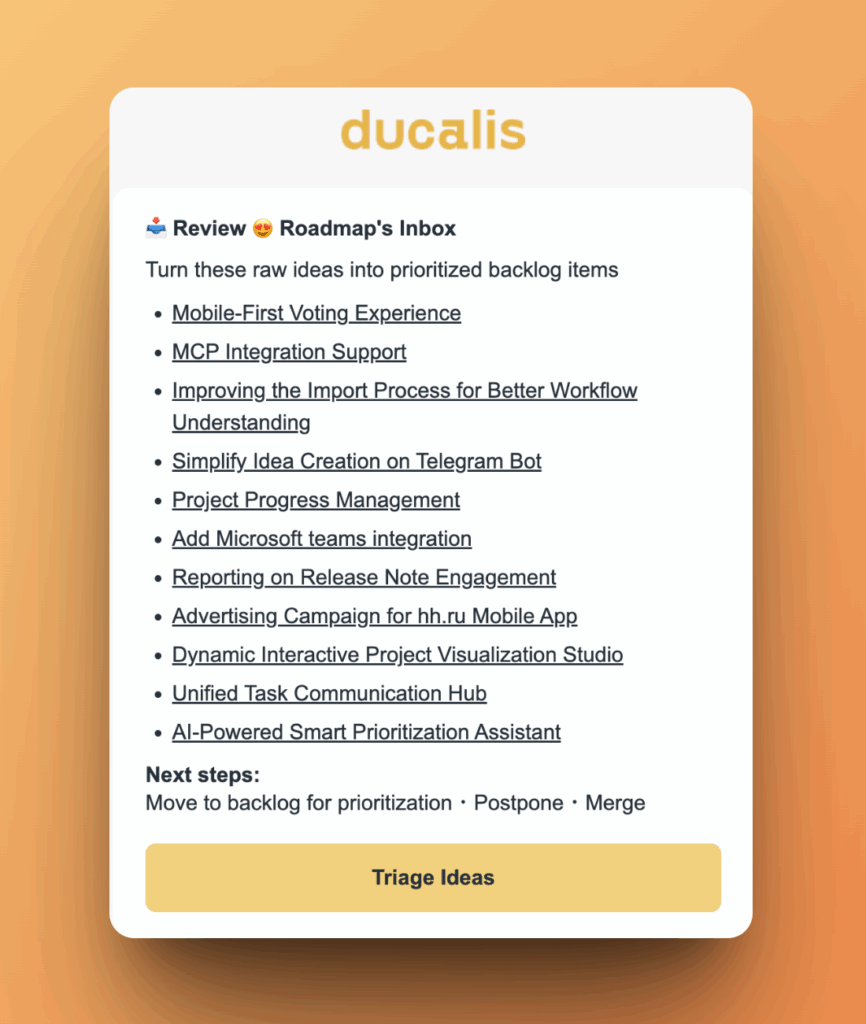
Voting Inbox Reminder
Receive notifications about the reminder to cleanup your ideas' Inbox.
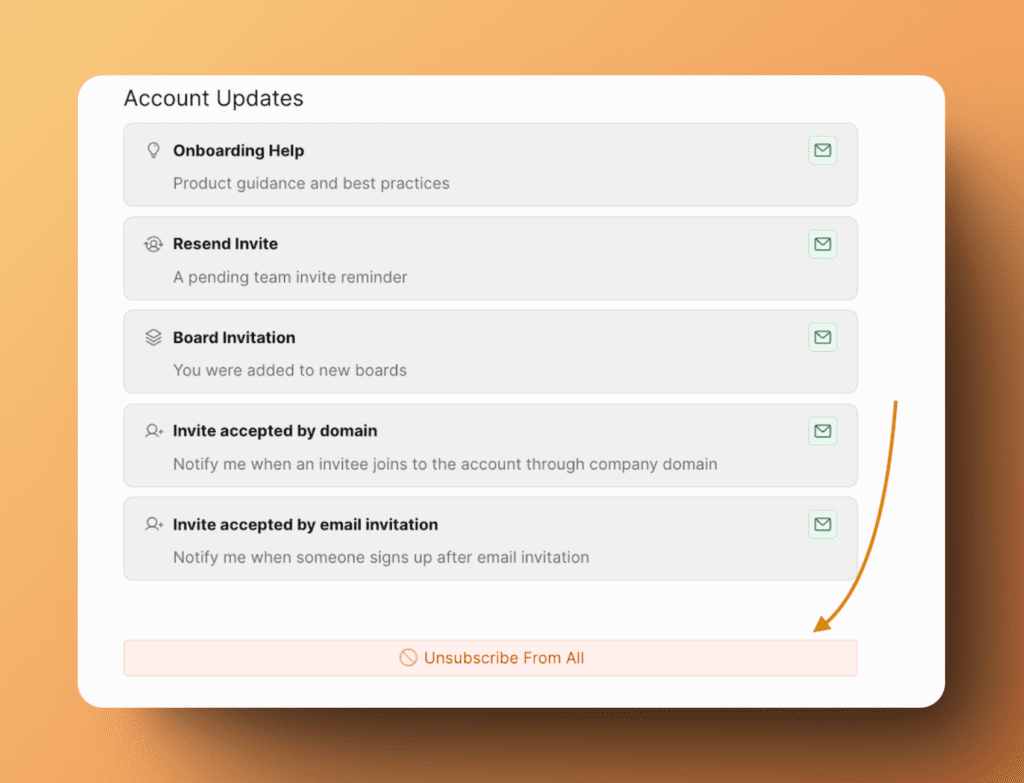
Account Updates
The types of updates that don't belong to boards, ideas, or tasks, but depend on account settings activities.
Onboarding Help
You will get emails with any settings tips, special offers, questions about your needs and your account.
Resend Invite
In cases where you send invites that don't get responded to on time, you can receive reminder notifications to resend those invites.
Board Invitation
You'll receive a notification when any of your teammates invites you to a board.
Invite accepted by domain
If you or your teammate set up that new users can join into your organization via the company's domain, you can choose to get notified when a user joins.
Invite accepted by email invitation
Get notified about users who accept your email invitations and join your organization.
Configuring Notifications
You can configure the email notifications according to your liking.
- Activate or disable notifications
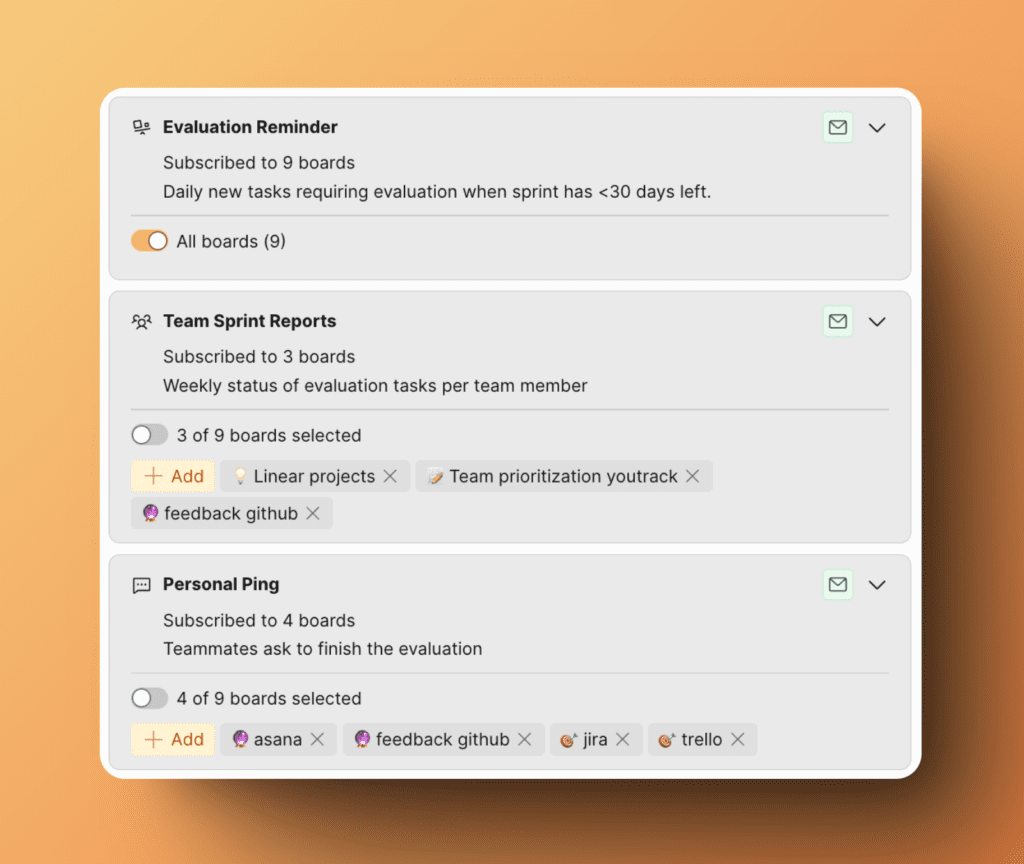
- Choose which boards you want to receive notifications from: all boards or specific ones.
- Unsubscribe from all notifications in one click.