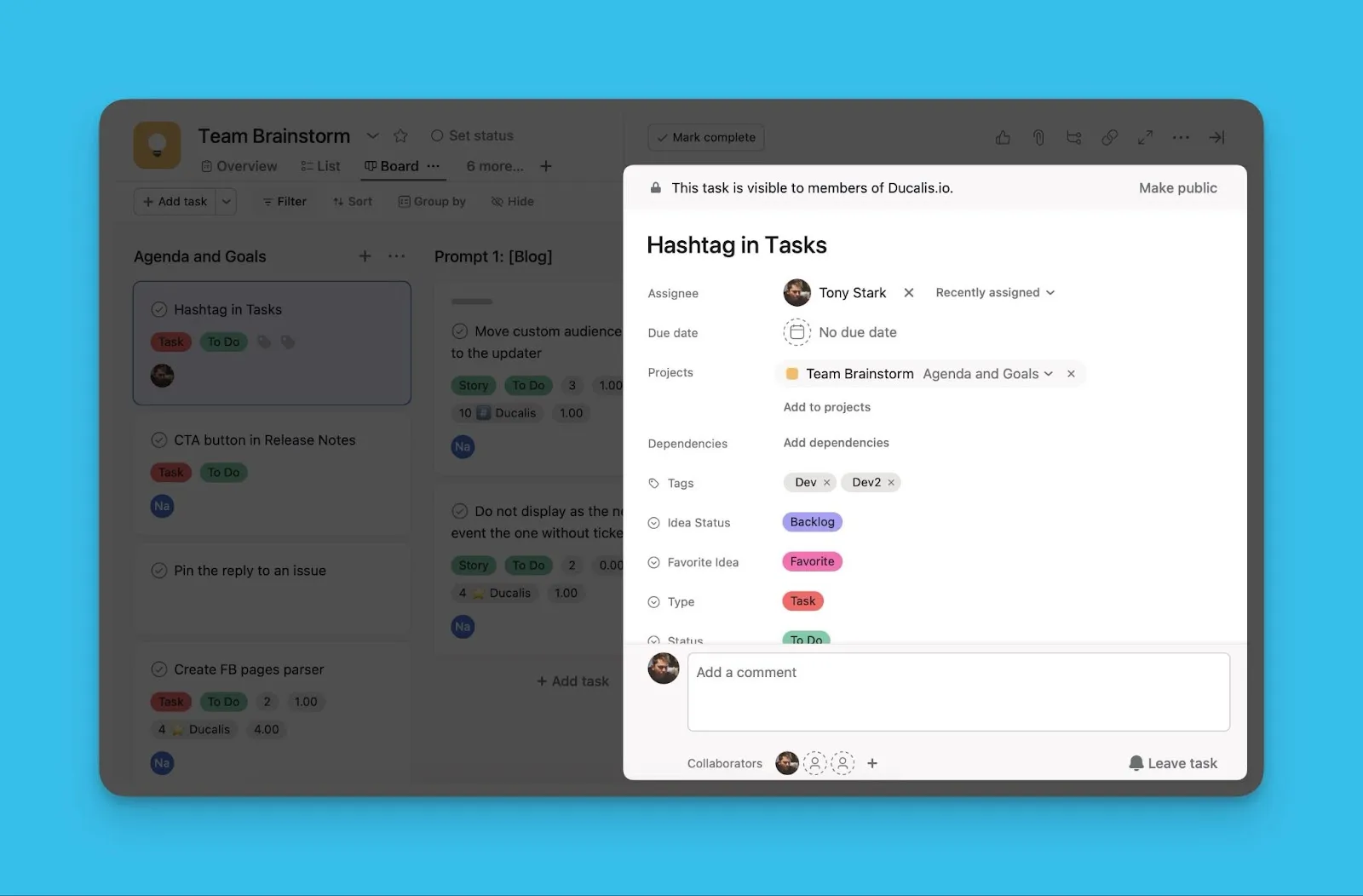
Push to tracker
Push issues created in Ducalis directly to your task tracker from aggregated Report boards.
Prerequisites
All priority boards in the Report must be connected to the same task tracker.
Push an issue to your task tracker
-
Identify issues created in Ducalis by the Ducalis icon.
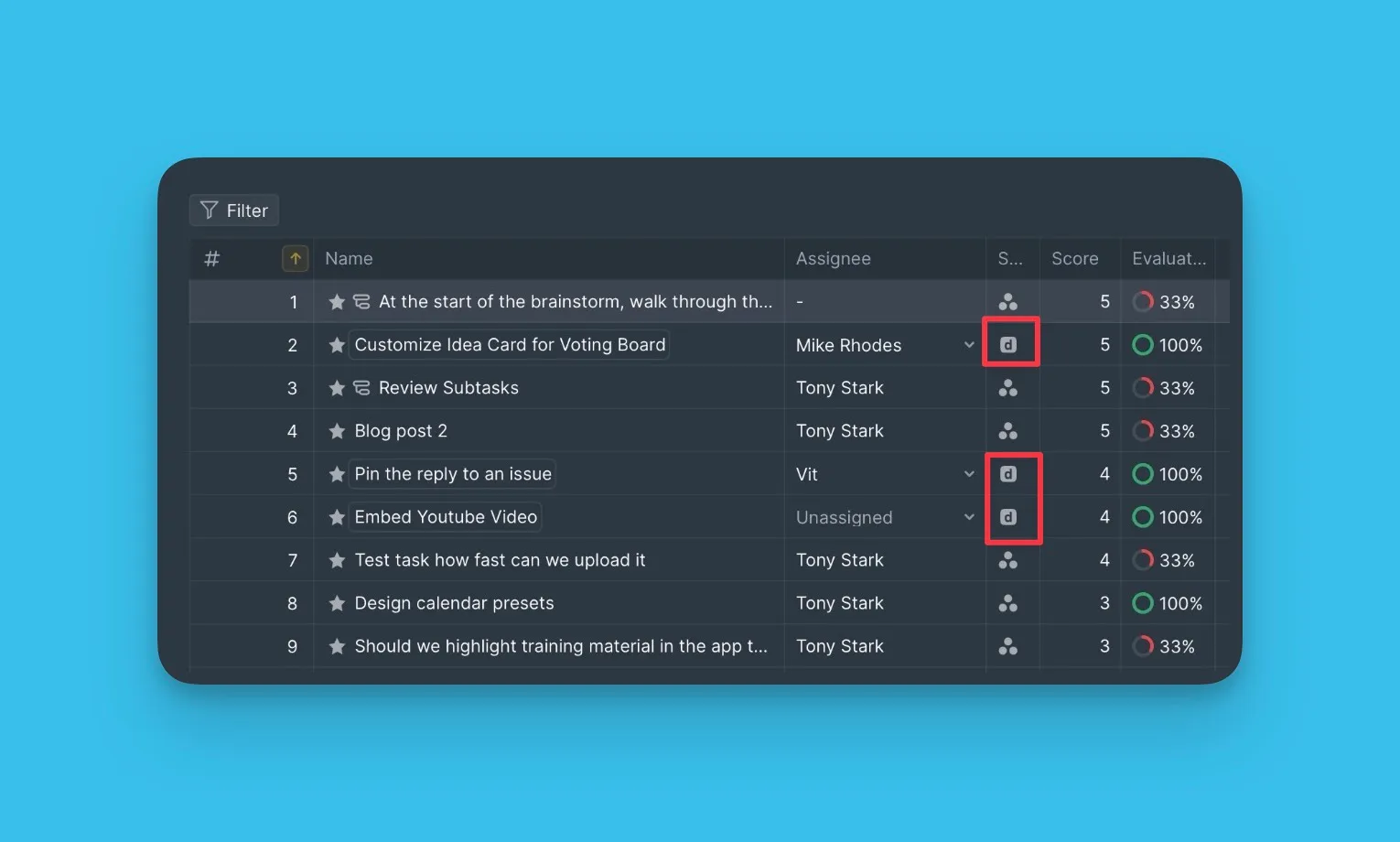
-
Select the issue you want to push and open its card.
-
Click the ellipsis button (⋮) and select Push to [task tracker].
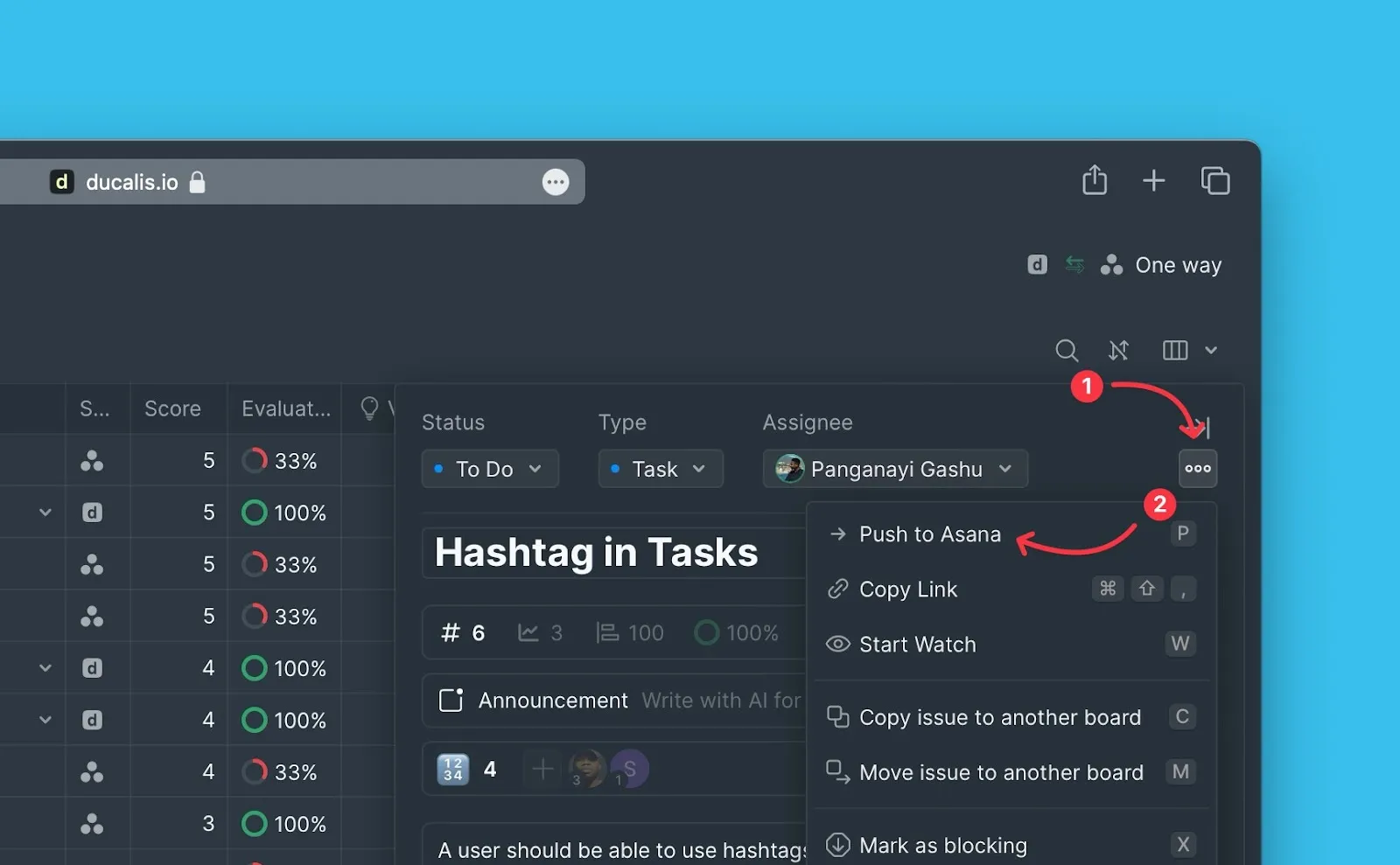
-
Fill in the required fields in the pop-up window.
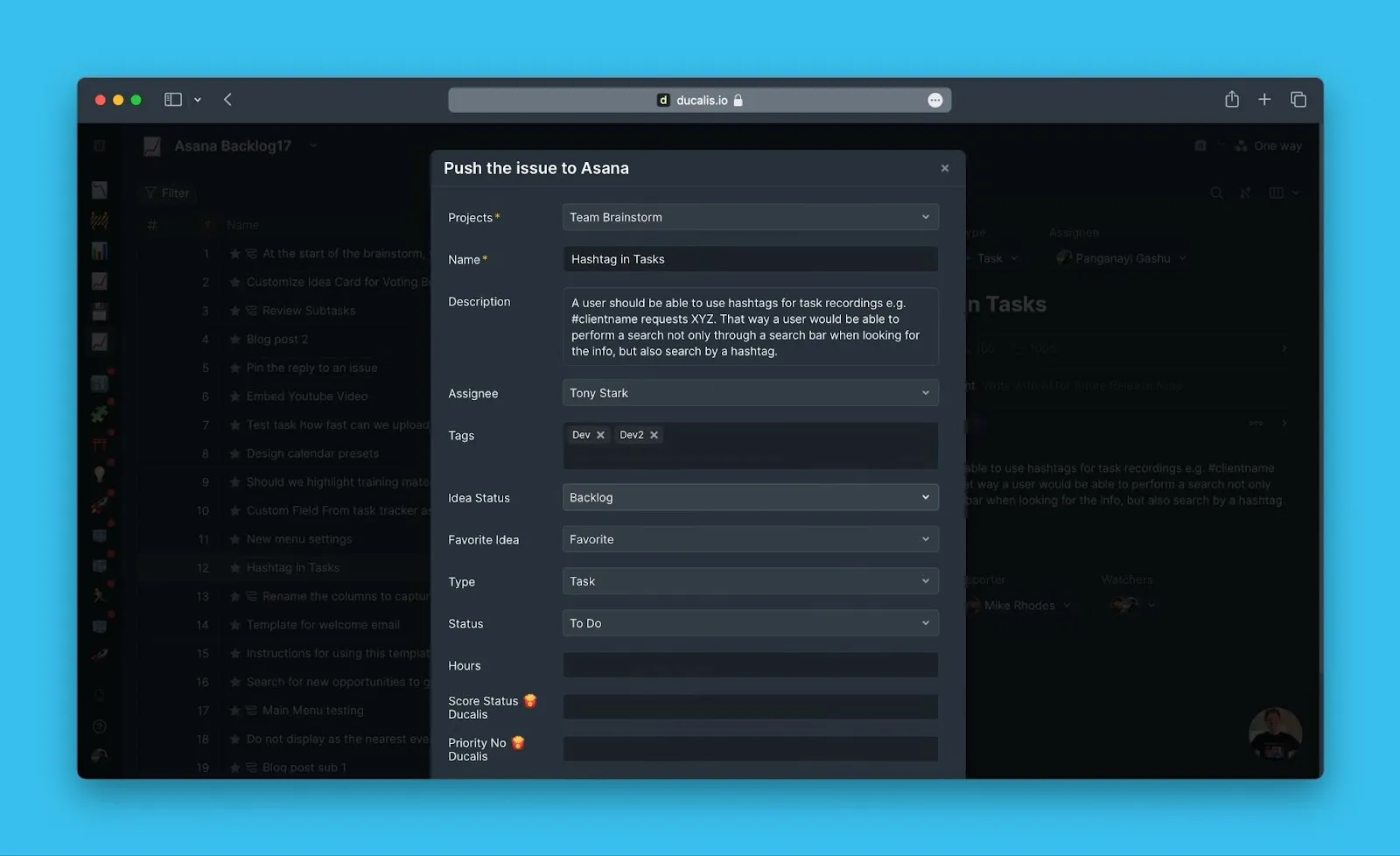
-
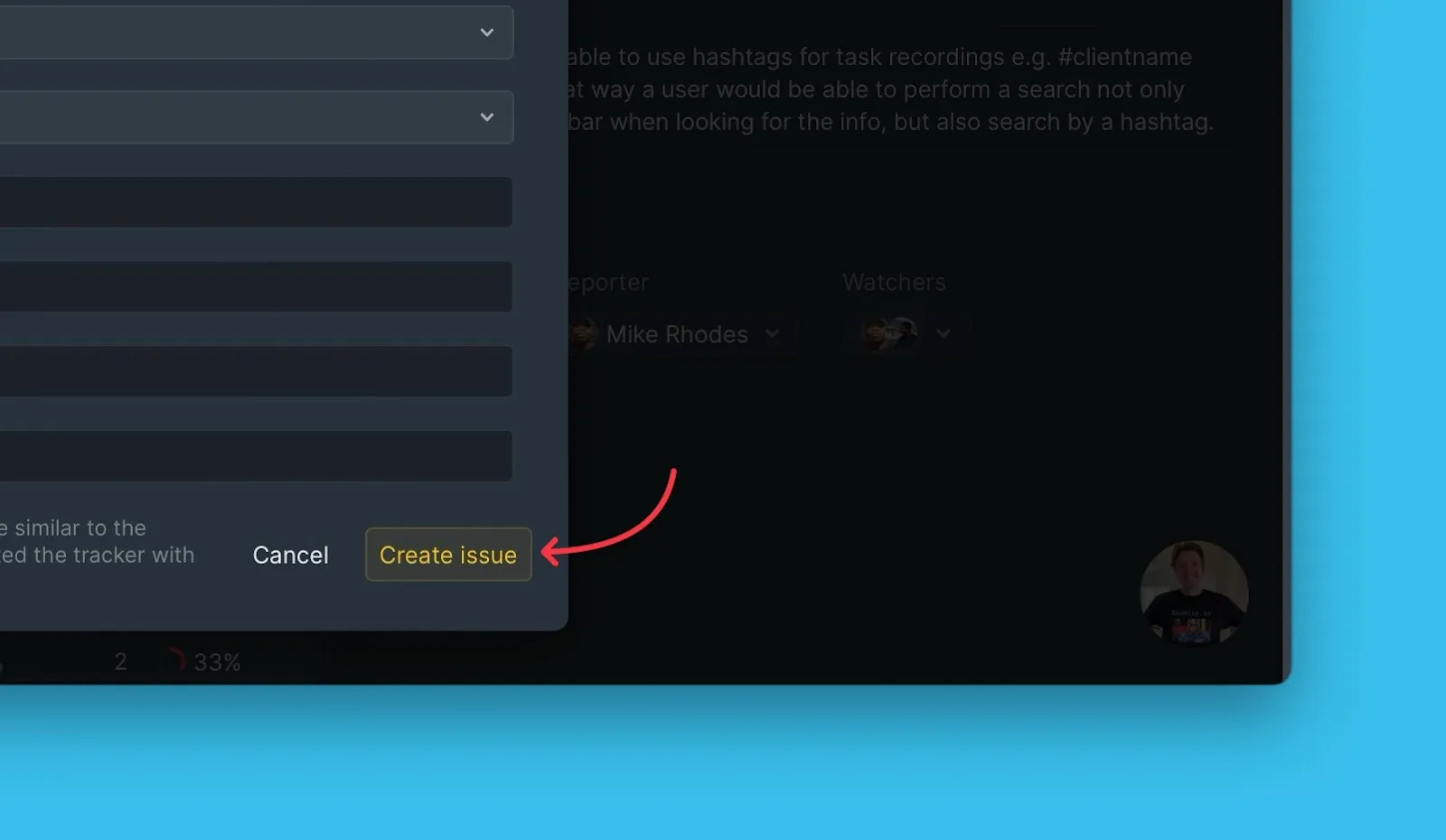
Click Create issue.
Verify the issue was created
The issue now appears in your task tracker with all the information you provided.