How to give feedback (template)
This is a template you can share with customers to explain how to submit feedback on your Voting Board. Use this template as-is or customize it to match your brand.
You can use this template format or the Google Docs template.
Intro
Good news! [company name] uses a voting board to track your feedback. Having everything in one place helps us understand all feedback at a glance.
Access the voting board
Visit [Features Board URL] to submit your requests.
Sign up to submit feedback, comment, or vote.
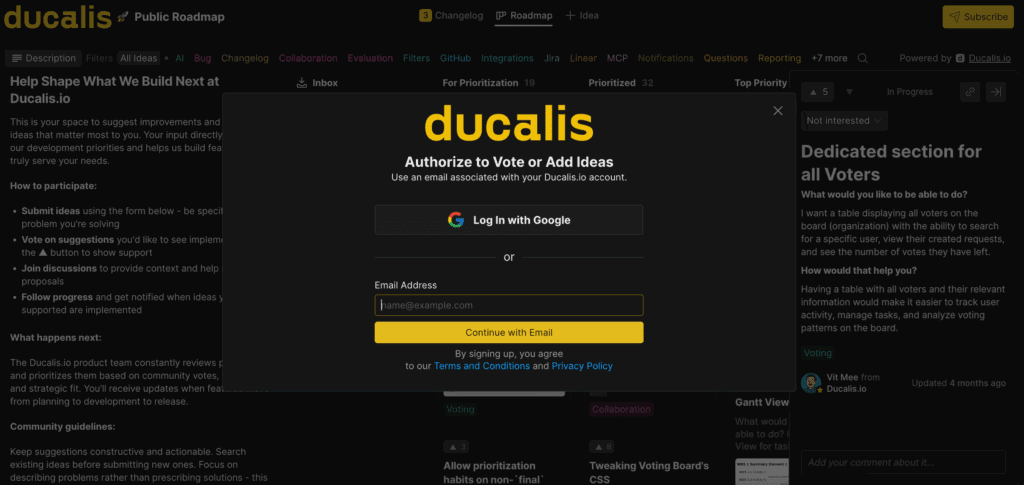
Submit and vote on Ideas
Create an Idea
-
Click + Idea.
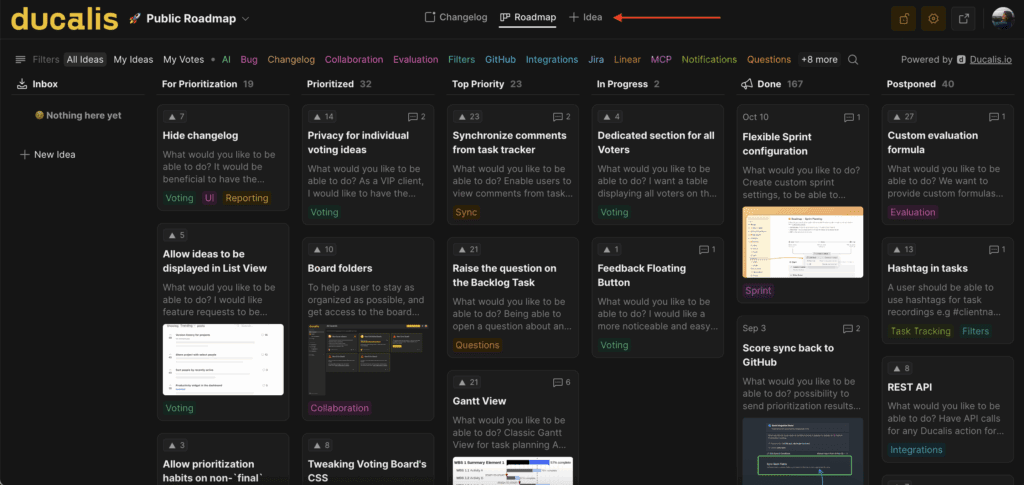
-
Start typing your request. Ducalis automatically suggests similar Ideas.
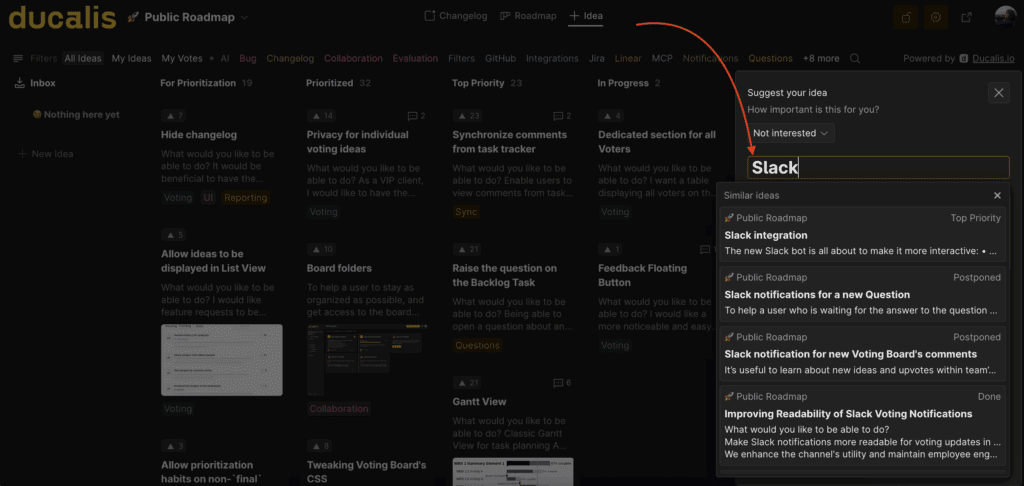
-
If your request already exists, upvote it. Otherwise, continue creating your new Idea.
Vote on an Idea
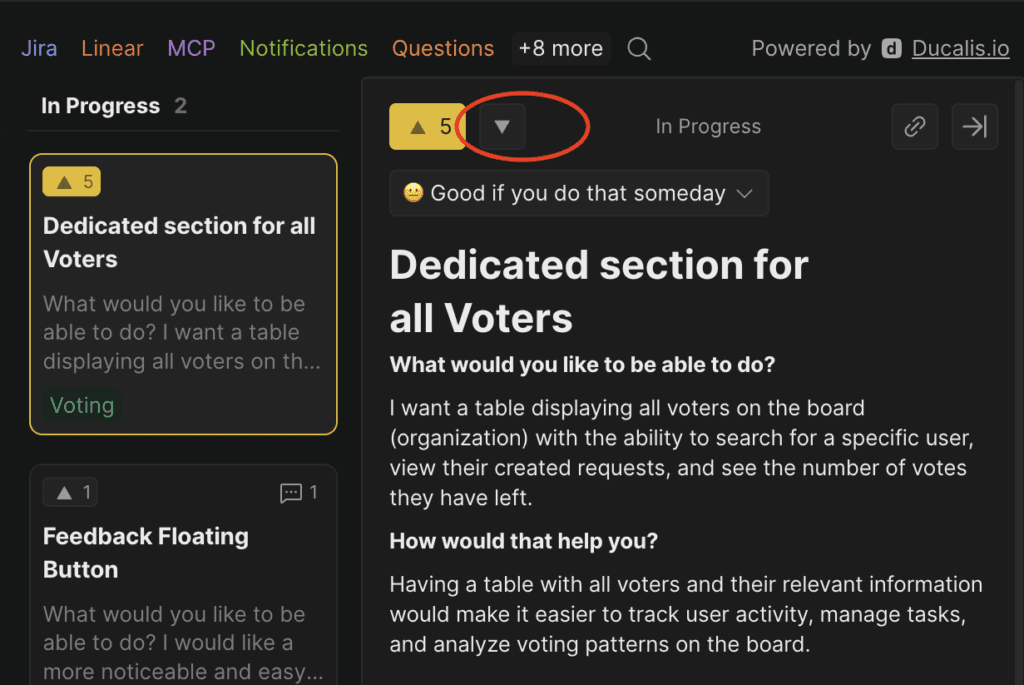
Click the upvote arrow on any Idea to vote for it.
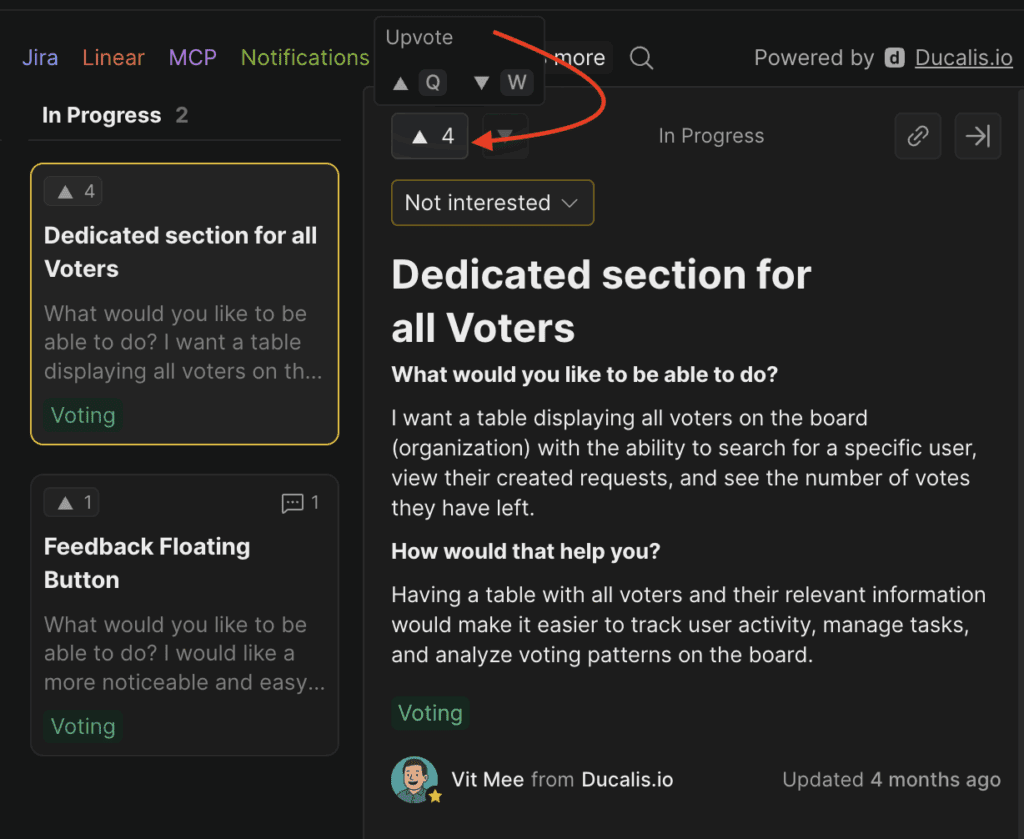
To remove your vote, click the downvote button.
Comment on an Idea
Add comments to share additional thoughts or insights.
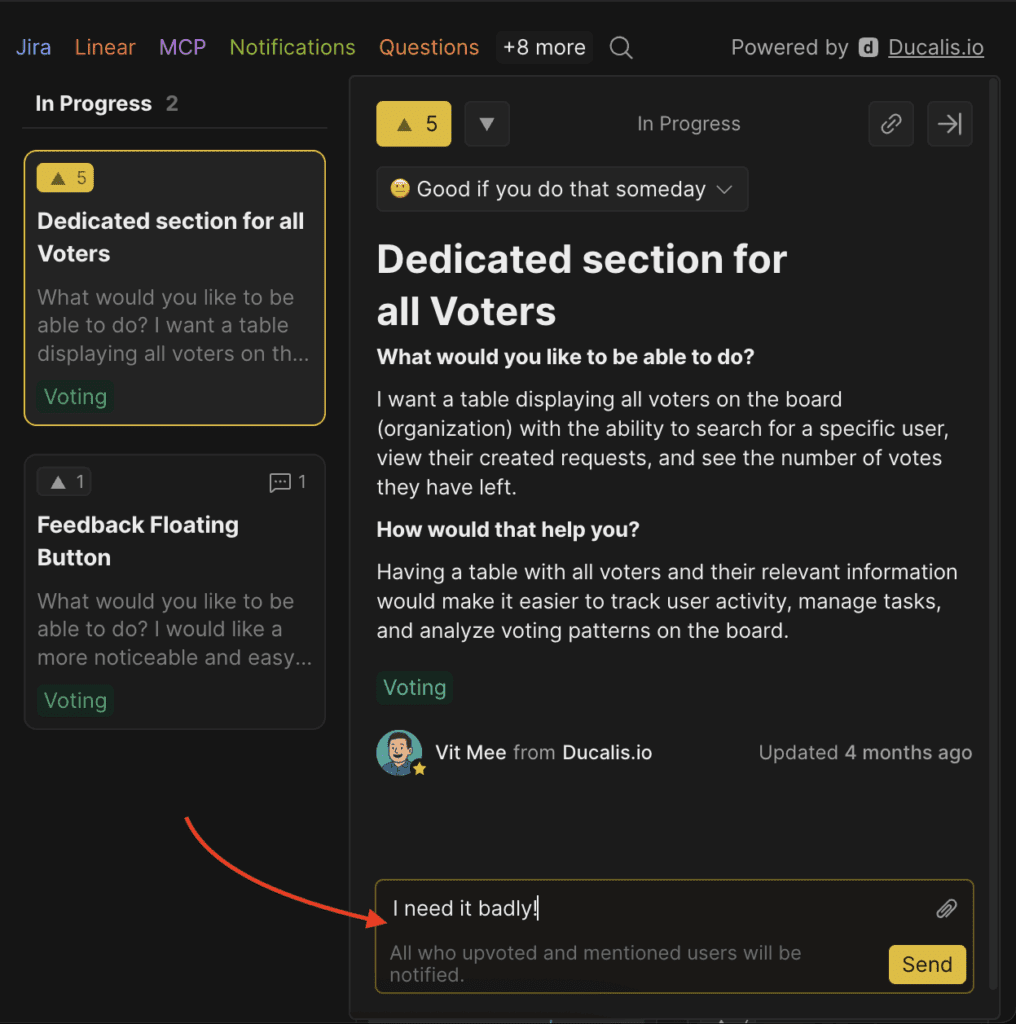
You'll receive email notifications when the Idea is updated.

Get started
Try Ducalis for your team—get started free at hi.ducalis.io.