Customize the Feedback Form
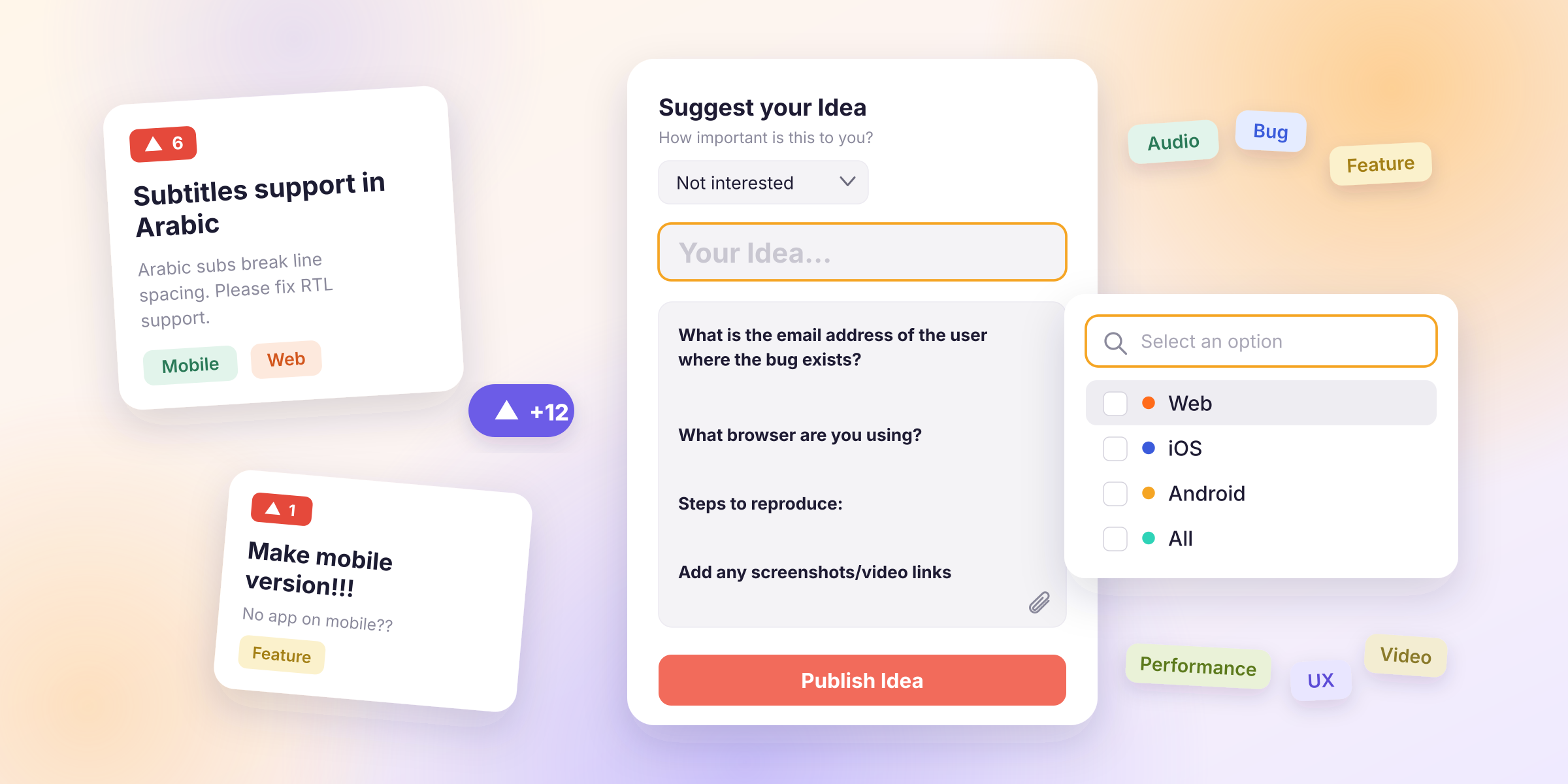
Voting Boards collect a lot of feedback, but not all of it is equally useful. This case shows how a product team made incoming Ideas easier to understand and prioritize by customizing the form Voters fill in.
The situation
A B2B SaaS team launched a public Voting Board and got Ideas right away. The problem showed up a few weeks later:
- Many Ideas were a single line, like "Add export" or "Need better filters".
- The team had to reach out to Voters just to learn what they meant.
- It was unclear which customer segment or plan an Idea came from.
- Similar requests were written differently, so they were hard to compare.
Every unclear Idea cost the team a round of clarification before it could even be considered for the backlog.
What the team changed
Instead of cleaning up feedback after the fact, they decided to improve it at the source: the Create Idea form (card).
1. Gave Voters a prompt to follow
The team added an Idea template with a few short questions: what problem the Voter is trying to solve, what they do today, and how often it happens.
Voters no longer start with a blank field. They see exactly what the team needs to know, so a request arrives with context.
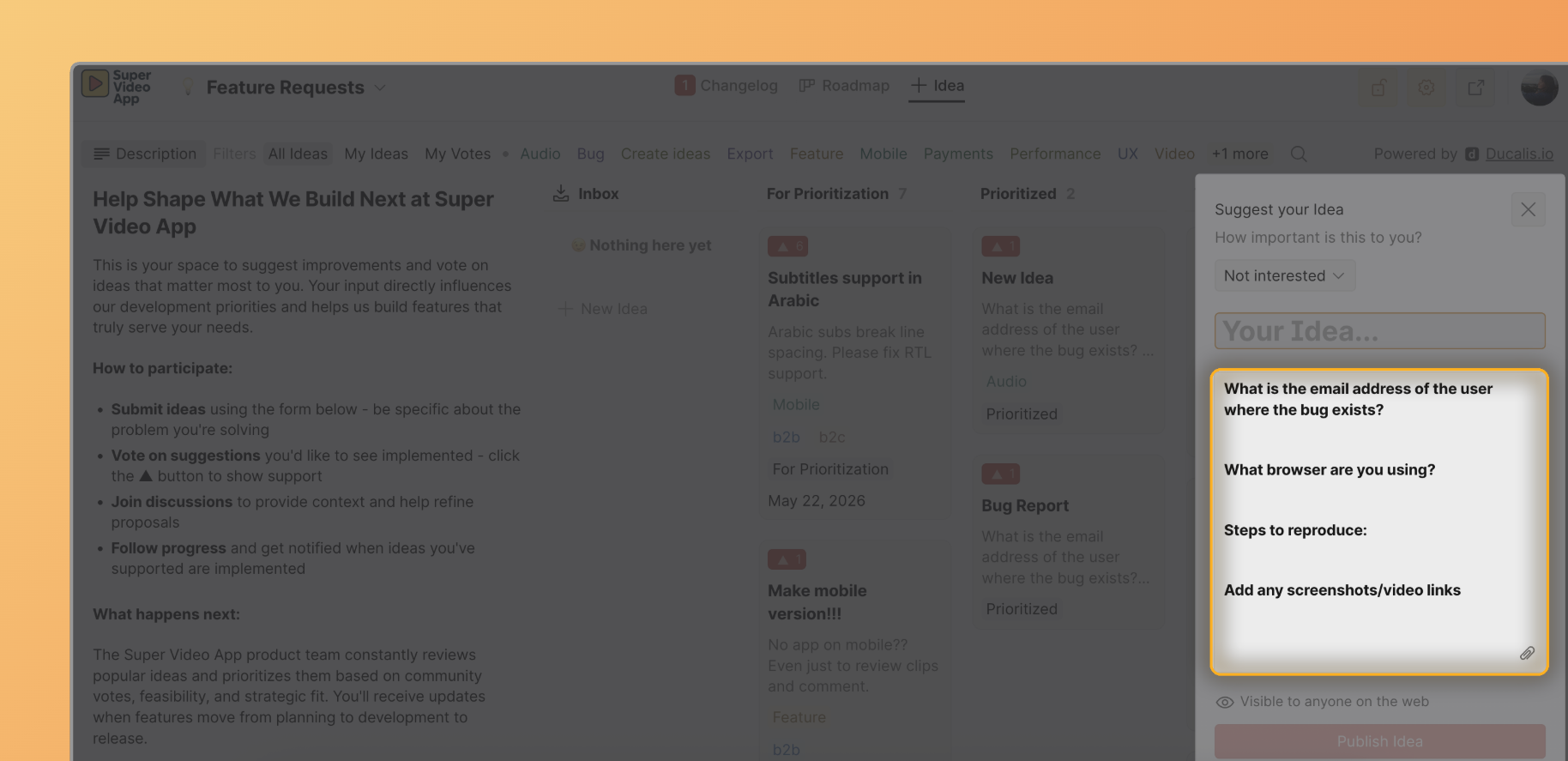
See how to set it up: Idea templates.
2. Added fields for structured answers
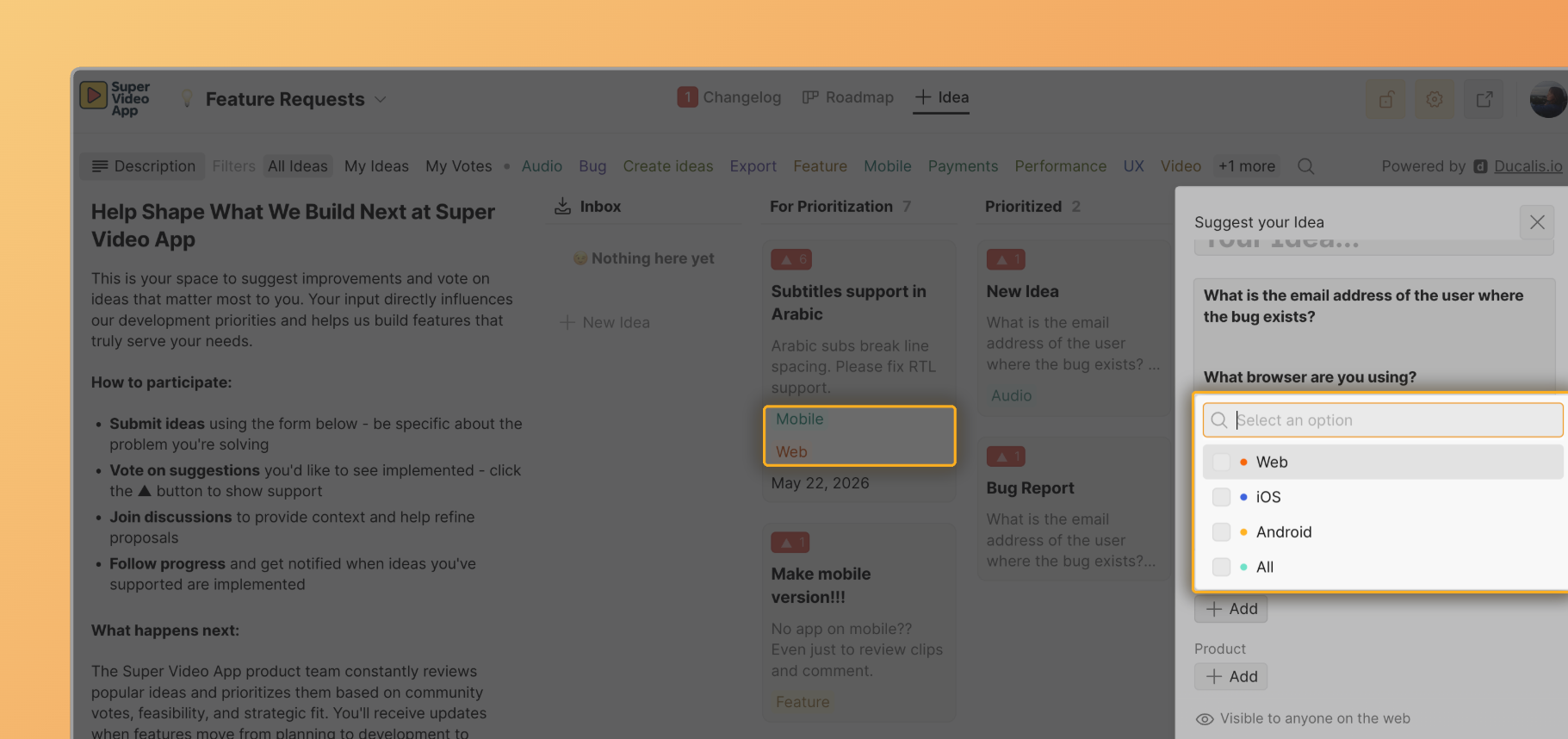
Free text is good for the story, but not for sorting. The team added custom fields that Voters can fill in, such as the area of the product and how critical the request is for their work. These answers can be shown on Idea cards and used to filter the board.
See how to set it up: Card customization.
3. Kept the form short
The team resisted adding more than a few fields. Each extra field makes Voters less likely to finish, so they kept only the ones that changed how they would act on an Idea.
4. Matched the form to the audience
The team has customers in several regions, so they displayed the form in the Voters' language. A Voter who understands every question gives a better answer.
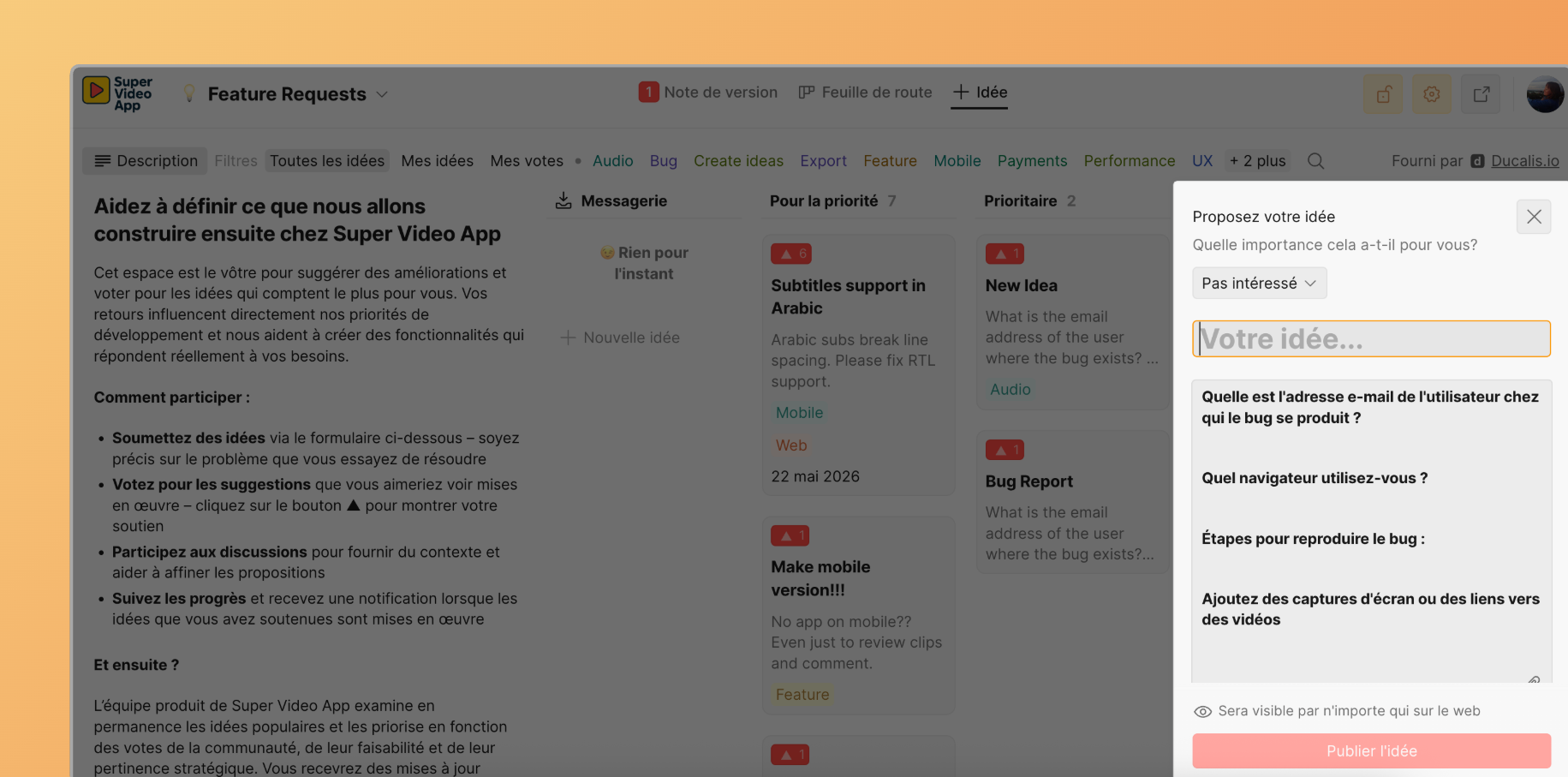
See how to set it up: Translation.
The result
After the change, the team noticed:
- Fewer follow-up questions to Voters, because the context was already in the Idea.
- Easier grouping of similar requests thanks to consistent fields.
- Faster triage: the team could tell at a glance which Ideas were worth moving into the backlog.
- Better material for prioritization, since Ideas arrived with the details they needed to be scored.
Takeaways
- Fix quality at the entrance. A good form is cheaper than clarifying every Idea afterward.
- Ask only what you will use. Every field should change a decision.
- Mix free text and structure. Let Voters tell the story, and use fields to make it sortable.
- Revisit the form. If you keep asking the same follow-up question, add it to the template.