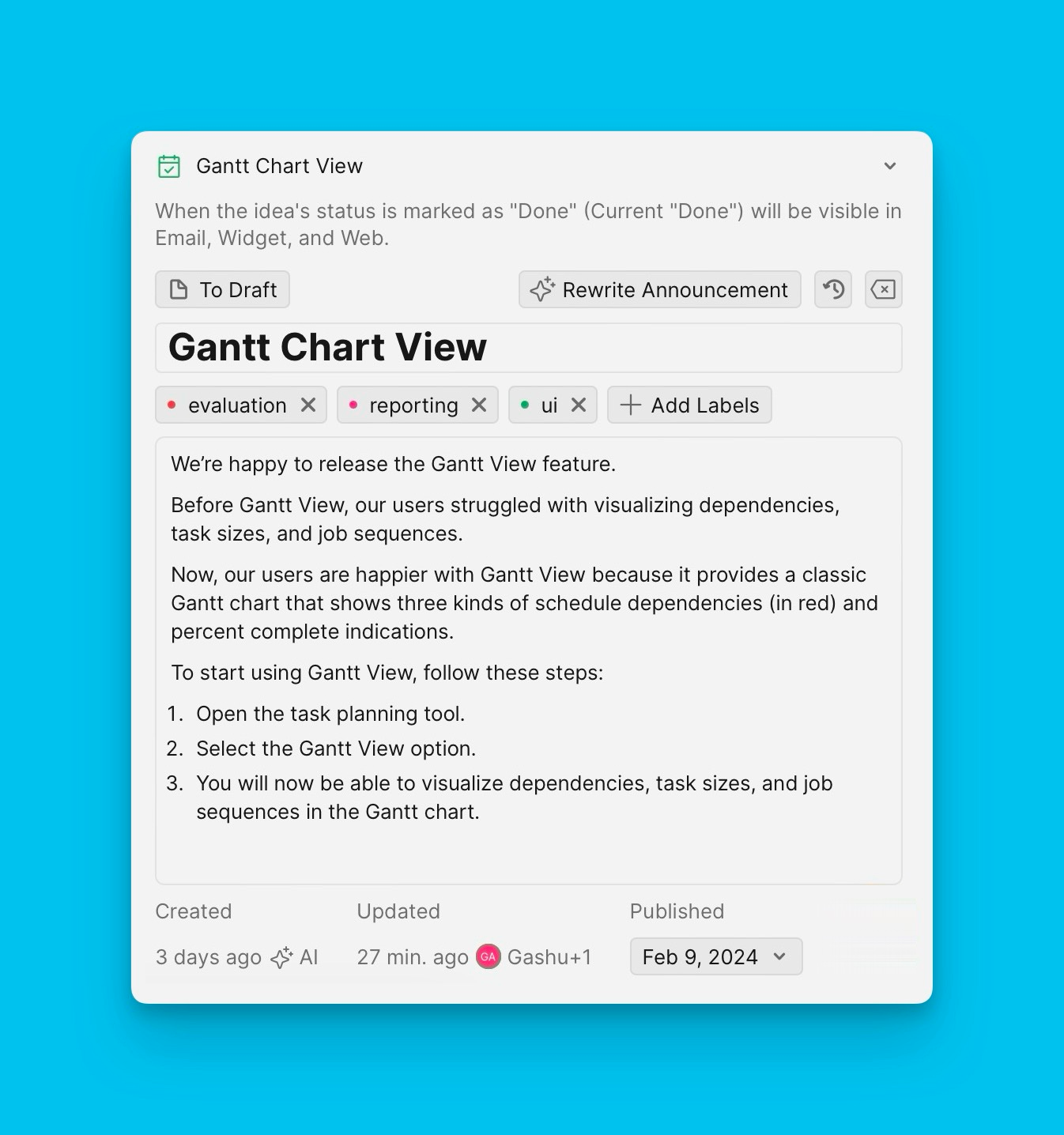
Step 2. Create Release Notes Template
A template provides a reusable structure for email release notes, ensuring consistency across all announcements without manual copying and pasting.
Create a Release Note Template
-
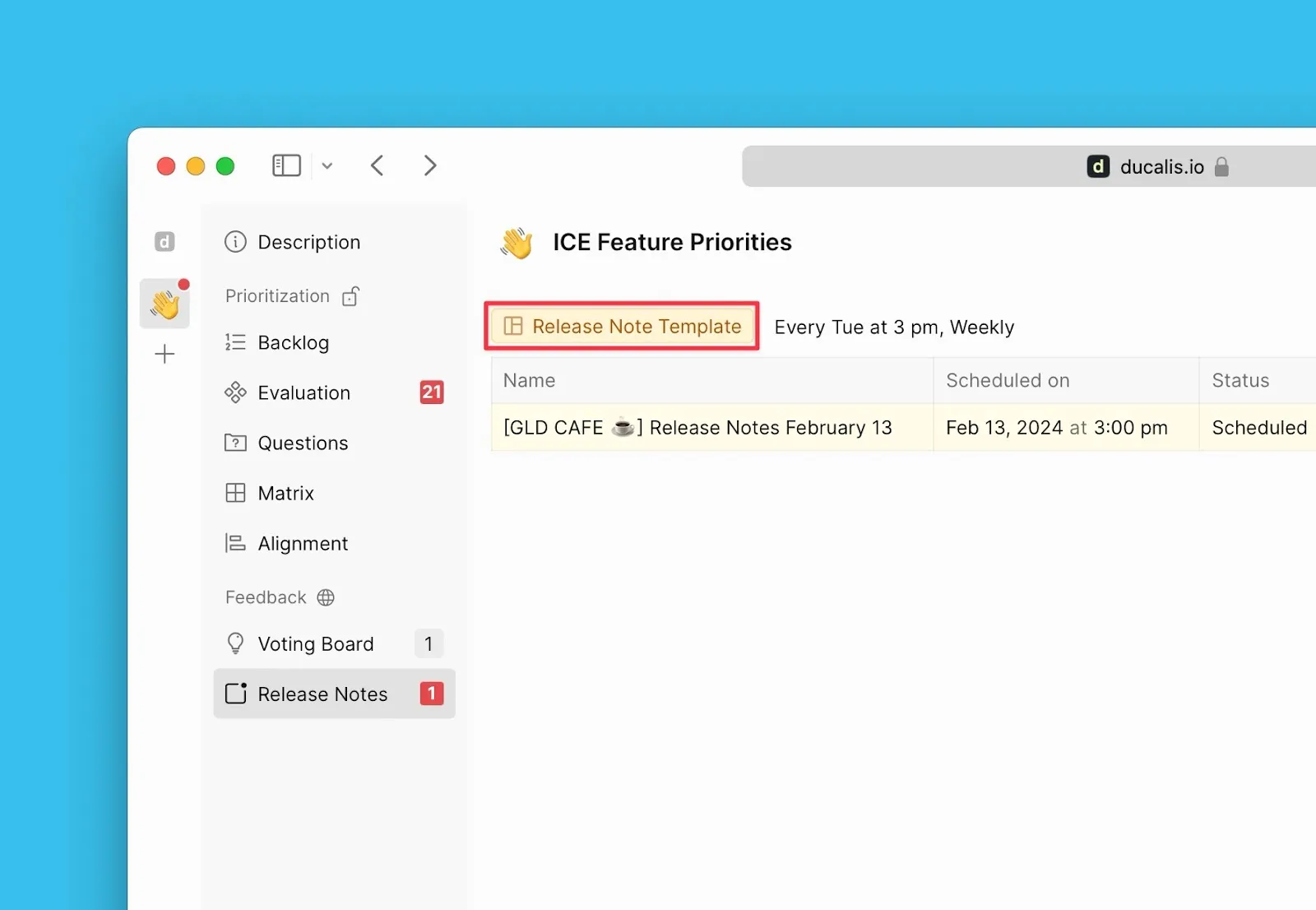
Click Release Note Templates under the Release Notes page.
-
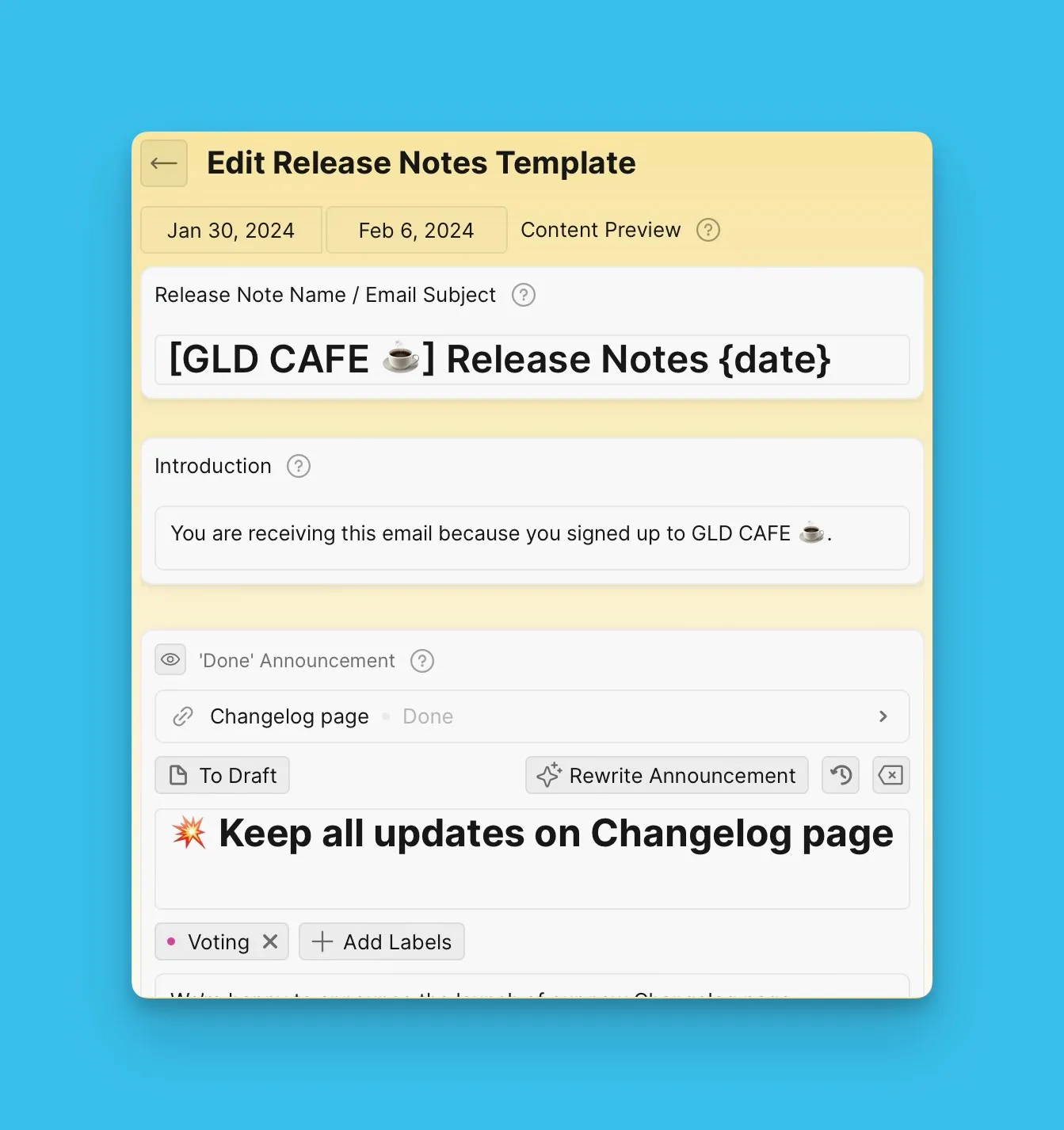
Customize your release note template using the blocks below.
Email Subject Block
The Email Subject block is required and cannot be hidden or deleted.
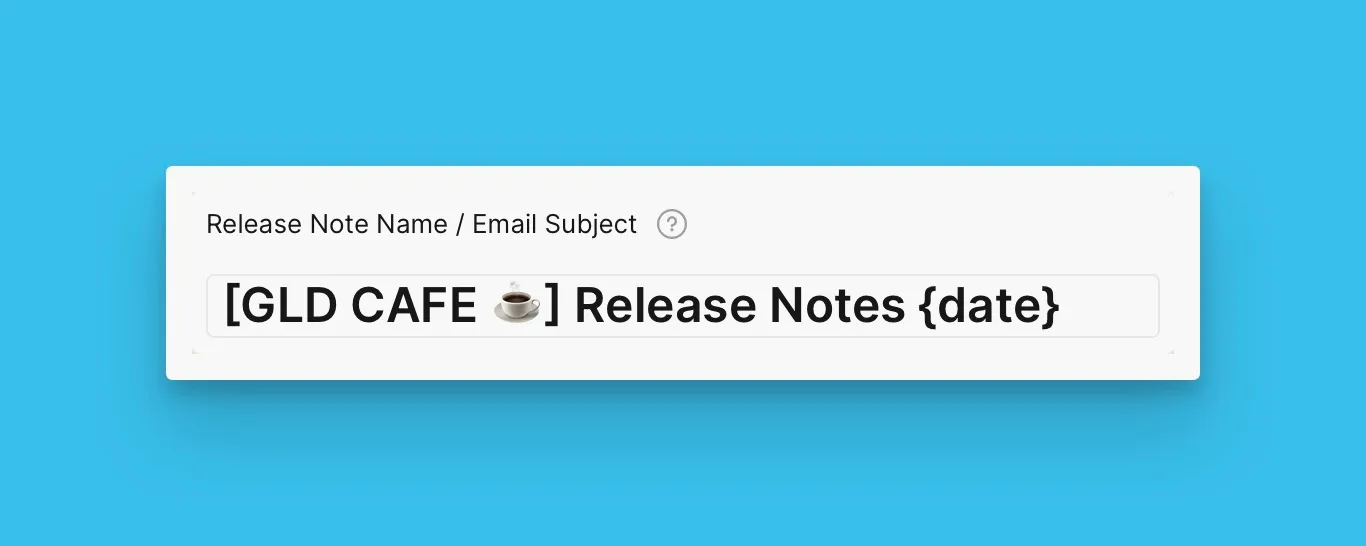
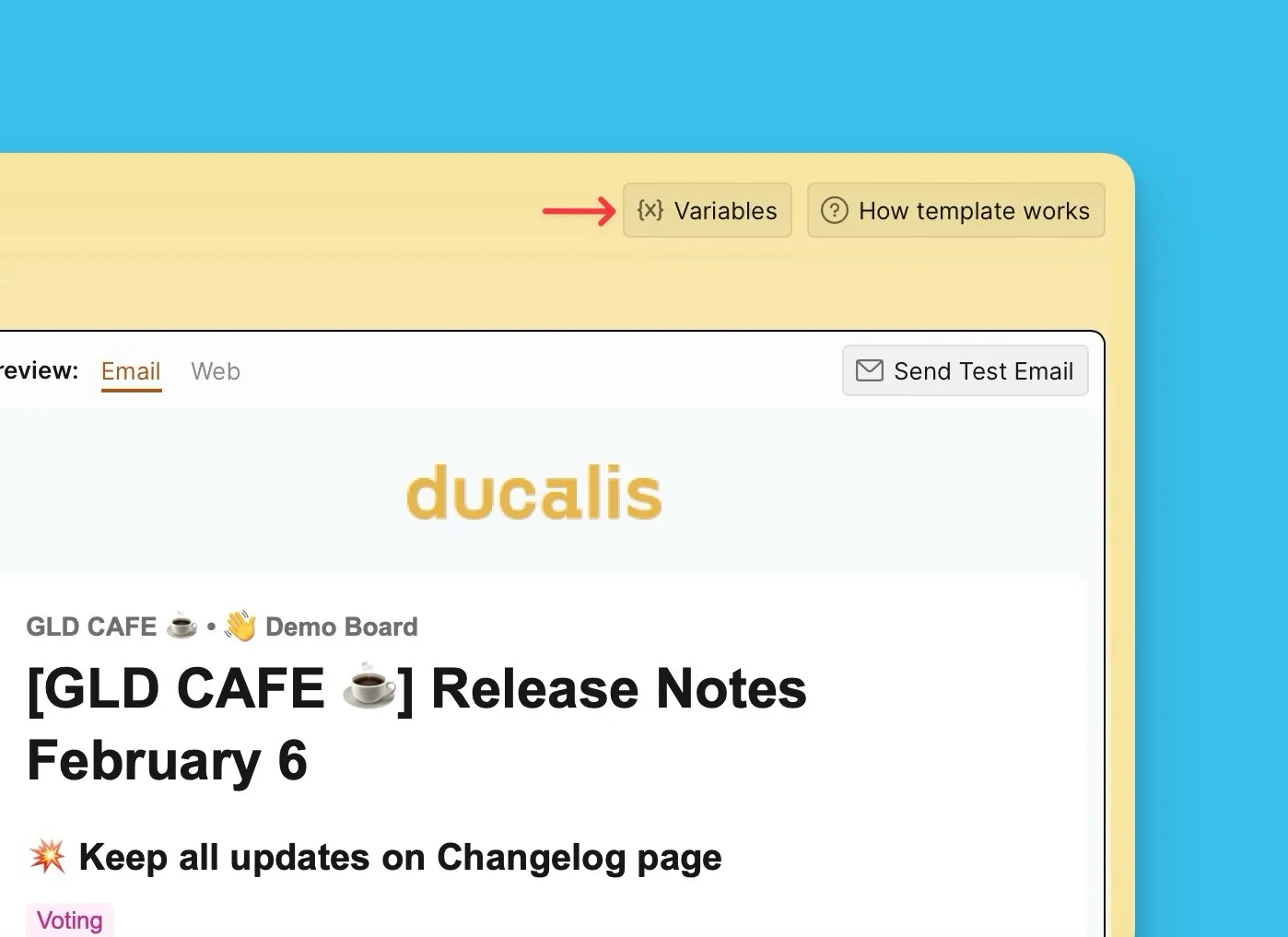
Variables
Use variables {X} to insert dynamic content like dates, weekdays, and years.
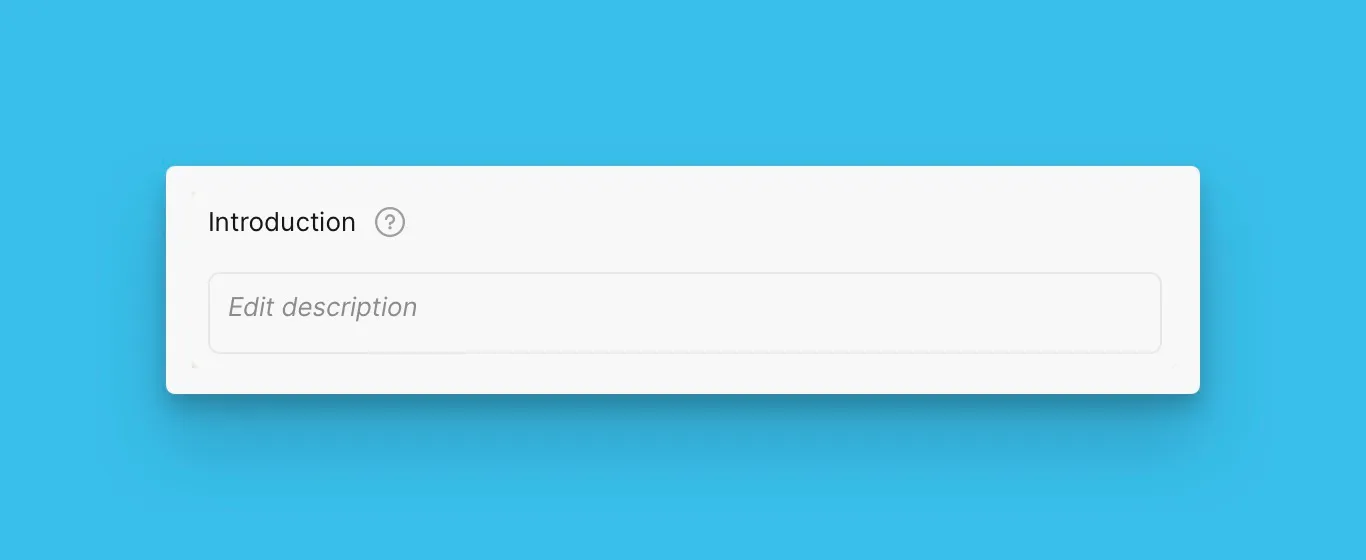
Introduction Block
Leave the Introduction block text field empty to exclude it from the email template.
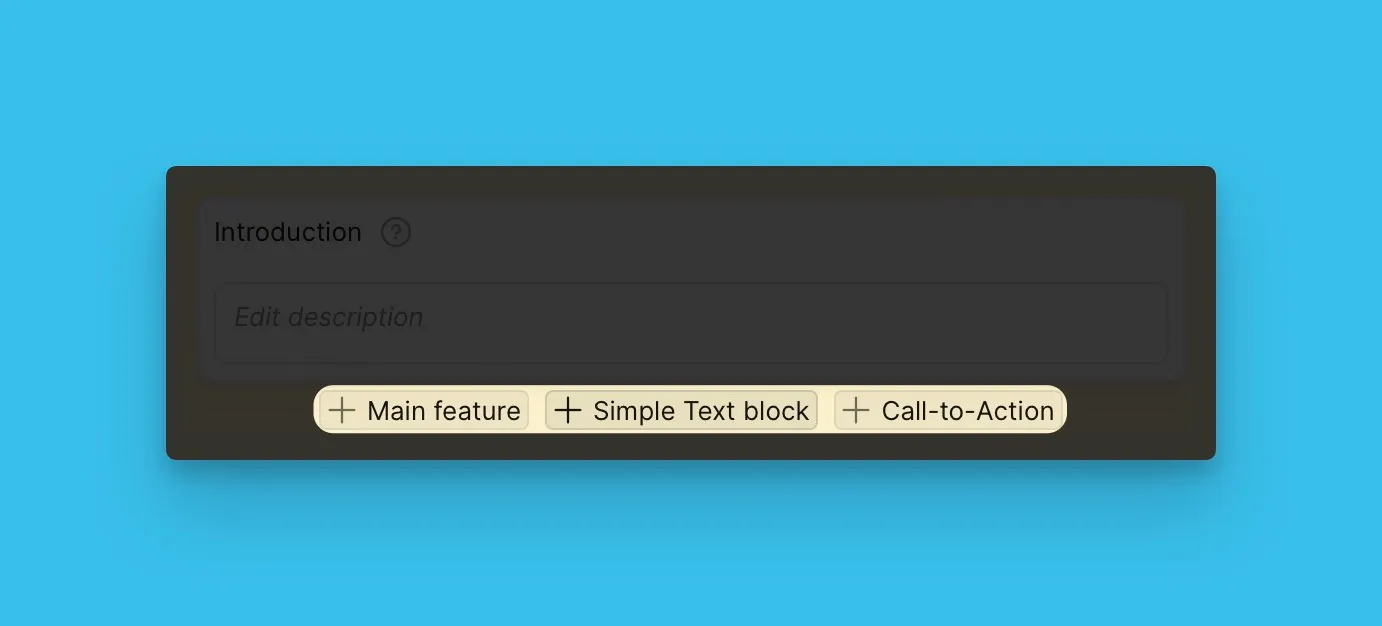
Main Feature, Simple Text, and CTA Blocks
Add as many Main Feature, Simple Text, and CTA blocks as needed.
Voting Board Status Blocks
Choose which Voting Board Status blocks to include and arrange them in your preferred order.
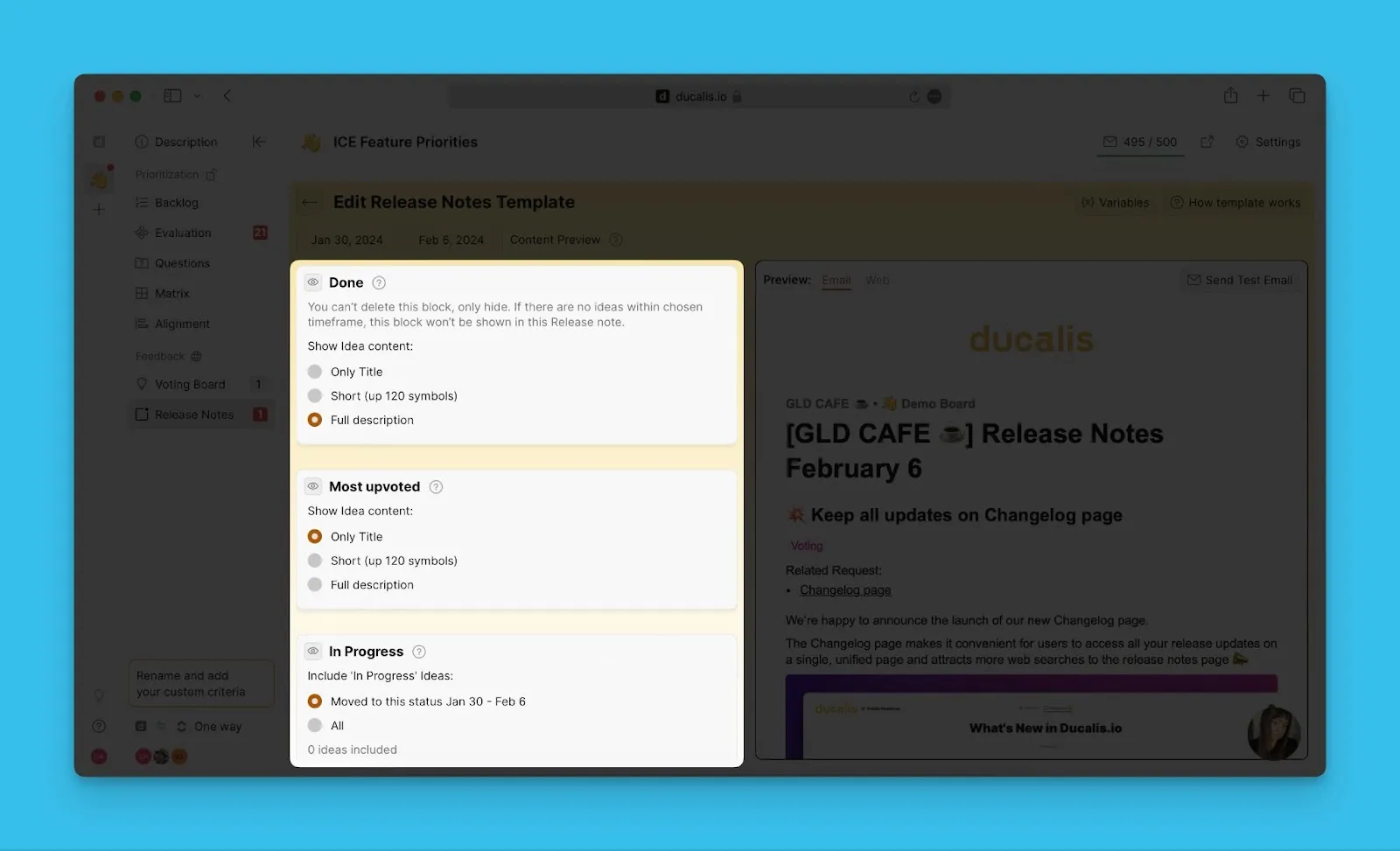
Your template auto-saves. Every release note you create will follow this template structure.
What's Next?
Learn how to add announcements to Release Notes.