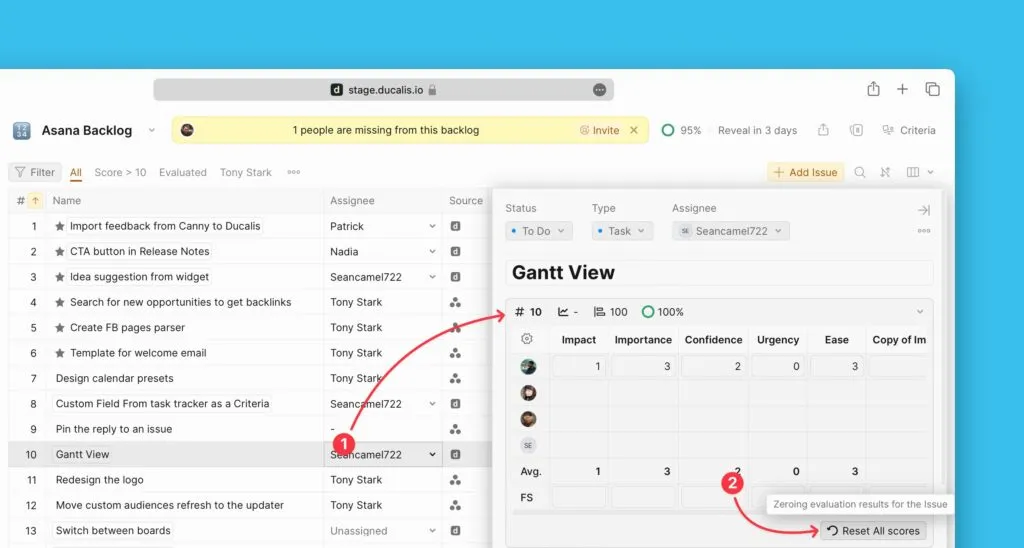
Reset scores manually
Reset evaluation scores to clear existing evaluations and start fresh. You can reset/change/delete all current scores at once, only Facilitator scores, or individual Issue scores.
Clear all scores
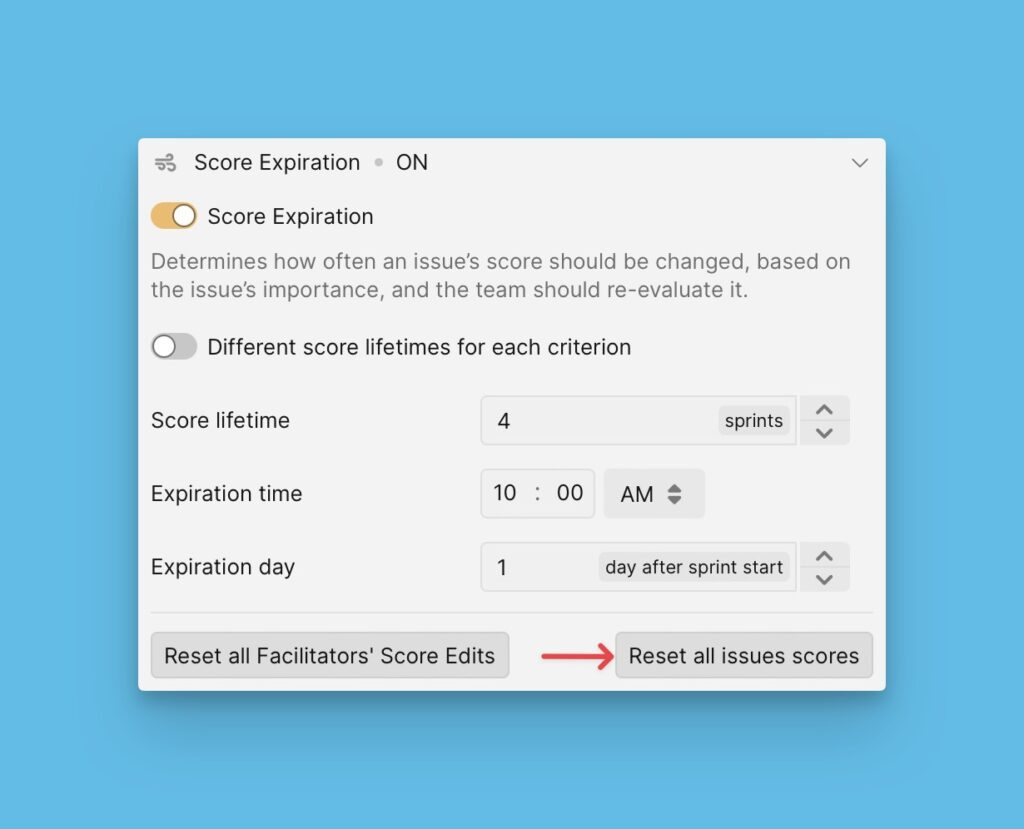
You can manually clear all the current scores in a priority Board at once. This is useful in a case where you would want to reset scores right away.
- Go to Evaluation progress and Sprint Planning → Score expiration.
- Click Reset all issues' scores.
Selecting this option resets all scores, including Facilitators' scores, and undoes skipping.
Clear Facilitator scores
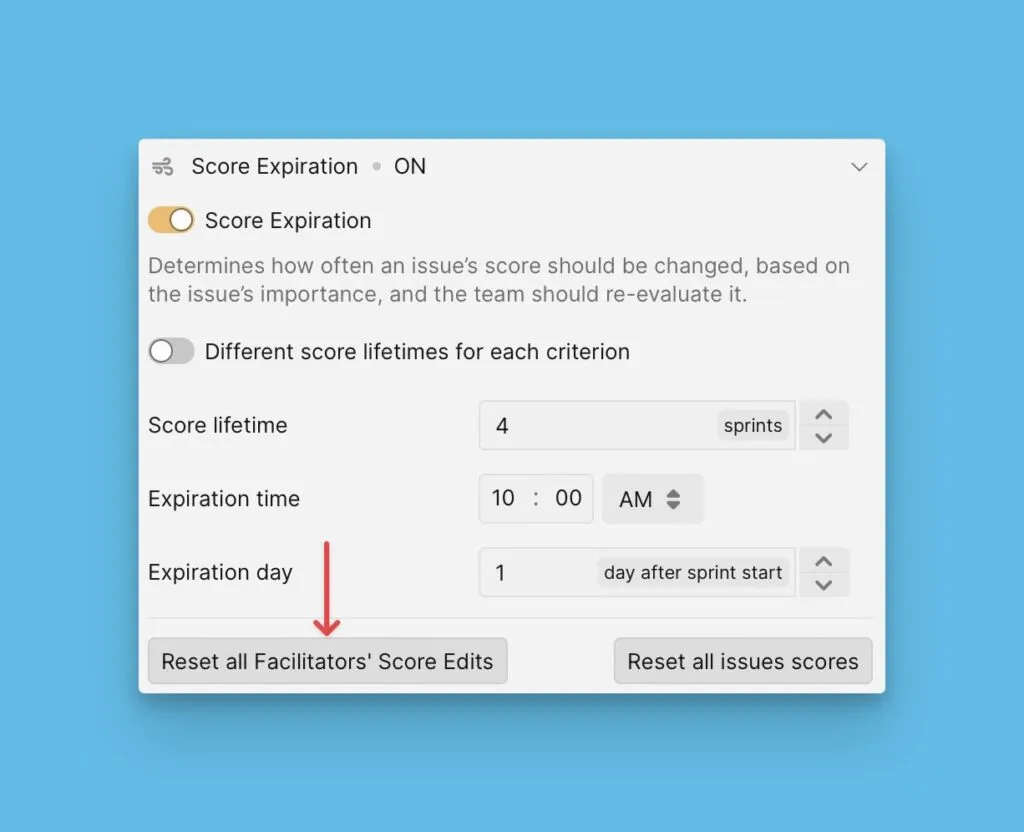
You can reset the scores added by Facilitators, i.e. their edits to the Final Scores. Selecting this option only deletes the scores put by Facilitators and leaves all the other scores.
- Go to Evaluation progress and Sprint Planning → Score expiration.
- Click Reset Facilitators' scores.
Clear individual Issue scores
You have the option to reset the scores of an individual Issue. You can do this manually by going to the Issue card of the Issue whose scores you want to reset.
Under Backlog, Matrix, Gantt chart,or Alignment, open the Issue card.
- Open the Reevaluation block.
- Click Reset all scores.