AI ile Toplu İşlemler
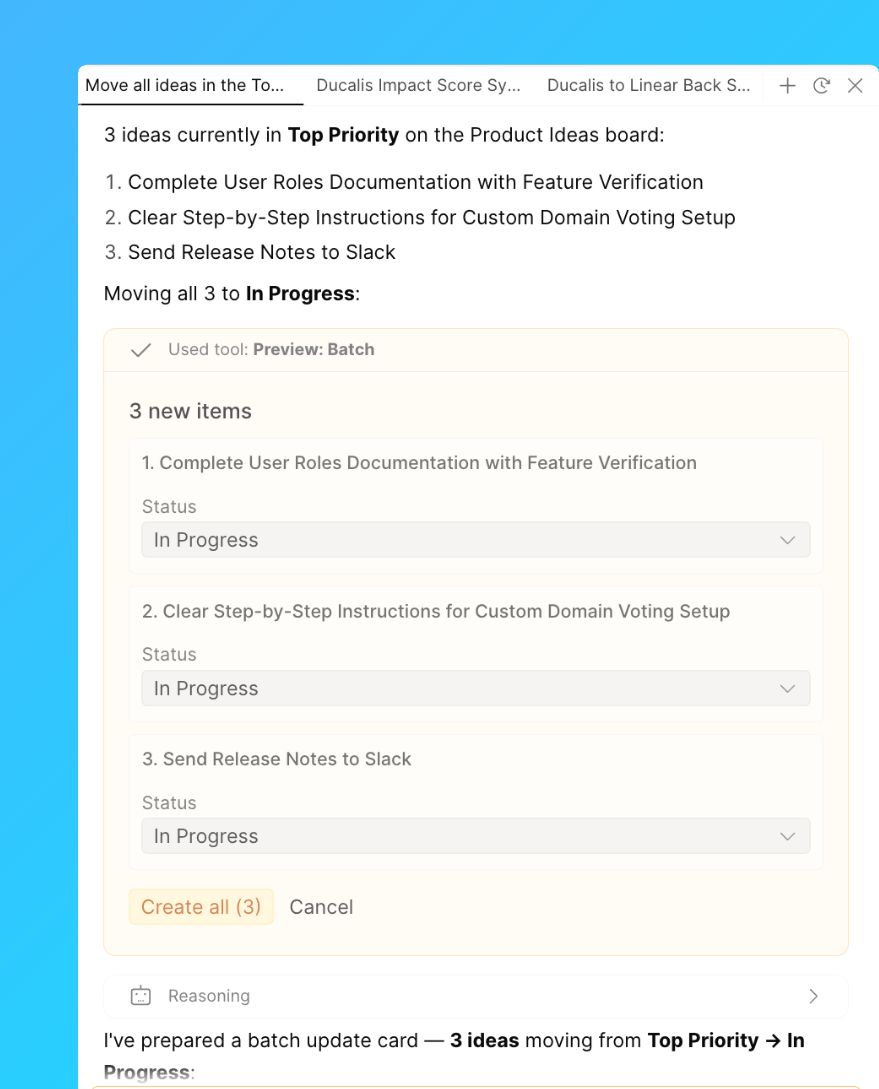
AI asistanı ve MCP entegrasyonu, Ducalis verileri—Fikirler, Kayıtlar, kriterler, kullanıcılar ve daha fazlası—üzerinde tek bir istekle toplu işlemler yapmanızı sağlar; her öğeyi tek tek güncellemek yerine.
Onlarca öğeyi tek tek açmak yerine, ne istediğinizi doğal dilde açıklayın. Asistan eşleşen öğeleri bulur ve değişikliği hepsine uygular.
AI ile toplu işlemleri şunlar için kullanın:
-
Panoları ve açıklamalarını tek seferde kurmak
-
Birçok Kayıt veya Fikir üzerinde aynı anda etiket ve atayan uygulamak
-
İş listesi ve oylama panosu öğelerini toplu olarak yayınlamak, aramak, etiketlemek veya temizlemek vb.
Toplu işlem nasıl çalıştırılır
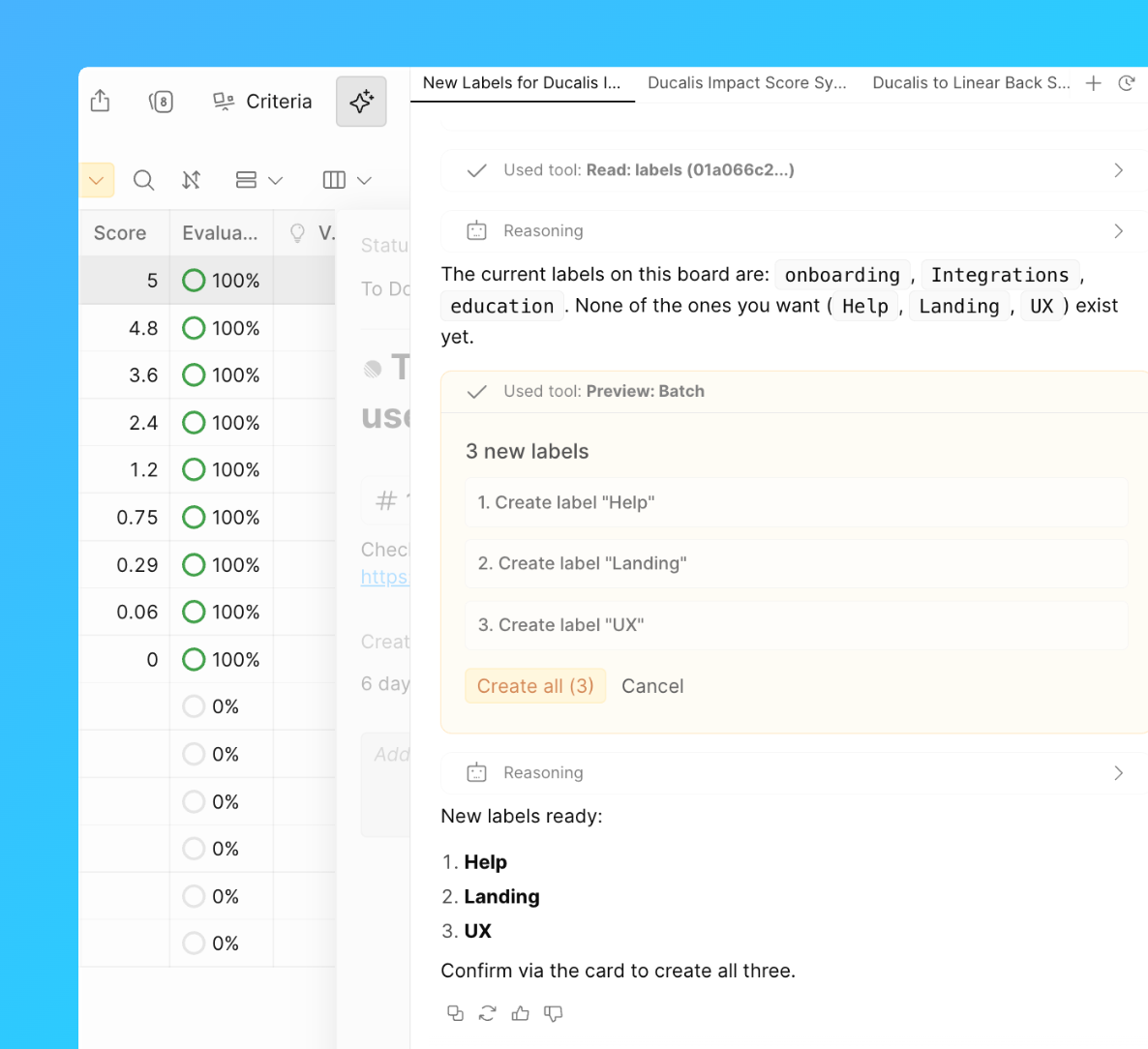
- AI asistanını açın veya MCP destekli bir araçtan Ducalis'e bağlanın.
- Uygulanacak öğeler de dahil olmak üzere istediğiniz toplu işlemi açıklayın.
- Asistanın bulduklarını inceleyin ve değişikliği uygulamadan önce onaylayın.
Toplu işlem örnekleri
Panolar Oluşturun ve Adlandırın
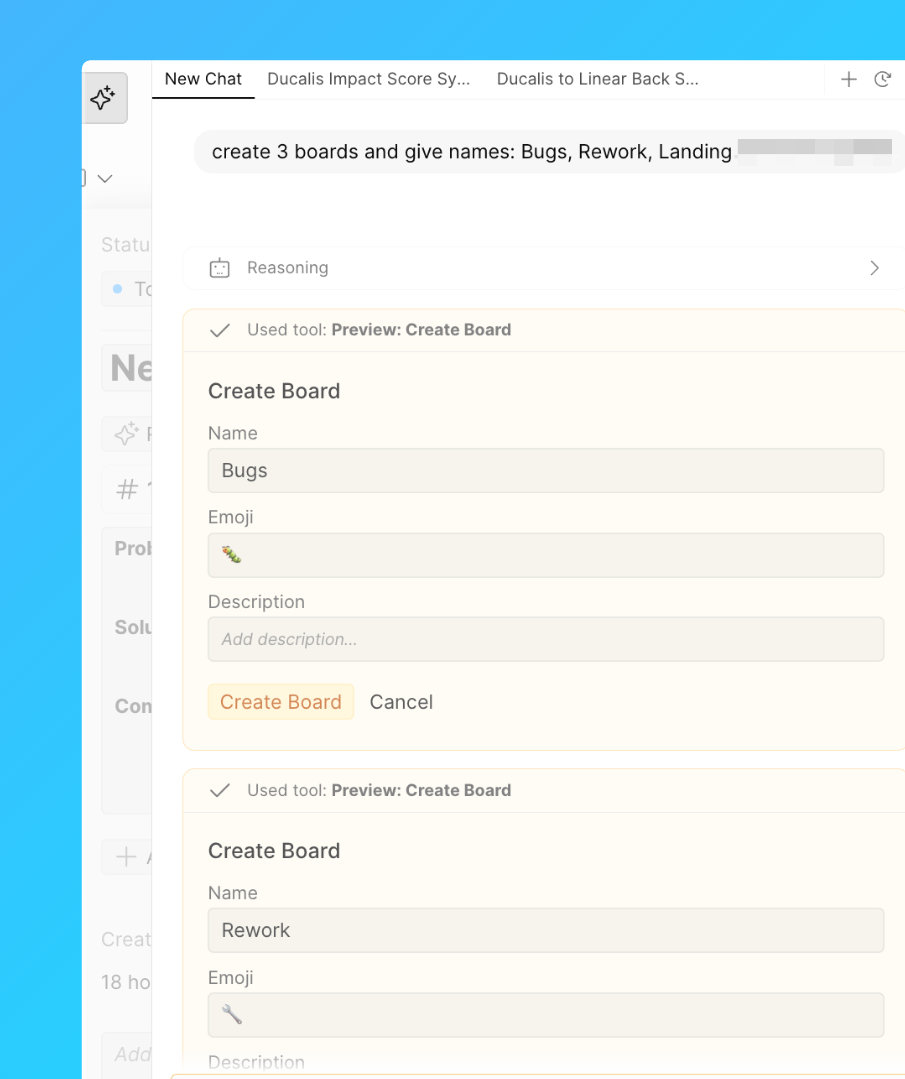
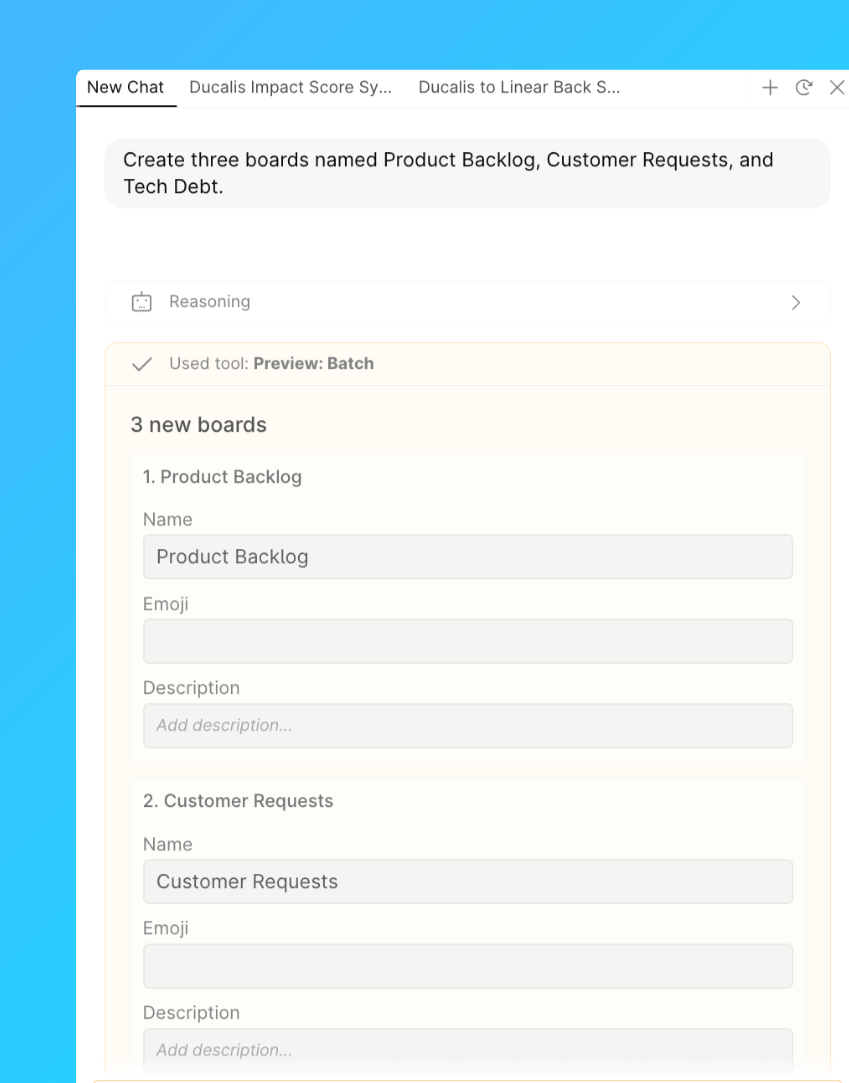
Asistandan aynı anda birkaç pano oluşturmasını ve her birine bir ad vermesini isteyin.
İstem örneği: "Ürün İş Listesi, Müşteri Talepleri ve Teknik Borç adlı üç pano oluştur."
Pano Açıklamaları Yazın
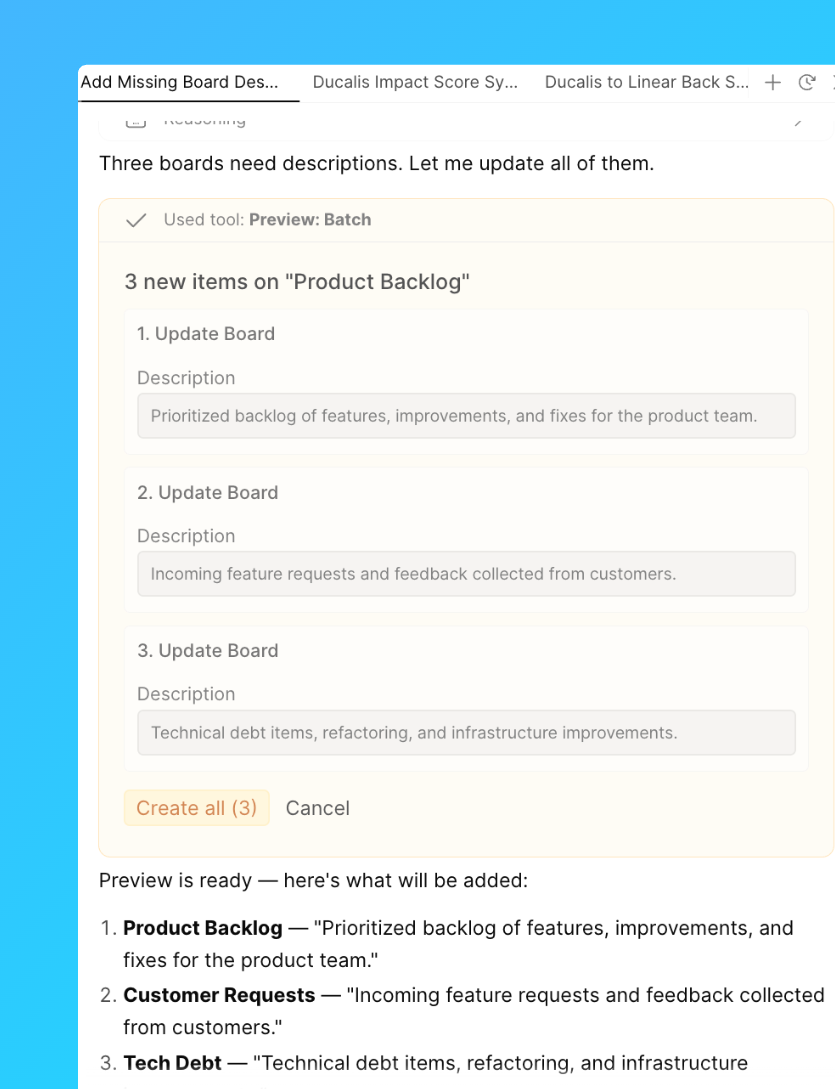
Asistanın tek bir istekte birden fazla pano için açıklama yazmasını veya güncellemesini sağlayın.
İstem örneği: "Henüz açıklaması olmayan her panoya kısa bir açıklama ekle."
Oylama Panolarını Açın veya Kapatın
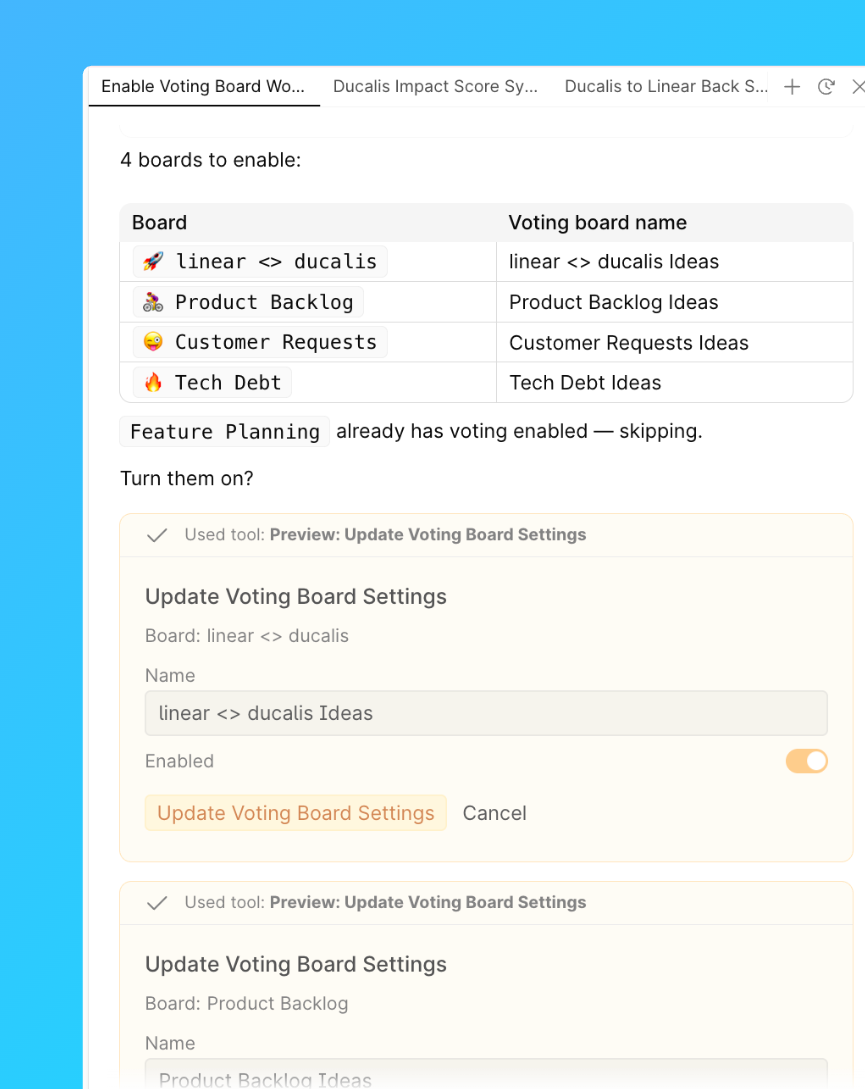
Birden fazla panoda Oylama Panosu ayarını aynı anda etkinleştirin veya devre dışı bırakın.
İstem örneği: "Çalışma alanındaki tüm panolar için Oylama Panosunu aç."
Etiketler Oluşturun
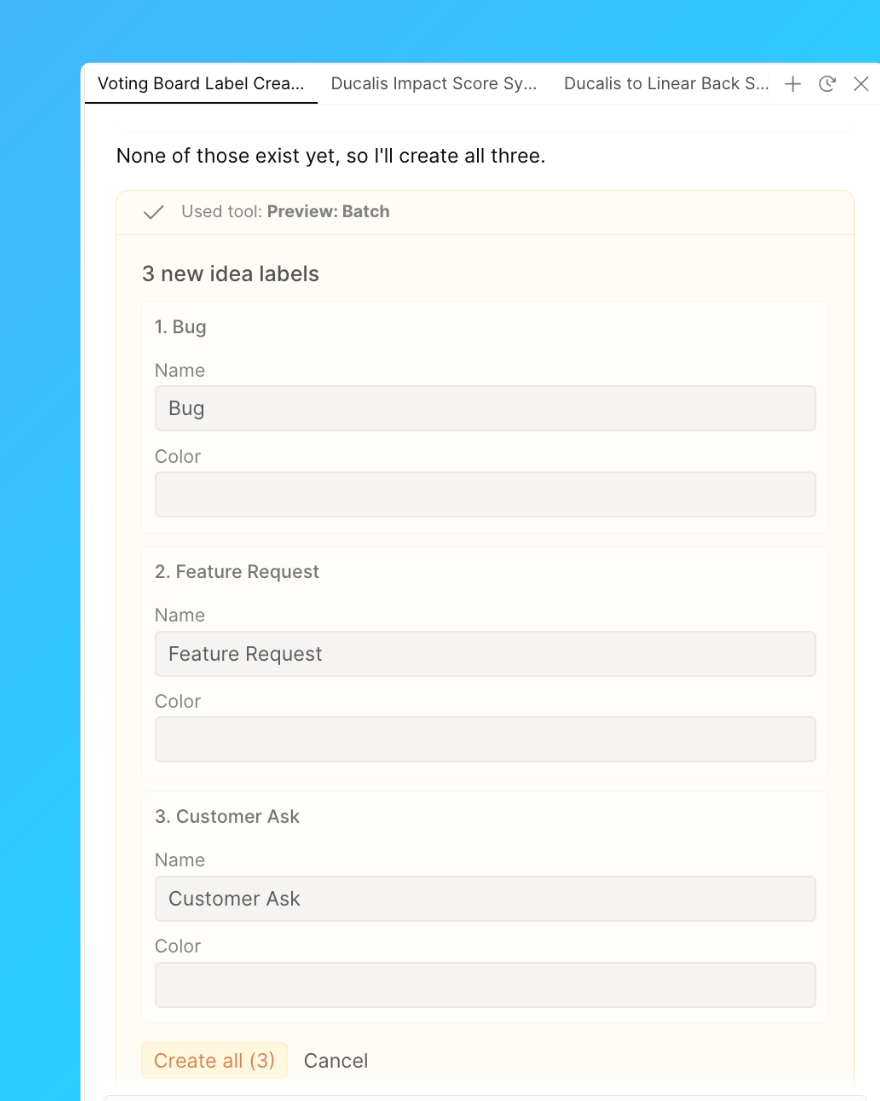
Etiketleri tek tek eklemek yerine tek bir istekte bir dizi etiket oluşturun.
İstem örneği: "Hata, Özellik Talebi ve Müşteri İsteği adlı etiketler oluştur."
Etiket Atayın
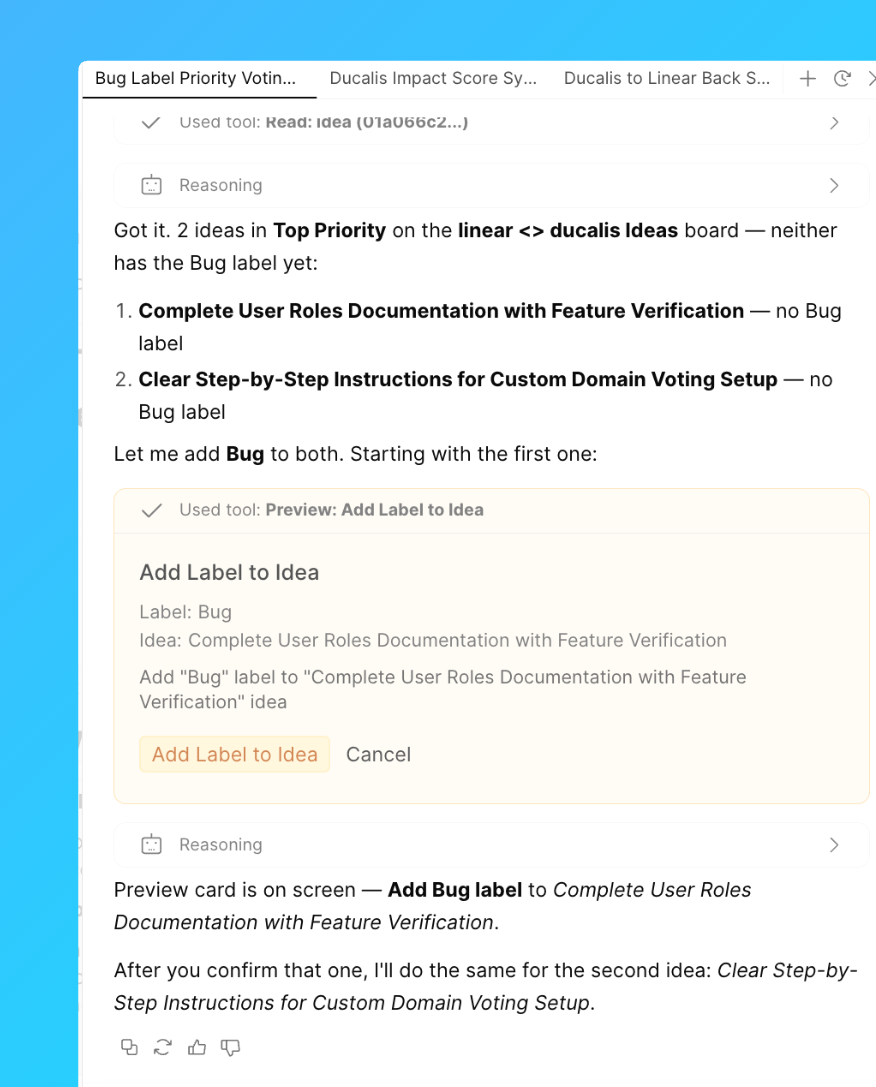
Bir koşulla eşleşen bir grup Kayıt veya Fikre etiket uygulayın.
İstem örneği: "'Linear ↔ Ducalis' Oylama panosundaki En Yüksek Öncelik sütunundaki Fikirlere Hata etiketini ekle."
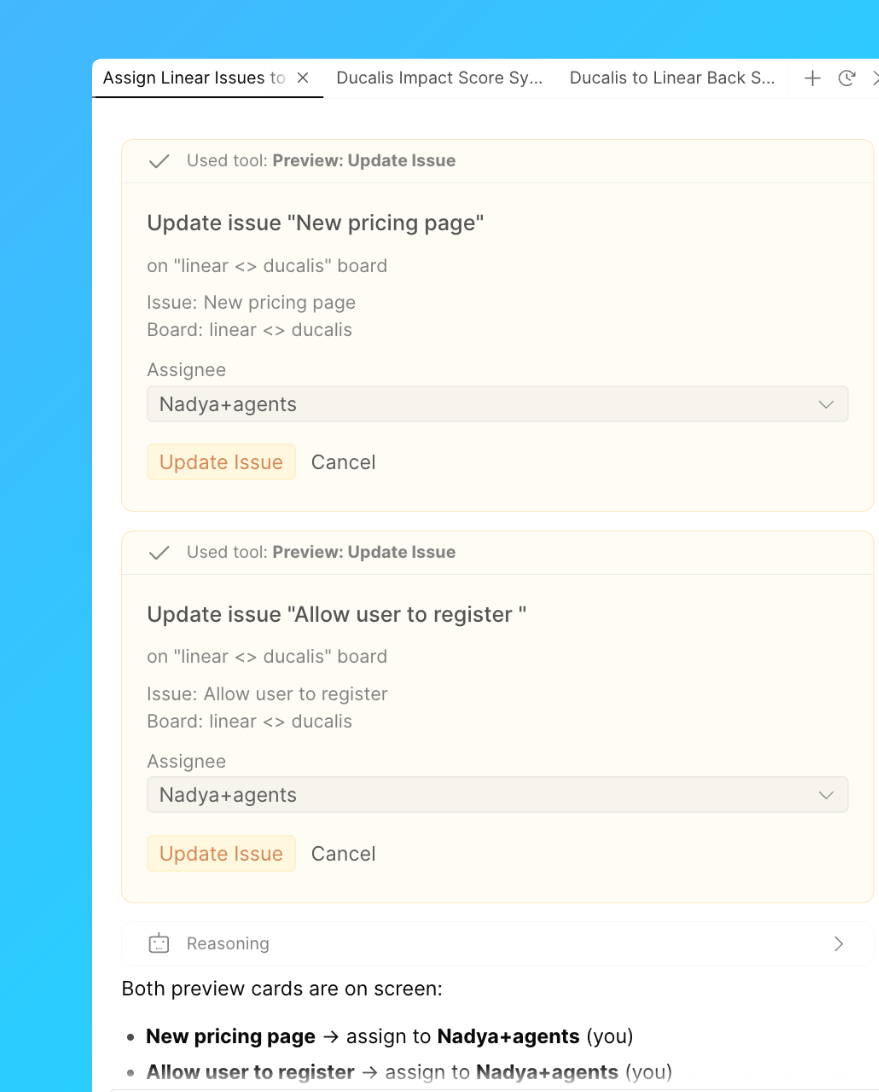
Atayan Kişi Belirleyin
Bir grup Kayıda tek seferde bir kullanıcı atayın.
İstem örneği: "'Ürün' panosundaki atanmamış tüm Kayıtları Ducalis kullanıcısı John Smith'e ata."
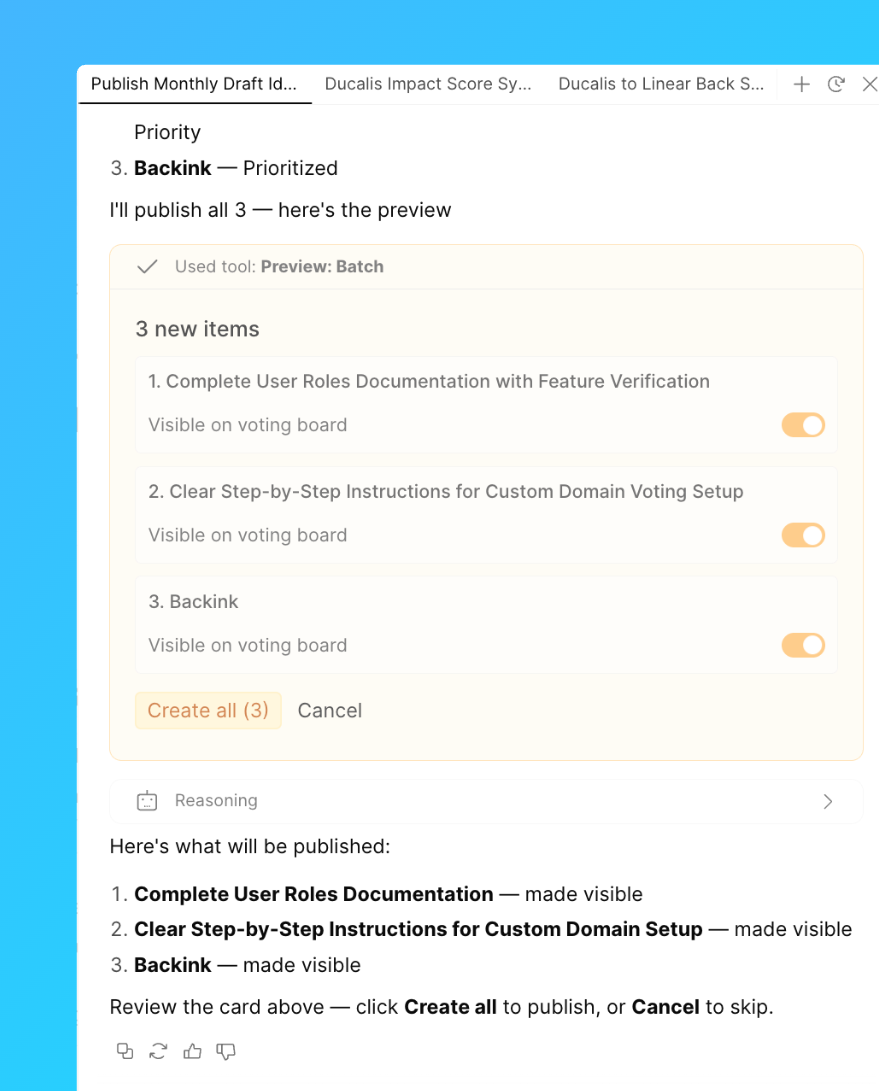
Fikir Taslaklarını Yayınlayın
Bir grup taslak Fikri Oylama Panosunda yayınlayın.
İstem örneği: "Ürün Fikirleri oylama panosunda bu ay oluşturulan tüm taslak Fikirleri yayınla."
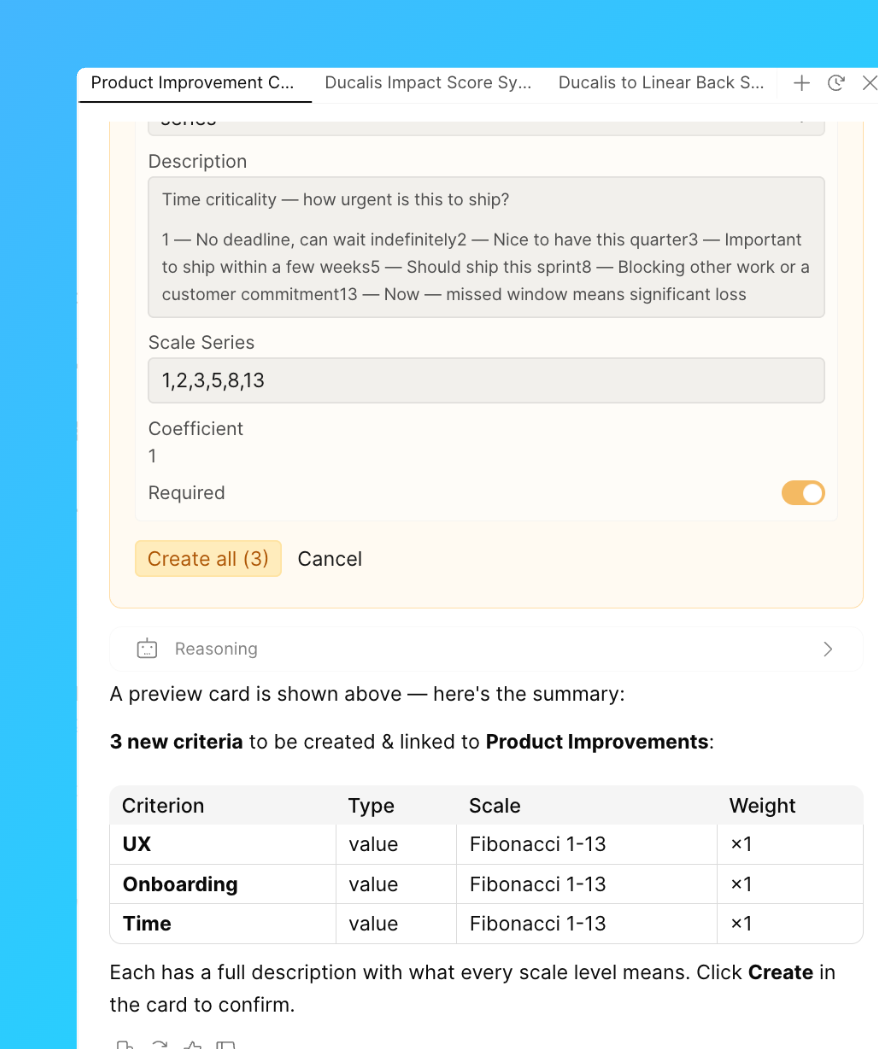
Kriter Oluşturun
Tek bir istekte bir panoya birden fazla değerlendirme kriteri ekleyin.
İstem örneği: "Ürün İyileştirmeleri panosu için UX, Onboarding ve Süre kriterlerini oluştur."
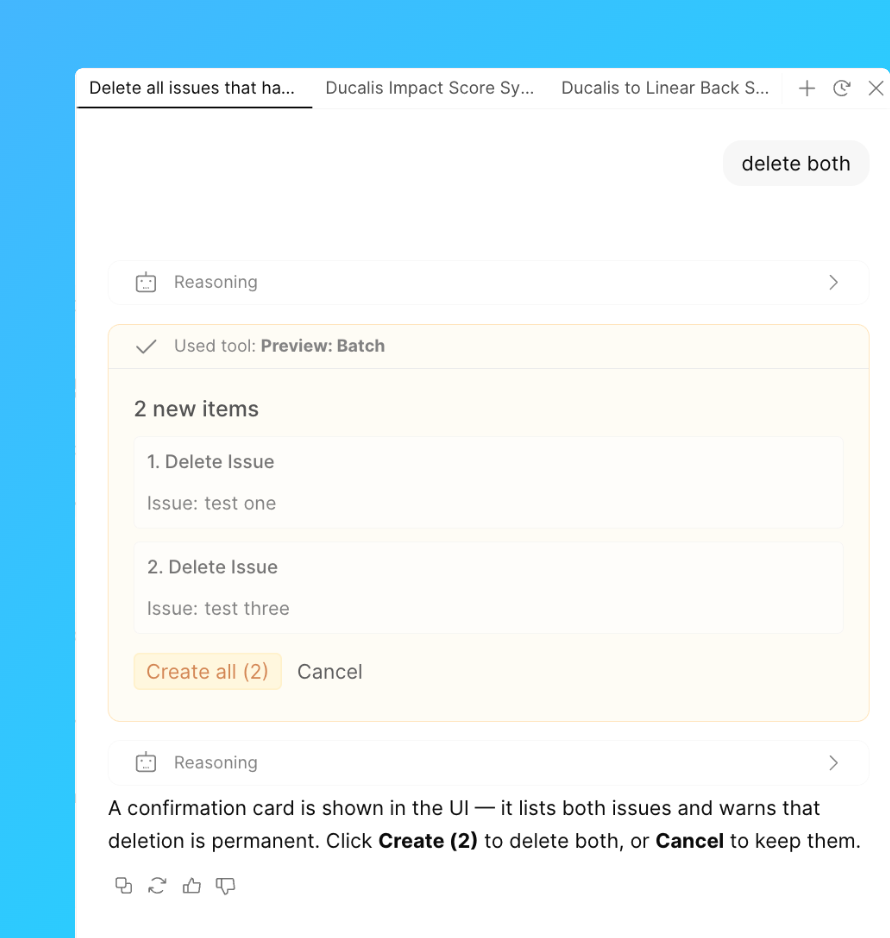
Kayıtları veya Fikirleri Silin
Bir açıklamayla eşleşen birden fazla Kaydı veya Fikri kaldırın.
İstem örneği: "Ürün İyileştirmeleri panosunda adında 'test' geçen tüm Kayıtları sil."
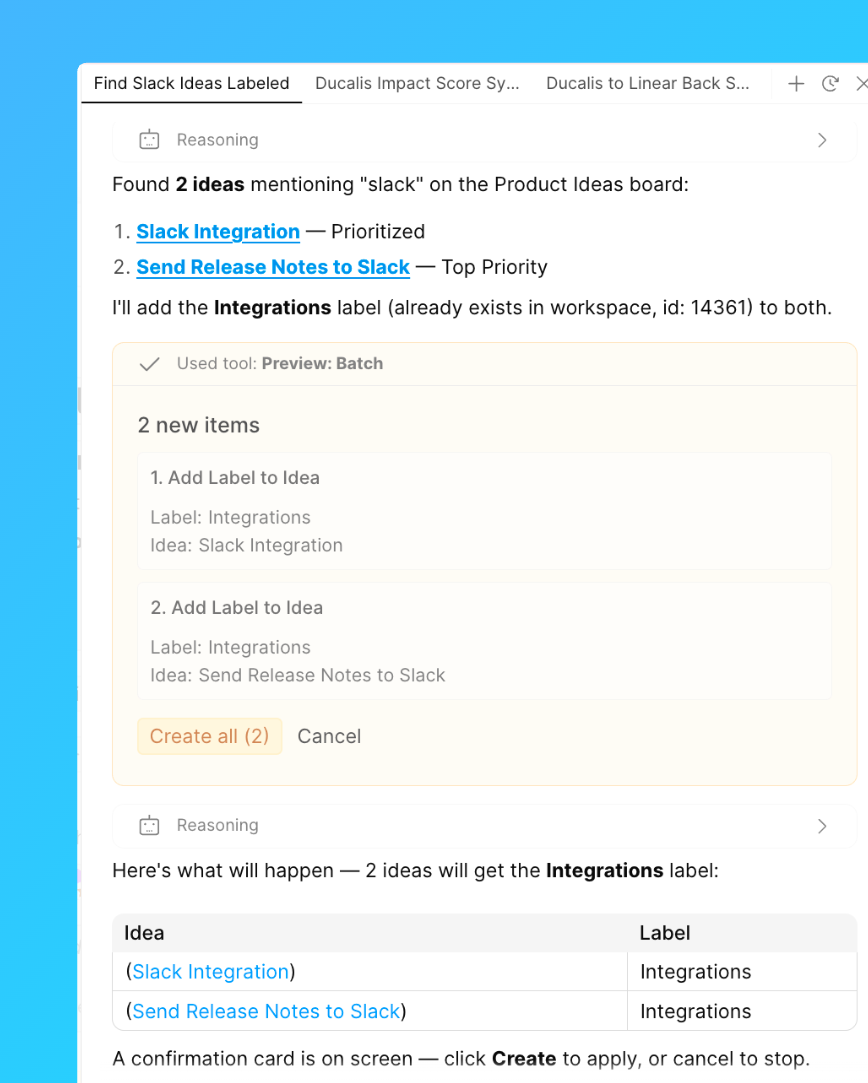
Anahtar Kelimeye Göre Fikir Arayın ve Etiketleyin
Bir anahtar kelimeden bahseden Fikirleri bulun ve hepsini tek seferde etiketleyin.
İstem örneği: "'Slack'ten bahseden her Fikri bul ve Entegrasyonlar ile etiketle."
Durumları Değiştirin
Tek bir istekte bir grup Kaydı veya Fikri yeni bir duruma taşıyın.
İstem örneği: "Ürün Fikirleri panosunda tüm Fikirleri En Yüksek Öncelik durumundan Devam Ediyor durumuna taşı."