Schritt 4. Custom Domain für E-Mails
Versende Release Notes und Benachrichtigungen von der E-Mail-Adresse deines Unternehmens, um die Öffnungsraten zu erhöhen und Vertrauen bei deinen Abonnierenden aufzubauen.
Wenn du eine Custom Domain konfigurierst, verwenden alle E-Mails, die an Abonnierende des Voting Boards gesendet werden, deine Unternehmensadresse anstelle eines generischen Absenders. Dazu gehören Release Notes, Statusaktualisierungen von Ideen, Kommentare und andere Benachrichtigungen.
Kontaktiere den Support, um eine Custom Domain einzurichten. Diese Funktion erfordert eine DNS-Konfiguration und kann nicht selbst eingerichtet werden.
Format der benutzerdefinierten E-Mail-Adresse
Deine benutzerdefinierte E-Mail-Adresse folgt diesem Muster: benutzername@deineunternehmen.com
Beispiel: Wenn dein Unternehmen GLD café ist, wäre deine E-Mail-Adresse pgash@gldcafe.com.
Einrichtungsprozess
- DNS-Einstellungen konfigurieren für deine Domain (der Support stellt dir die spezifischen Einträge zur Verfügung, die du hinzufügen musst).
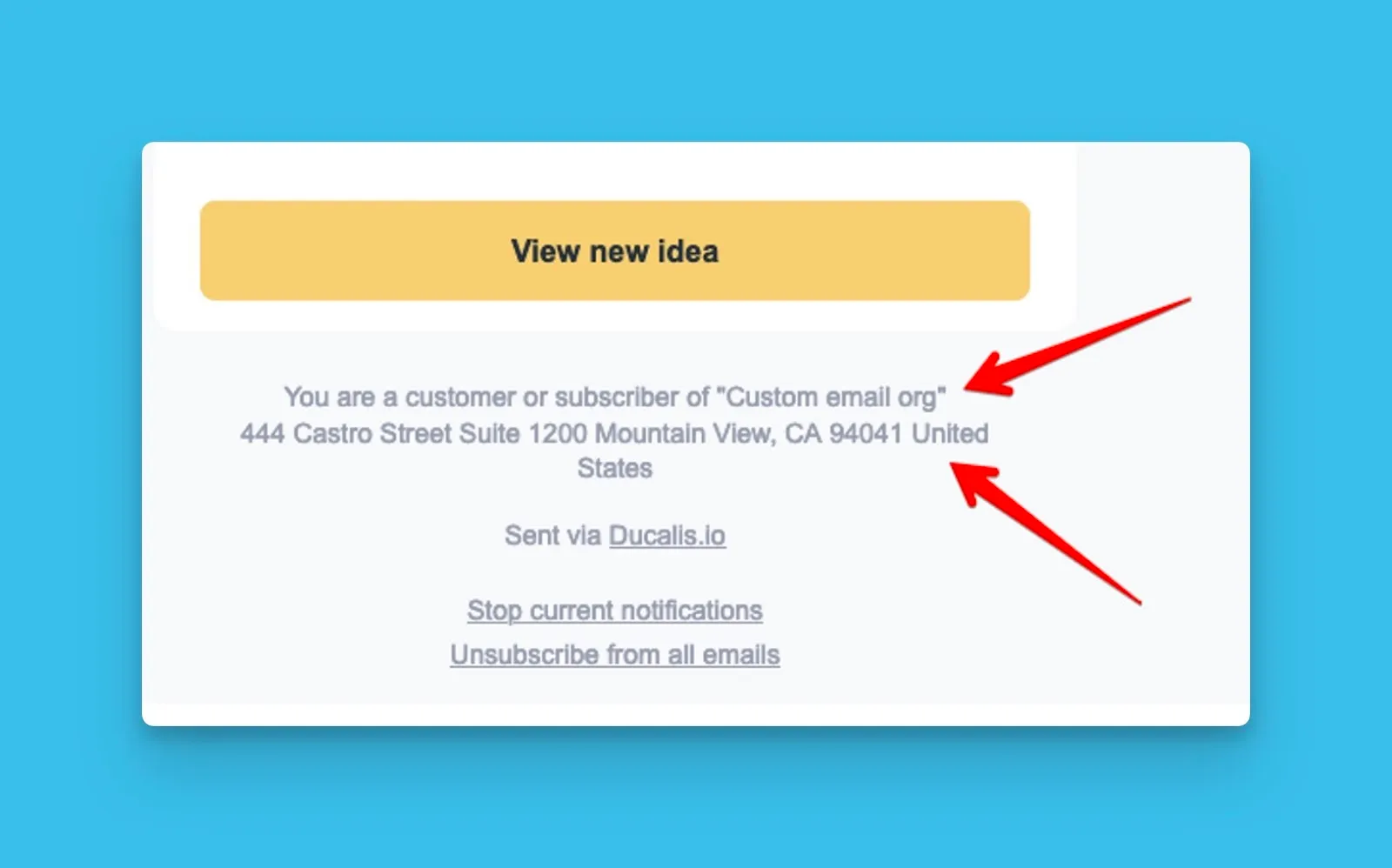
- Deine Unternehmensinformationen bereitstellen für E-Mail-Fußzeilen (Firmenname, Adresse, Kontaktdaten).
E-Mail-Fußzeile nach der Einrichtung
Verwandte Artikel
Wie geht es weiter?
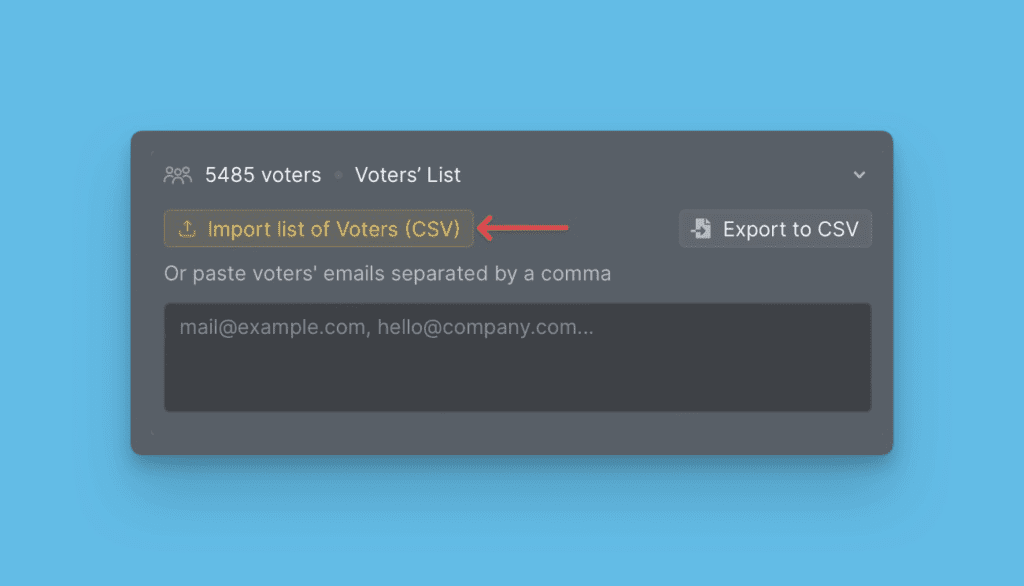
Fahre fort mit Schritt 5: Liste der Abonnierenden importieren, die die Release Notes erhalten.