Étape 1. Structure des notes de version
Les notes de version sont des annonces par email qui informent les clients des mises à jour du produit, des nouvelles fonctionnalités, des améliorations et des corrections de bugs.
Structure des notes de version
Les notes de version se composent de blocs. Certains blocs sont obligatoires, d'autres sont facultatifs.
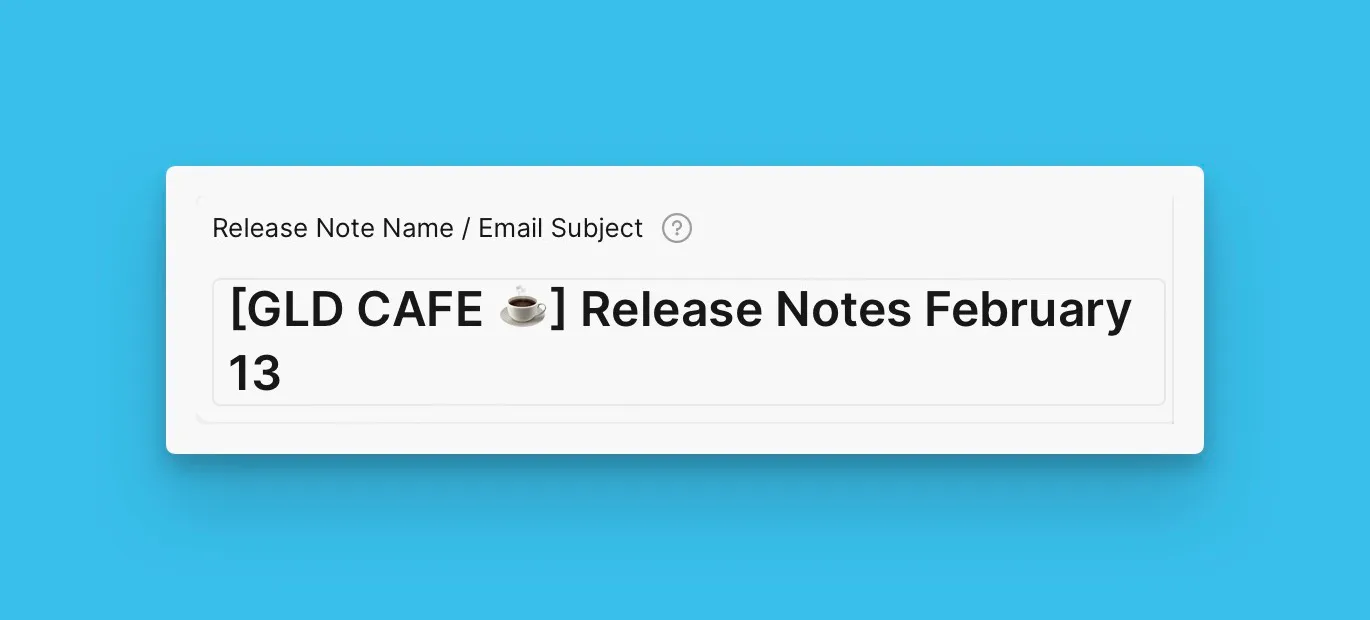
Nom de la note de version et objet de l'email
Le titre apparaît comme l'objet de l'email.
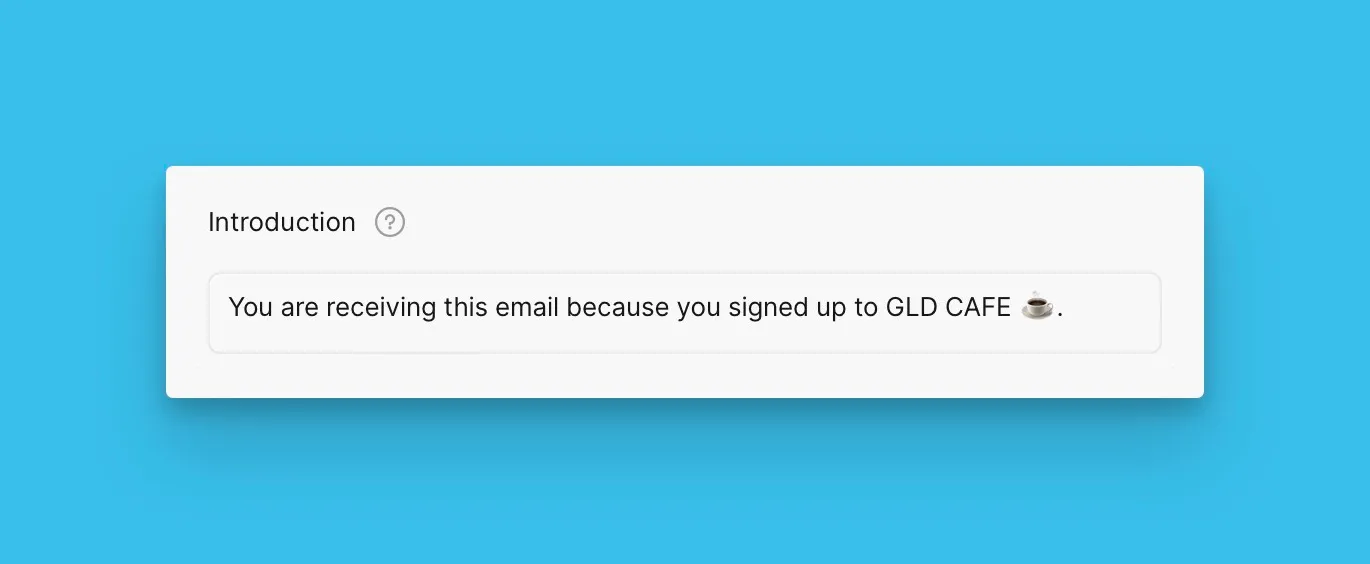
Bloc d'introduction
L'introduction explique pourquoi les clients reçoivent cet email.
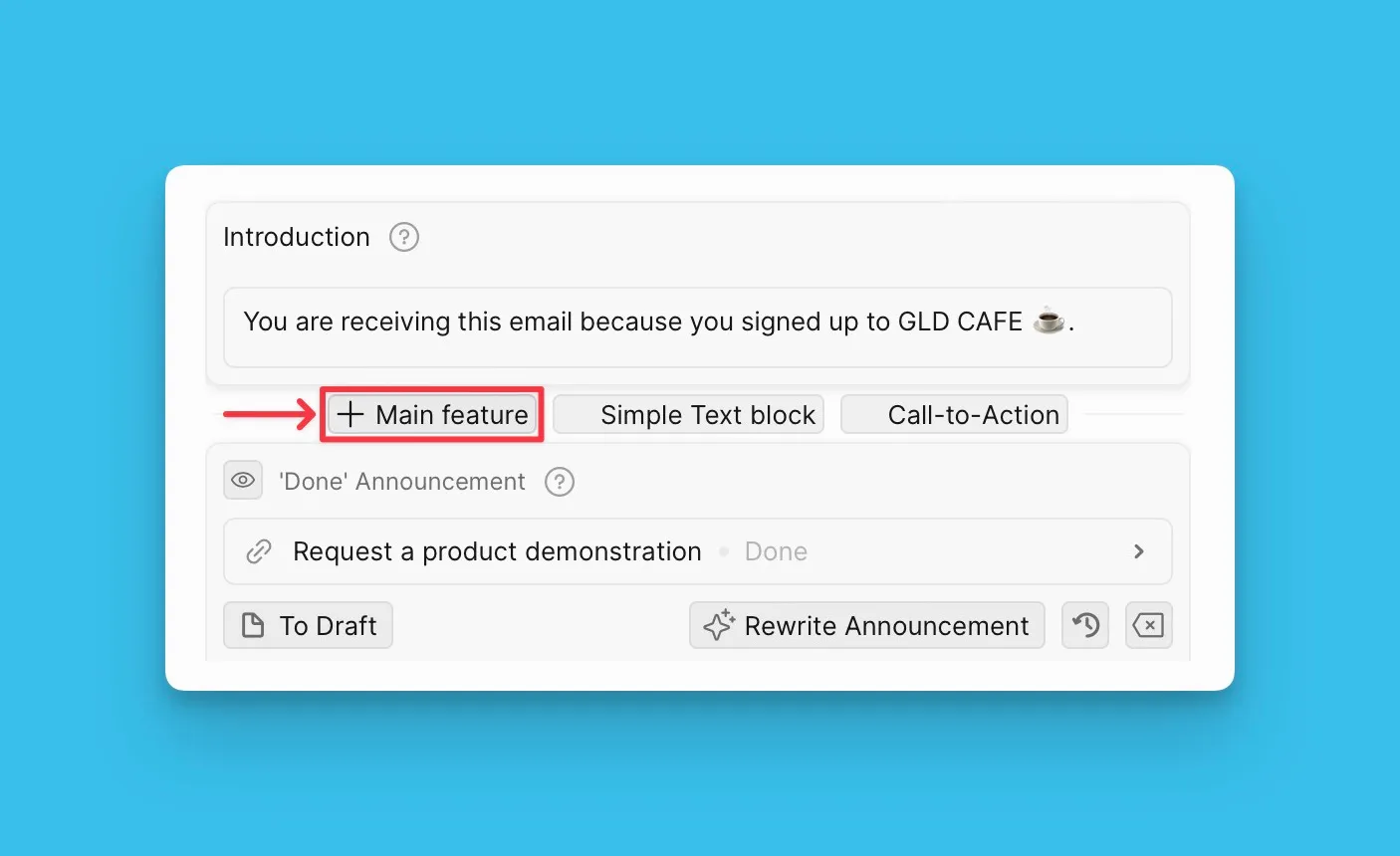
Bloc de fonctionnalité principale
Les blocs de fonctionnalité principale mettent en avant les nouvelles fonctionnalités que les clients doivent connaître. Vous pouvez ajouter autant de blocs que nécessaire, en fonction du nombre de fonctionnalités que vous annoncez.
En savoir plus ici.
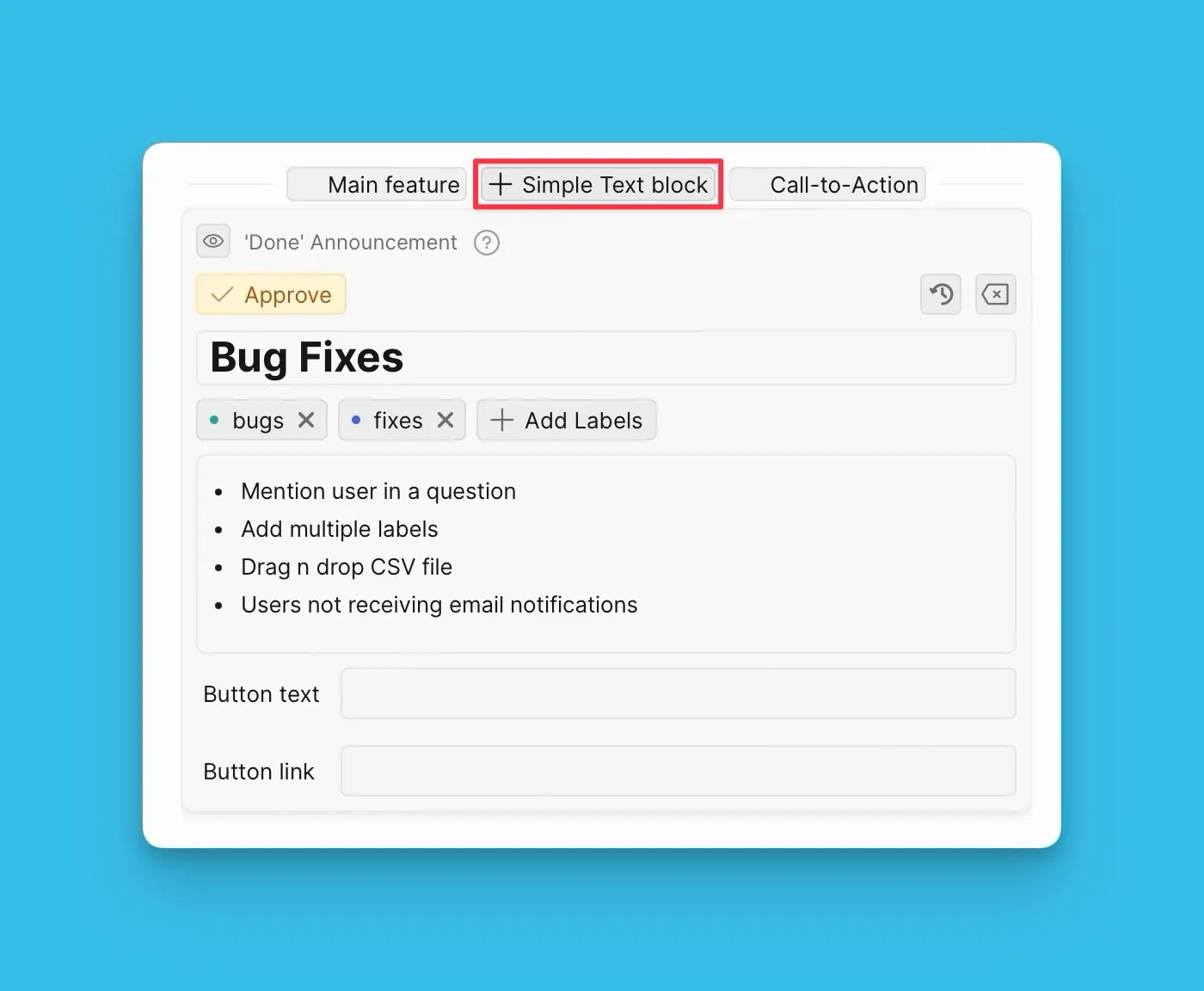
Bloc de texte simple
Utilisez des blocs de texte simple pour partager des mises à jour du produit comme des corrections de bugs ou des améliorations mineures.
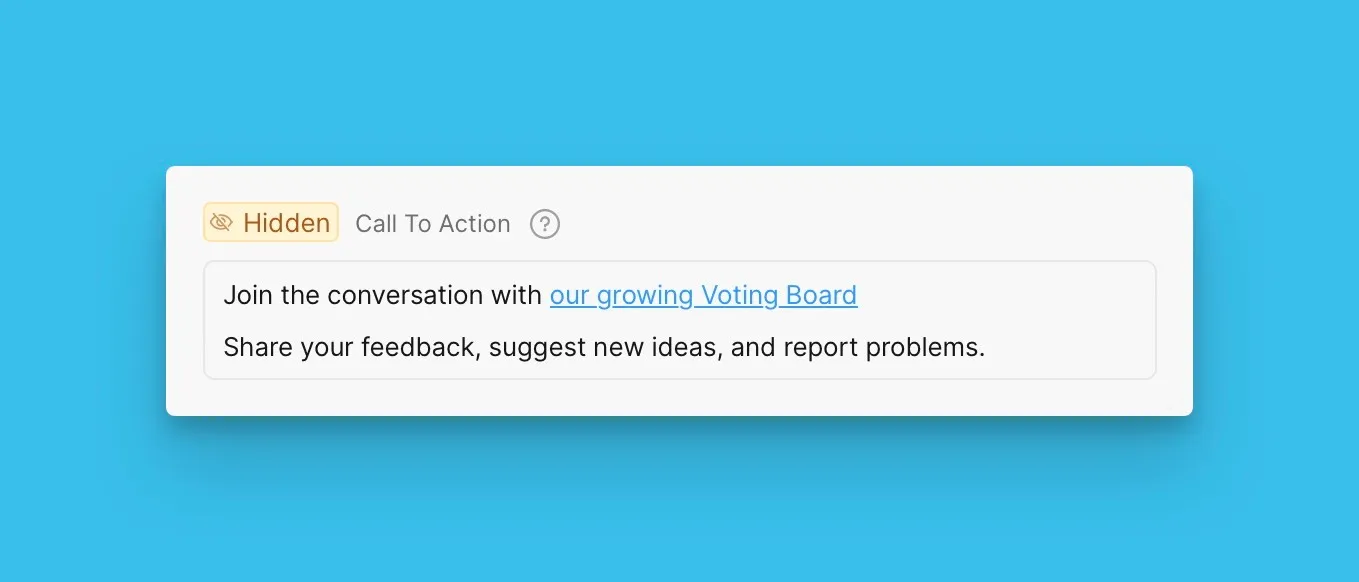
Bloc d'appel à l'action
Ajoutez un appel à l'action que vous souhaitez que les clients effectuent, comme s'inscrire à un webinaire ou visiter votre Tableau de votes.
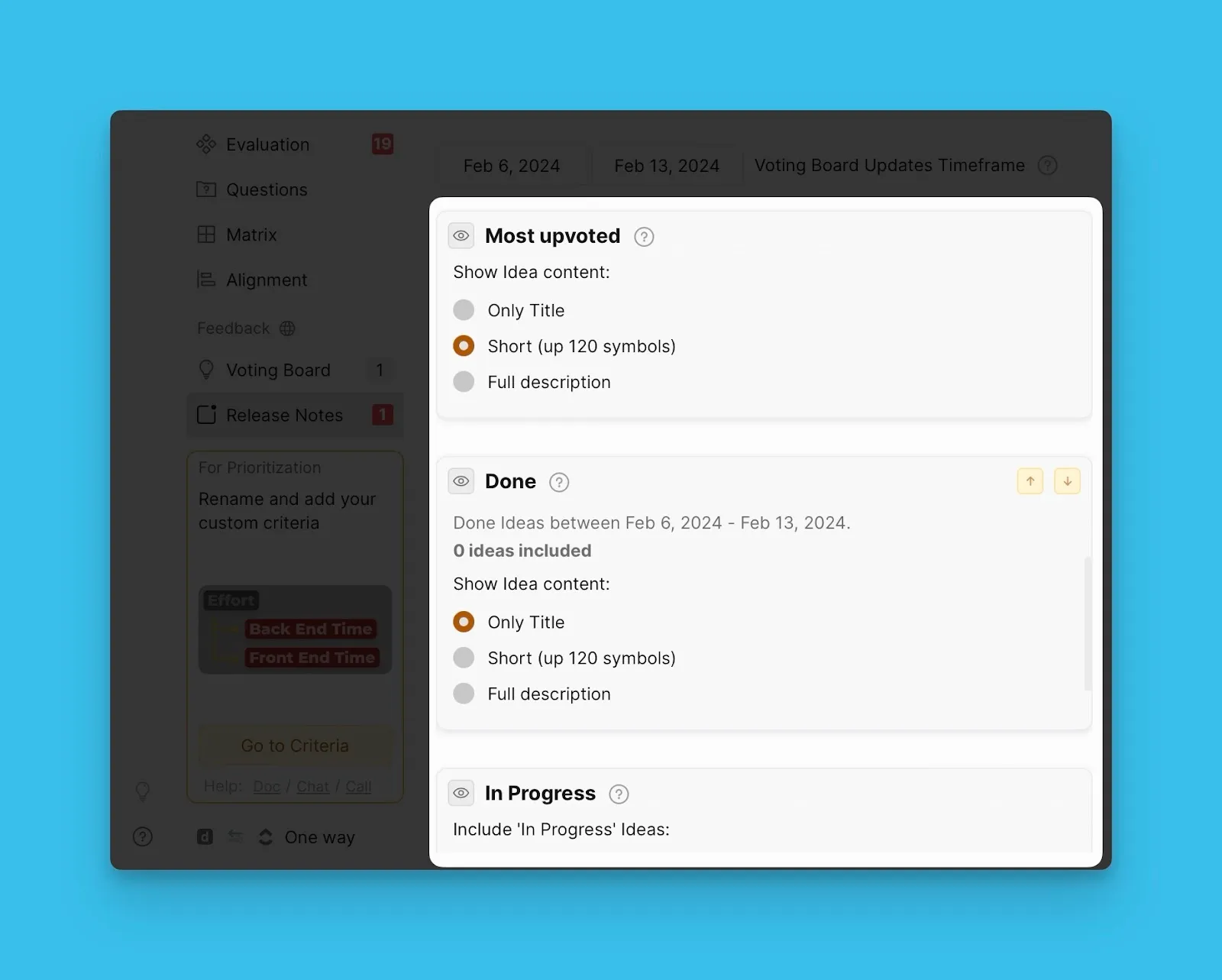
Blocs de statut du Tableau de votes
Les blocs de statut du Tableau de votes affichent les Idées qui sont passées à un statut spécifique pendant la période que vous avez sélectionnée. Utilisez ces blocs pour tenir les clients informés des activités sur votre Tableau de votes.
Et ensuite ?
Continuez vers Étape 2 : créer des modèles de notes de version pour apprendre comment créer et utiliser des modèles pour accélérer la création de notes de version.