Passo 3. Criar Modelos de Ideias
Crie modelos para novas Ideias para orientar a forma como os clientes formatam o seu feedback. Os modelos ajudam a estruturar relatórios de bugs, pedidos de funcionalidades e feedback sobre a experiência do utilizador de forma consistente.
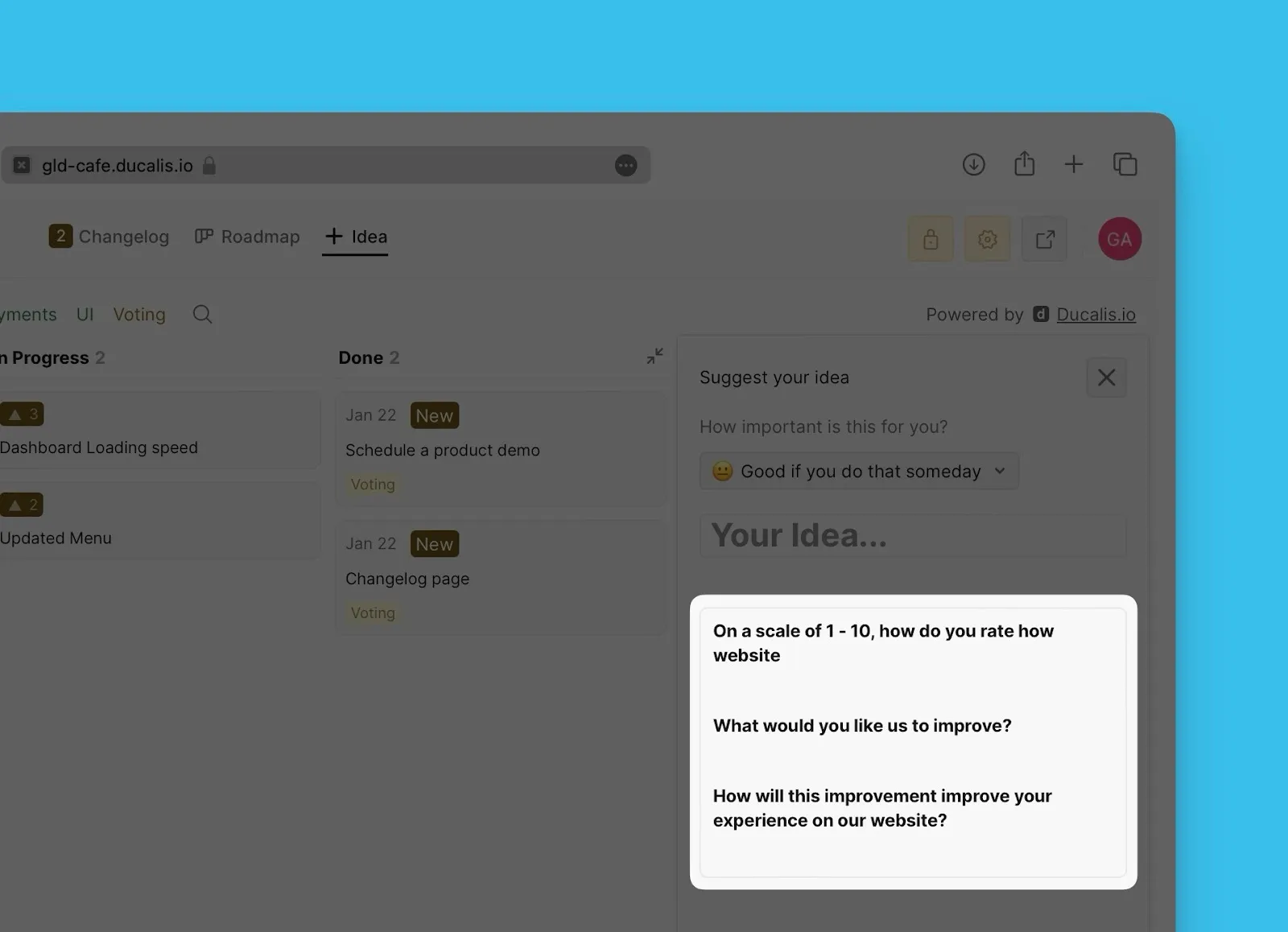
Criar um modelo
-
Aceda a Voting board settings (Definições do Voting Board).
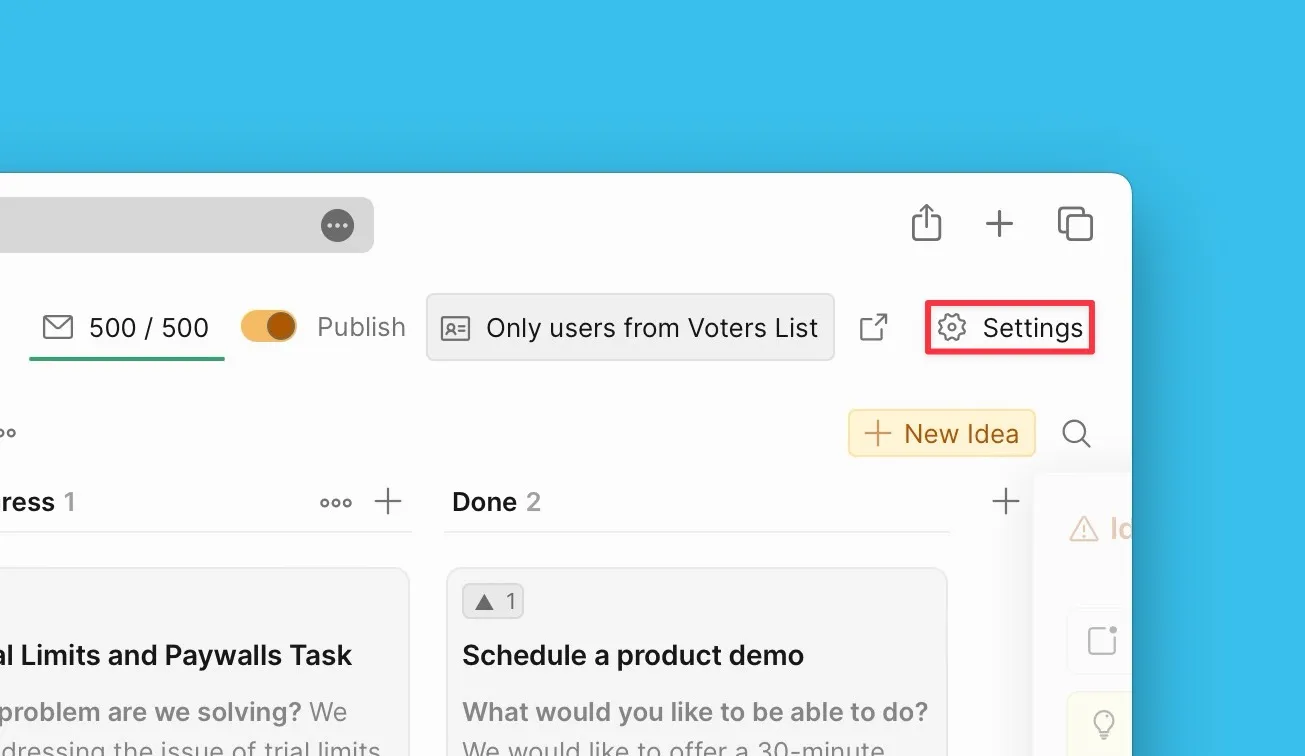
-
Desloque para baixo até Idea Template and Voting Options (Modelo de Ideia e Opções de Votação).
-
Abra o bloco do modelo de Ideia.
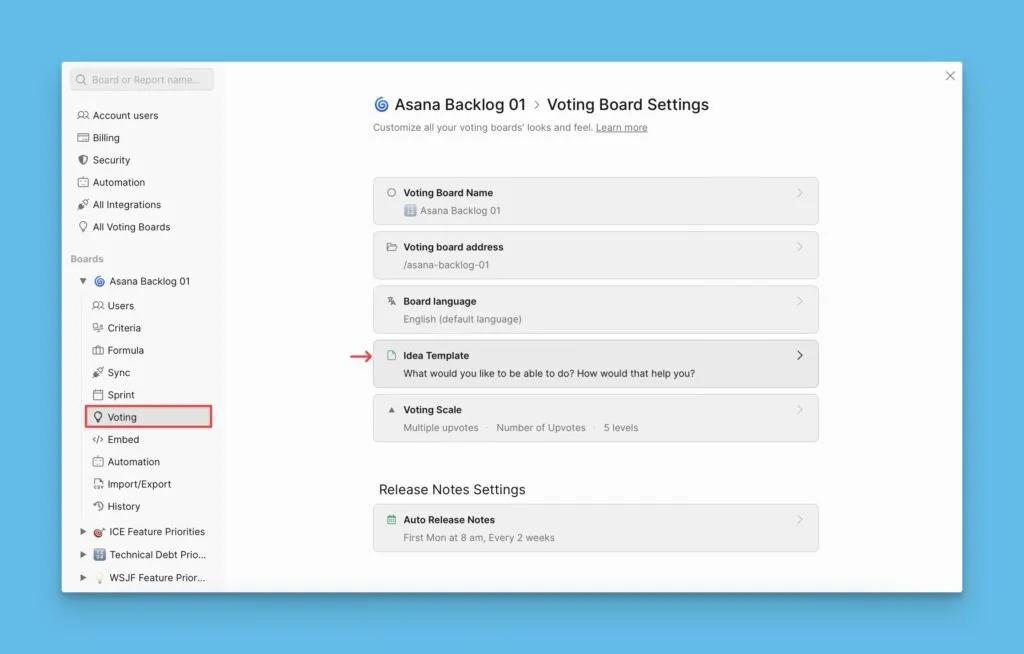
-
Crie o seu modelo utilizando o editor.
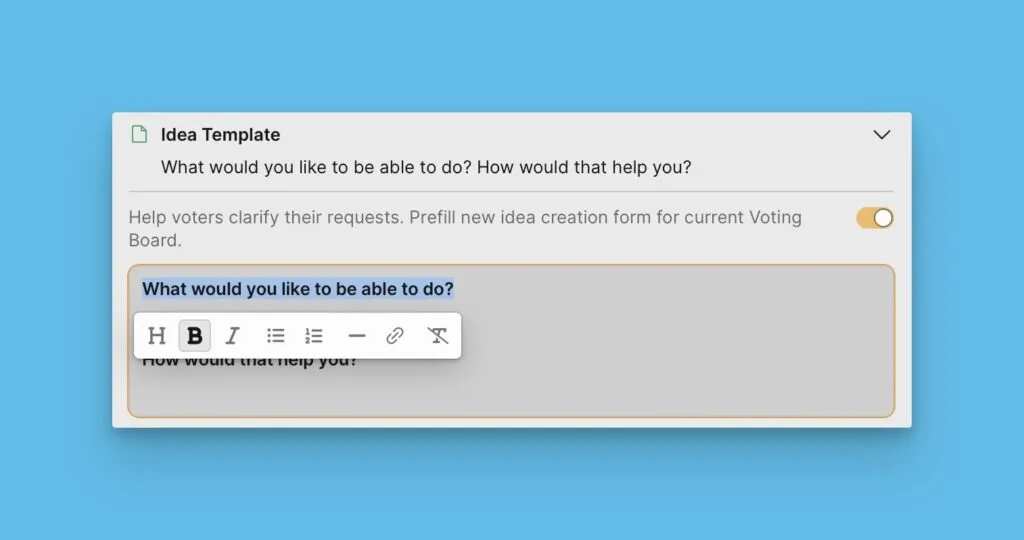
O seu modelo é guardado automaticamente e está pronto para os clientes utilizarem.
Exemplos de modelos
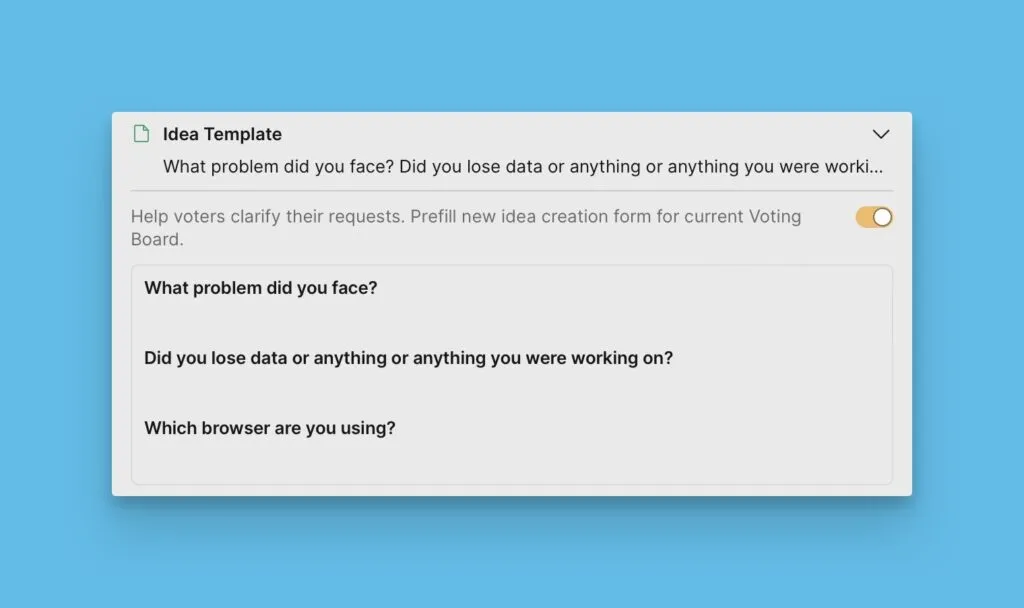
Modelo de relatório de bug
Se está a recolher relatórios de bugs, crie um modelo que oriente os utilizadores a incluir informações essenciais para depuração:
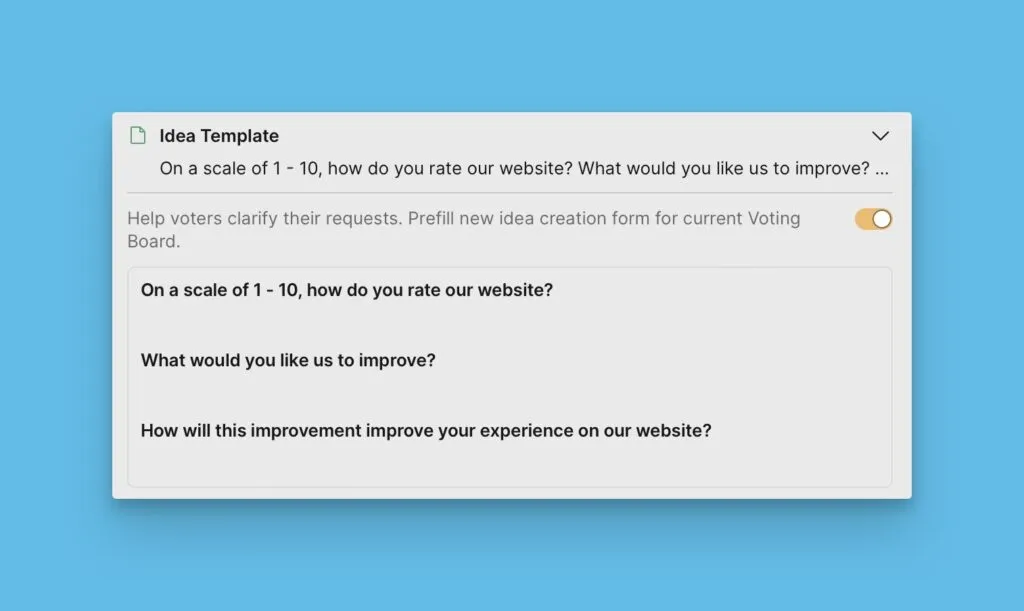
Modelo de feedback sobre o website
Para feedback sobre a experiência no website, crie um modelo que capture detalhes específicos sobre a visita do utilizador:
Próximos passos
Continue para o Passo 4 para aprender como incorporar o seu Voting Board no seu produto.