Step 2. Set what to display
Configure which sections your Ducalis widget displays — choose between Roadmap and Changelog alongside the feedback form.
Choose visible sections
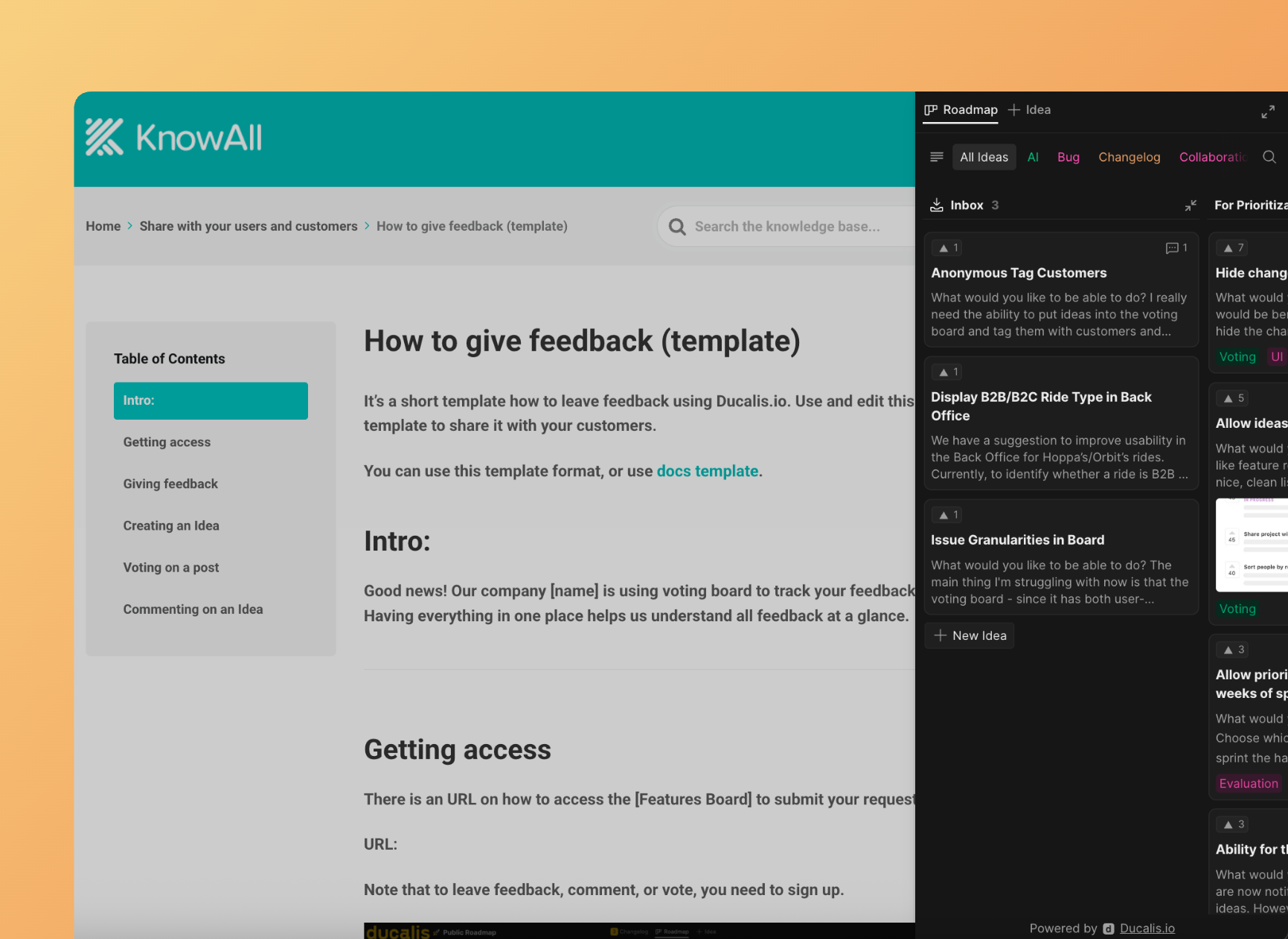
The widget can display different combinations of sections. Select which modules users see along with the feedback form, and which section opens first.
-
Go to Embed section and select Feedback/Roadmap/Changelog widget stripe.
-
Find Choose what to show option.
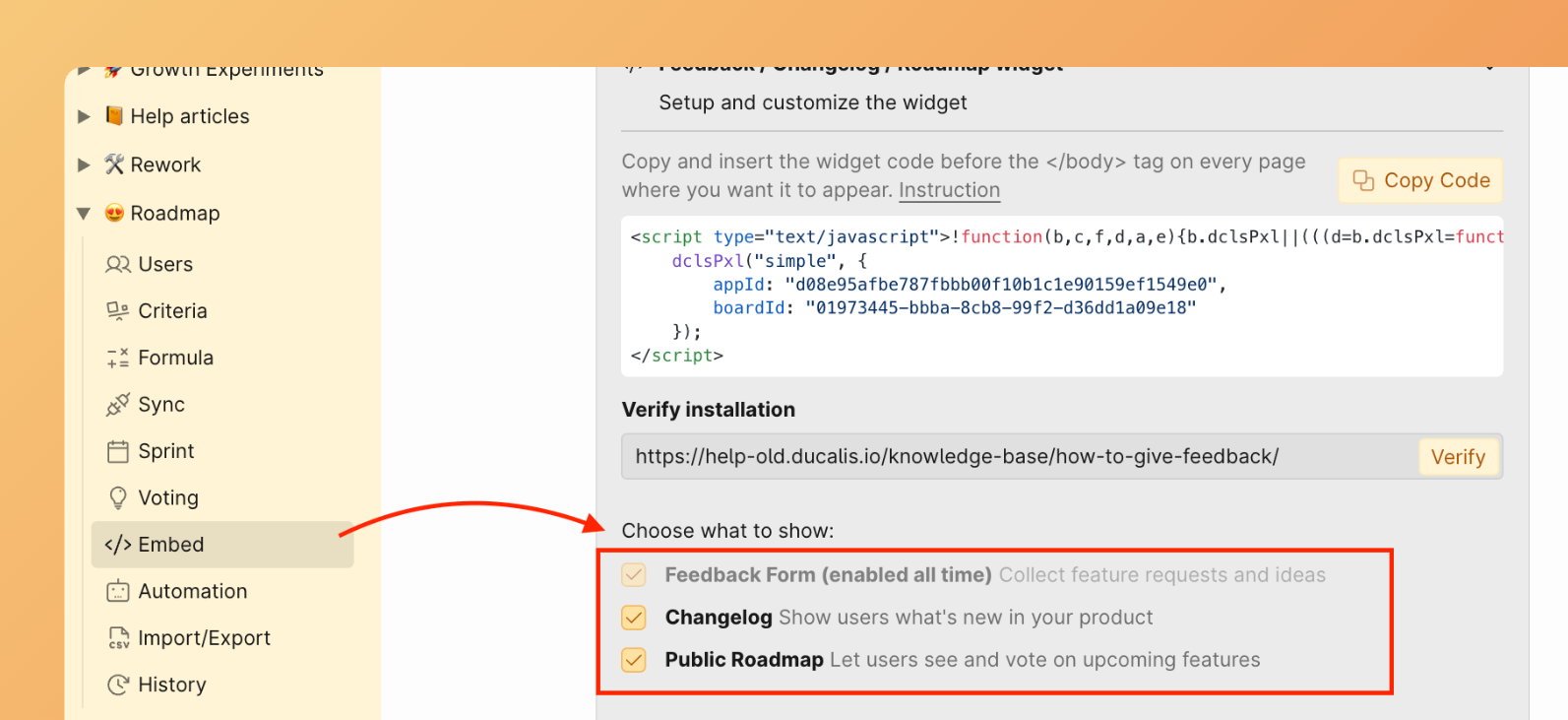
Available options:
- Feedback Form – Always shown by default to let users submit feedback.
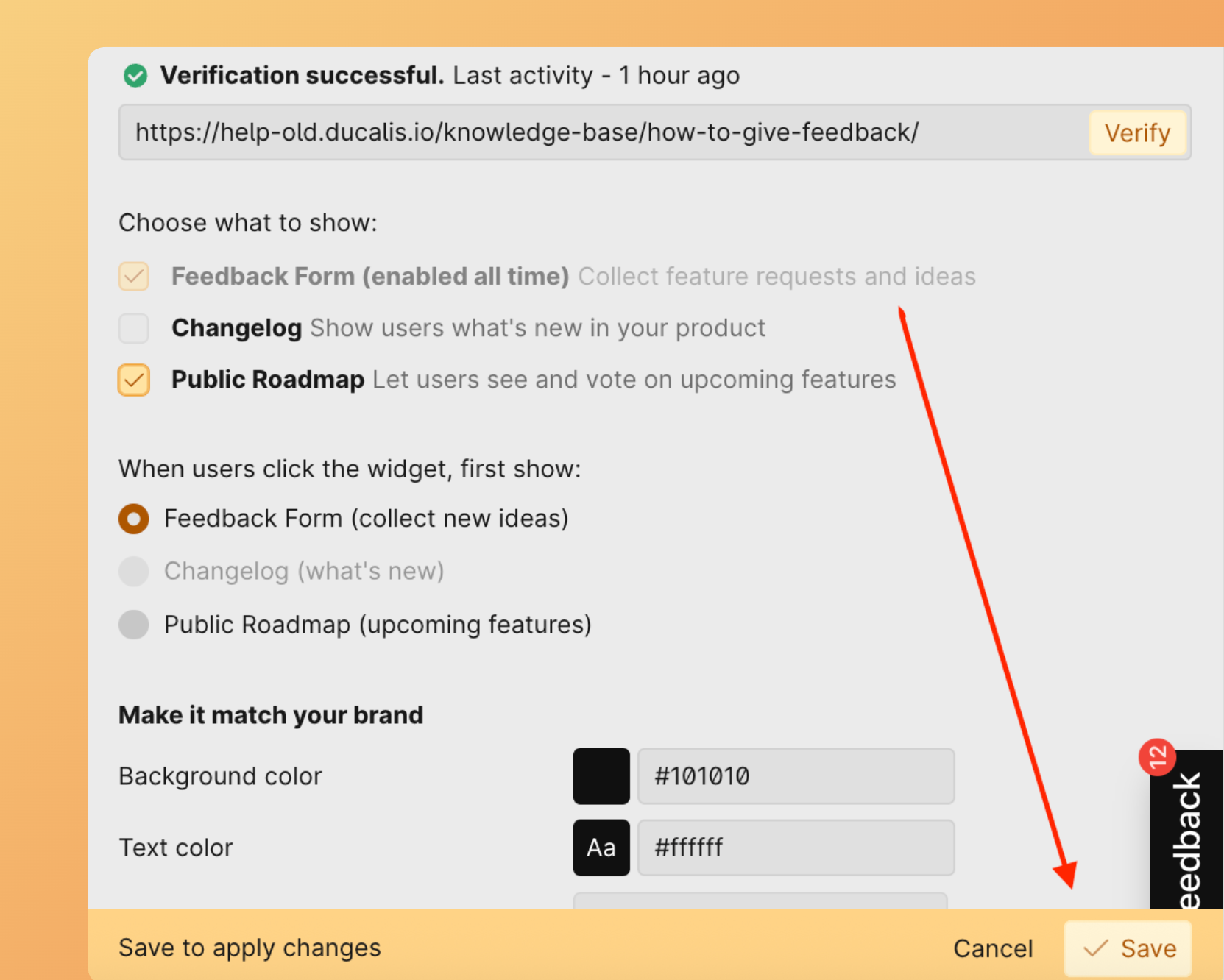
- Changelog – Shows the Feedback Form and Changelog modules. The Roadmap is hidden.
- Public Roadmap – Shows the Feedback Form and Roadmap modules. The Changelog is hidden.
-
Click Save to apply your selection.
Set default opening section
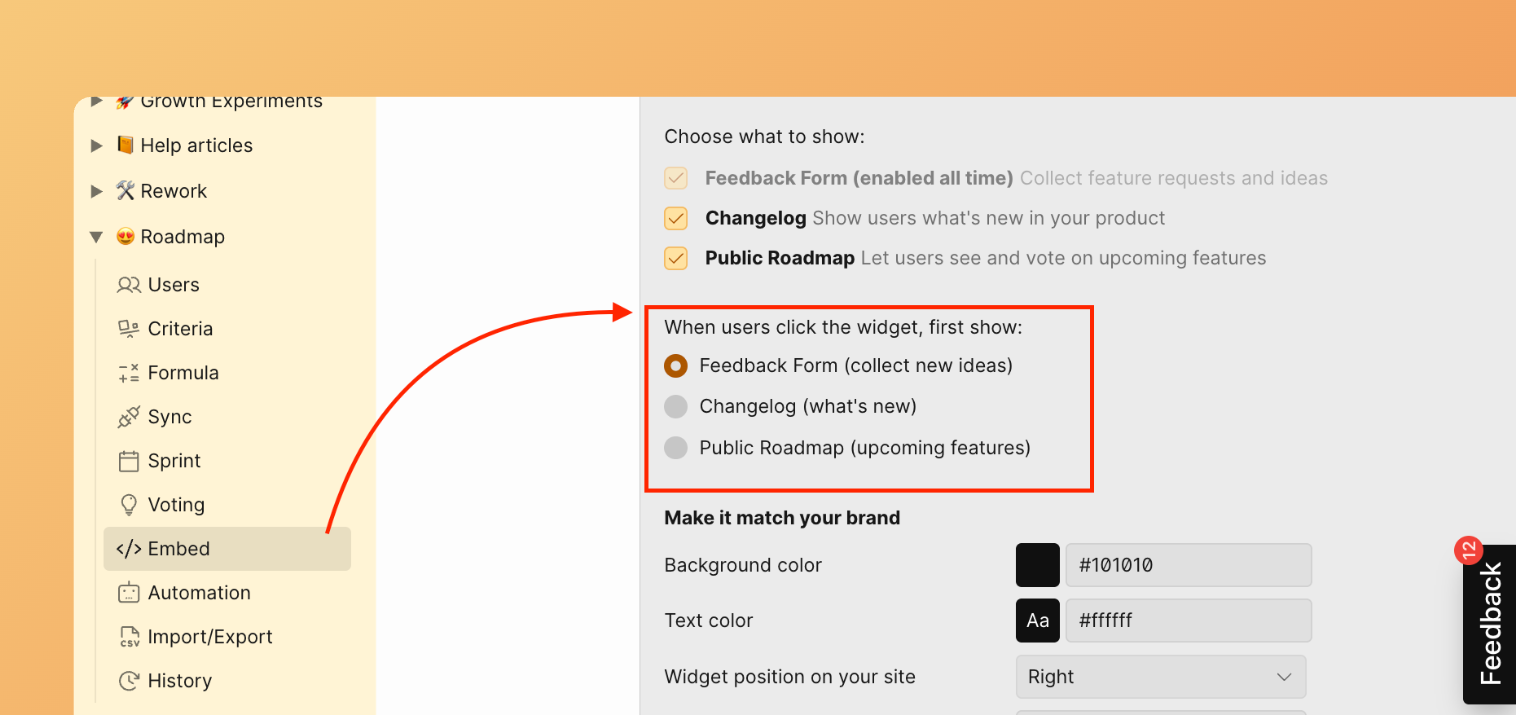
Choose which section appears first when users click the widget button.
-
Find What opens first option.
-
Select the section you want to open by default.
-
Click Save to apply the changes.
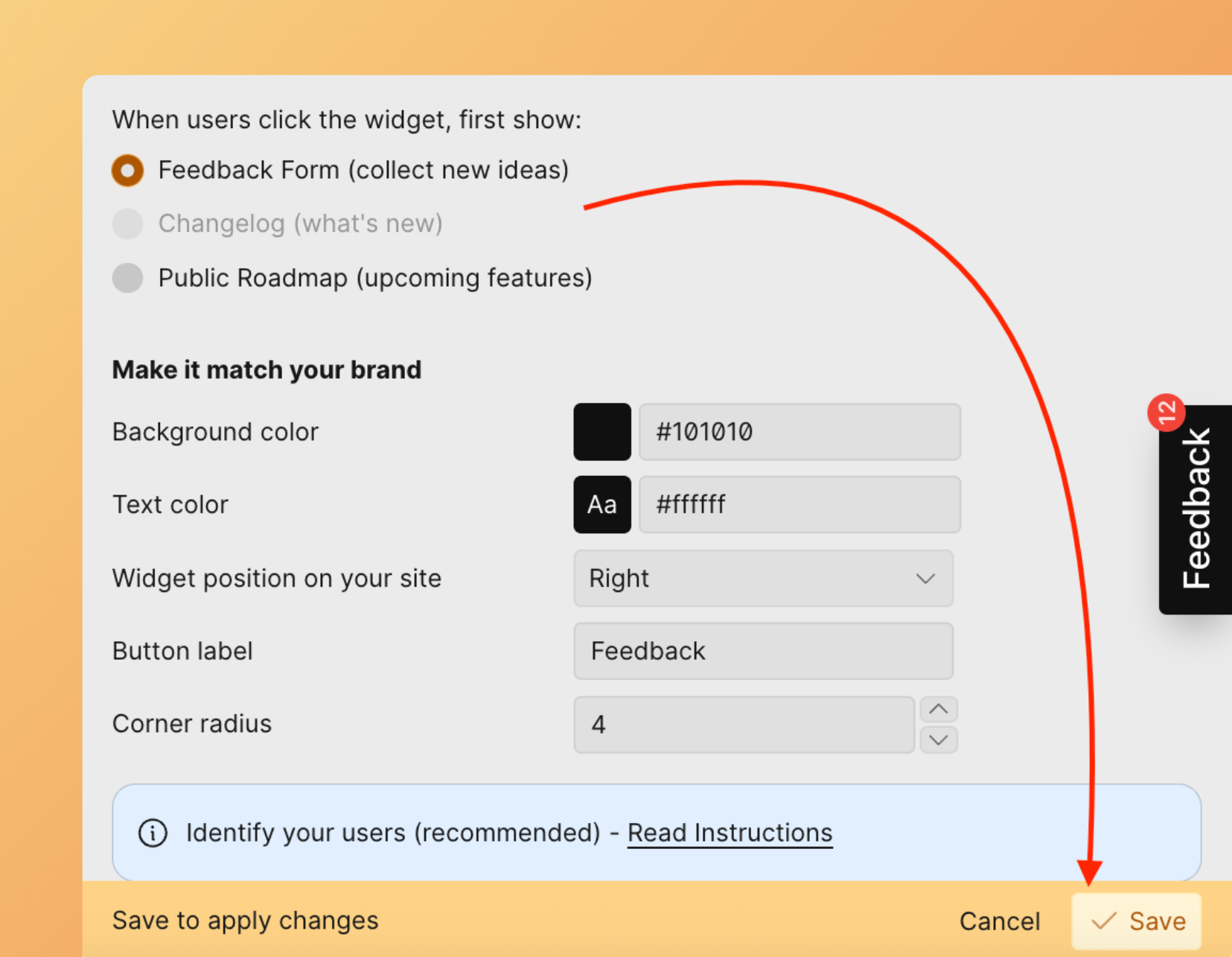
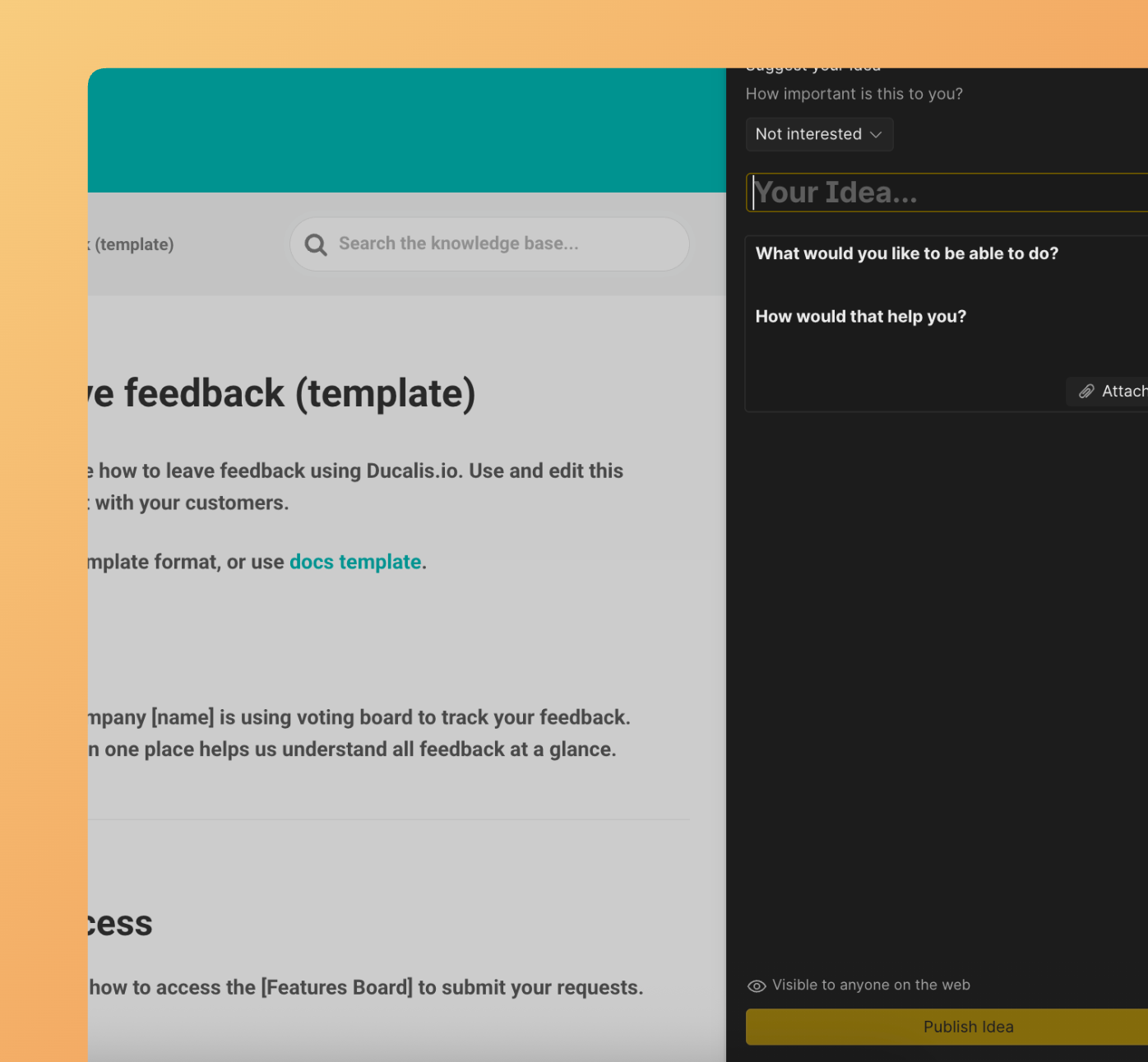
When users click the widget, the selected section opens first. For example, if you choose Feedback form, the form appears immediately.
Continue to Step 3: Customize appearance to make the widget match your site's branding.