Sonraki Adımlar: Gelişmiş Ayarlar ve Özellikler
Temel kurulumu tamamladıktan sonra, Ducalis Oylama Panosunun yeteneklerini en üst düzeye çıkarmak için gelişmiş özellikleri keşfedin.
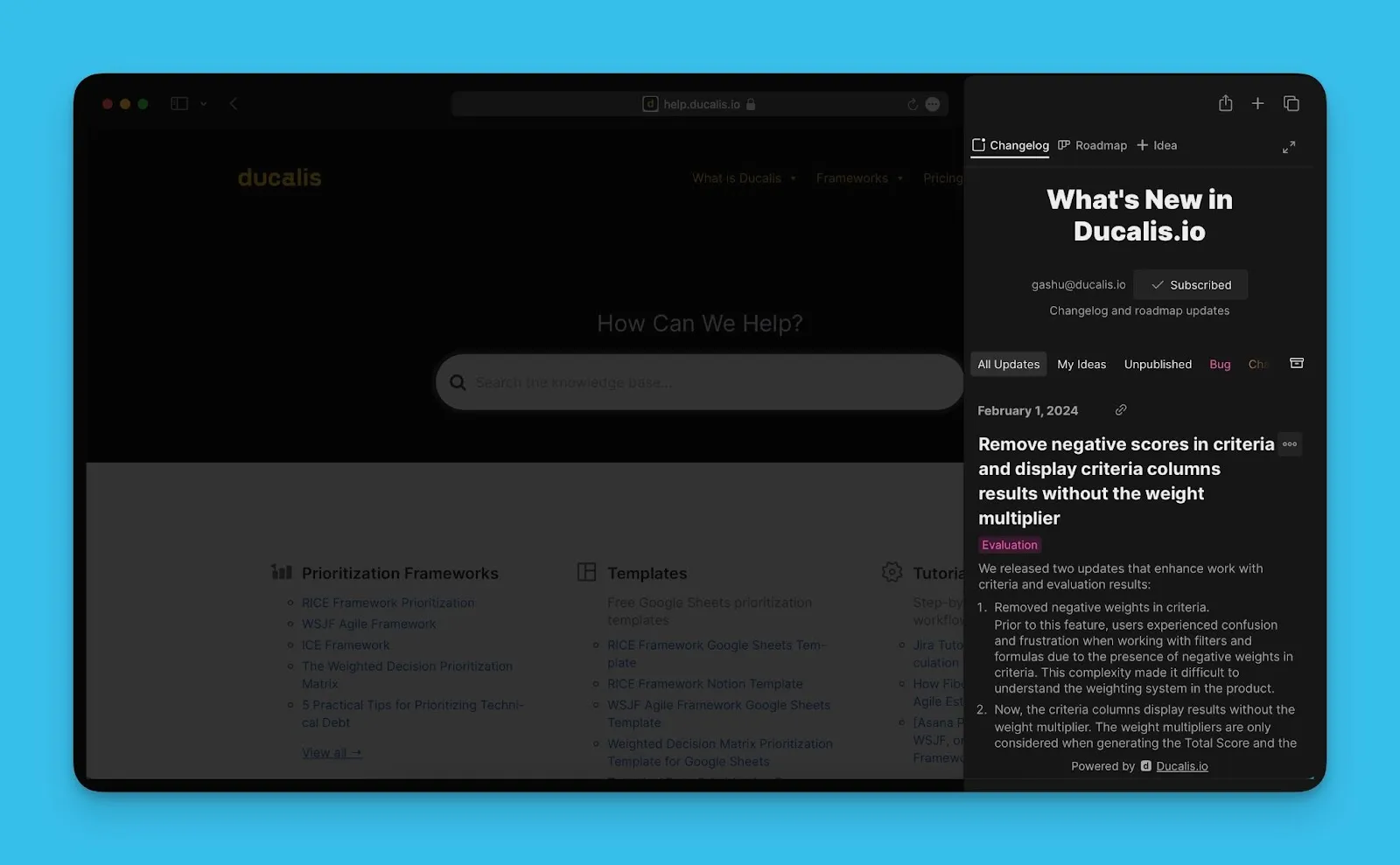
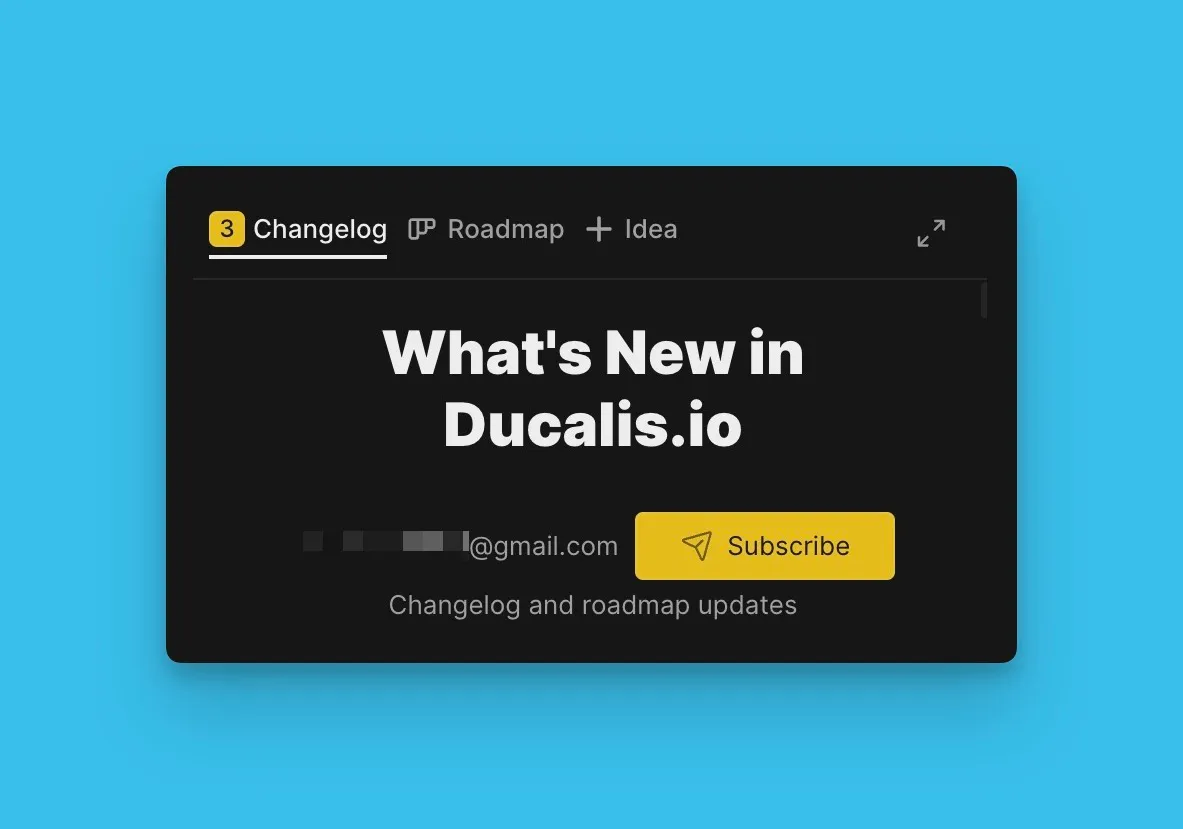
Değişiklik günlüğü widget'ı
Değişiklik günlüğü widget'ını ürününüzün her yerinde gömmek için kullanabilirsiniz, böylece kullanıcılar her yerden erişebilir. Widget, sürüm güncellemelerini gösterir ve Oylama Panosu yol haritasına erişim sağlar; kullanıcıların Oylama Panosuna gitmeden doğrudan Fikir göndermelerine olanak tanır.
Değişiklik günlüğü widget'ını gömme ve özelleştirme hakkında bilgi edinin.
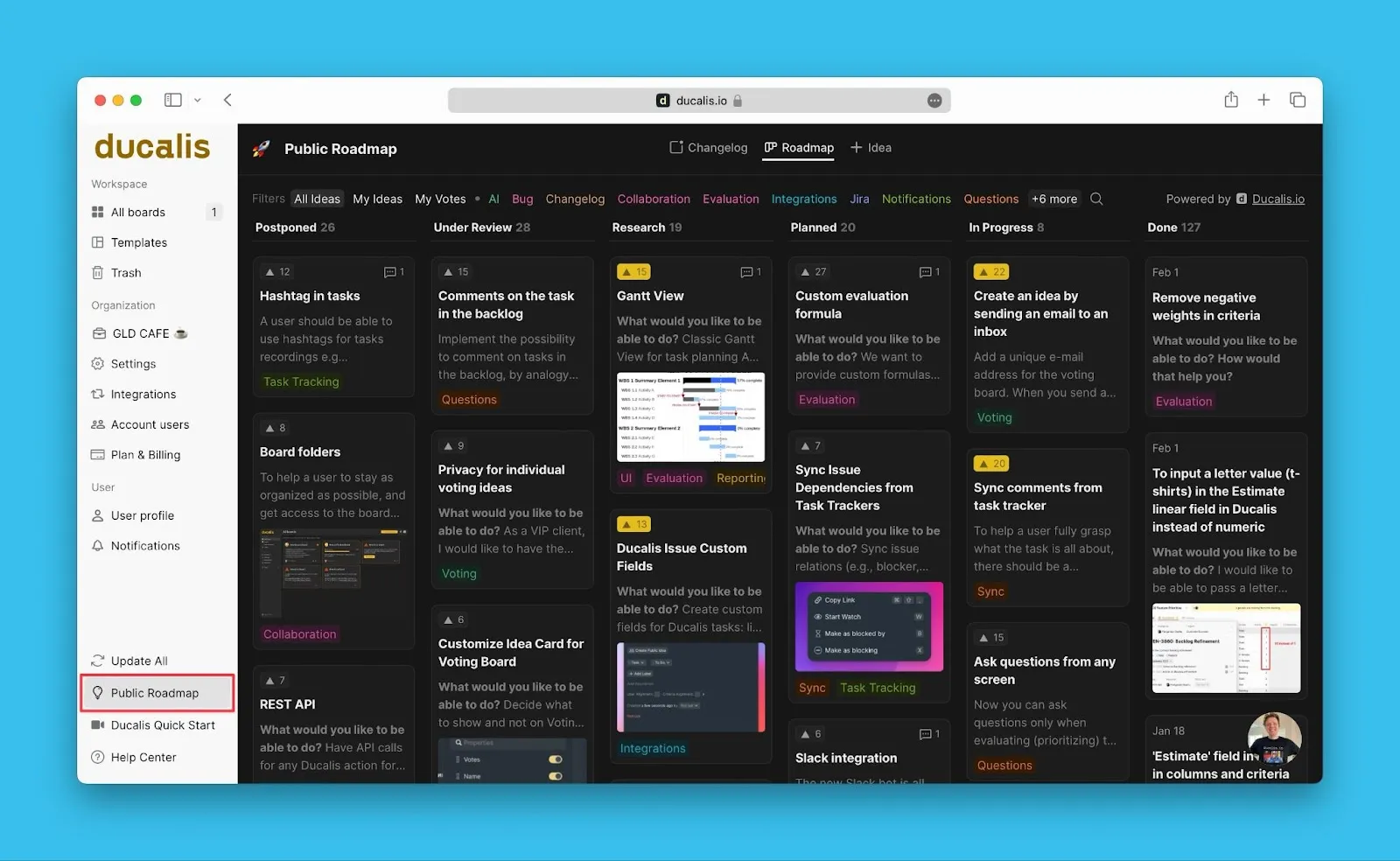
Oylama Panosunu Göm
Ducalis Oylama Panosunu ürününüzün içine gömerek kesintisiz tek uygulama deneyimi oluşturun. Kullanıcılar hesaplarından doğrudan erişebilir.
Oylama Panosunu çerçeve olarak gömme hakkında bilgi edinin.
Tek Oturum Açma (SSO)
Uygulamanıza giriş yapmış kullanıcıları, ek oturum açma gerektirmeden Ducalis Oylama Panosuna erişmeleri için önceden yetkilendirin. Oylayanları yine de tanımlayabilirsiniz—kim oldukları, şirketleri ve diğer detaylar.
Oylama Panoları için SSO yapılandırması hakkında bilgi edinin.
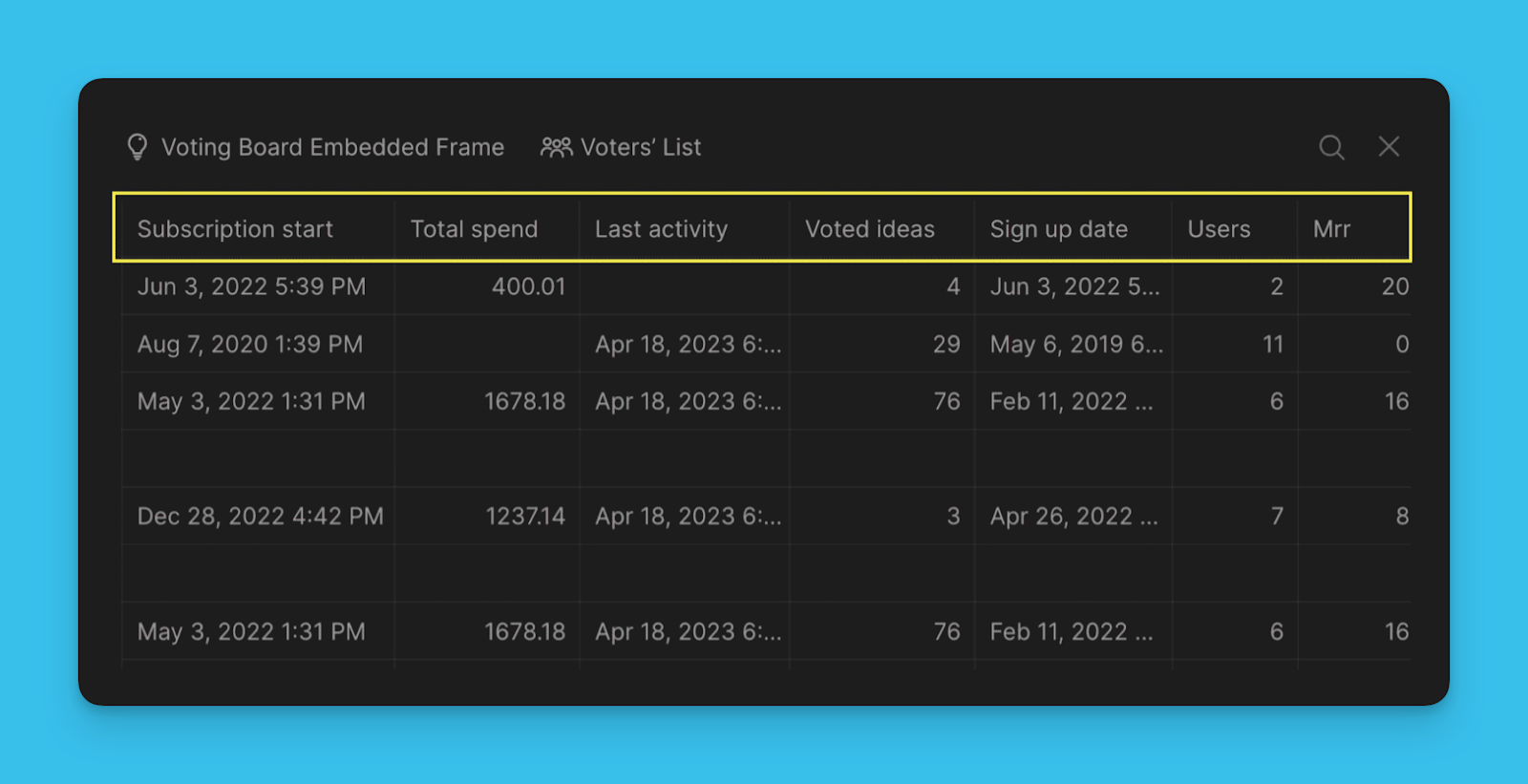
Özel Oylayan verisi
Müşterileriniz hakkında bilgi toplayın—kimlikleri, şirketleri, hizmet süreleri, abonelik planları ve daha fazlası. Bu veriler, belirli bir organizasyon gibi belirli müşteri segmentlerine odaklanmak için geri bildirimleri filtrelemenize yardımcı olur.
Oylayanların özel veri alanlarını ekleme hakkında bilgi edinin.
Özel e-posta alan adı
Kendi alan adınızdan göndererek e-posta açılma oranlarını artırın—kullaniciadi@sirketiniz.com.
Özel e-posta alan adınızı yapılandırma hakkında bilgi edinin.
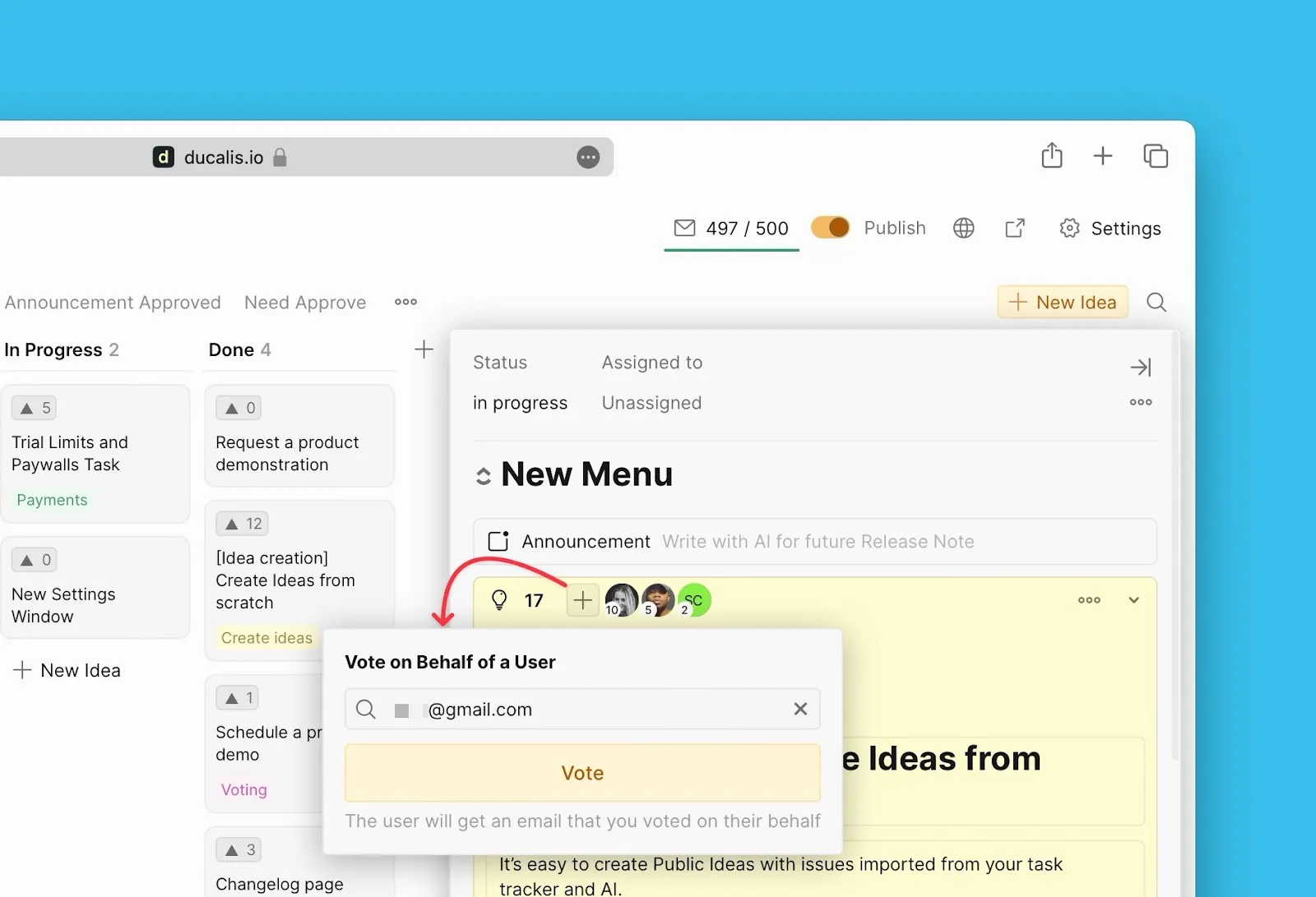
Oylayanlar adına oy verin
Toplantılar veya destek görüşmeleri sırasında geri bildirim aldığınızda, Oylama Panosuna Fikir ekleyin ve o Oylayan adına oy verin. Mevcut Fikirler için, müşteri desteğini temsil eden oylar ekleyebilirsiniz. Oylayanlar, adlarına verilen oylar hakkında e-posta bildirimleri alır.
Oylayanlar adına oy verme hakkında bilgi edinin.