Adım 2. Oylama Panosu markalamasını özelleştirin
Oylama Panonuzu marka renkleriniz, logonuz ve temanızla özelleştirin, böylece müşterileriniz ziyaret ettiklerinde siteyi anında tanısınlar.
Logonuzu yükleyin
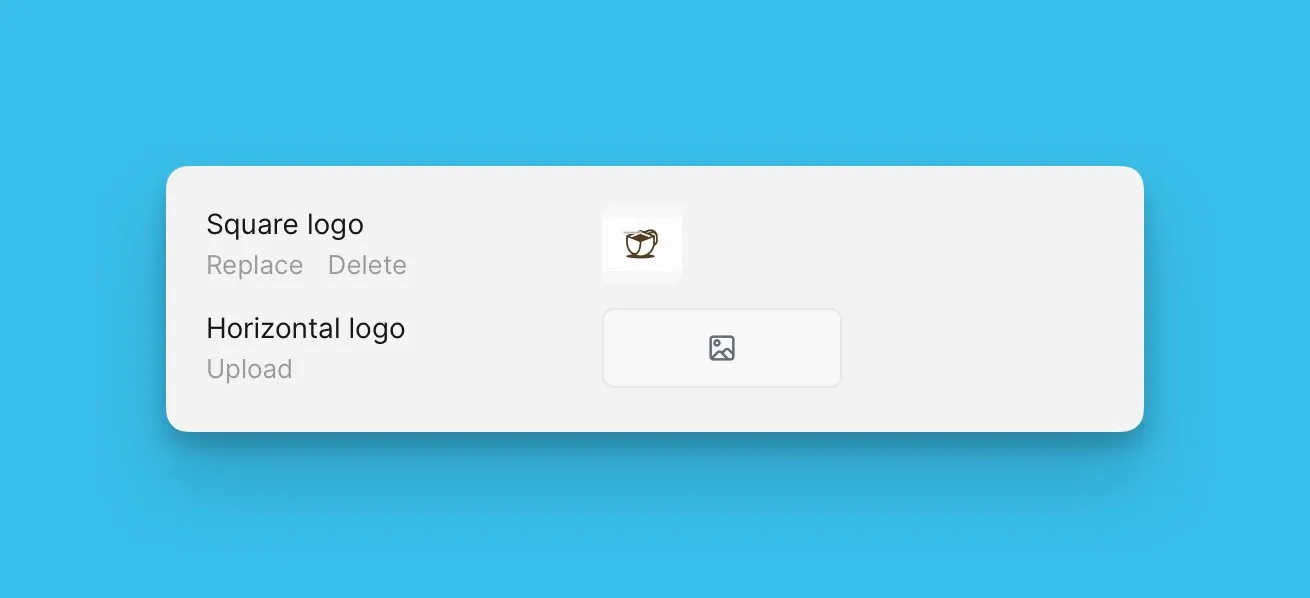
Oylama Panonuzda görüntülemek için logonuzu yükleyin. Kare veya yatay logo yükleyebilirsiniz.
-
Voting Board Settings (Oylama Panosu Ayarları) bölümüne gidin.
-
Logo bölümünde logonuzu yükleyin.
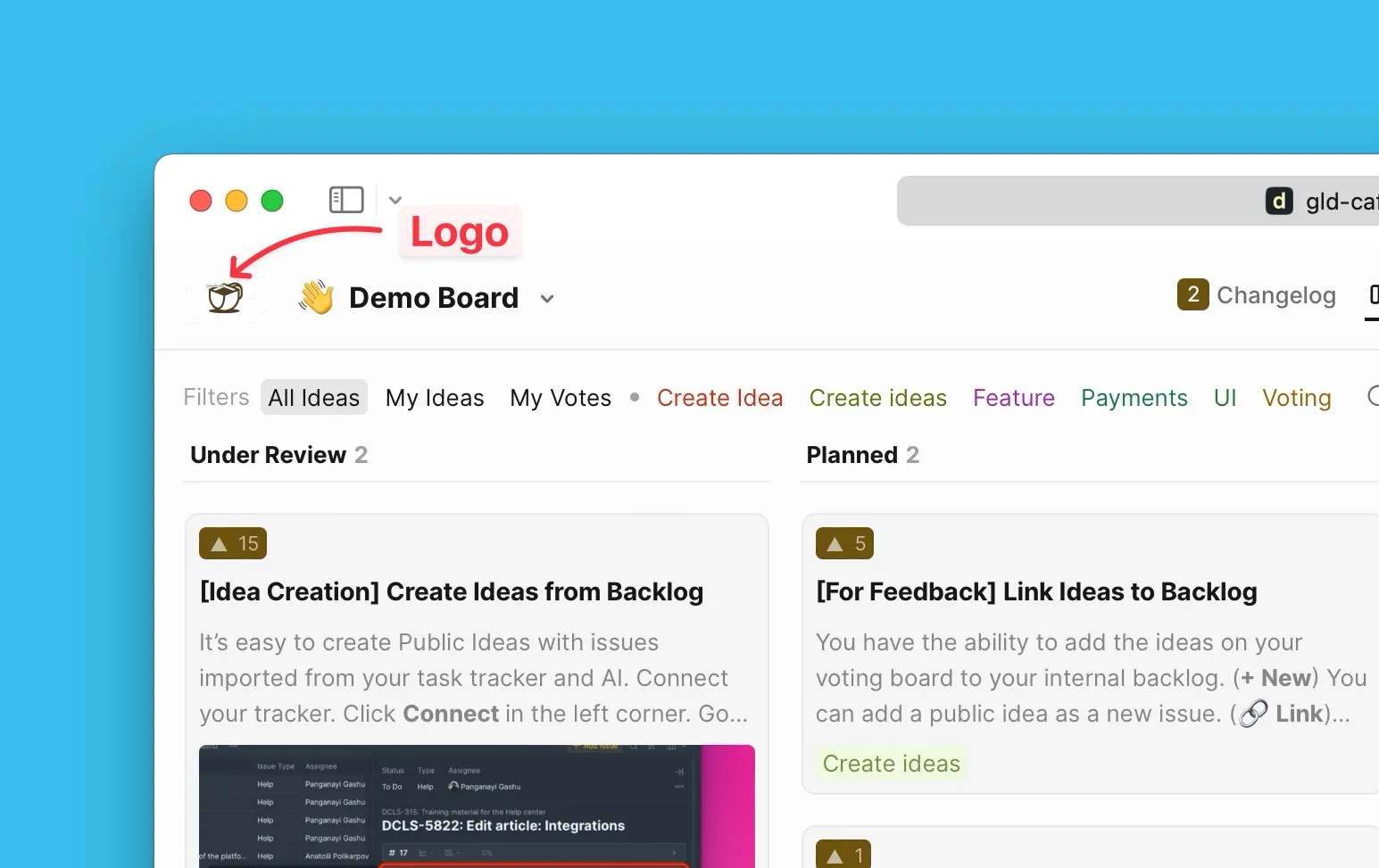
Daha fazla bilgi: Logo özelleştirme
Birincil renk ve temayı ayarlayın
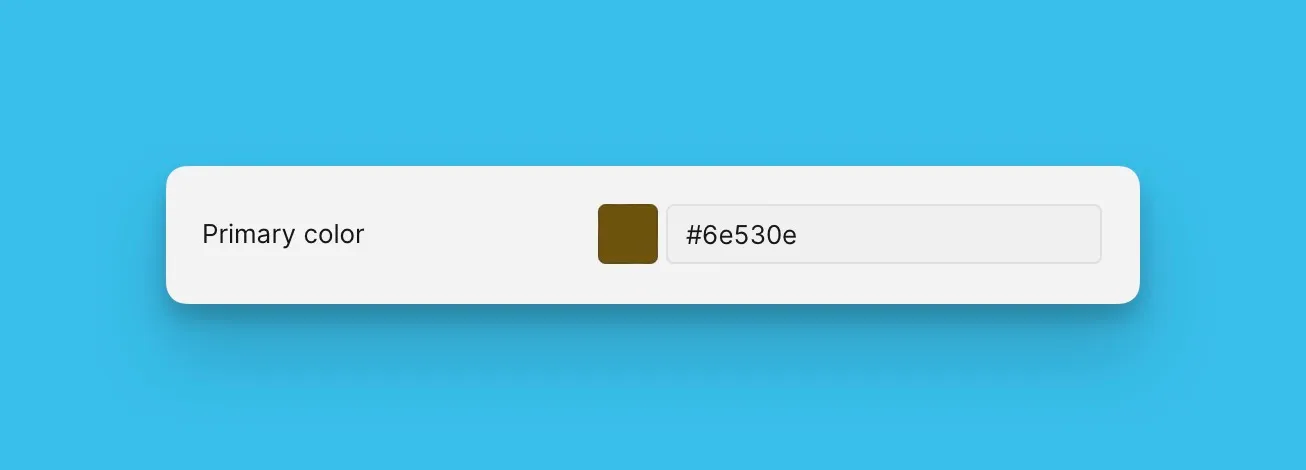
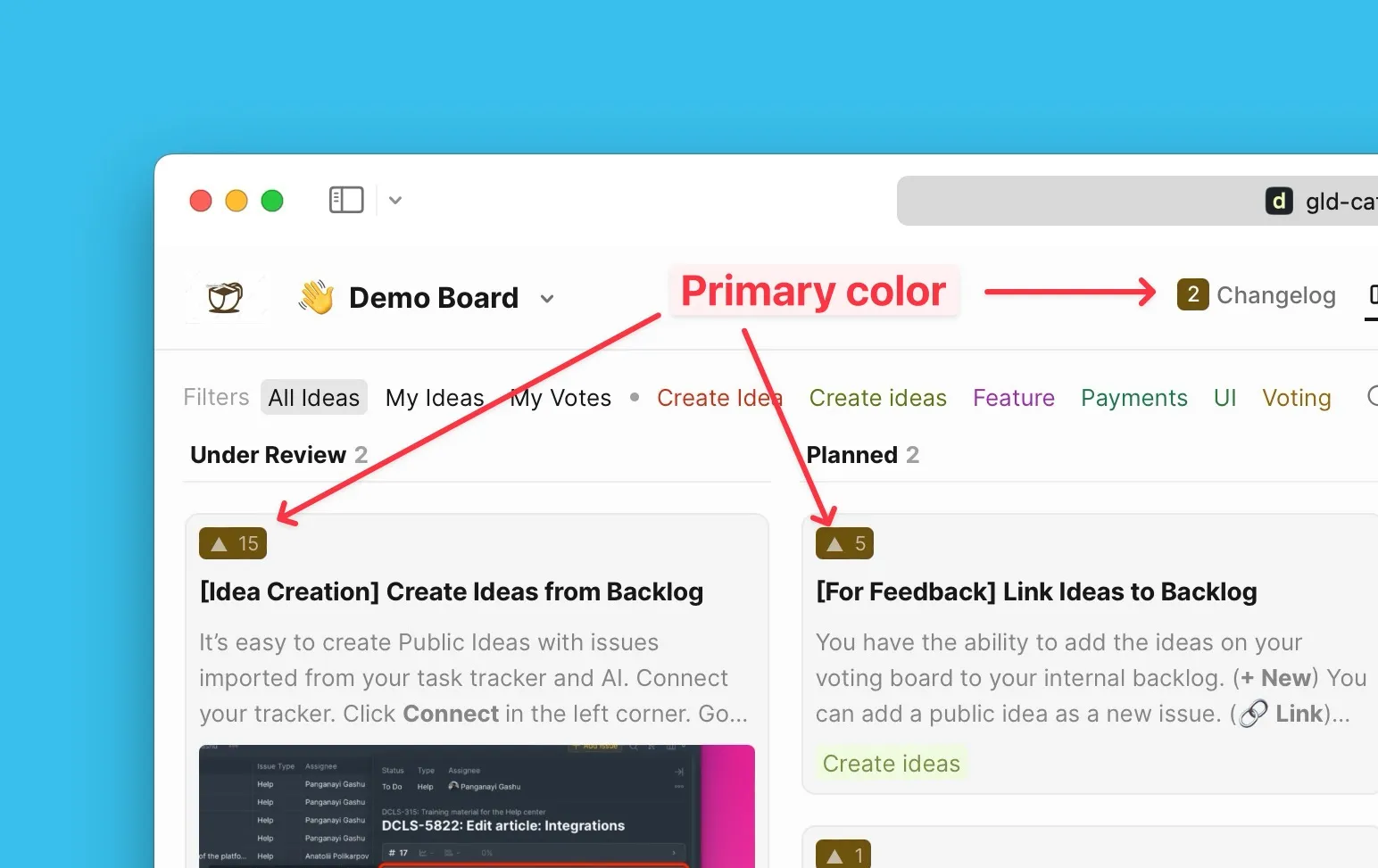
Tüm Oylama Panolarında kullanmak üzere markanızın birincil rengini seçin. Renk paletinden seçim yapın veya özel renk kodunuzu yapıştırın.
-
Primary Color (Birincil Renk) ayarlarını açın.
-
Renginizi paletten seçin veya renk kodunuzu yapıştırın.
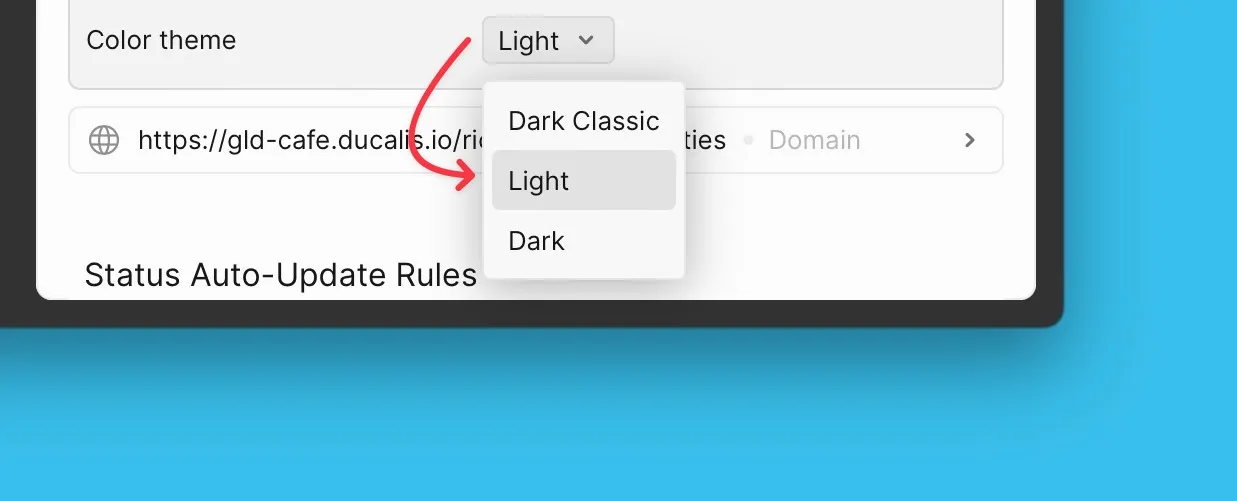
Oylama Panoları için tercih ettiğiniz renk temasını seçin. Üç tema mevcuttur: Dark Classic, Light ve Dark.
-
Color Theme (Renk Teması) ayarlarını açın.
-
Tercih ettiğiniz temayı seçin.
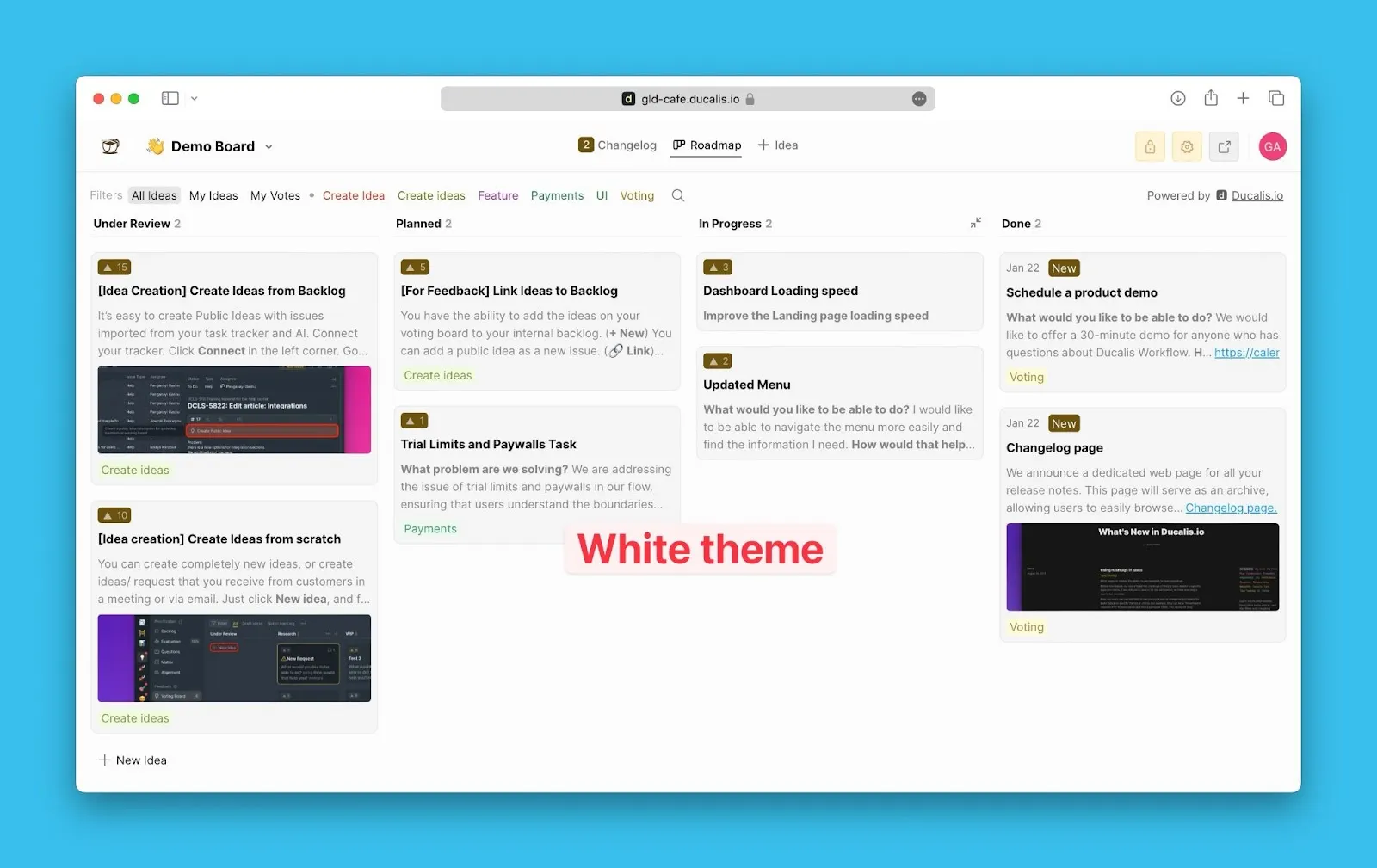
Daha fazla bilgi: Birincil renk ve Renk teması
Dil ayarlarını yapılandırın
Tüm Oylama Panoları için varsayılan dili seçin. Oluşturduğunuz tüm yeni Oylama Panoları bu dili kullanacaktır.
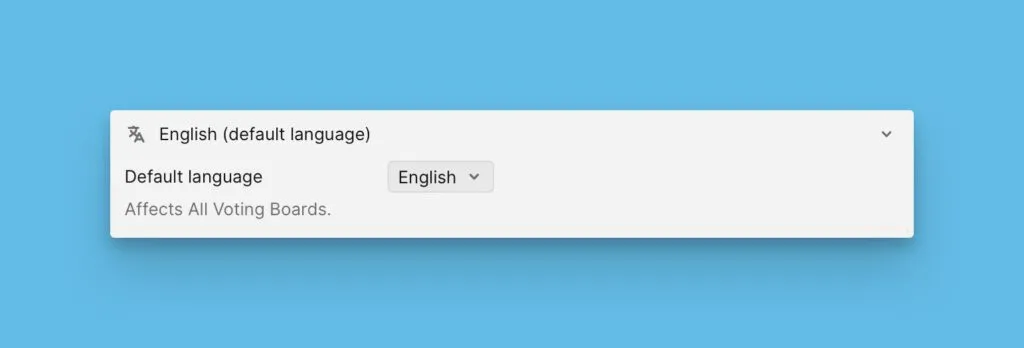
Farklı dillerdeki müşterilere hizmet vermek için bireysel Panolar için özel bir dil ayarlayabilirsiniz.
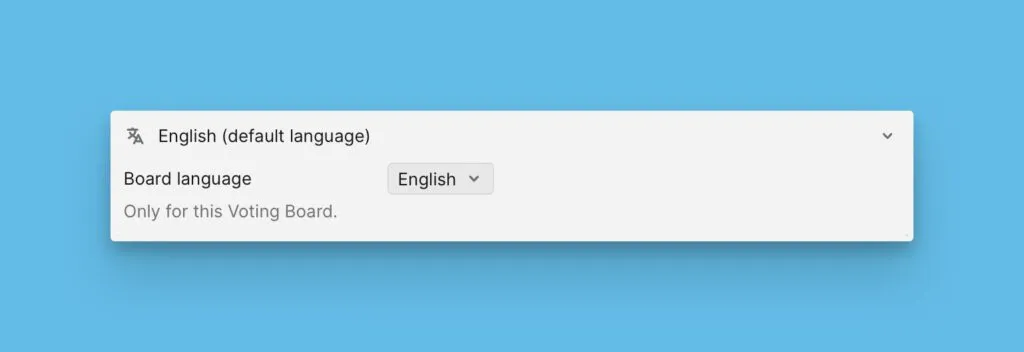
Daha fazla bilgi: Farklı Oylama Panoları için farklı diller
Özel alan adı ayarlayın
Müşterilerinizin sitenizi anında tanımasına yardımcı olmak için kuruluşunuzun Oylama Panoları için alan adını veya alt alan adını özelleştirin.
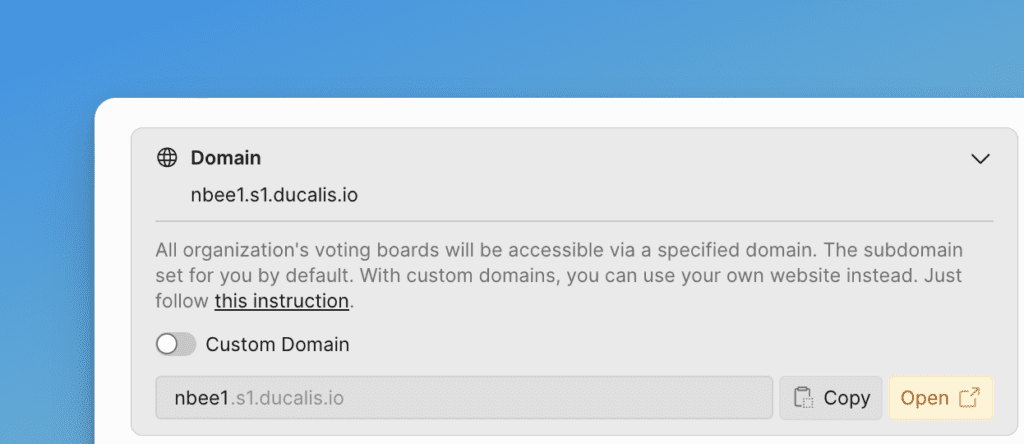
Daha fazla bilgi: Özel alan adı ayarlama
Oylama Panosu URL'sini özelleştirin
Her Oylama Panosu için URL'yi özelleştirerek daha tanınabilir ve paylaşımı daha kolay hale getirin.
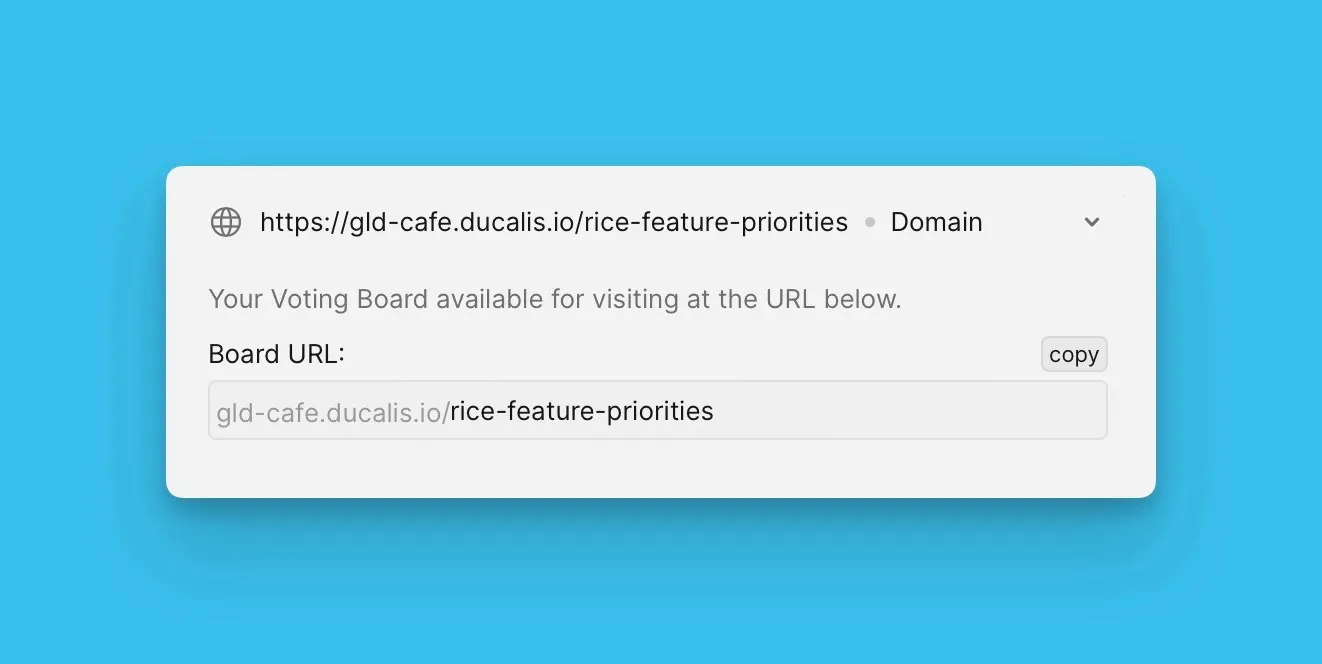
Daha fazla bilgi: Oylama Panosu URL özelleştirme
Gizlilik ayarlarını yapılandırın
Belirli Panoları özel olarak ayarlayın ve yalnızca seçilmiş müşterilere erişim verin.
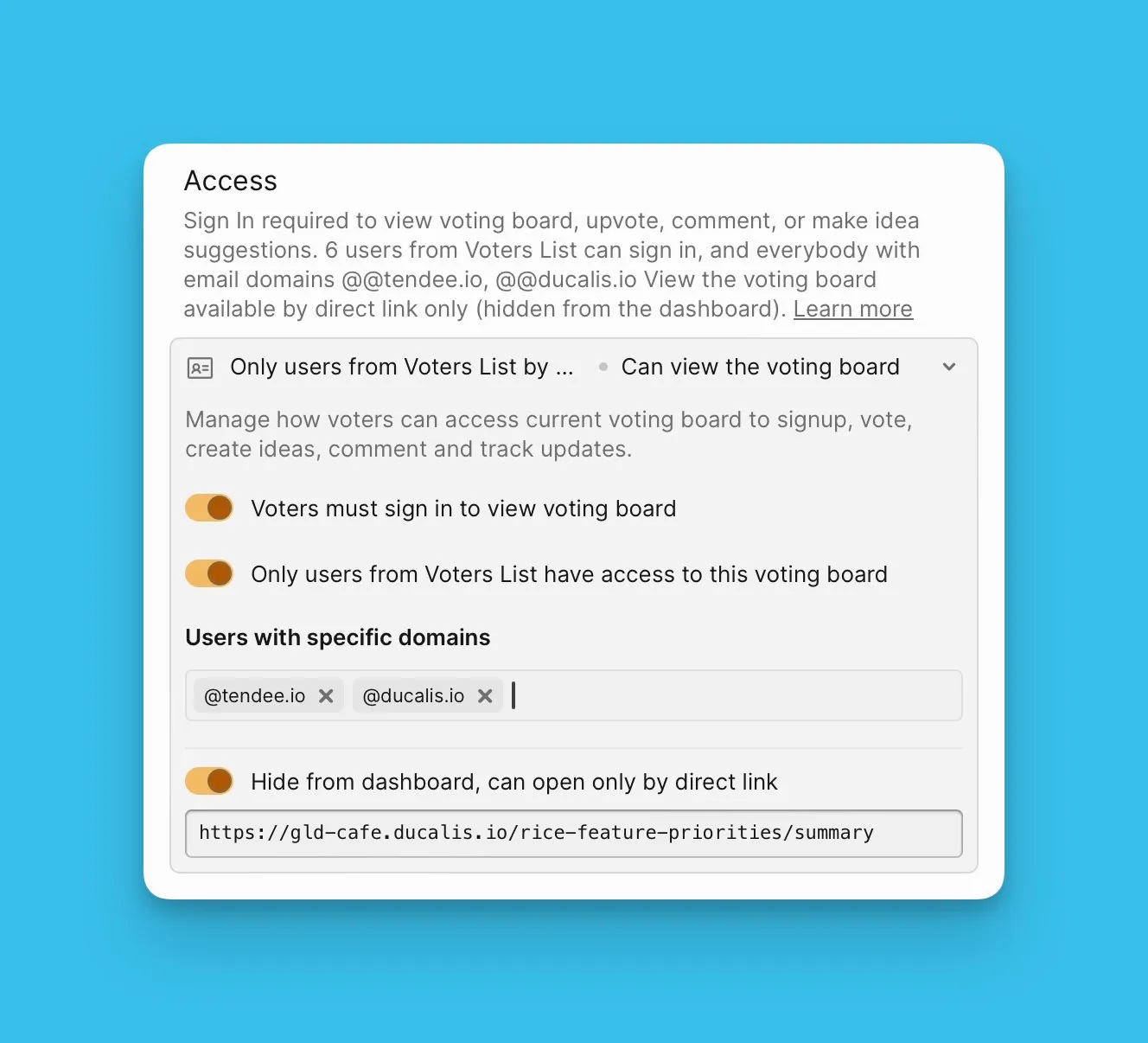
Daha fazla bilgi: Oylama Panosu gizliliği
Özel e-posta alan adı ayarlayın
Müşteriler, kullaniciadi@sirketiniz.com gibi kendi alan adınızdan gelen e-postaları okumaya daha yatkındır.
Oylayanlara gönderilen Ducalis Oylama Panosu bildirimleri için e-posta adresini özelleştirin.
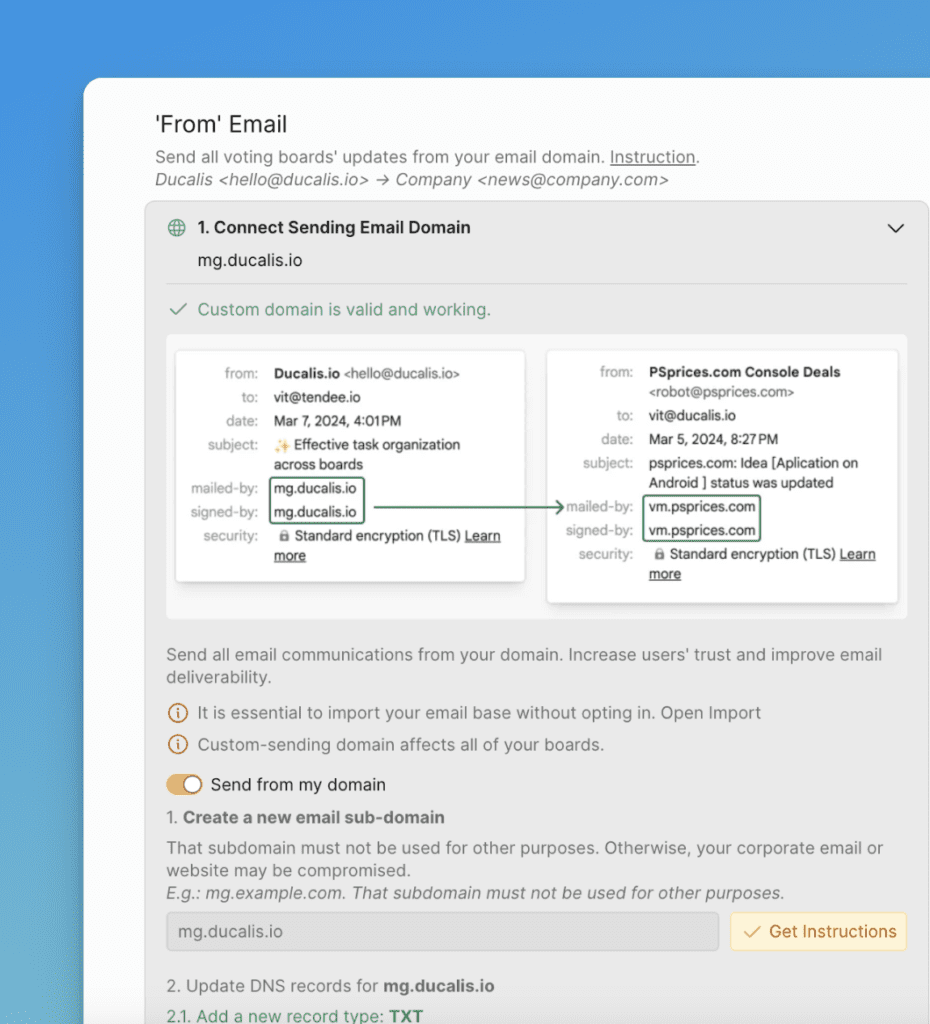
Daha fazla bilgi: Kendi alan adınızdan sürüm notları gönderin
Sırada ne var?
Oylayanlara Oylama Panonuza Fikir gönderme konusunda rehberlik etmek için Fikir şablonları oluşturun.
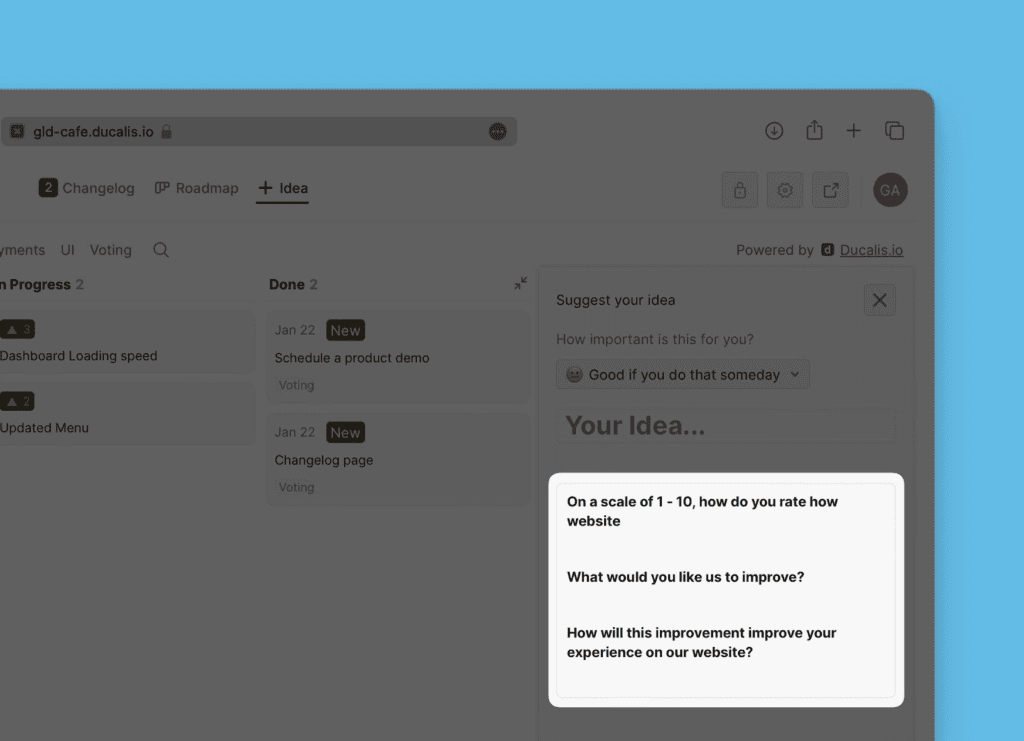
Devam edin: Adım 3: Genel Fikirler için şablon oluşturun.