Adım 3. Fikir Şablonları Oluşturun
Müşterilerinizin geri bildirimlerini nasıl biçimlendirecekleri konusunda rehberlik etmek için yeni Fikirler için şablonlar oluşturun. Şablonlar, hata raporlarını, özellik taleplerini ve kullanıcı deneyimi geri bildirimlerini tutarlı şekilde yapılandırmaya yardımcı olur.
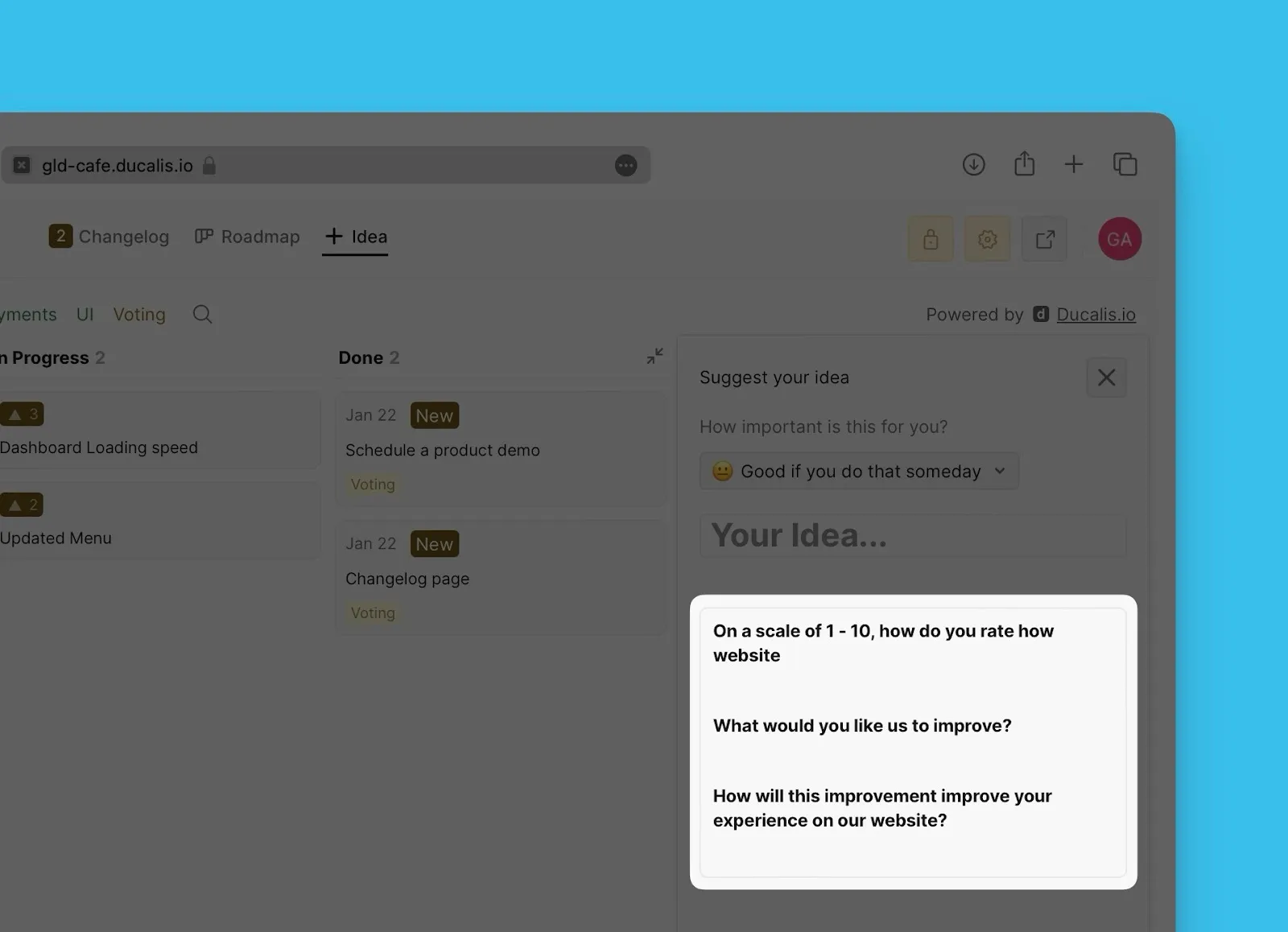
Şablon oluşturun
-
Voting board settings (Oylama panosu ayarları) bölümüne gidin.
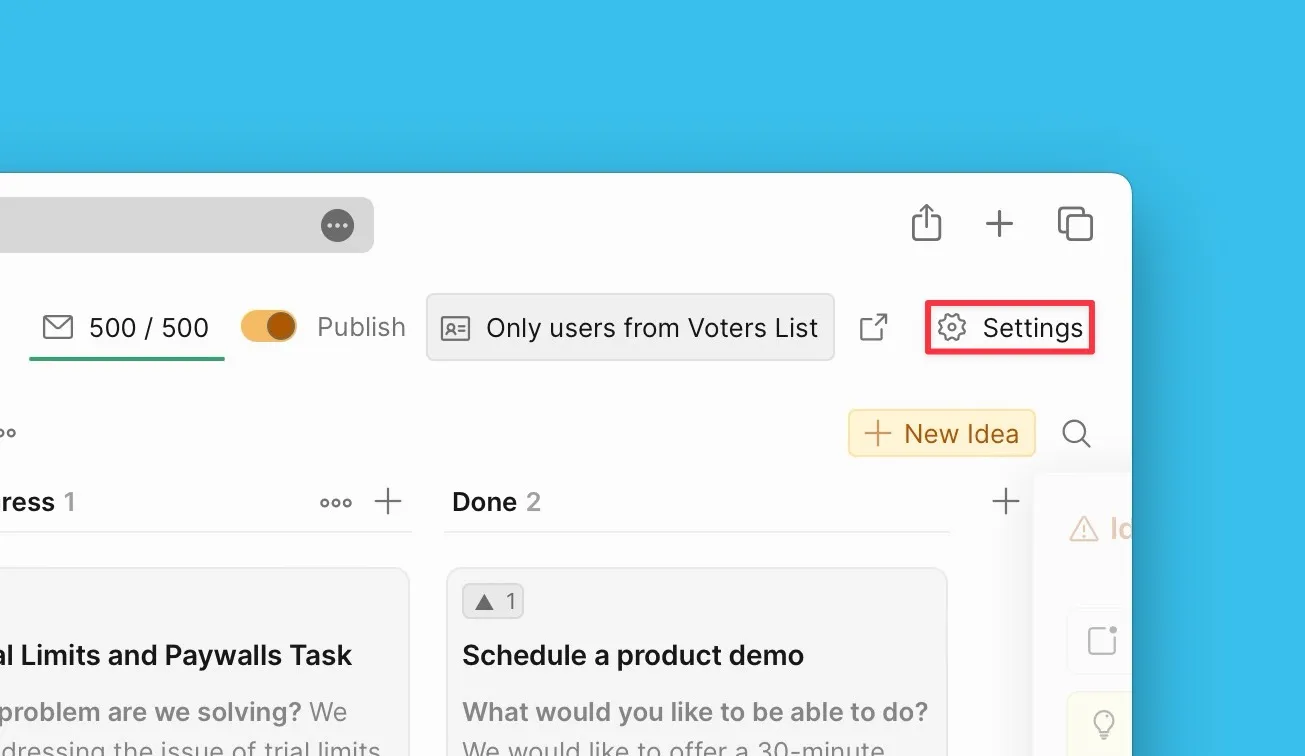
-
Idea Template and Voting Options (Fikir Şablonu ve Oylama Seçenekleri) bölümüne kadar aşağı kaydırın.
-
Idea template (Fikir şablonu) bloğunu açın.
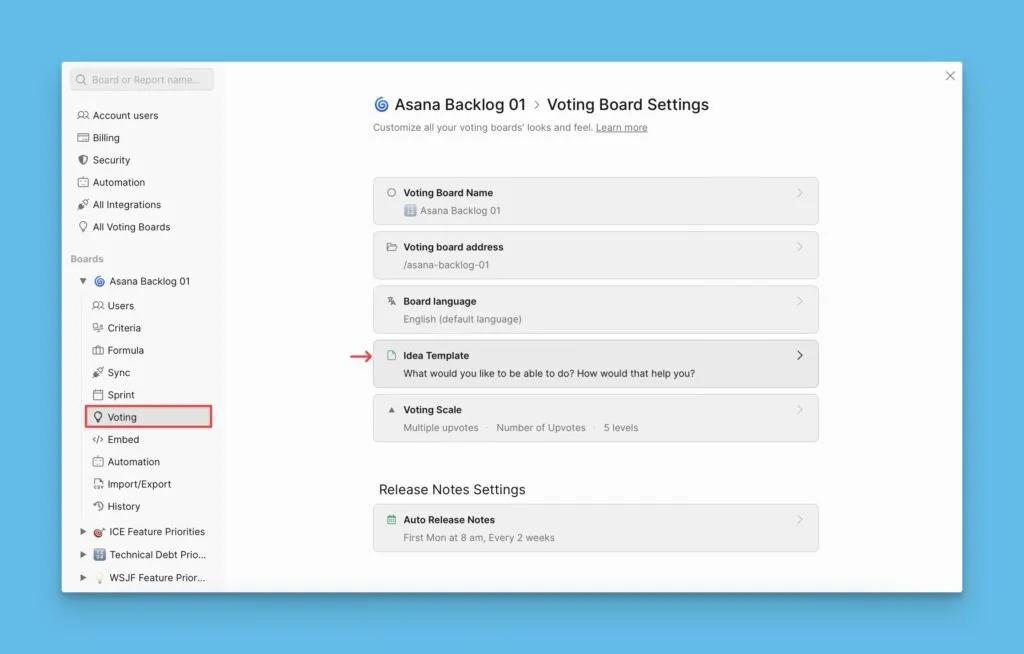
-
Düzenleyiciyi kullanarak şablonunuzu oluşturun.
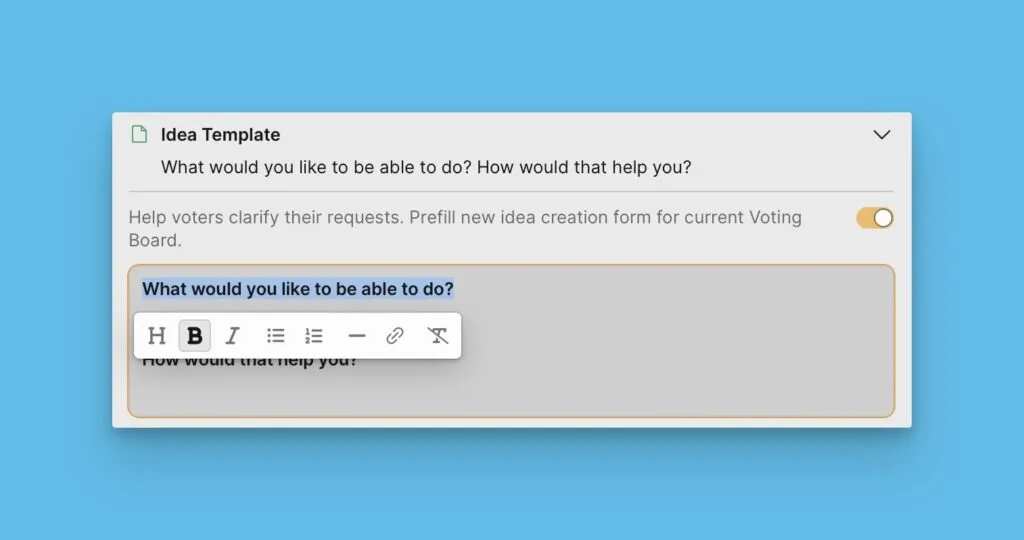
Şablonunuz otomatik olarak kaydedilir ve müşterilerinizin kullanımına hazır hale gelir.
Şablon örnekleri
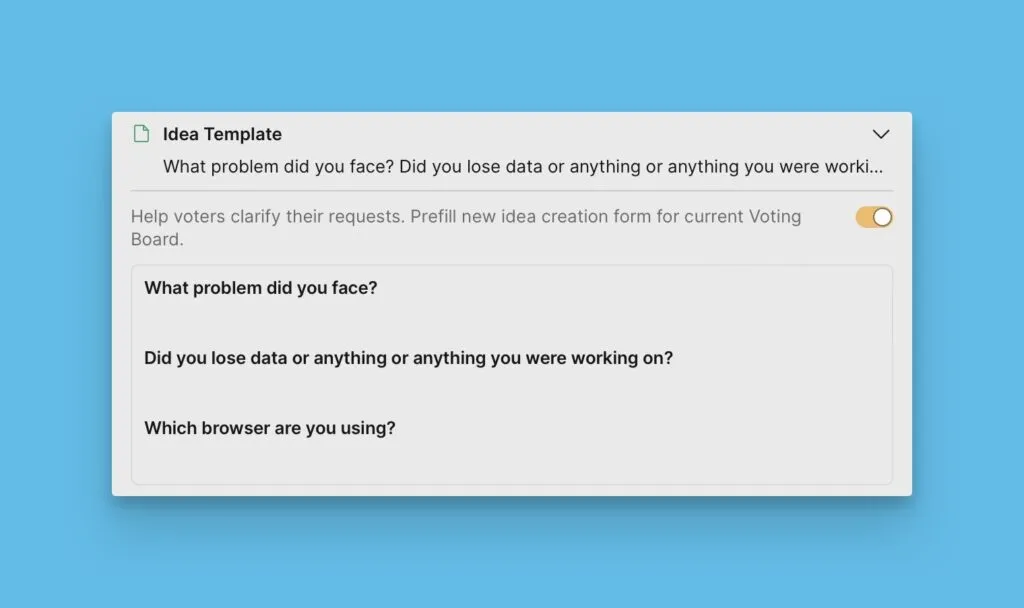
Hata raporu şablonu
Hata raporları topluyorsanız, kullanıcıları temel hata ayıklama bilgilerini eklemeleri konusunda yönlendiren bir şablon oluşturun:
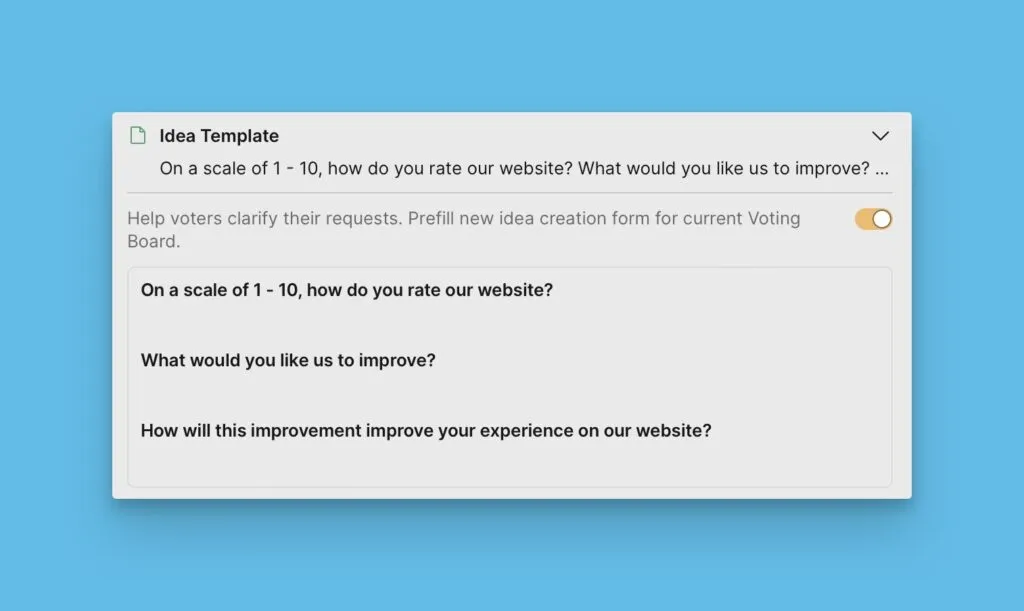
Web sitesi geri bildirim şablonu
Web sitesi deneyimi geri bildirimleri için, kullanıcının ziyaretiyle ilgili belirli ayrıntıları yakalayan bir şablon oluşturun:
Sırada ne var
Oylama Panonuzu ürününüze nasıl entegre edeceğinizi öğrenmek için Adım 4'e geçin.