Adım 2. Sürüm Notu Şablonu Oluşturun
Bir şablon, e-posta sürüm notları için tekrar kullanılabilir bir yapı sağlar ve tüm duyurularda manuel kopyala-yapıştır işlemine gerek kalmadan tutarlılık sağlar.
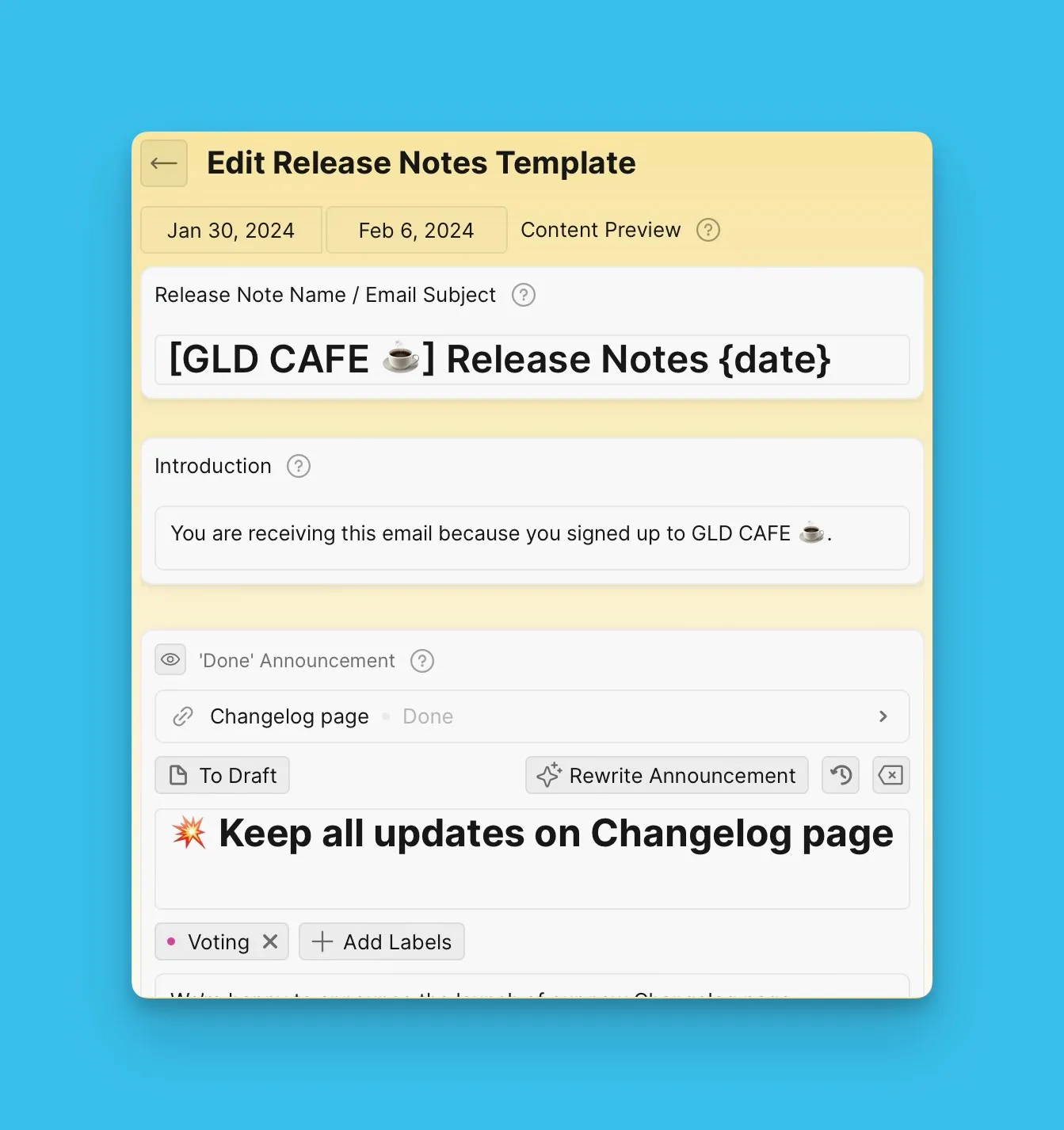
Sürüm Notu Şablonu Oluşturun
-
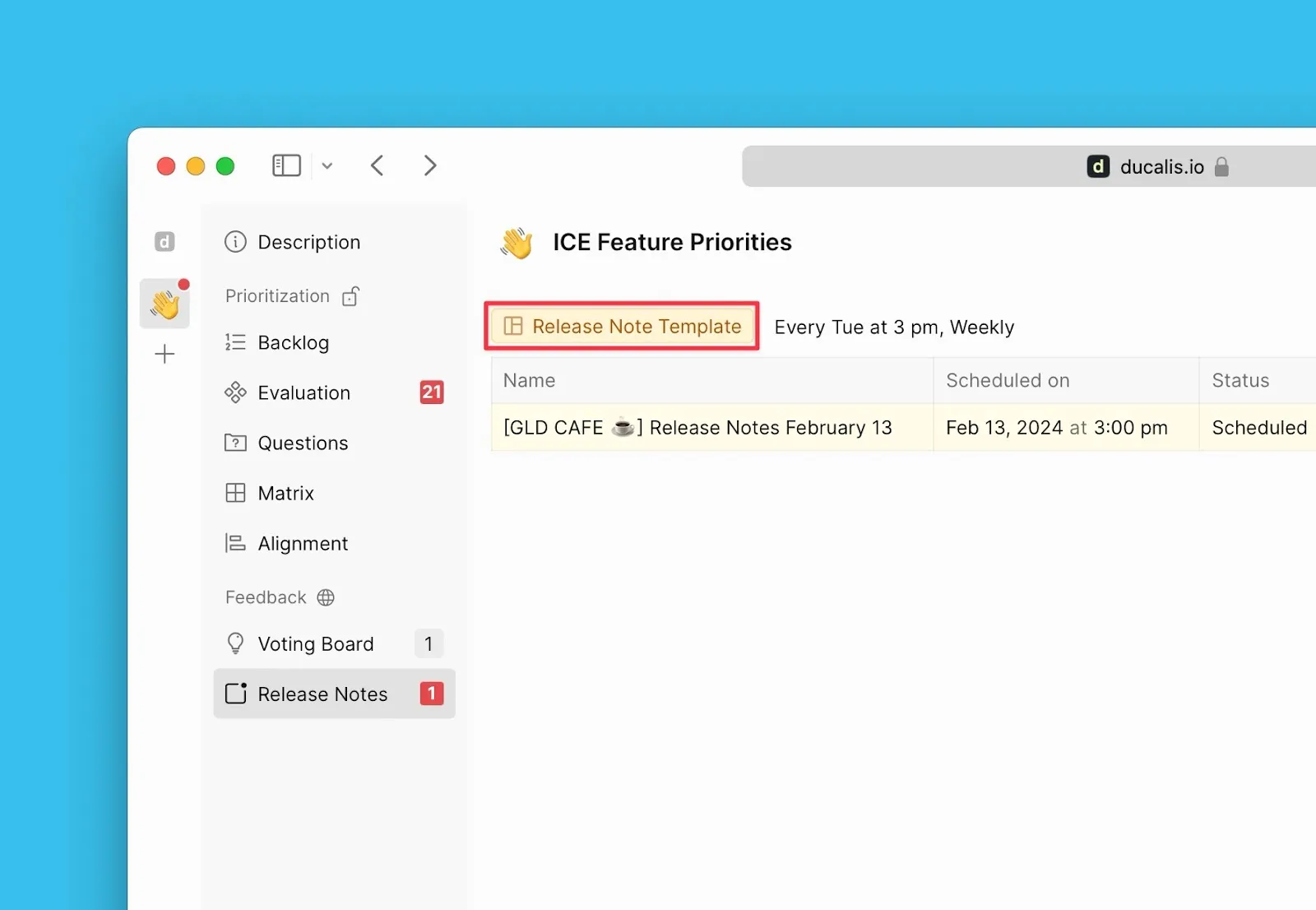
Sürüm Notları sayfasının altında Release Note Templates (Sürüm Notu Şablonları) seçeneğine tıklayın.
-
Aşağıdaki blokları kullanarak sürüm notu şablonunuzu özelleştirin.
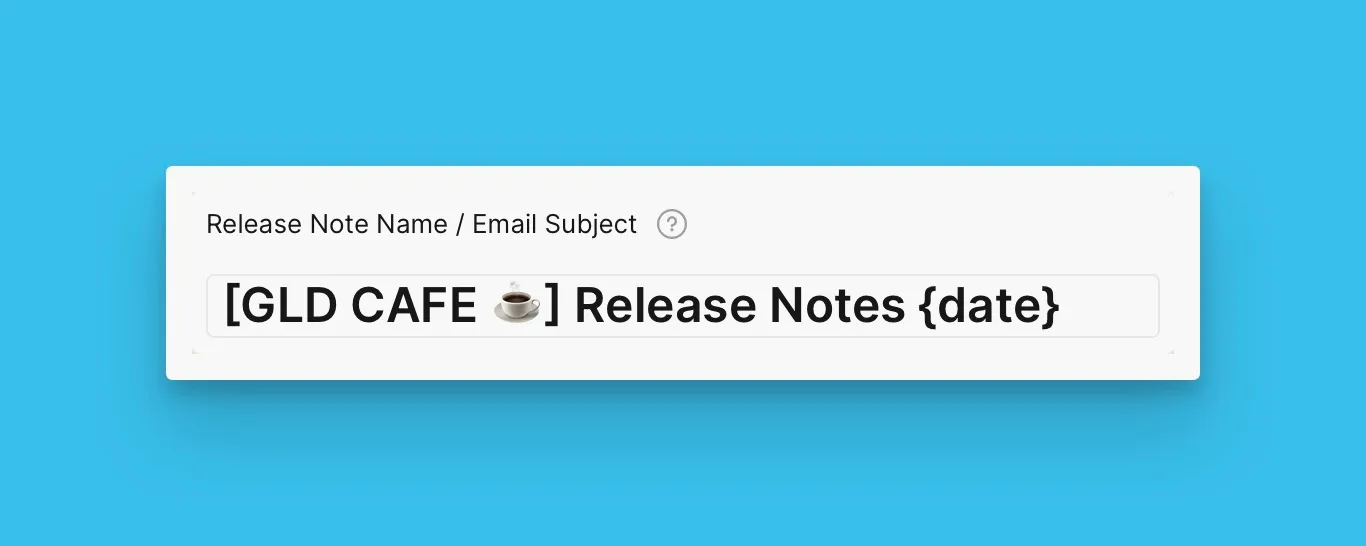
E-posta Konu Bloğu
Email Subject bloğu (E-posta Konusu bloğu) zorunludur ve gizlenemez veya silinemez.
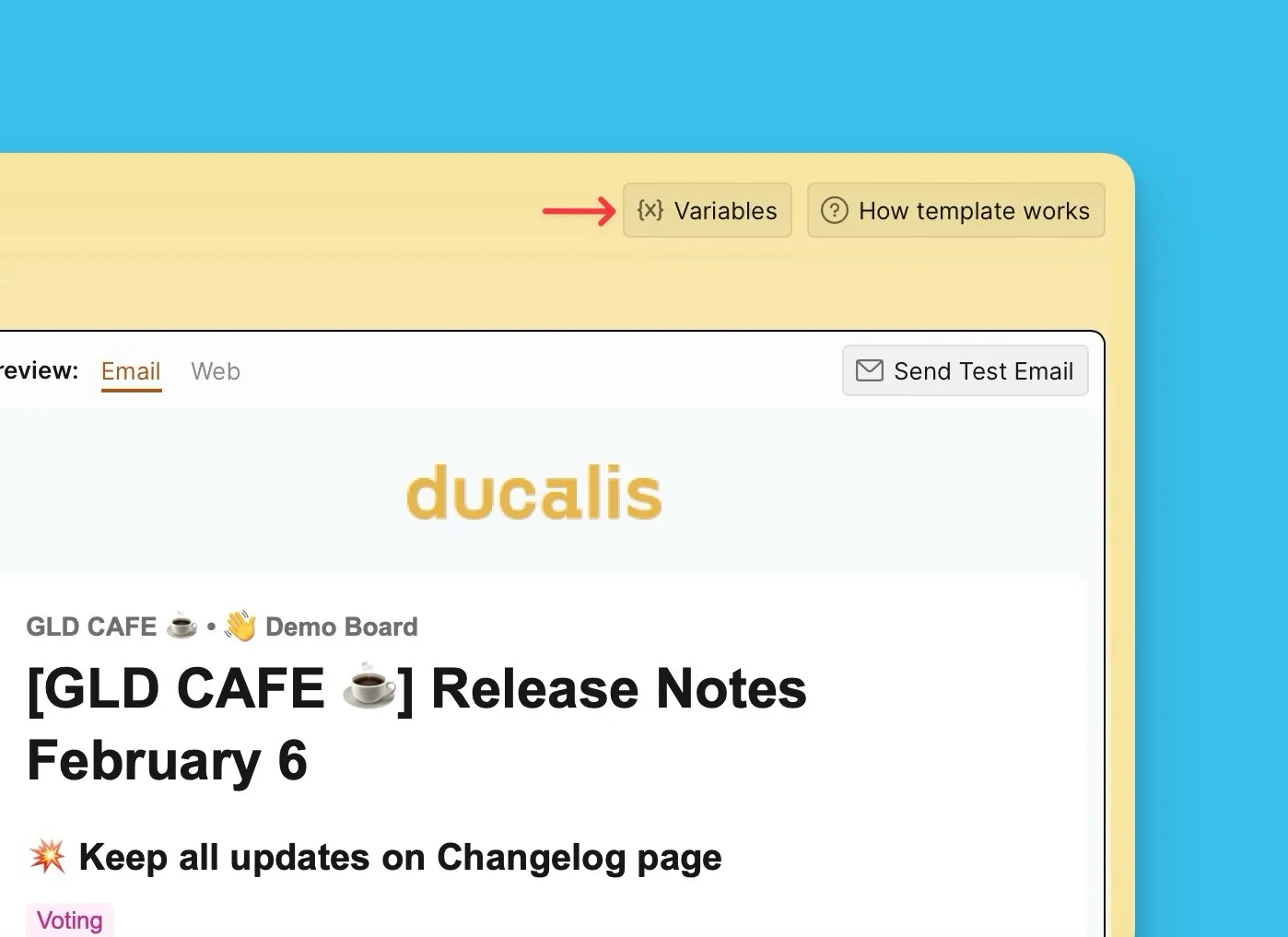
Değişkenler
Tarihler, haftanın günleri ve yıllar gibi dinamik içerik eklemek için değişkenler {X} kullanın.
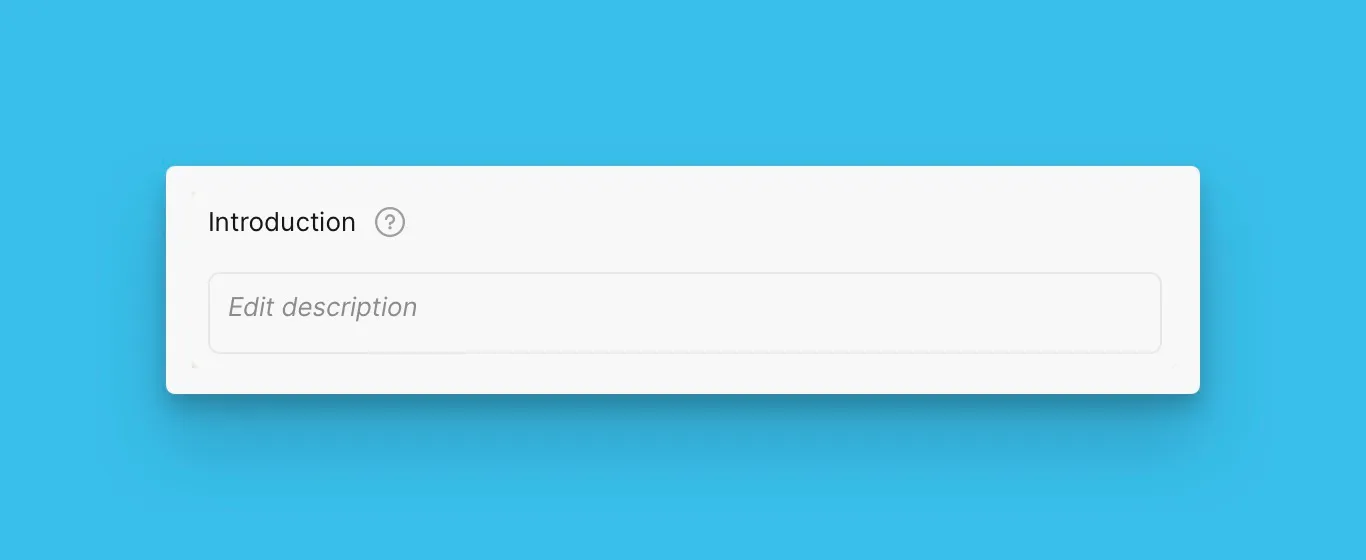
Giriş Bloğu
E-posta şablonundan hariç tutmak için Introduction bloğu (Giriş bloğu) metin alanını boş bırakın.
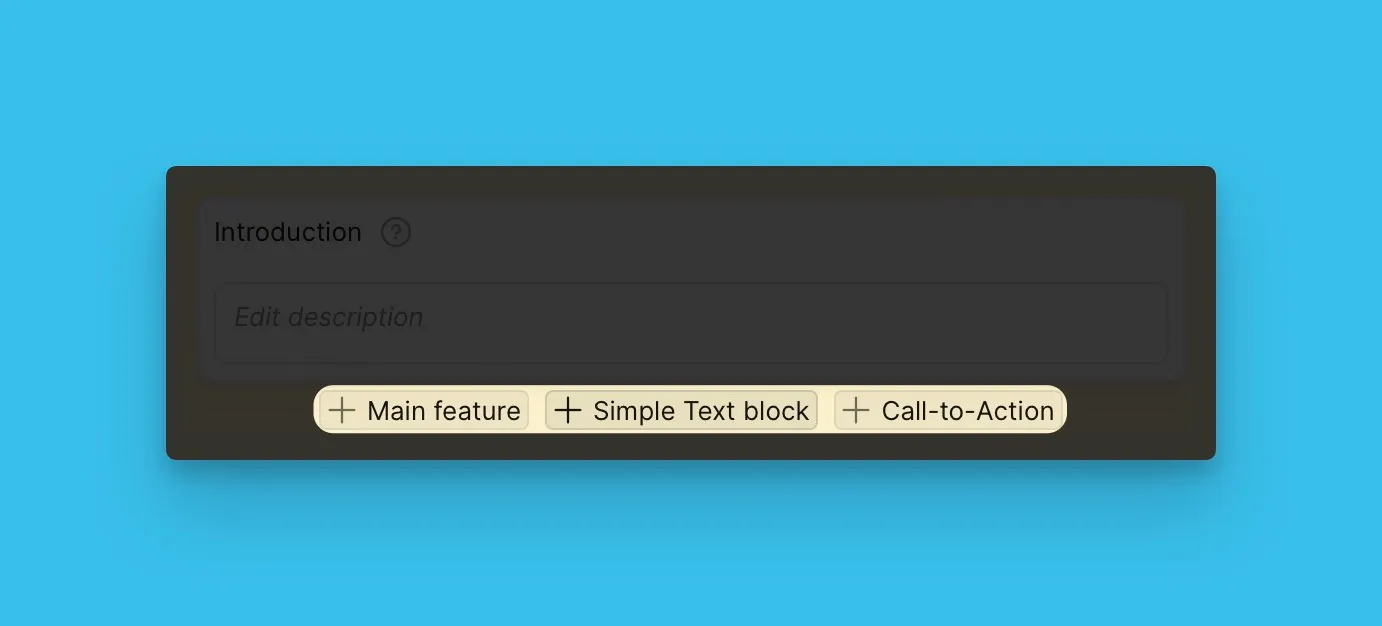
Ana Özellik, Basit Metin ve CTA Blokları
İhtiyaç duyduğunuz kadar Main Feature (Ana Özellik), Simple Text (Basit Metin) ve CTA bloğu ekleyin.
Oylama Panosu Durum Blokları
Hangi Voting Board Status bloklarını (Oylama Panosu Durumu bloklarını) dahil edeceğinizi seçin ve bunları tercih ettiğiniz sırada düzenleyin.
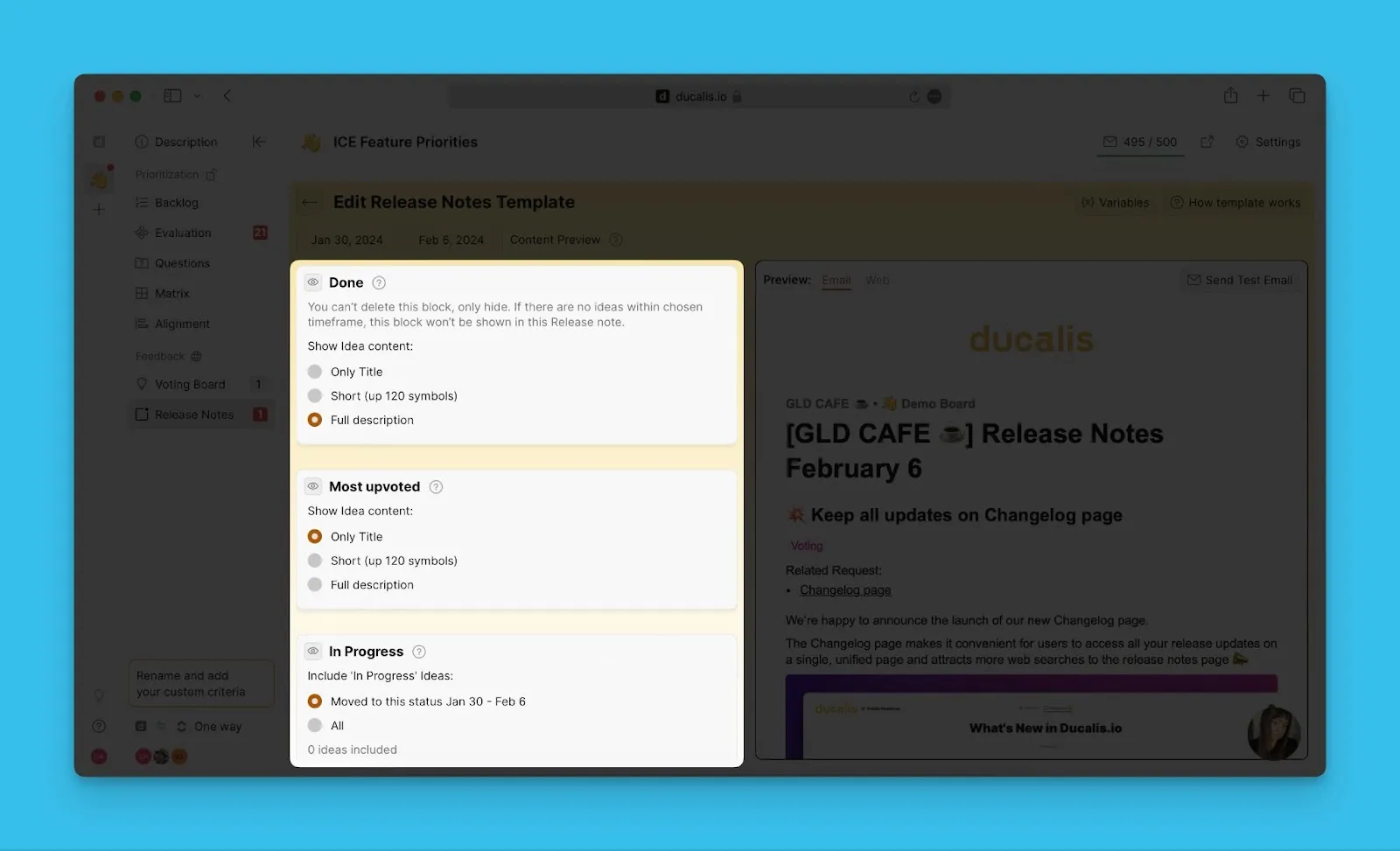
Şablonunuz otomatik olarak kaydedilir. Oluşturduğunuz her sürüm notu bu şablon yapısını takip eder.
Sırada Ne Var?
Sürüm Notlarına nasıl duyuru ekleyeceğinizi öğrenin.