Adım 1. Sürüm Notu Yapısı
Sürüm Notları, müşterileri ürün güncellemeleri, yeni özellikler, iyileştirmeler ve hata düzeltmeleri hakkında bilgilendiren e-posta duyurularıdır.
Sürüm Notu yapısı
Sürüm Notları yapı taşlarından oluşur. Bazı bloklar zorunlu, diğerleri isteğe bağlıdır.
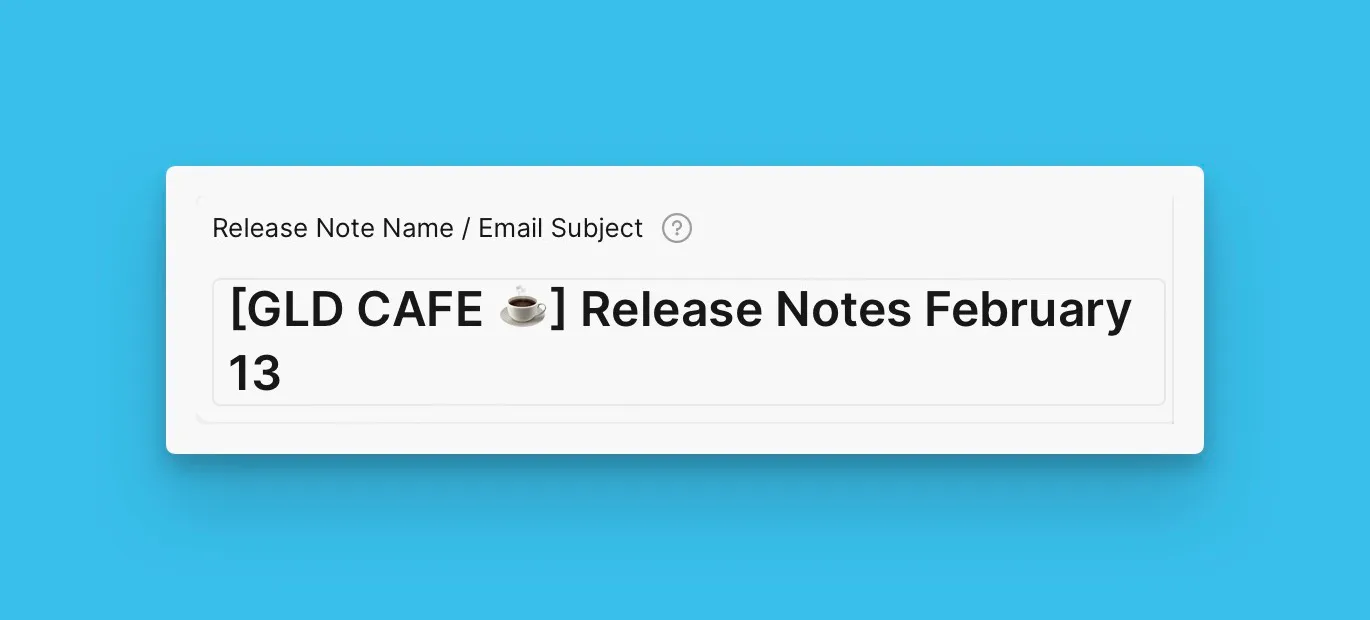
Sürüm Notu adı ve e-posta konusu
Başlık, e-posta konu satırı olarak görünür.
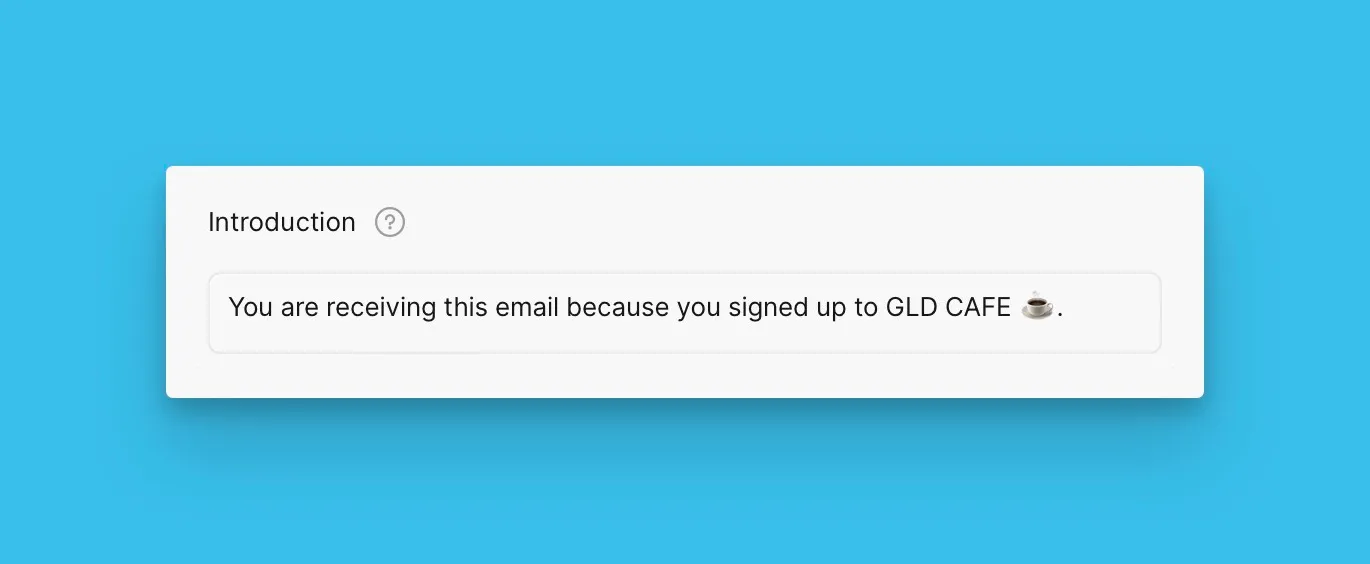
Giriş bloğu
Giriş bölümü müşterilere bu e-postayı neden aldıklarını açıklar.
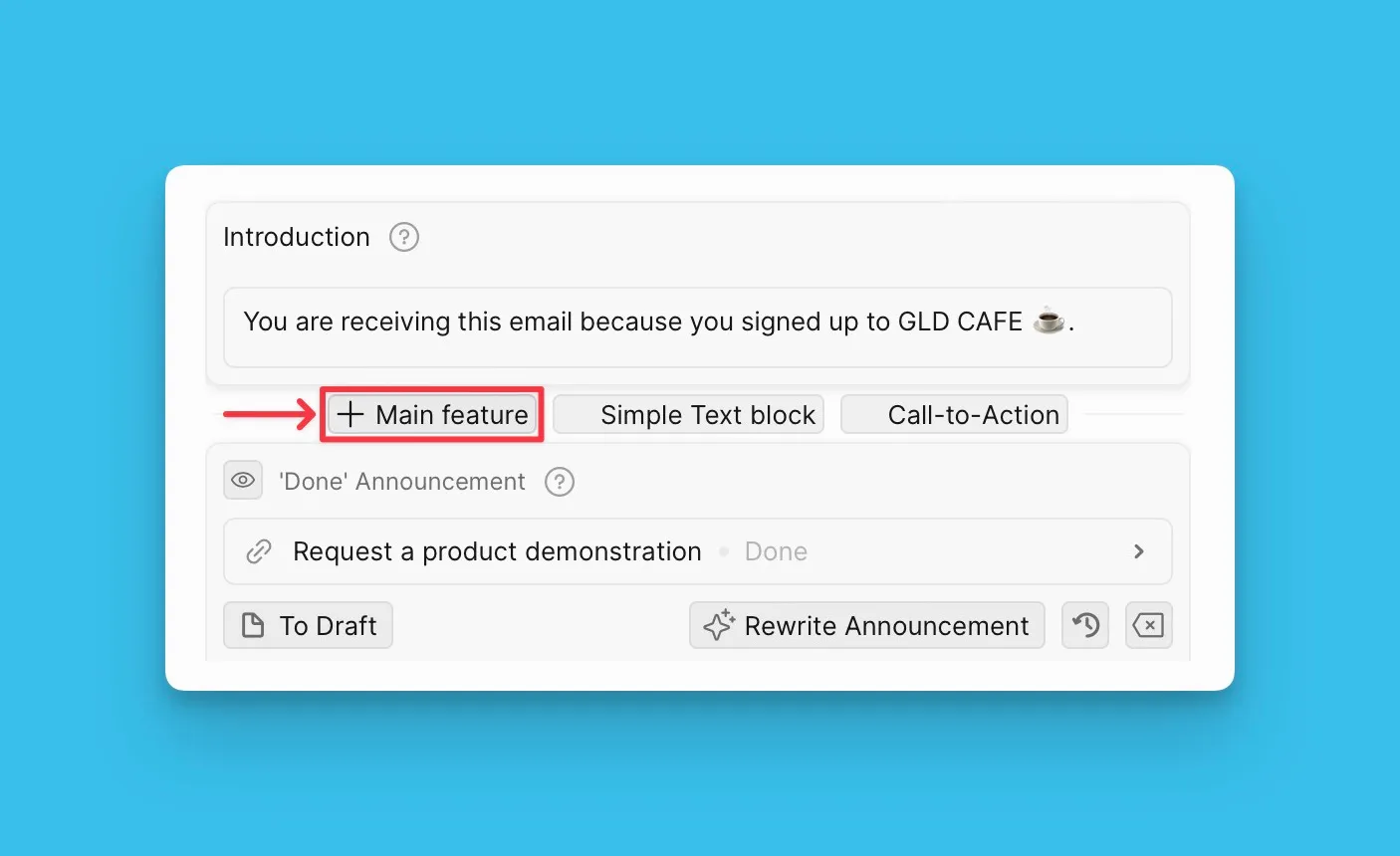
Ana özellik bloğu
Ana özellik blokları, müşterilerin bilmesi gereken yeni özellikleri öne çıkarır. Duyuracağınız özelliklerin sayısına bağlı olarak istediğiniz kadar blok ekleyebilirsiniz.
Daha fazla bilgi için buraya tıklayın.
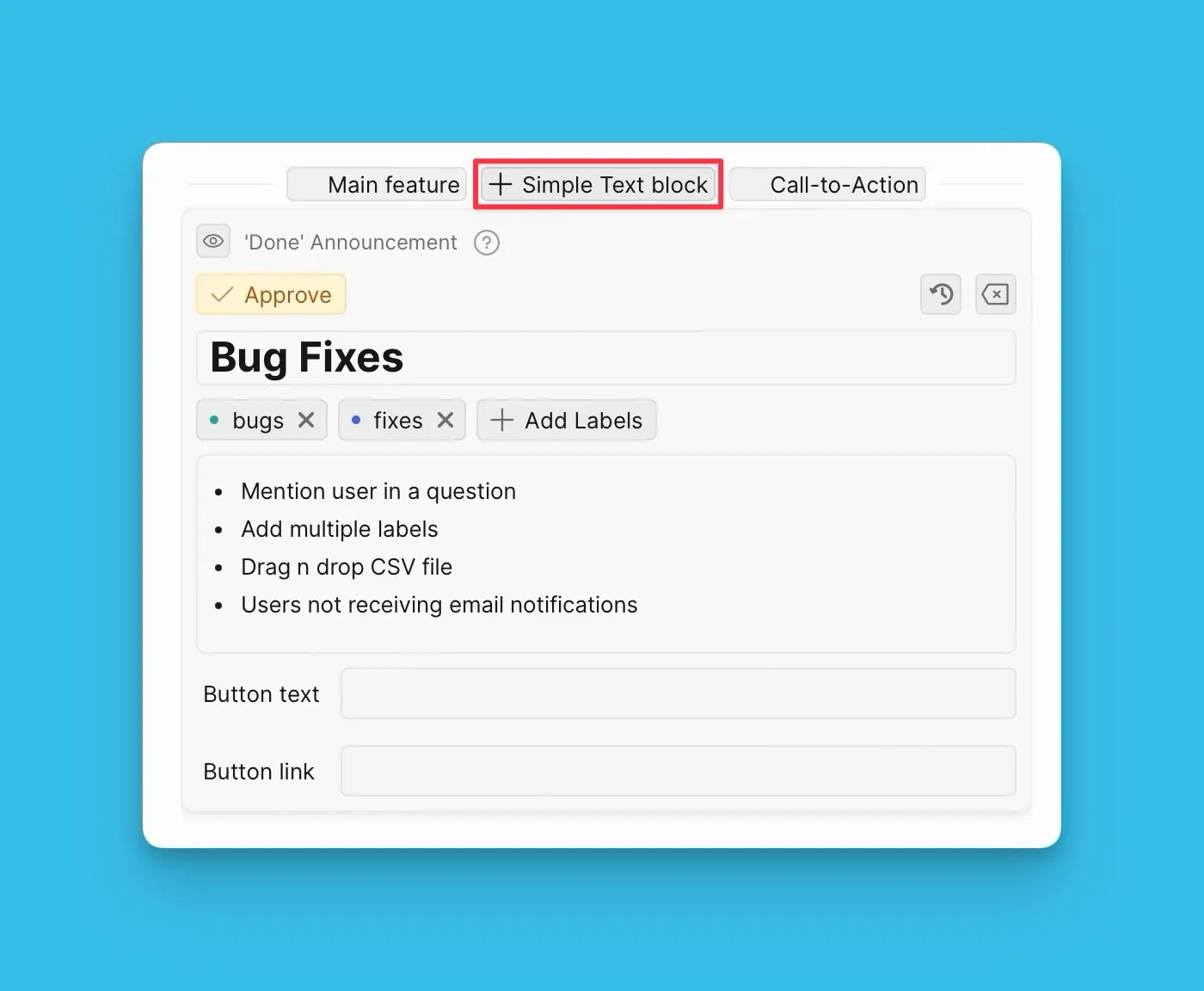
Basit metin bloğu
Hata düzeltmeleri veya küçük iyileştirmeler gibi ürün güncellemelerini paylaşmak için basit metin bloklarını kullanın.
Harekete geçirme bloğu
Bir web seminerine katılma veya Oylama Panonuzu ziyaret etme gibi müşterilerinizin gerçekleştirmesini istediğiniz bir harekete geçirme öğesi ekleyin.

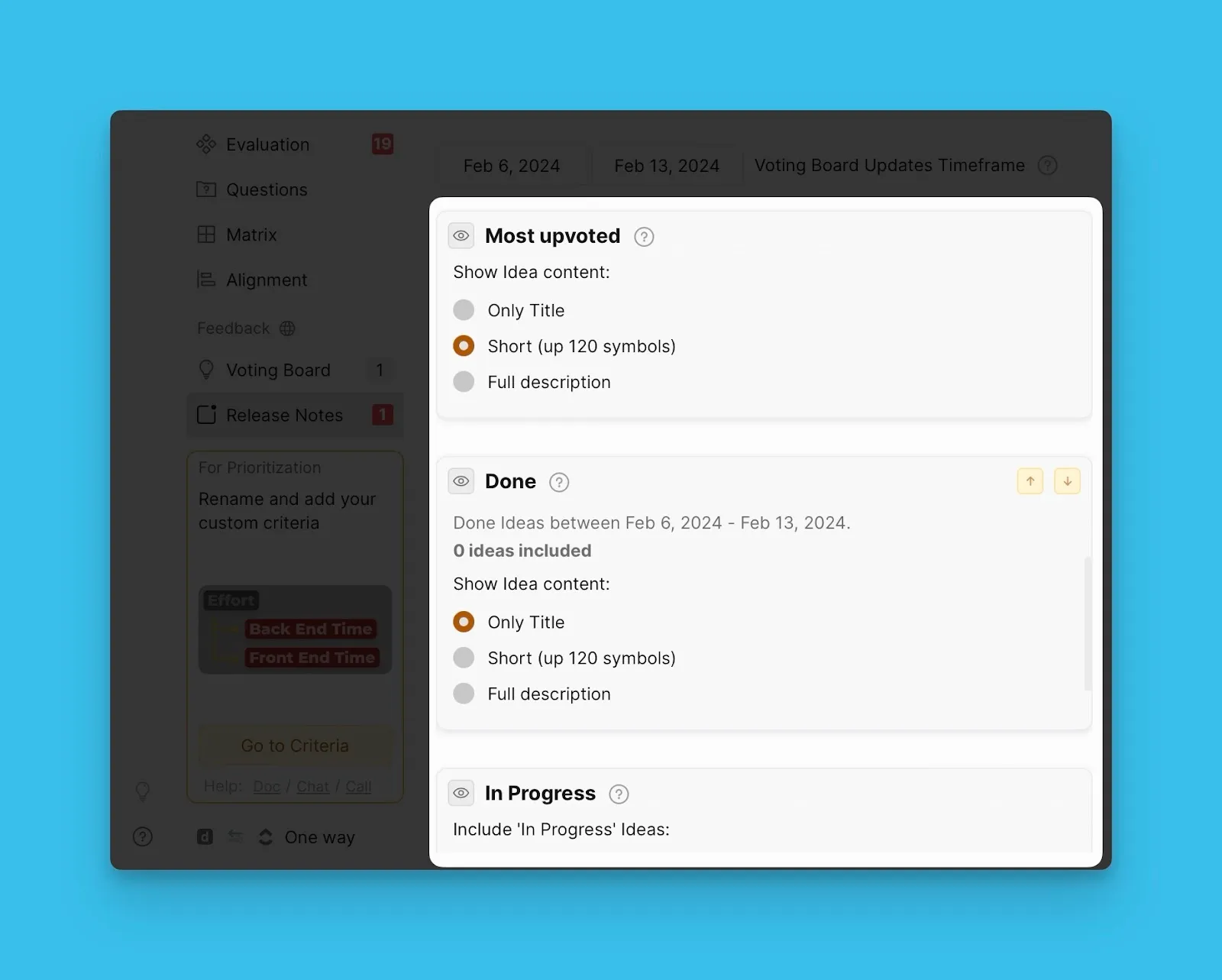
Oylama Panosu durum blokları
Oylama Panosu durum blokları, seçtiğiniz tarih aralığı boyunca belirli bir duruma geçen Fikirleri gösterir. Müşterilerinizi Oylama Panonuzdaki aktiviteler hakkında bilgilendirmek için bu blokları kullanın.
Sırada ne var?
Sürüm Notu oluşturmayı hızlandırmak için şablonları nasıl oluşturup kullanacağınızı öğrenmek için Adım 2: Sürüm Notu şablonları oluşturun sayfasına geçin.