Adım 3. Değerlendirme İlerleme Raporu
Değerlendirme İlerleme Raporu, ekibinizin sprint planlama sırasında iş listesi değerlendirmesinde nasıl ilerlediğini gösterir.
Rapora erişim
-
Evaluation Progress and Sprint Planning Settings (Değerlendirme İlerlemesi ve Sprint Planlama Ayarları) bölümüne gidin.
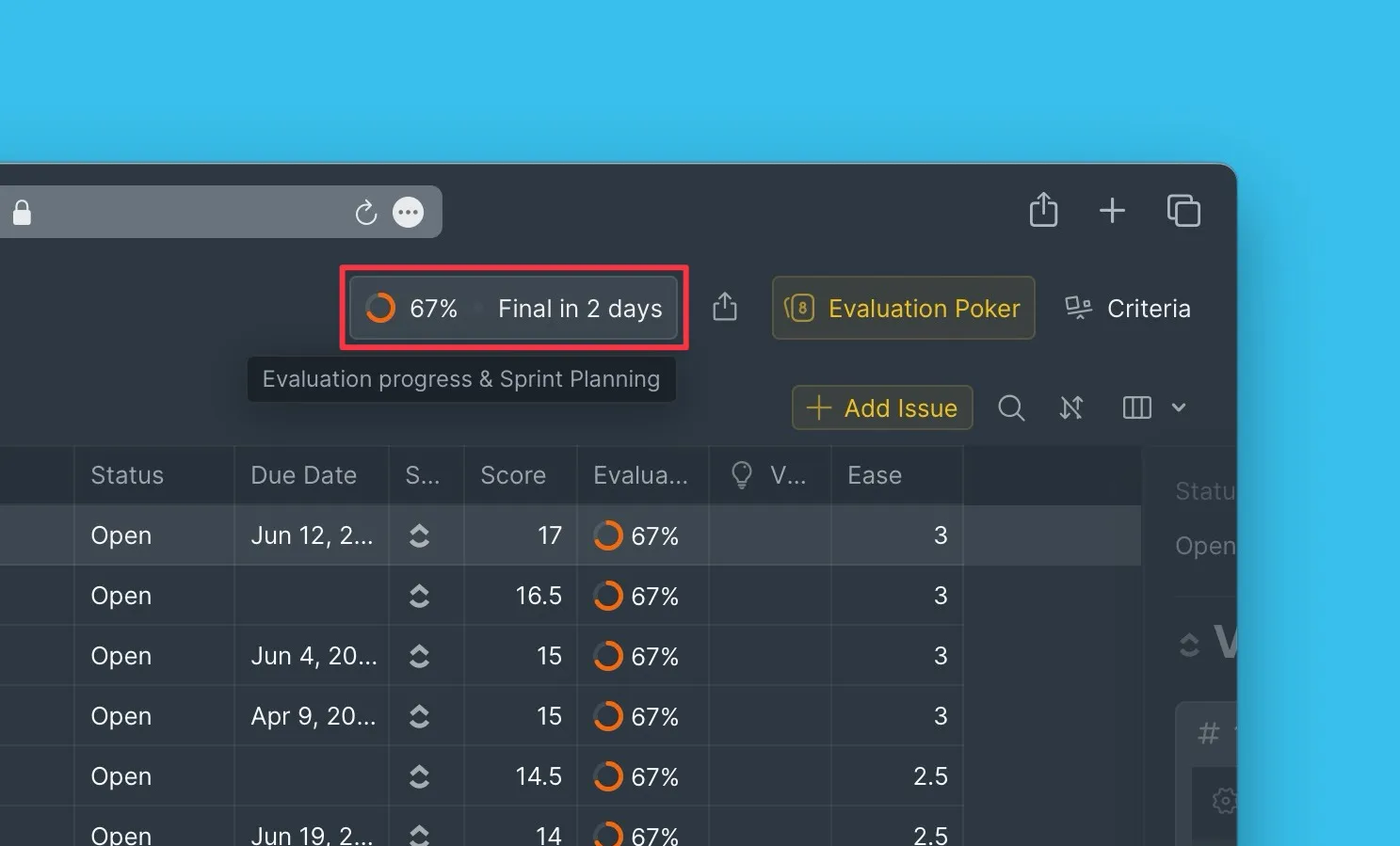
Rapor metrikleri
Genel değerlendirme ilerlemesi
Raporun üst kısmında ekibin genel değerlendirme ilerlemesi yüzde olarak gösterilir. Tüm Değerlendiriciler değerlendirmelerini tamamladığında, ilerleme %100'e ulaşır.
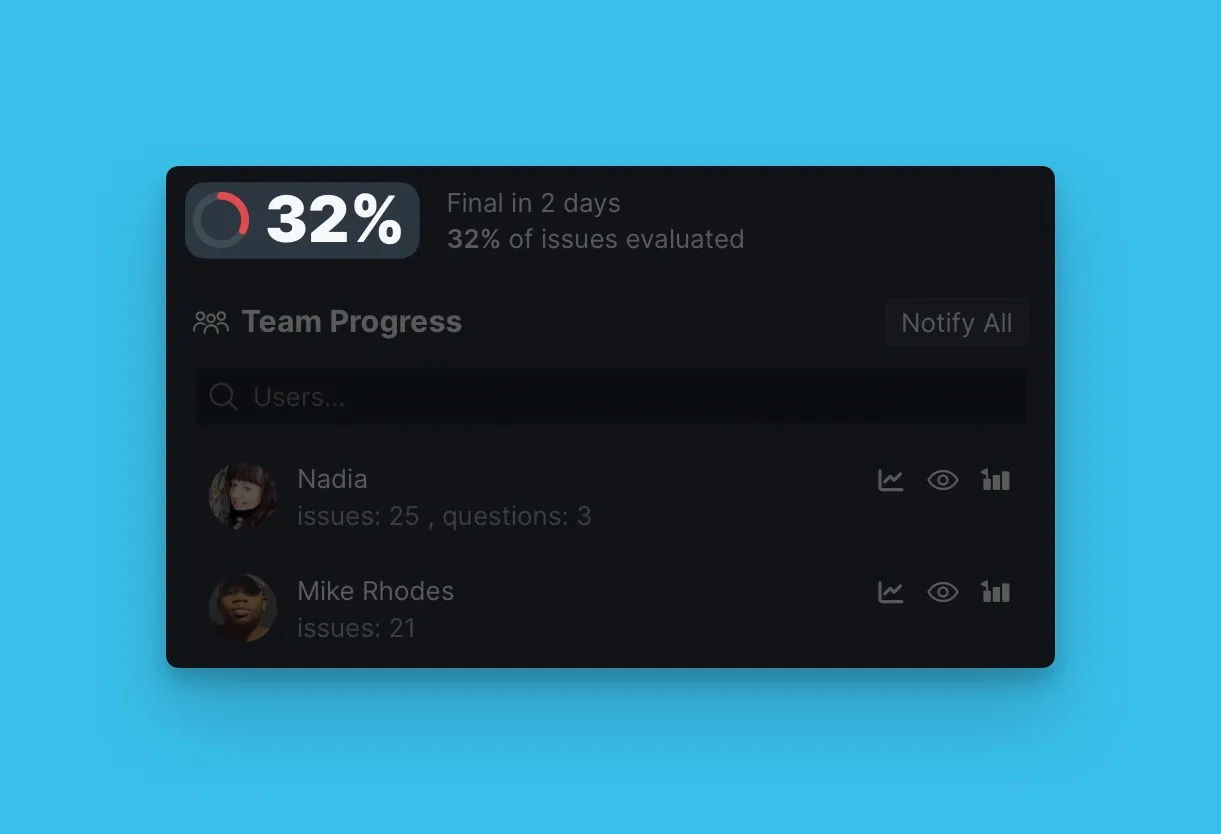
Dönüm noktalarına kalan günler
Kalan süreyi takip edin:
- Reveal (Açıklama) – Scrum Poker sırasında gizlenen puanların ekip tartışması için görünür hale geldiği an
- Final (Son Tarih) – puanların kilitlendiği ve sprint planlamasının sona erdiği an
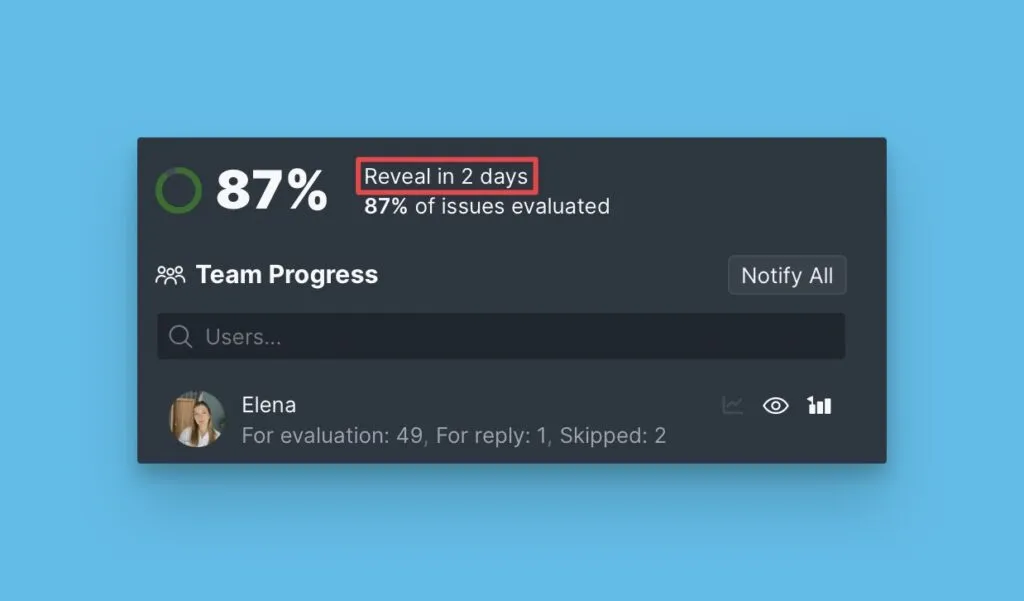
Kullanıcıya göre değerlendirilecek kayıtlar
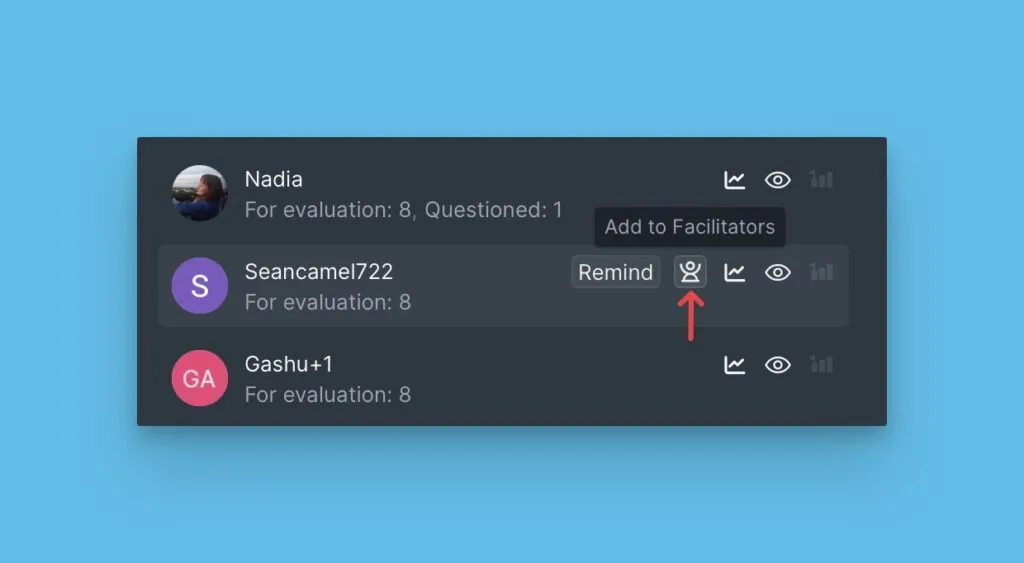
Her kullanıcının değerlendirmesi gereken kayıt sayısını görüntüleyin.
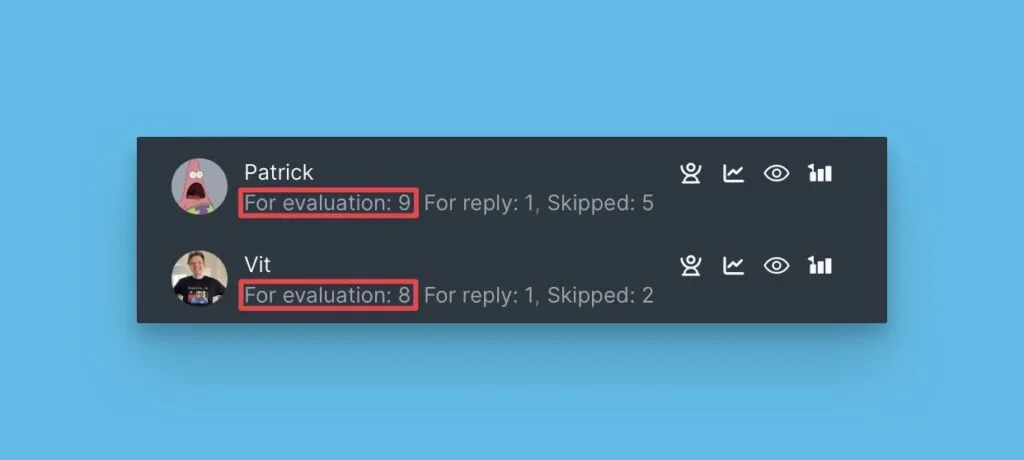
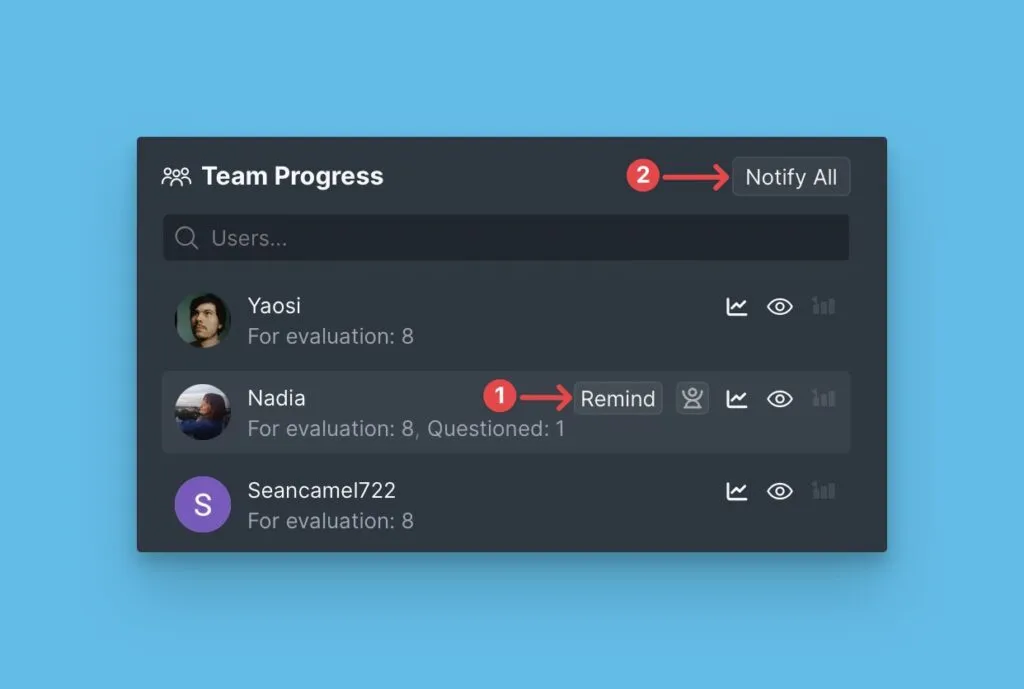
Kullanıcılara değerlendirmeyi tamamlamaları için hatırlatma gönderin
Reveal dönüm noktasından önce değerlendirmeyi bitirmeyen kullanıcılara hatırlatma gönderin.
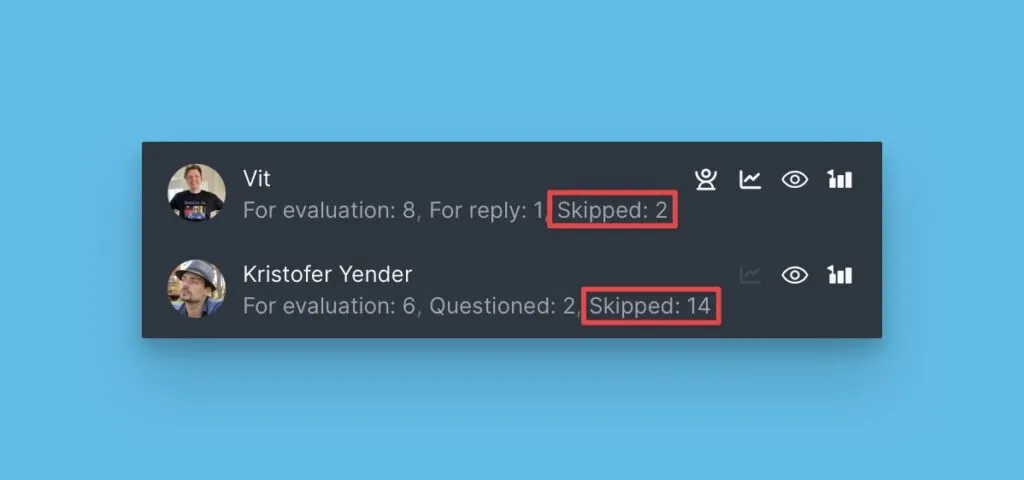
Atlanan kayıtlar
Değerlendirme sürecinde kaç kayıt atlandığını takip edin.
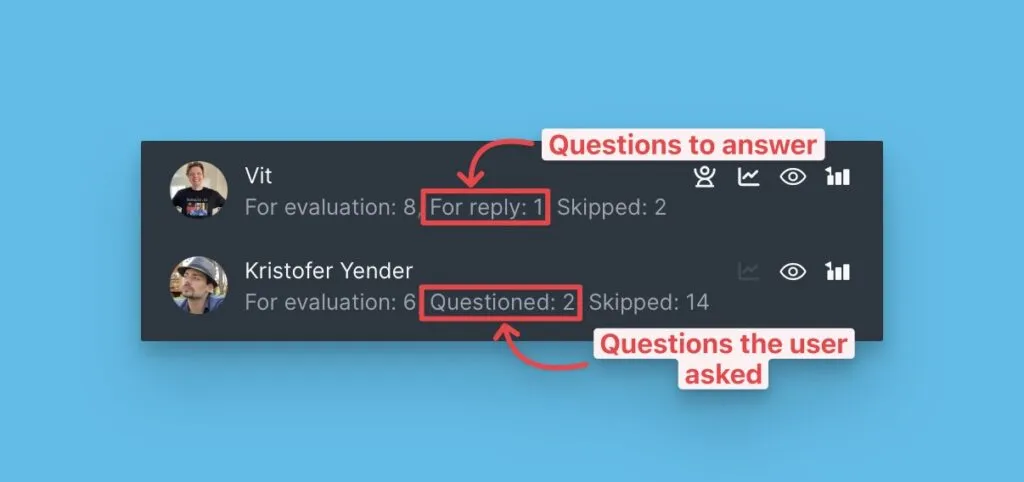
Sorulan ve alınan sorular
Her kullanıcının kaç netleştirme sorusu sorduğunu ve aldığını görüntüleyin.
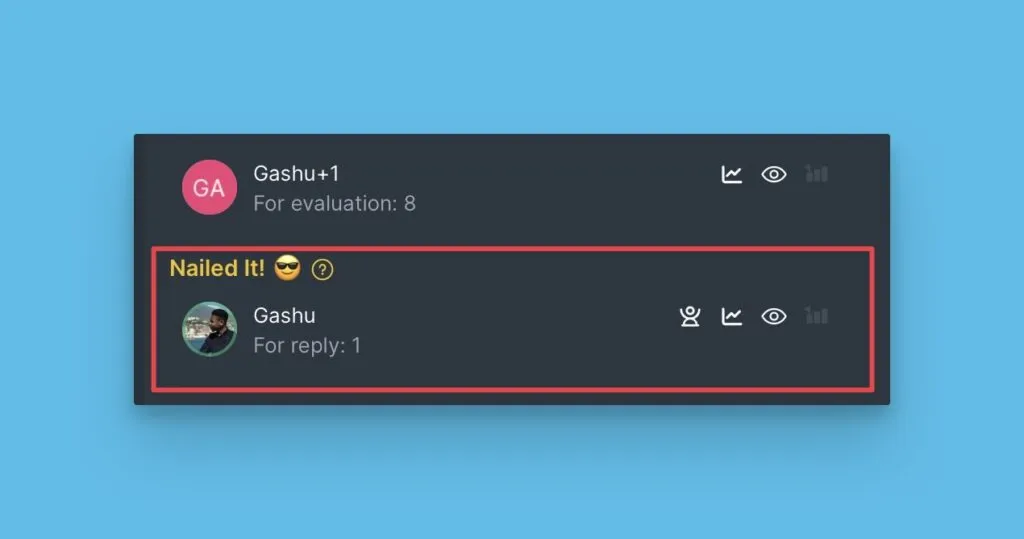
Tamamlanan değerlendirmeler
Atanan tüm kayıtları değerlendirmeyi bitiren kullanıcıları görün.
Moderatörler
Moderatörler sprint planlama sürecini denetlerler. Scrum Poker sırasında diğer kullanıcıların puanlarını görebilir ve ekip tartışmalarından sonra Son Puanları güncelleyebilirler.
Scrum Poker ayarları
Scrum Poker yapılandırmanızı inceleyin:
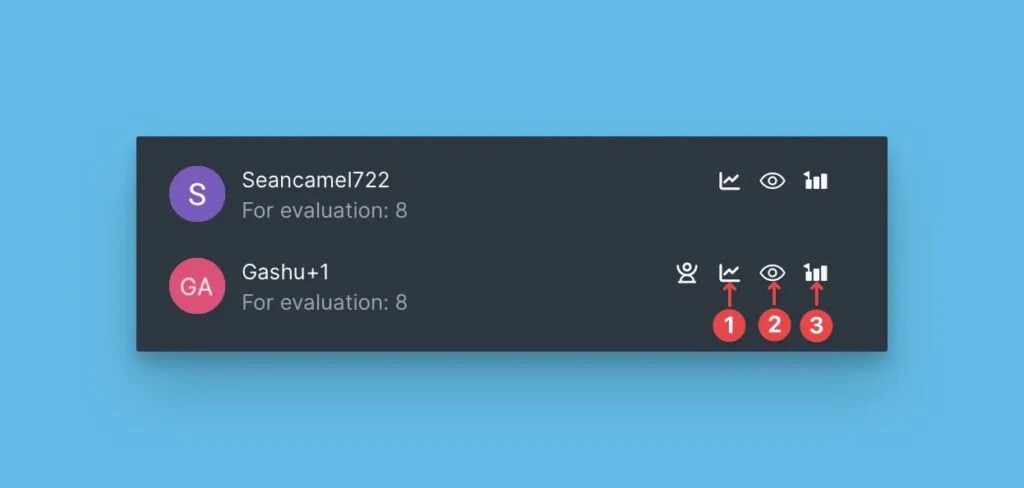
- Son Puanları değiştirebilen kullanıcılar
- Değerlendirme sırasında puanları görebilen kullanıcılar
- Tahminlerini güncelleyebilen kullanıcılar
Sırada ne var
Sprint Planlama ile Başlangıç serisini tamamladınız! Keşfetmeye devam edin:
- Alignment Report (Hizalanma Raporu) — Değerlendirmeler üzerinde ekip mutabakatını inceleyin
- Backlog (İş Listesi) — Son Puanlara göre önceliklendirilmiş kayıtları görüntüleyin
- Sprint Planning Settings (Sprint Planlama Ayarları) — Gelişmiş sprint planlama yapılandırmaları