Overview
Evaluation Poker helps product teams collaboratively score backlog issues to reach consensus on prioritization. This technique prevents individual bias (HIPPO effect) by giving everyone on the team a voice.
How it works
Evaluation Poker follows this workflow:
- Secret scoring - Team members independently score issues using Criteria defined by Board Admins
- Score reveal - On a scheduled date, all scores become visible
- Alignment check - System identifies issues where the team agrees (high alignment) or disagrees (low/medium alignment)
- Discussion - Team discusses issues with low alignment, focusing on outliers
- Re-evaluation - Team updates scores and repeats until consensus is reached
Secret scoring
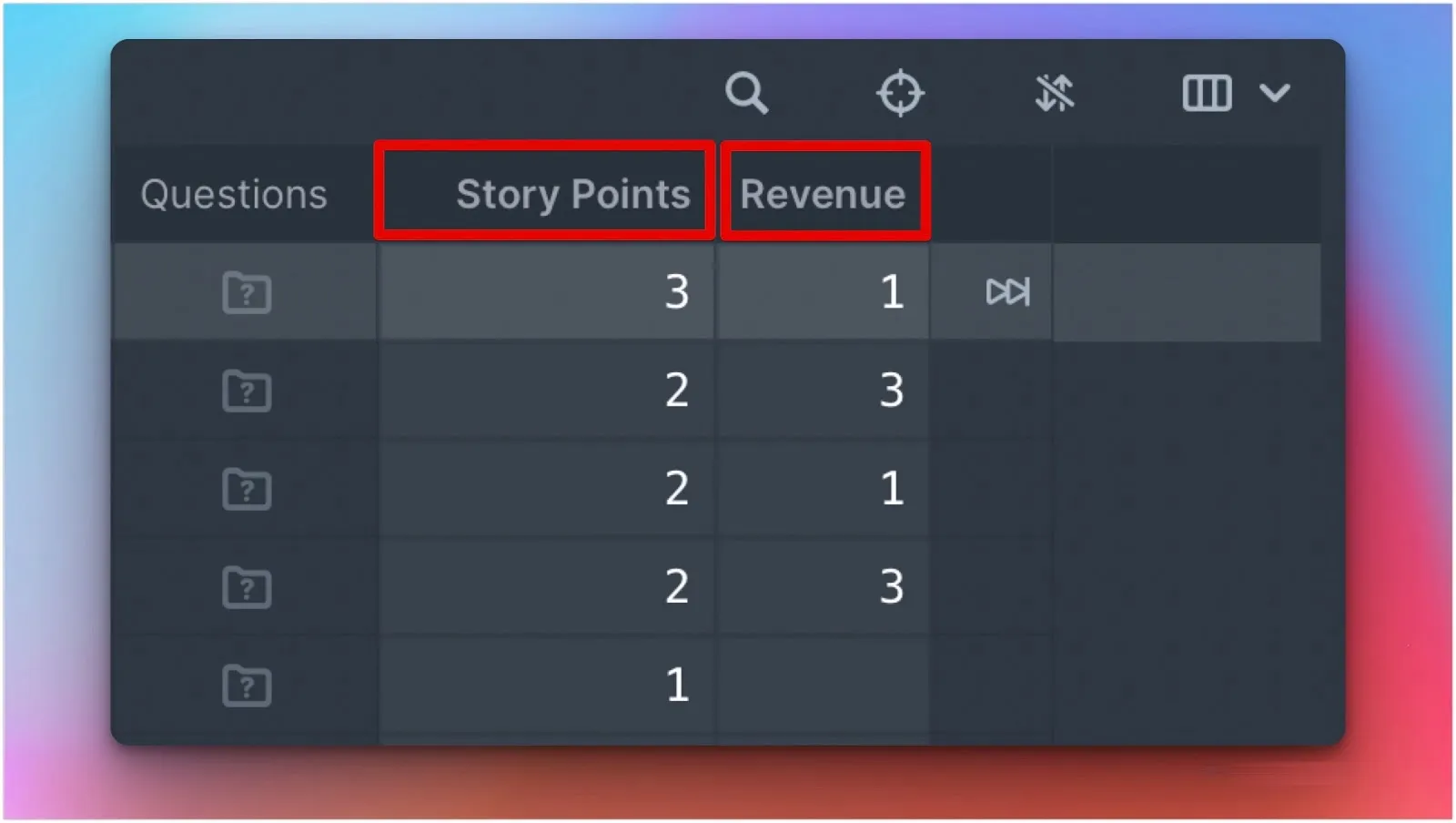
Team members evaluate issues privately using Criteria like story points, revenue impact, or technical effort.

Criteria represent principles the team uses for prioritization. Examples include story points, revenue potential, and strategic alignment.
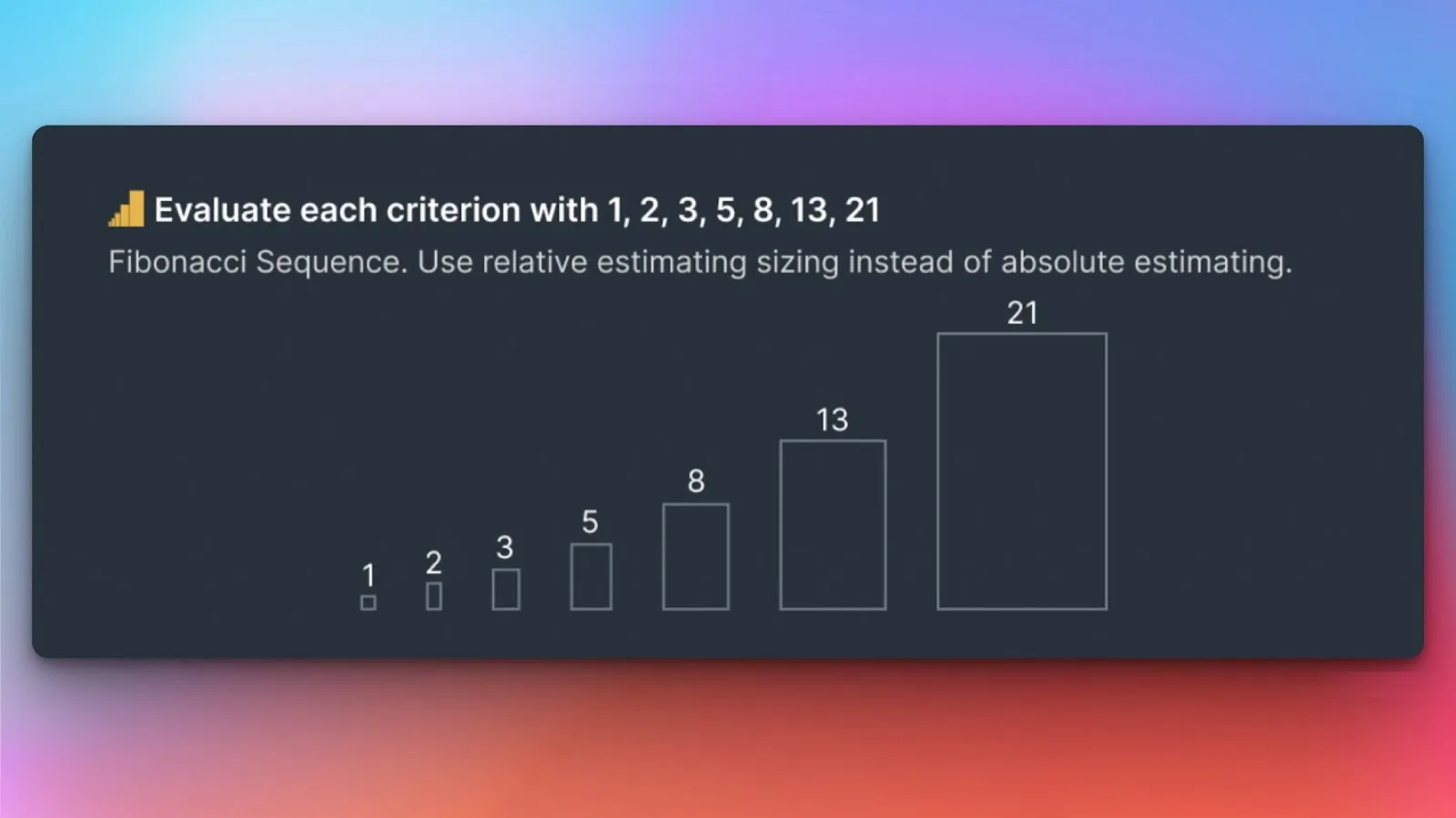
Ducalis offers several scoring methods. We recommend the Fibonacci sequence because it spreads scores naturally and encourages meaningful distinctions.
Learn more about keeping scores private during evaluation.
Score reveal
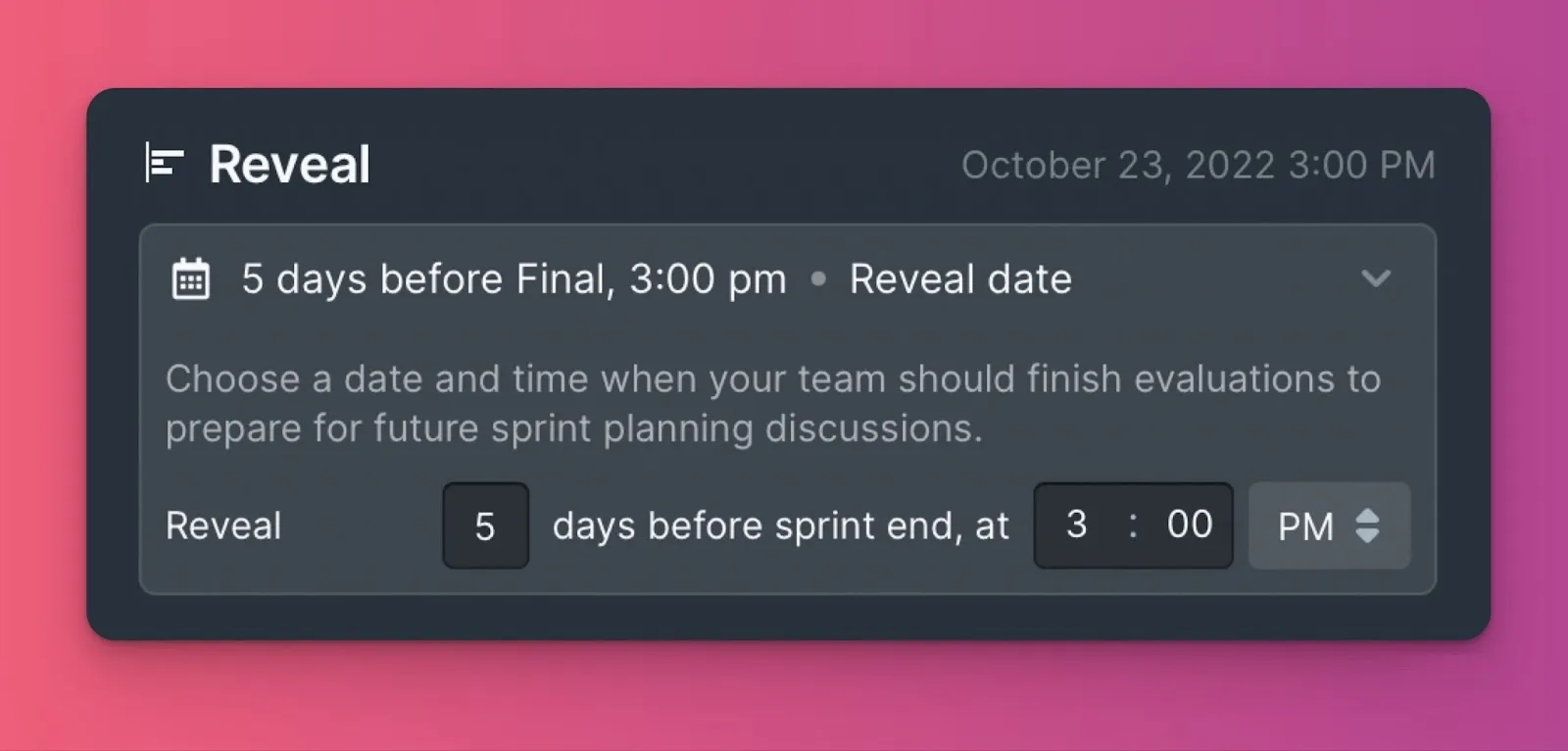
When evaluation completes, Board Owners or Admins reveal scores on a scheduled date to check team alignment.
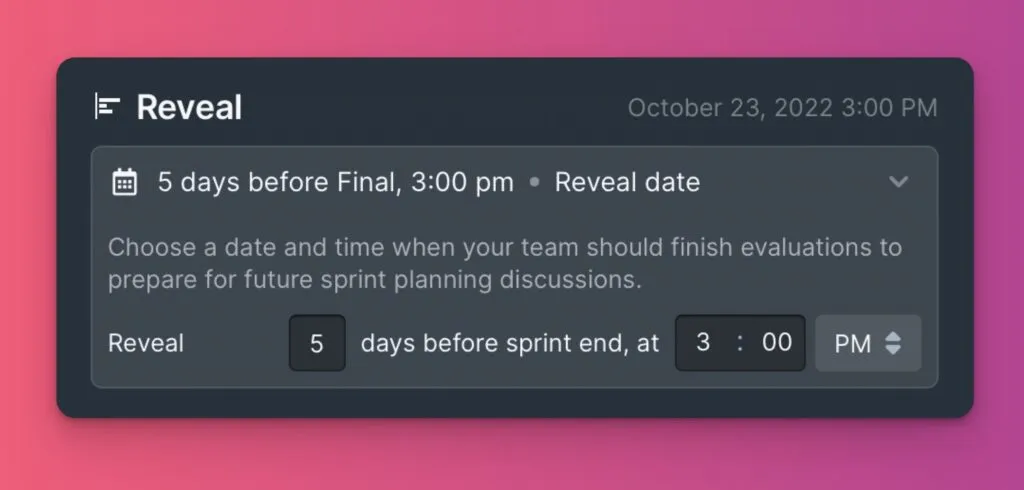
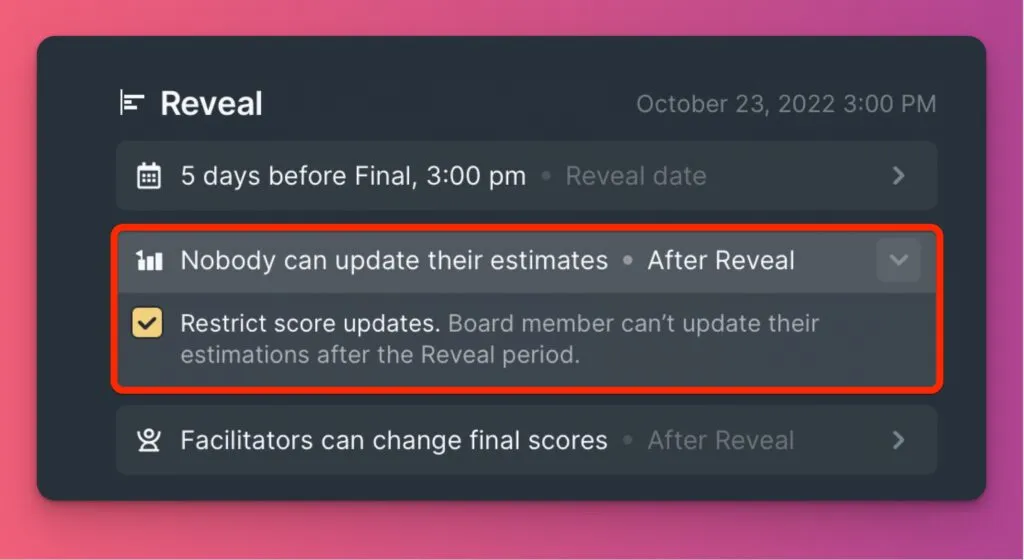
After reveal, Admins can block users from editing scores to preserve the discussion baseline.
Alignment levels
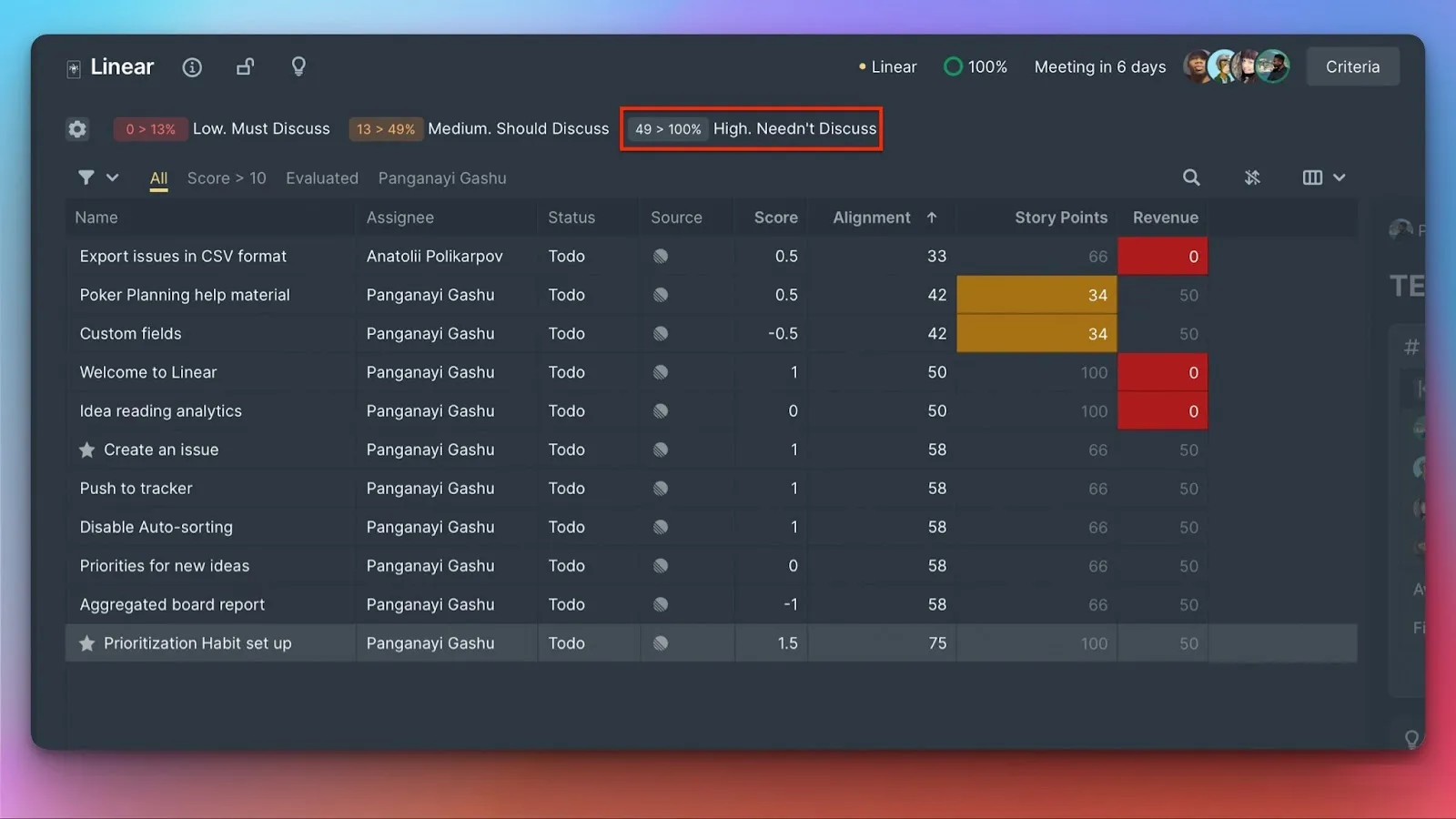
Ducalis calculates three alignment levels: low, medium, and high. Read the Alignment article for details on how this works.

High alignment issues don't need discussion—the team agrees on their priority.
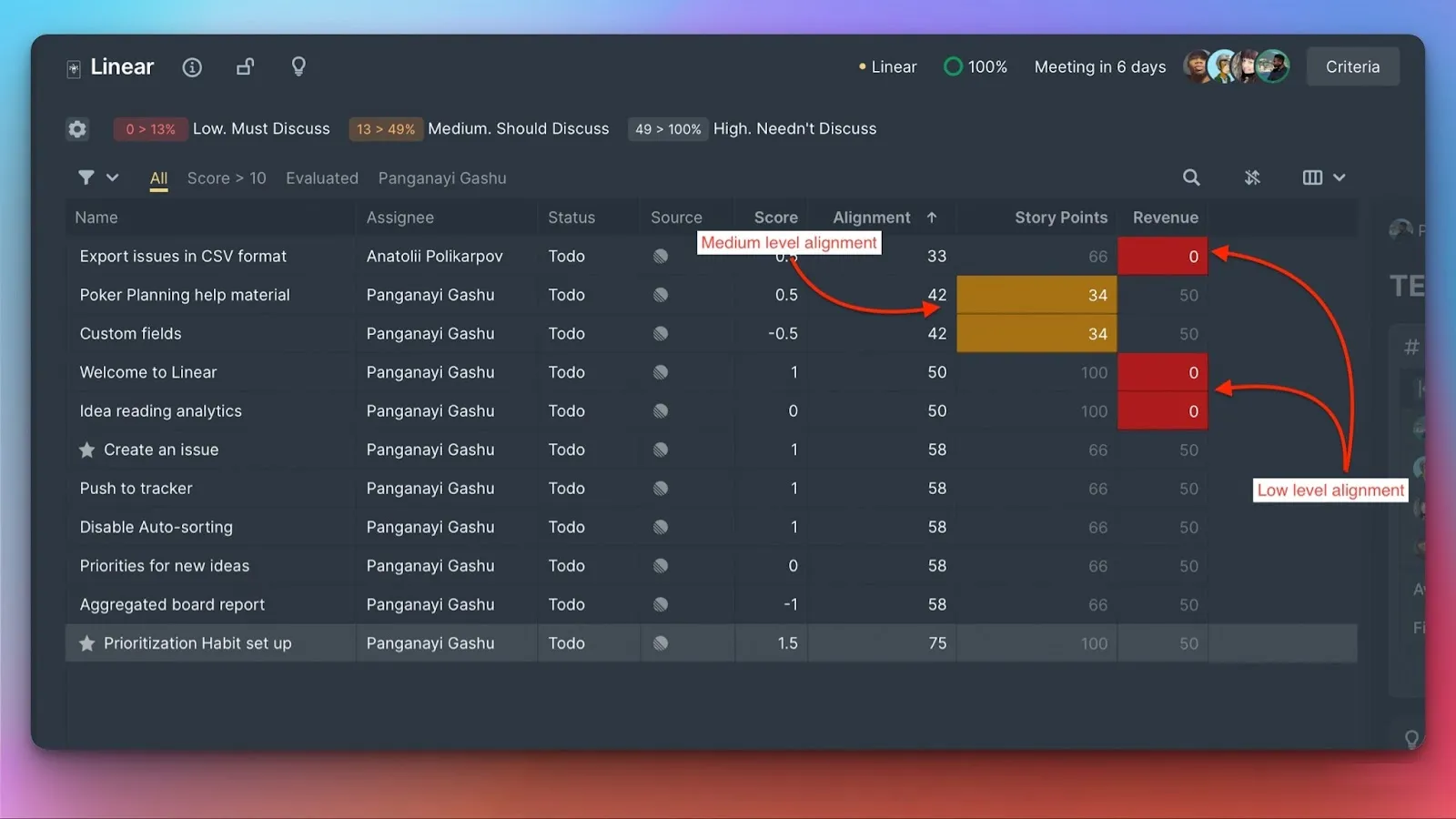
Low and medium alignment issues require discussion and re-evaluation.
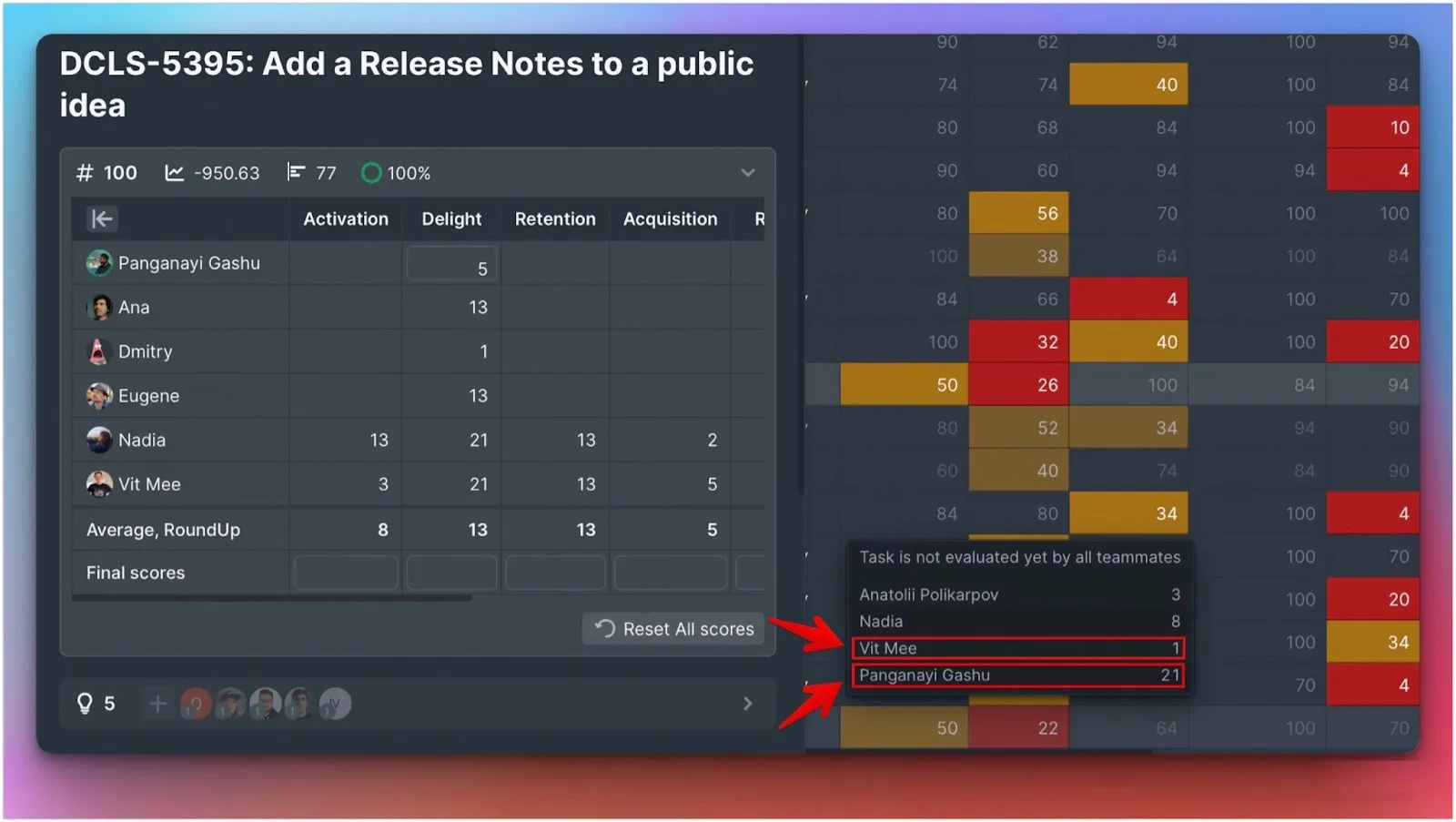
Focus on outliers—team members with the lowest and highest scores. They should explain their reasoning to help the team understand different perspectives.
Re-evaluation
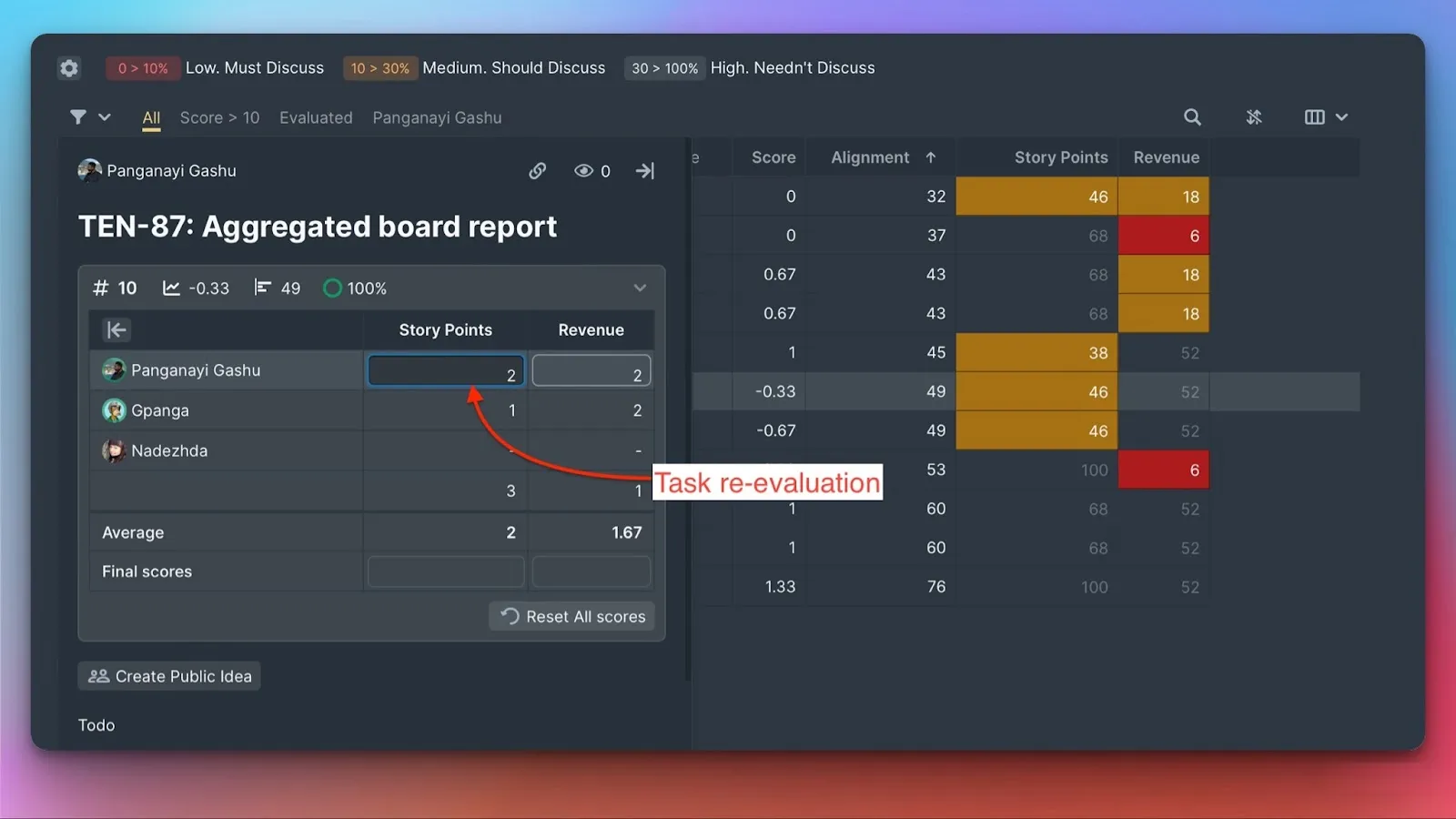
After discussion, team members re-evaluate issues. Open the issue card to find the re-evaluation section. The system checks alignment again after re-evaluation.
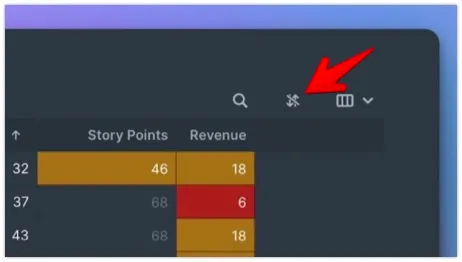
Turn off table auto-sorting to make re-evaluation easier—issues stay in place while you update scores.
Using Facilitators
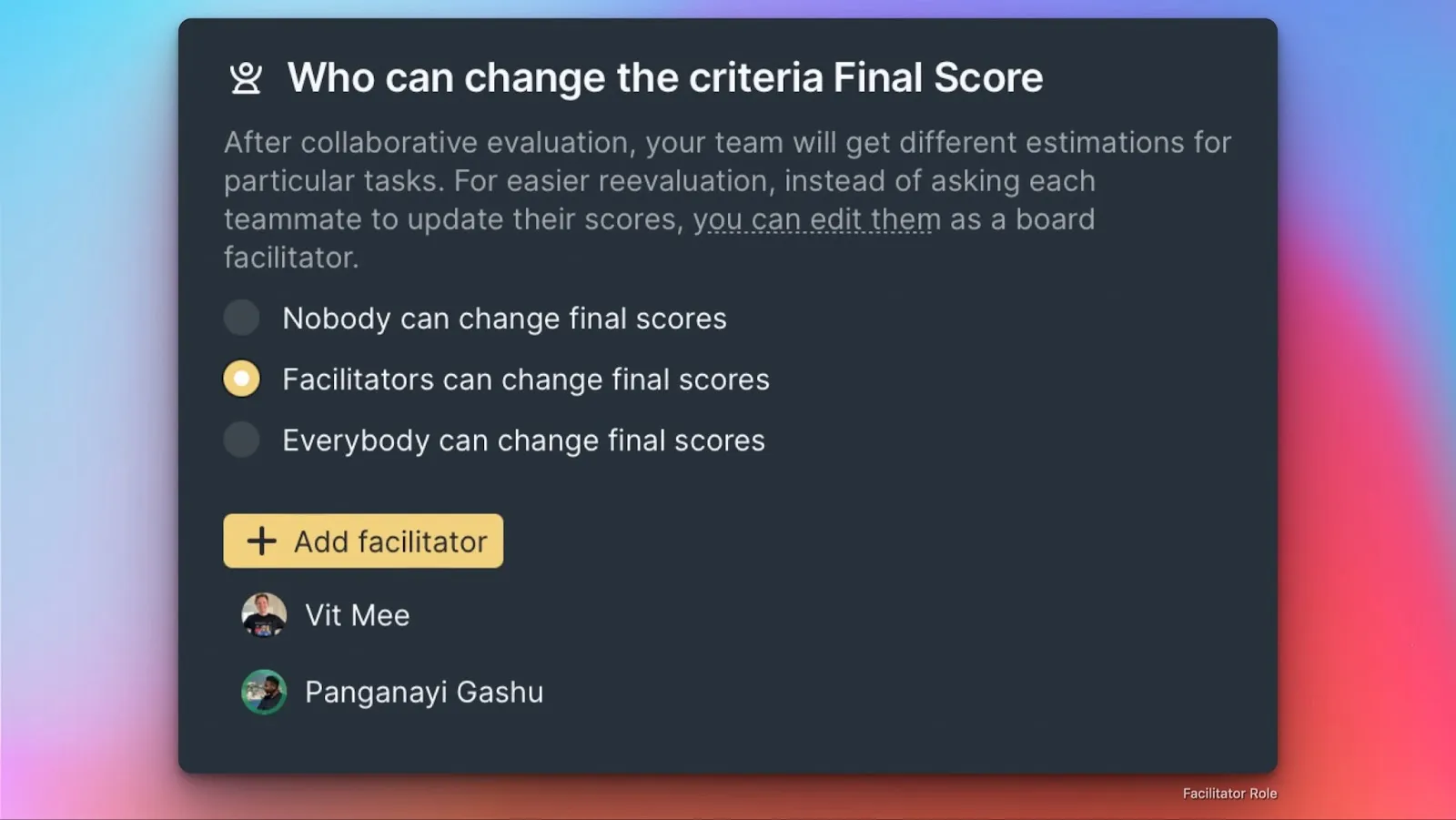
Instead of every team member re-evaluating, appoint Facilitators who update Final Scores after team discussions. This speeds up re-evaluation and adds structure for large teams.

Without Facilitators, the team must repeat the reveal-discuss-re-evaluate cycle until consensus is reached.
Handling uncertainty
For issues with large score differences between teammates, consider two likely causes:
- Product uncertainty - Requirements or scope aren't clear
- Technical uncertainty - Implementation complexity is unknown
With such issues, either:
- Set them aside until uncertainty is resolved
- Use a range as the estimate (if you weren't already)
What's next
- Re-evaluate issues with your team to reach consensus on backlog prioritization
- Keep scores private during evaluation to prevent bias
- Use Facilitators to approve Final Scores for faster re-evaluation