Reset scores manually
Reset evaluation scores to clear existing evaluations and start fresh. You can reset all scores at once, only Facilitator overrides, or individual Issue scores.
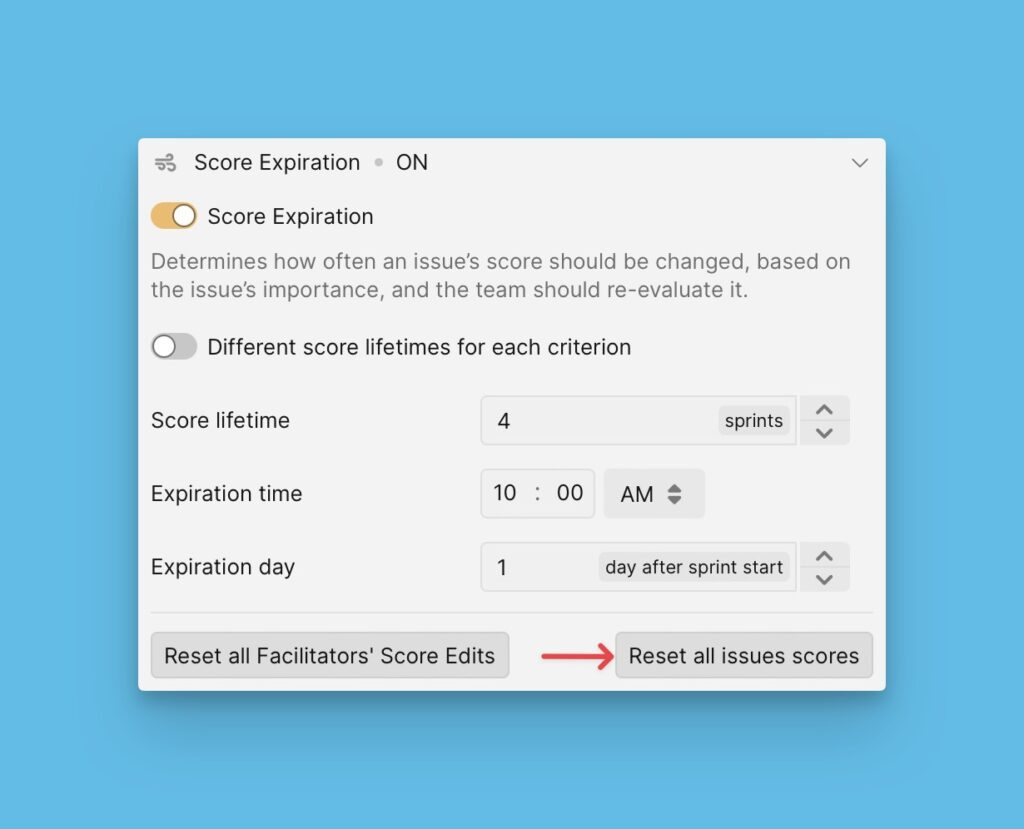
Reset all Issue scores
You can manually reset scores of all the Issues in a priority Board at once. This is useful in a case where you would want to reset scores right away.
- Go to Score expiration settings.
- Click Reset all issues' scores.
Selecting this option resets all scores, including Facilitators' scores, and undoes skipping.
Reset Facilitator scores
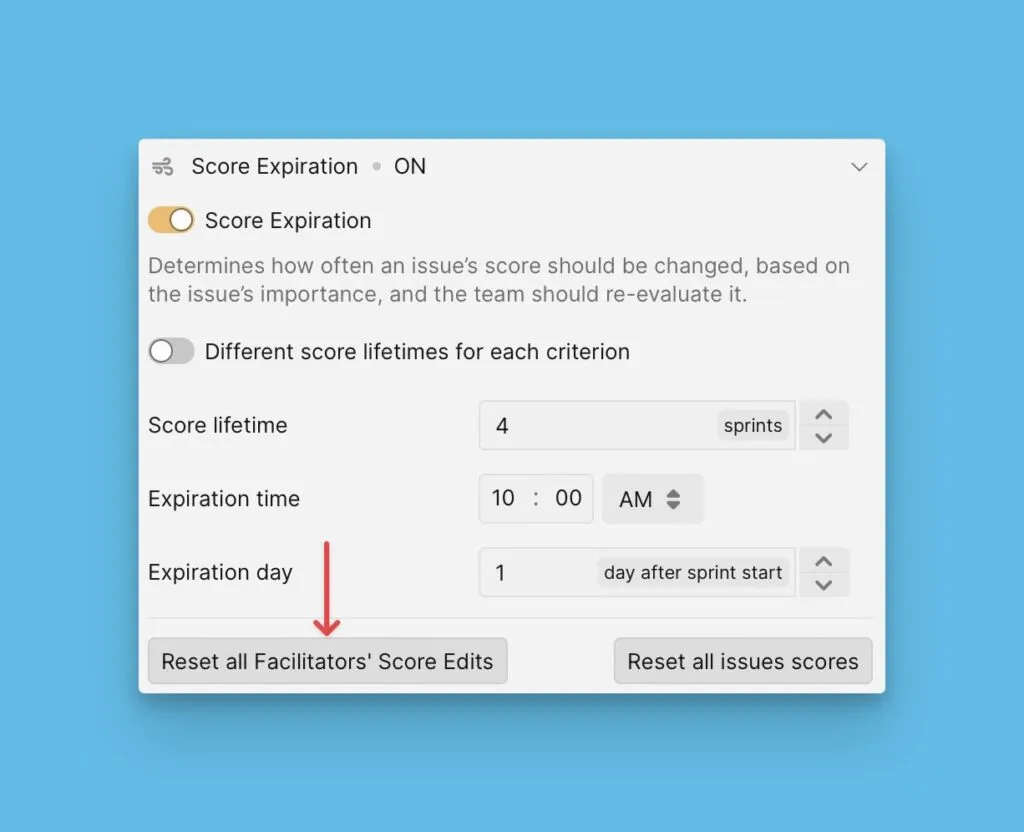
You can reset the scores added by Facilitators, i.e. their edits to the Final Scores. Selecting this option only deletes the scores put by Facilitators and leaves all the other scores.
- Go to Score expiration settings.
- Click Reset Facilitators' scores.
Reset individual Issue scores
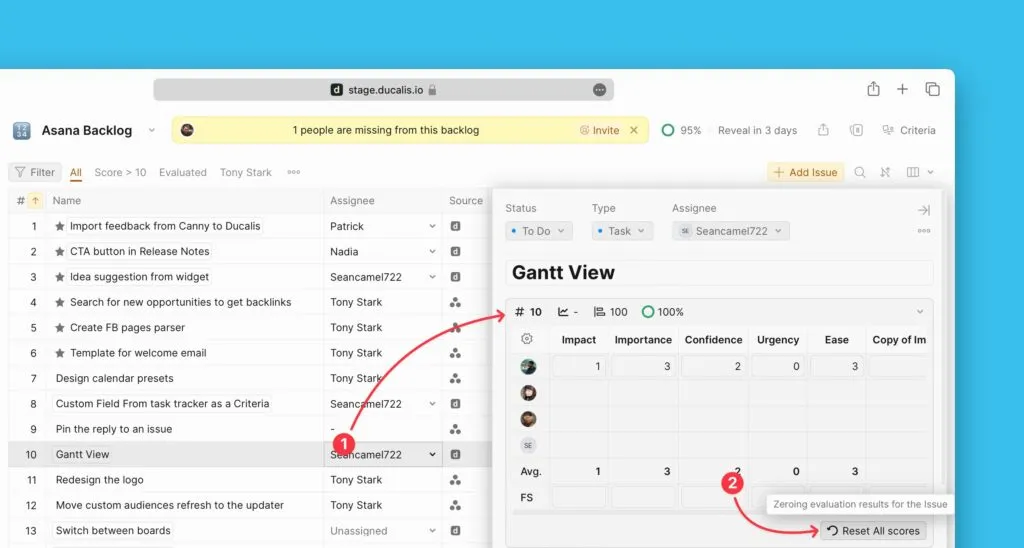
You have the option to reset the scores of an individual Issue. You can do this manually by going to the Issue card of the Issue whose scores you want to reset.
- Under Backlog, Matrix, or Alignment, open the Issue card.
- Open the Reevaluation block.
- Click Reset all scores.