Team sprint reports
Send evaluation reminders and appreciation messages to your team when they complete evaluations. Keep everyone informed about Issues to evaluate and upcoming Sprint milestones.
Team Sprint Reports can be delivered through:
- Slack
- Telegram
- Mattermost
- Email (always enabled)
You must be an Admin to configure Team Sprint Reports.
Access Team Sprint Reports
-
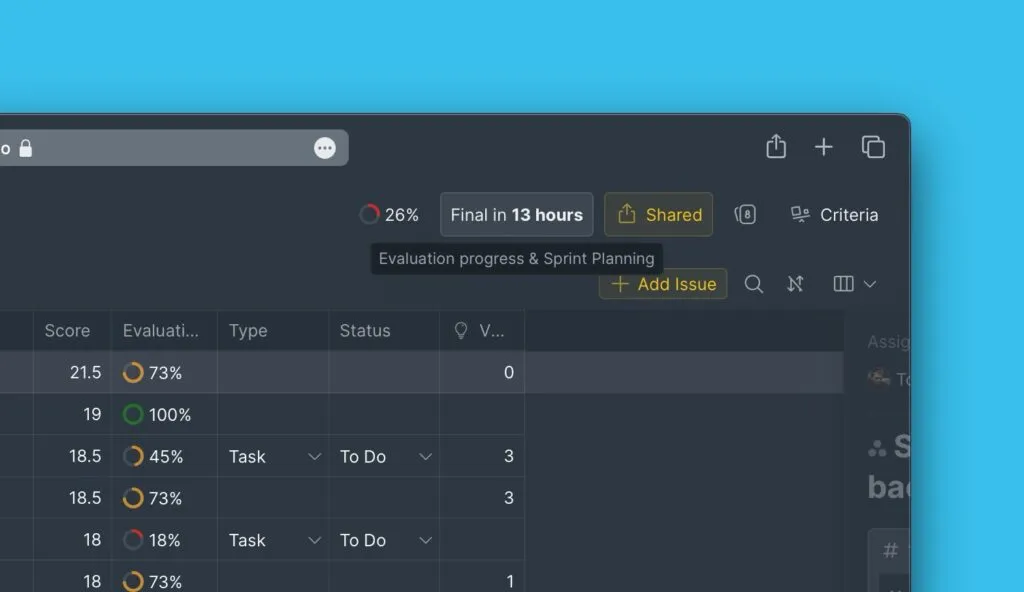
Open your Board and go to Sprint settings.
-
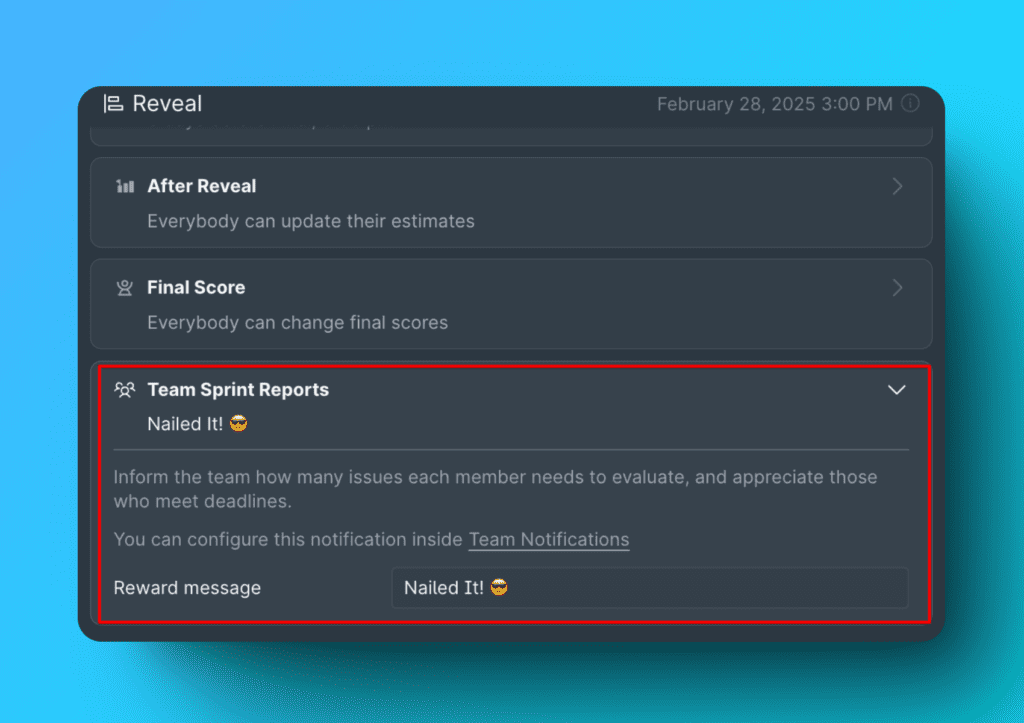
Scroll to Reveal, then expand Team Sprint Reports.
Connect a messenger
To send notifications to a messenger channel, first connect it to your Organization:
| Messenger | Setup guide |
|---|---|
| Slack | Slack notifications |
| Telegram | Telegram notifications |
| Mattermost | Mattermost notifications |
After connecting, go to Team Notifications and select the channels where you want to receive notifications.
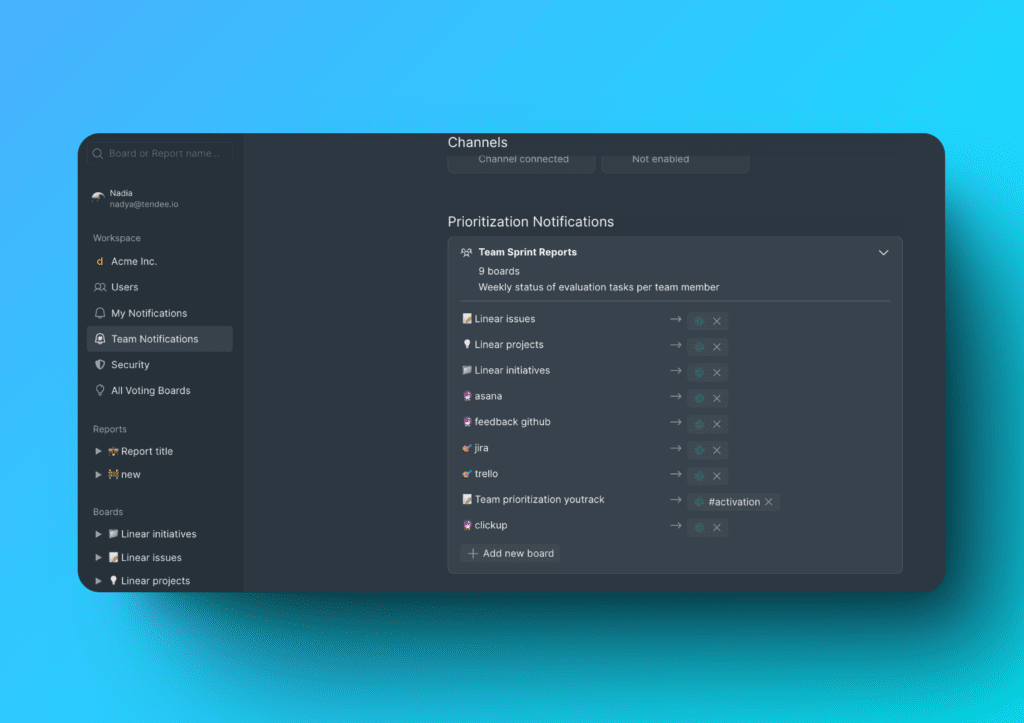
Your team will receive evaluation reminders in the selected channels.
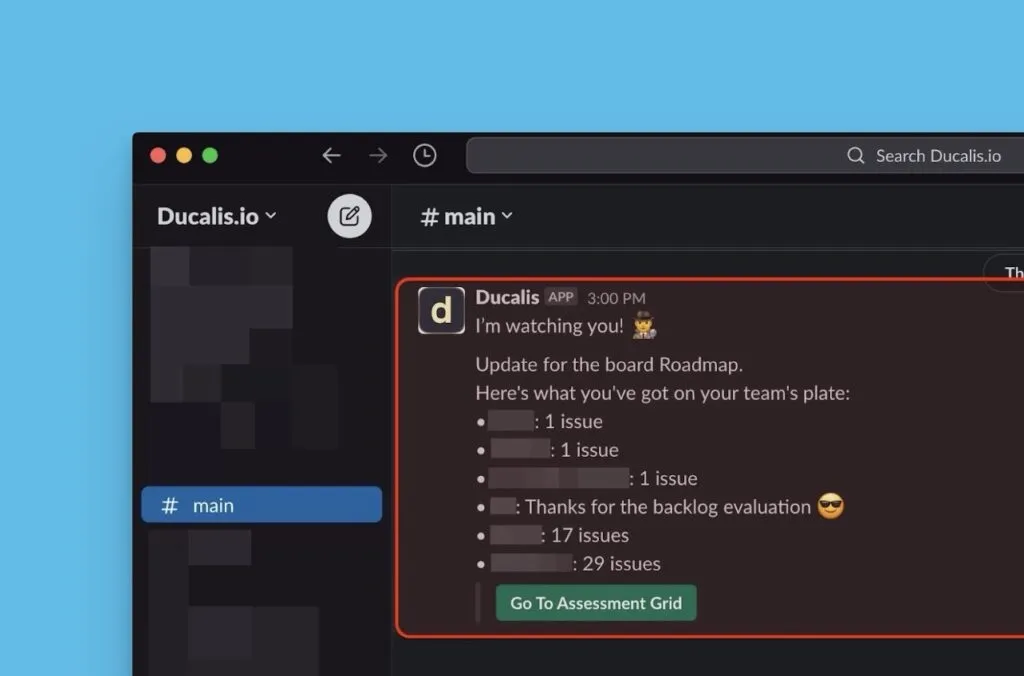
Customize appreciation message
Write a custom appreciation message to thank your team when they complete all their evaluations.
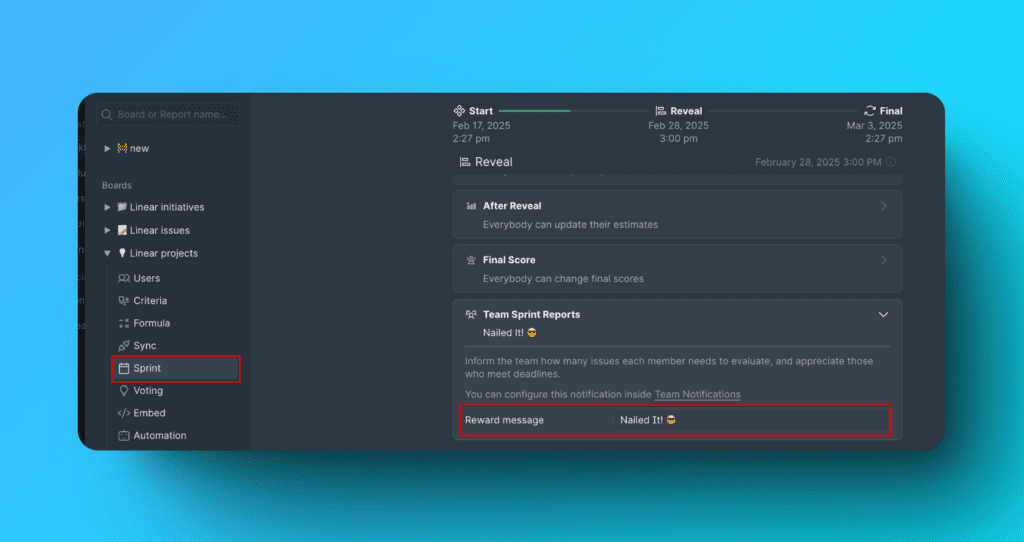
Example appreciation messages:
- Keep up the excellent work! 🚀
- Kudos! 💣
- Great work! 💪
- Wow! Nice work! 🤩
- We're better because of you! 😻
- You did it! Great job! 🏆
You can use custom emojis from your messenger (e.g., :custom-emoji: for Slack).
The same notification is sent to email, where messenger-specific emojis won't appear.
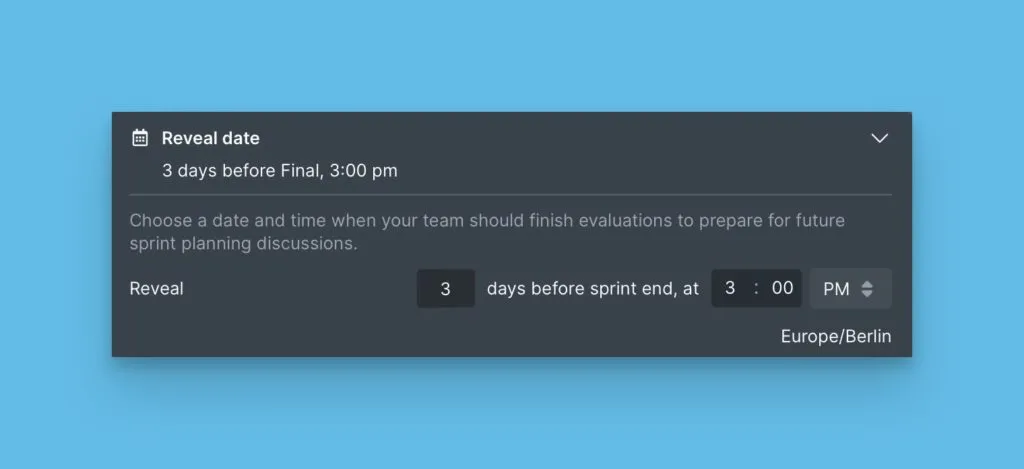
Schedule message delivery
Messages are sent on the Reveal date. Board Admins and Owners can configure the Reveal date in Sprint settings.