Step 3. Evaluation Progress Report
The Evaluation Progress Report shows how your team is progressing with backlog evaluation during sprint planning.
Access the report
-
Navigate to Evaluation Progress and Sprint Planning Settings.
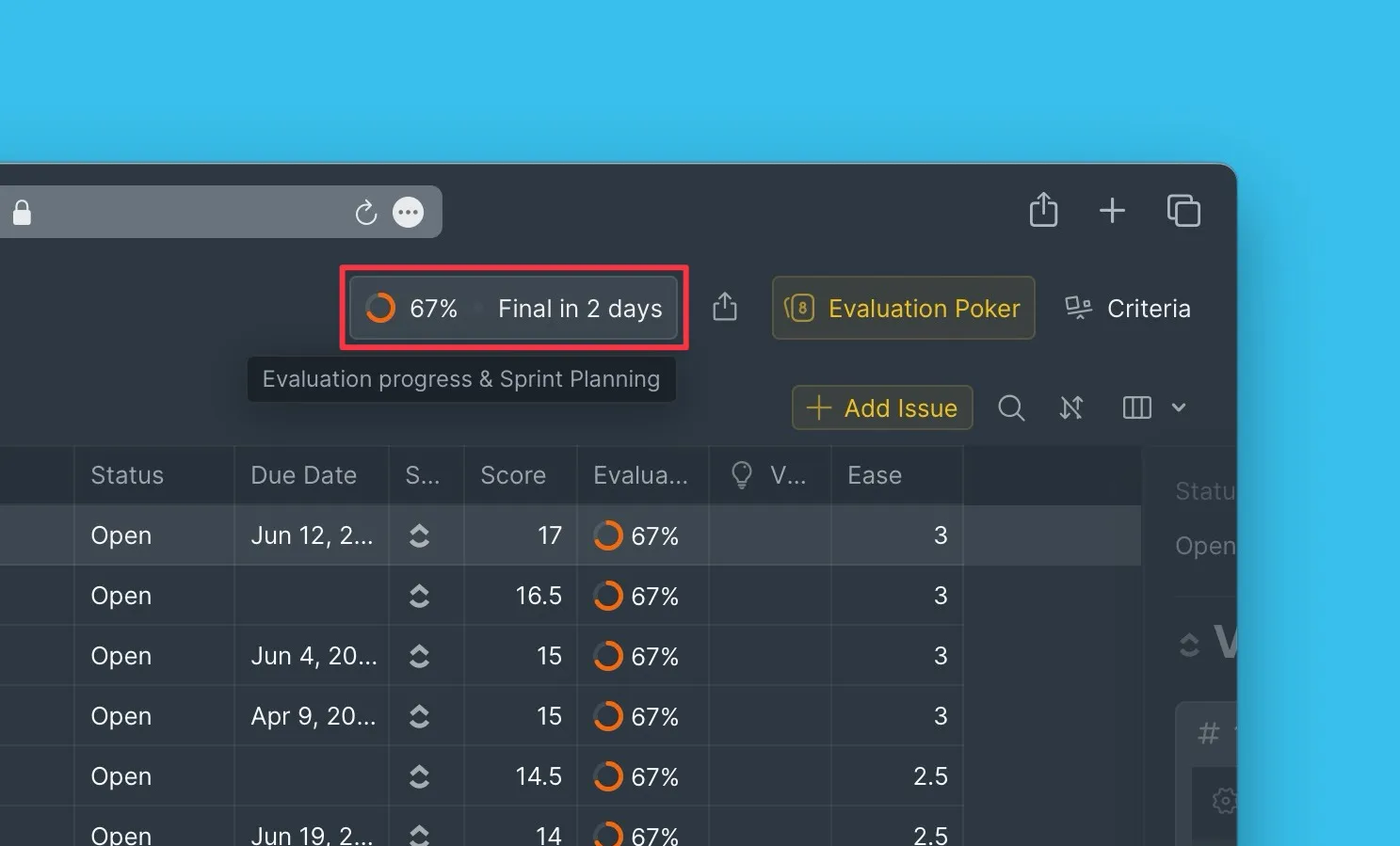
Report metrics
Overall evaluation progress
The top of the report displays the team's overall evaluation progress as a percentage. When all Estimators have completed their evaluations, the progress reaches 100%.
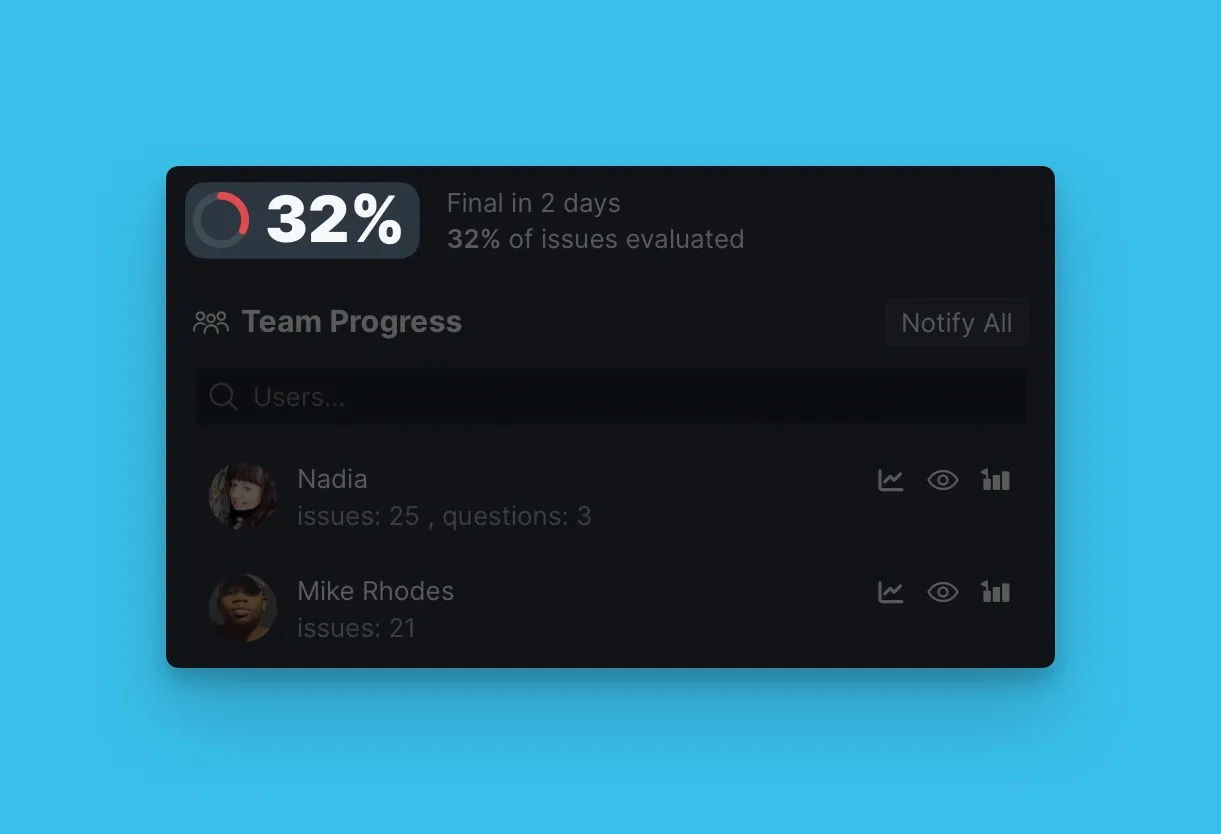
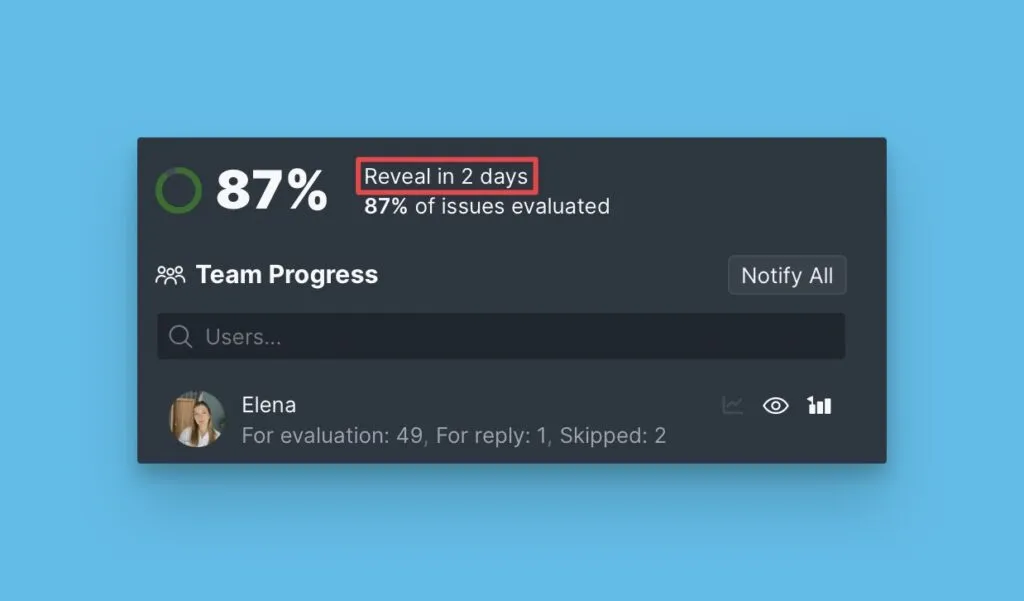
Days remaining until milestones
Track the time remaining until:
- Reveal – when scores hidden during Scrum Poker become visible to the team for discussion
- Final – when scores are locked and sprint planning ends
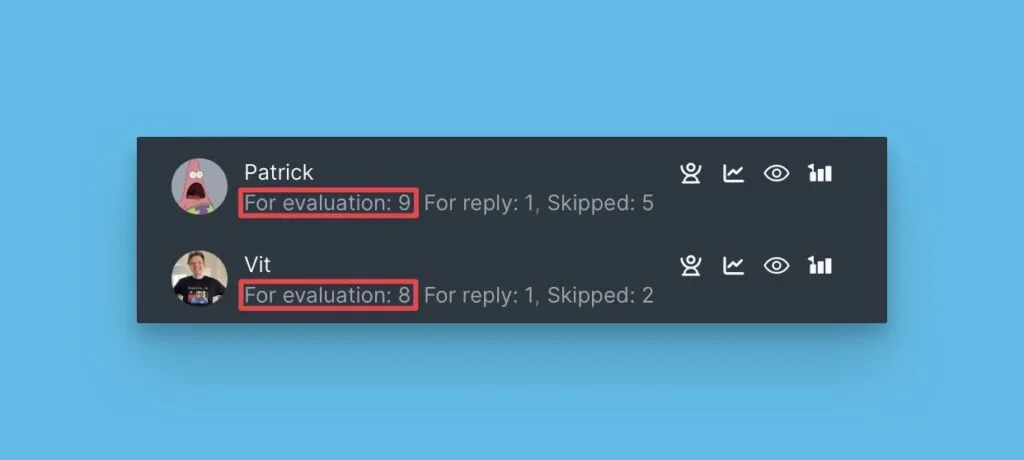
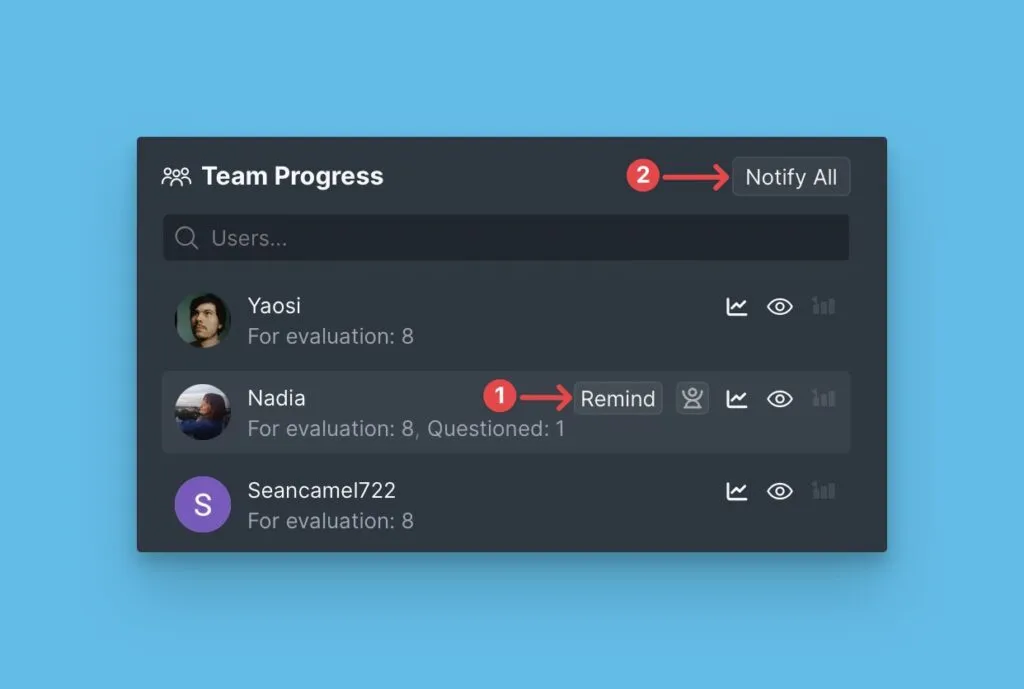
Issues to evaluate by user
View how many Issues each user still needs to evaluate.
Remind users to complete evaluations
Send reminders to users who haven't finished evaluating before the Reveal milestone.
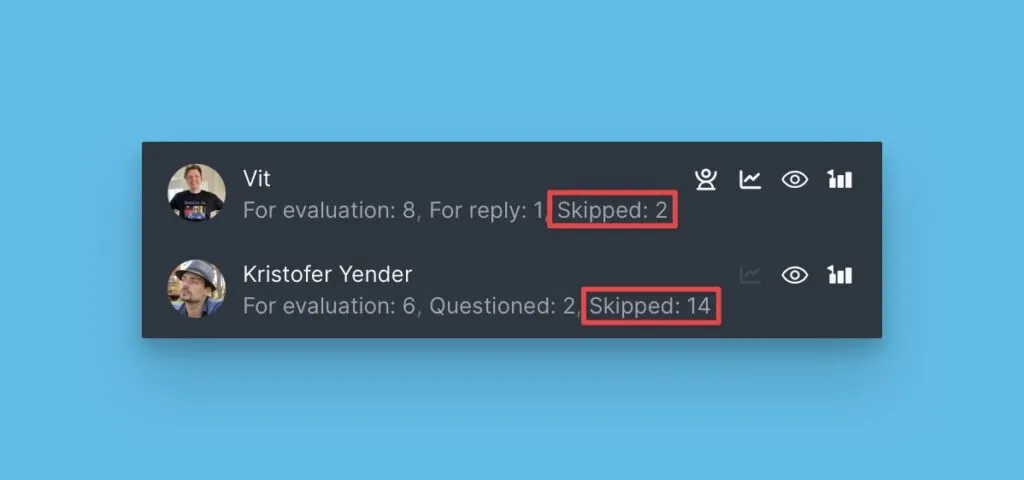
Skipped Issues
Track how many Issues were skipped during the evaluation process.
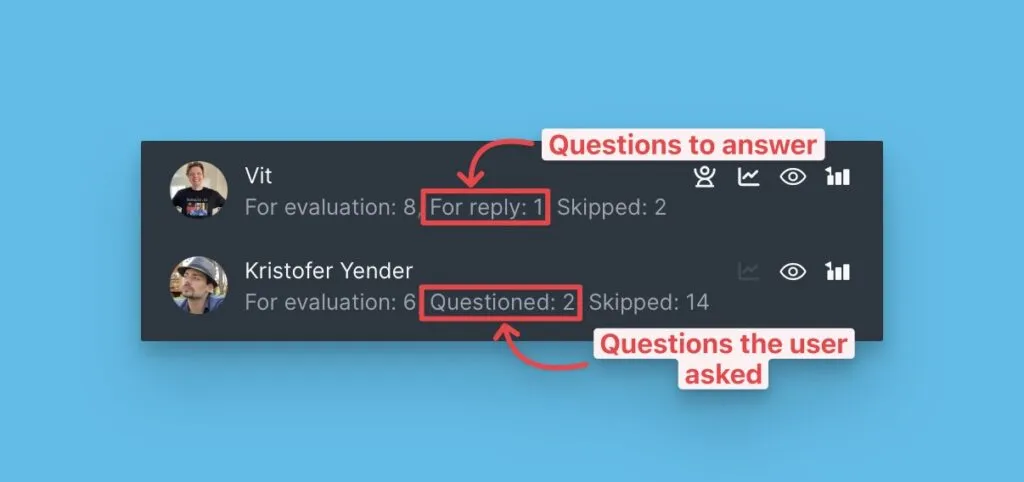
Questions asked and received
View how many clarification questions each user has asked and received.
Completed evaluations
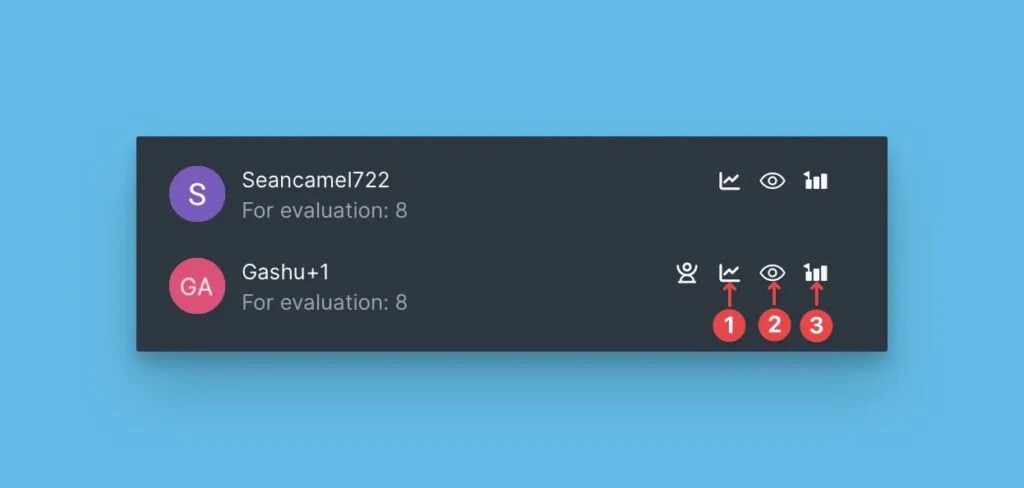
See which users have finished evaluating all their assigned Issues.
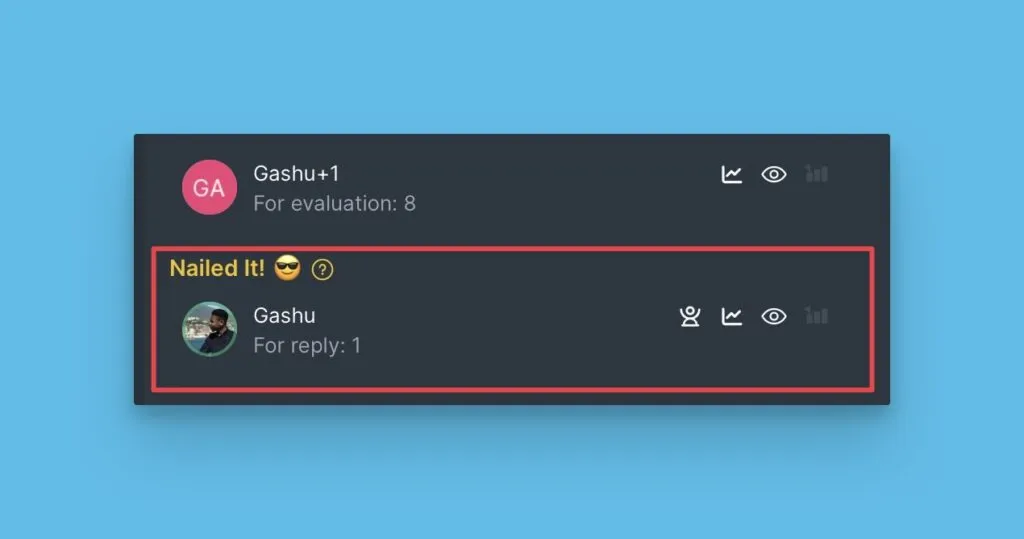
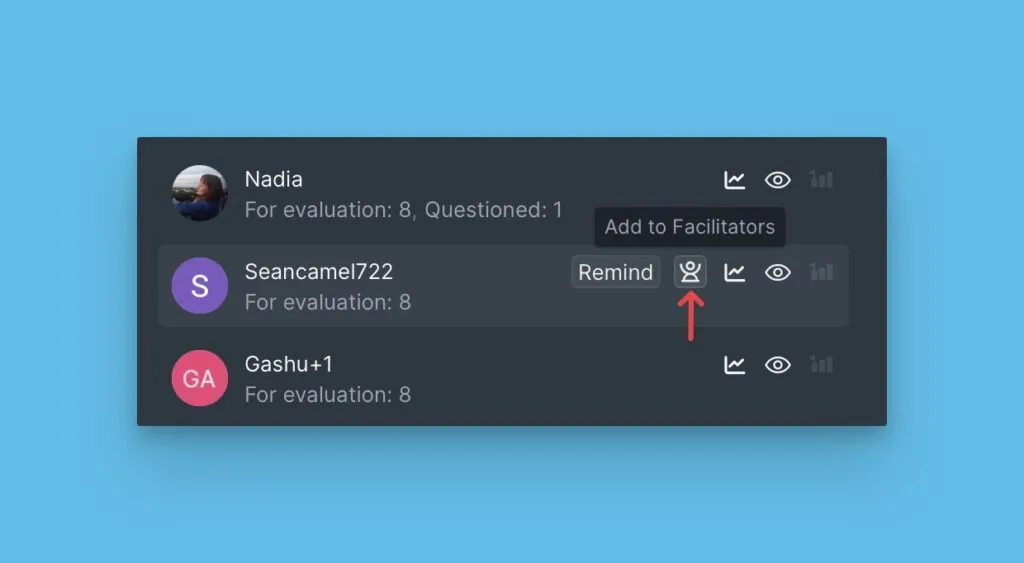
Facilitators
Facilitators oversee the sprint planning process. They can see other users' scores during Scrum Poker and update Final Scores after team discussions.
Scrum Poker settings
Review your Scrum Poker configuration:
- Users who can change Final Scores
- Users who can see scores during evaluation
- Users who can update their estimates
What's next
You've completed the Getting Started with Sprint Planning series! Continue exploring:
- Alignment Report — Review team consensus on evaluations
- Backlog — View prioritized Issues based on Final Scores
- Sprint Planning Settings — Advanced sprint planning configurations