Duplicating
Duplicate boards to experiment with different configurations (evaluation criteria, formulas) or create multiple boards quickly for different projects.
Duplicate a board
-
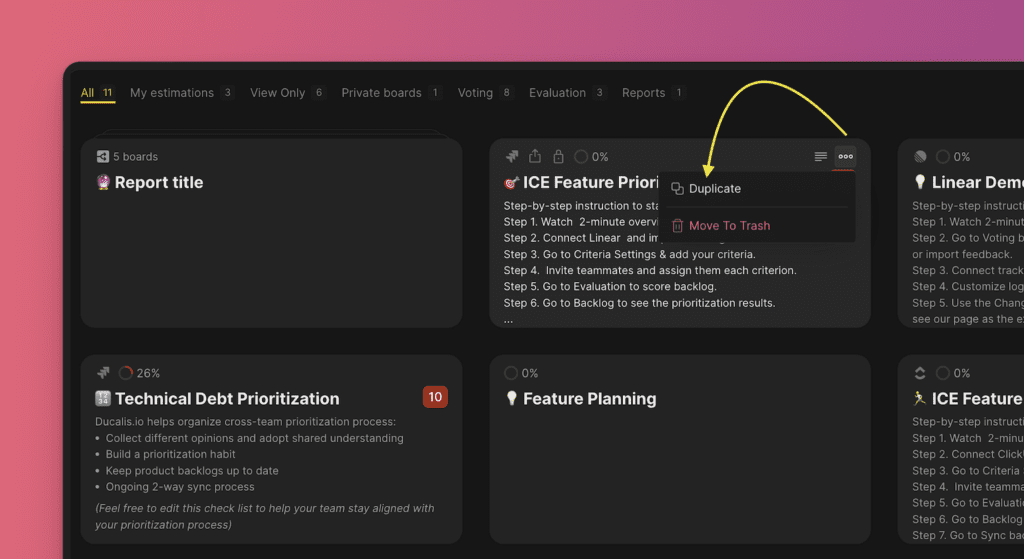
On your Dashboard, hover over the board you want to duplicate.
-
Click the three-dot icon.
-
Select what you want to duplicate from the board.
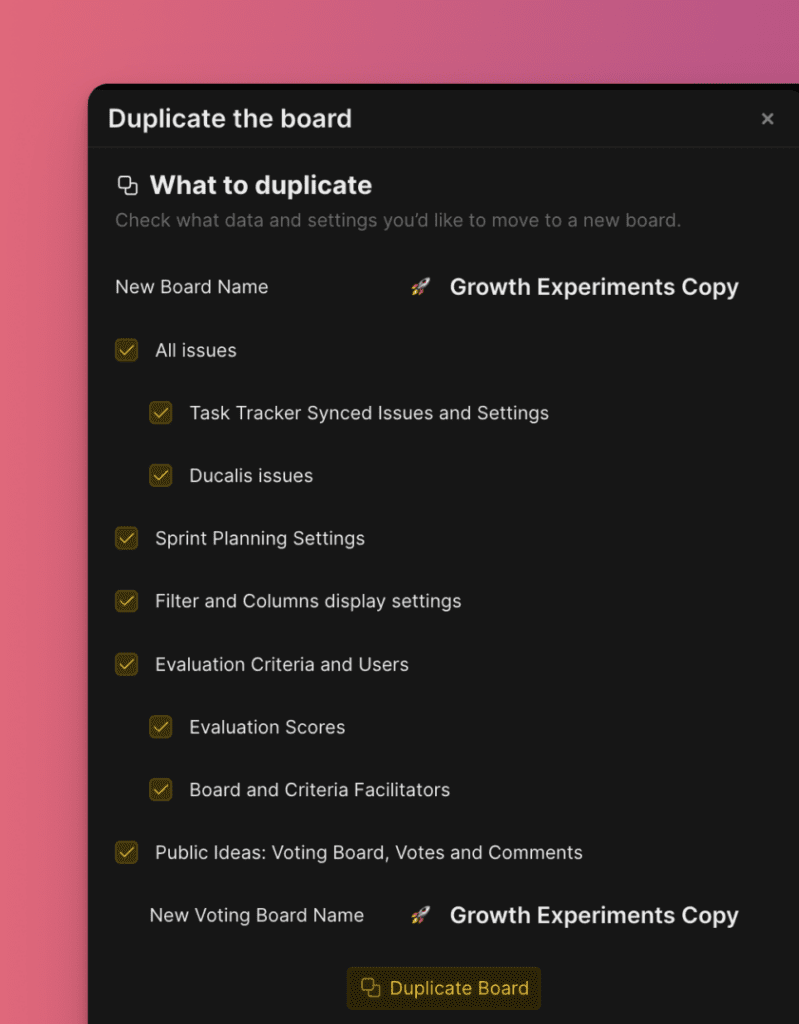
What you can duplicate
Board name
Copy the board name or enter a new one.

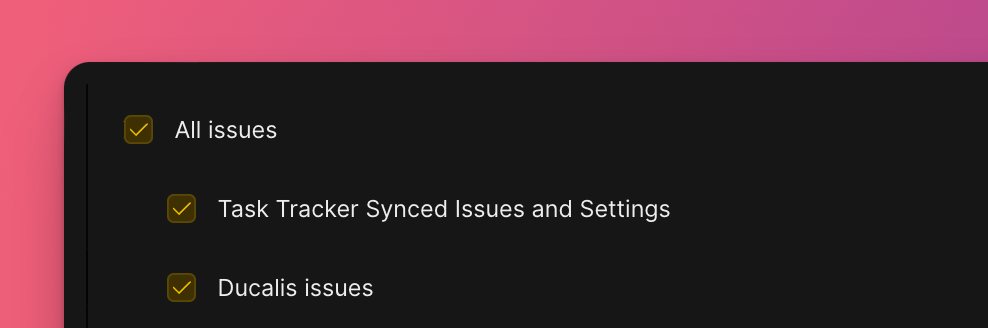
Issues
Choose which Issues to copy:
- All Issues on the board
- Issues imported from your task tracker
- Issues created in Ducalis
Sprint Planning settings
Copy Sprint Planning configuration.
Filters and columns
Copy Filters and Columns display settings.

Evaluation settings
Choose what to copy:
- Evaluation Criteria, Teams, and Users
- Evaluation scores
- Board and Criteria Facilitators

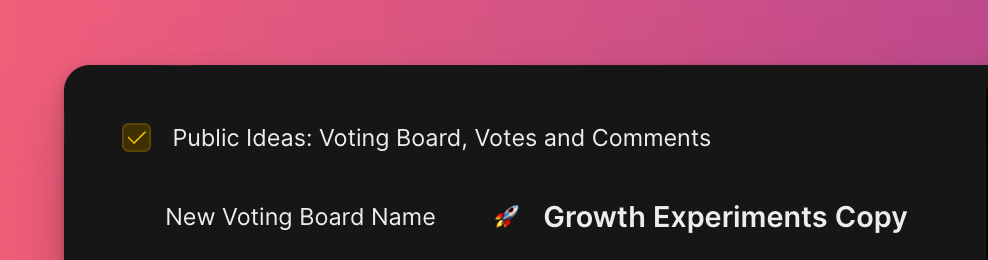
Voting Board
Copy the Voting Board and its data:
- Public Ideas with votes and comments
- Voting Board name (or enter a new one)
Complete duplication
-
Review your selected options.
-
Click Duplicate board.

Your new board appears in the Dashboard with all the data you selected.