Rating scales
Rating scales define which numbers your team can use to score Issues against each Criterion. Choose the scale that best matches how your team thinks about that dimension—from simple ranges to Fibonacci sequences.
Scale types
Choose from four scale types when creating a Criterion:
- Positive: Any whole number from 0 to 400 billion
- Range: Whole numbers between min and max (can include negatives)
- Series: Specific numbers only (e.g., Fibonacci: 0, 1, 2, 3, 5, 8)
- Percent: Numbers from 0 to 100 (divided by 100 in calculations)
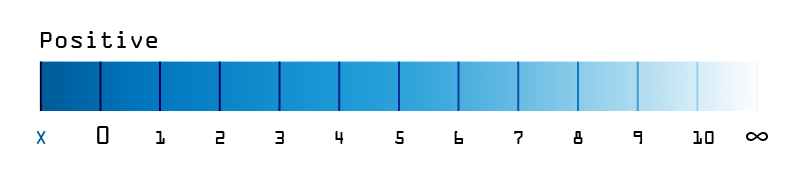
Positive
Use any positive whole number from 0 to 400 billion. Negative numbers aren't supported.
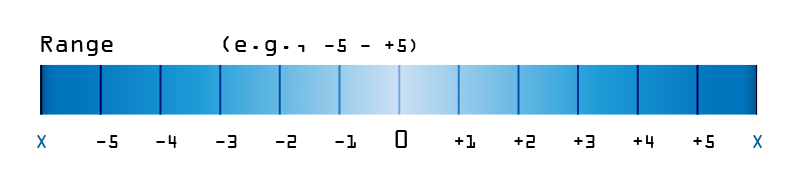
Range
Restrict scores to a specific interval using any whole numbers, positive or negative.
Examples:
- -4 to 4 (symmetric range)
- 5 to 15 (offset range)
- 0 to 10 (simple range)
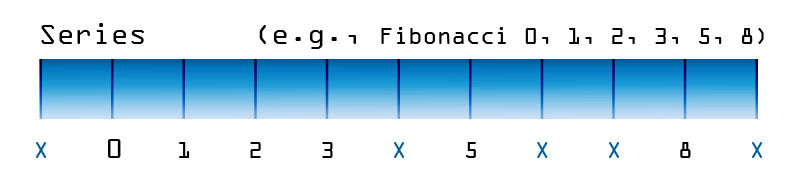
Series
Specify exact numbers your team can choose from, separated by commas. Use positive or negative whole numbers.
Common sequences:
| Sequence | Values | Use for |
|---|---|---|
| Fibonacci | 0, 1, 2, 3, 5, 8 | Effort estimation (exponential growth) |
| Mersenne primes | 2, 3, 5, 7, 13, 17 or 3, 7, 31, 127 | Unique intervals |
| Exponential | 0, 2, 4, 8, 16, 32 | Doubling complexity |
| Triangular | 0, 1, 3, 6, 10, 15 | Growing increments |
| Square numbers | 0, 1, 4, 9, 16, 25 | Quadratic growth |
| Pentagonal | 1, 5, 12, 22, 35, 51 | Advanced sequences |
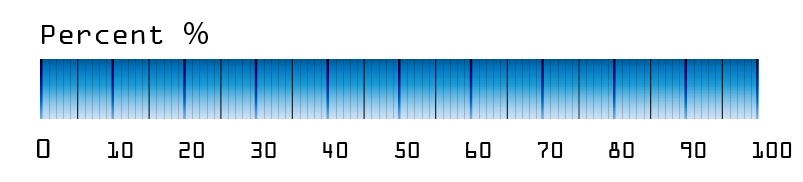
Percent
Use whole numbers from 0 to 100. The system divides the final score by 100 automatically.
Use for: Confidence levels, completion percentages, probability estimates.
Map scales to frameworks
You can map any scale to common frameworks through the Criterion description.
MoSCoW method (Range 0–3)
- 0 = Won't
- 1 = Could
- 2 = Should
- 3 = Must
T-shirt sizing (Series 1, 2, 4, 8, 16)
- 1 = XS
- 2 = S
- 4 = M
- 8 = L
- 16 = XL
Fractional values (Range 0–7 as halves)
- 0 = 0
- 1 = 0.5
- 2 = 1
- 3 = 1.5
- 4 = 2
- 5 = 2.5
- 6 = 3
- 7 = 3.5
Document scale meanings in the Criterion description. Clear definitions improve Alignment—when team members interpret scales differently, Alignment scores drop and evaluations become inconsistent.
Set up rating scales
Configure scales when creating or editing Criteria.
-
Navigate to Settings → Criteria.
-
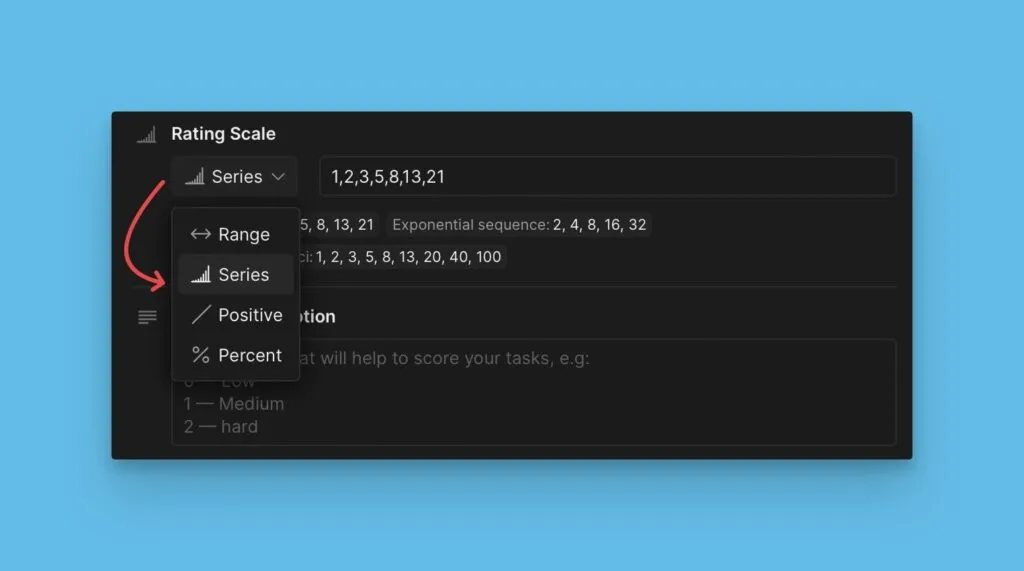
When creating or editing a Criterion, scroll to the Rating scale section.
-
Select a scale type (Positive, Range, Series, or Percent).
-
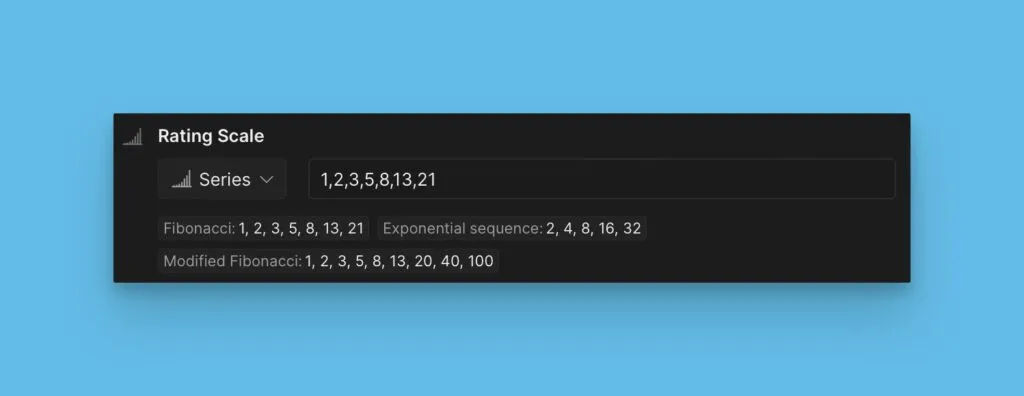
Optionally choose a preset from common sequences (Fibonacci, T-shirt sizes, etc.).
Related articles
- Criteria – Create and configure prioritization dimensions
- Total Score formula – Combine Criterion scores into Priority Rank
- Alignment – Check scoring consistency across Estimators