Sprint planlamasını görev yeniden değerlendirmesiyle iyileştirin
Görev yeniden değerlendirmesi takım uyumu sağlar, sprint planlama süresini kısaltır ve sprintlerin yalnızca yüksek öncelikli işler içermesini garanti eder. Bu rehber, backlog temizliğini nasıl otomatikleştireceğinizi ve yeniden değerlendirmeye minimum zaman ayıracağınızı gösterir.
Sprint planlamasından önce görevleri neden yeniden değerlendirmeliyiz
İki yıl önce etkinlik tanıtım aracı Tendee üzerinde çalışıyorduk ve müşterilerimizden sürekli özellik talepleri alıyorduk.
O zamanlar müşteri yöneticisiydim. Geliştiricilere koşarak gidip derdim ki: 'Süper önemli! Çok acil! Tam anlamıyla yangın var!' Özelliği neden oluşturduğumuzu anlayamıyorlardı. Ve biz yöneticiler düşünüyorduk: 'Bu çok kolay ve hızlı, neden olmasın? Her zaman zorluklar uyduruyorlar.'
Nadya, Ürün yöneticisi
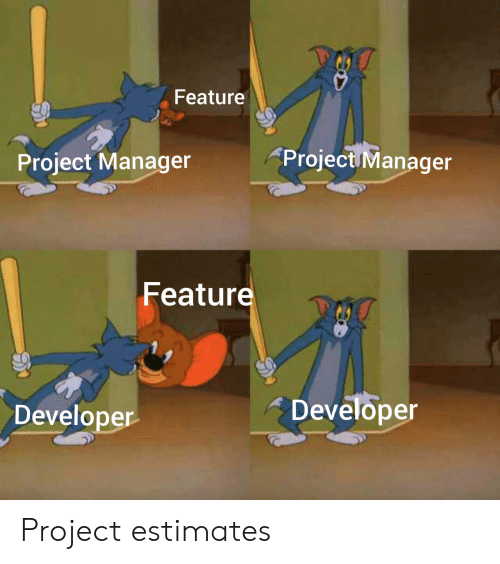
Takım hangi görevlerin daha önemli olduğunu anlamıyordu. Ortak bir hedef vizyonu yoktu. Uzun tartışmalar sorunu çözmedi. İşte o zaman önceliklendirmeye başladık—önce Google Sheets ile, sonra kendi aracımız Ducalis ile. Tüm yeni görevleri haftada bir değerlendiriyorduk.
Önceliklendirme iyi çalıştı. Ancak bir ay sonra bir sorun ortaya çıktı—birçok görev eskimişti. Bazıları devam ediyordu, diğerleri backlog'da öylece duruyordu. Yeni konularla karıştılar ve önceliklendirme puanlarıyla onları geride bıraktılar. En yüksek öncelikler alakasız hale geldi. Sprint planlaması birkaç saatimizi alıyordu.
Bu yüzden yeniden değerlendirmeye başlamaya karar verdik—belirli bir süre sonra eski puanları sıfırlayıp görevleri bir kez daha değerlendirmek. Toplantılarda yeni öncelikleri değerlendirdik ve tartışma çok daha etkili hale geldi.
Görev yeniden değerlendirmesi sprint planlama verimliliğini nasıl artırır
Backlog'u önceden yeniden değerlendirmek, takımların planlama toplantıları sırasında karşılaştıkları birçok sorunu çözer.
Takımın hedeflerden haberdar olması
Takımdaki herkes odağını kaybedebilir, kendi görevlerinde boğulabilir ve yeni öncelikleri kaçırabilir. Sonuç—artık alakalı olmayan görevler üzerinde çalışmak.
Planlamadan önce backlog temizliği, takımın ne yaptığını, nereye gittiğini ve önceliklerin nasıl değiştiğini anlamanıza yardımcı olur.
Yakın zamanda, aniden 65 görevi yeniden değerlendirmek zorunda kaldım (endişelenmeyin, bizim durumumuzda buna ihtiyacımız vardı). Tüm görevleri değerlerini gözden geçirerek yavaş yavaş yeniden okurken tatmin edici bir his aldım. Rotamızın büyük resmini kafamda canlandırıyordum. Tüm takımın ve şahsen benim amaca yönelik ne yaptığımı net bir şekilde görebiliyordum.
Nadya, Ürün yöneticisi
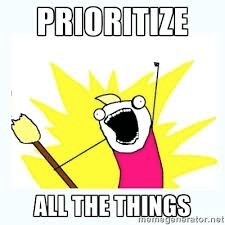
Öncelik güncellemeleri
Zaman takımın en değerli kaynağıdır. Önemsiz görevler yaparsanız, kaynak boşa harcanır. Yeniden değerlendirme, sprinte yalnızca öncelikli görevleri eklemenize yardımcı olur.
Daha önce silmek istemediğiniz eski görevleri kapatmak kolaylaşır. Eskiden düşünürdüm: 'Backlog'da saklarsak rahatsız etmez. Tutalım. Sadece unutmayalım. Eminim işimize yarayacak.' Hayır. Bu şekilde olmayacak. Çoğunlukla unutacaksınız. Ve işinize yaramayacak.
Nadya, Ürün yöneticisi
Bugün en alakalı ve yanan konu bile bir ay sonra daha az önemli hale gelebilir. Ve onu uygulamaya başlayabilirsiniz. Ve daha kötüsü, neyin ne olduğunu bile unutabilirsiniz. Backlog'umuzun en altında böyle görevlerimiz olmuştu. Sprint planlamasından önceki yeniden değerlendirme bu tür sorunları ele alabilir: netleştirin veya silin.
'Evet, eminim bazı müşteriler bunu zaten talep etti ama kim olduğunu ve neden olduğunu hatırlayamıyorum' gibi bir cümle duyabilirsiniz. Acıyı gördük ve backlog'u iyileştirmeye çalıştık: en azından haftada bir kendi görevlerimizle ilgilenmek için anlaştık. Mümkünse, başkalarının görevlerine de bakmak. Bu sözle nasıl başa çıktığımızı tahmin edin? Unuttuk.
Nadya, Ürün yöneticisi
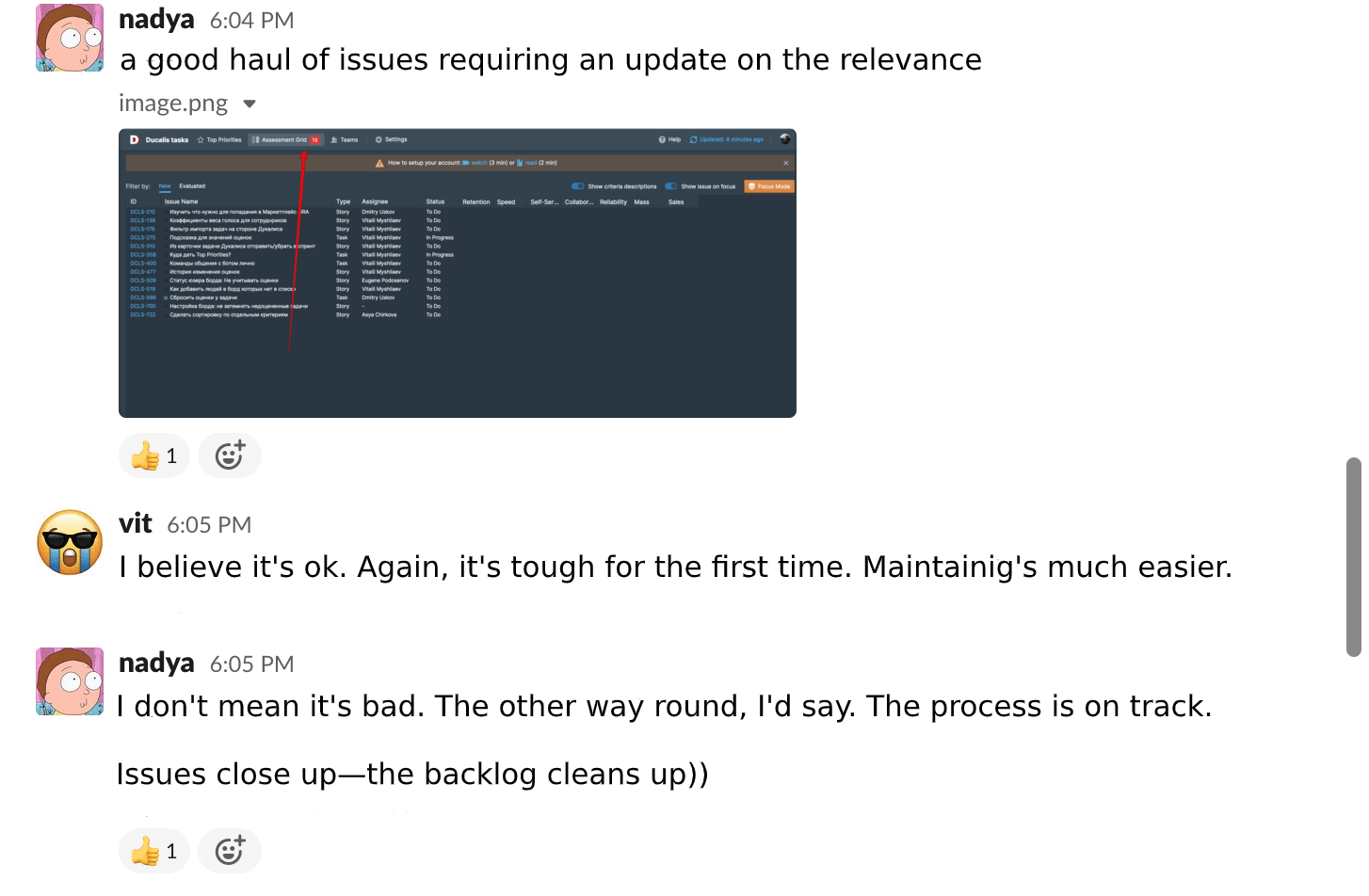
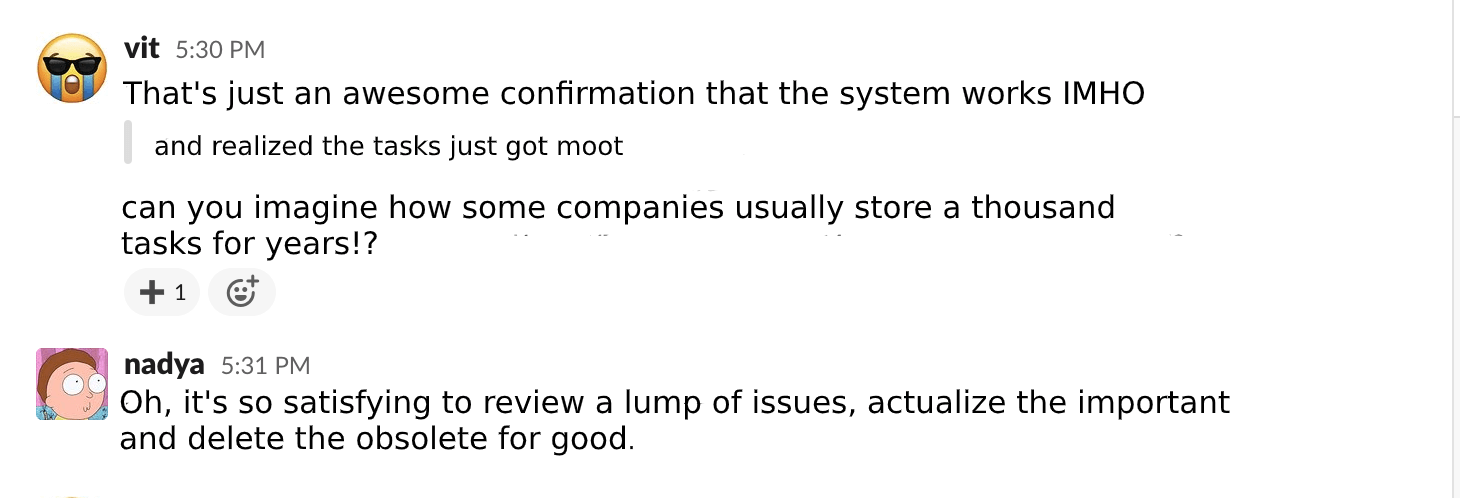
Daha kısa tartışmalar
Yeniden değerlendirmeden sonra, öncelikleri azalan sırada olan güncellenmiş konu listesini alırız. Sadece en üsttekiler hakkında tartışırız. Sprinte alabileceğimiz konu sayısını önceden belirledik.
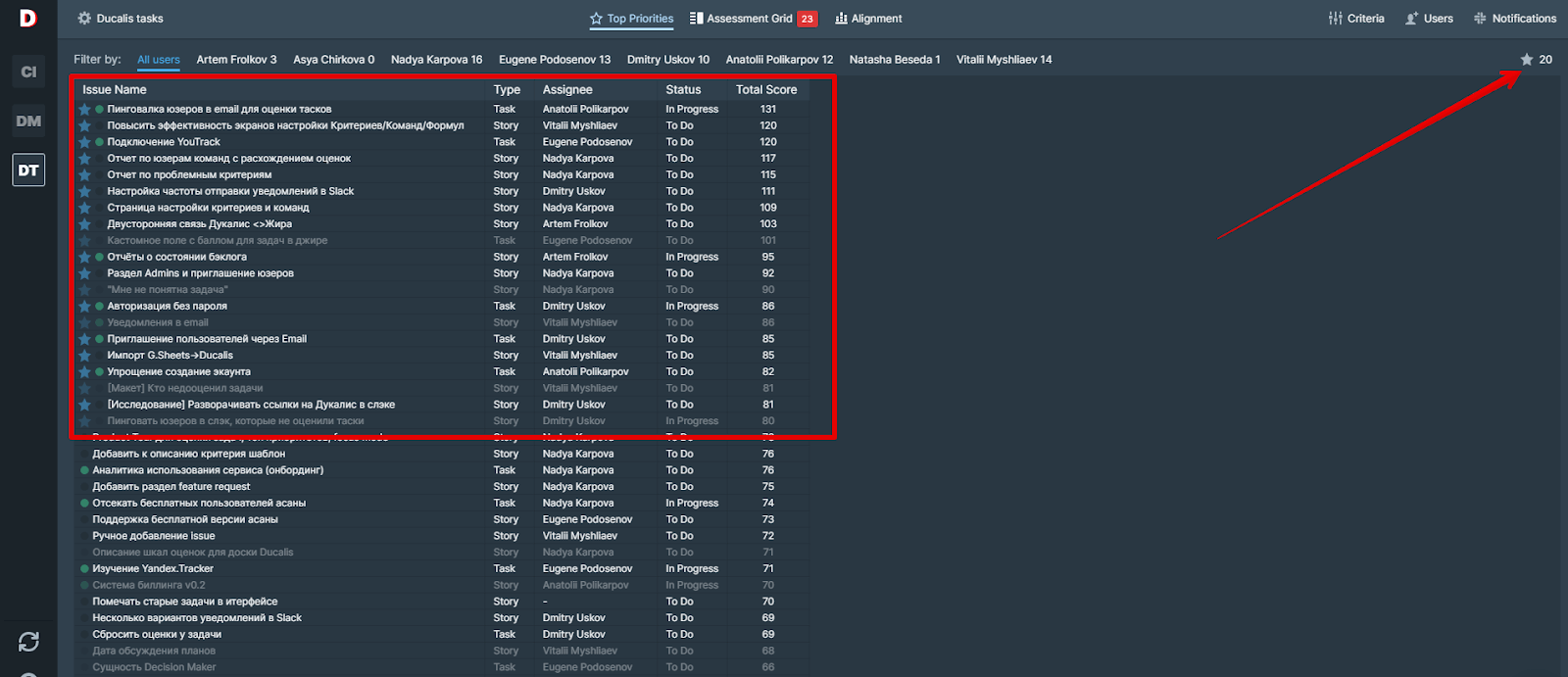
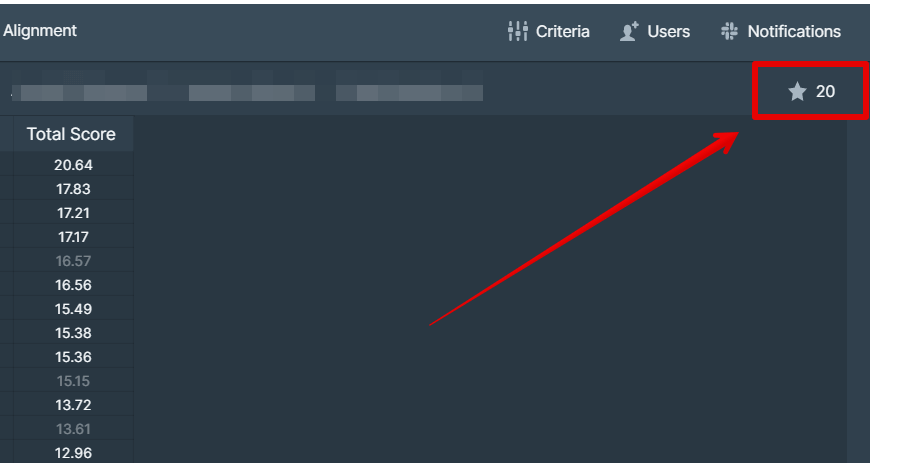
Sprint tartışmaları en fazla 30 dakika sürmeye başladı.
Yeniden değerlendirme sürecini kurun
Henüz kurulmamışsa görev değerlendirme sürecini kurmaya başlayın. Değerlendirme ve yeniden değerlendirme, net kuralları olan tek bir ritüel olmalıdır.
1. Yeniden değerlendirme periyodunu belirleyin
Ne sıklıkta yeniden değerlendirme yapacağınız projeye ve çalışma formatına bağlıdır. Haftalık sprintler kullanıyoruz. Tendee ile konuları her 30 günde bir yeniden değerlendiriyorduk.
Yeni araç Ducalis çok daha hızlı gelişiyor. Müşterilerimizle sık sık etkileşim kuruyoruz ve haftalık geri bildirim ve talepler alıyoruz. Bu yüzden puan sona erme süresini 21 güne indirdik.
Otomasyon
Ducalis her konunun puanlarını belirlediğiniz zamanda otomatik olarak siler. Puan sona ermesini izlemenize gerek yoktur.
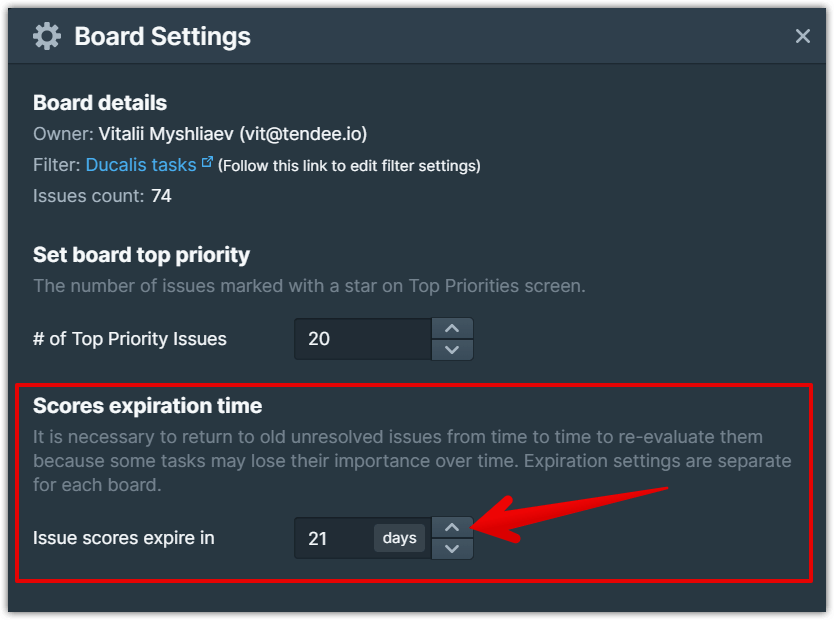
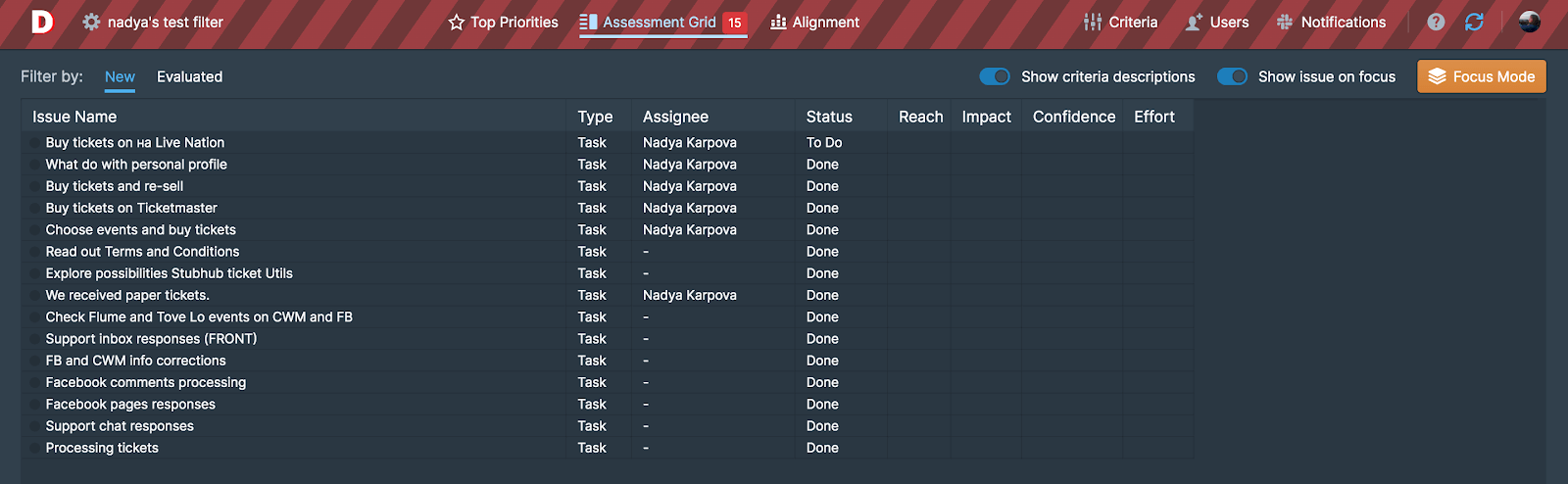
Görevler, değerlendirme tablosunda tam olarak doğru zamanda belirir. Yeniden değerlendirme, bir bütün olarak değerlendirme ile iç içe geçer. Silinmiş puanları olan eski konular, yenileriyle aynı listeye gelir.
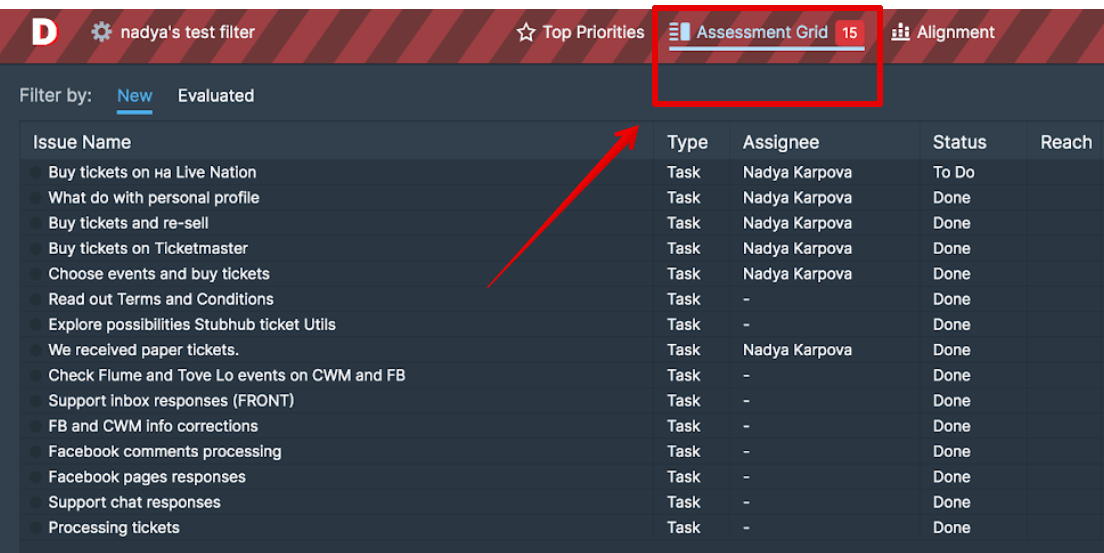
2. Son tarihi belirleyin
Öncelik listesi toplantı saatine kadar hazır olmalıdır. Değerlendirmeyi bir hafta boyunca sürüklemenin bir anlamı yoktur. Sprint planlaması her zaman Pazartesi günleri gerçekleştiğinden, backlog temizliği günü olarak Cuma'yı seçtik.
3. Hatırlatıcıları yapılandırın
Hatırlatıcılar kurun veya ping atmaktan sorumlu birini atayın. Hatırlatıcılar olmadan birisi mutlaka değerlendirmeyi unutacaktır.
Otomasyon
Ducalis belirlediğiniz zamanda otomatik olarak hatırlatıcılar gönderir.
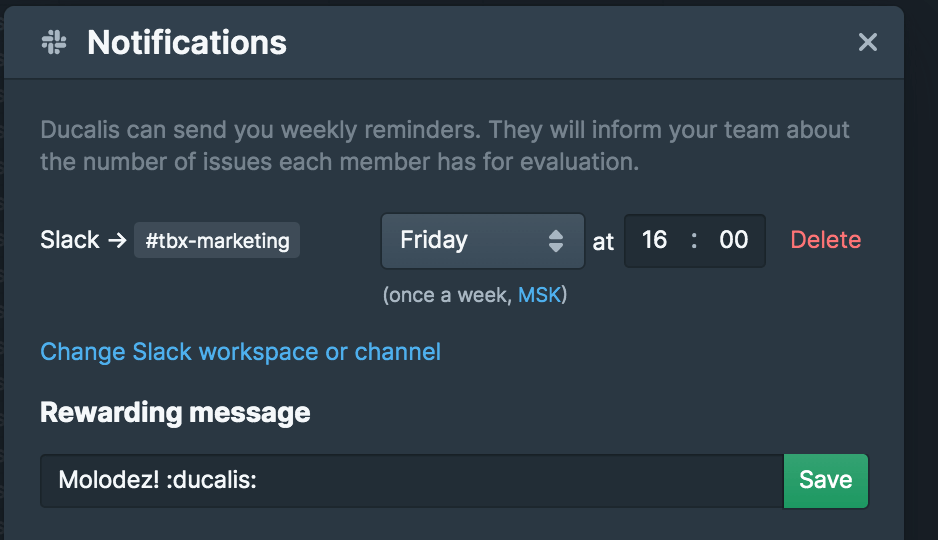
Her Cuma Slack kanallarımızdan hatırlatıcılar alırız. Her takım üyesinin hâlâ kaç konuyu önceliklendirmesi gerektiğini söylerler.
Bonus olarak—ping zamanına kadar her şeyi zaten değerlendirdiyseniz takdir edilirsiniz. Ödüllendirme mesajını özelleştirebilirsiniz. Birbirimizi şaşırtmak ve eğlendirmek için bunları haftalık olarak değiştirmeyi seviyoruz. Onların saçma ve komik olmasını istiyoruz ama siz ciddi ve anlamlı olanları da ayarlayabilirsiniz.
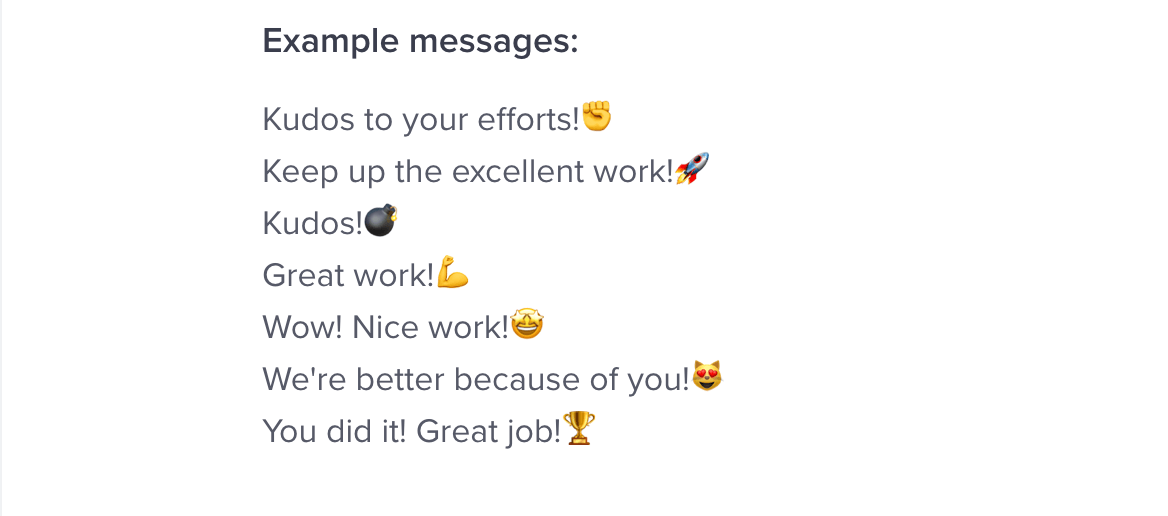
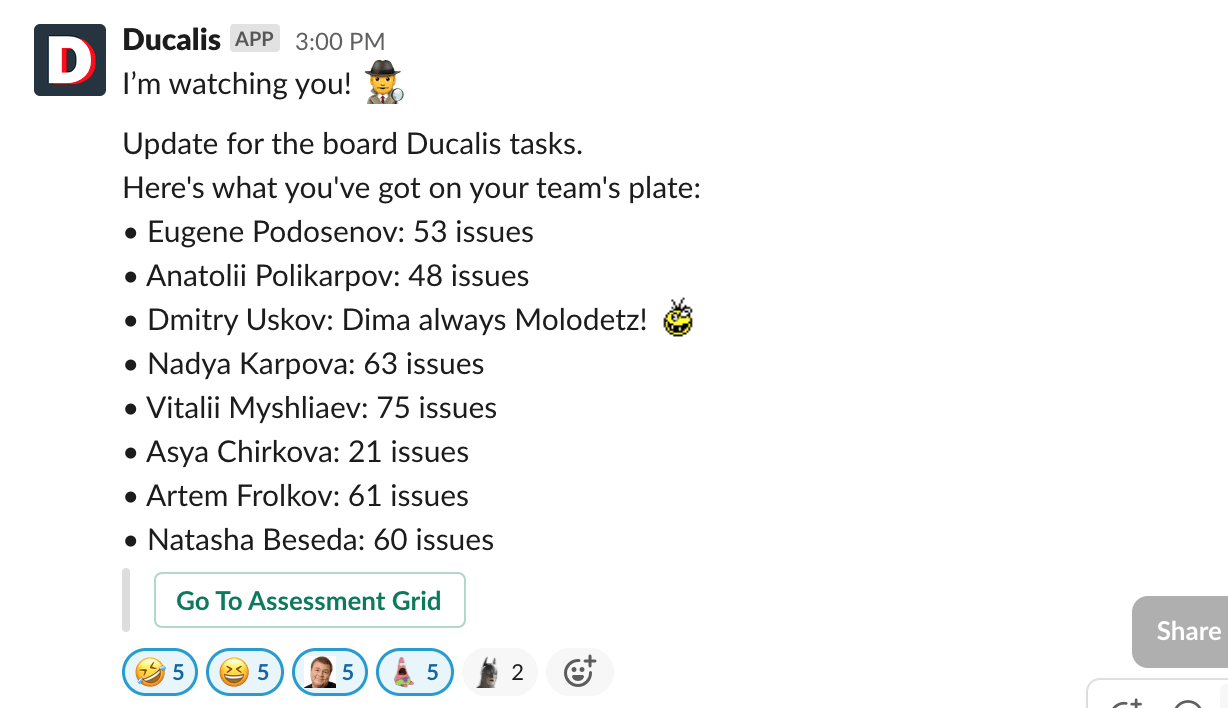
"Molodetz" "Aferin!", "Bravo" anlamına gelir.
Böylece değerlendirme bir oyuna dönüştü. Takımdaki bazı insanlar her zaman övülmek ister, bu yüzden görevleri zamanında değerlendirirler.
Özet
Yeniden değerlendirme backlog'u canlandırır, eski görevlerden temizler ve sprint planlamasını son derece verimli hale getirir.
Yeniden değerlendirme bir ritüeliniz olduğunda:
- Takımın alakalı hedeflere ilişkin net bir vizyonu vardır
- Yapılacaklar listenizde yalnızca temel görevler vardır
- Uzun planlama tartışmalarını ortadan kaldırırsınız
Hedeflerinizin süresi dolmadan önce şimdi sprint planlama toplantılarını iyileştirmek için yeni bir yol deneyin.