Voting scale
Choose between two voting methods for your Voting Board: multiple upvotes per Idea (voters express urgency by allocating multiple votes) or single upvote per Idea (count unique voters).
Voting methods
Multiple upvotes per Idea Voters allocate up to 5 votes (or your custom maximum) to show how urgently they want a feature. Higher vote counts signal stronger demand from individual voters.
Single upvote per Idea Voters can only upvote once per Idea. Vote count equals the number of unique voters, making it easy to see how many customers want a feature.
Access voting settings
-
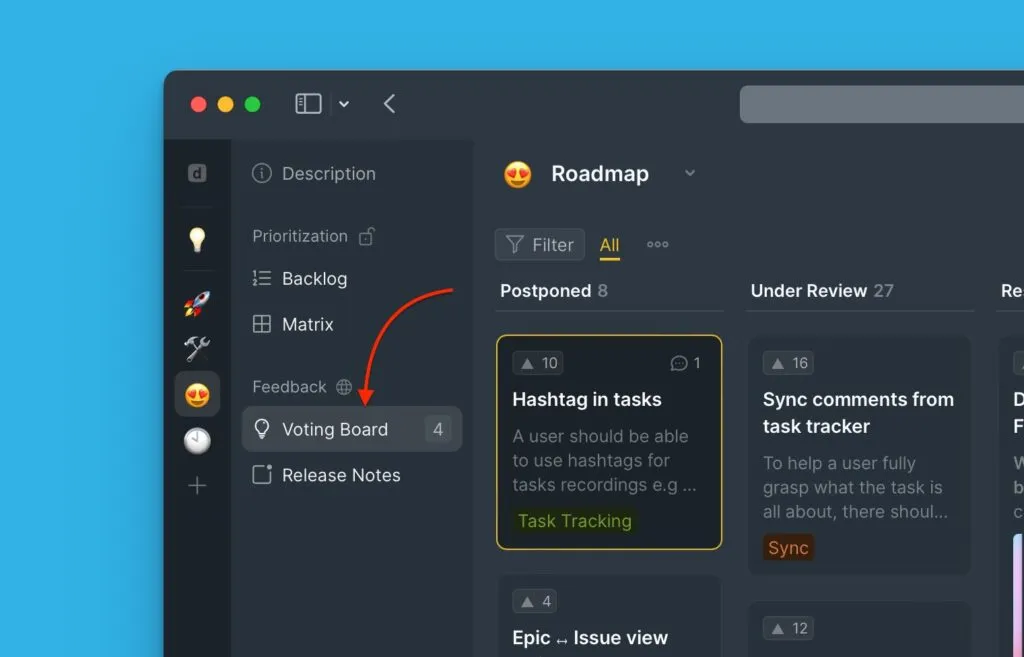
Open your Ducalis prioritization Board.
-
Click Voting board.
-
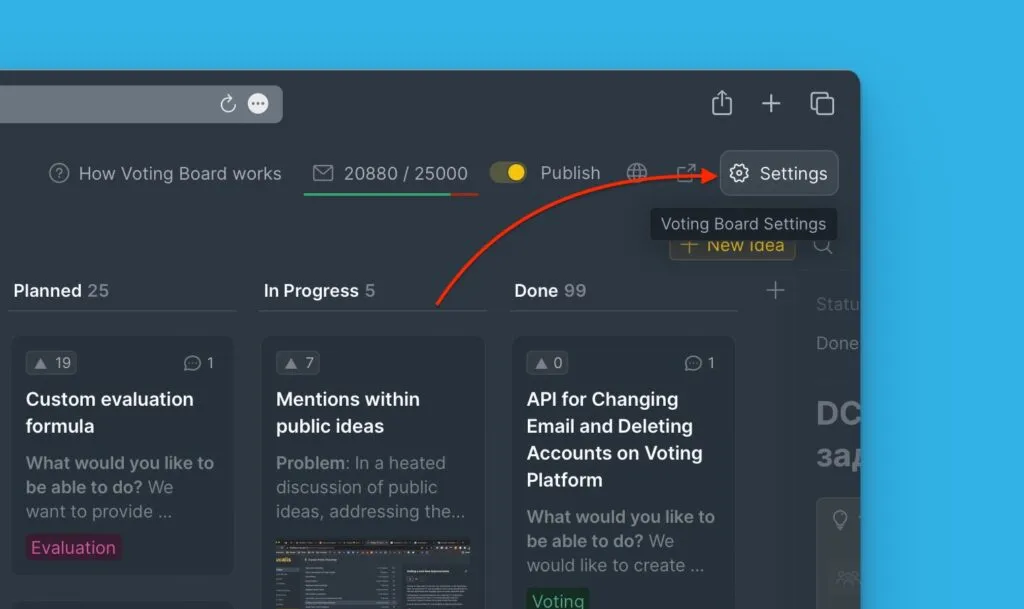
Click Settings.
-
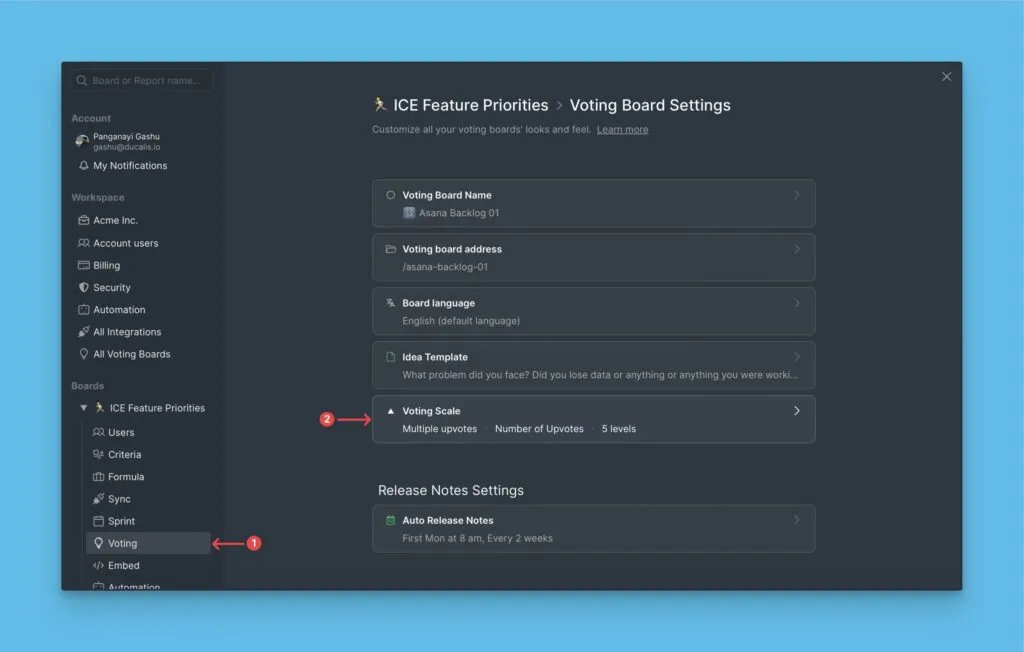
Scroll to Voting scale.
-
Click the votes block.
Multiple upvotes per Idea
Voters allocate multiple votes to express urgency. A customer who cares deeply about a feature can give it 5 votes, while mildly interested voters might give 1 or 2 votes.
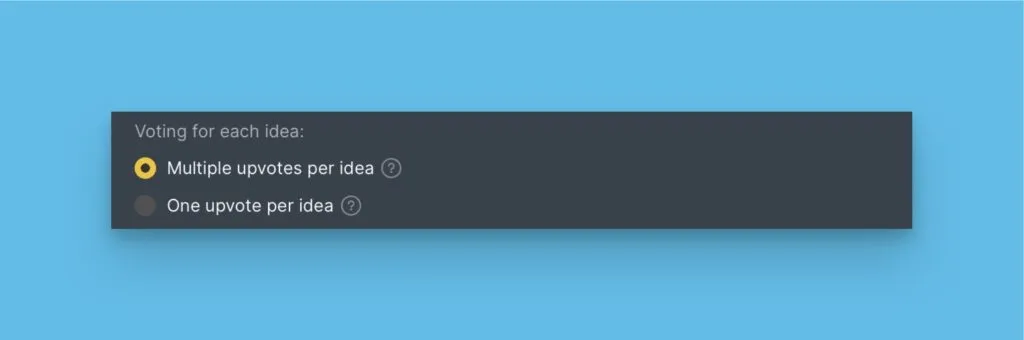
Configure the scale:
The default scale is 1–5 votes. You can extend the scale to any maximum number.
Add scale descriptions:
Help voters understand your scale by adding short descriptions for each number (e.g., "Not interested" for 1, "Critical" for 5). The default scale includes five descriptions, but you can add more if you extend the scale.
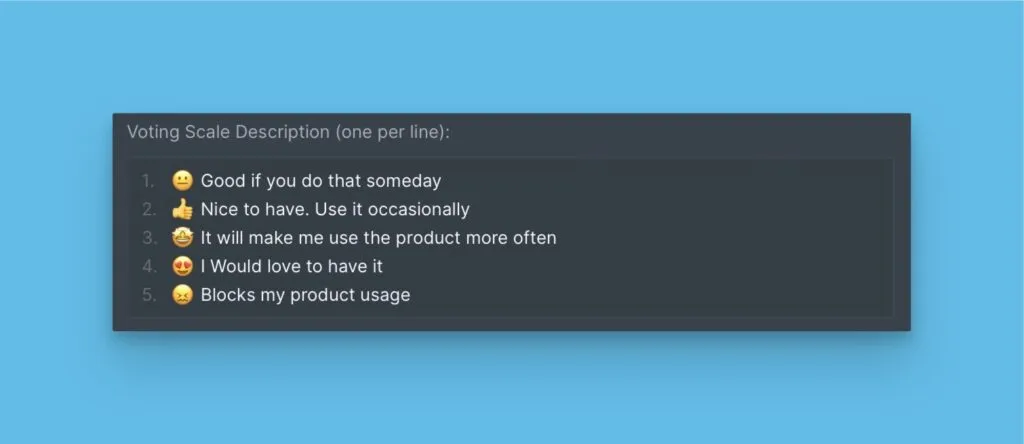
Consideration:
Ideas rank by total votes, not unique voters. A single passionate customer allocating 5 votes will rank an Idea higher than three customers giving 1 vote each (5 total vs. 3 total). This might prioritize features wanted intensely by few over features wanted moderately by many.
How voters use multiple upvotes
Voters open an Idea card and click the ⬆️ button repeatedly to add votes. The description updates as the vote count increases.
Alternatively, voters select a description from the dropdown menu to jump to that vote level.
Single upvote per Idea
Voters can only upvote once per Idea. The vote count directly equals the number of voters, making it easy to see how many customers want a feature.
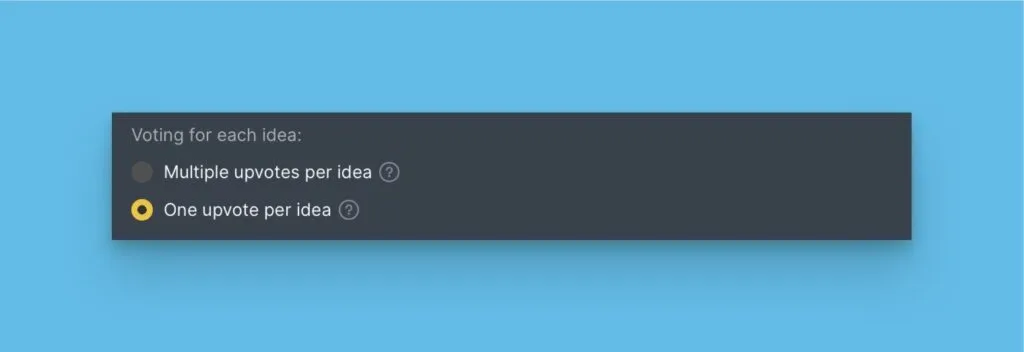
Ideas rank by number of unique voters. The top Idea has the most customers requesting it.
Consideration:
Voters can't express urgency or intensity. One customer who desperately needs a feature has the same weight as one who's mildly interested.
How voters use single upvotes
Voters click the ⬆️ button once to upvote an Idea. Clicking again removes the upvote.
Display options
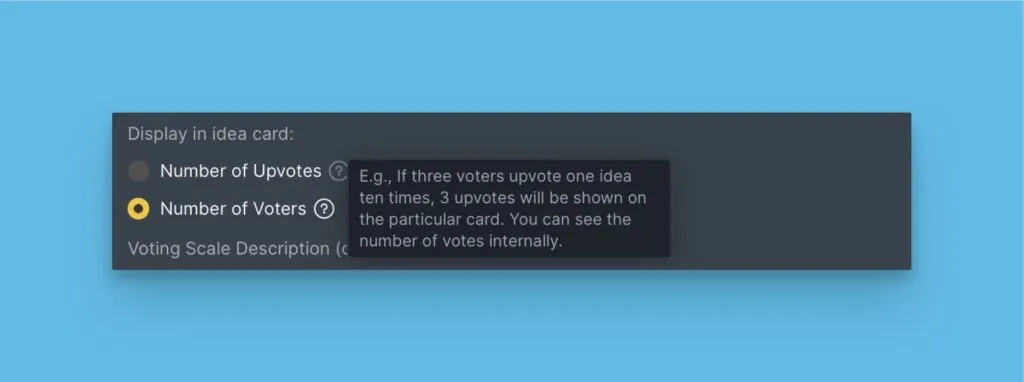
Choose what appears on Idea cards on the Public Roadmap.
Number of upvotes
Shows total votes. With multiple upvotes enabled, this counts all votes allocated. With single upvotes, this equals the number of voters.
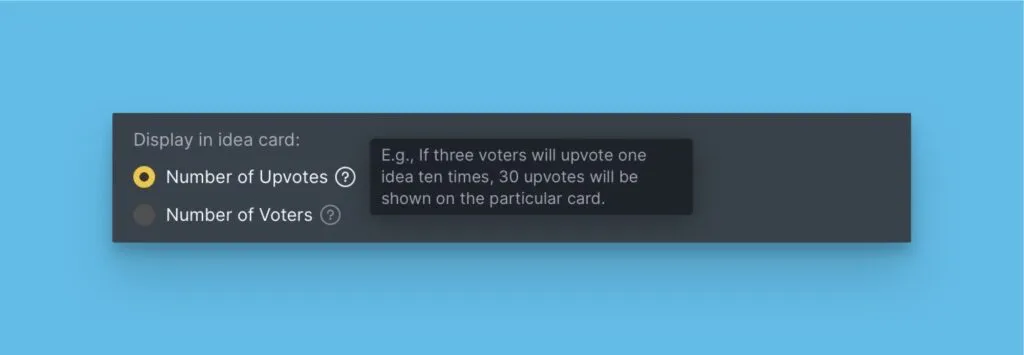
Number of voters
Shows unique voter count regardless of voting method.
What's next
After configuring voting, set up a custom domain and URL to brand your Voting Board.