Description
The Voting Board description is a welcome message displayed on your public feedback portal. Use it to guide visitors on what feedback you're looking for and how they can contribute effectively.
Voters see this description on the left side of the page as their first introduction to your feedback process.
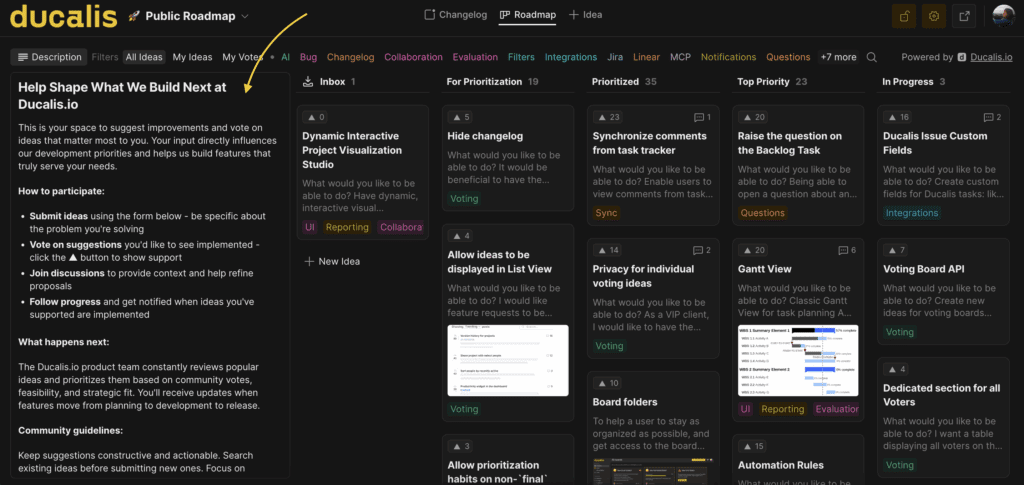
A clear description helps you:
- Set expectations with voters
- Encourage relevant and actionable feedback
- Communicate your review and implementation process
Edit the description
Each Voting Board has a default description.
To edit it:
-
Open your Voting Board.
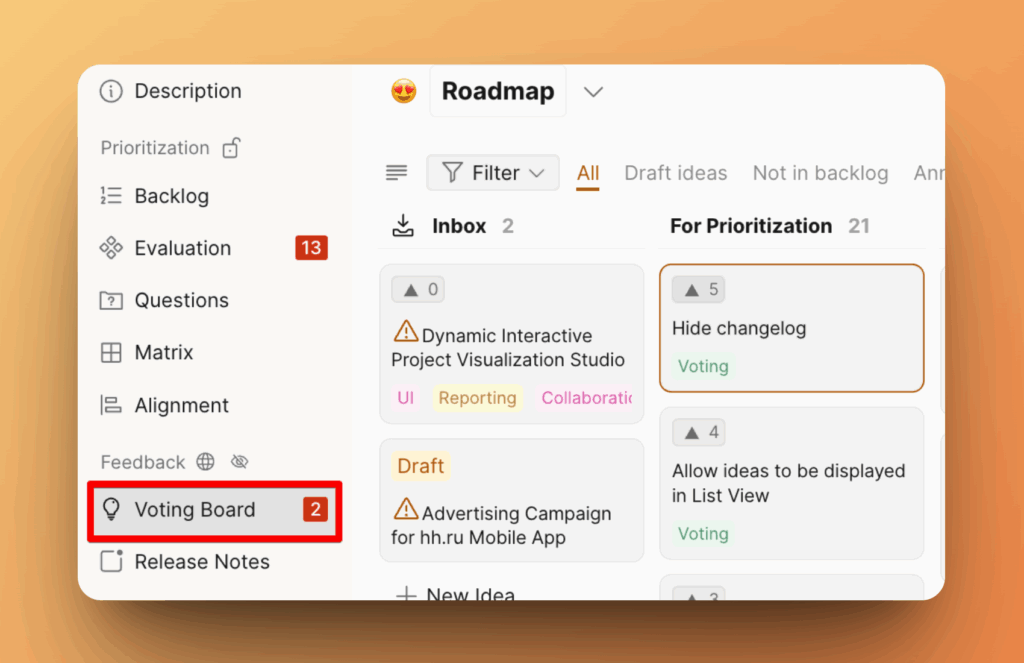
-
Click the Description icon.
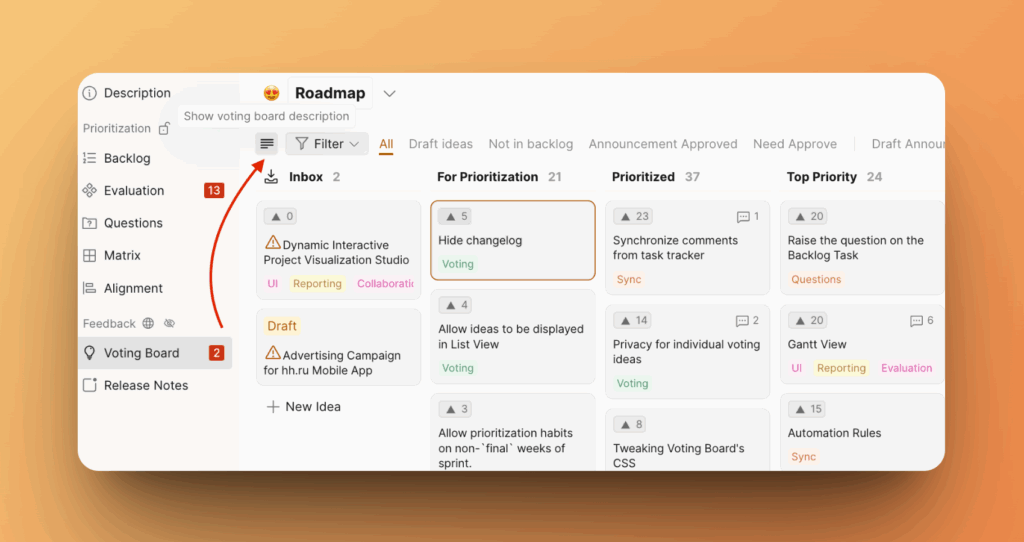
-
Write or update your message.
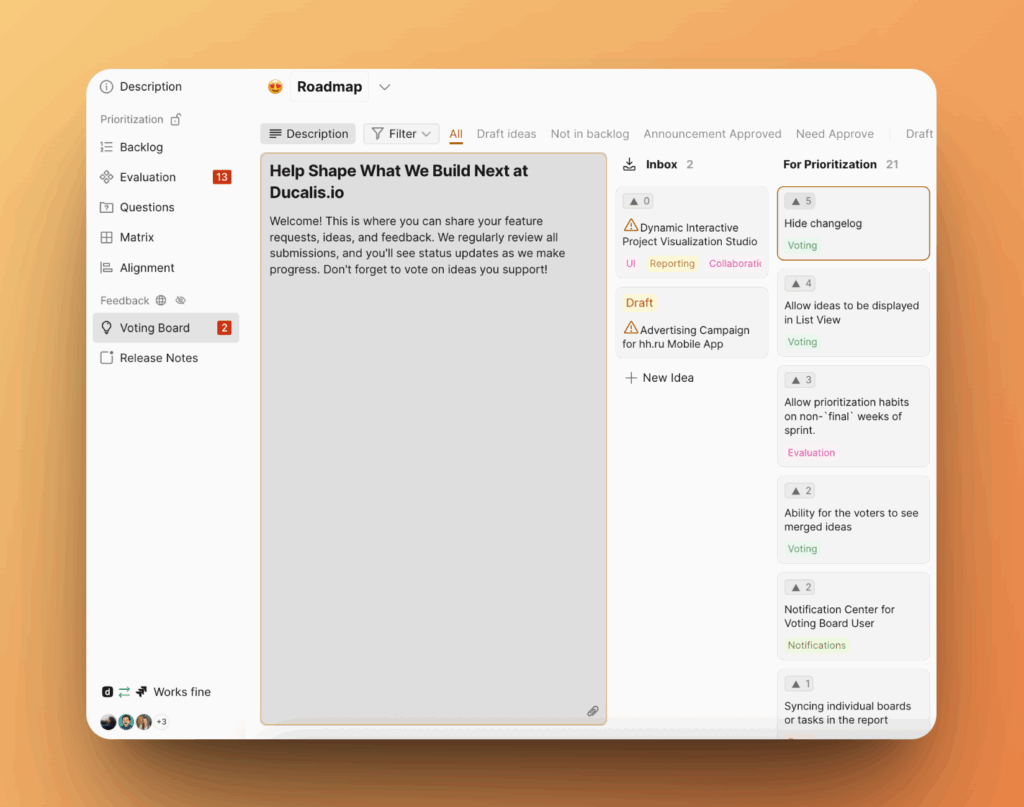
Changes save automatically and appear immediately on your public Voting Board.
What to include
Consider including:
- Greeting: "We'd love to hear from you!" or "Help us improve!"
- Feedback type: Feature ideas, UX pain points, bug reports, etc.
- Your process: What happens after submission? Will you review weekly? Update statuses?
- Encouragement: Motivate voters to vote or comment on other Ideas
- Status meanings: Explain what each column or status means
Example description
"Welcome! Share your feature requests, ideas, and feedback here. We review all submissions regularly and update statuses as we make progress. Vote on ideas you support!"