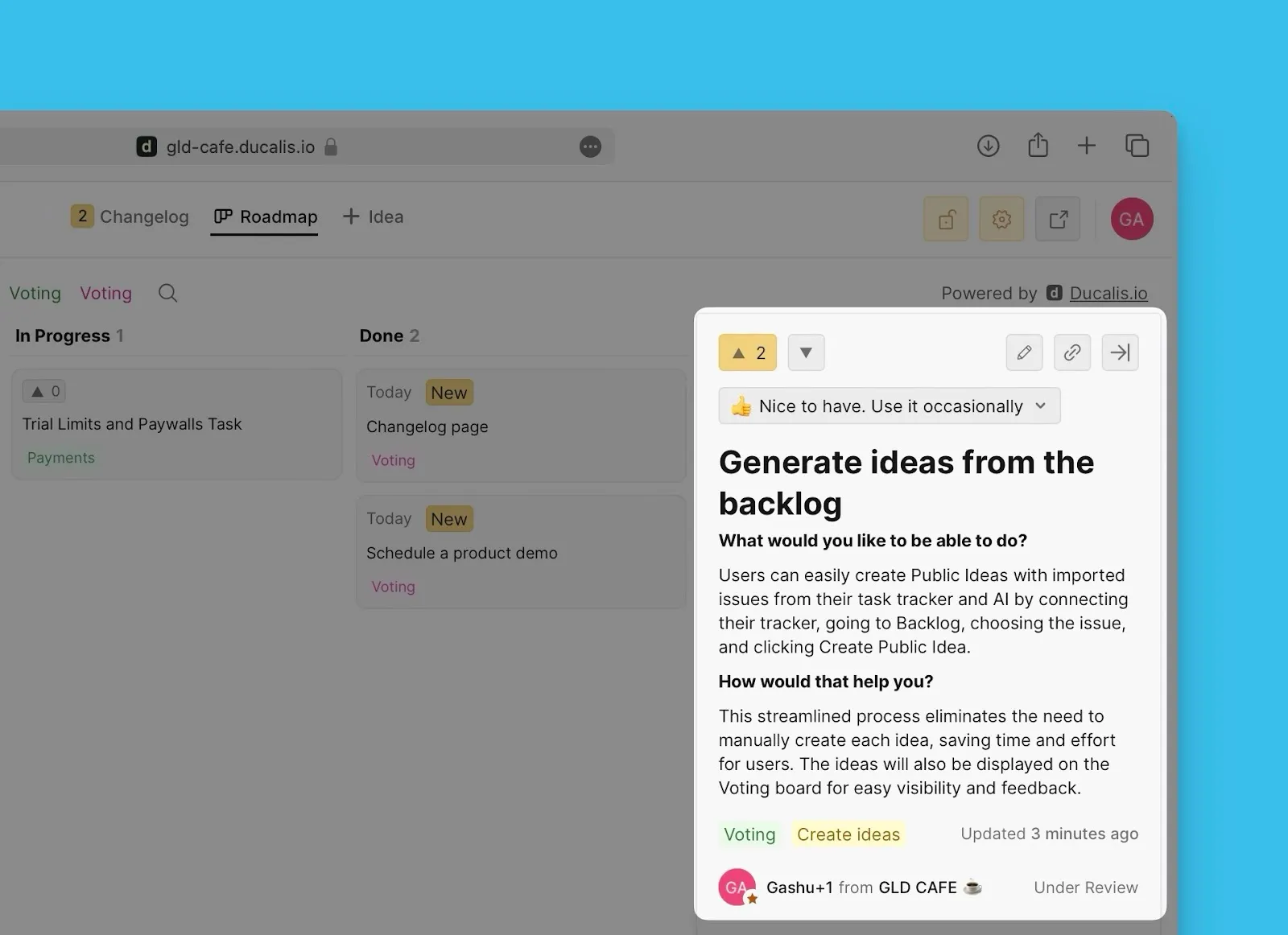
Create Public Ideas Using AI
When creating public Ideas for your Voting Board from internal backlog Issues, you can use AI to generate detailed, easy-to-understand descriptions automatically.
Save tons of time when you have a lot of Issues in your backlog that you want to create public versions of to add to your Voting Board.
Switch the AI on
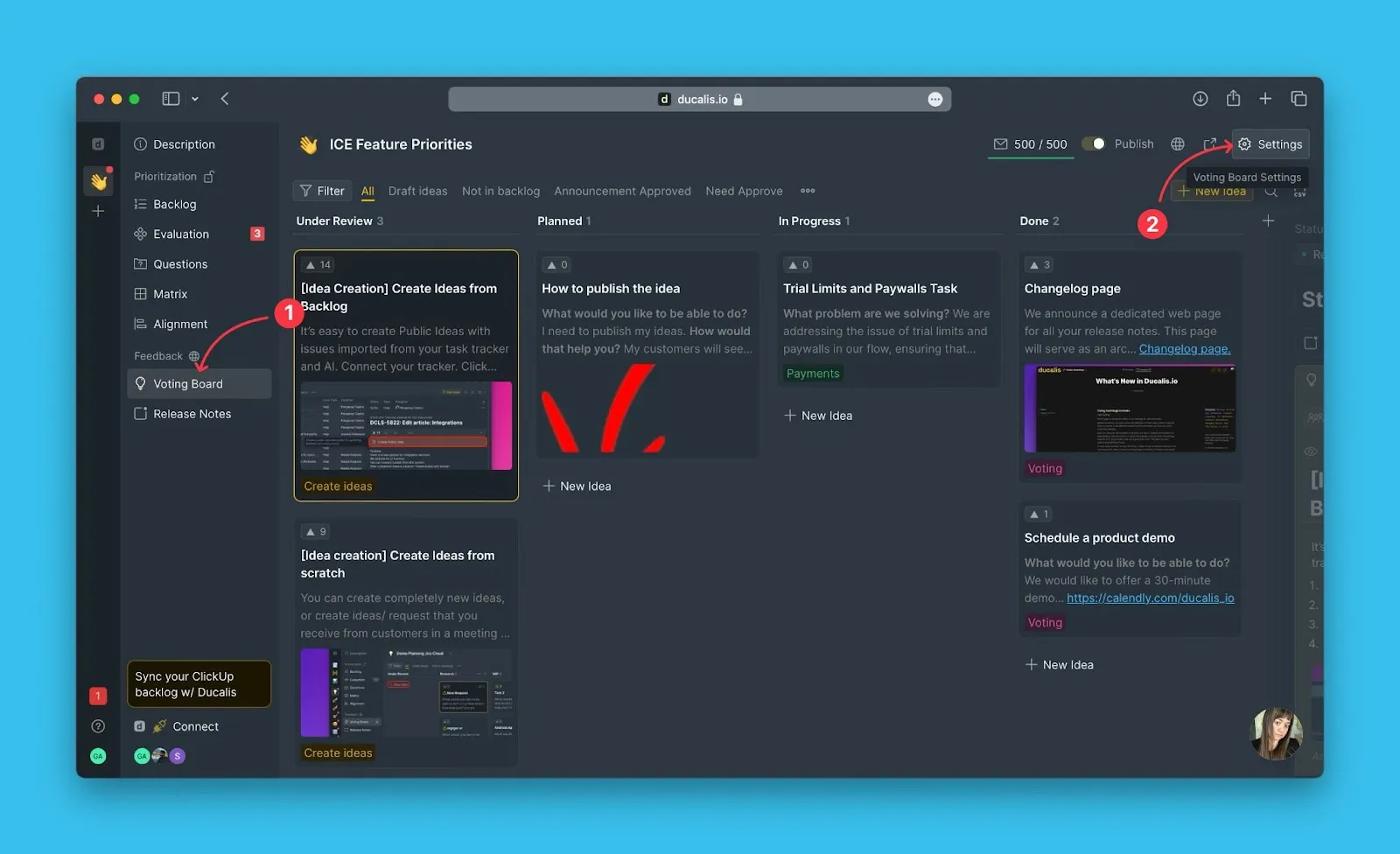
By default, the feature is on. In case it is not, you can switch it under the Voting Board settings found on the Voting Board admin page.
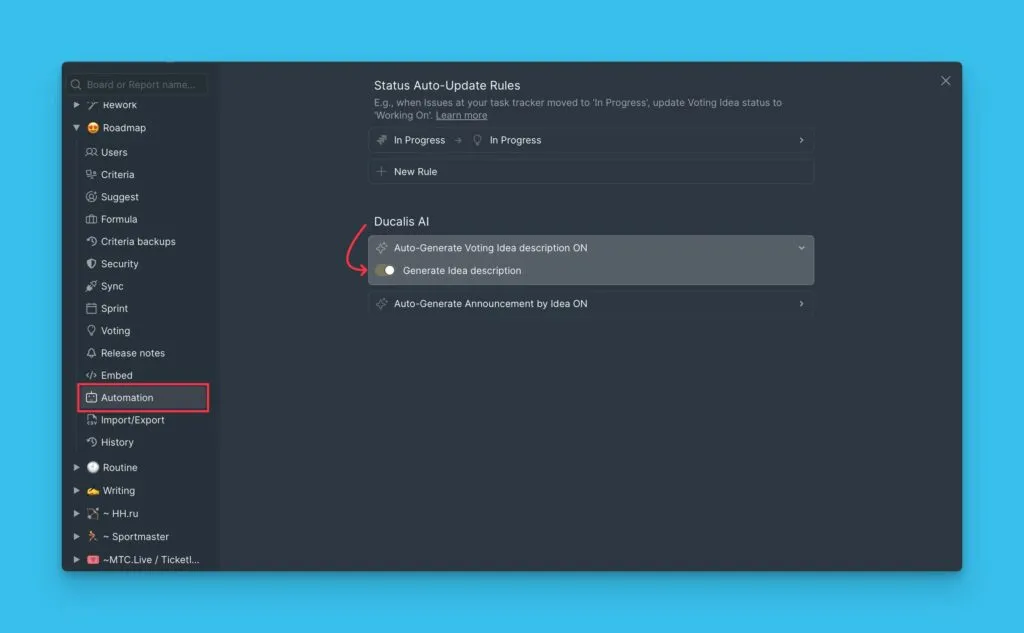
Go to Automation then scroll down to Ducalis AI.
Creating Idea
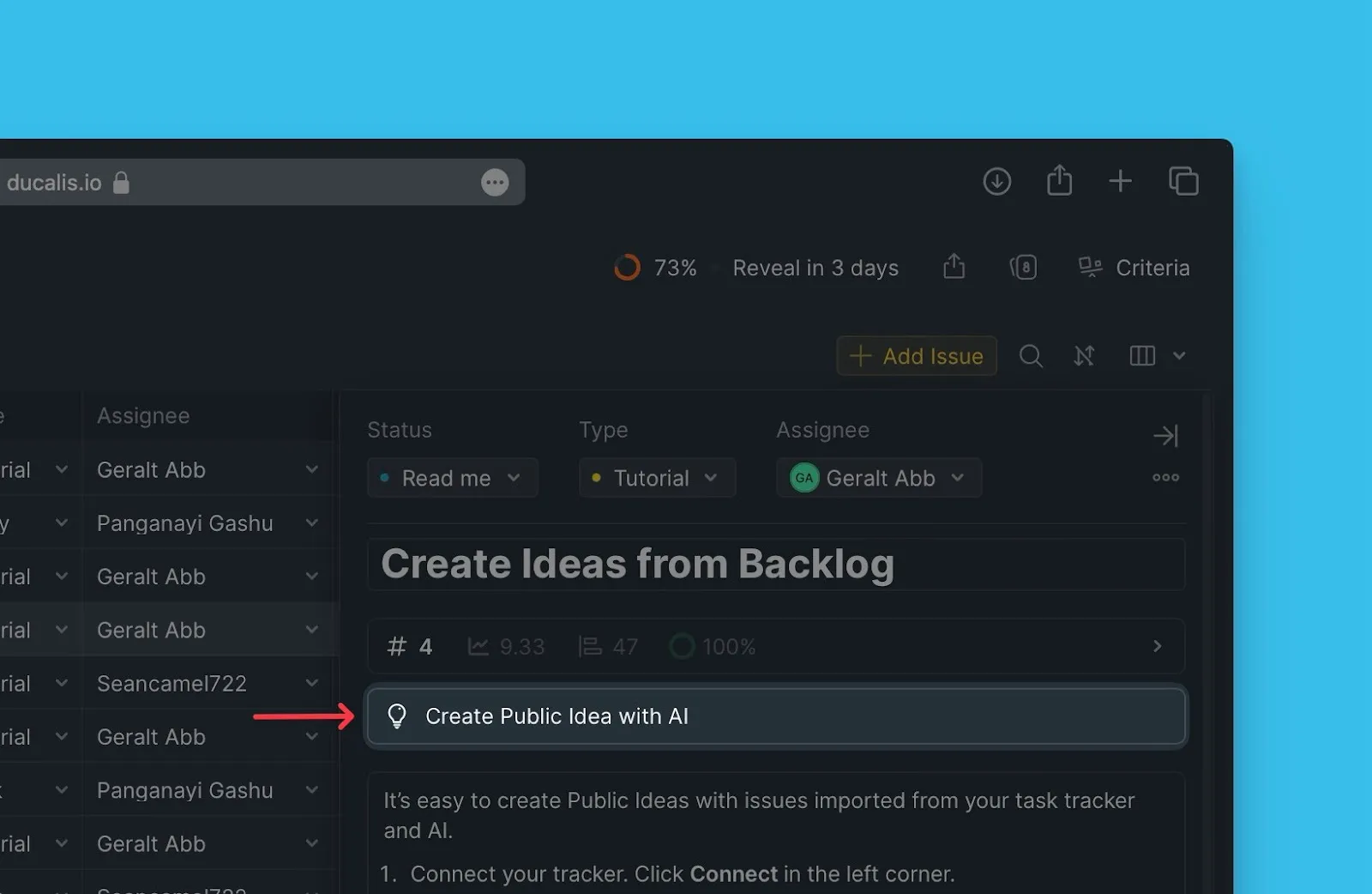
In the Issue card, click Create Public Idea with AI.
The AI will generate a public Idea.

You can go through it. If you like it, click Create Idea, and if you do not, you can click Rewrite Idea for the AI to generate another Idea.
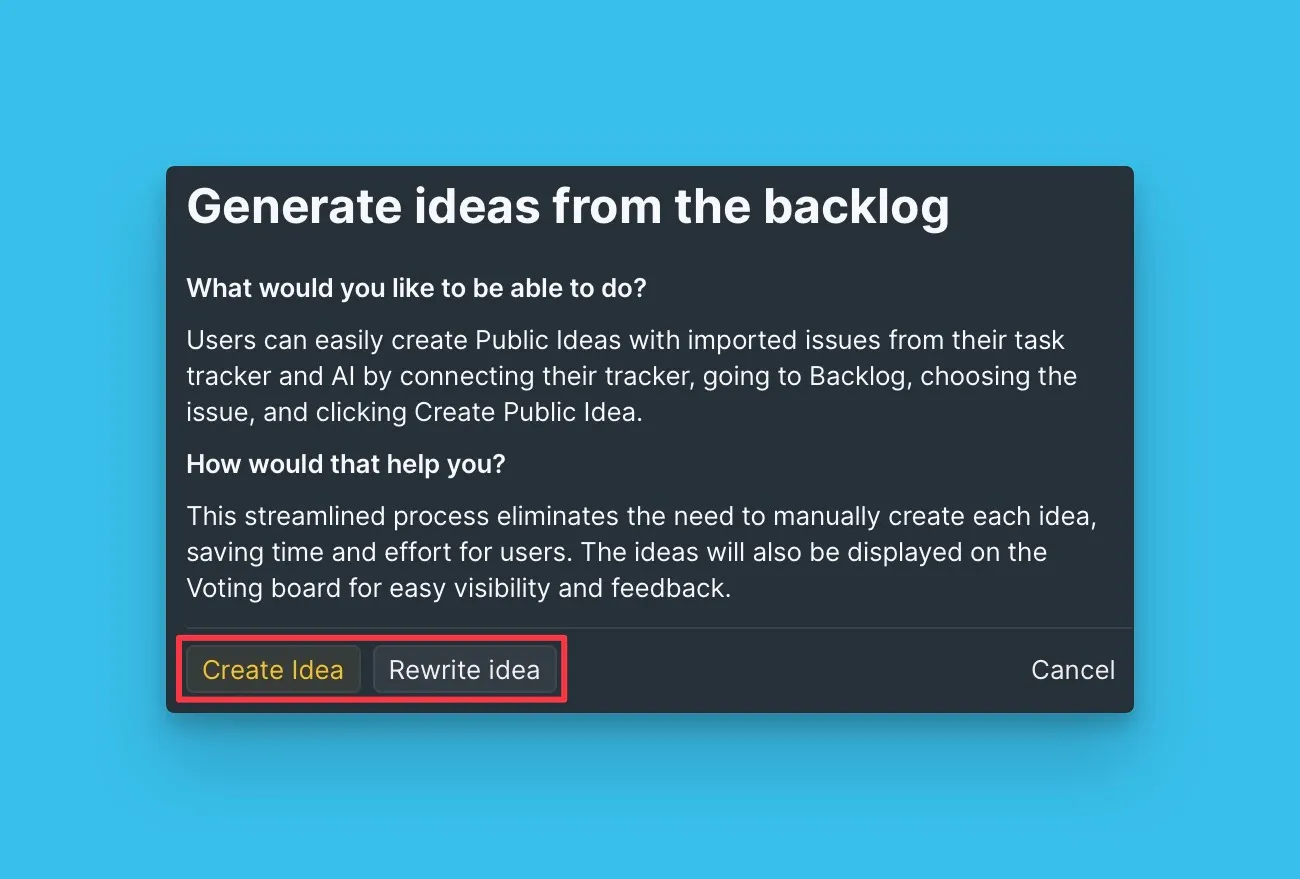
Once you click the Create Idea button, the Idea will be created. You can add labels, and then publish the Idea.
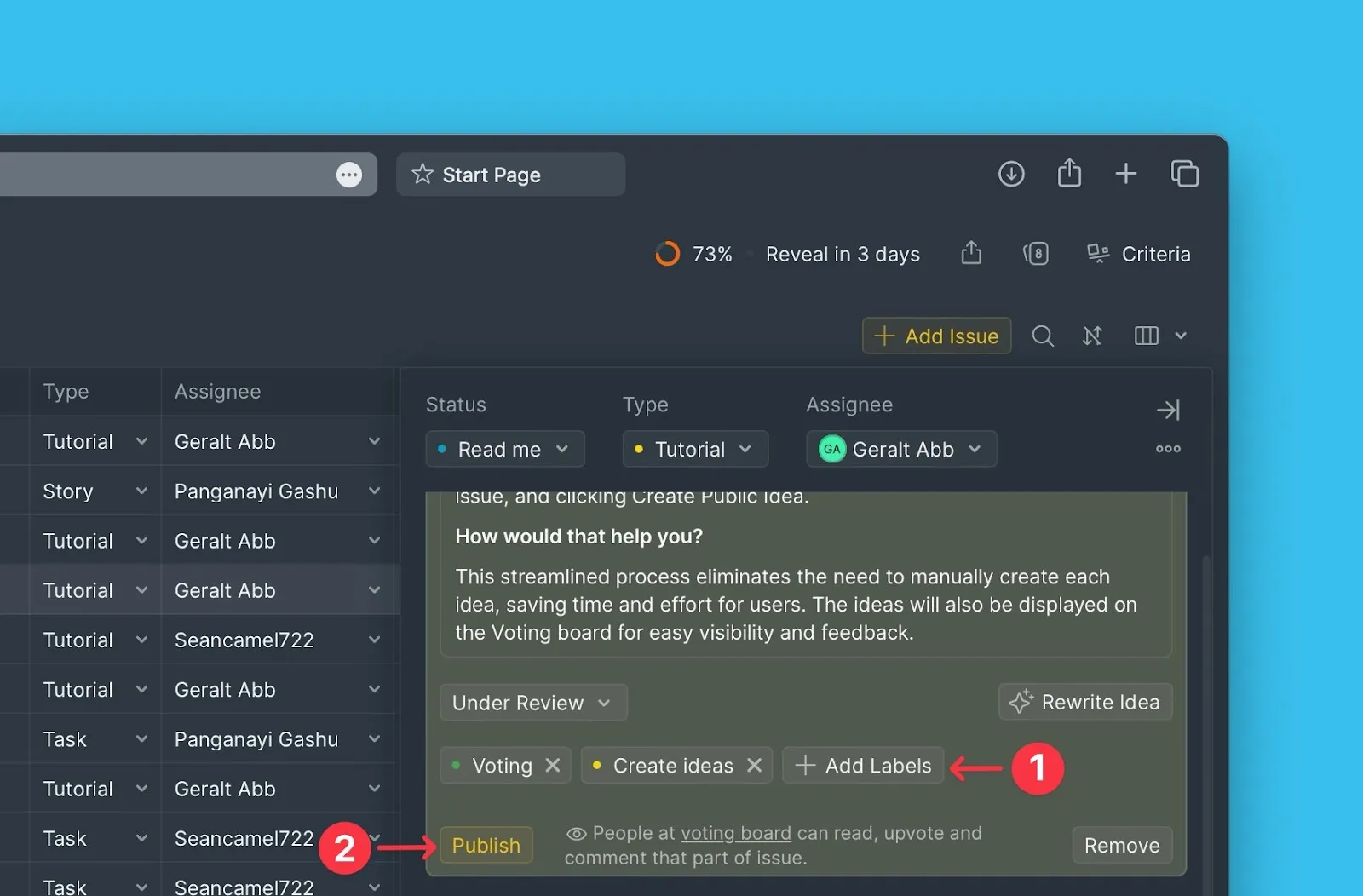
Generated Idea on the Voting Board.