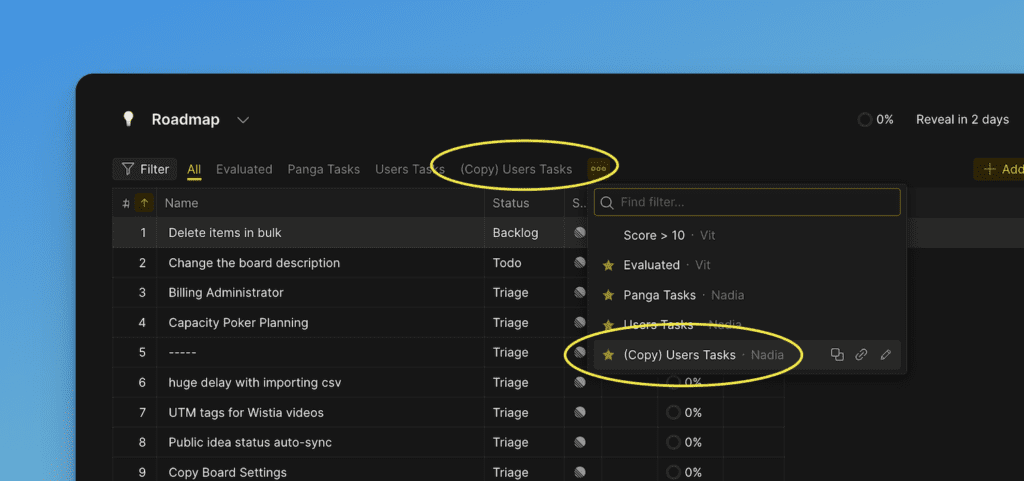
Duplicate a filter
Duplicate a filter to create a copy with the same settings. This saves time when you need similar filters with small variations.
To duplicate a filter
-
From the dropdown menu, select the filter you want to duplicate and click the icon.
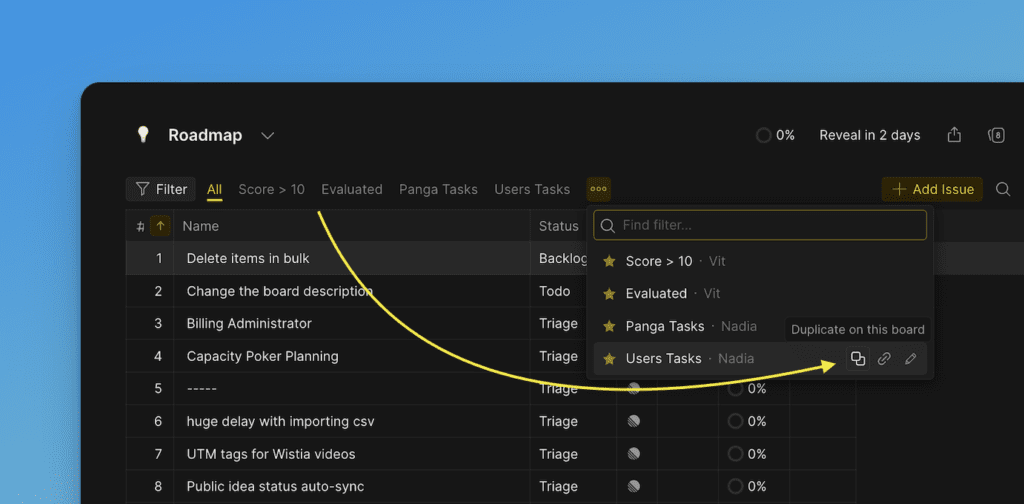
-
A copy of the filter will appear on the page.
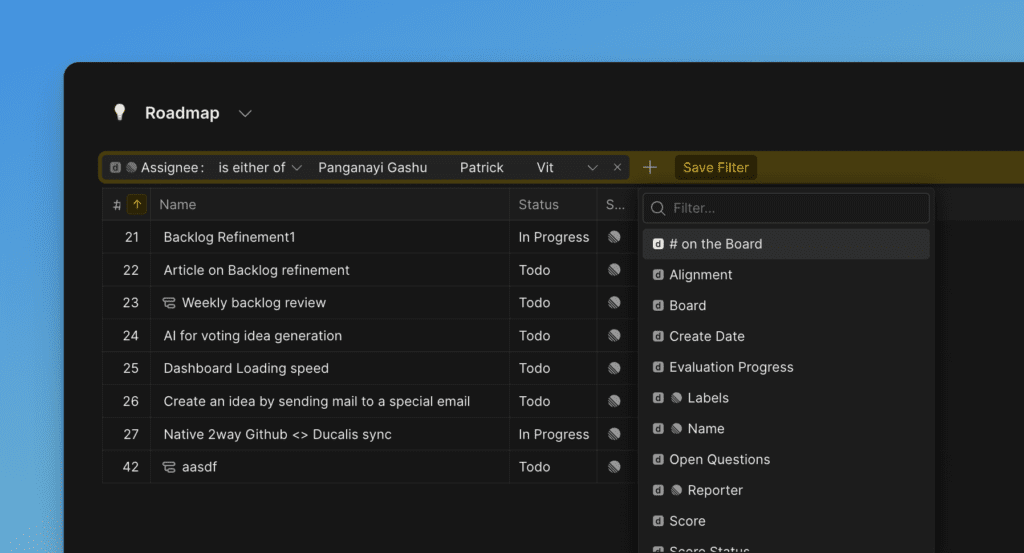
-
Edit the filter as needed.
-
Click Save Filter.
-
Enter a new filter name and click Confirm.
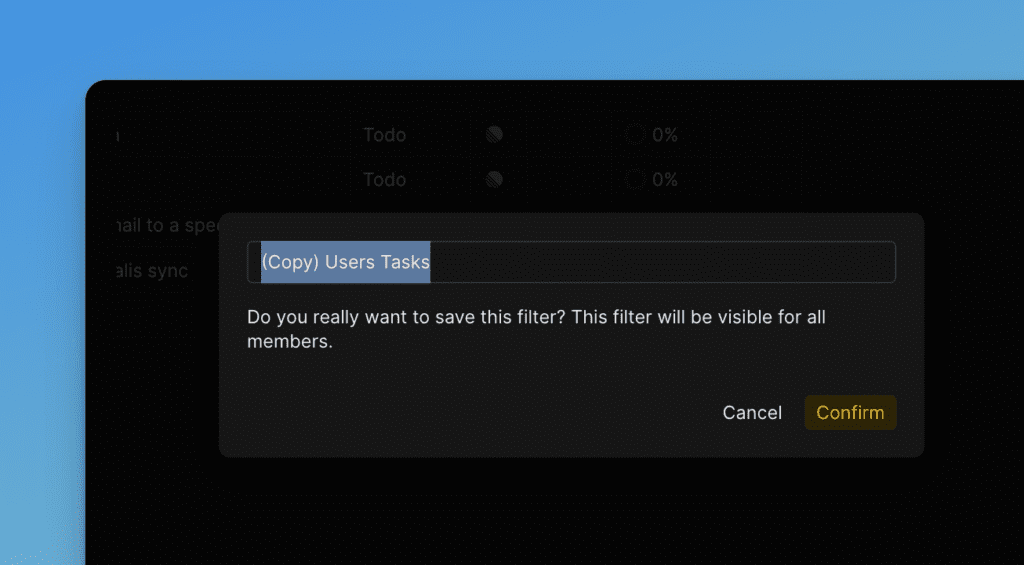
-
The filter is now ready and added to Favorites.