Filter options
Filter Ideas and Issues to find specific items using multiple filter types—by Voter data, Alignment, Criteria, linked Issues, and task tracker fields.
Available filter types
You can filter by:
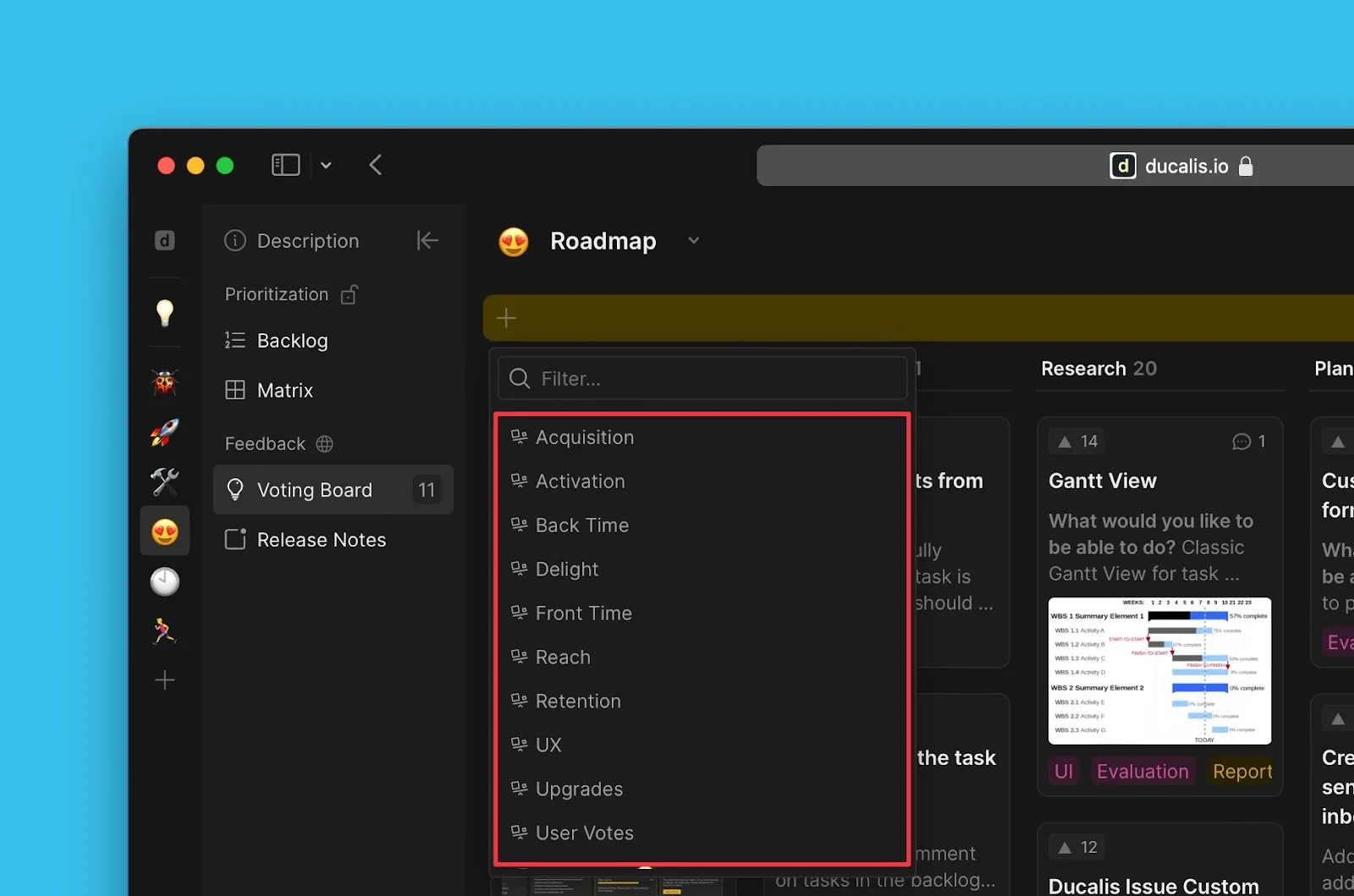
- Voting Board data — Voter email, Company, number of Voters, number of votes
- Linked Issue data — Labels, assignees, progress status, scores, Issue type, source
- Alignment — Criteria Alignment metrics
- Criteria — Evaluation Criteria used to score linked Issues
- Task tracker data — Fields from connected task trackers (Jira Cloud, Linear, etc.)
Access filters
-
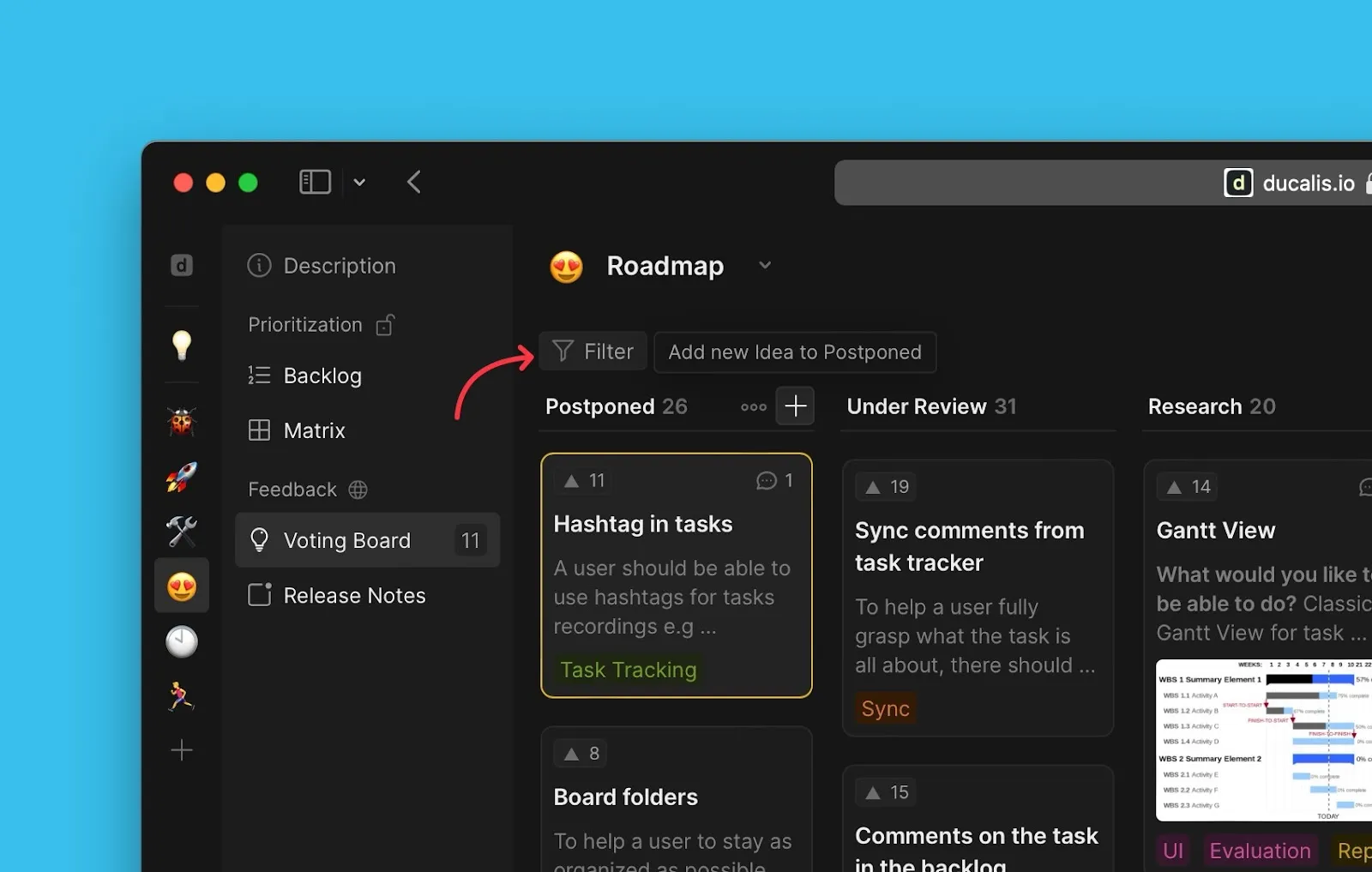
Click the filter icon.
-
Select a filter from the dropdown list.
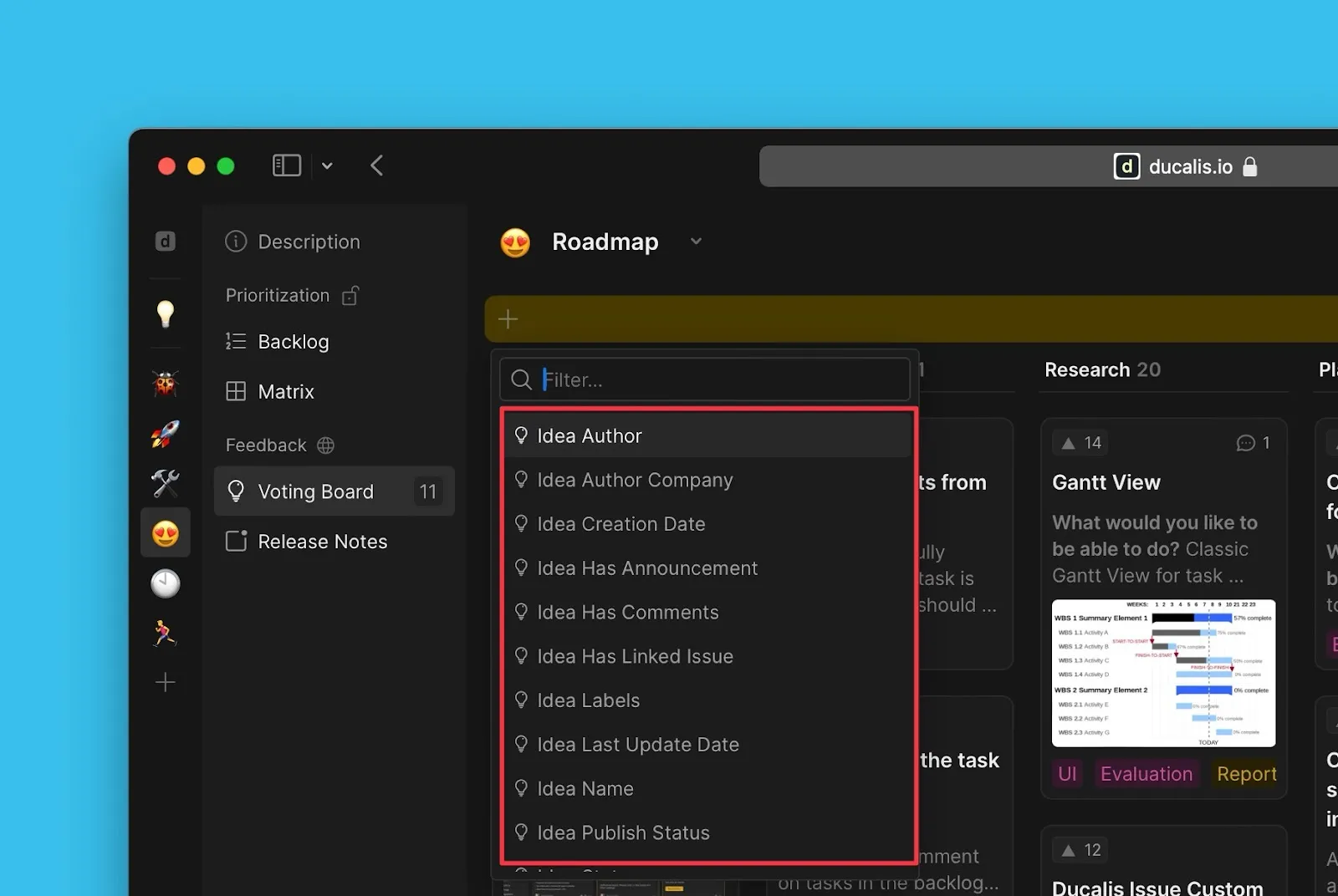
Voting Board data
Filter by Voter email, Company, number of Voters, votes, and other Voting Board-specific data. These filters display a voting board icon.
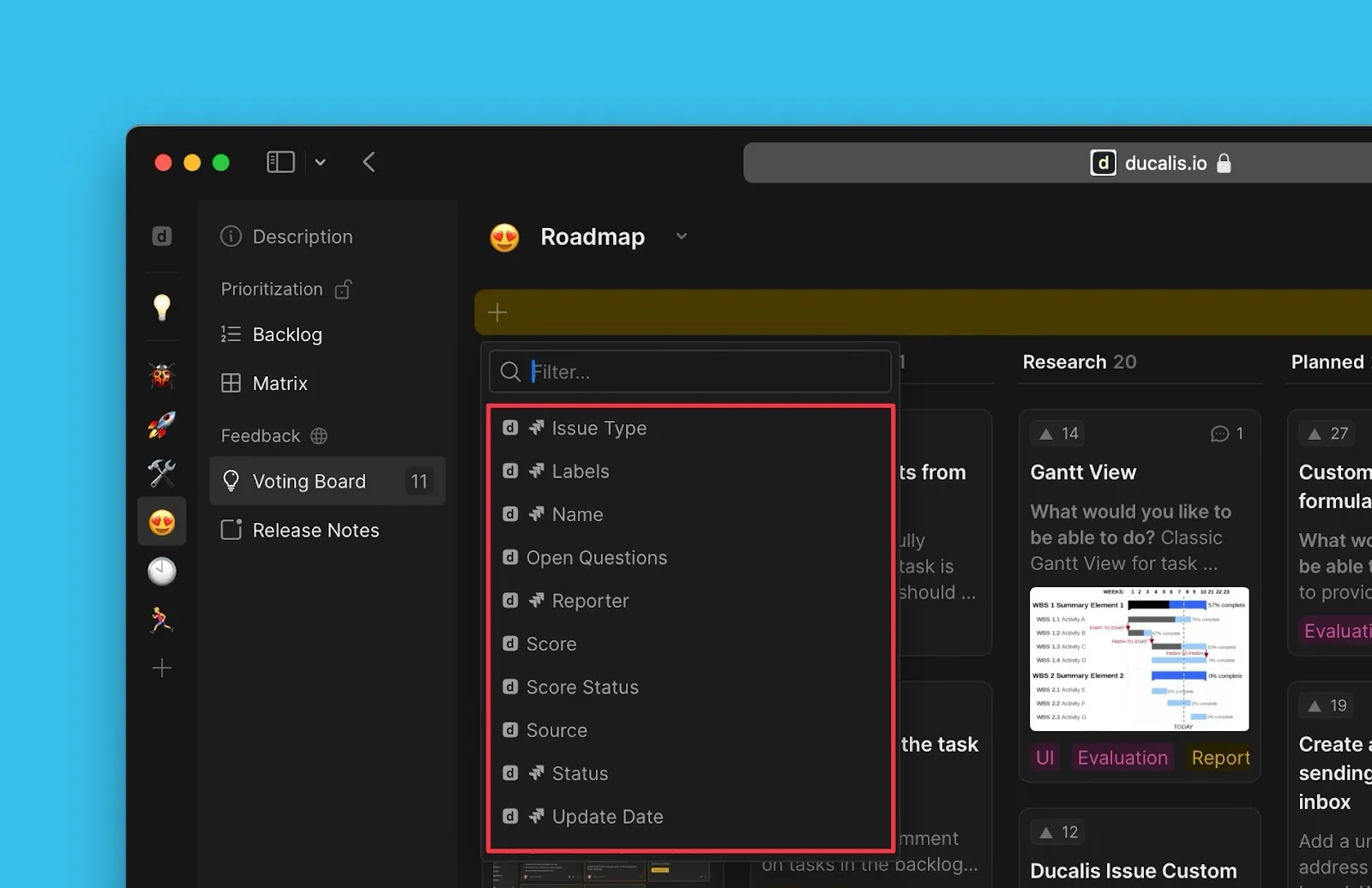
Linked Issue data
Filter by data from Issues linked to Ideas—labels, assignees, progress status, scores, Issue type, source, and more.
Alignment data
Filter by Criteria Alignment metrics from the Alignment page.
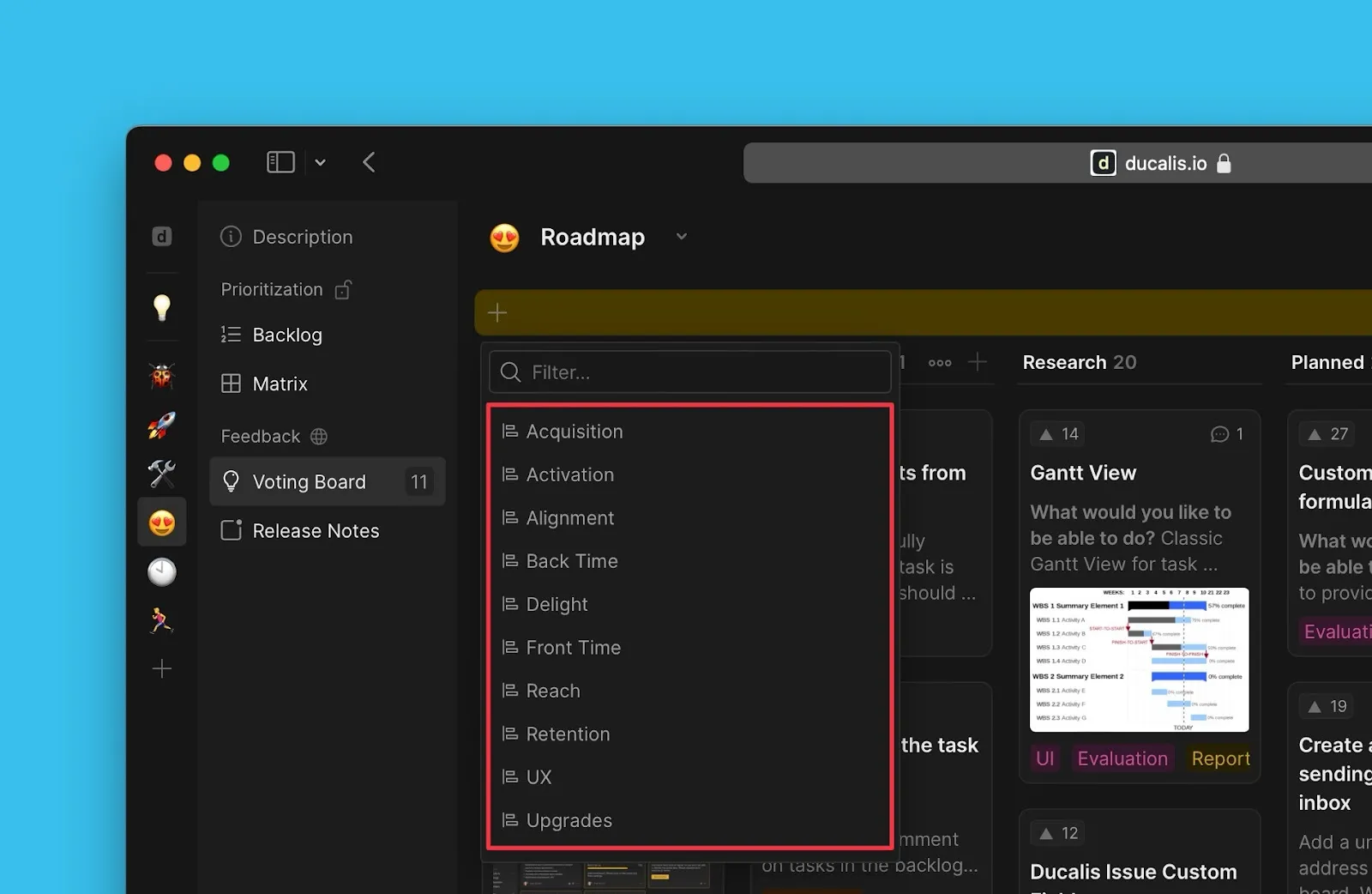
Criteria
Filter by Criteria from your prioritization framework.
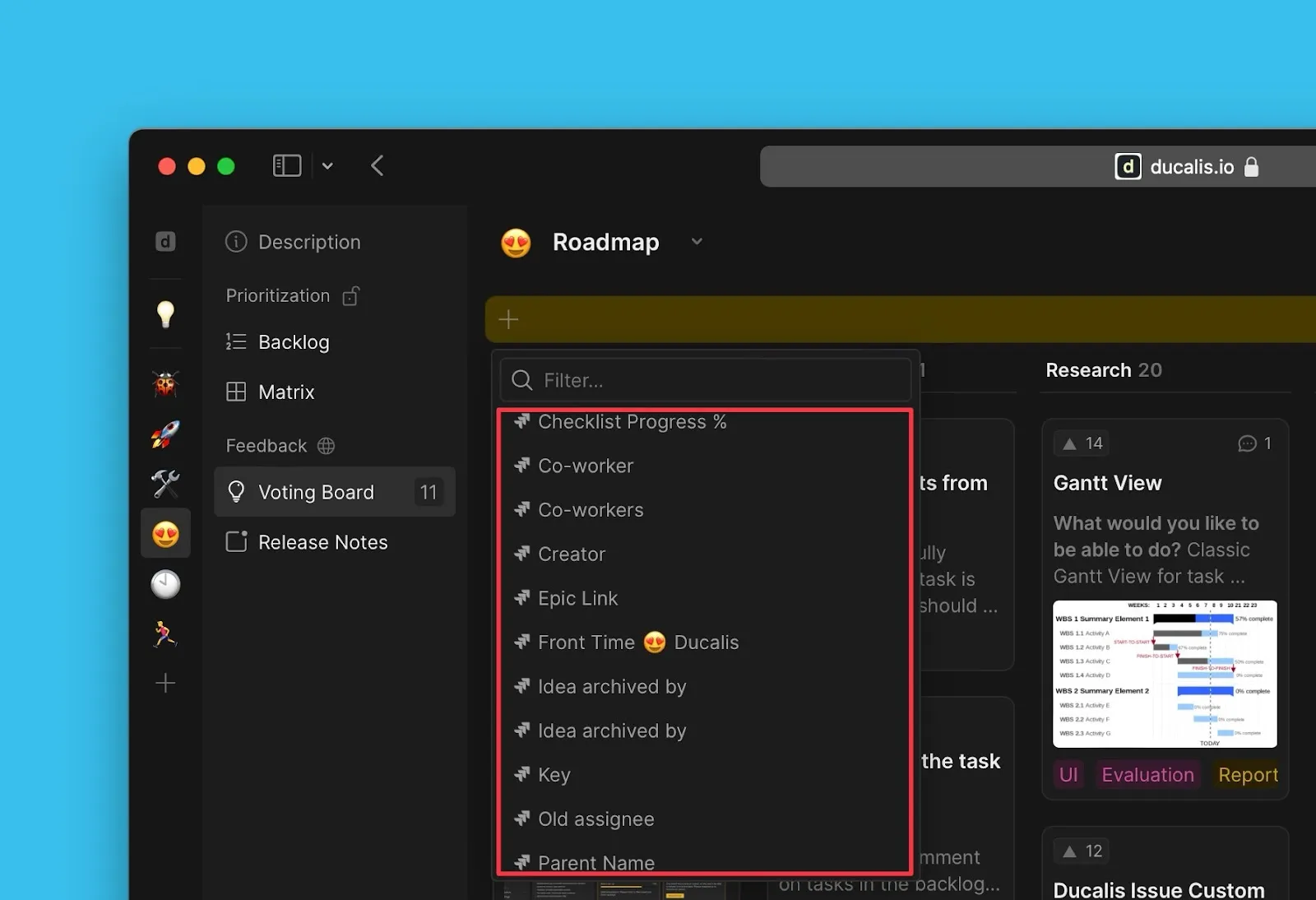
Task tracker data
Filter by fields from connected task trackers (Jira Cloud, Linear, ClickUp, etc.) when your Board has an integration enabled.
Current User filter
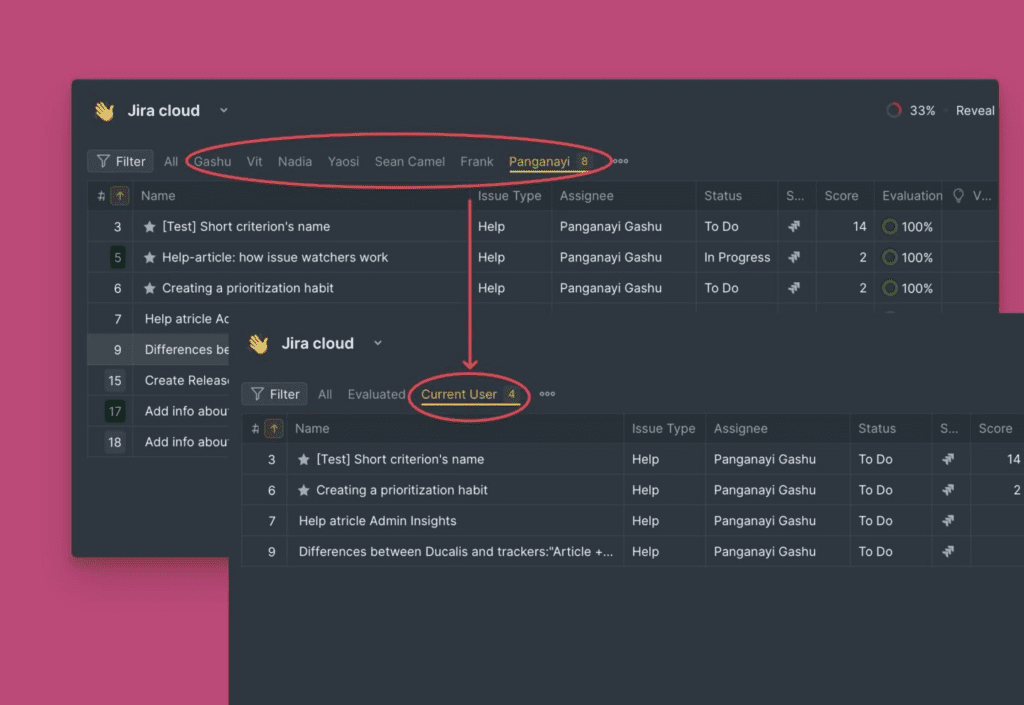
Use the Current User filter to display Issues assigned to whoever is viewing the filter. This works across Ducalis and connected task trackers, regardless of username differences.
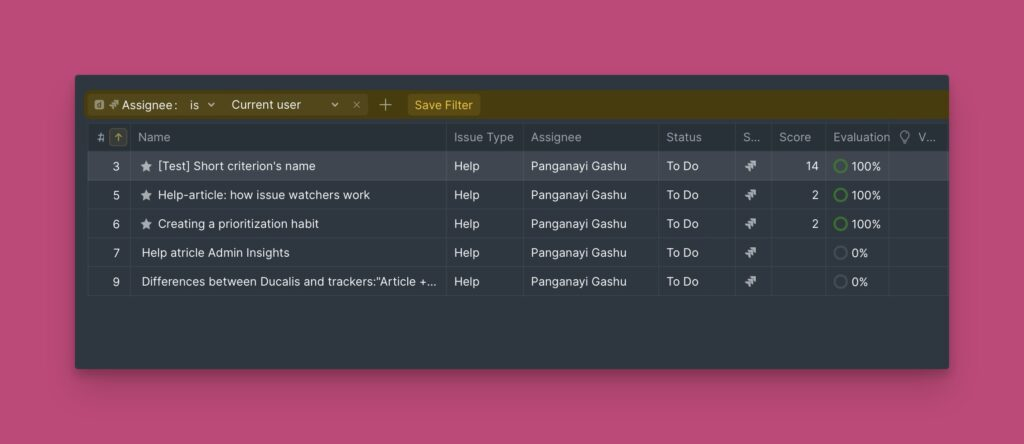
Instead of creating a separate filter for each team member, one filter dynamically shows each user's assigned Issues. This keeps table views clean and minimal.