Filters and search
Use filters, tags, and quick search to navigate the Voting Board and locate ideas quickly.
Filter ideas
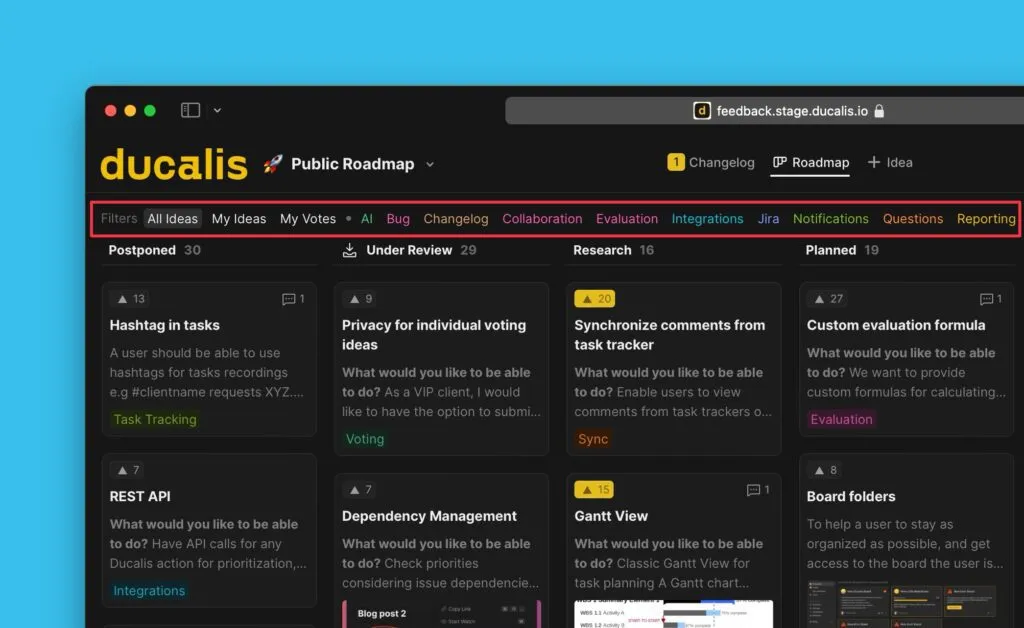
Filter ideas at the top of the Voting Board to view specific subsets:
- My Ideas – Ideas you created
- My votes – Ideas you voted for
- Labels – Ideas with specific labels
Add labels to ideas
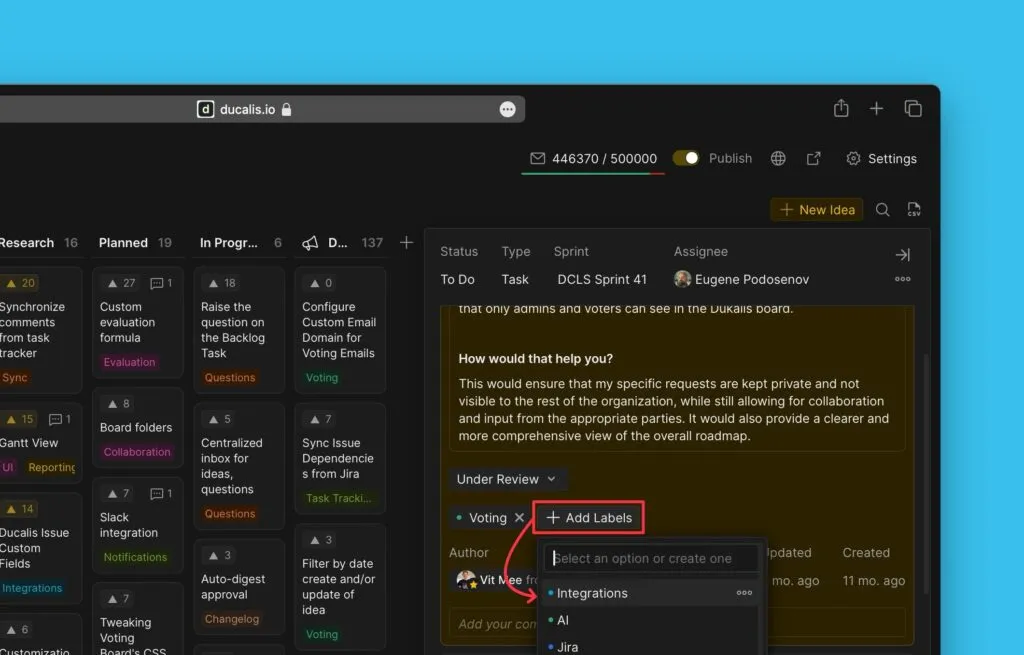
Add labels when creating an idea or to existing ideas on the Voting Board.
-
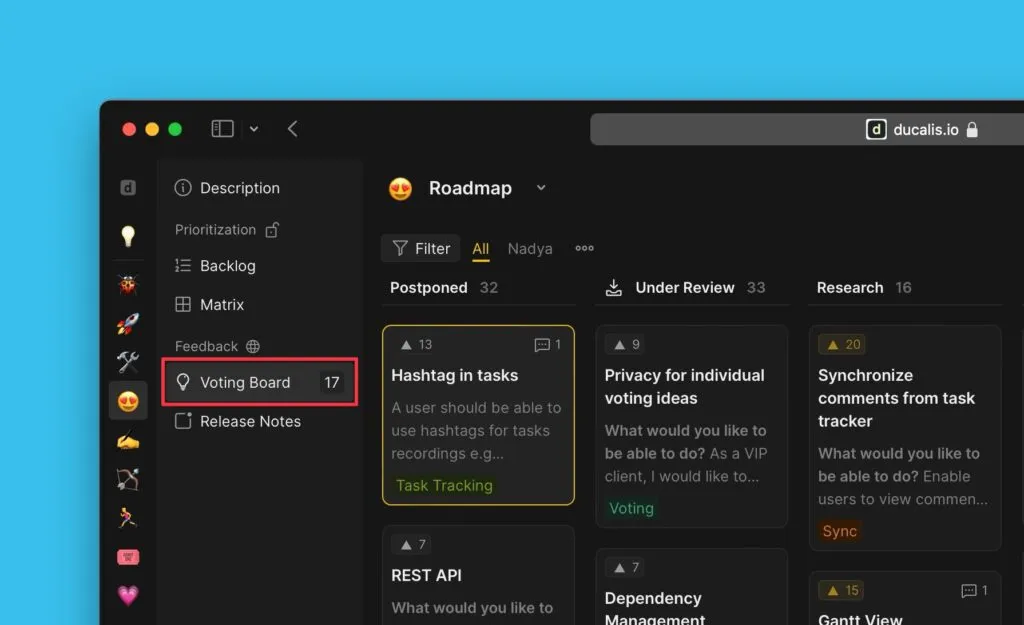
Go to the Voting Board and select an idea.
-
Open the card, go to Add Labels, and click to create or choose an existing label.
Quick search
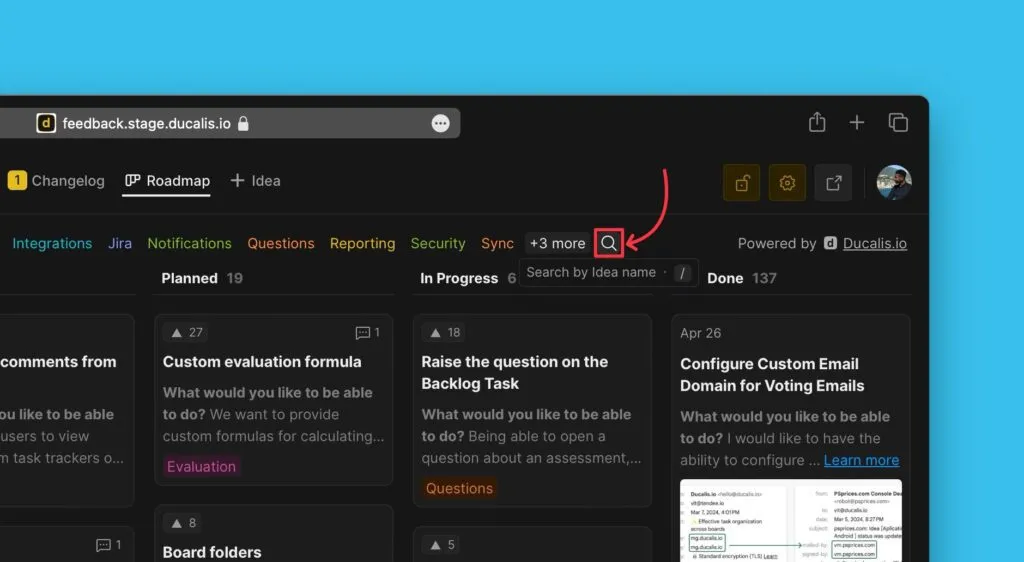
Search for ideas by clicking the search icon in the top right corner, or press / on your keyboard.
Related articles
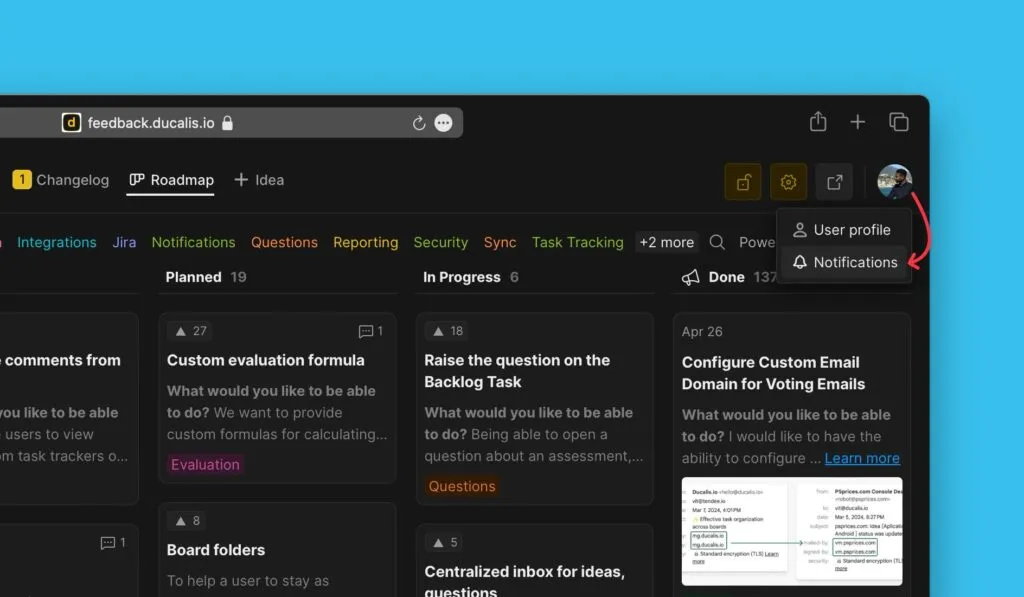
- Learn how you and customers can configure Voting Board notifications to stay updated on the activities happening on the Voting Board