Share via URL
Sharing a filter via URL link is a simple way to ensure others can view the specific filter settings you've created. Follow the steps below to generate and share the filter link.
Step-by-step instructions
Apply the filter
-
First, navigate to the board where you've set up your filter.
-
Select or configure the filter you want to share.
Copy the URL
-
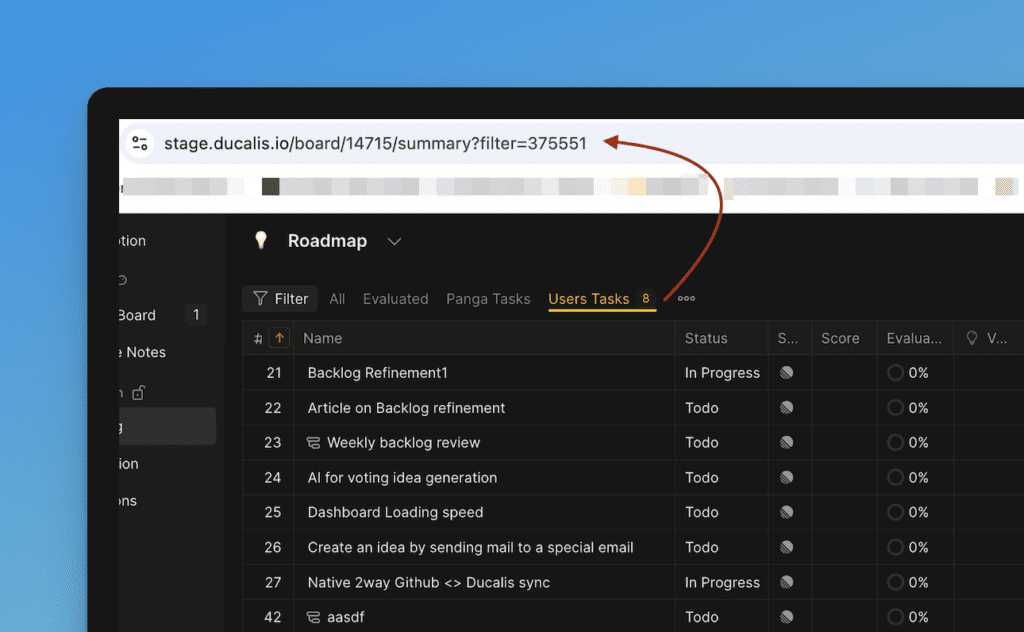
Once the filter is applied, your browser's URL will update to reflect the filter parameters.
-
Simply copy the URL from the address bar.
-
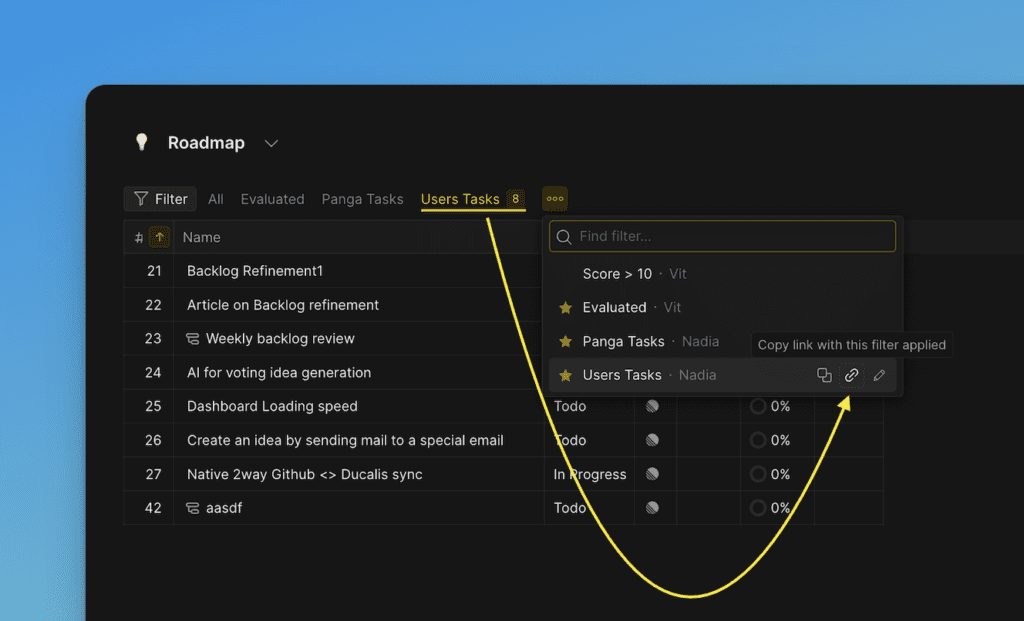
Or copy the link from the filter dropdown list.
Share the URL
-
Paste the copied URL into an email, chat, or document to share it with others.
-
The recipient can click the link to access the filtered view with the same settings you applied.
This method allows anyone with the link and the right permissions to see the exact filtered view you've created.