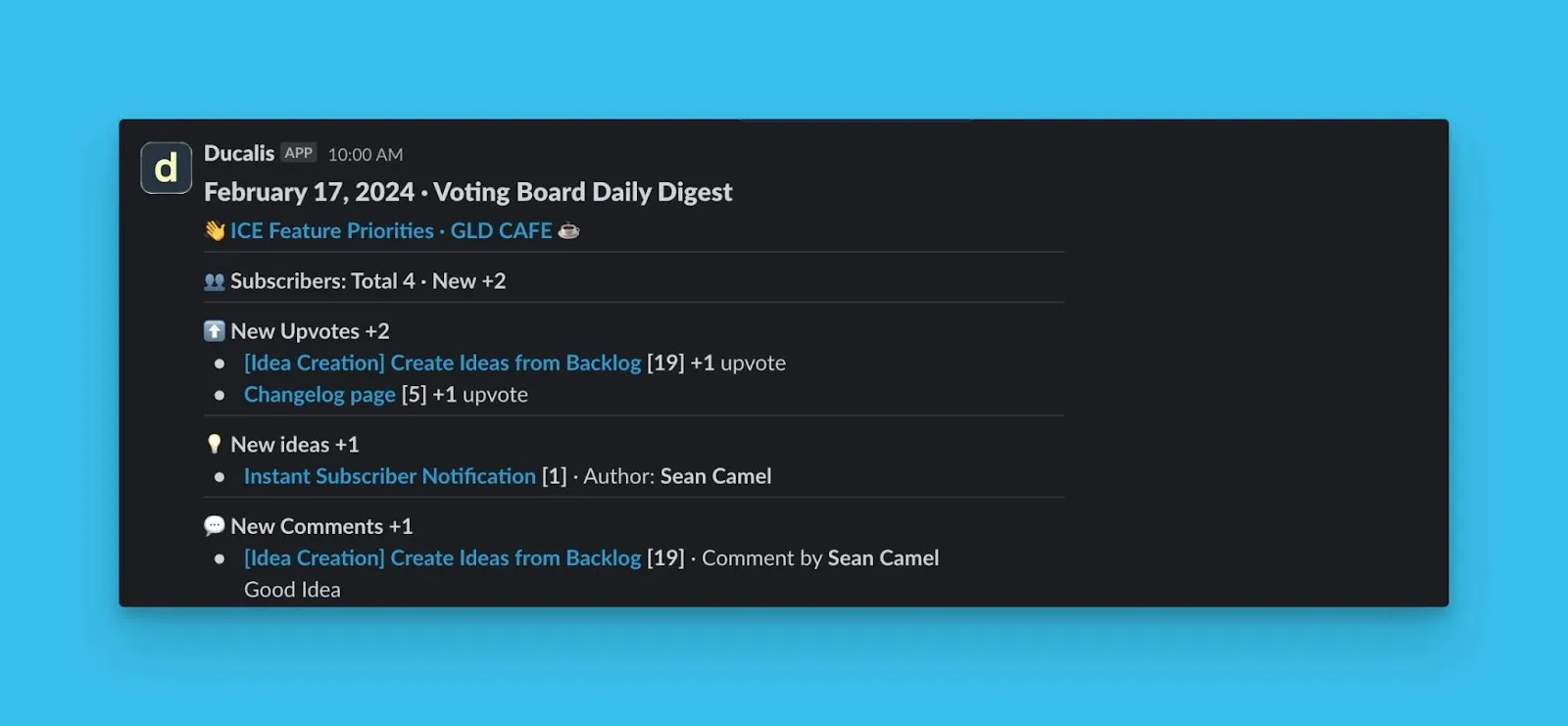
Email digest
Receive a comprehensive summary of all the key activities and engagements happening within your voting board to your email.
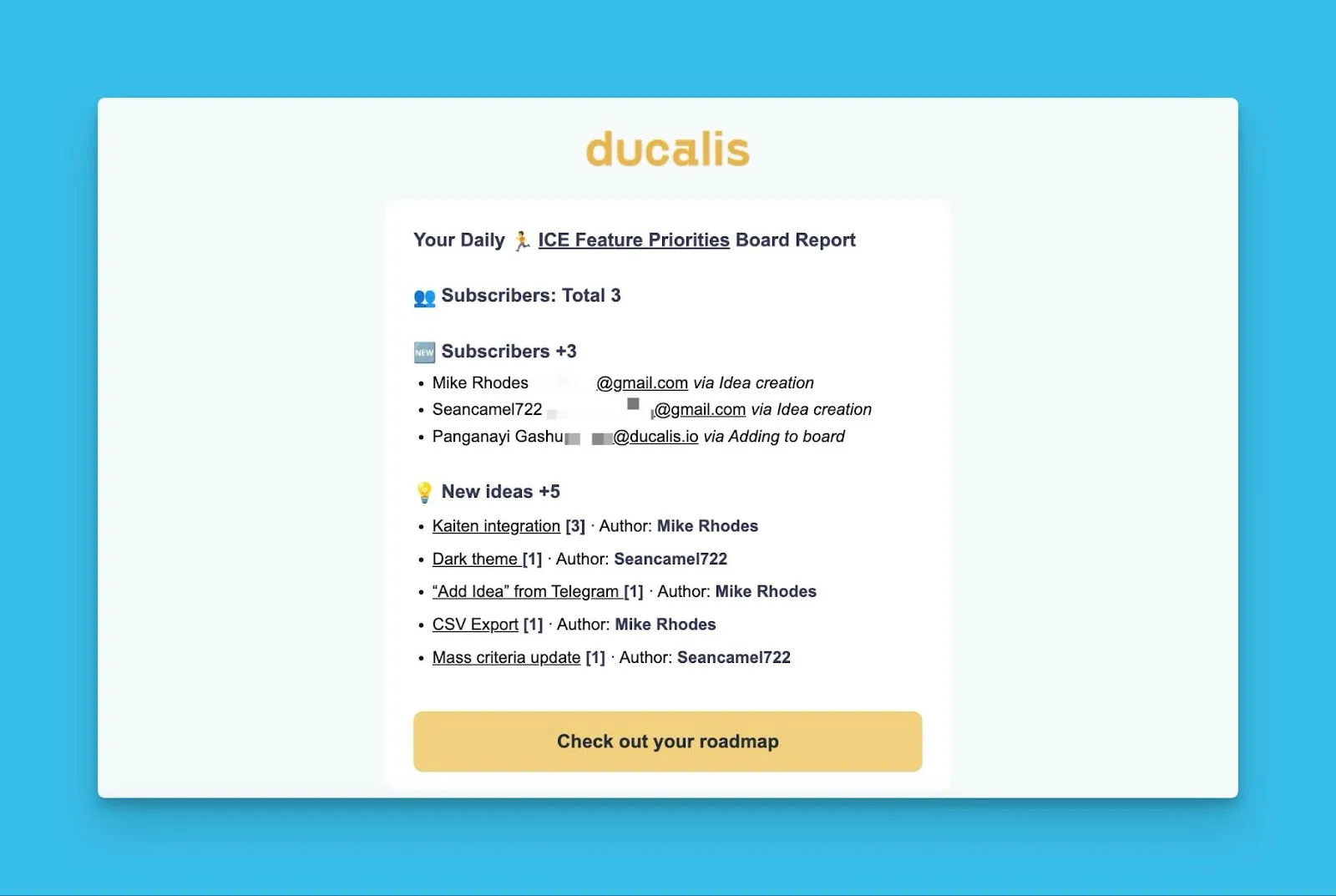
Contents of the digest
The digest provides users with a quick overview of the latest updates. It includes essential information such as:
Subscribers
The total number of subscribers on your voting board and also new subscribers.
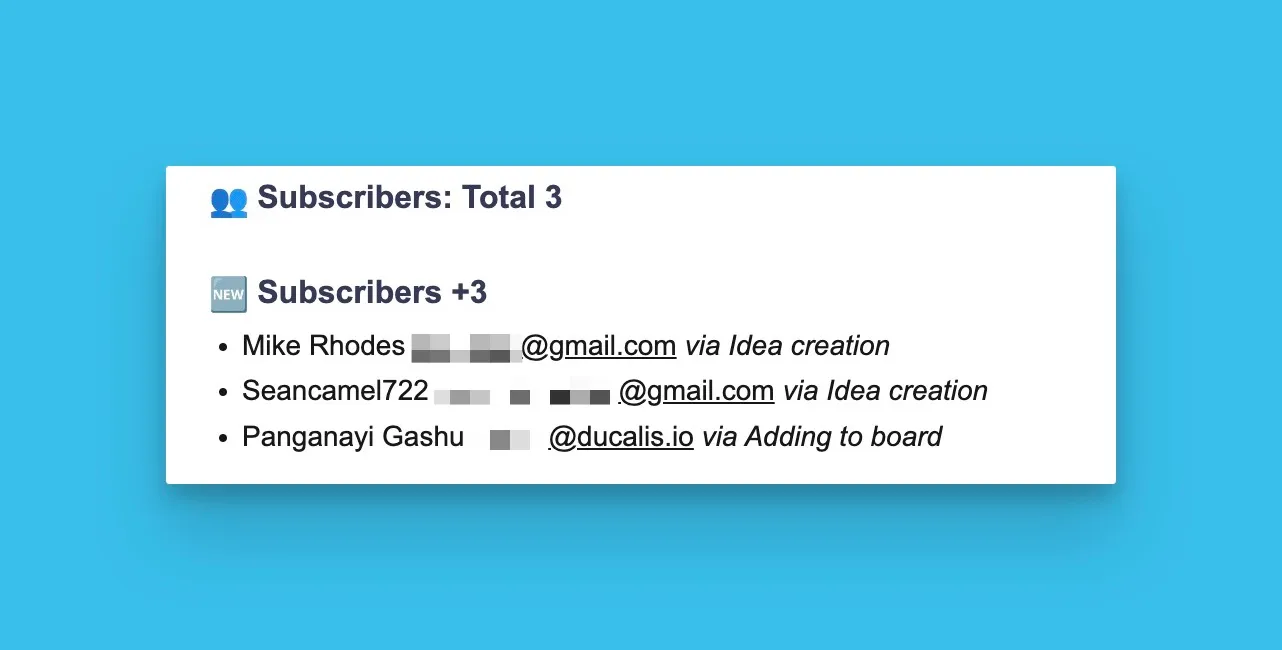
Customer unsubscribes
Information about users you unsubscribe from the voting board.
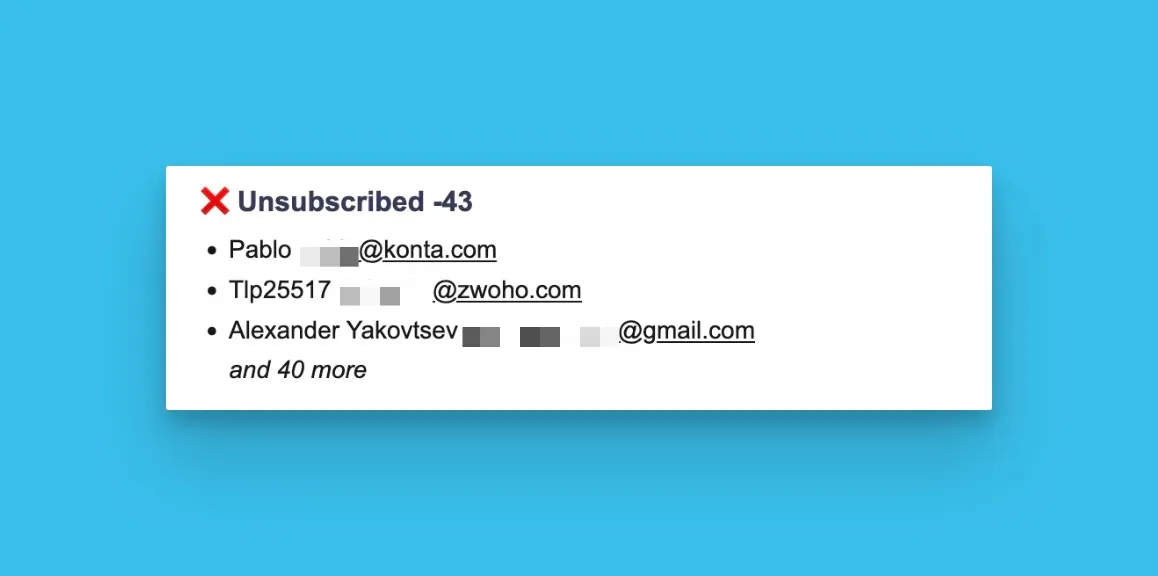
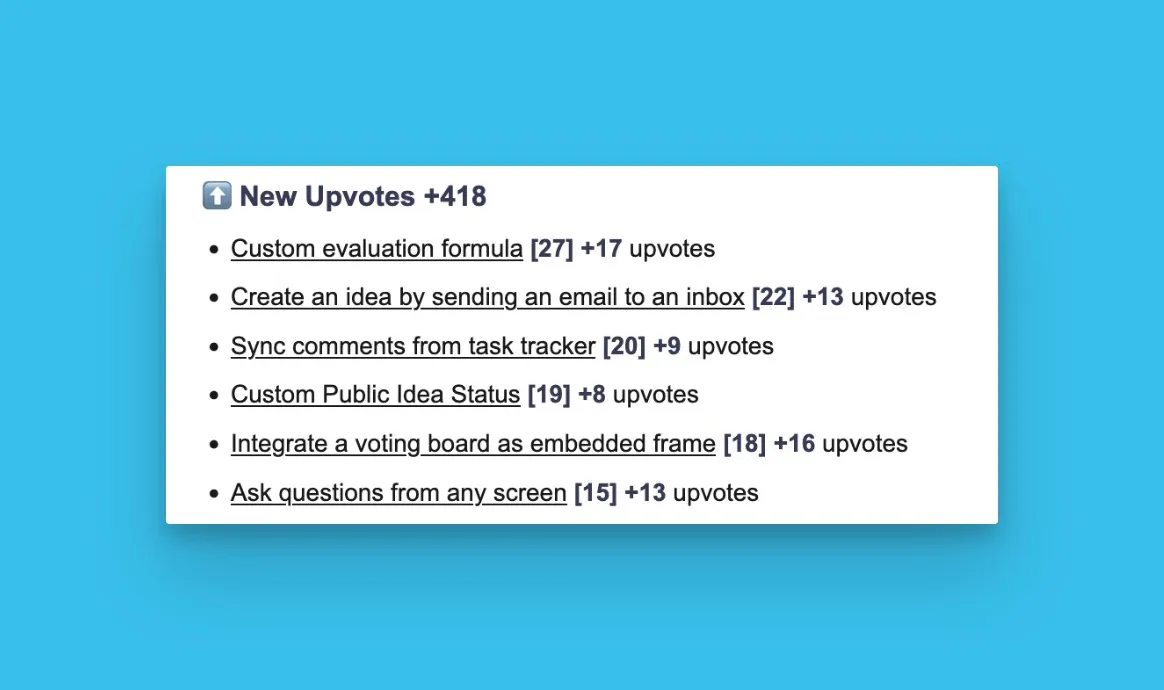
New upvotes
The list of the ideas with new upvotes. Indicated next to the idea will be the number of current upvotes, and the number of new upvotes.
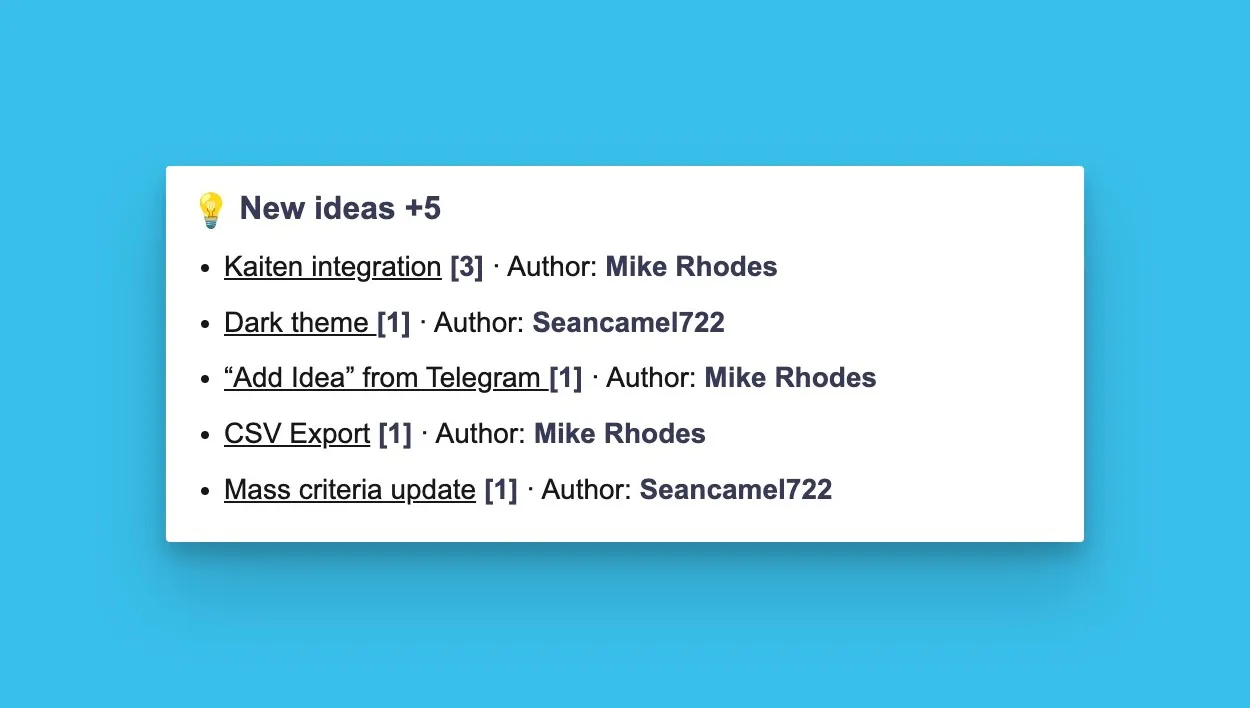
New Ideas
All the new ideas added in the past 24 hours. Their upvotes and the author wrote the idea.
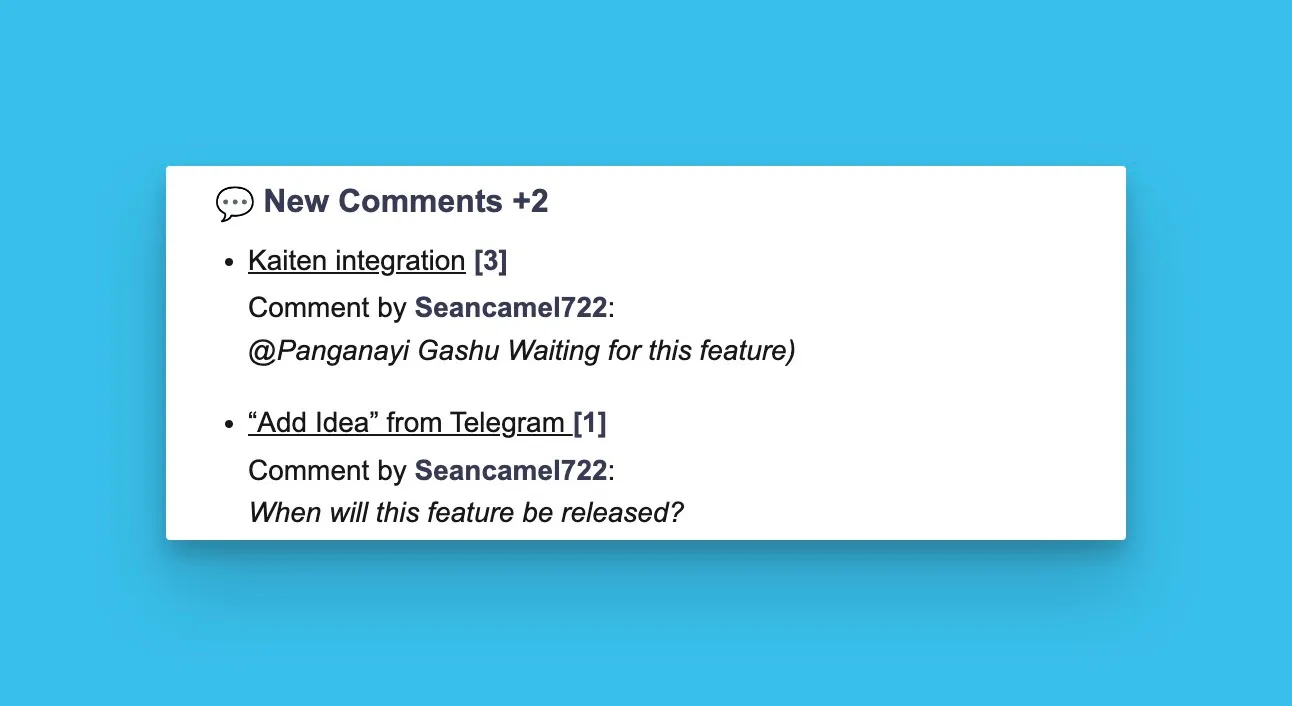
New comments
All the new comments added in the past 24 hours under this block. They are sorted by the number of upvotes the idea they were added to has. You can also see the author of a comment.
How does it work?
Enabling the Daily Voting Board Digest is simple and hassle-free. Once activated in your account settings, you'll receive a daily email summary of your voting board activities.
Enable digest
Go to Team Notifications → Voting Boards Notifications → Daily Digest.
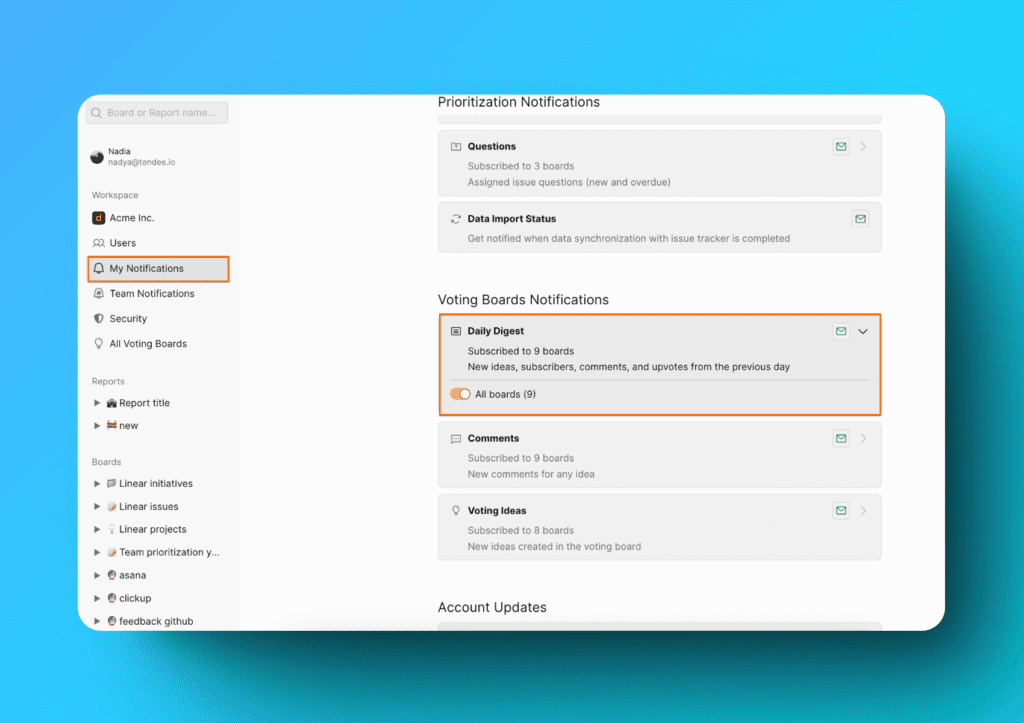
Choose the boards you want to get notifications from.
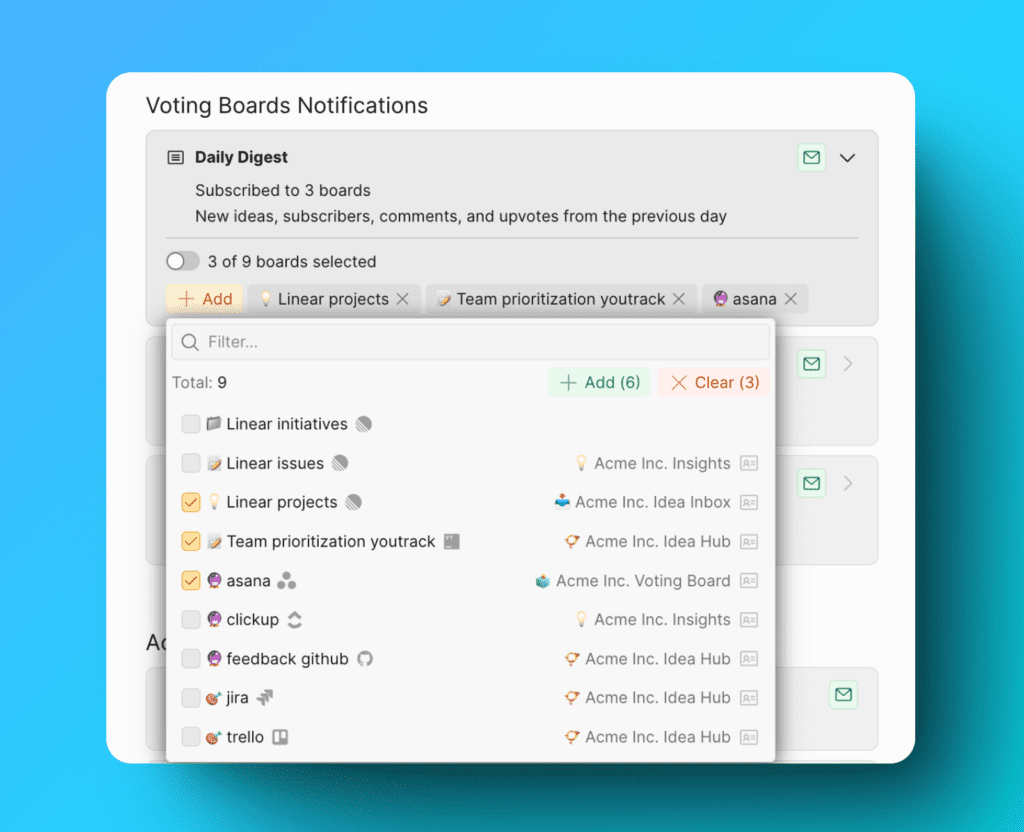
Receive daily updates
You will start to receive a daily summary of the activities that would have happened in the previous 24 hours.
What's next?
Check out this article on how you can receive a daily voting board digest to a Slack channel.