Account settings
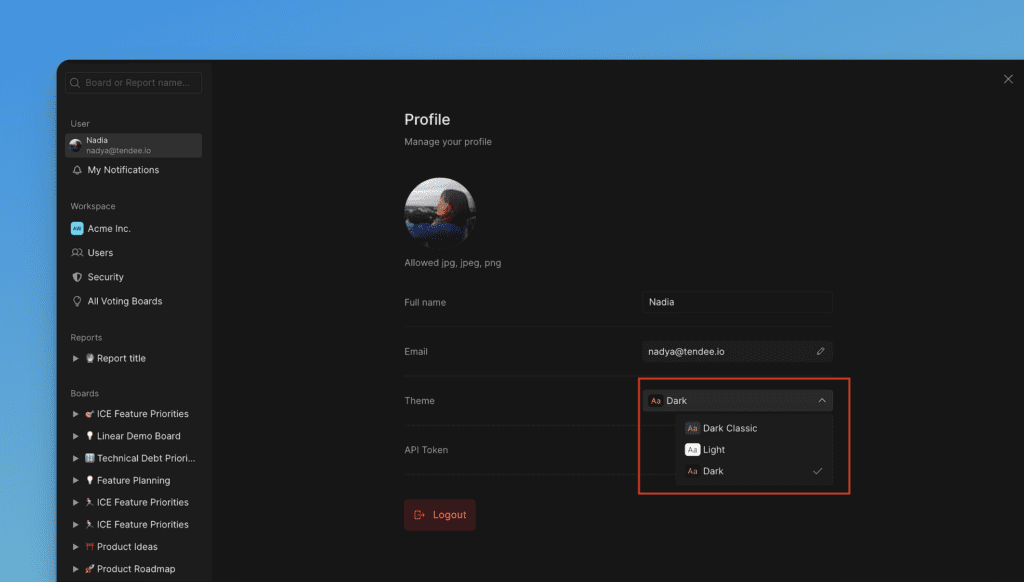
Update your personal account settings anytime after creating your account. Change your avatar, name, email address, and theme preferences.
Access settings from Avatar in the navigation.
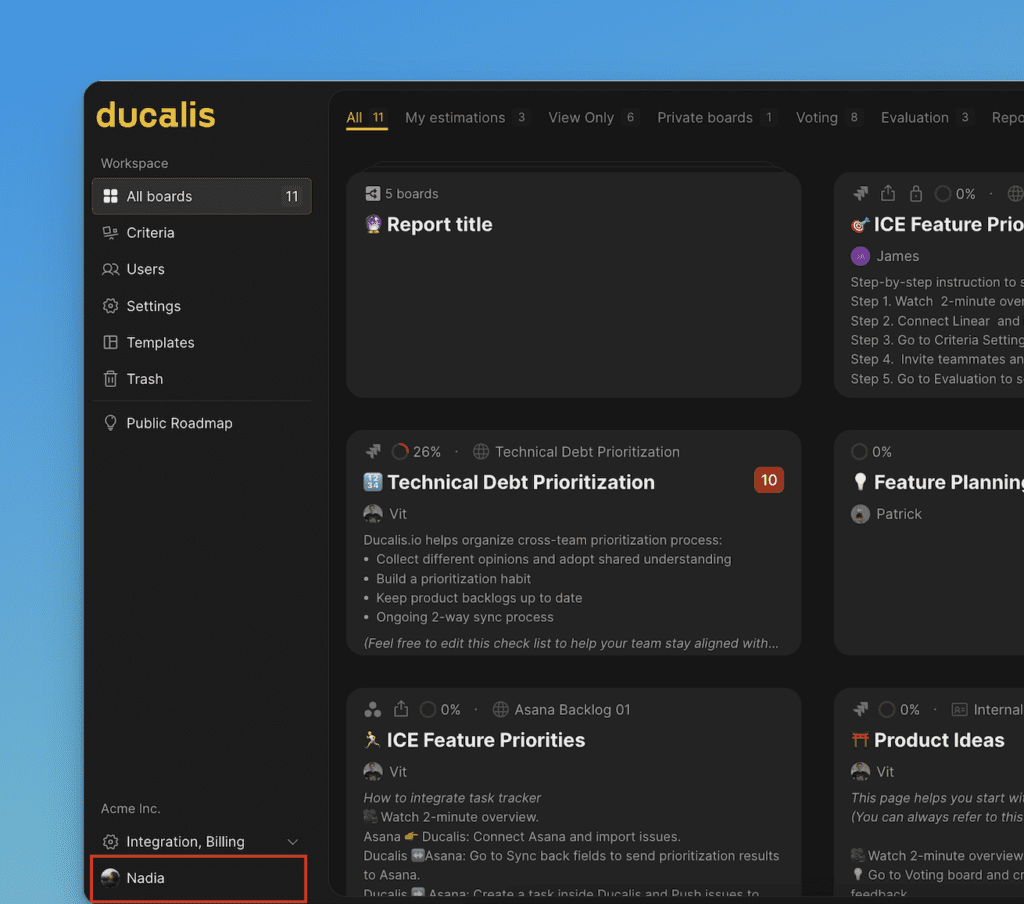
Avatar
-
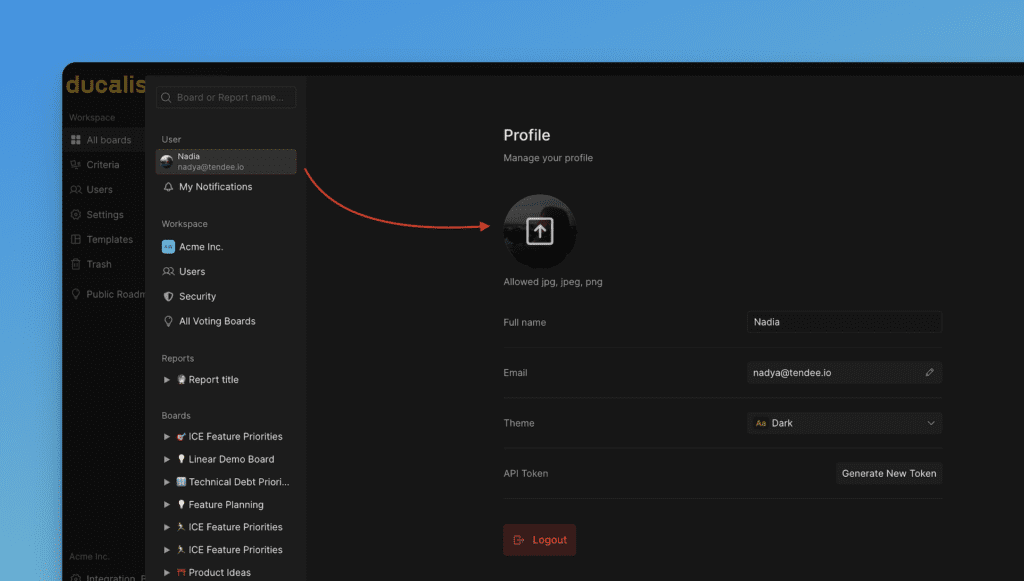
Click your avatar.
-
Choose a file from your device.
Name
-
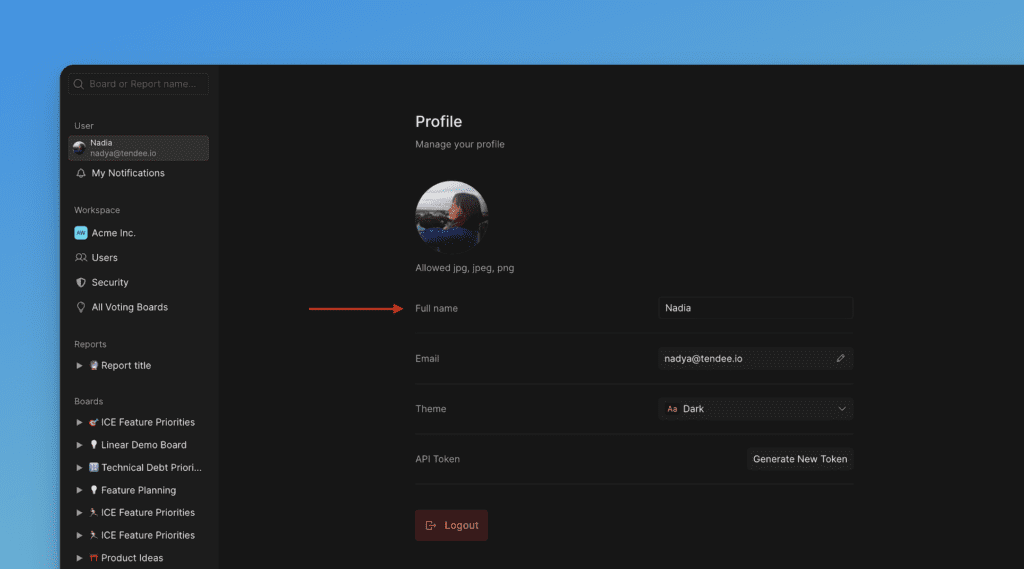
Click your username below the avatar image.
-
Enter a new name.
Email address
-
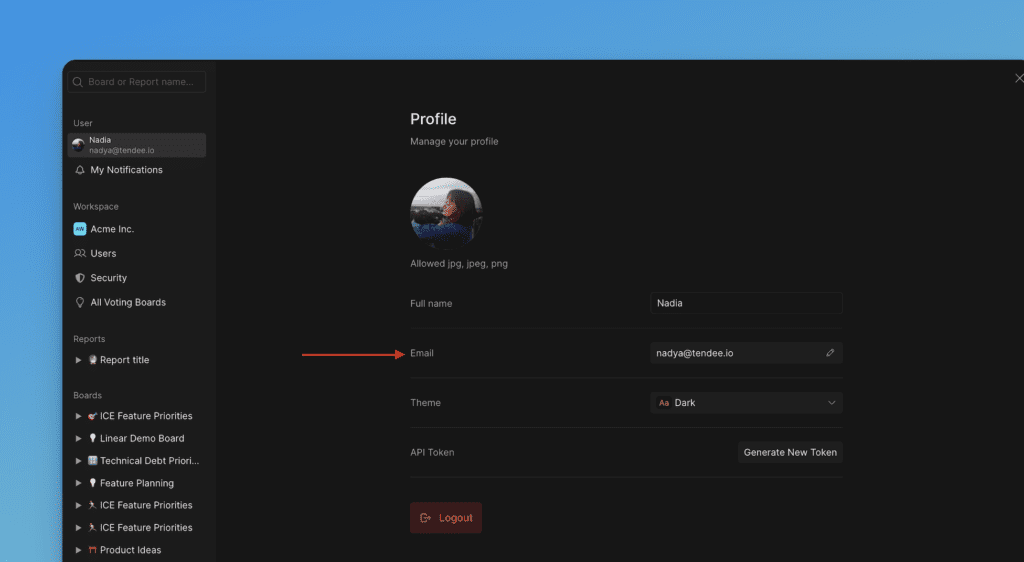
Click Change email.
-
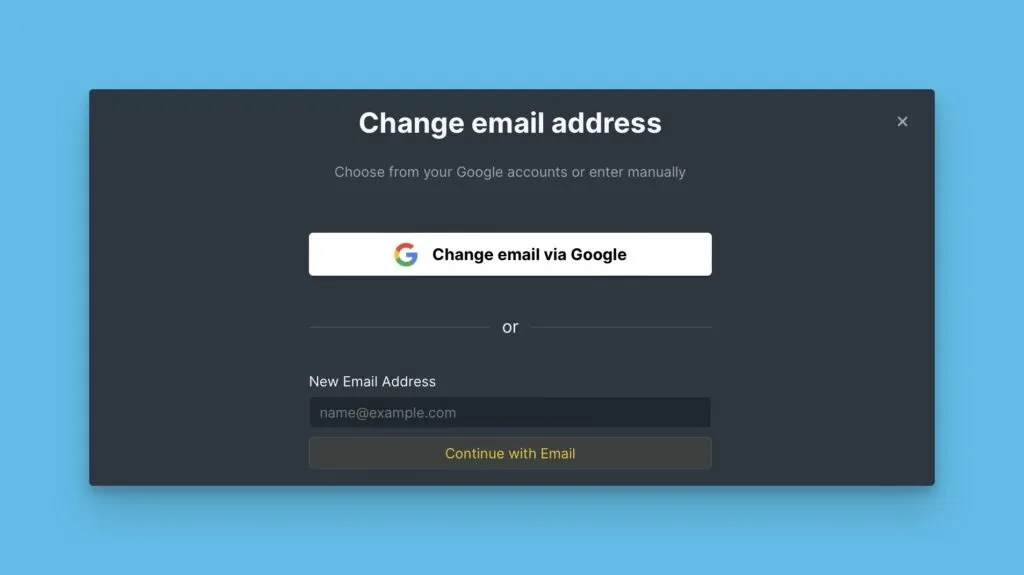
Enter your new email address or sign in with Google.
-
Click Continue with Email.
-
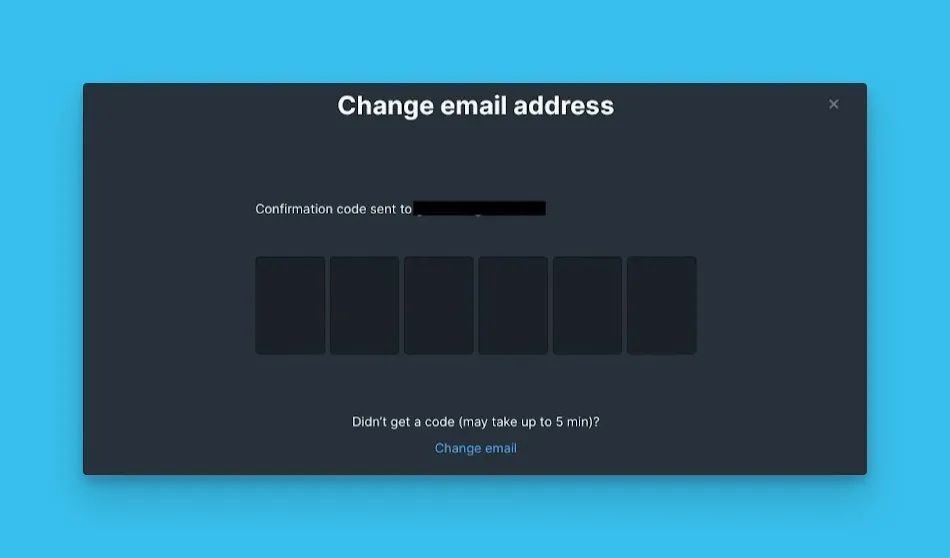
Enter the verification code sent to your new email address.
Theme
Choose between Dark classic, Dark, or Light themes.