Billing and plans
When you create your Ducalis account, you're automatically enrolled in a free Business trial for 14 days with access to all features.
Free trial
Your trial countdown appears at the top of the screen, showing days remaining.
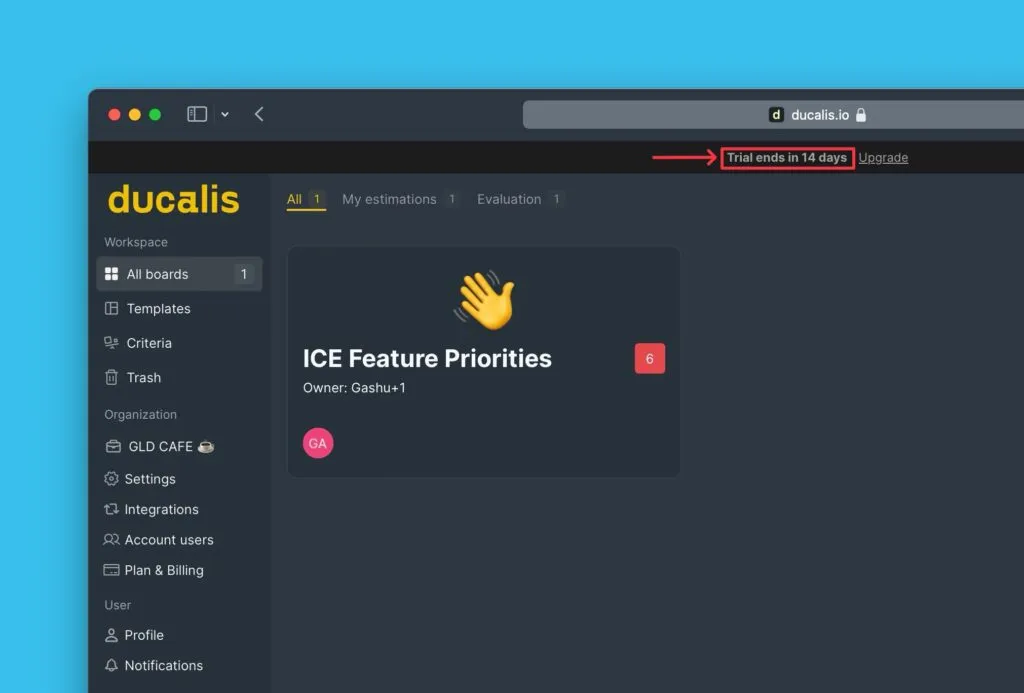
Upgrade anytime by clicking Upgrade or navigating to Billing settings.
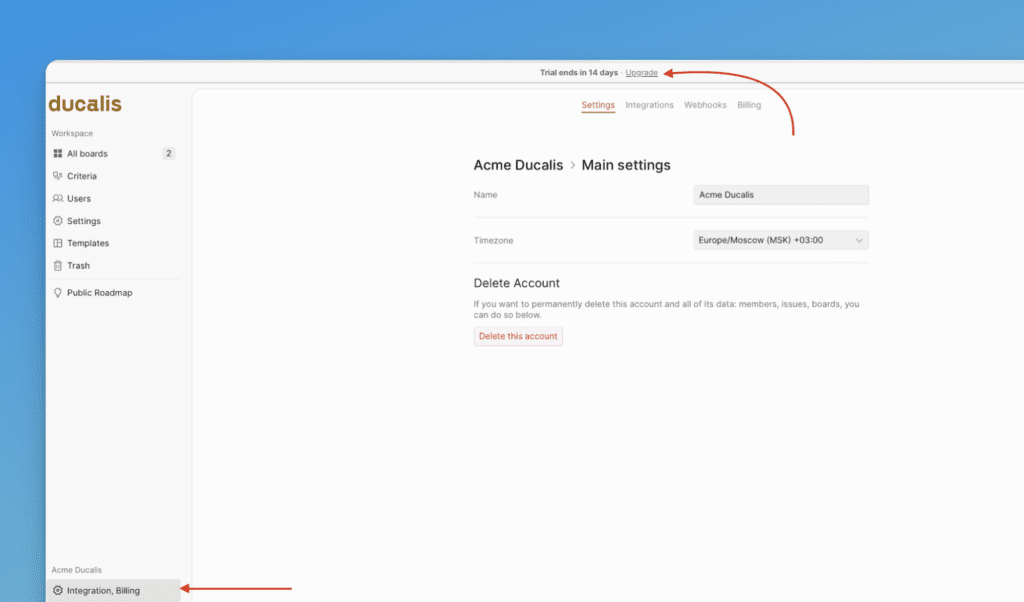
Choose the plan that fits your needs.
Contact us for custom pricing or enterprise options.
After trial expiration
When your trial ends, you have two options:
- Upgrade to a paid plan
- Continue with the Free plan
Choose a plan
-
Go to Plans & Billing.
-
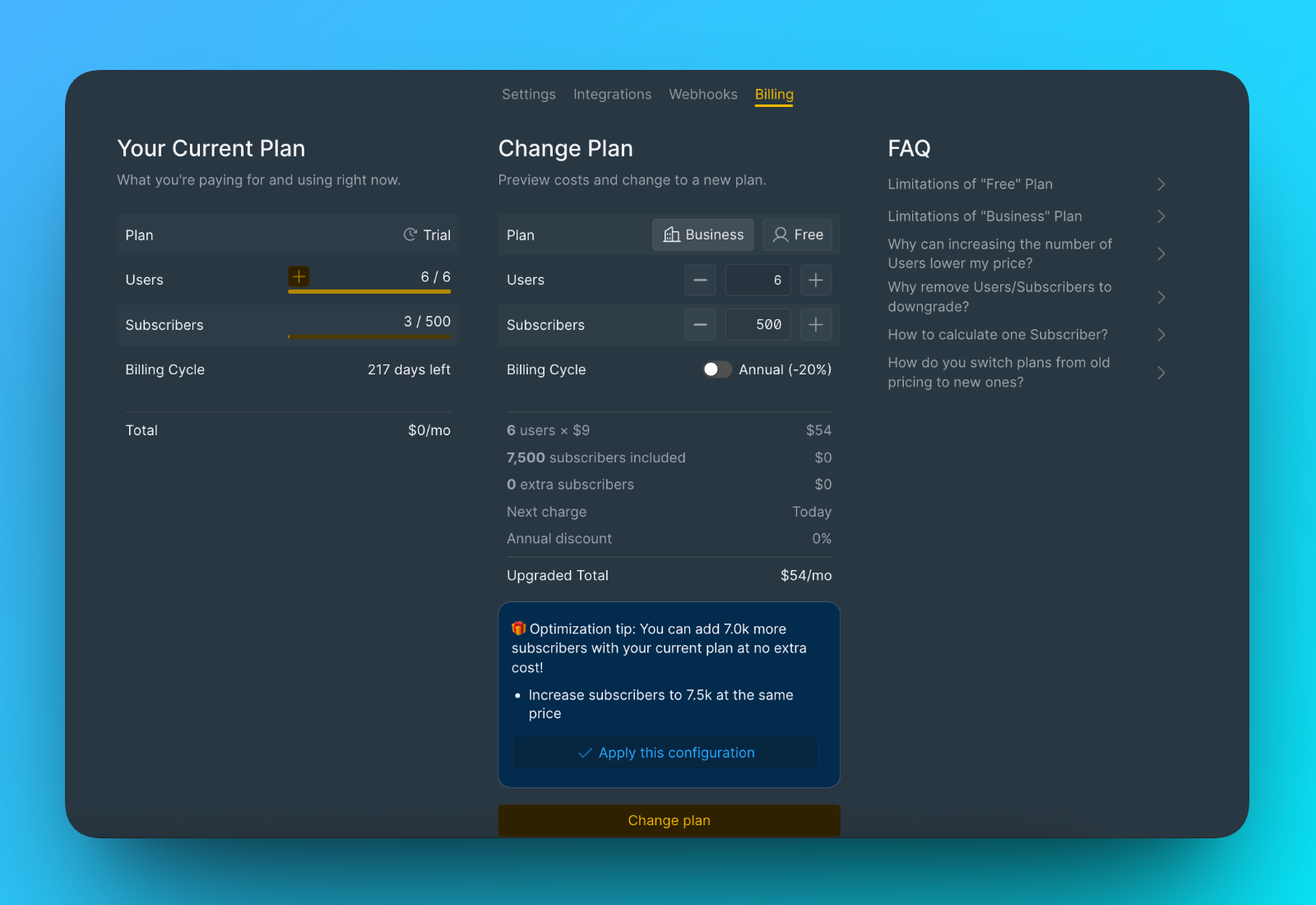
Select your plan.
-
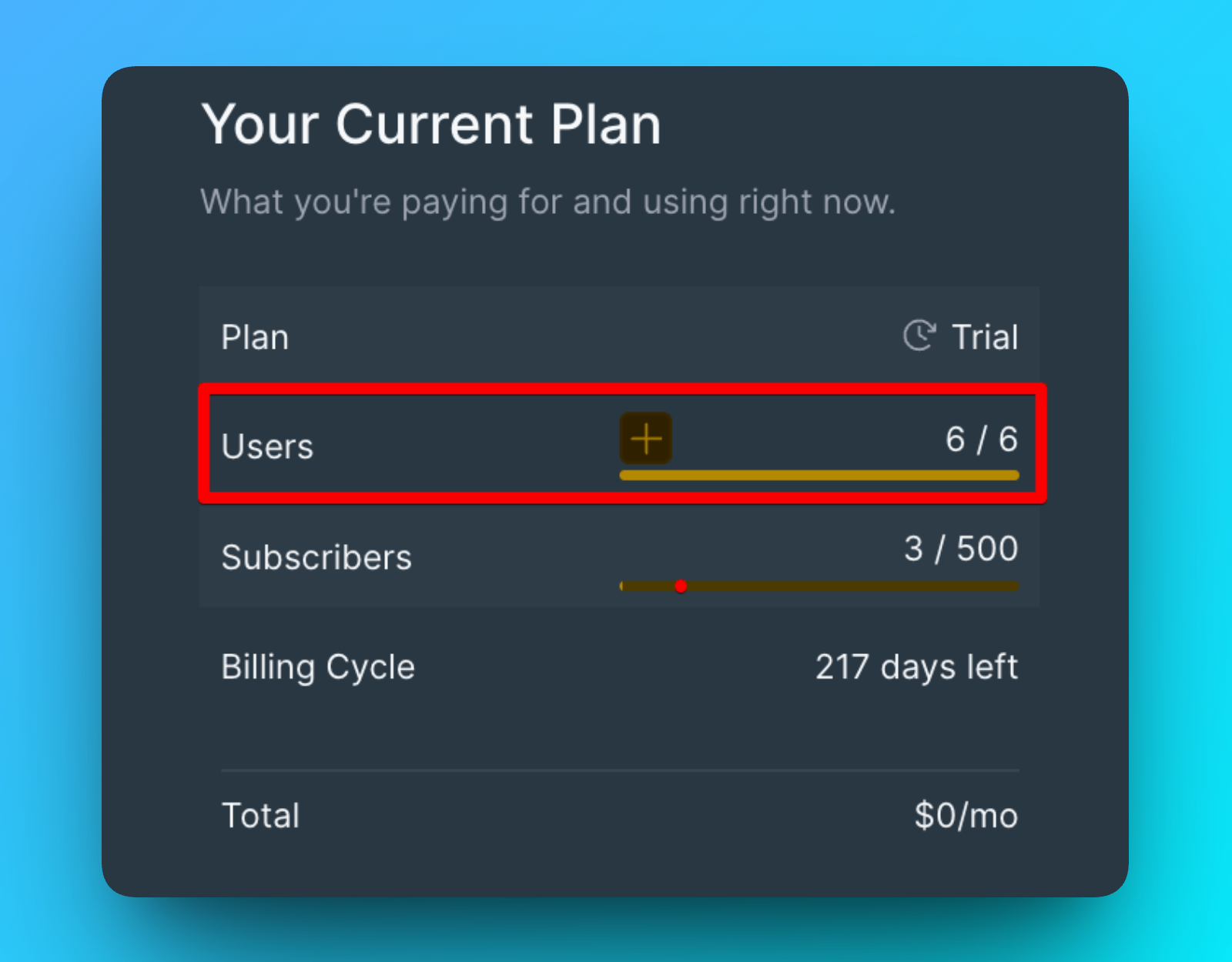
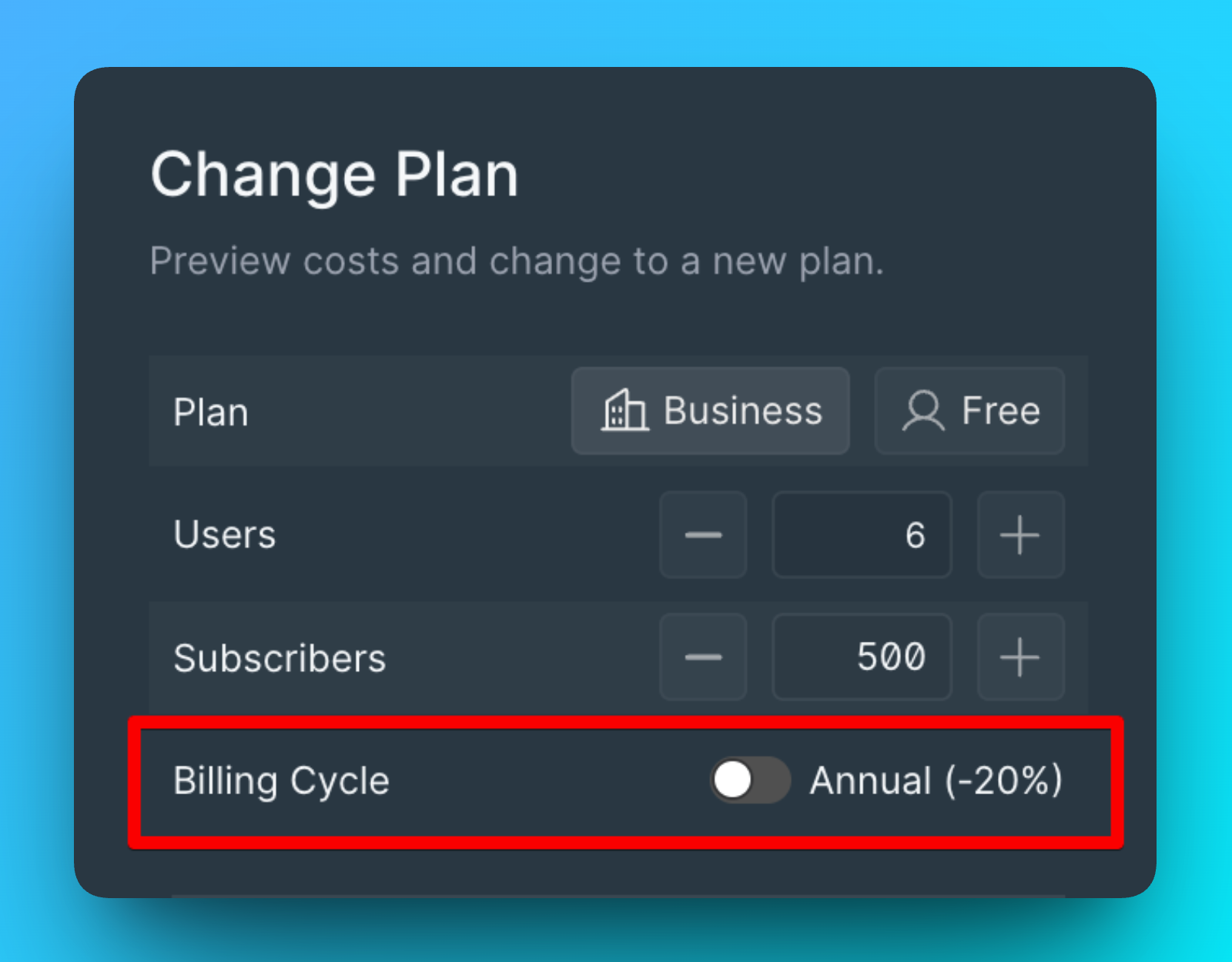
Adjust the number of users (plans are charged per user).
-
Choose billing frequency (monthly by default, or switch to yearly).
-
Click Pay to proceed.
For custom pricing, contact us.
Complete payment
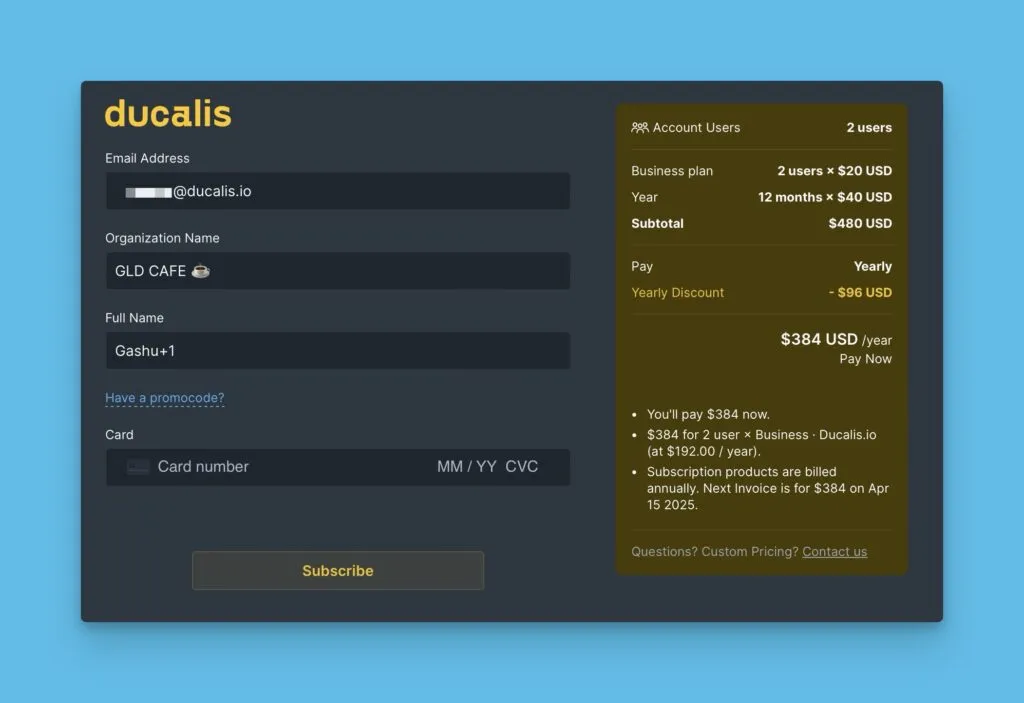
After clicking Pay, you'll be redirected to the payment page.
- Verify or edit your email address, organization name, and name (auto-filled).
- Enter your card details.
- Click Subscribe.
View detailed plan features at https://hi.ducalis.io/billing-plan.
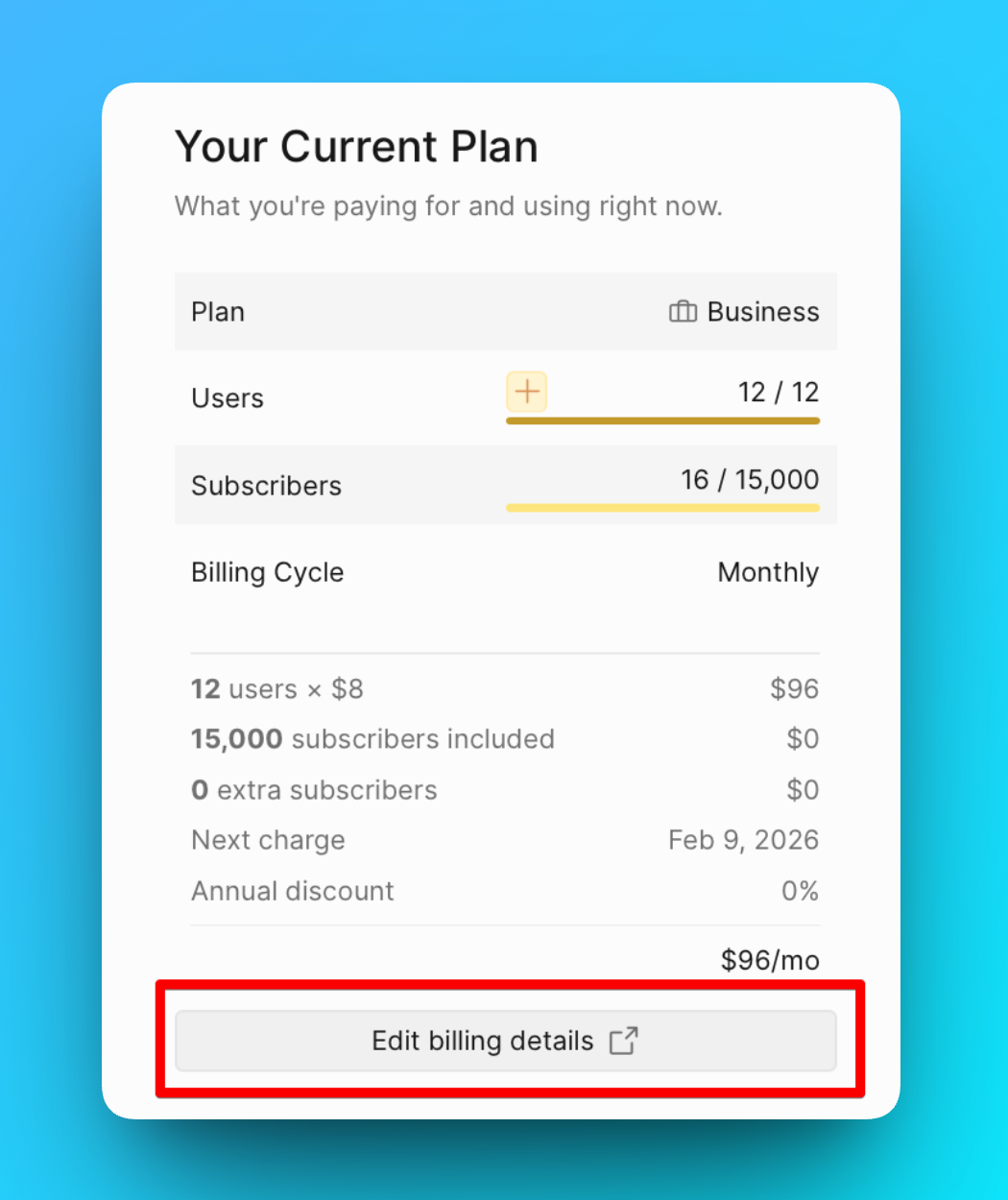
Edit billing details
- Go to Plans & Billing.
- Click Edit billing details.
Cancel subscription
Navigate to Billing and select the cancellation option. Admin permissions are required to cancel subscriptions.