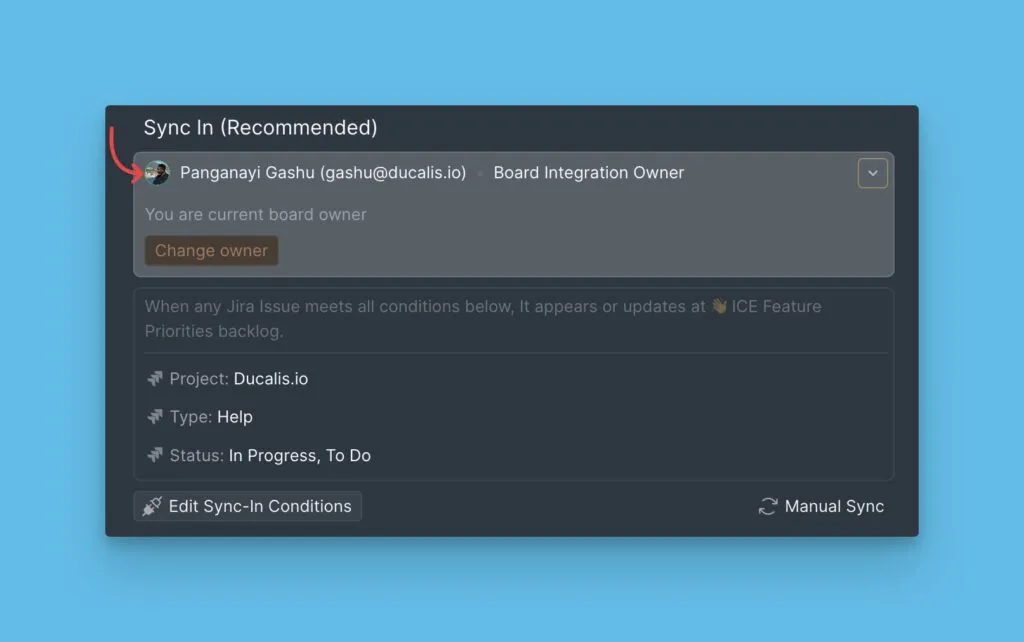
Board ownership transfer
Transfer Board ownership to change which user manages the task tracker integration and sync settings for a Board.
Prerequisites
Only required for Boards connected to a task tracker.
When to transfer ownership
Transfer Board ownership when:
- The current owner leaves the team
- Integration management responsibilities change
- A different user needs admin access to the task tracker
The new owner must have admin access to the connected task tracker to manage Sync Back.
Transfer ownership
Only the user who will become the new Board owner can complete this process.
-
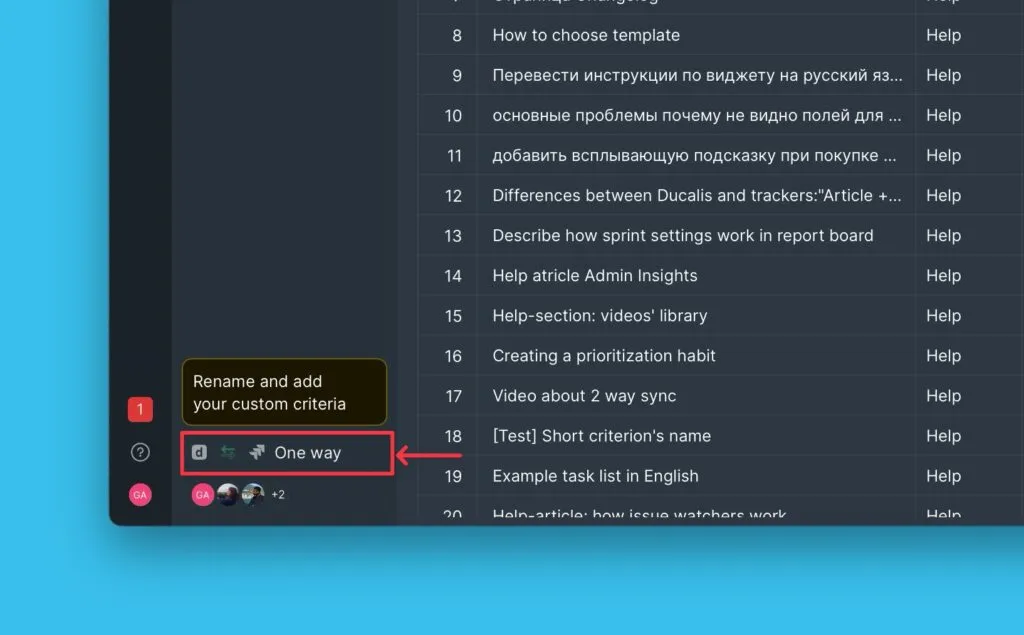
Go to Sync Settings.
-
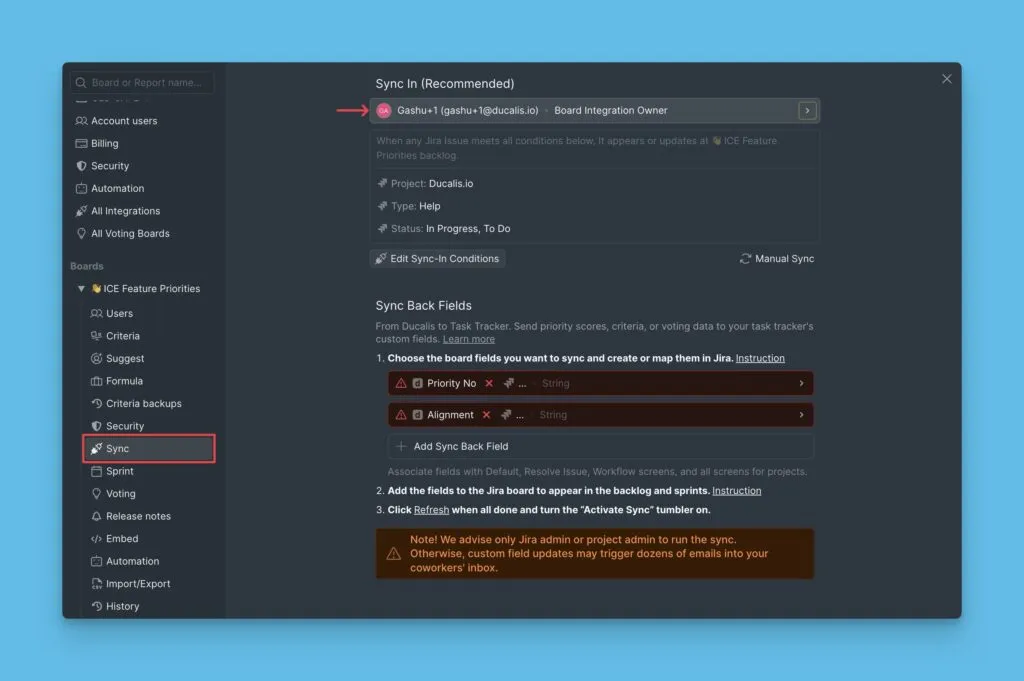
Scroll down to Sync and open the Board owner section.
-
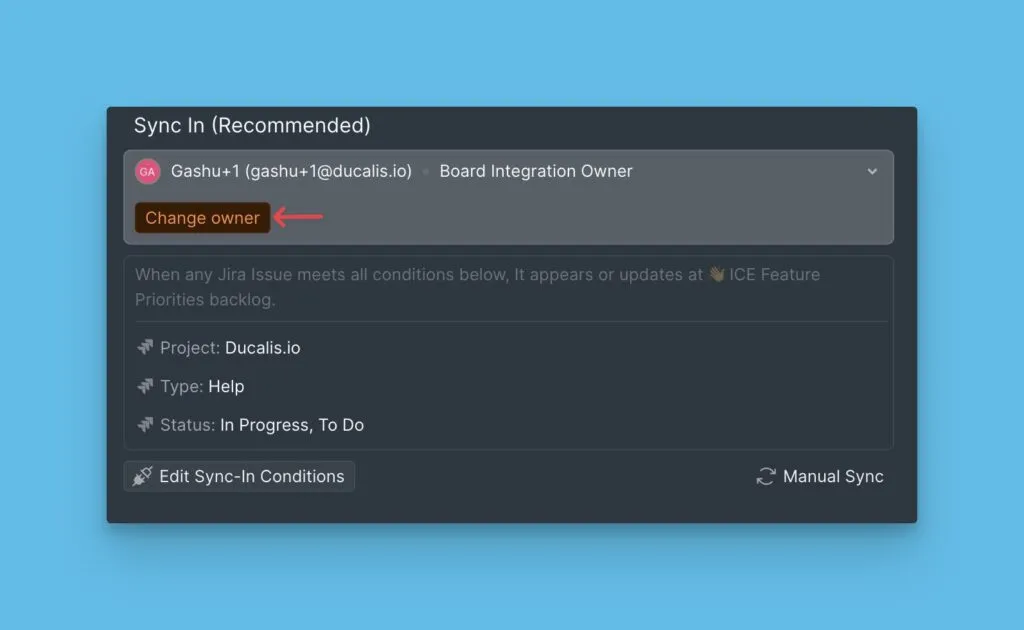
Click Change Owner.
-
Authorize Ducalis to access your task tracker account.
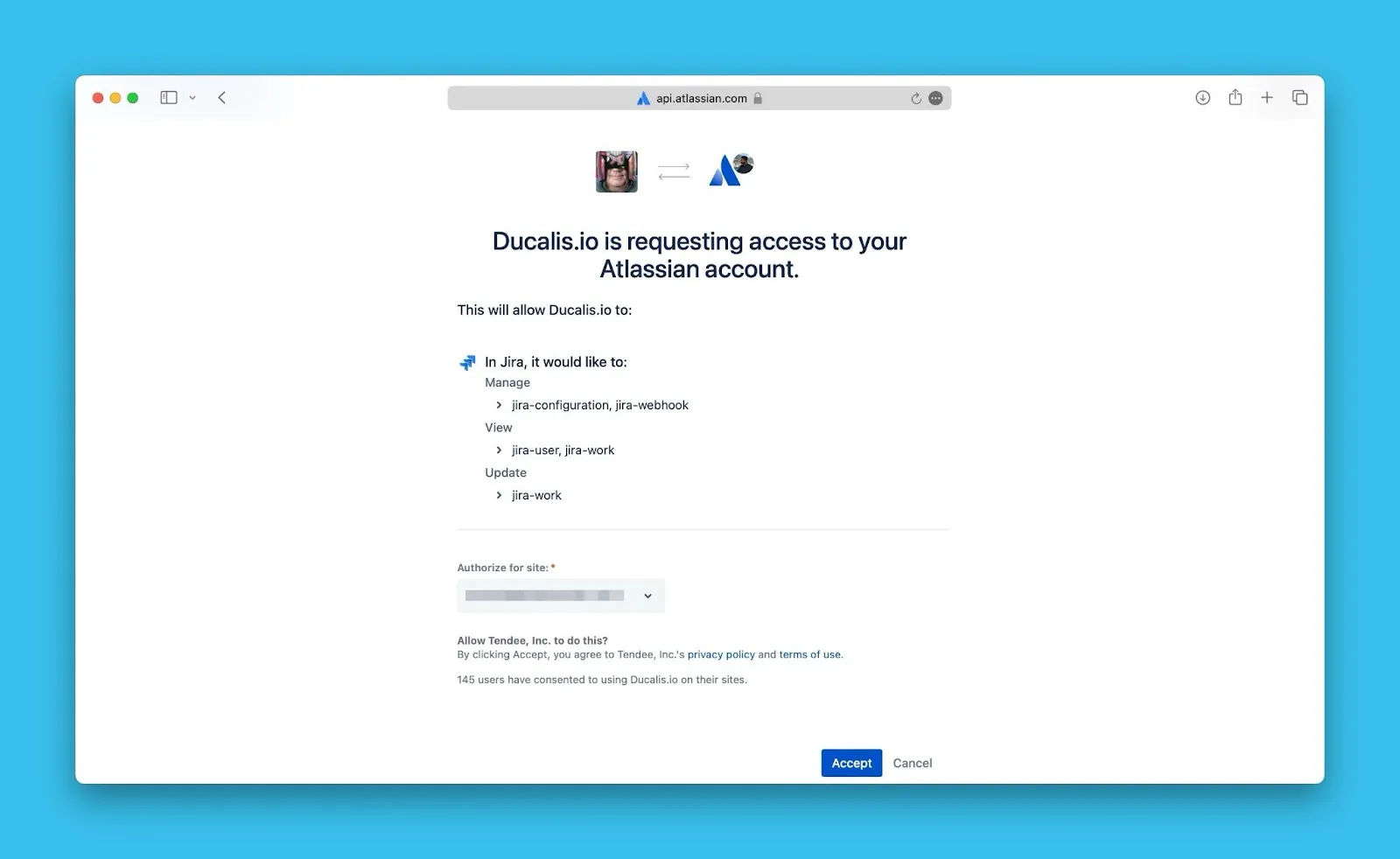
The Board owner has been updated. The new owner can now manage integration settings and Sync Back configuration.