Watching
Watch issues to receive notifications for updates, comments, and status changes—even if you're not assigned to them. Stay informed about any issue activity that matters to you.
Watch an issue
-
Open the issue card.
-
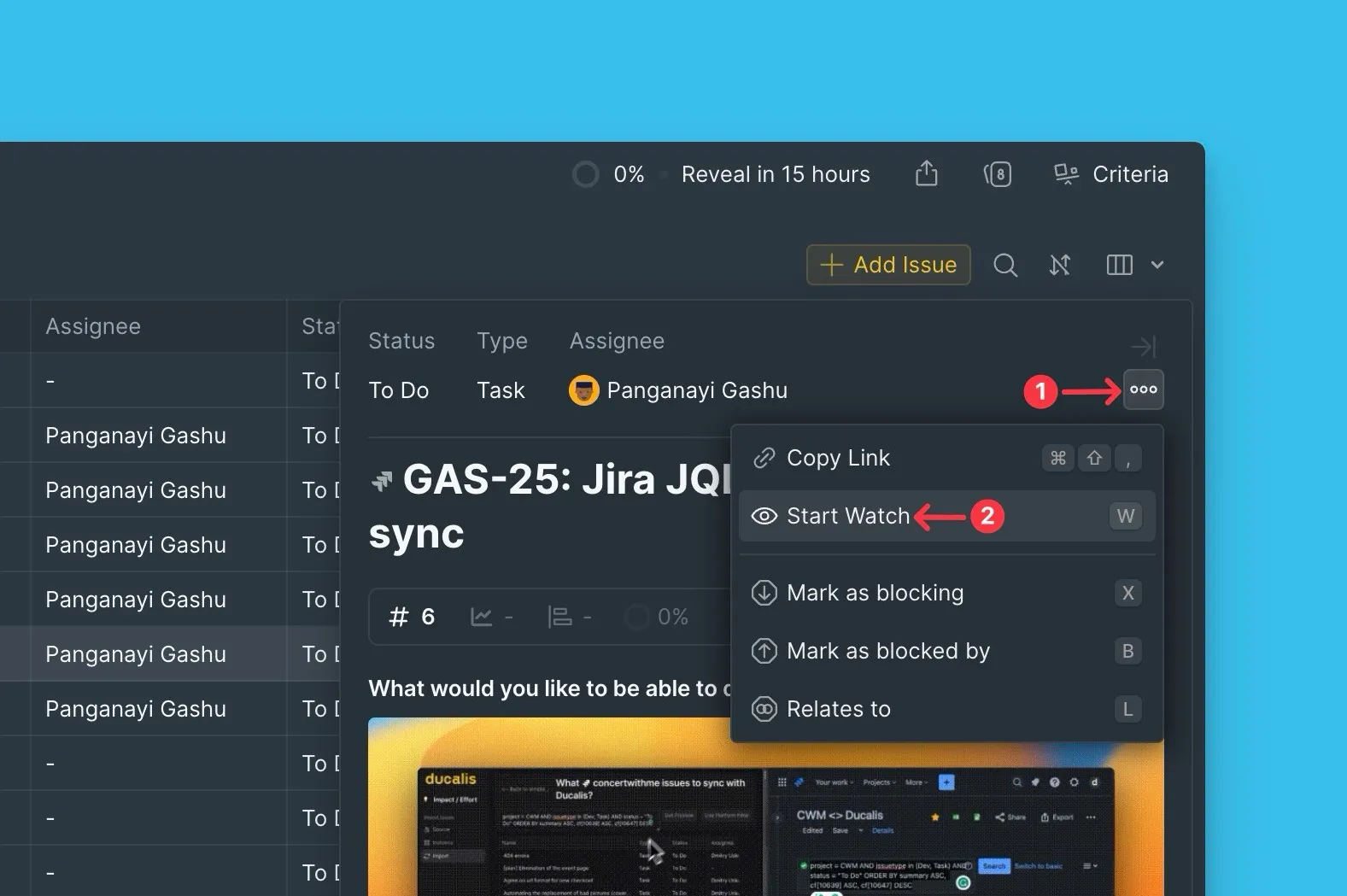
Press W, or click the ellipsis (...) and select Start Watch.
Stop watching an issue
-
Open the issue card you're watching.
-
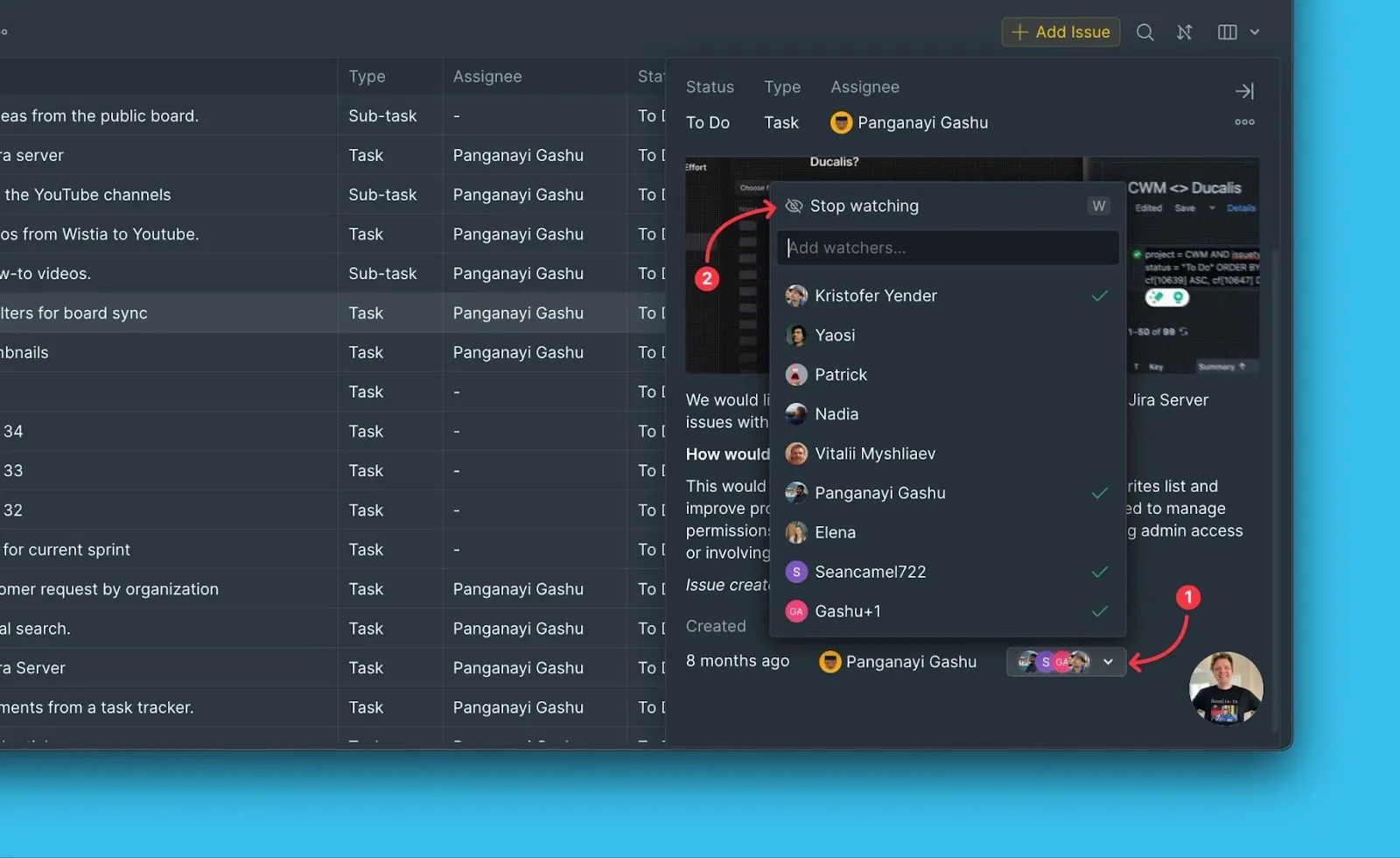
Press W, or scroll to Watchers at the bottom of the card and click Stop Watching.
Automatic watchers
You automatically become a watcher when you:
- Create the issue
- Are assigned as the assignee or reporter
- Comment on or add a question (mentioned users also become watchers)
- Join a question thread
Manage watchers
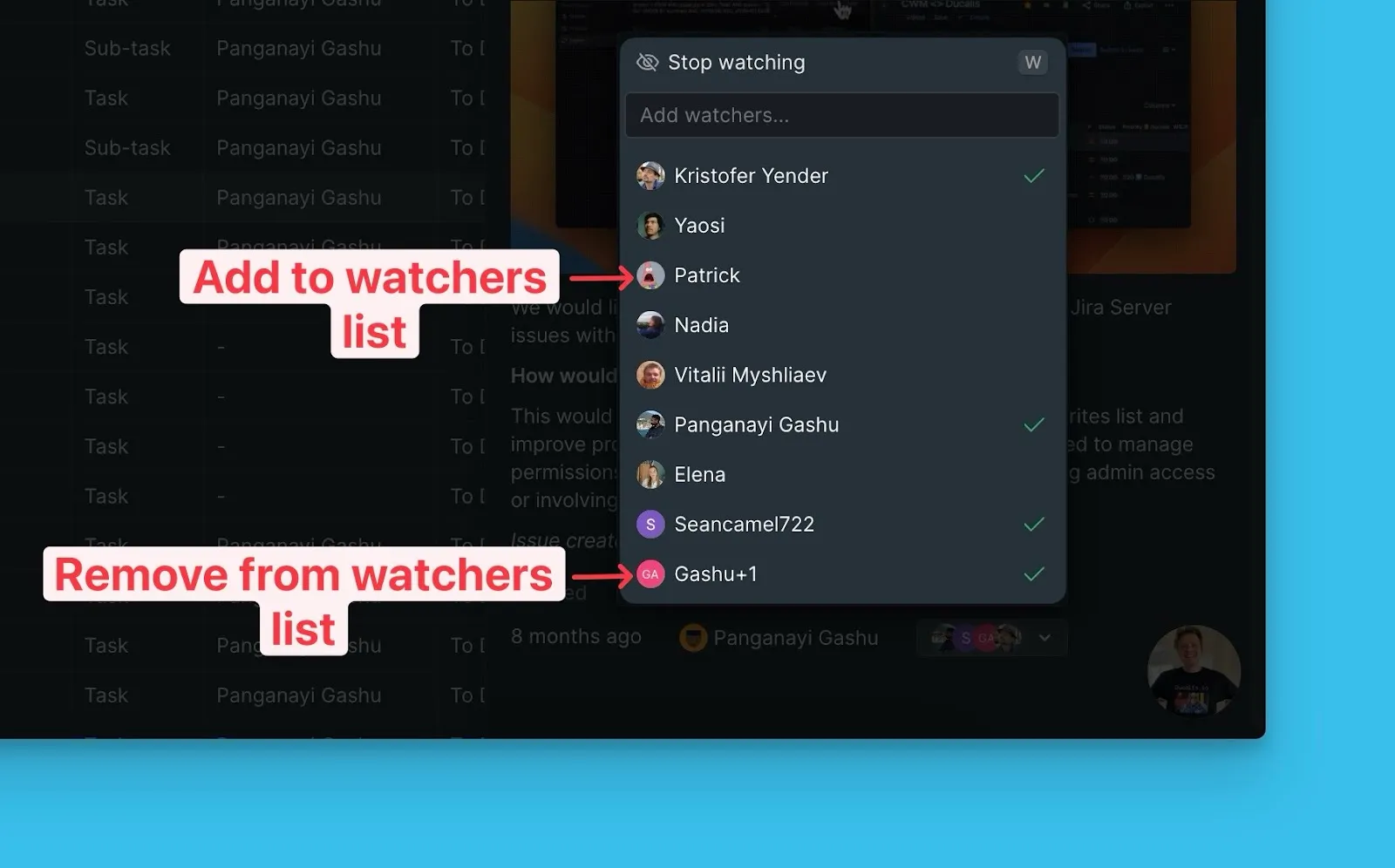
Anyone on the Board (Owners, Admins, Members) can add or remove watchers.
-
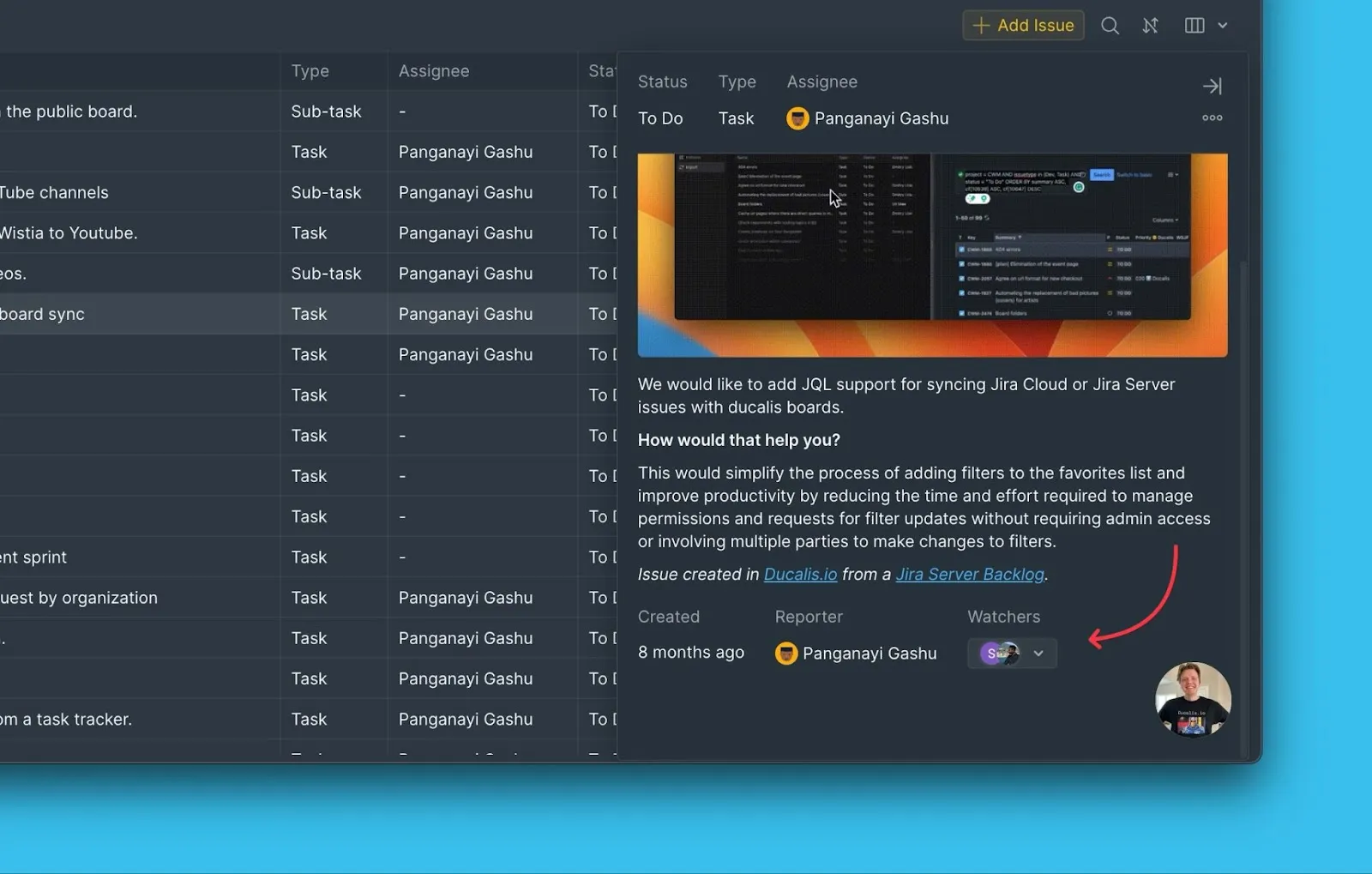
Scroll to Watchers at the bottom of the issue card.
-
Find the user in the list and add or remove them as a watcher.
Configure notifications
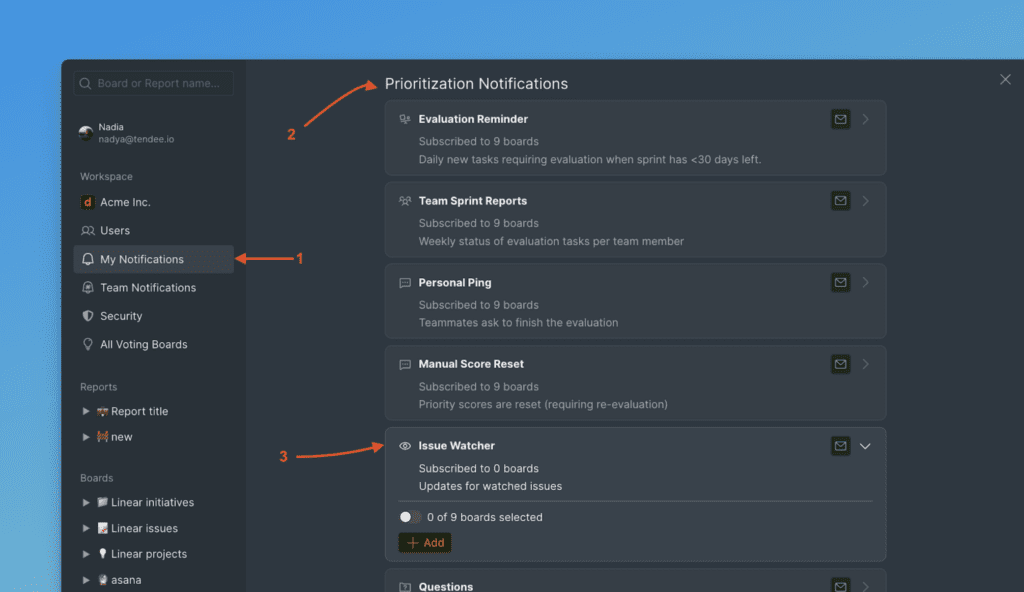
Customize which watcher notifications you receive in My Notifications → Prioritization Notifications → Issue Watcher.
Set up notification channels
-
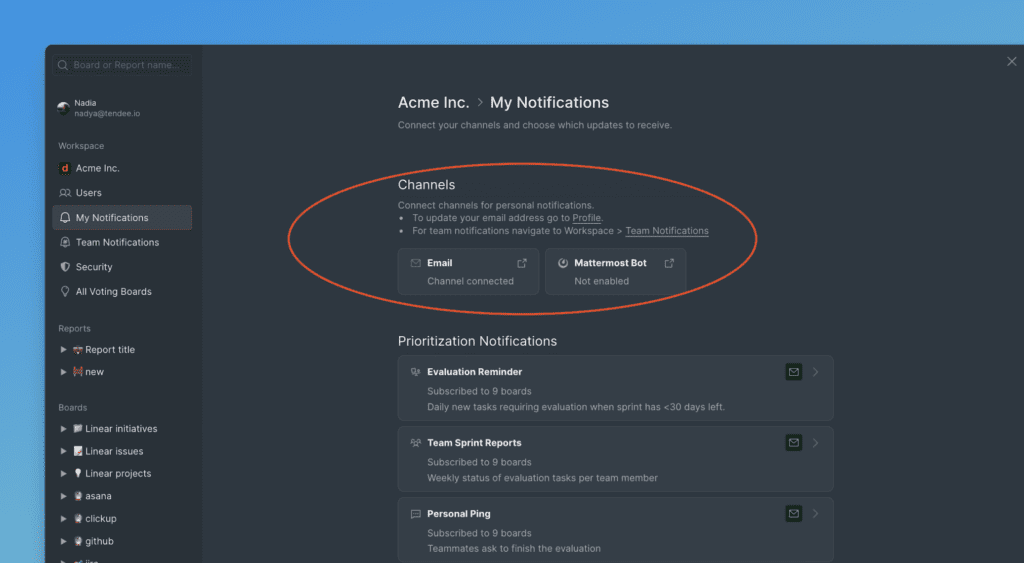
Choose and connect the channels where you want to receive notifications (email, Slack, etc.).
-
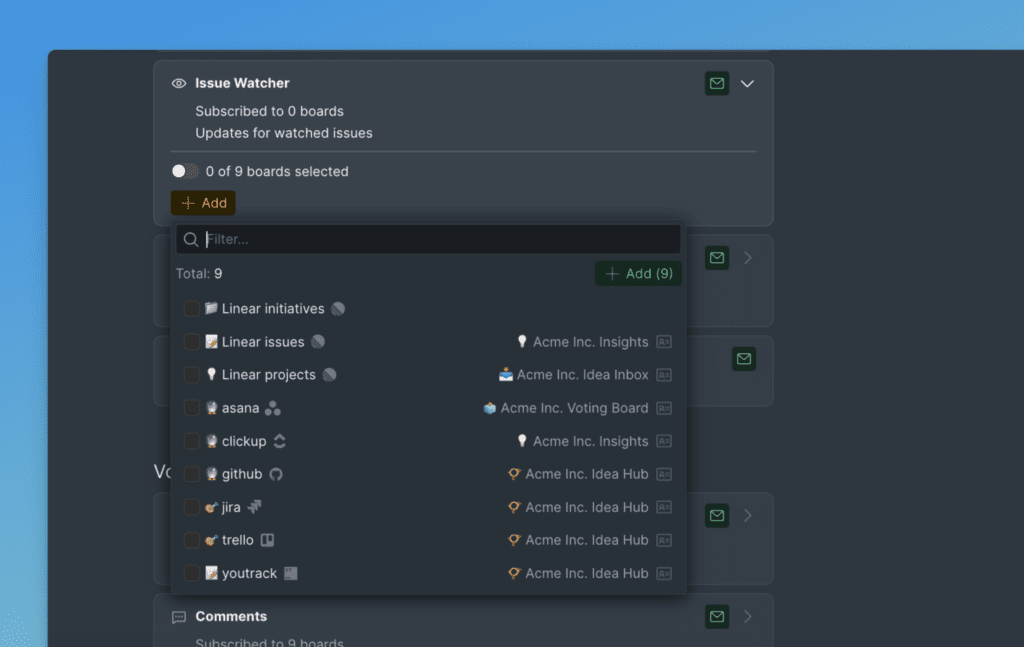
Choose whether to receive notifications from all Boards (toggle on) or select specific Boards.
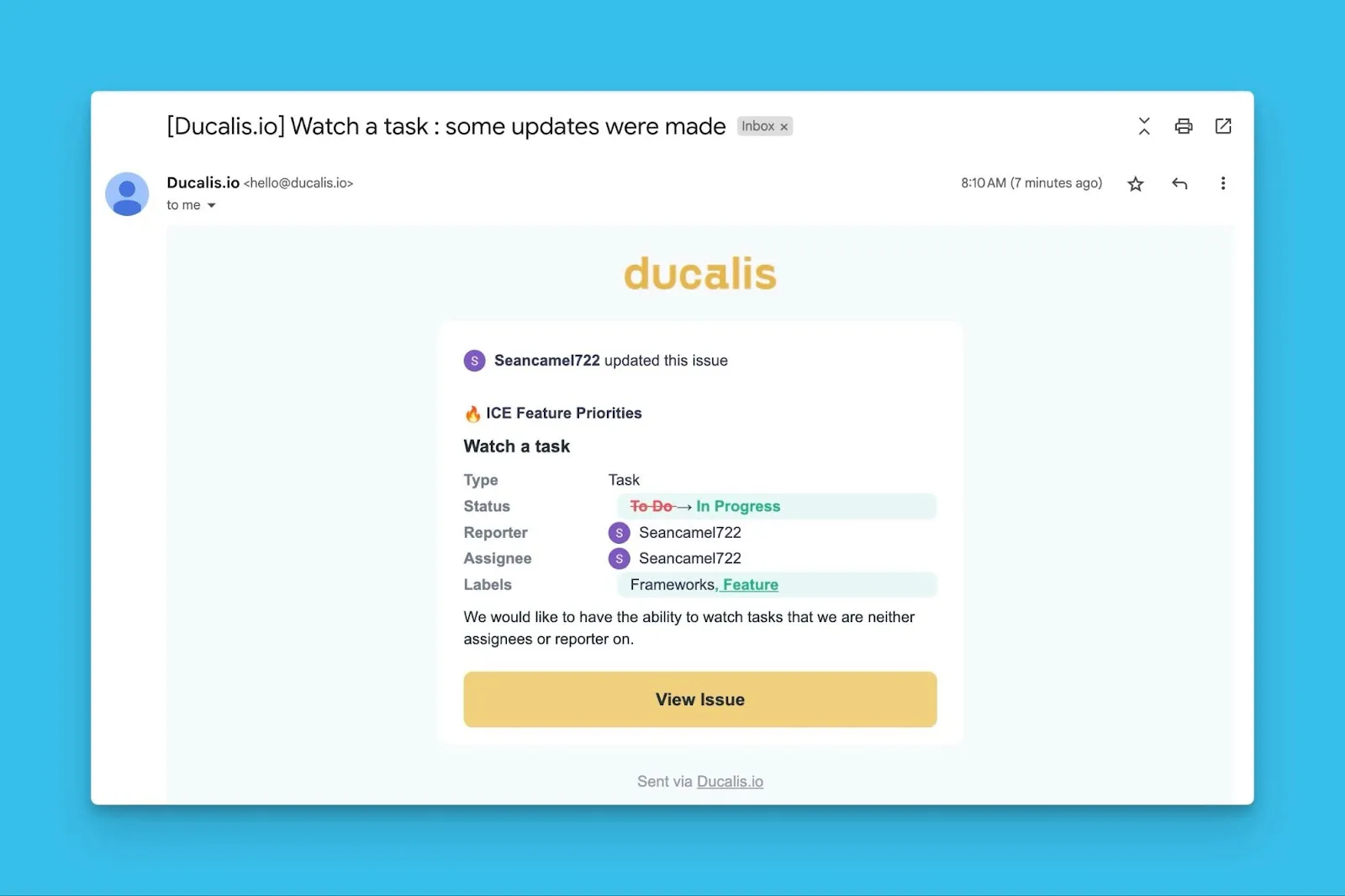
Email notification example
Here's what a watcher notification looks like in email: