Reset scores
Reset evaluation scores on an issue to trigger immediate re-evaluation. Use this after resolving team disagreements instead of waiting for scores to expire automatically.
Reset scores
-
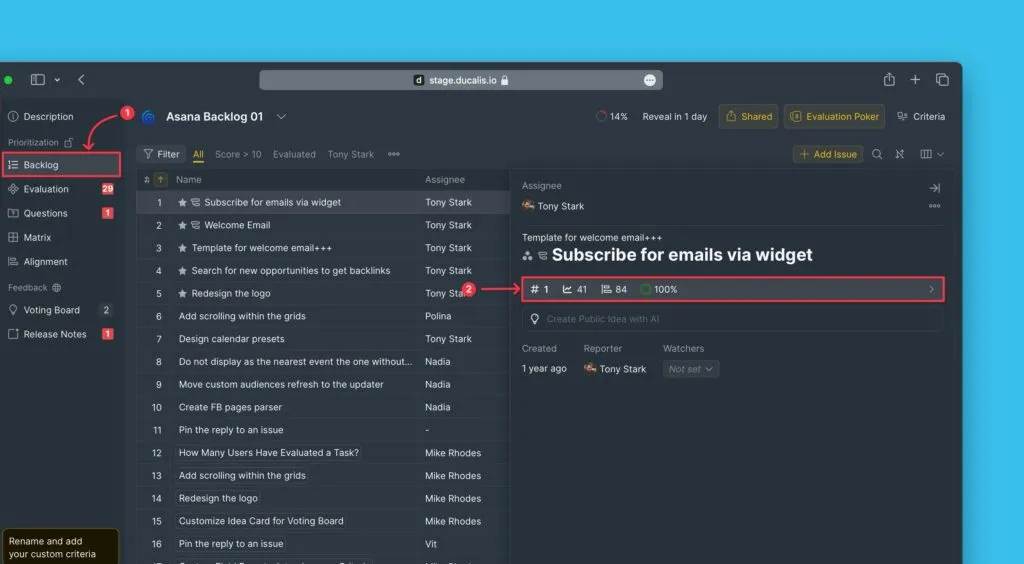
Under Backlog, open the issue card.
-
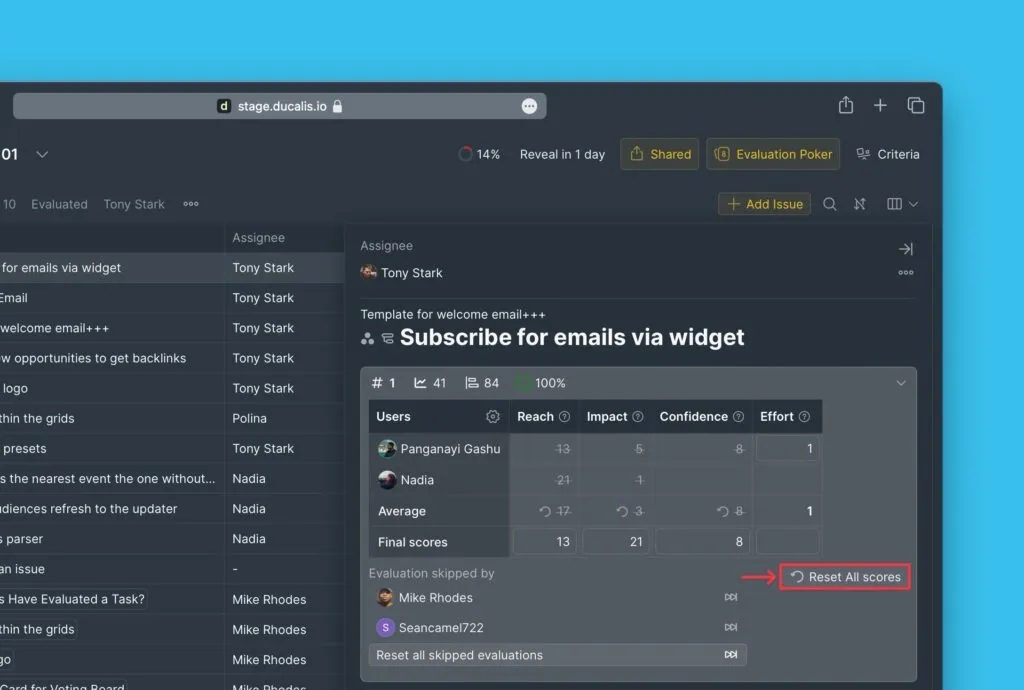
Click Reset scores in the re-evaluation block.
-
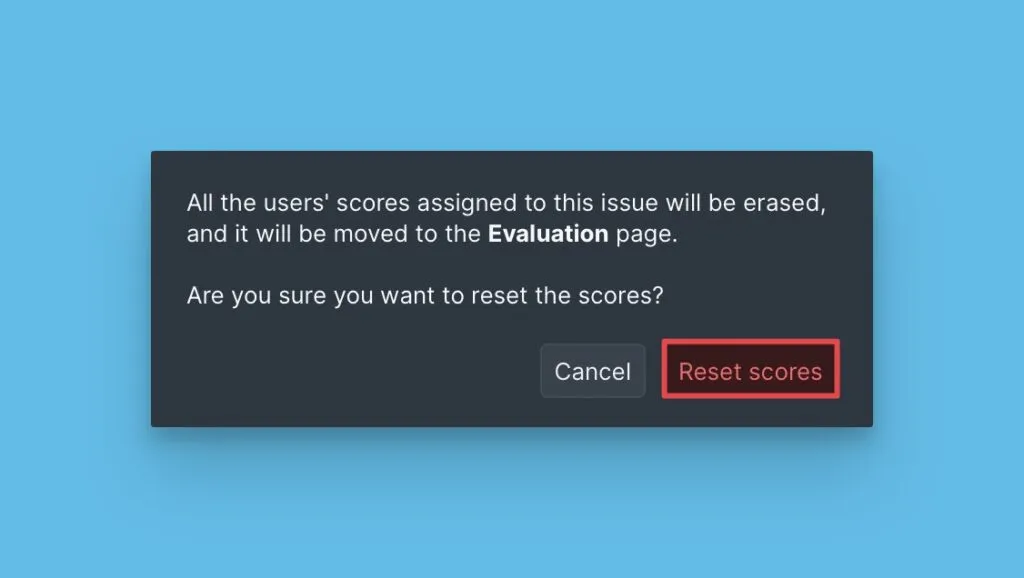
Confirm by clicking Reset scores again.
All Board Users' scores are cleared. Users who previously skipped this issue will have their skip status reversed.
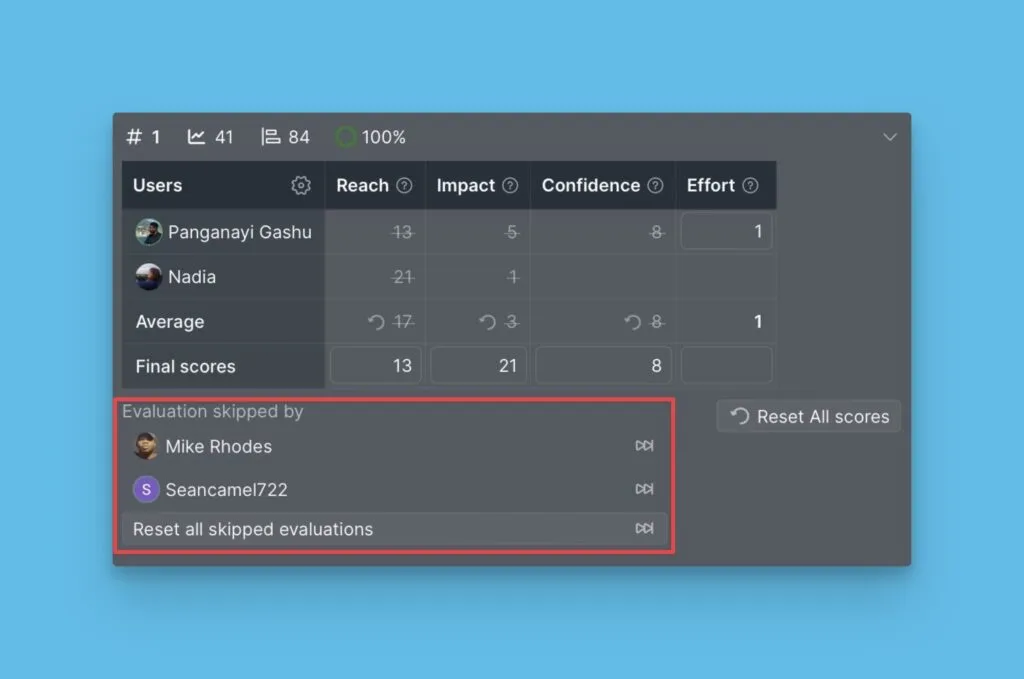
Verify the reset
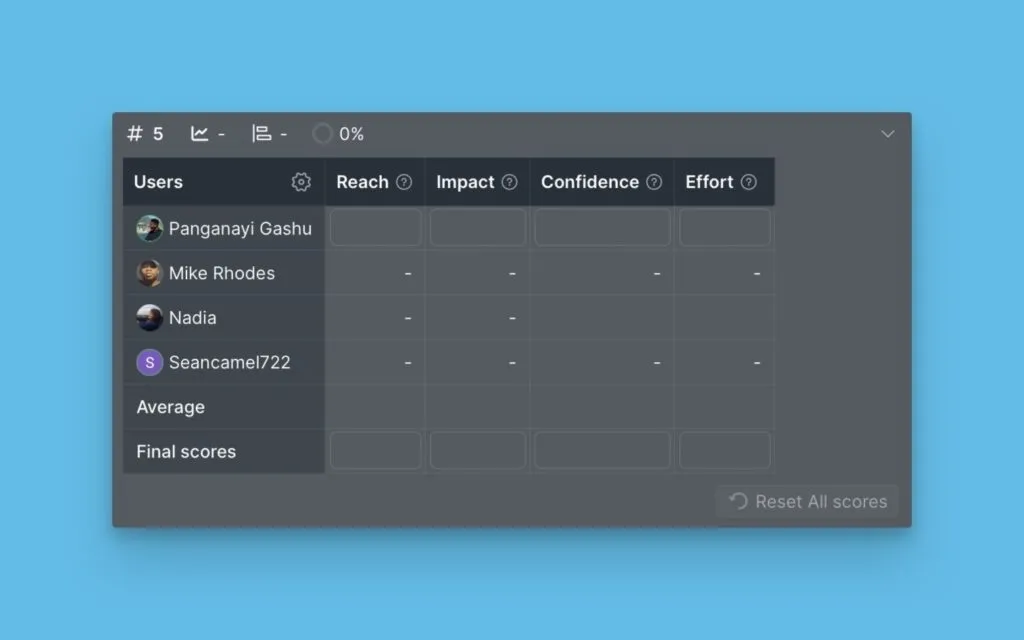
The issue returns to Evaluation for all Board Users.