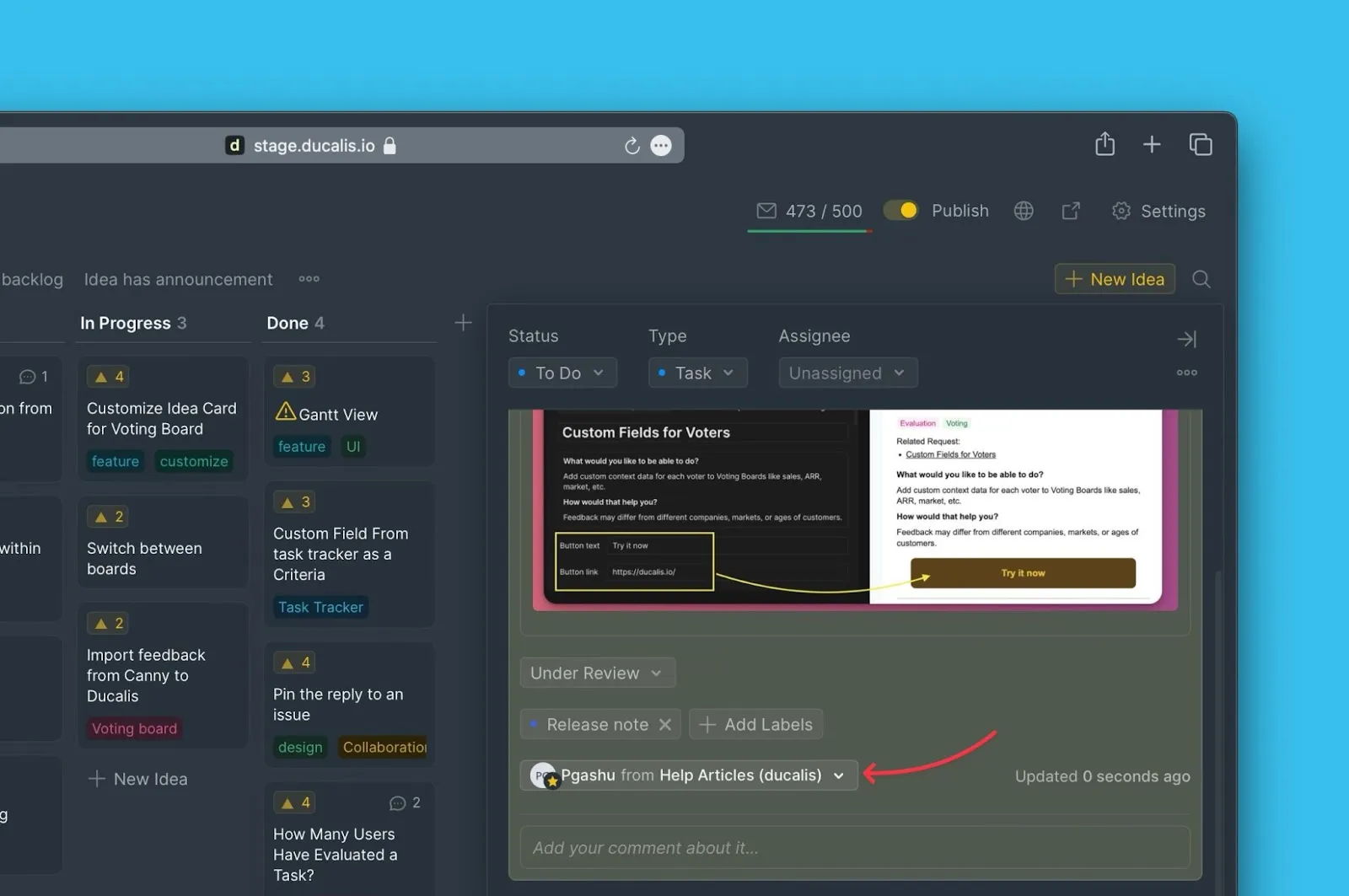
Change author
Change an Idea's author to properly attribute feature requests. This is useful when you create Ideas on behalf of Voters who request features during meetings or support calls.
Assigning the correct author lets you track which Voters requested specific Ideas and filter Ideas by Company.
Change the author
-
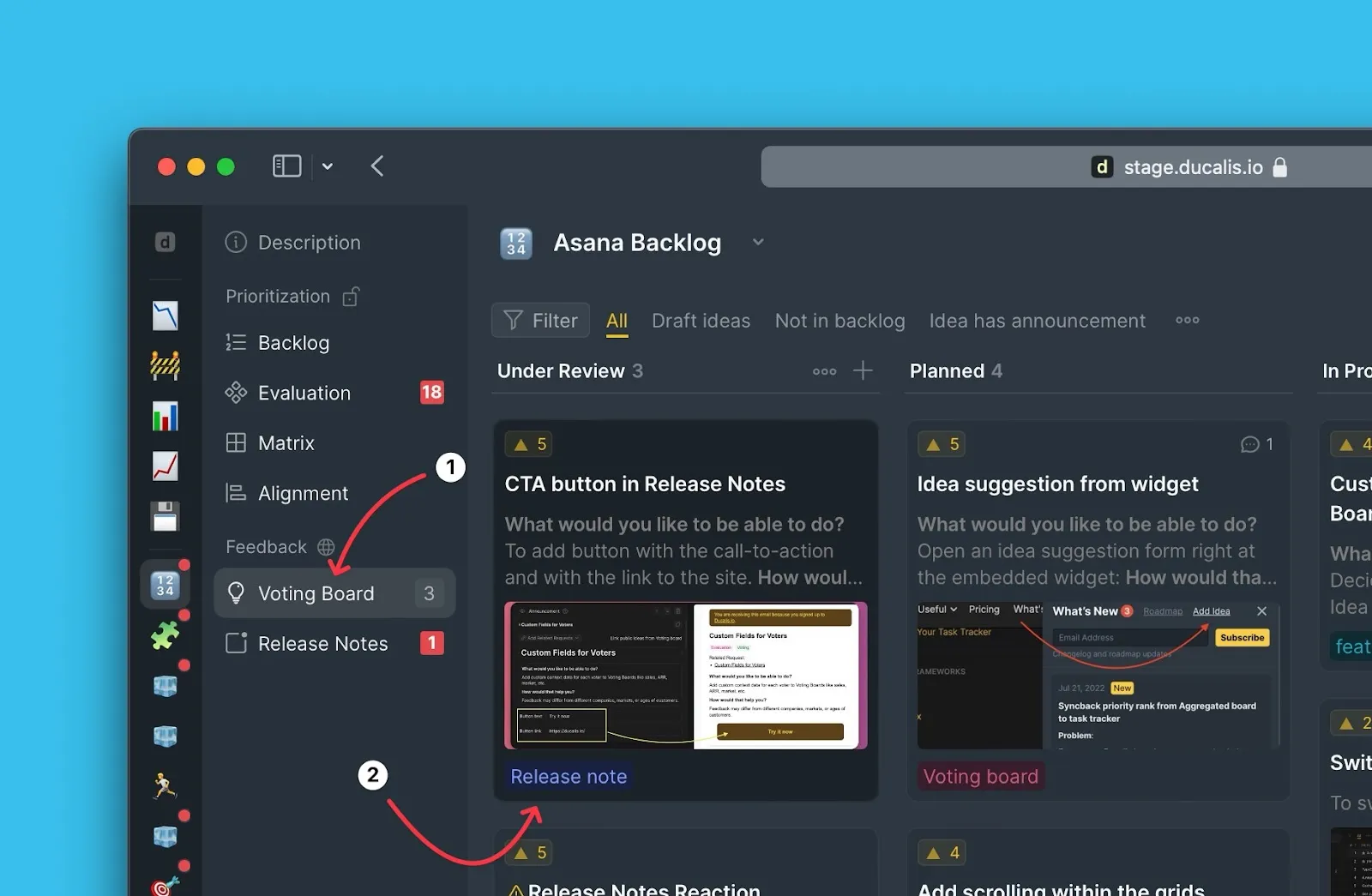
Open your Voting Board.
-
Select the Idea you want to update.
-
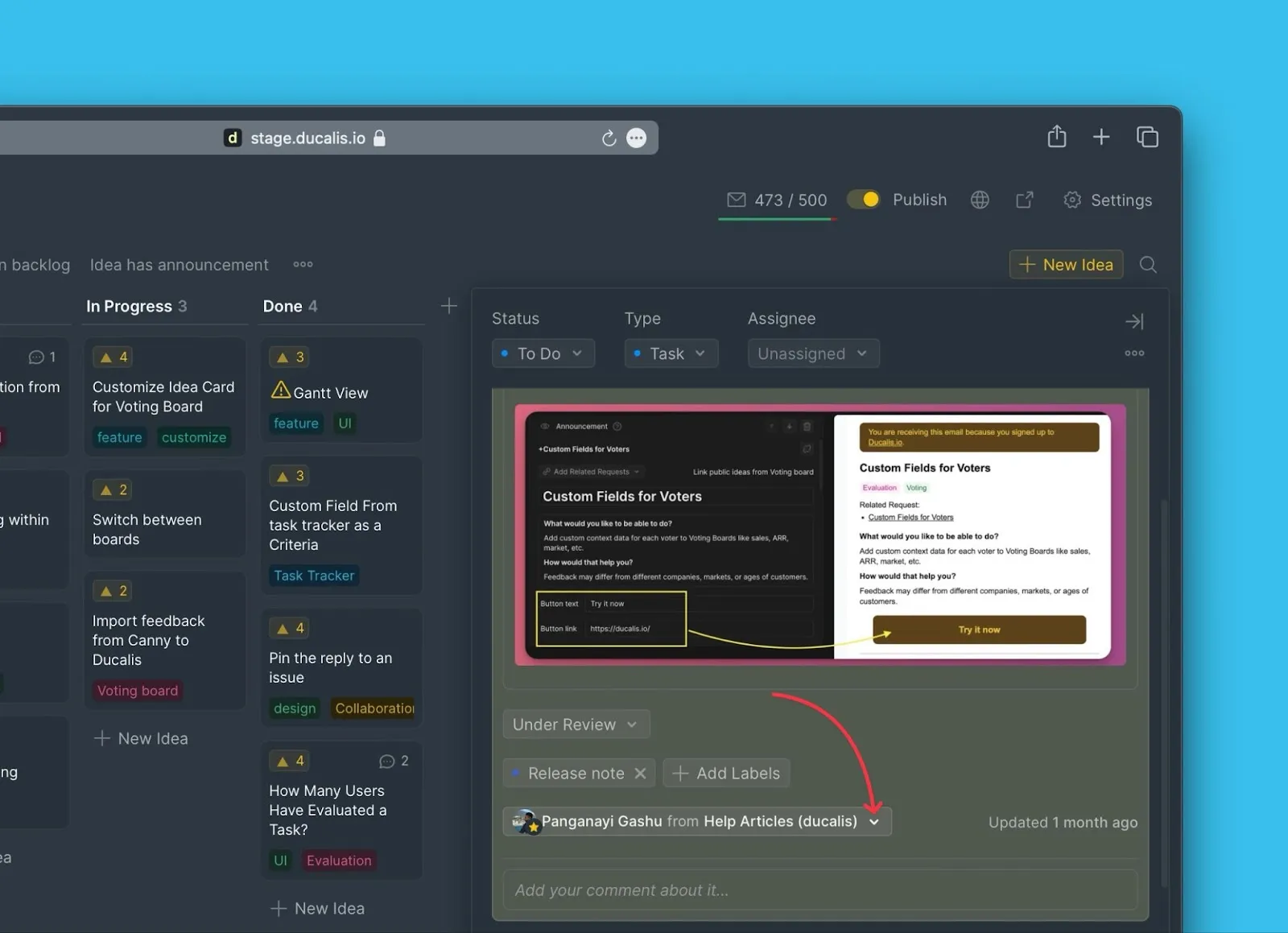
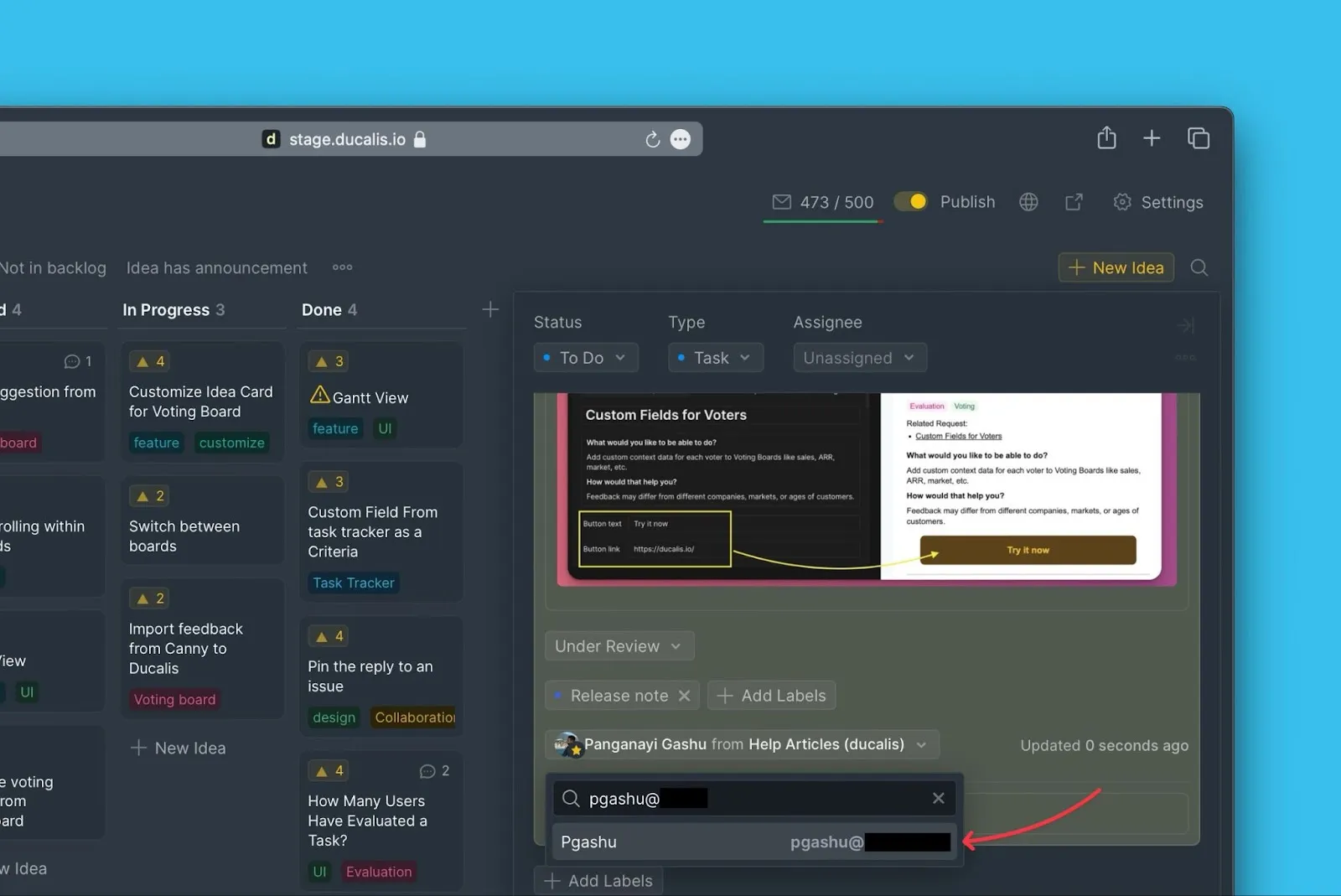
In the Idea card, click the dropdown arrow next to the author's name.
-
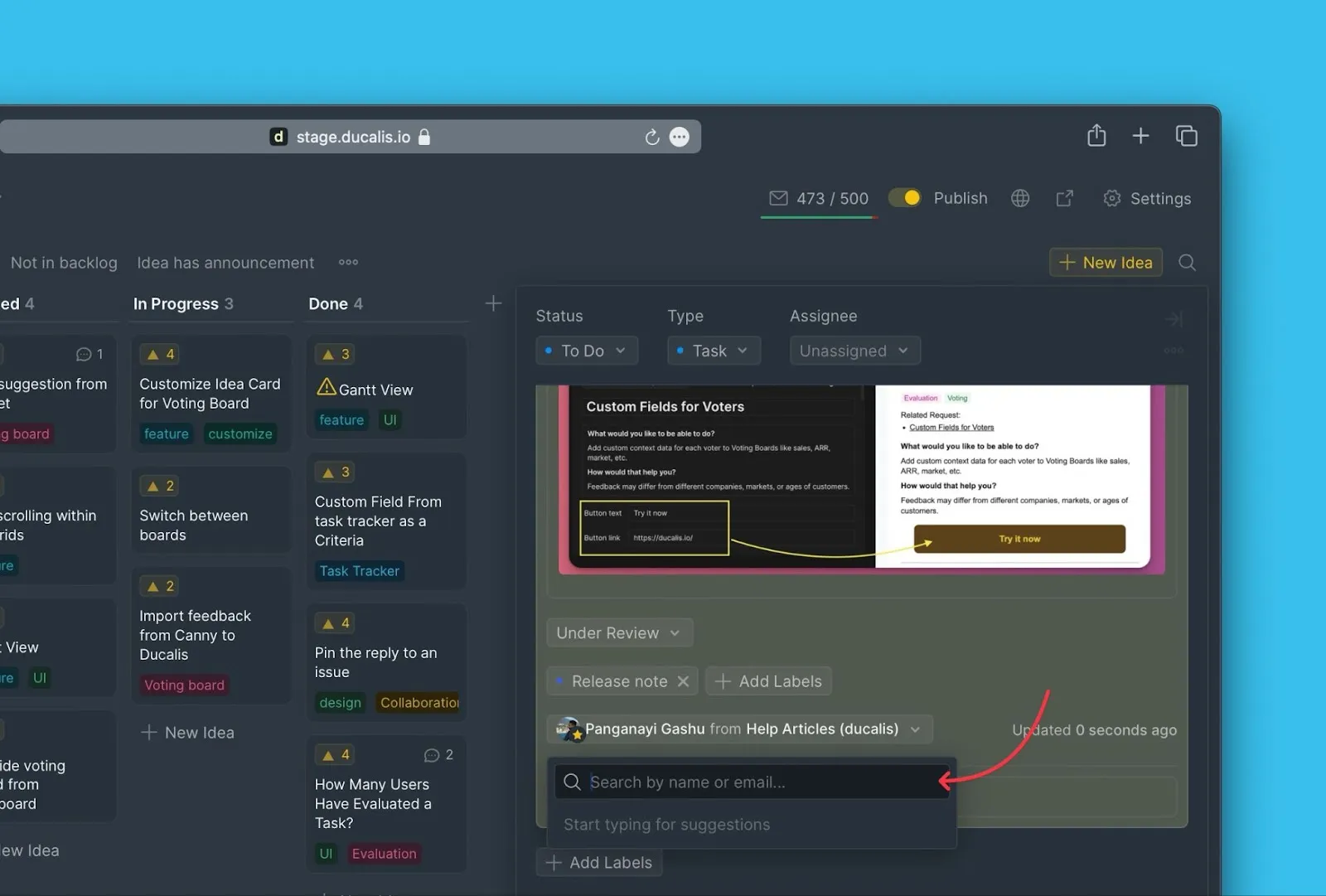
Type the email address of the new author to search for them.
-
Select the new author from the search results.
info
You can only select Voters who are subscribed to your Voting Board.
- Click Confirm to save the change.

The new author and their Company now appear on the Idea.