Import from Canny
Import existing Canny feedback into your Ducalis Voting Board. This migration preserves posts, votes, comments, members, and subscriber lists.
Import Canny data
-
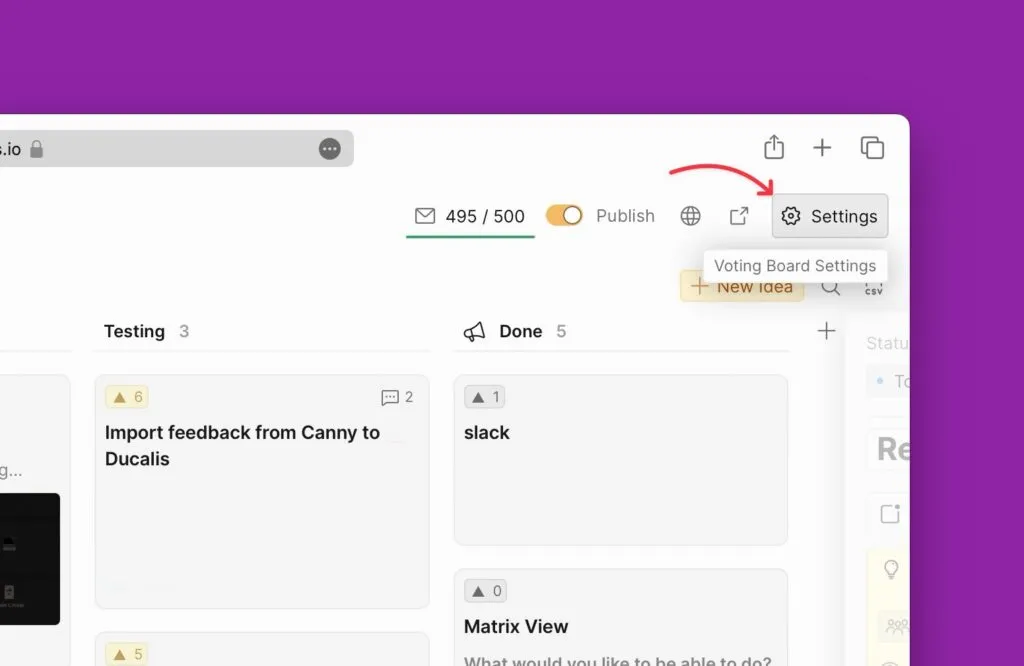
Open Voting Board Settings in Ducalis.
-
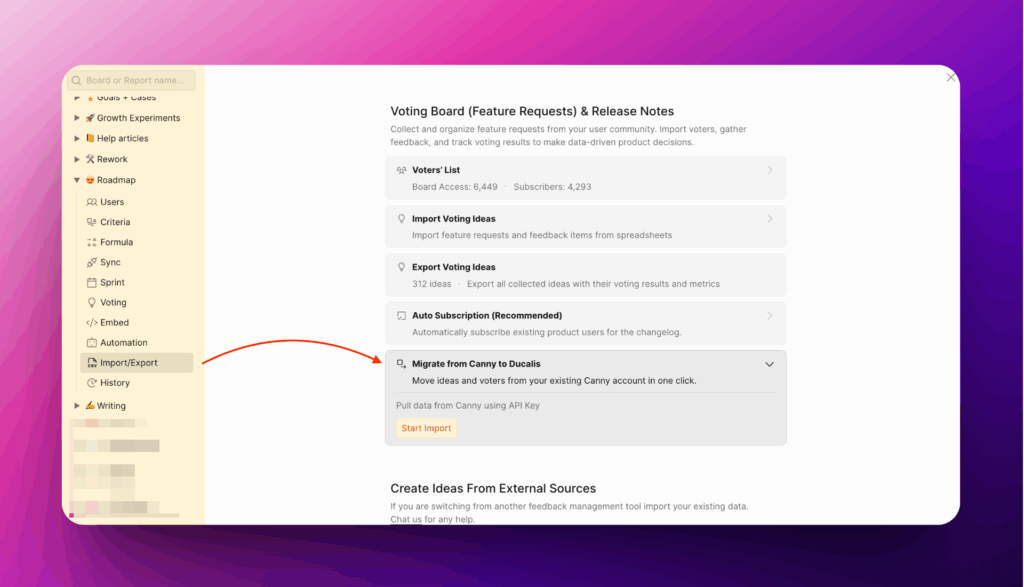
Navigate to Import/Export → Voting Board (Feature Requests) & Release Notes → Migrate from Canny.
-
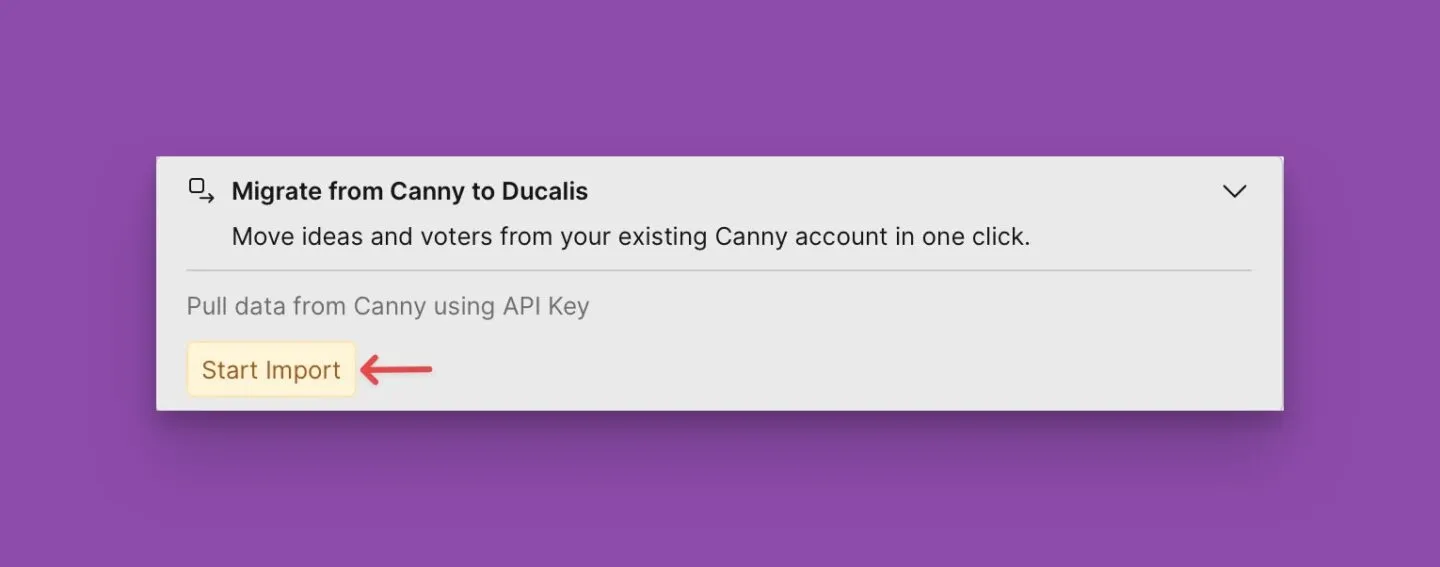
Click Start Import.
-
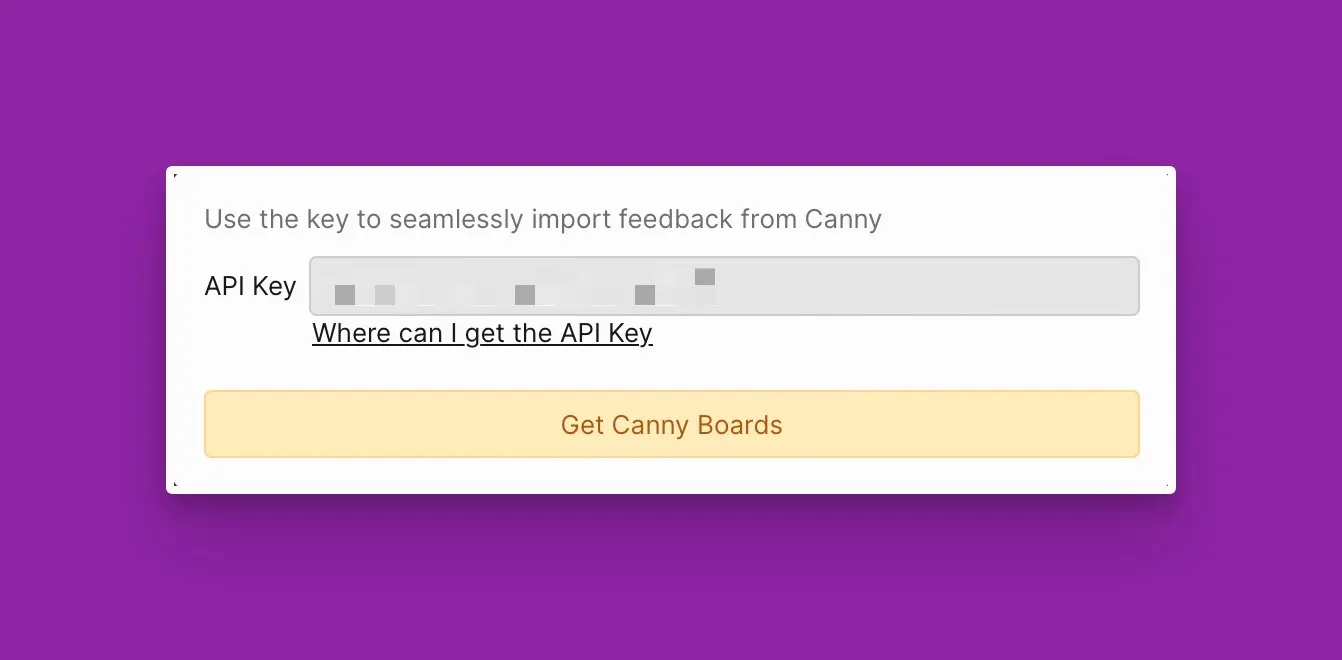
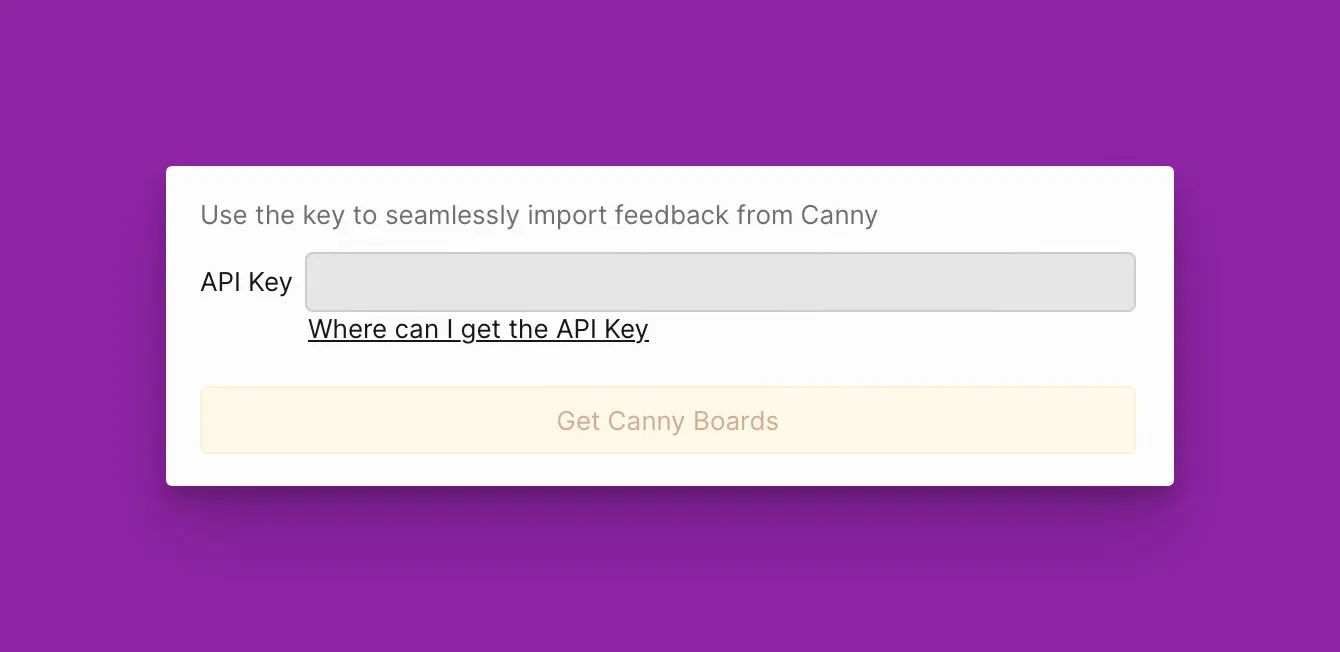
Paste your Canny API key into the field (see Get your API key below).
-
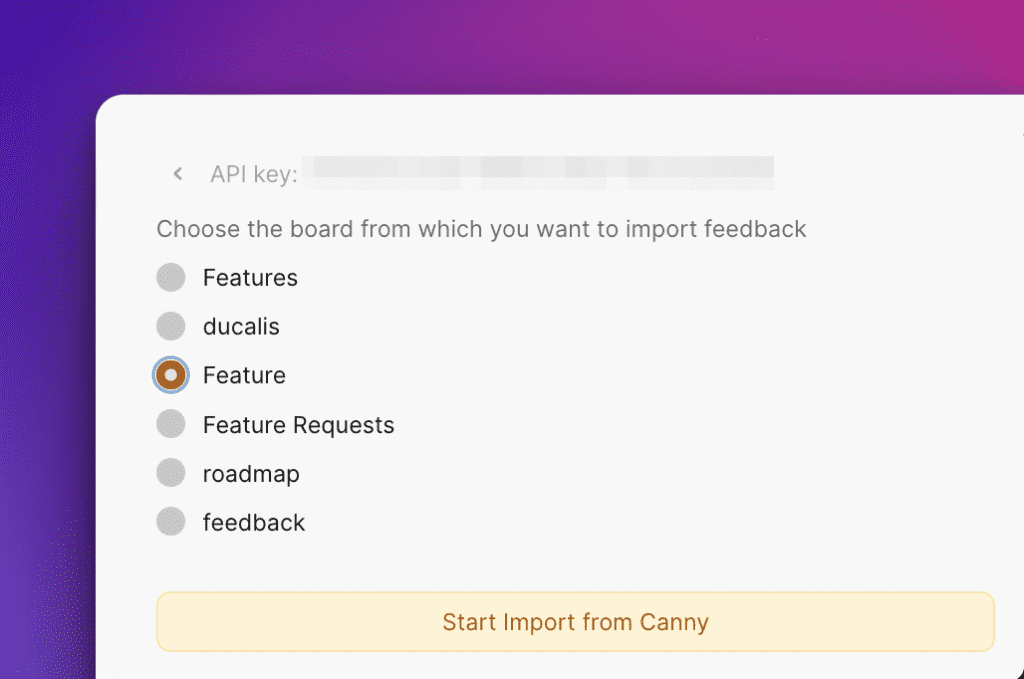
Click Get Canny Boards and select the board to import.
Get your API key
-
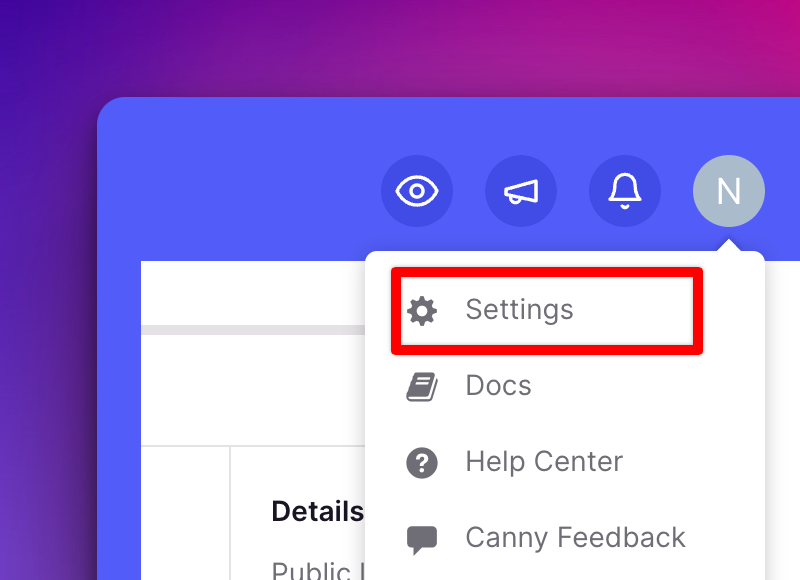
Open your Canny account and go to Settings.
-
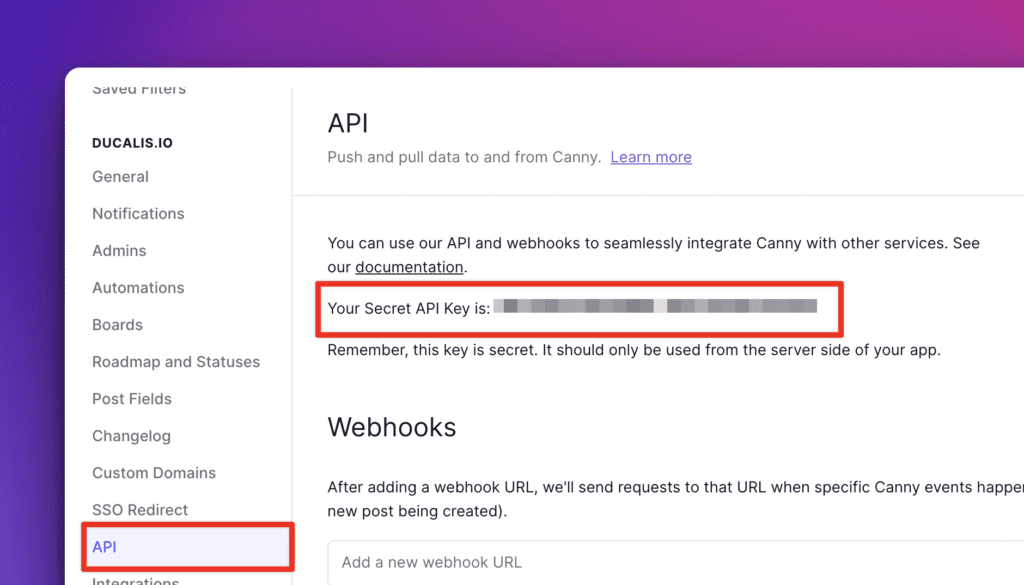
Select API from the left menu, find Your Secret API Key, and copy it.
-
Return to Ducalis and paste the key.
What gets imported
The migration imports:
- Posts (Ideas)
- Votes
- Comments
- Members (with invites sent)
- Boards
- Subscriber lists for Release Notes
Import multiple boards
You can import one board per migration. To import multiple boards, repeat the process for each board.