Votes, Comments and Mentions on Ideas
Customers who visit and have access to your voting board have the ability to vote for ideas on your voting board and also leave comments.

Votes
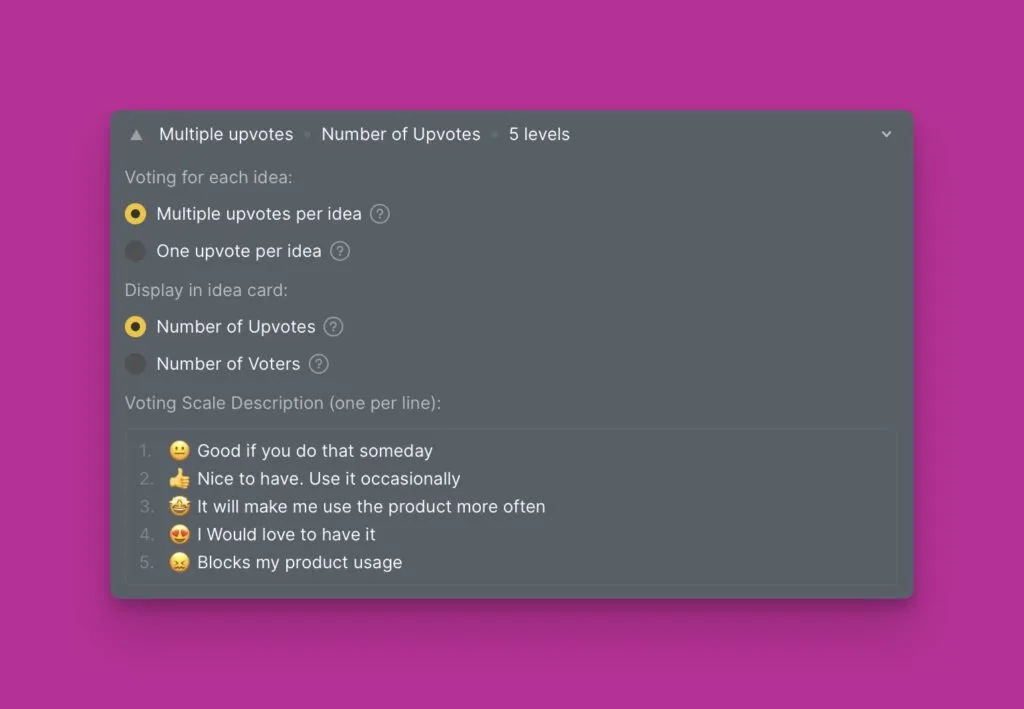
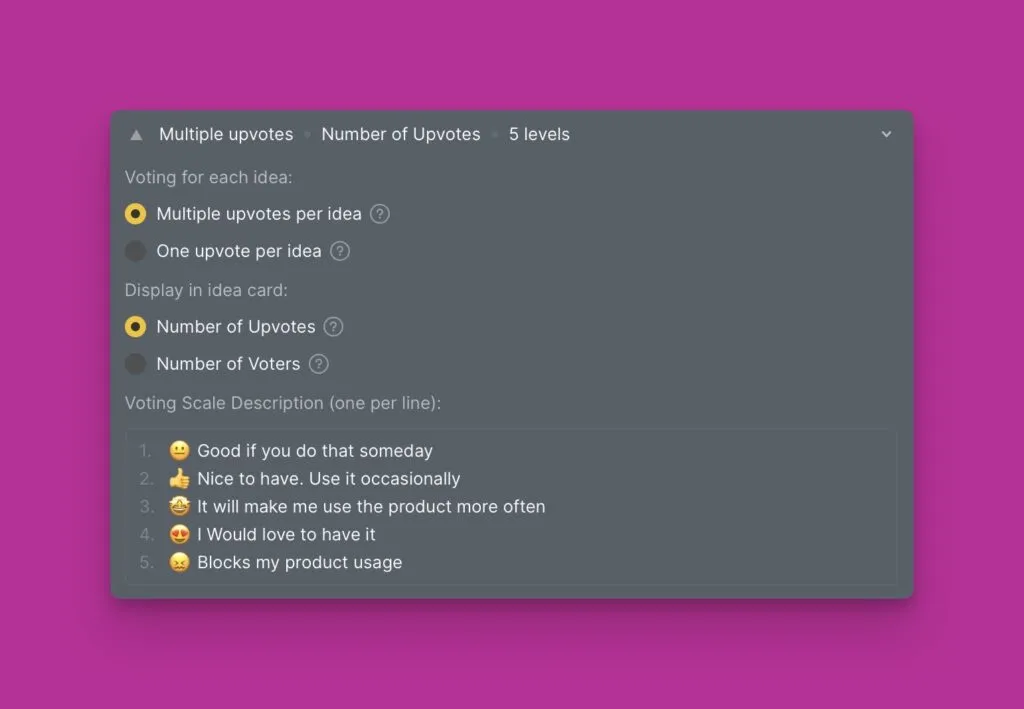
Voting options depend on the configurations that you set. You can set the upvoting method you want and your customers to users.
Vote on Behalf of your customers
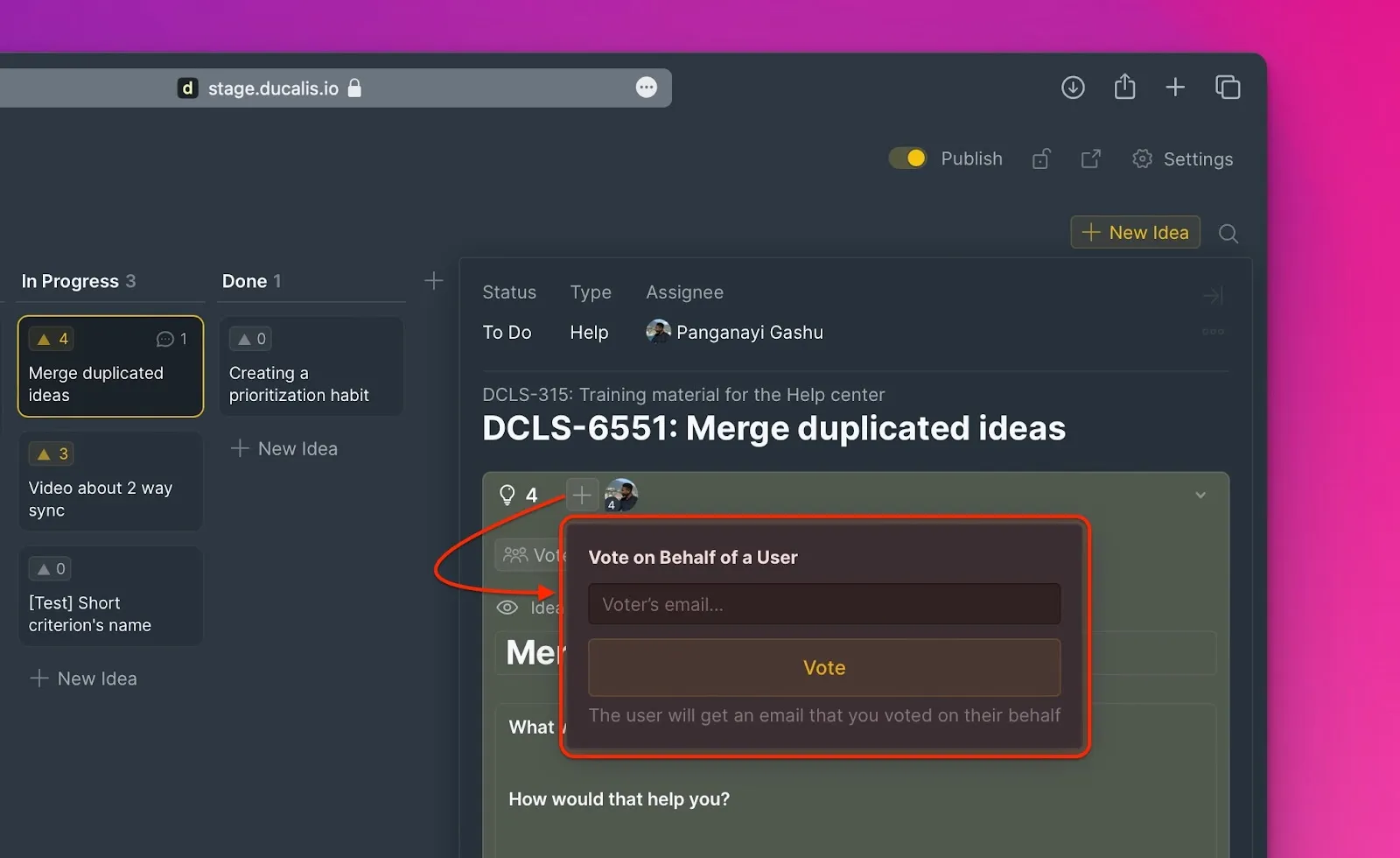
There is also an option to vote on behalf of customers. If this happens in cases where you receive feedback from a customer in a meeting, or email.
Go to Voting > locate the idea > click + > enter the email address of the customer. They will be notified via email about this action.
Comments
Individuals can also add comments on ideas. You will be instantly notified about these comments via email, or Slack if you integrated it with Ducalis.

Mentions
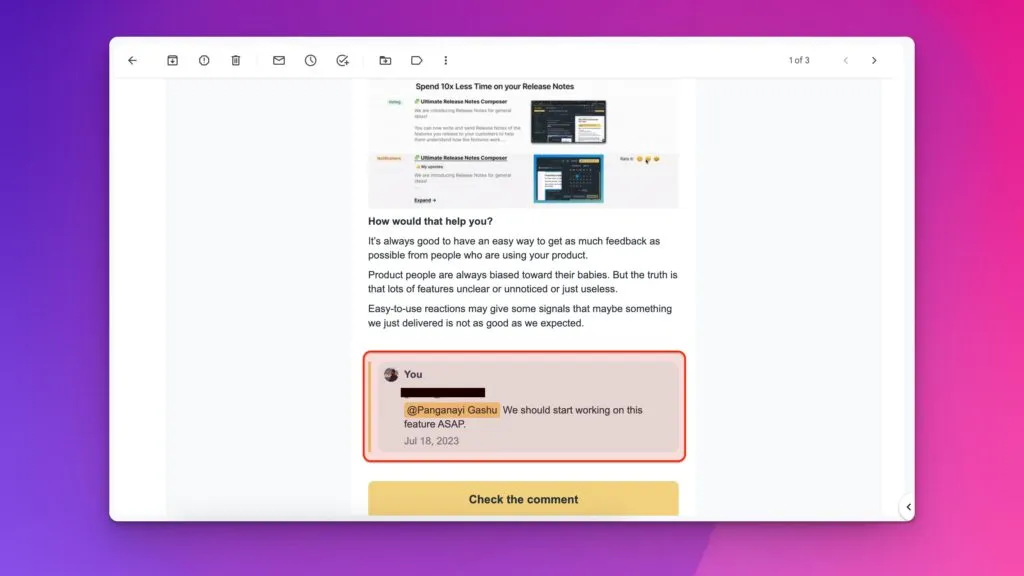
To help direct a comment to a specific person, users can mention each other when making comments under a public idea.

To mention someone while making a comment enter @ then the username of the person.
Mentioned users will be notified via email.
What's Next?
Learn about the upvoting methods you can use for your voting board and also variants of how to display the votes on the voting board.