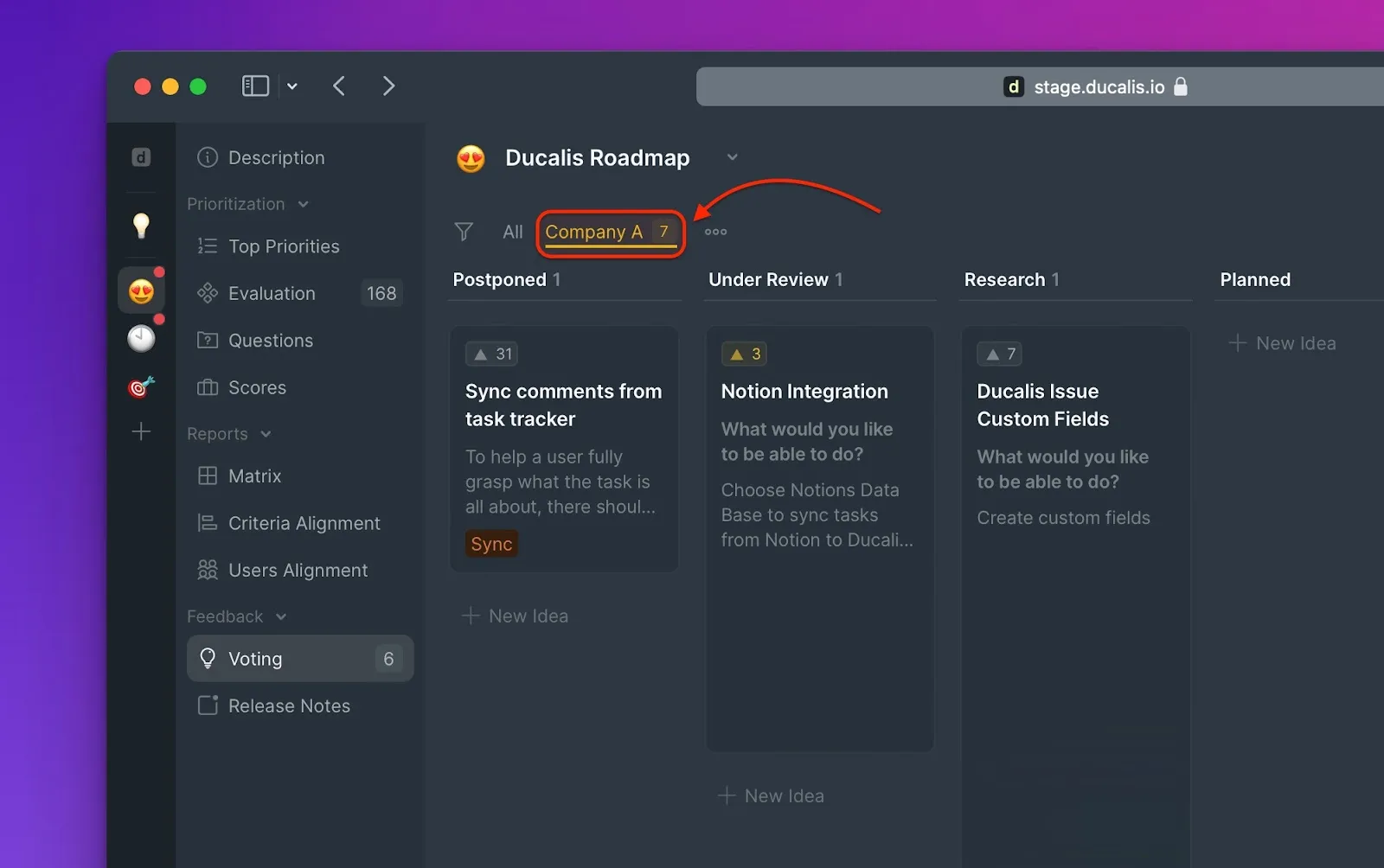
Filter by Voter metadata
Filter feedback by Voter metadata to focus on specific customer segments—like paying customers, recently signed-up users, or users by role.
When you receive high volumes of feedback from different customers, important input from your most valuable customers can get buried. Filtering by Voter metadata lets you surface feedback from the customers who matter most to your business.
Common use cases
- Paying customers
- Customers who signed up in the last 6 months
- Users based on their role
How it works
Voter metadata flows into Ducalis through:
- Widget (SSO) - Pass user attributes during authentication
- API - Send custom properties programmatically
Once metadata is synced, you can filter Ideas by any Voter attribute—company name, subscription plan, region, or custom fields you define.
Create a filter
-
Navigate to any Board view: Backlog, Evaluation, Alignment, or Voting Board.
-
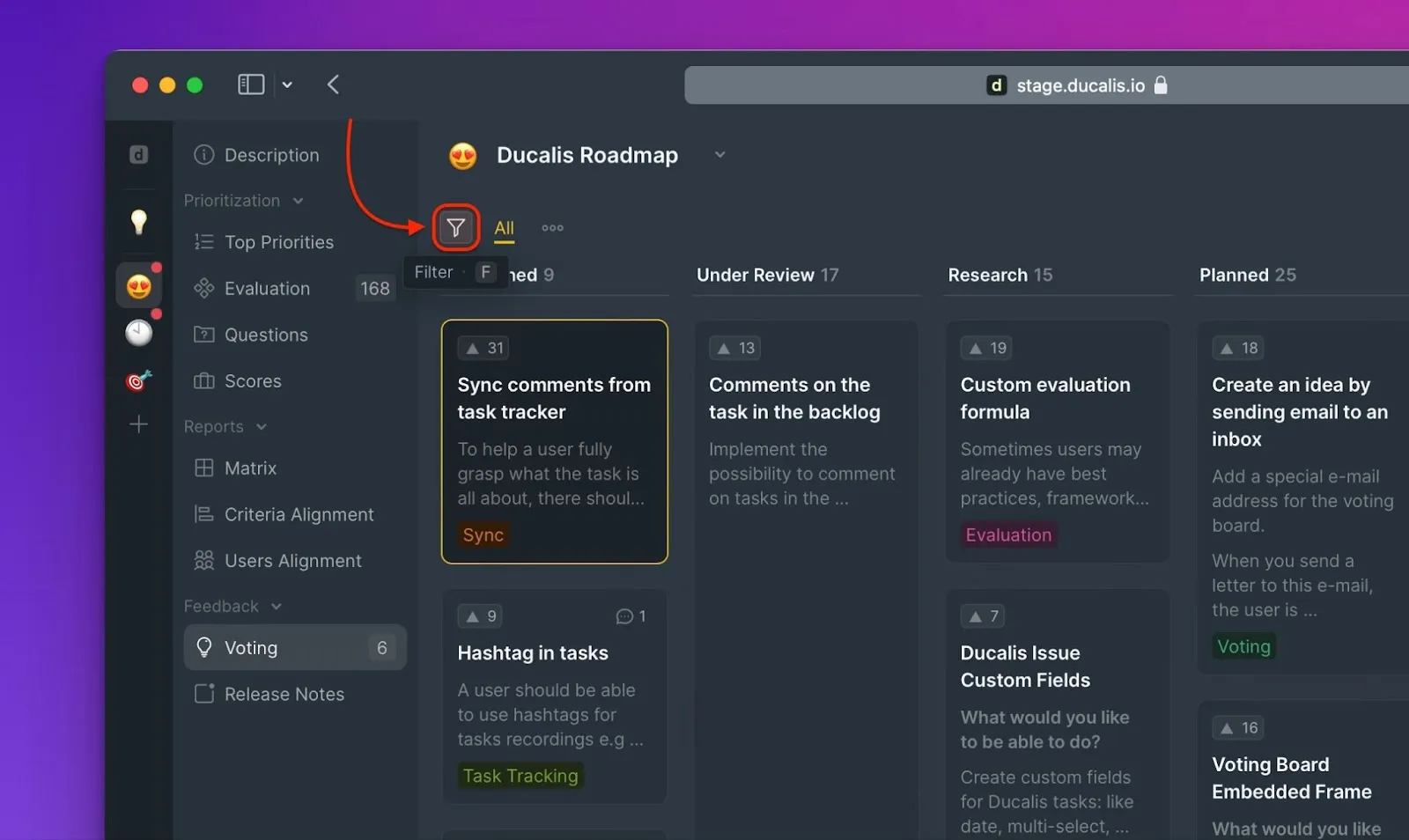
Click the filter icon.
-
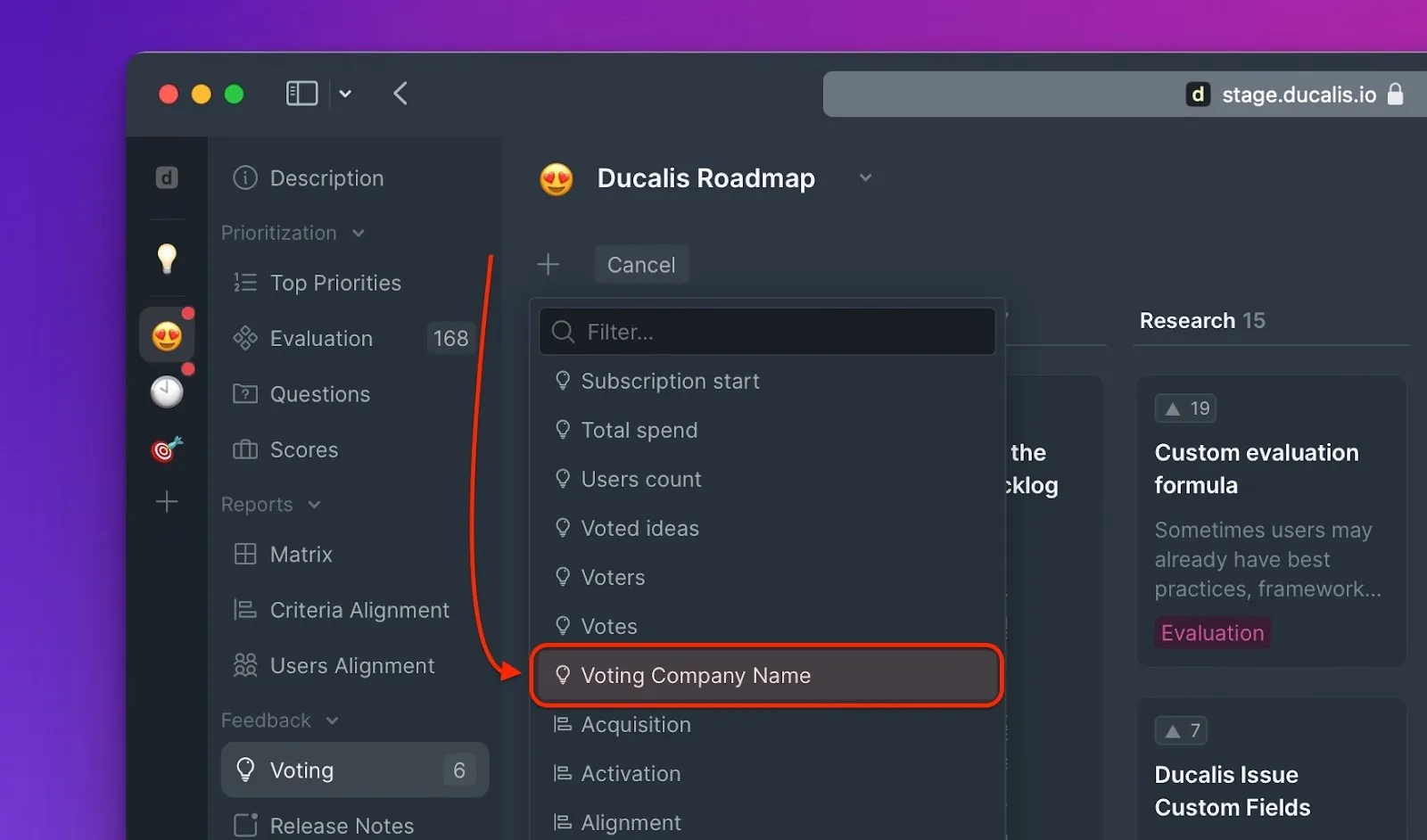
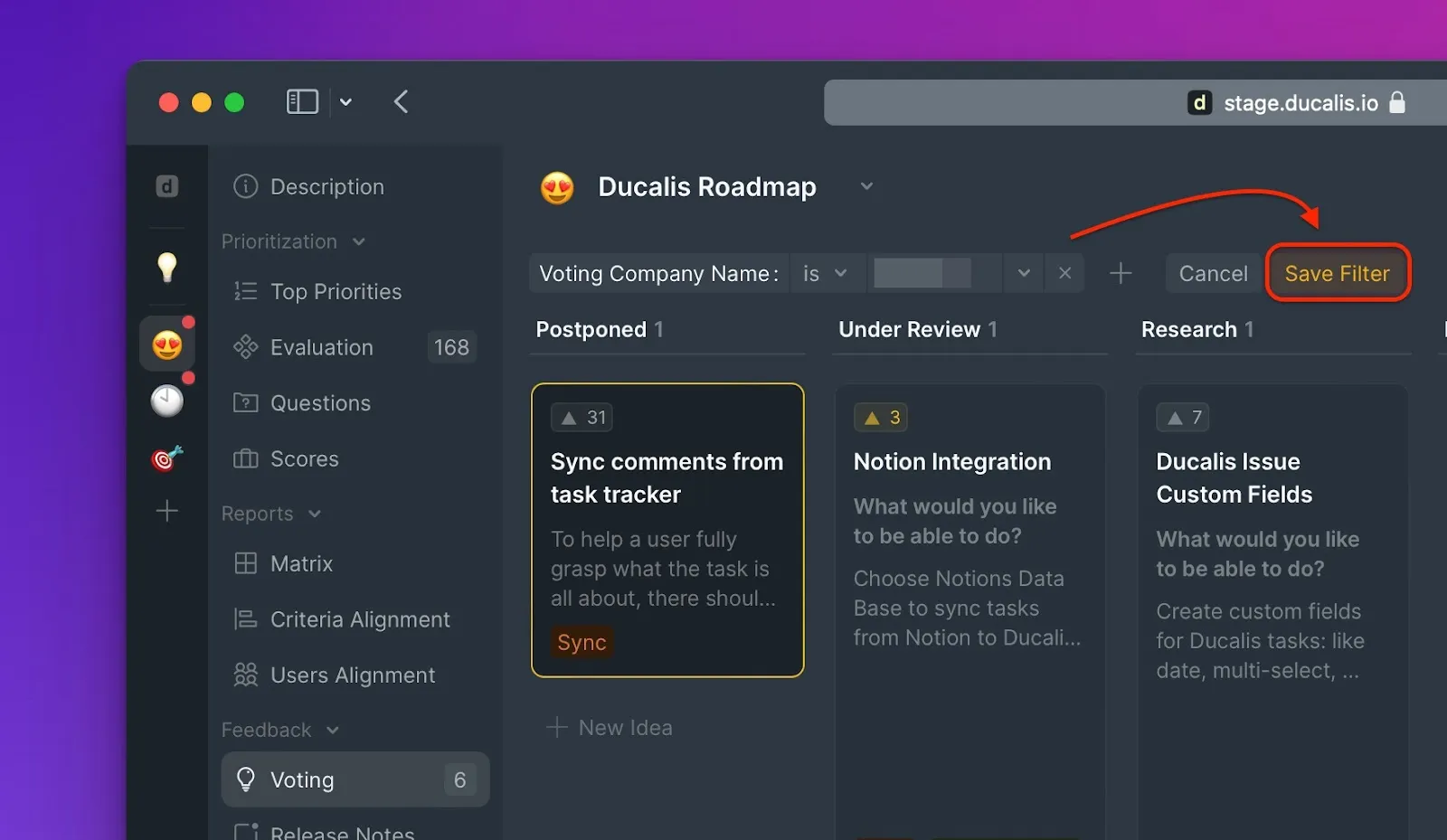
Select the metadata field you want to filter by (for example, company name).
-
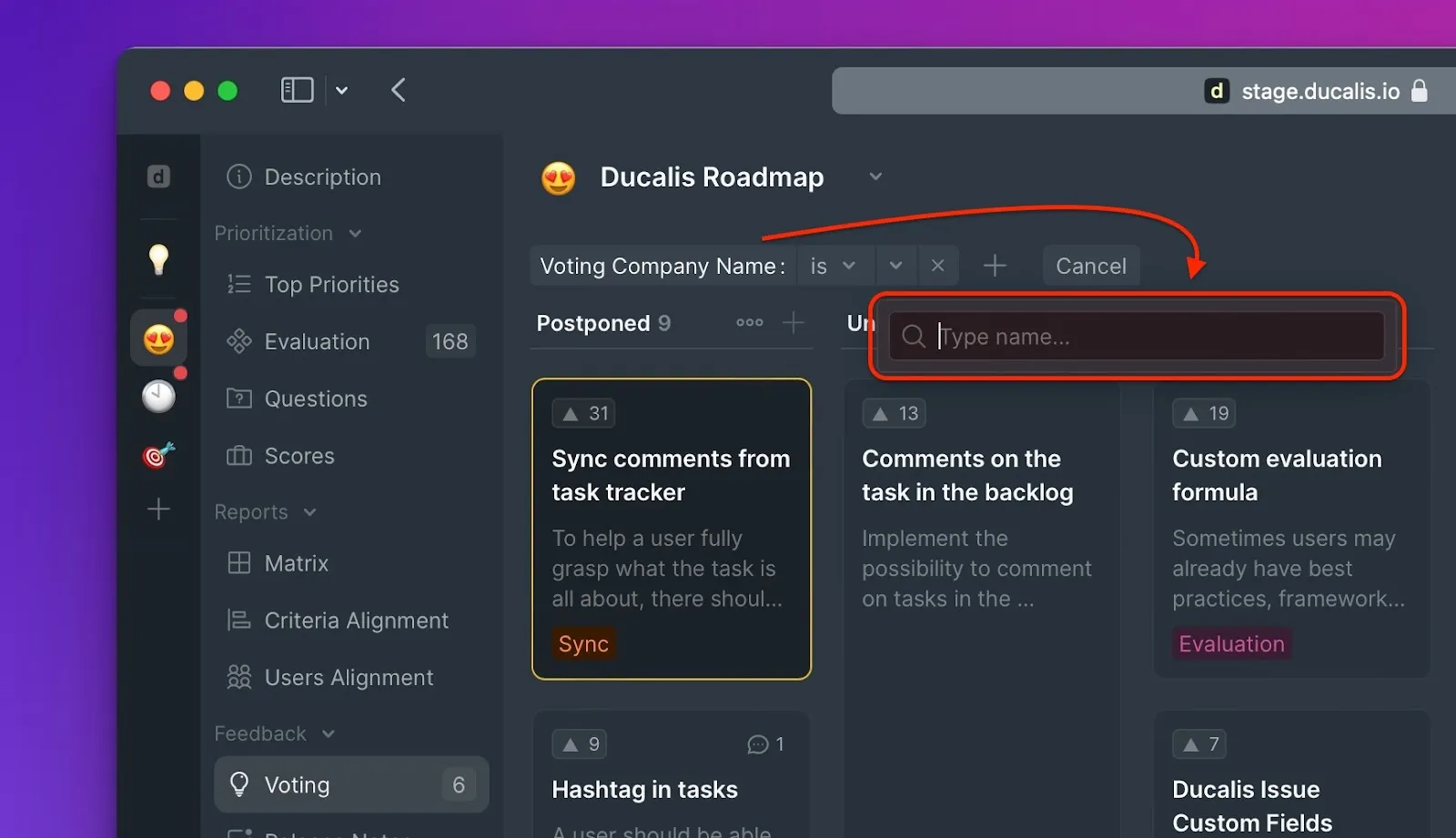
Enter the value you want to filter by (for example, a company name).
-
Save the filter for future use by giving it a name.
-
Other Board Users can access your saved filter.