Team Notifications
Team notifications keep your entire team informed about prioritization progress, voting board activity, and account updates through Slack or Mattermost. Unlike personal notifications, team notifications are sent to shared channels where everyone can see them.
Available integrations
You can receive team notifications through:
- Slack – See Slack Notifications
- Mattermost – See Mattermost Notifications
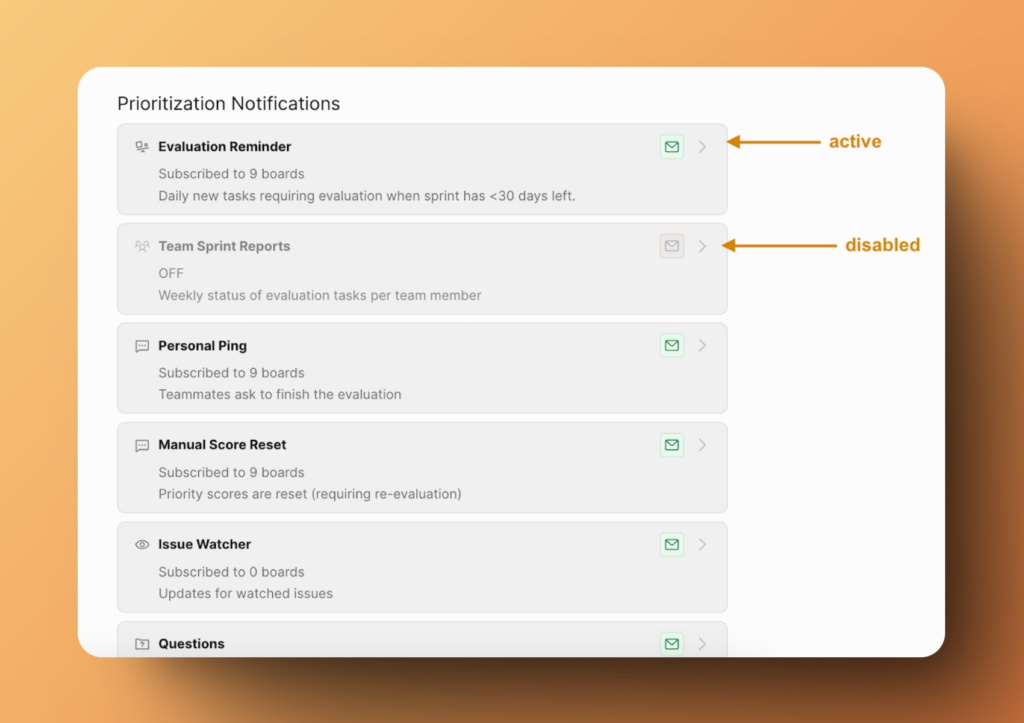
A green icon indicates an enabled notification method. A gray icon indicates it's disabled.
Notification categories
Team notifications are organized into three categories:
- Prioritization Notifications – Updates about evaluation progress
- Voting Board Notifications – Activity from your voting boards
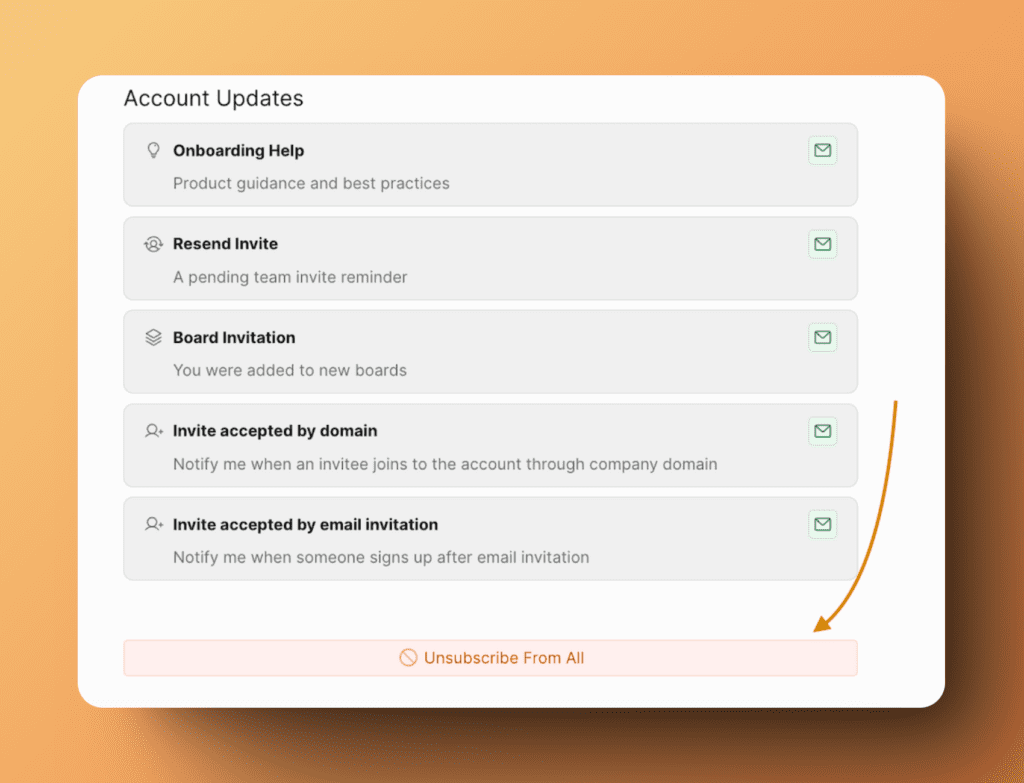
- Account Updates – Changes to your organization
Prioritization Notifications
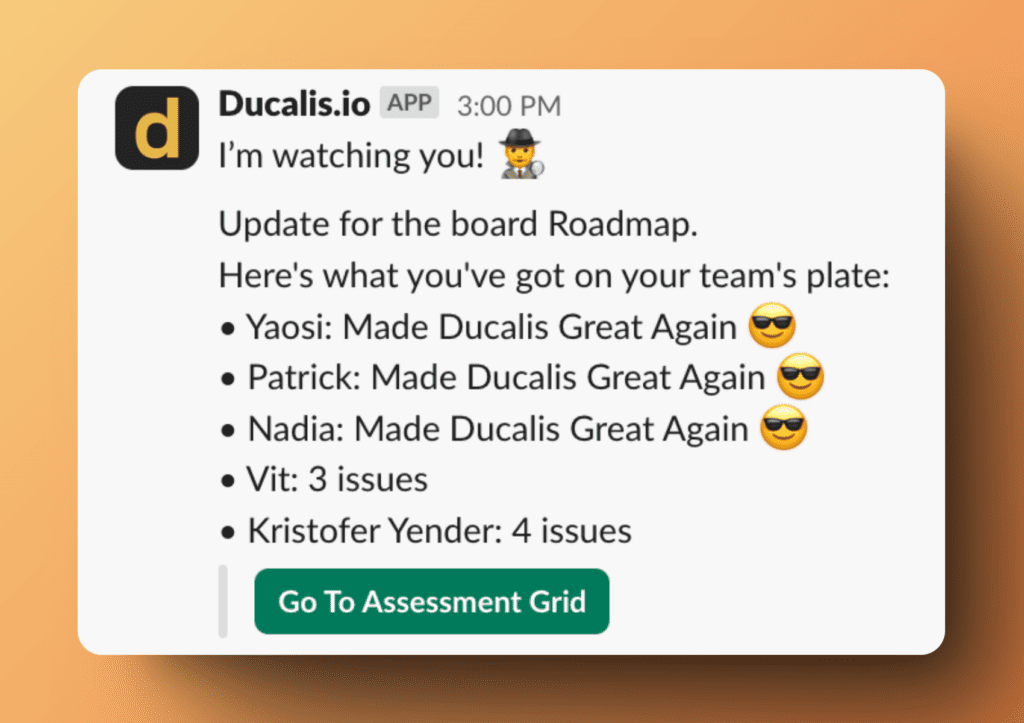
Team Sprint Reports
Receive a weekly summary of evaluation tasks per team member, showing who has completed their assessments and what remains pending.
Voting Board Notifications
Track feedback and engagement from external voters on your voting boards.
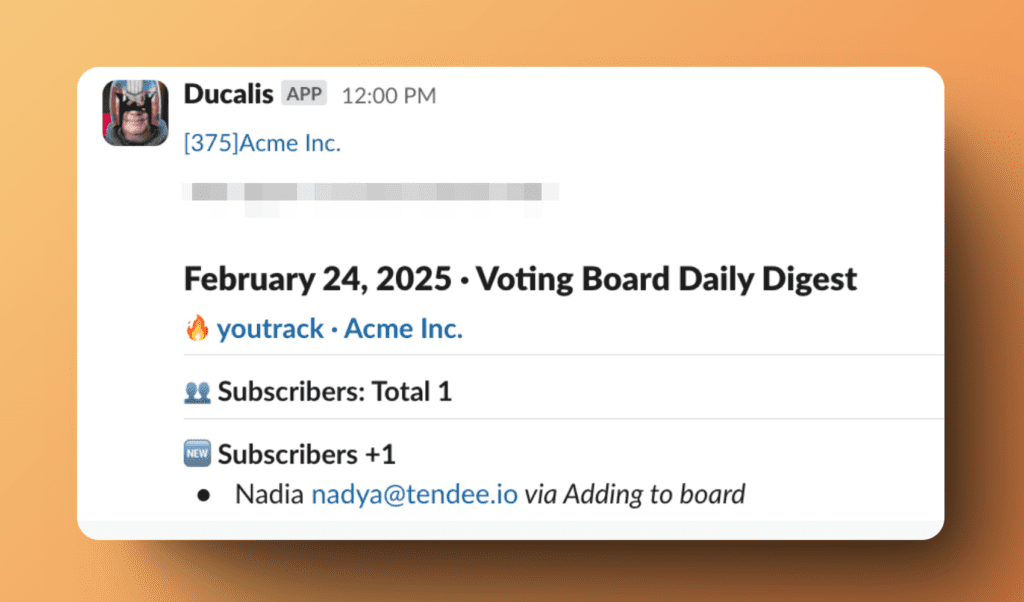
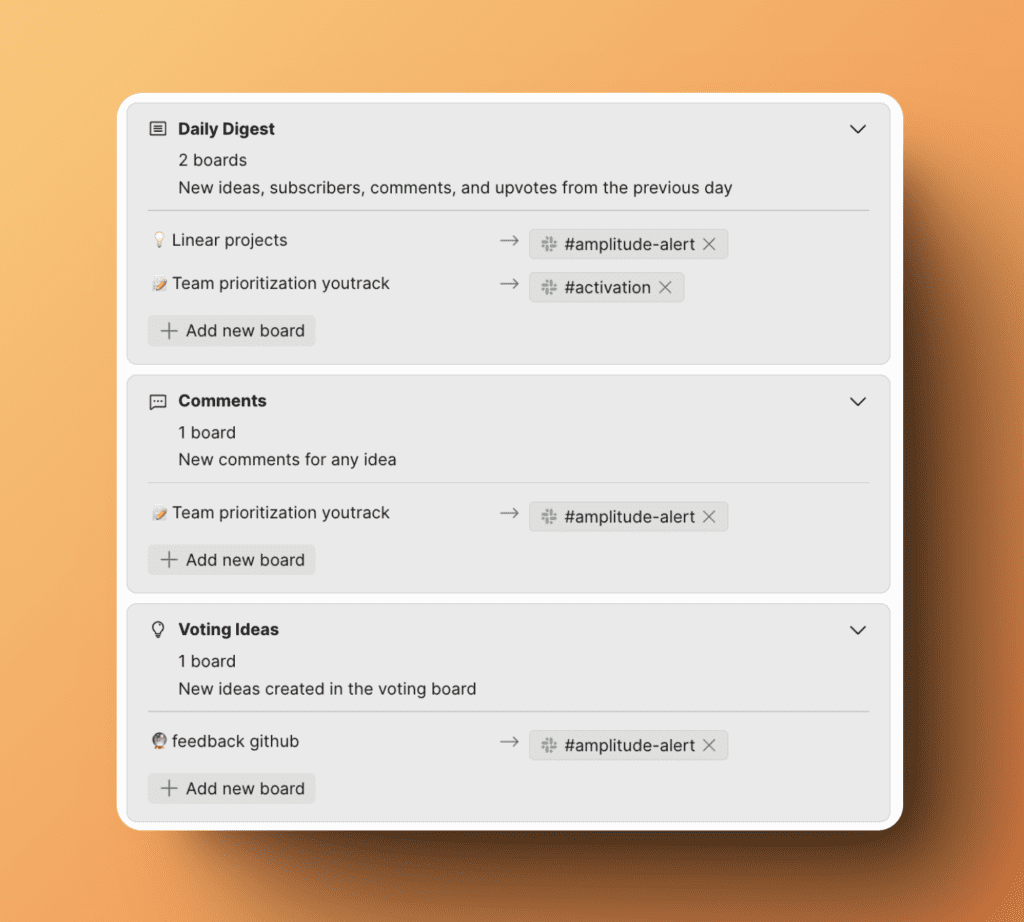
Daily Digest
Receive a daily summary of voting board activity from the previous day, including:
- New ideas submitted
- New subscribers
- Comments posted
- Votes received
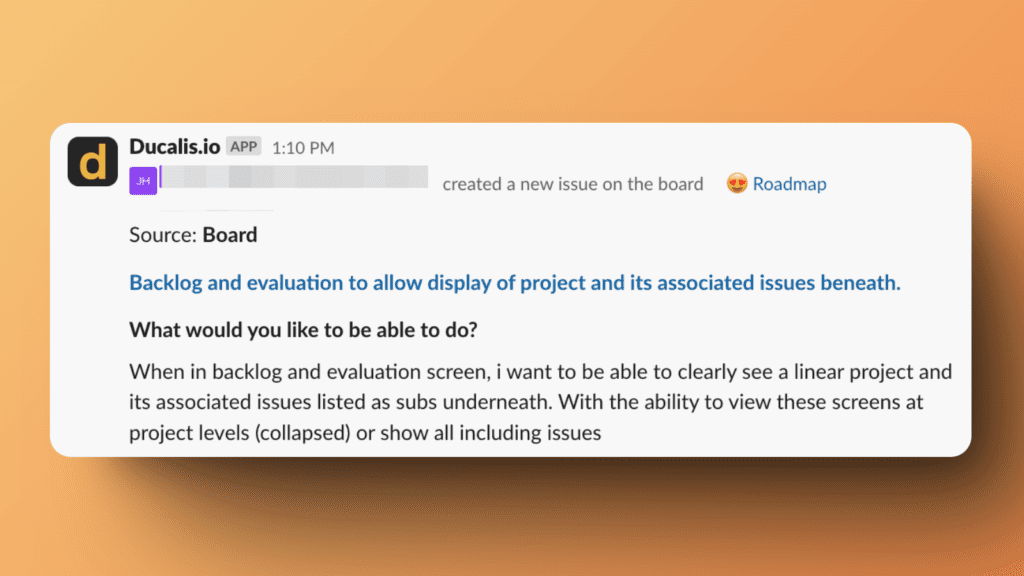
New Ideas
Get notified when voters submit new ideas to your voting board.
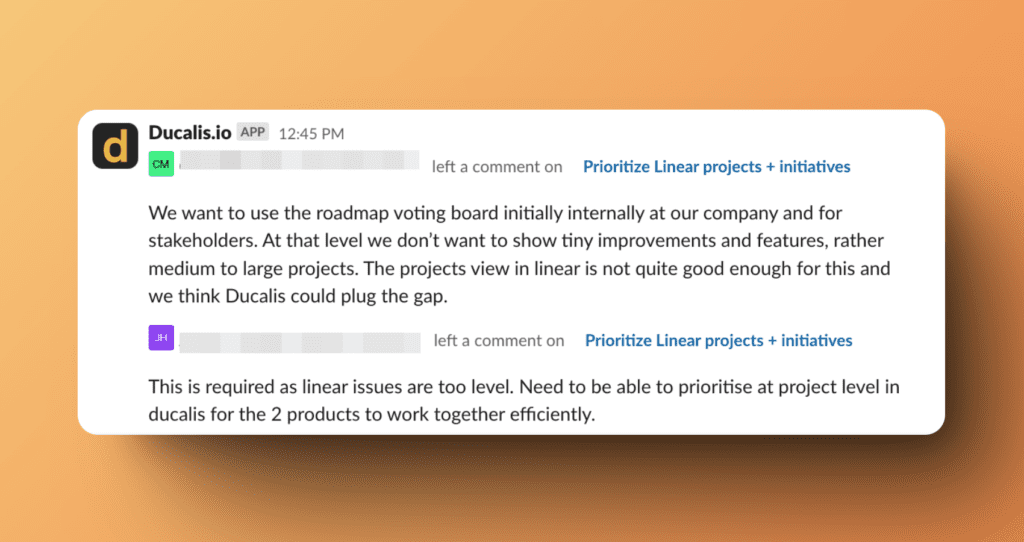
Comments
Receive alerts when voters comment on any idea.
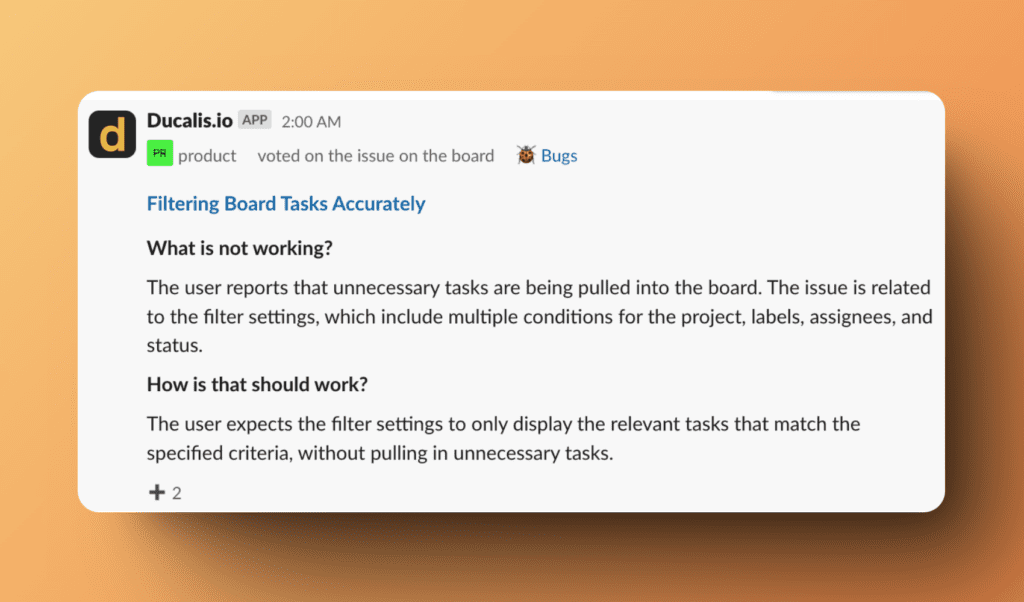
Votes
Get notified when voters upvote ideas on your voting board.
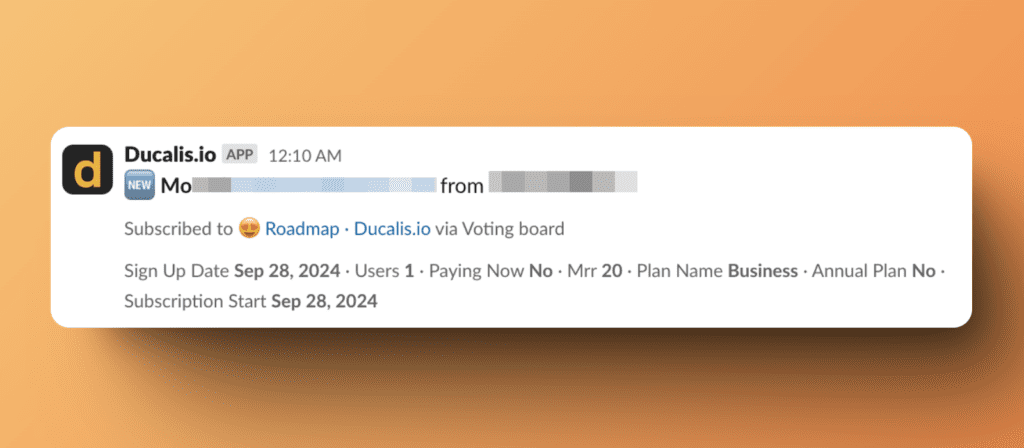
New Subscribers
Receive alerts when new voters subscribe to your voting board updates.
Configure team notifications
Customize which notifications your team receives and where they're sent.
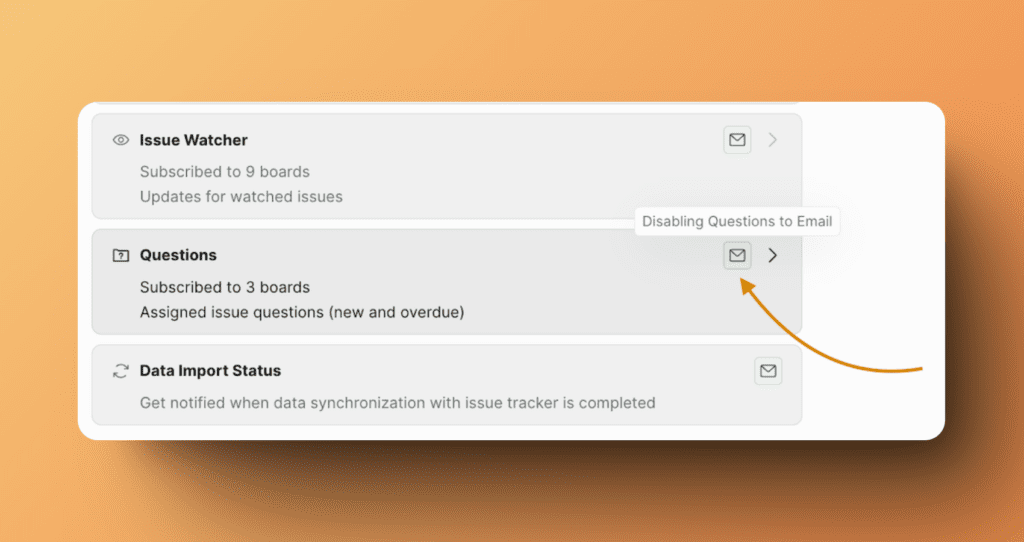
Enable or disable notifications
-
Toggle any notification on or off using the switch next to it.
Filter by board
-
Choose which boards trigger notifications:
- All boards – Receive notifications from every board
- Specific boards – Select individual boards to monitor
Unsubscribe from all notifications
-
Click Unsubscribe from all to disable all team notifications at once.
Related articles
- My Notifications – Configure personal email notifications
- Slack Notifications – Set up Slack integration
- Mattermost Notifications – Set up Mattermost integration