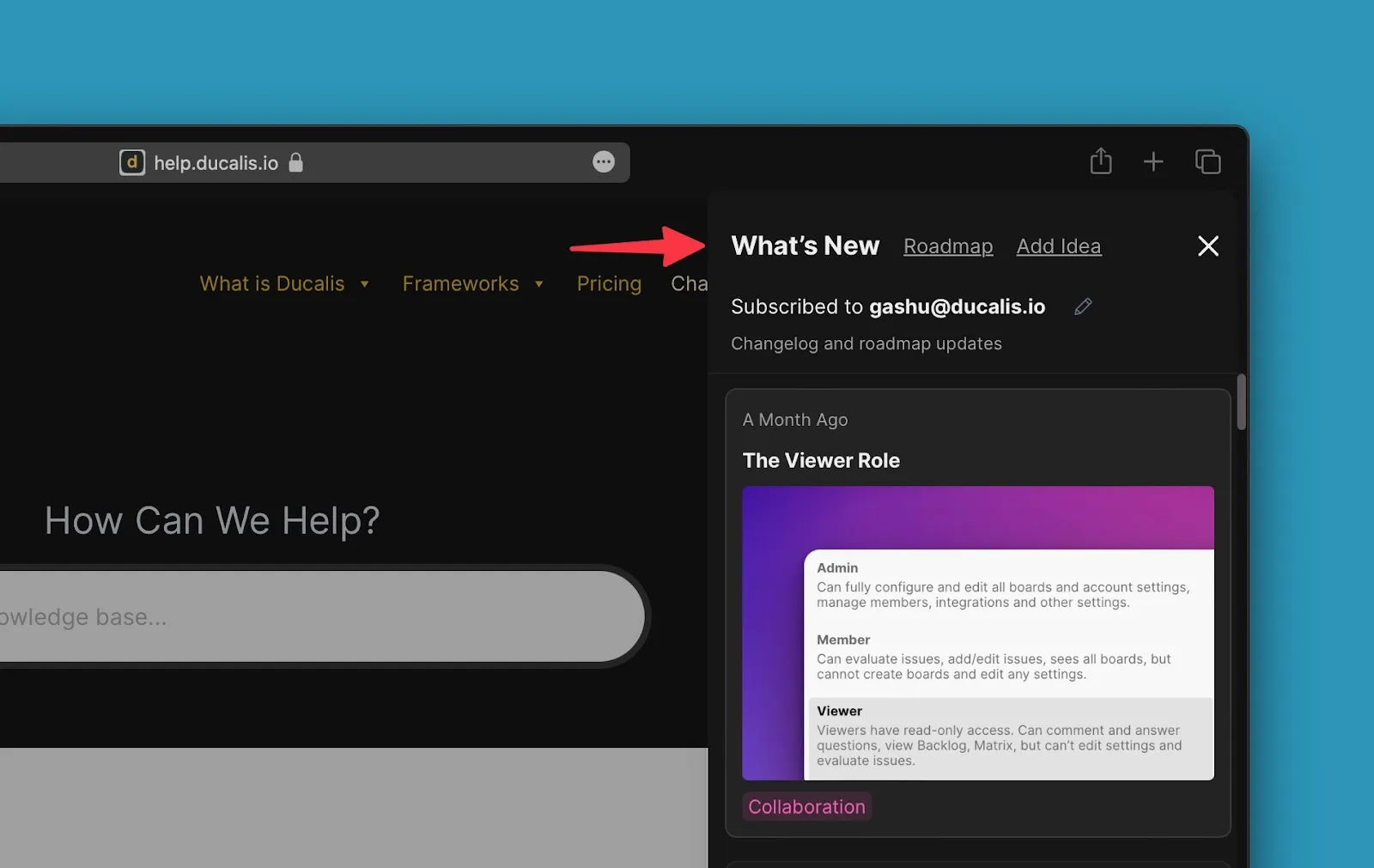
Changelog page overview
The Changelog is a public page where you announce product updates to users. All release updates appear on a single page, organized chronologically.
Announcements
Published announcements appear in reverse chronological order, with the latest updates at the top.
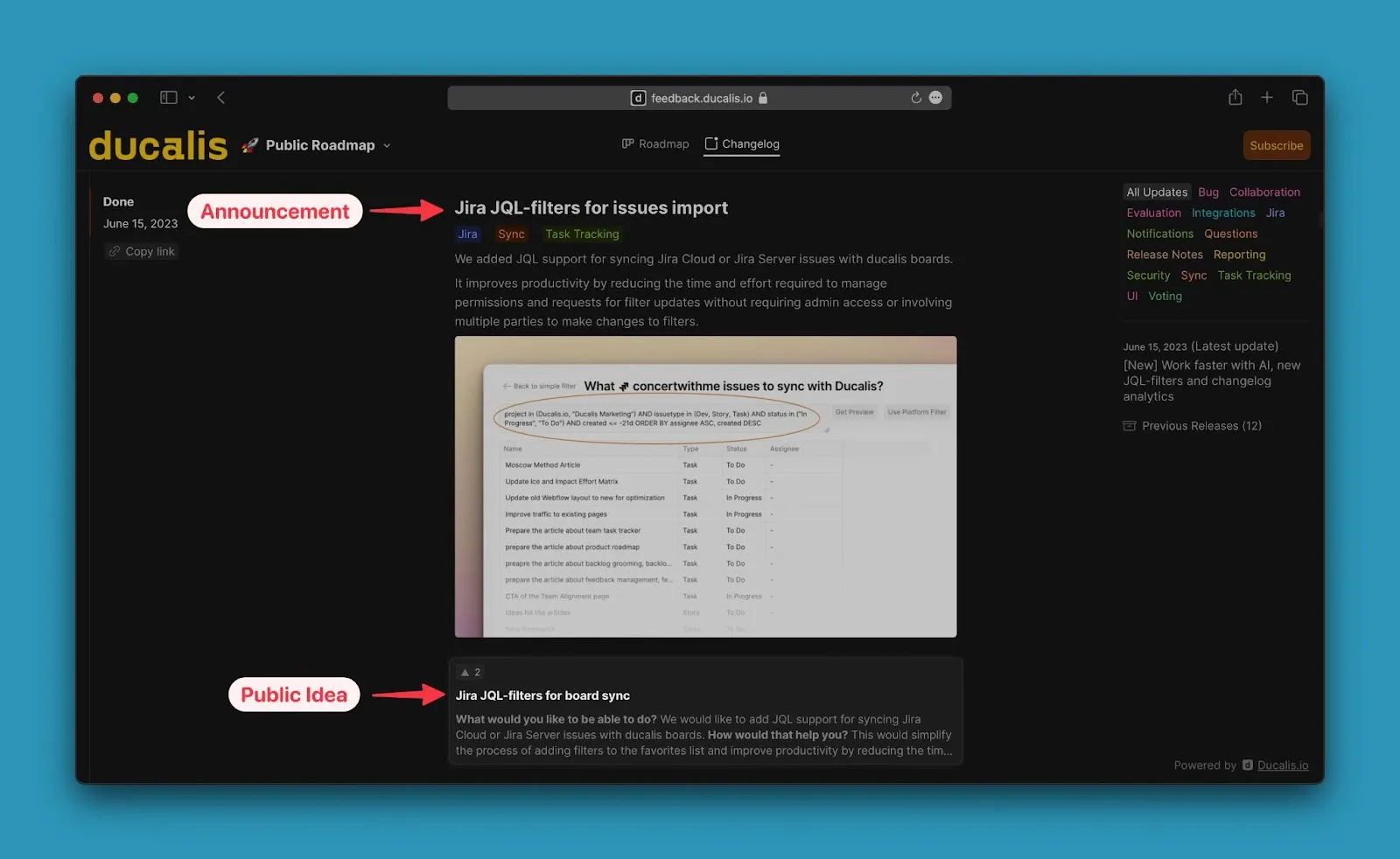
An Announcement is the public description of a feature you present to users. Write an announcement in advance, approve it, and once the Idea is moved to Done, the announcement appears on the Changelog.
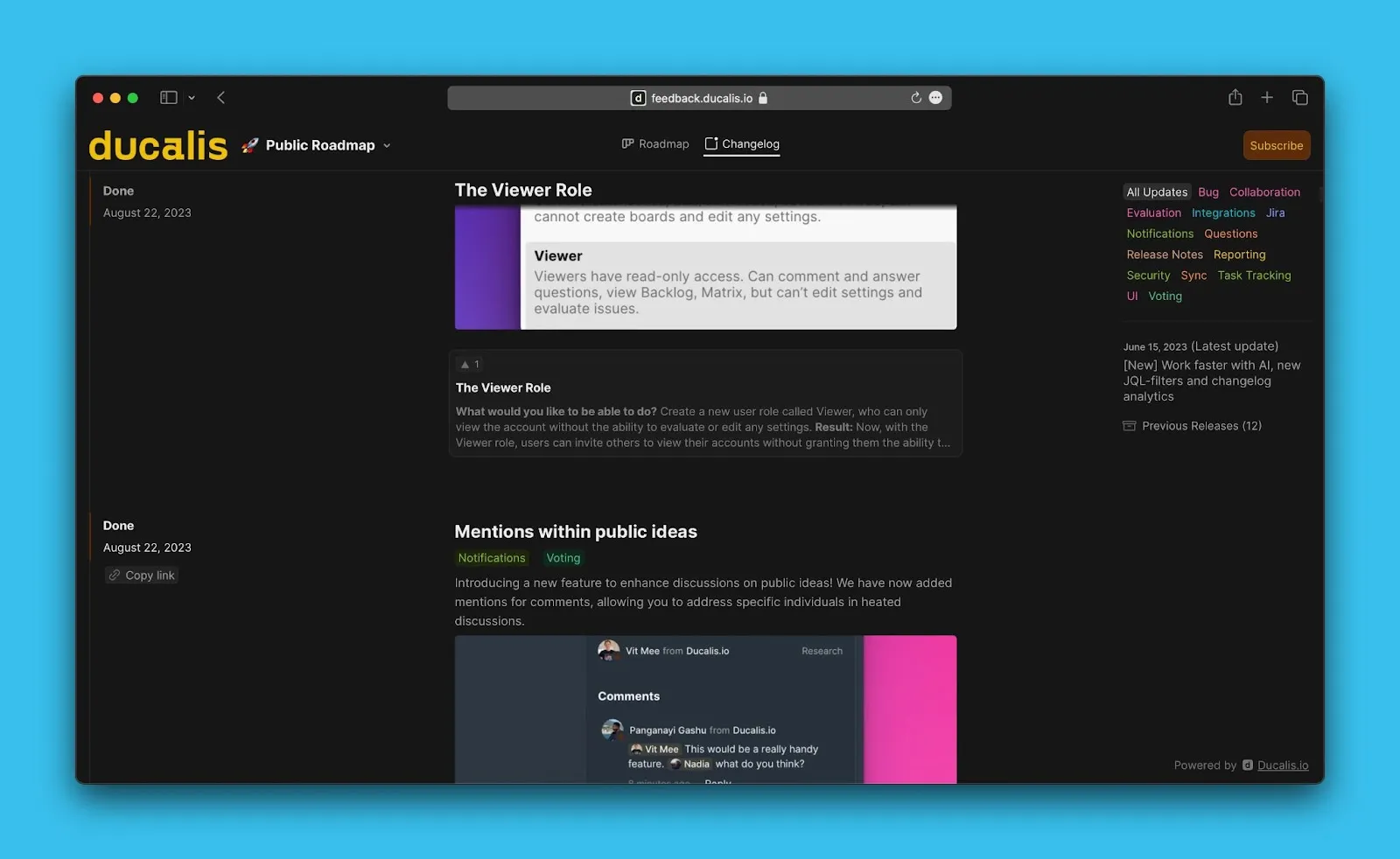
View Ducalis's live changelog.
Announcement creation
Announcements can be written with AI assistance or manually by Admins. After creating the announcement, Admins need to approve it.
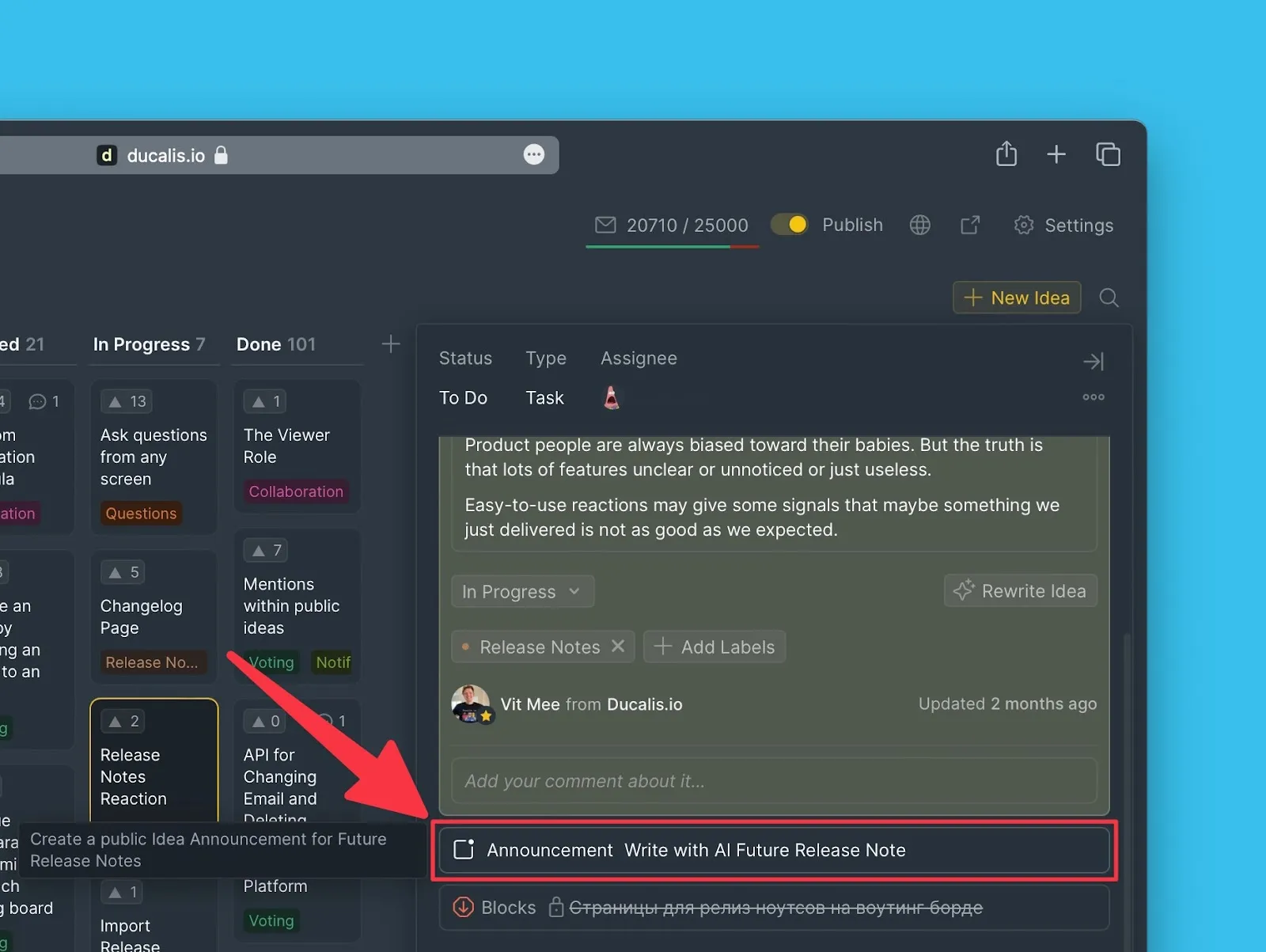
Read how to create announcements for details.
Subscribe to release notes
Users who haven't subscribed to release notes emails see a subscribe button.
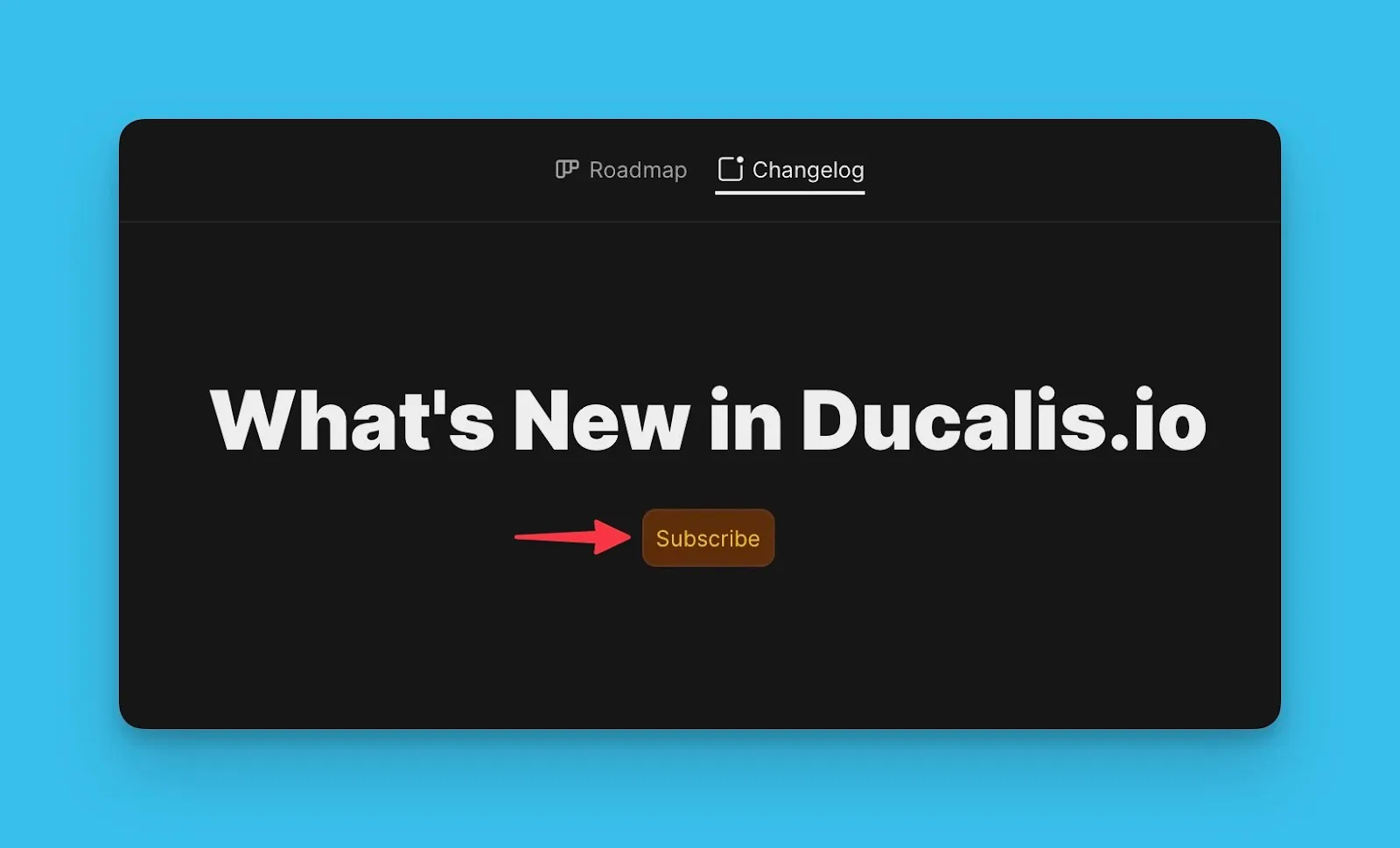
Linked public Ideas
Each announcement displays the associated public Idea below it. Click on the Idea block to view more details.
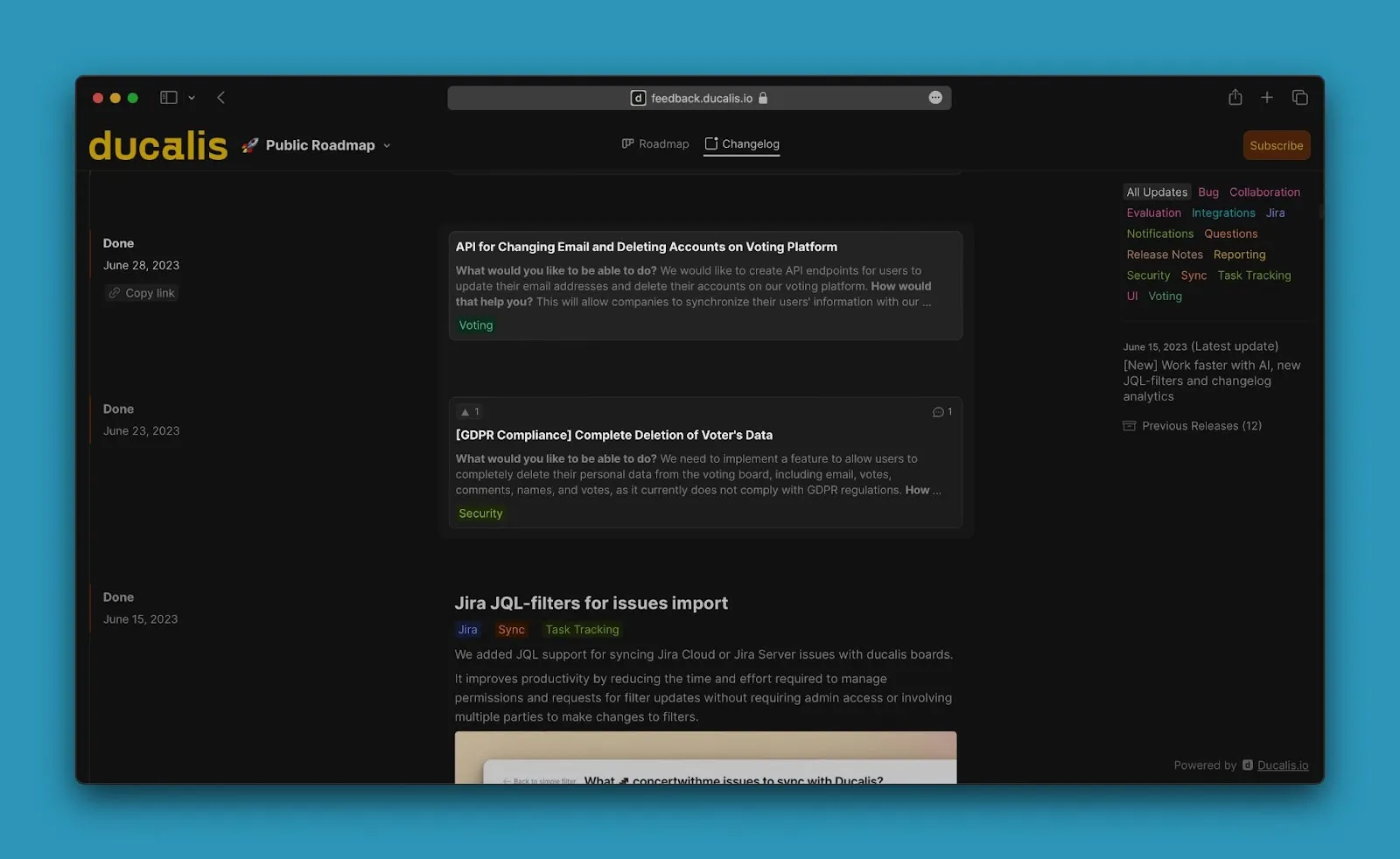
If an Idea is moved to Done without an announcement, the Changelog displays the Idea with its description but without an announcement header.
Filters
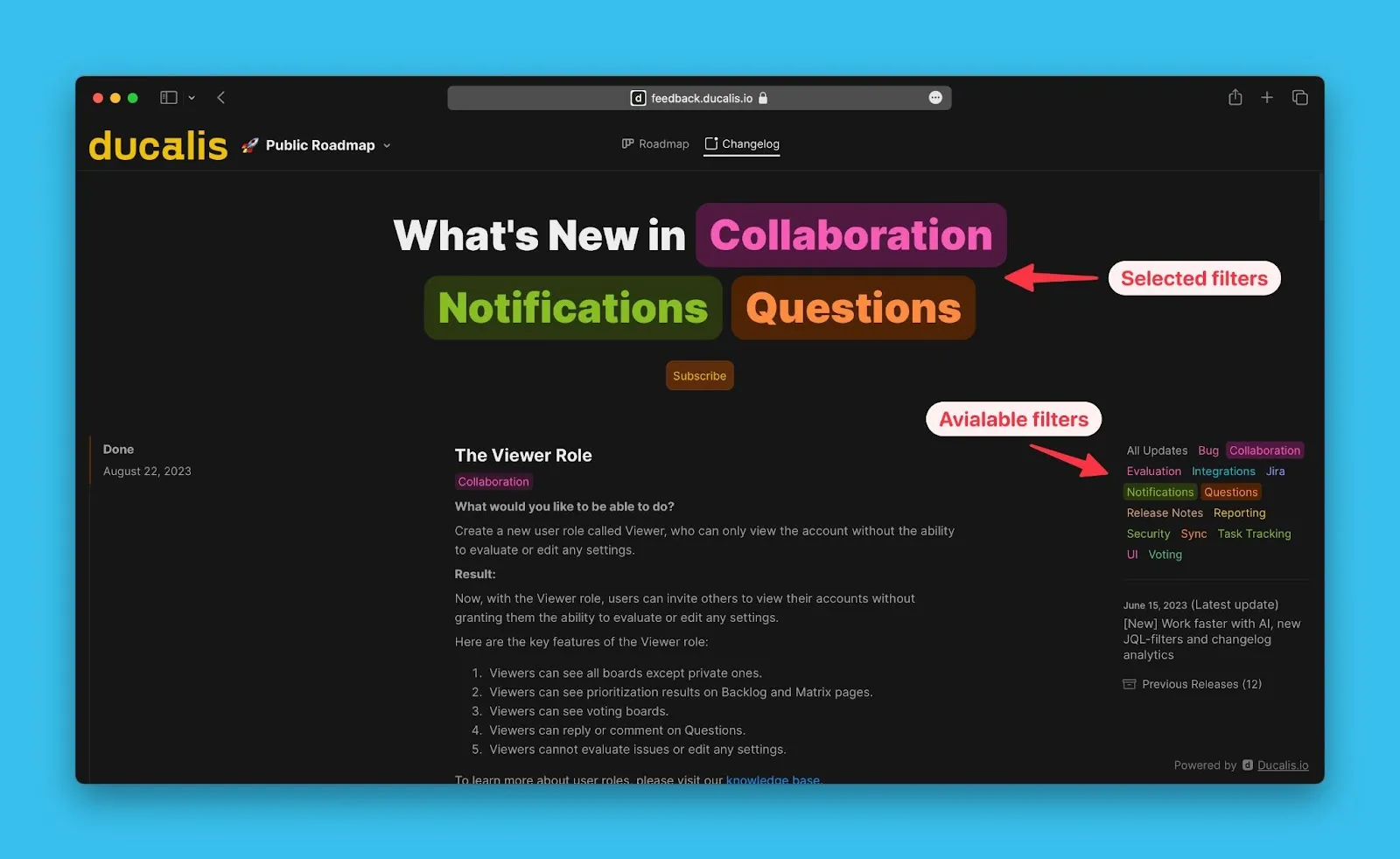
Hover over the right section of the page to reveal filters. Use these filters to quickly find specific announcements. Filter by All updates, My Ideas, or Labels.
Previous releases
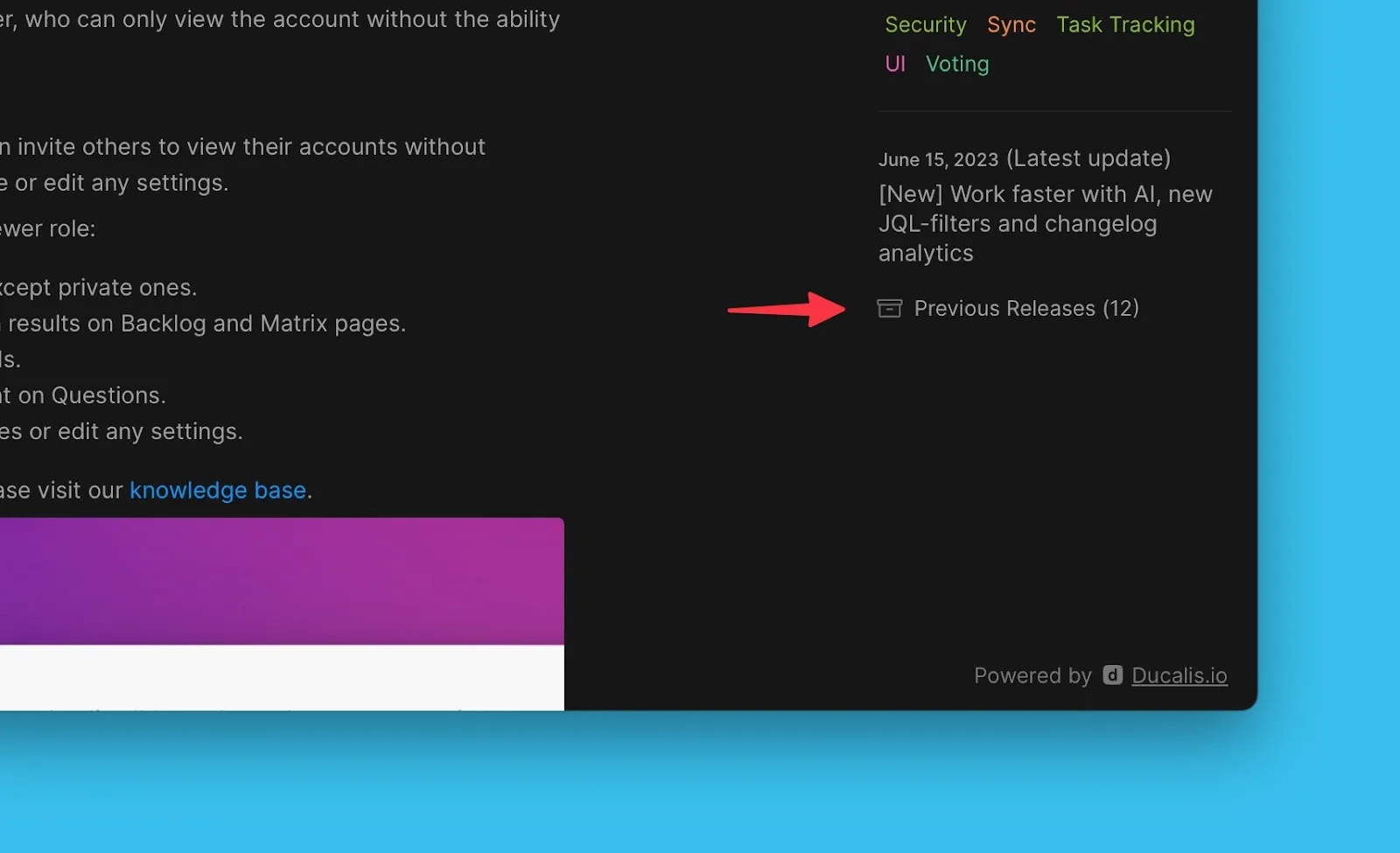
Scroll down to view the latest updates. Click Previous Releases to see older announcements.
React and comment on announcements
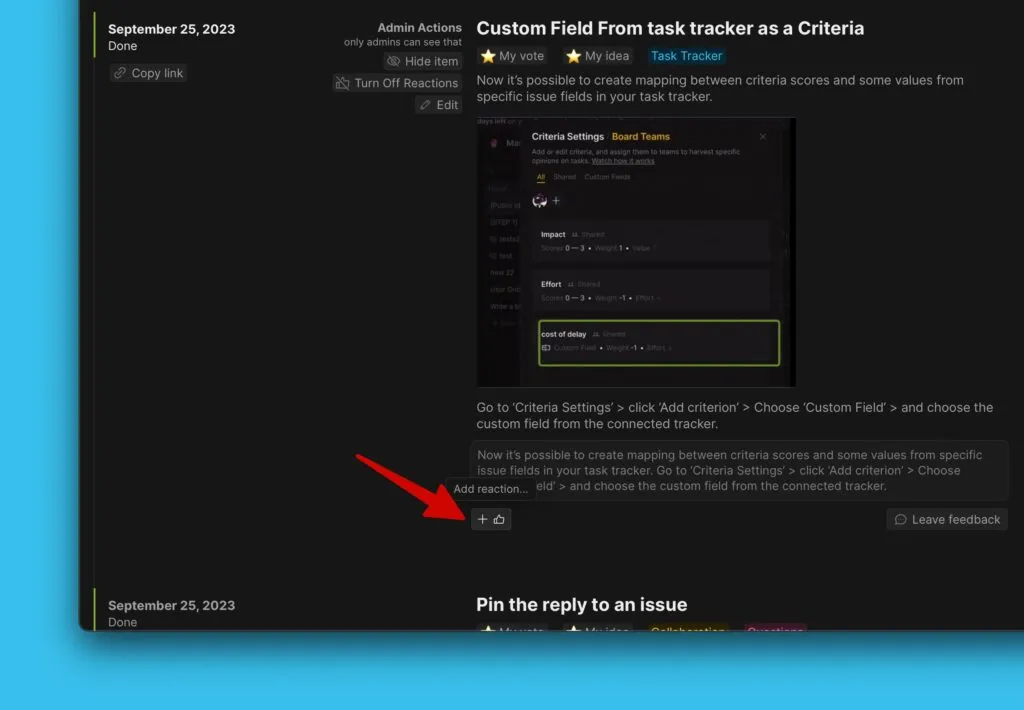
Users can leave instant feedback on announcements via reactions or comments.
Adding a reaction
- Click the reaction icon.
- Choose an emoji.
Admins can see all reactions in the Voters list table.
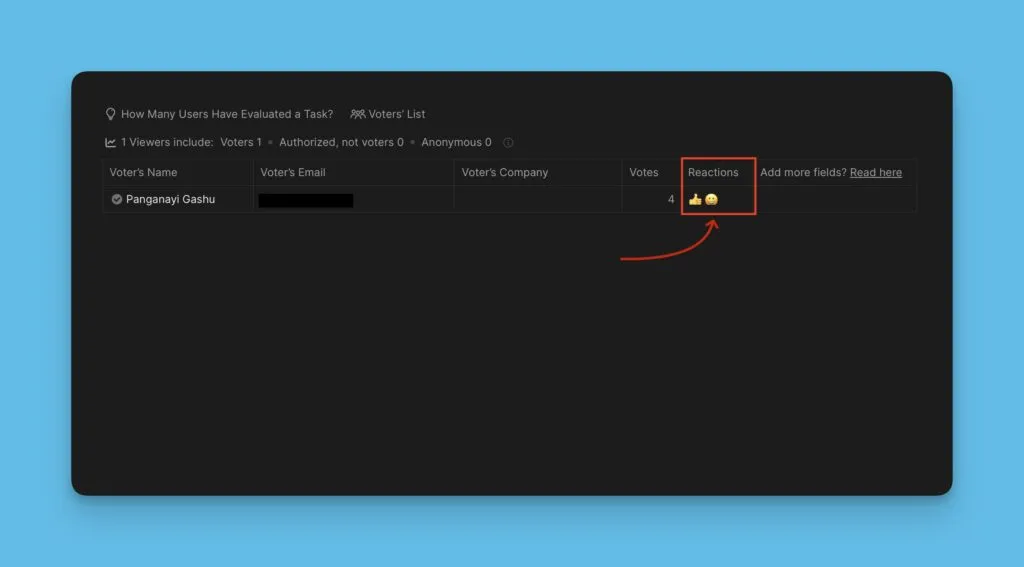
To access the Voters list:
- Go to the Voting Board page inside the priority Board.
- Open the card of the Idea whose Voters list you want to see.
- Click Voters list under the Idea card to open the table.
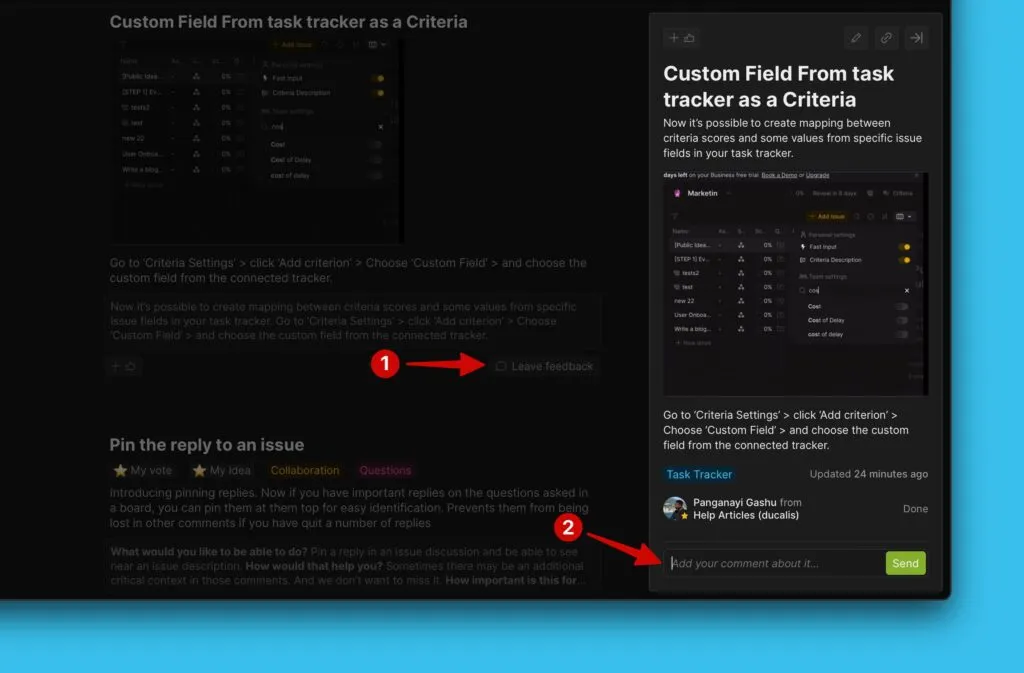
Adding a comment
- Click the comment icon.
- Write your comment in the text field at the bottom of the announcement card.
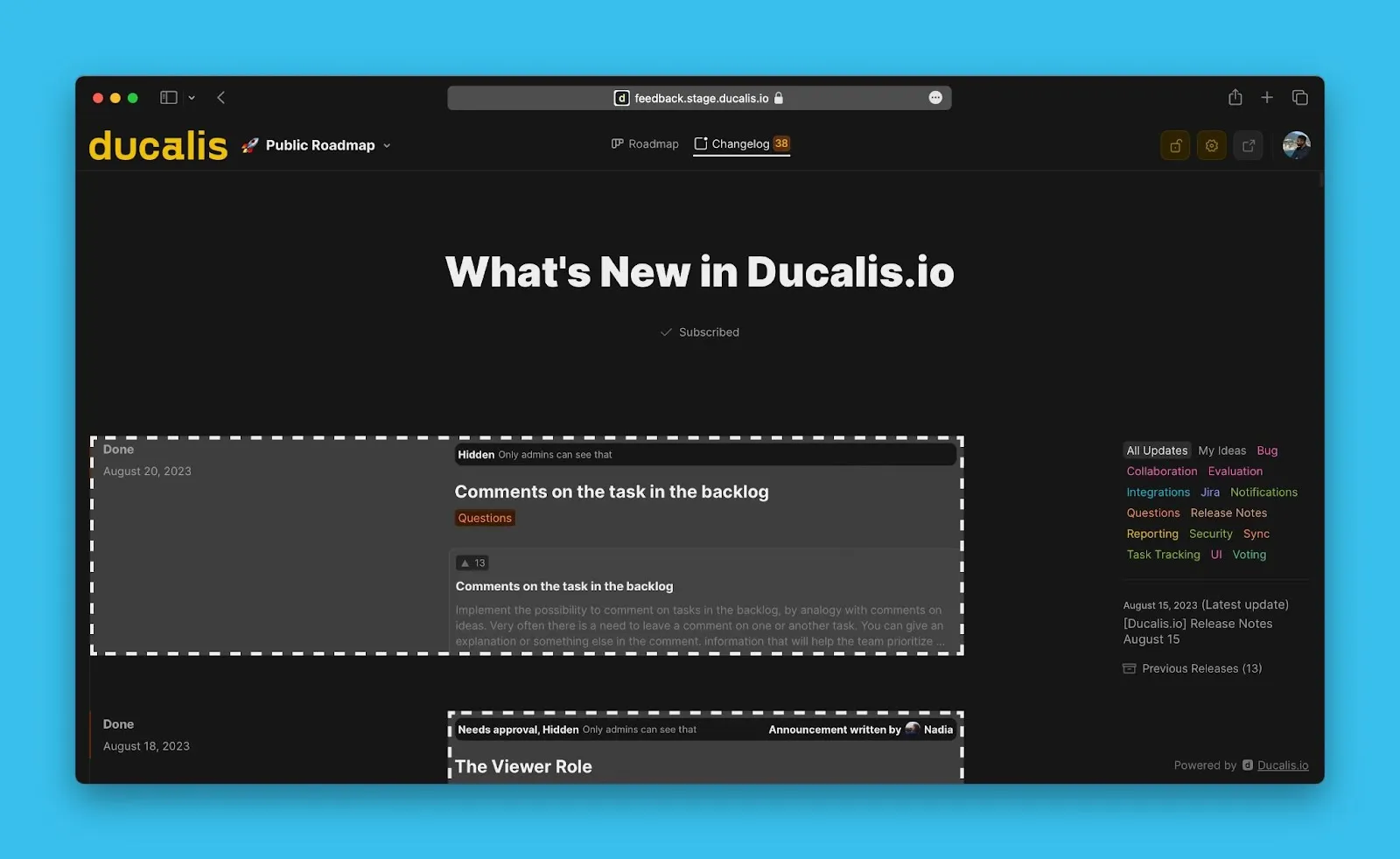
Admin view and editor
Admins can view both published and hidden announcements on the Changelog:
- Public Ideas that haven't been moved to Done status yet, but have announcements created
- Announcements waiting for approval
- Announcements hidden for other purposes but ready for publication
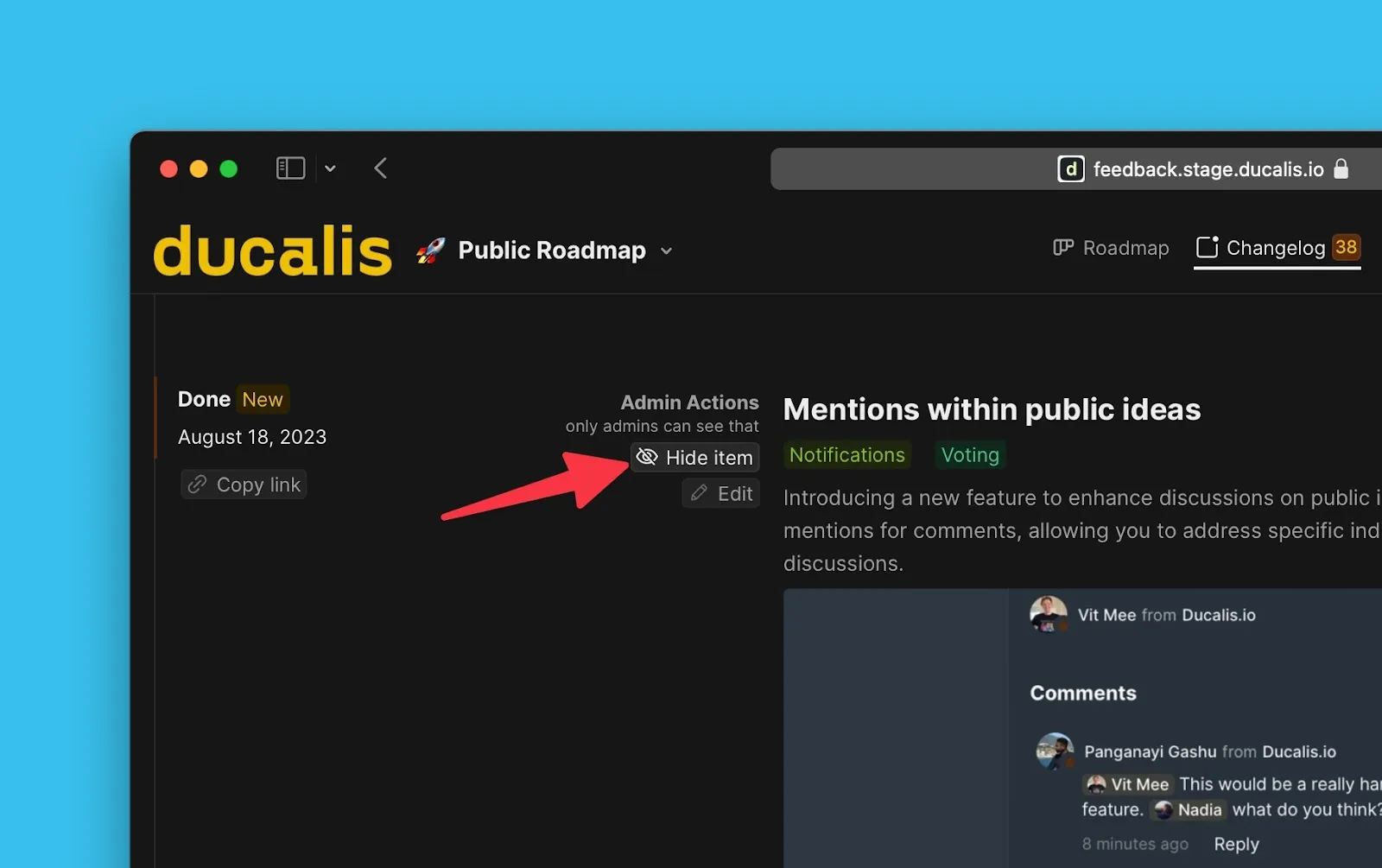
Hide an announcement
Hide a public announcement from the Changelog temporarily without permanently deleting it. This is useful when editing or temporarily removing announcements.
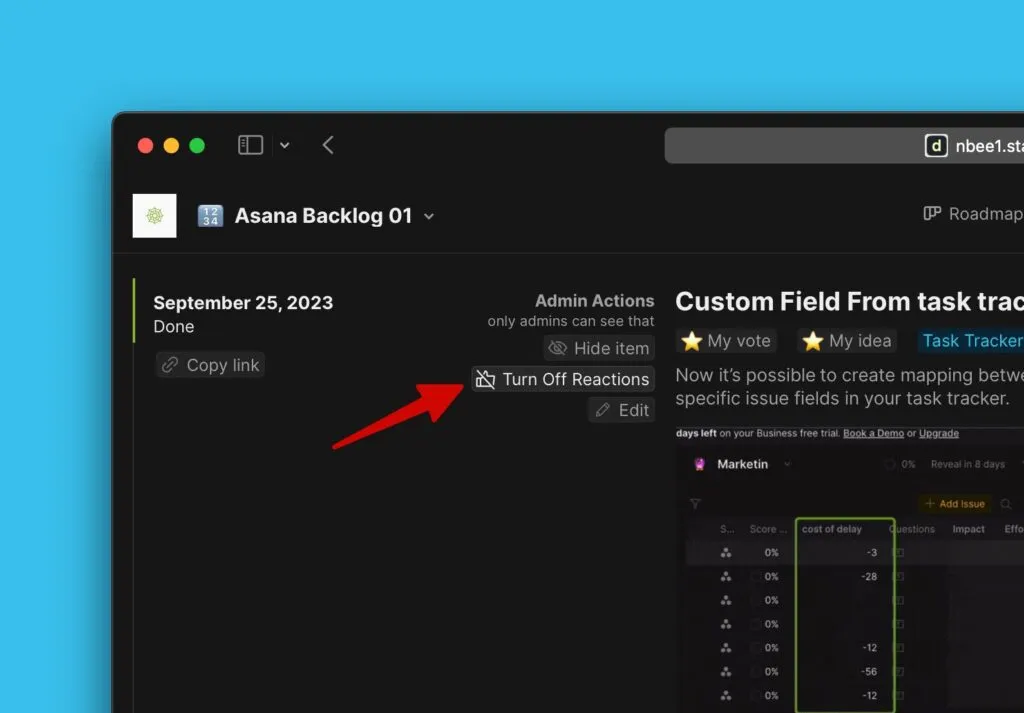
Turn off comments
Turn off reactions to announcements if you don't want users to react to specific updates.
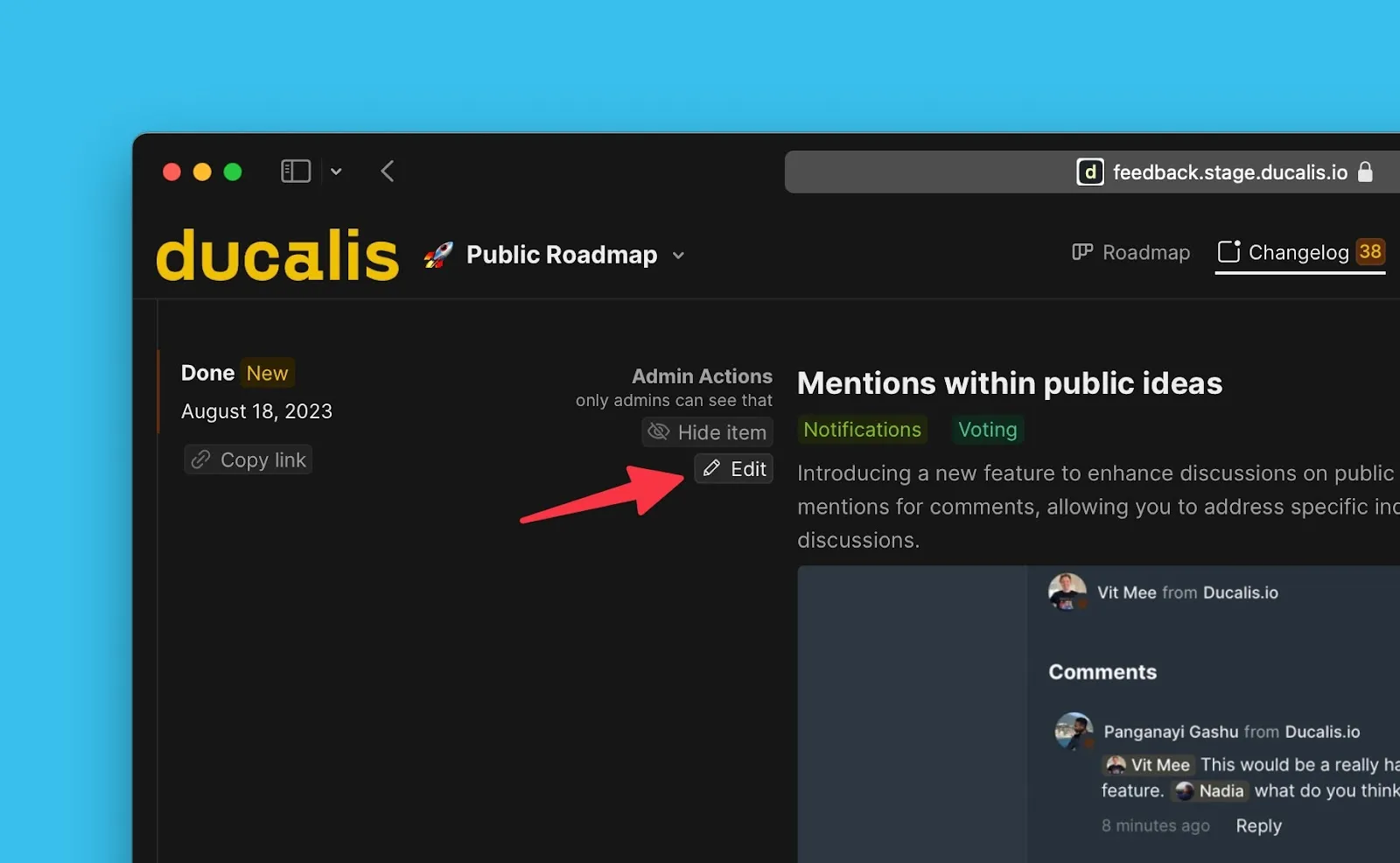
Edit an announcement
Admins can edit announcements manually or prompt AI to rewrite them.
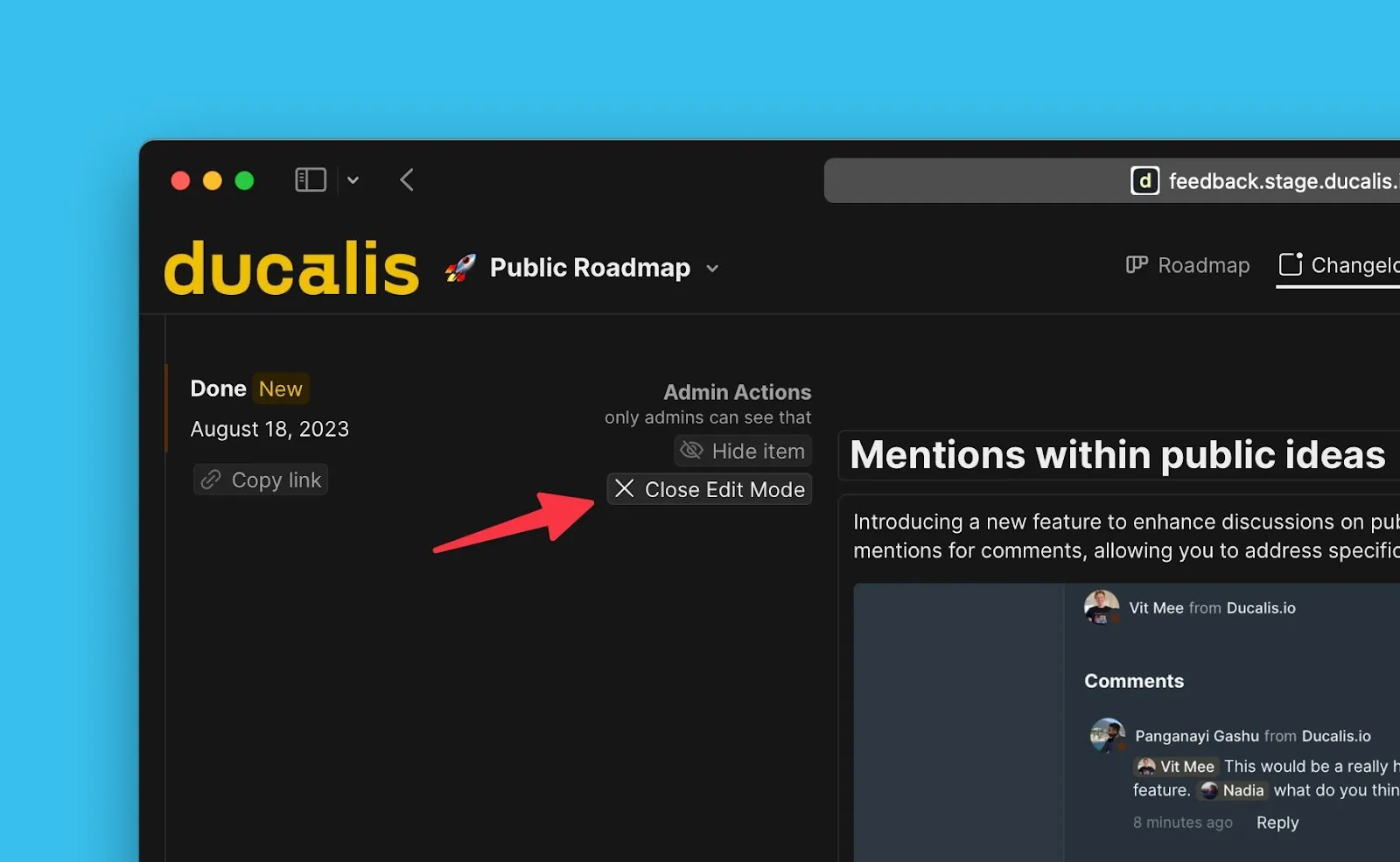
Once you're done editing, close the editing mode.
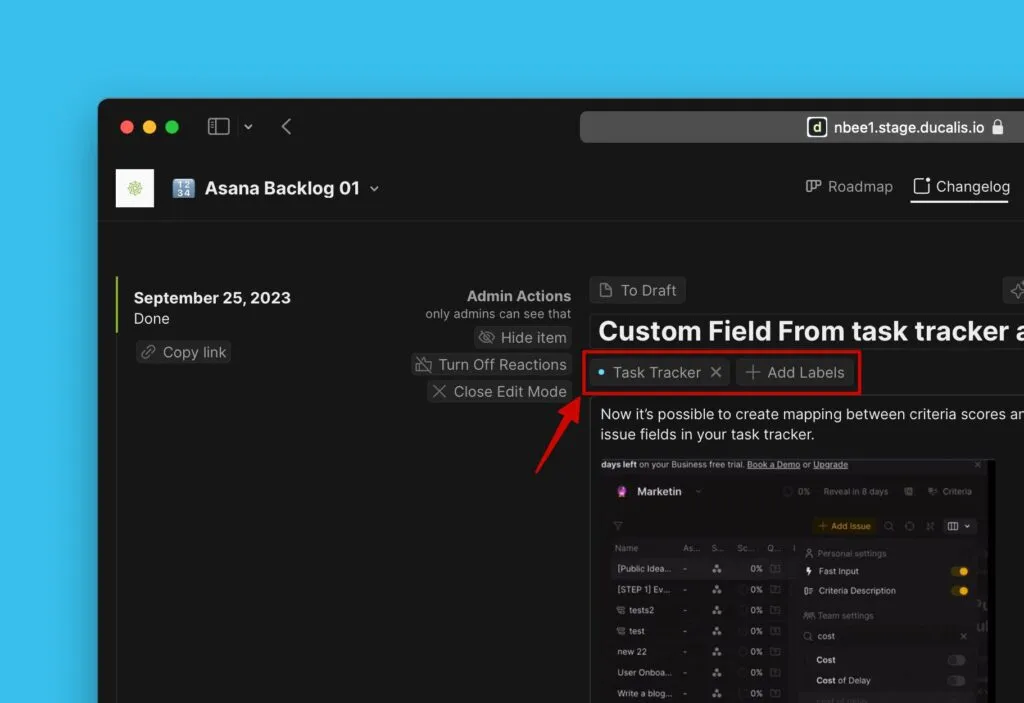
Edit labels
Admins can add or remove labels on the Issue.
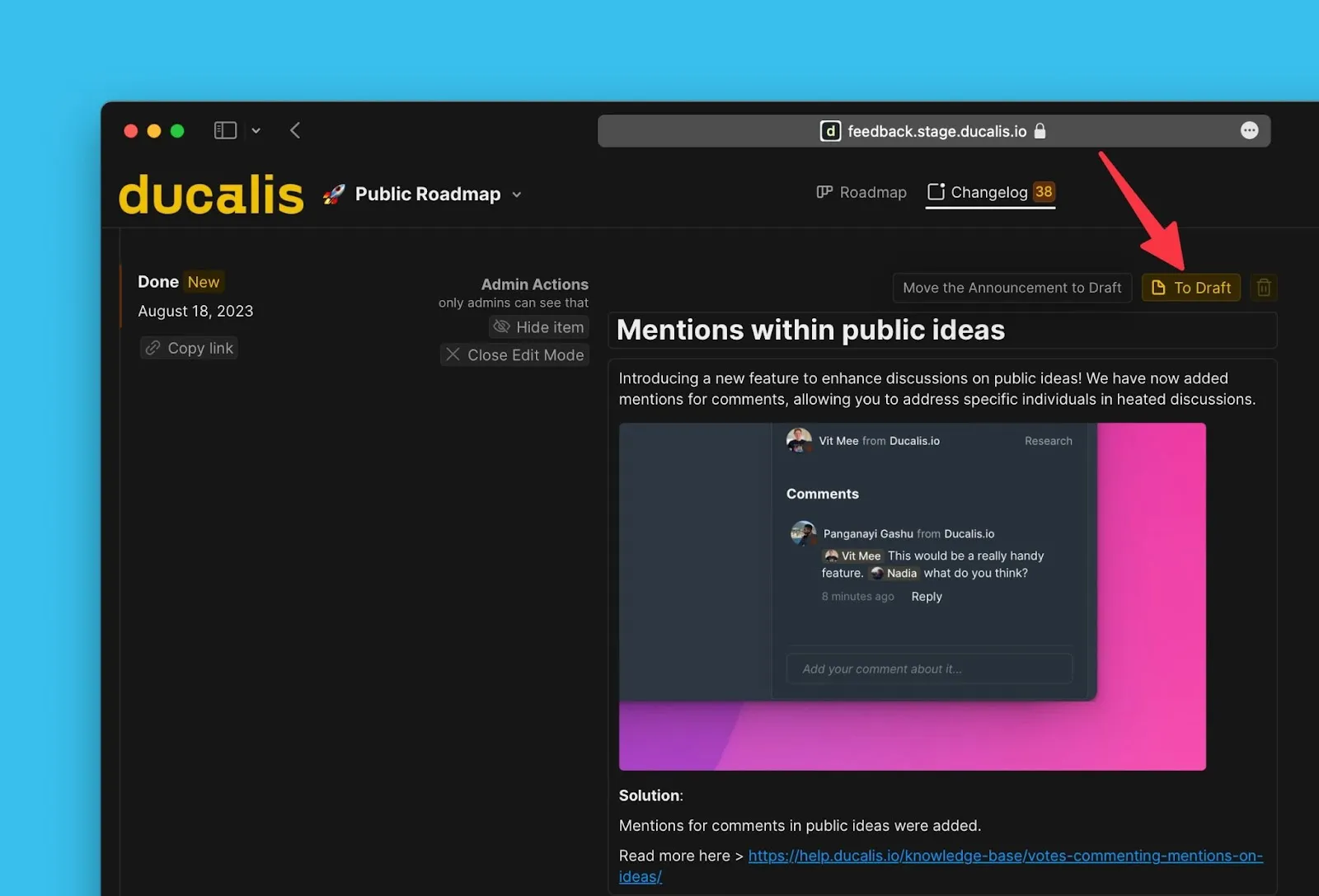
Move to draft
Move an announcement to draft if further edits are needed. Once moved to draft, it's no longer public.
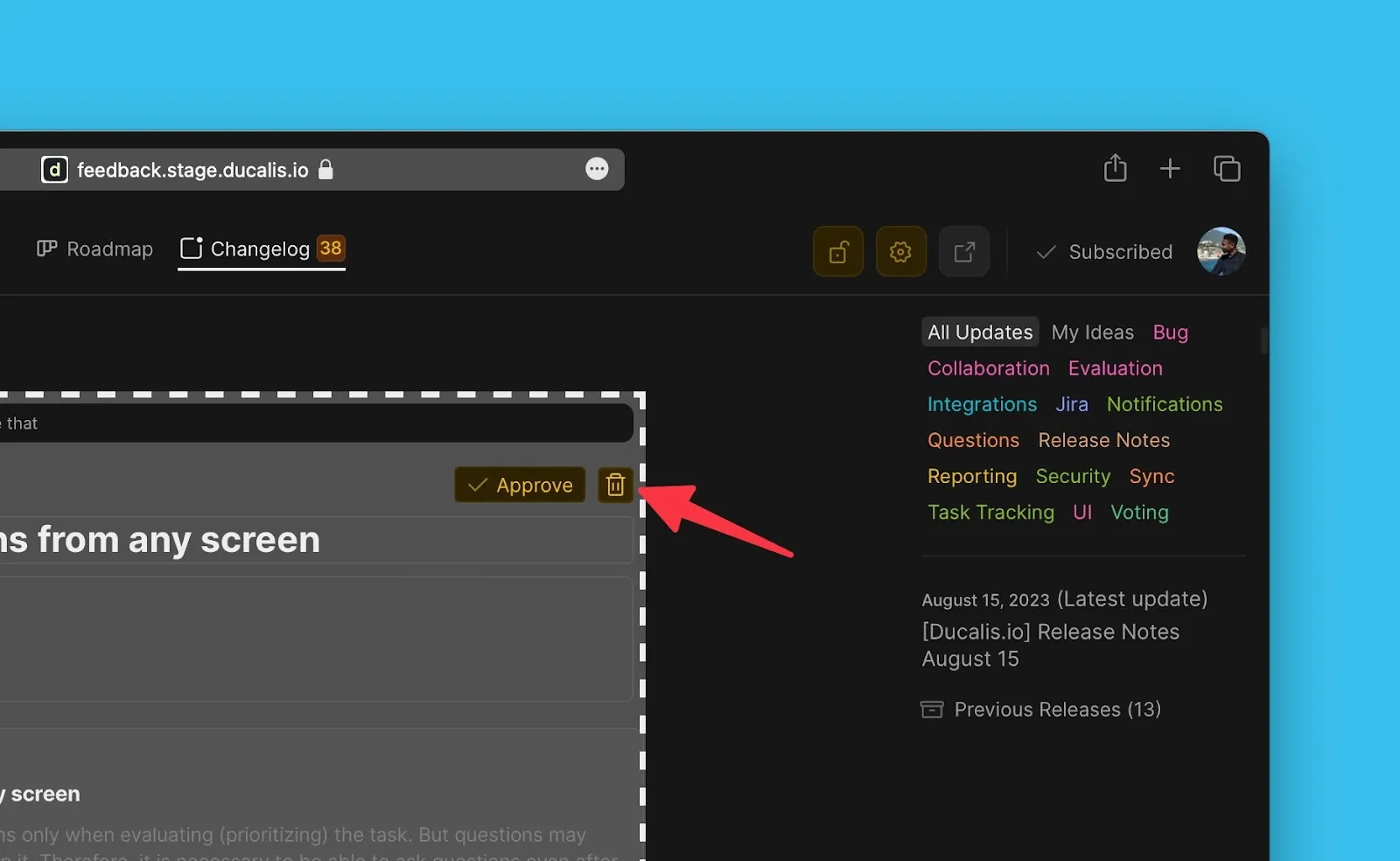
Delete an announcement
Completely remove an announcement from the Changelog by deleting it.
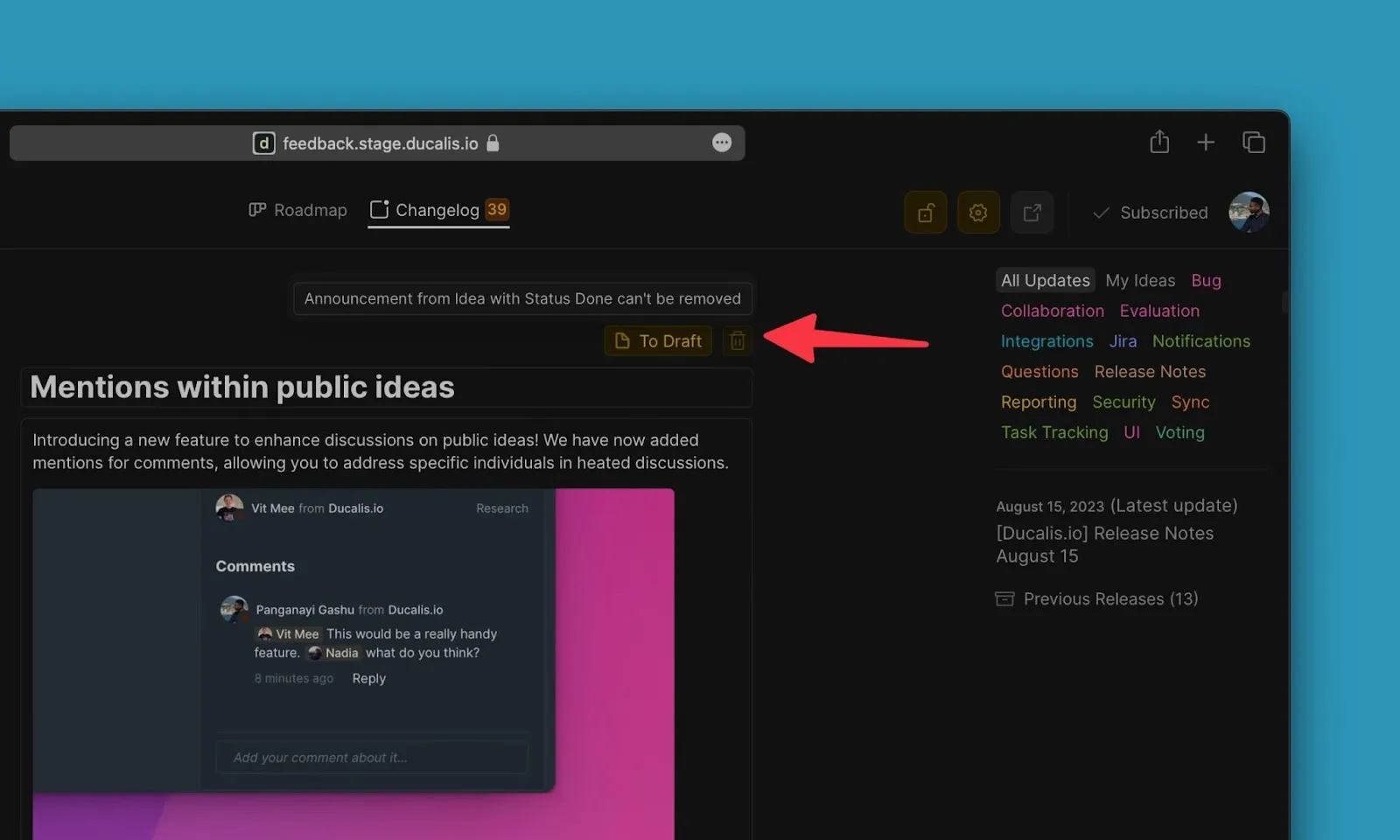
Announcements for Ideas with Done status cannot be deleted.
What's next
Learn about the Changelog widget that you can embed across your product to keep customers updated from anywhere.