Exporting
Ducalis offers three ways to export data: sync scores and criteria back, push issues directly to your tracker, or export voter lists as CSV files.
Export methods
Sync Back to task tracker
Sync Back automatically sends prioritization data from Ducalis to custom fields in your task tracker. This includes scores, criteria values, priority rankings, and alignment metrics.
Supported trackers: Jira Cloud, Jira Server, Asana, ClickUp, Trello, YouTrack, GitHub.
How it works:
-
Click Settings to open Backlog Management configuration.
-
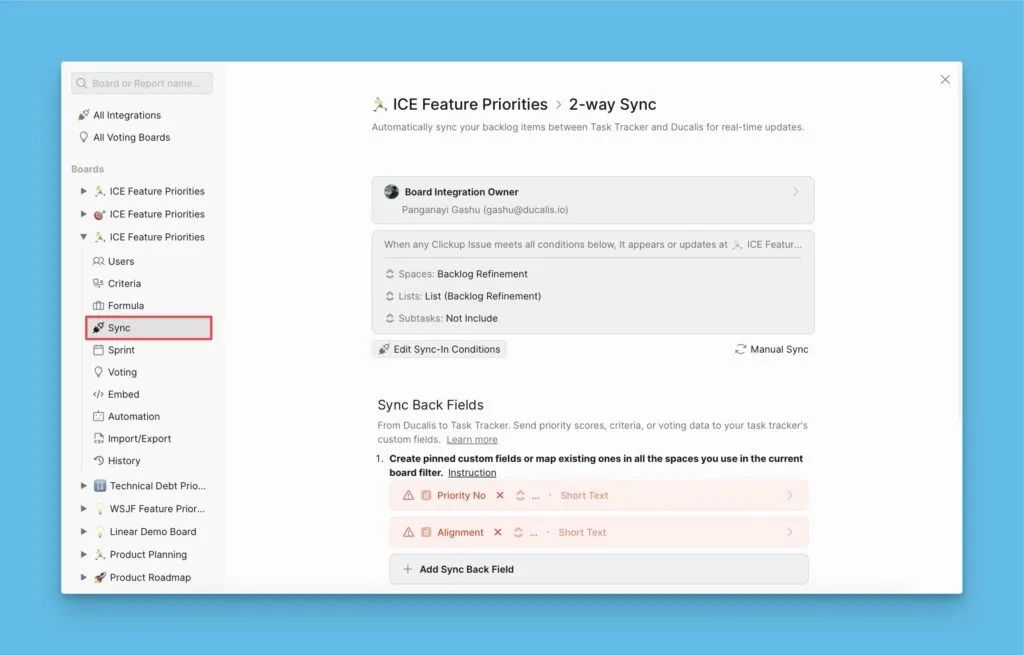
Open your Board's Sync settings by clicking Sync.
-
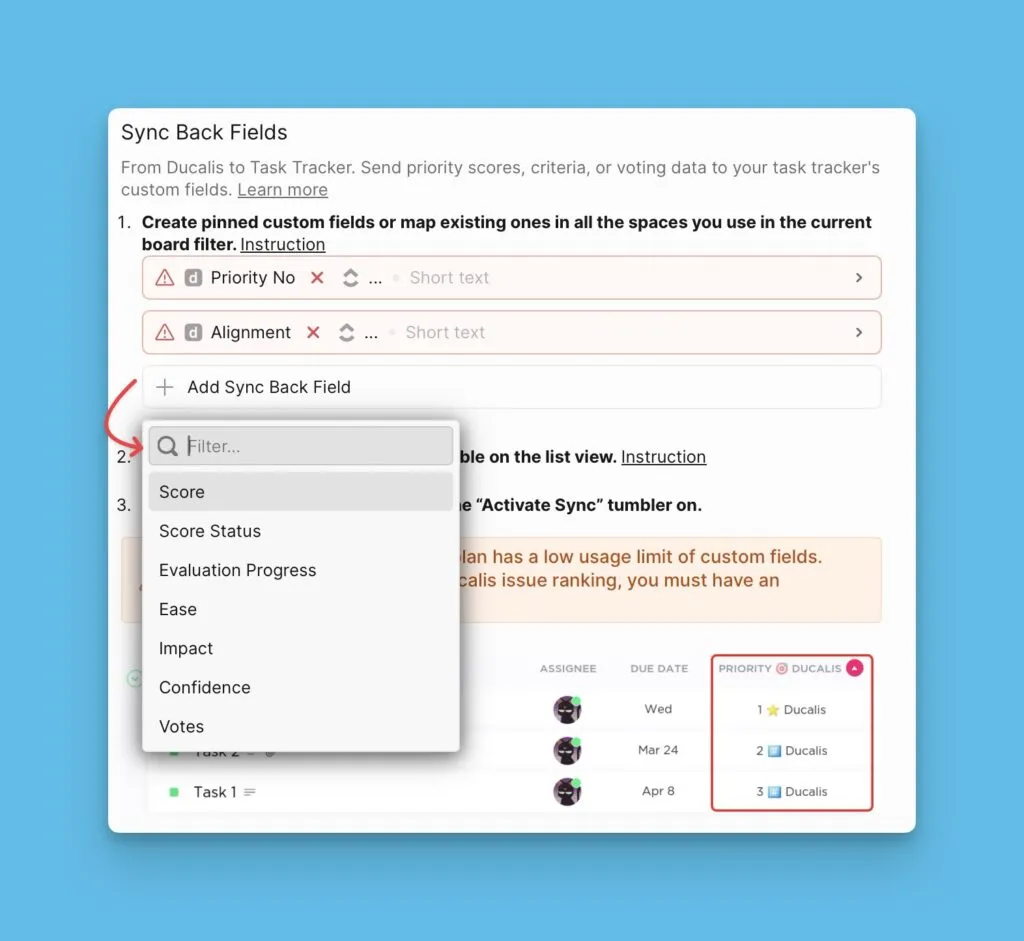
Enable Sync Back and select which data fields to export.
-
Set your sync schedule or use instant sync on demand.
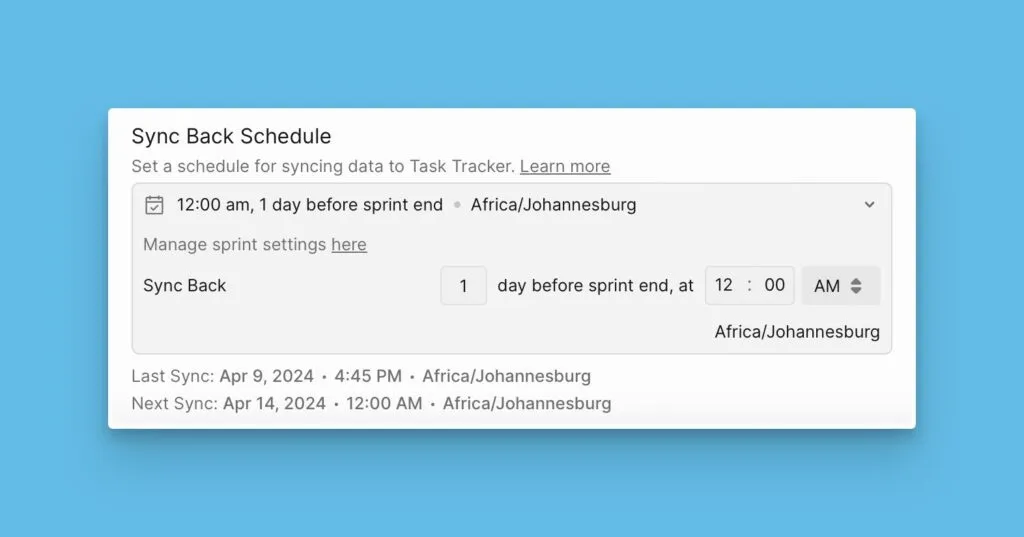
What syncs: Score values, score status, criteria data, priority rank, alignment links, ideas votes.
Learn more: 2-way sync overview
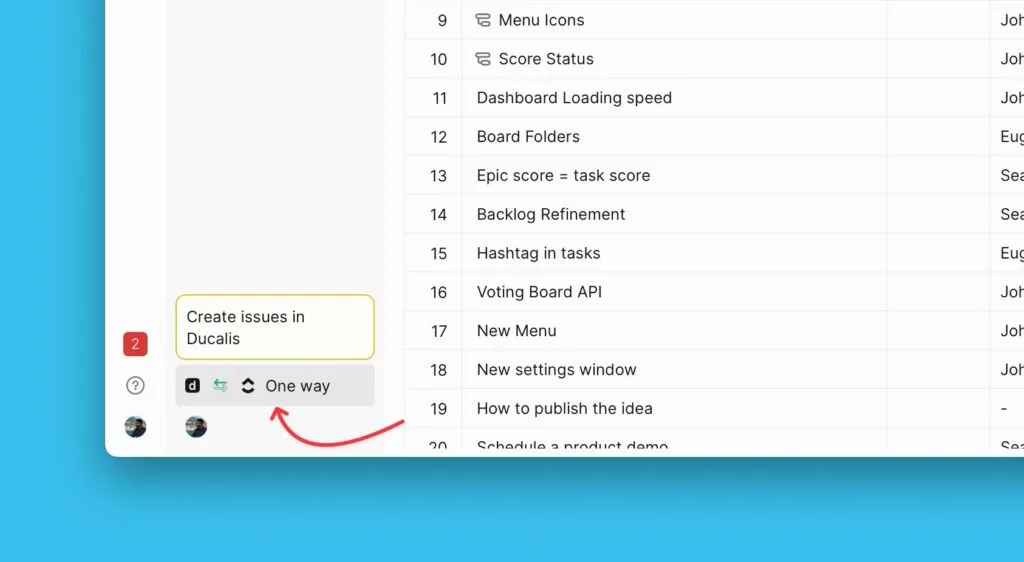
Push issues to tracker
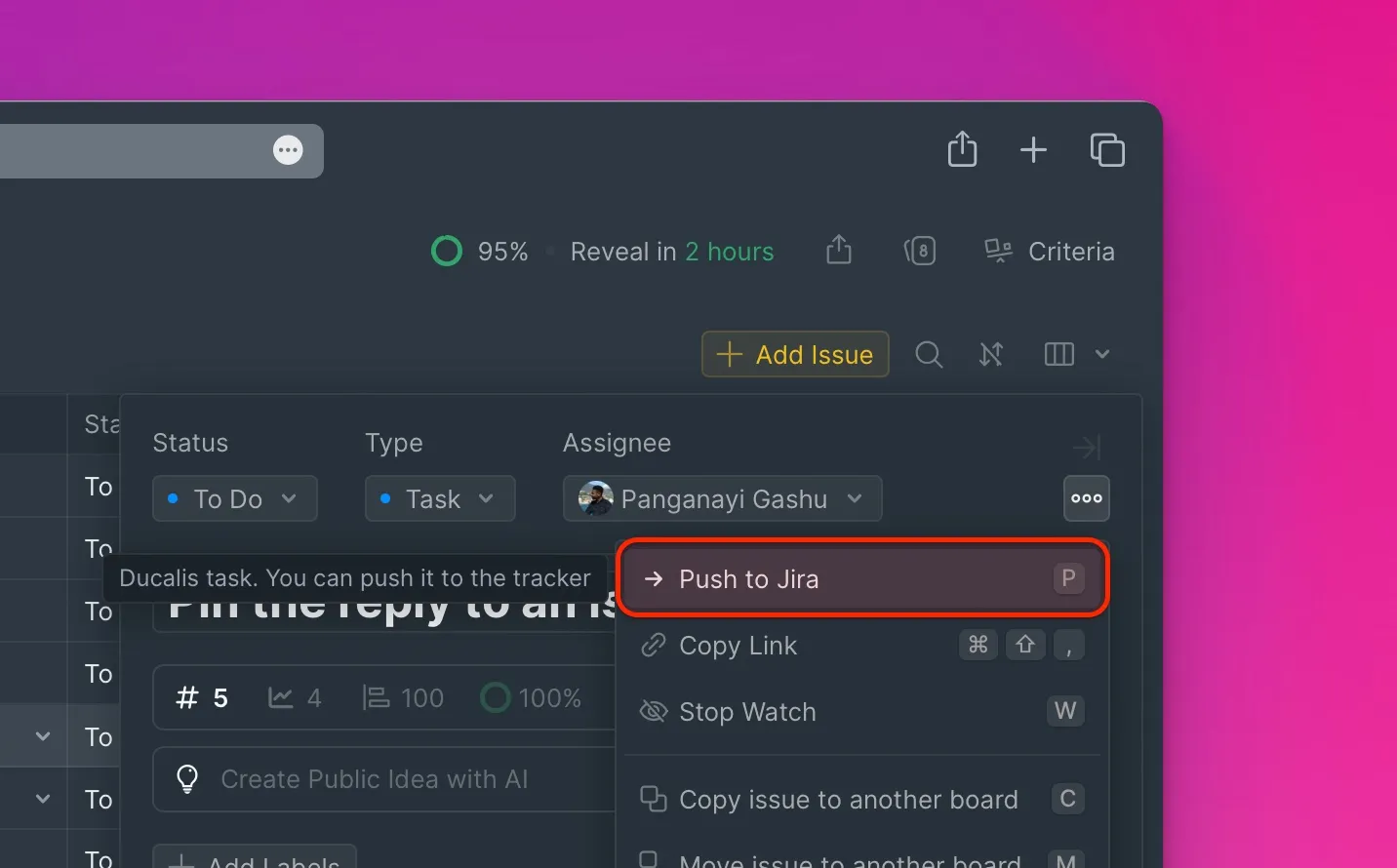
Push issues creates new items in your task tracker directly from Ducalis. Use this to add Issues from prioritization Boards or Ideas from Voting Boards to your tracker backlog without switching tools.
Requirements: Board must be connected to a task tracker.
Supported trackers: Jira Cloud, Jira Server, Asana, ClickUp, Linear, Trello, YouTrack, GitHub, Kaiten.
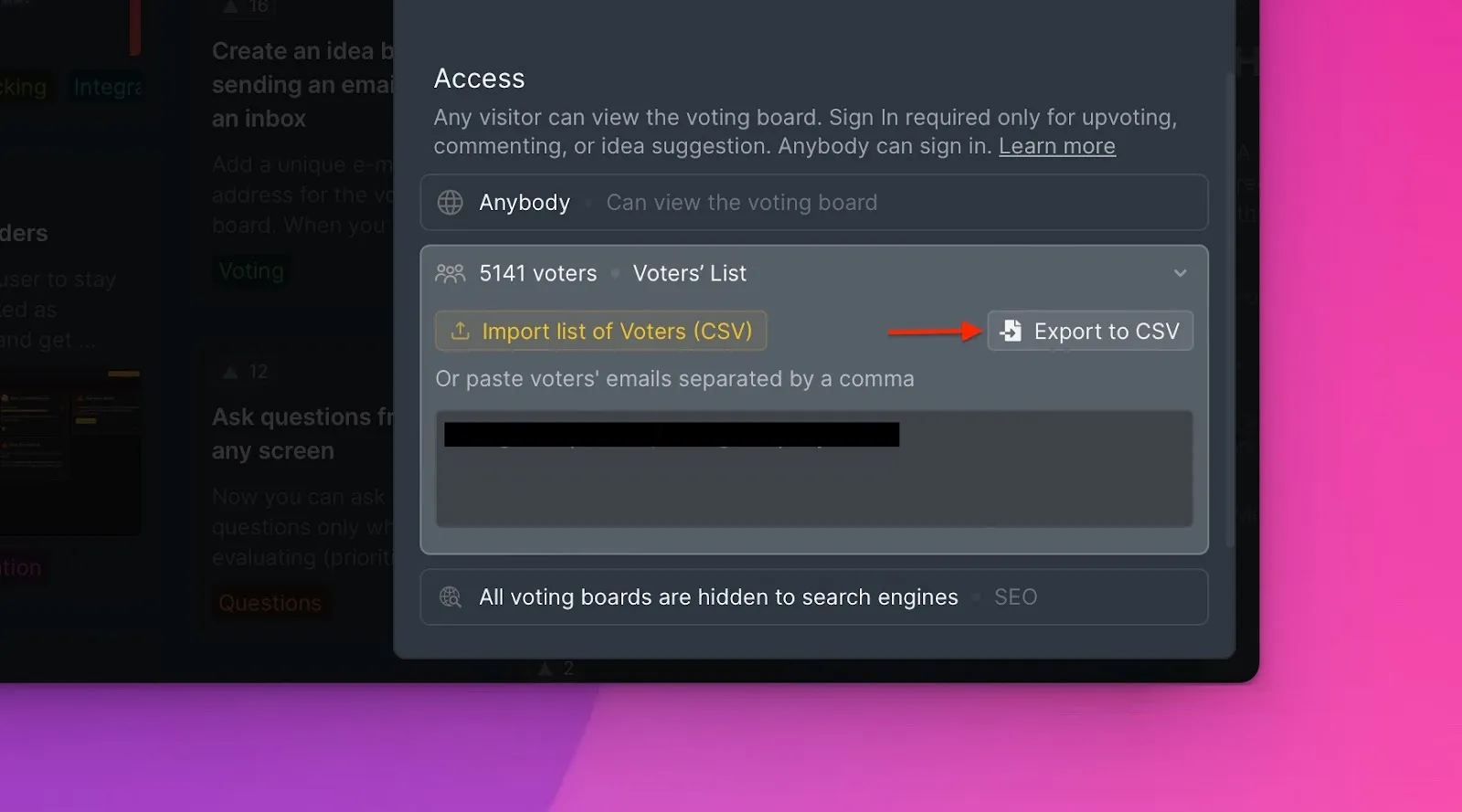
Export Voters to CSV
Export Voter data from Voting Boards as CSV files for analysis or import into other systems. The export includes Voter names, emails, company associations, subscription sources, and changelog subscription status.
What's exported: Voter name, email, company, created source, release notes subscription status
Learn more: Import and export Voters